
Is the AI avatar generator free?
Yes. Upload a selfie, pick a style, and generate an avatar with the free base model. Sign in to keep results in history and remove the export watermark.
AI Avatar Generator
Upload a selfie, choose an illustration style, and let the AI avatar generator turn it into a recognizable avatar for social profiles, communities, team chat, and creator channels.
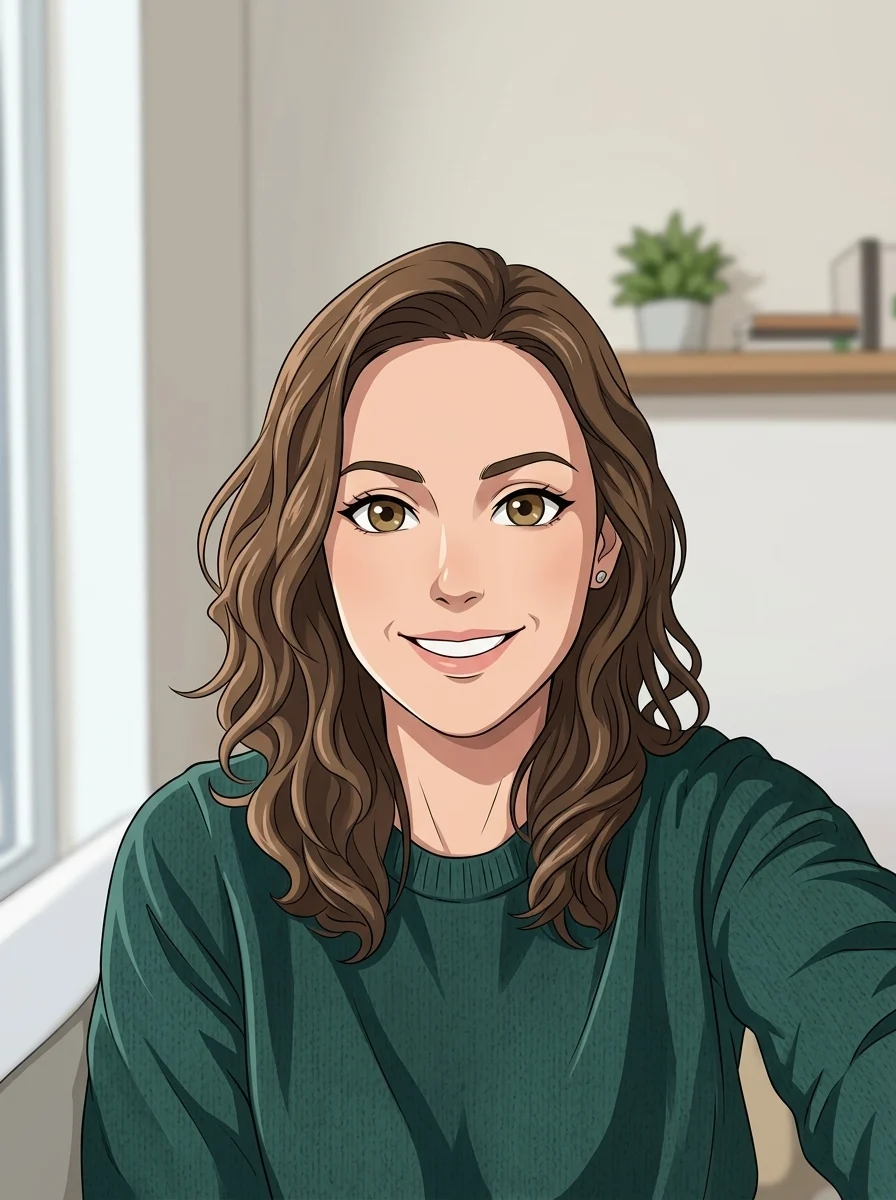
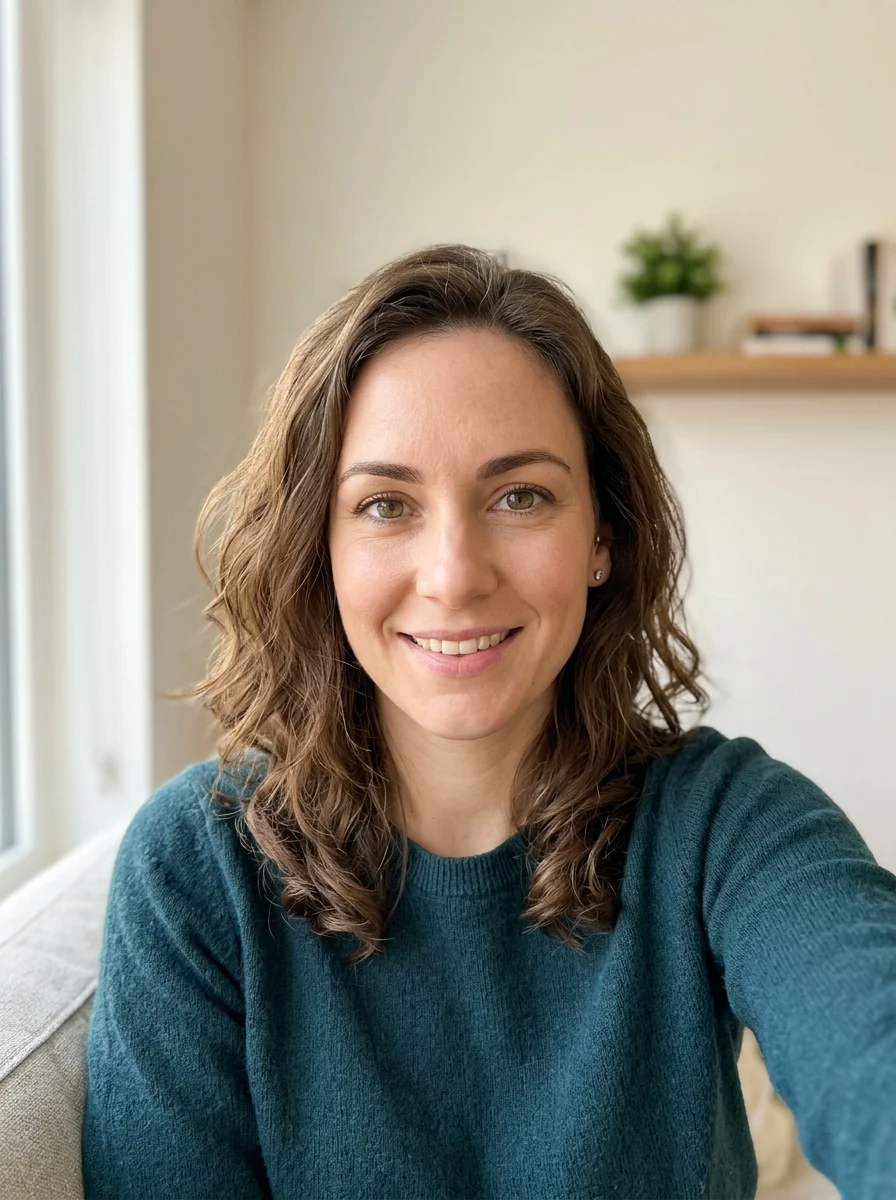
Avatar styles
Each style keeps the recognizable parts of the selfie while changing the rendering language across anime, 3D, pixel, cyberpunk, watercolor, pop-art, comic-book, and fantasy looks.
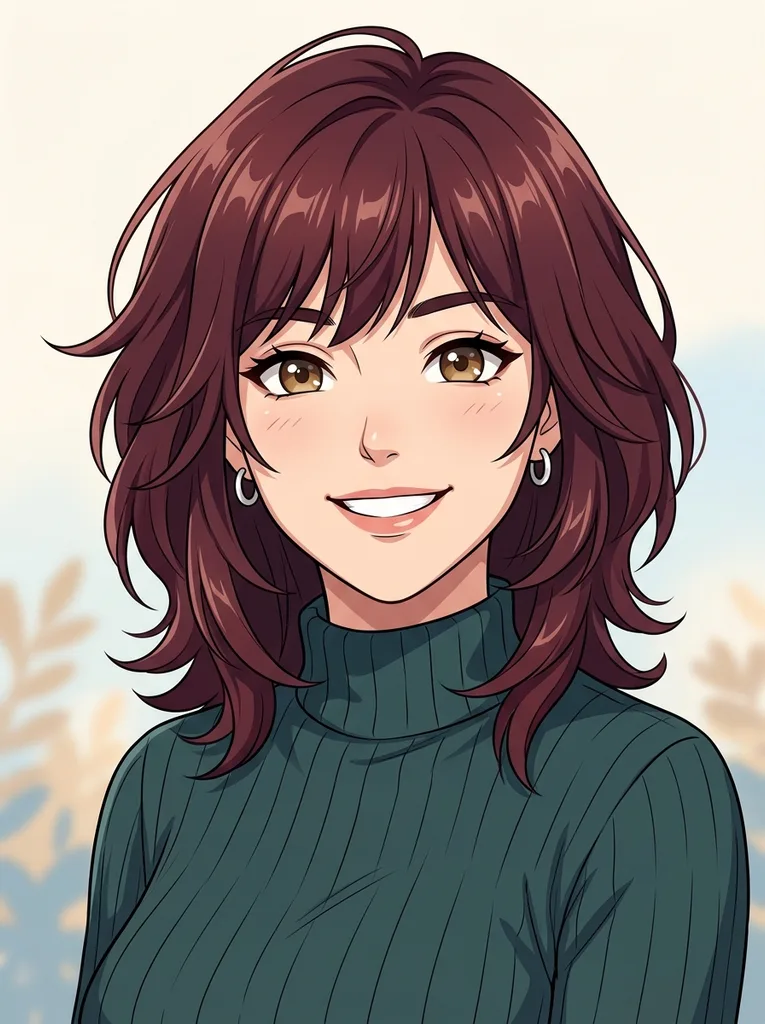
Anime
Expressive line art with bright eyes and clean shading.
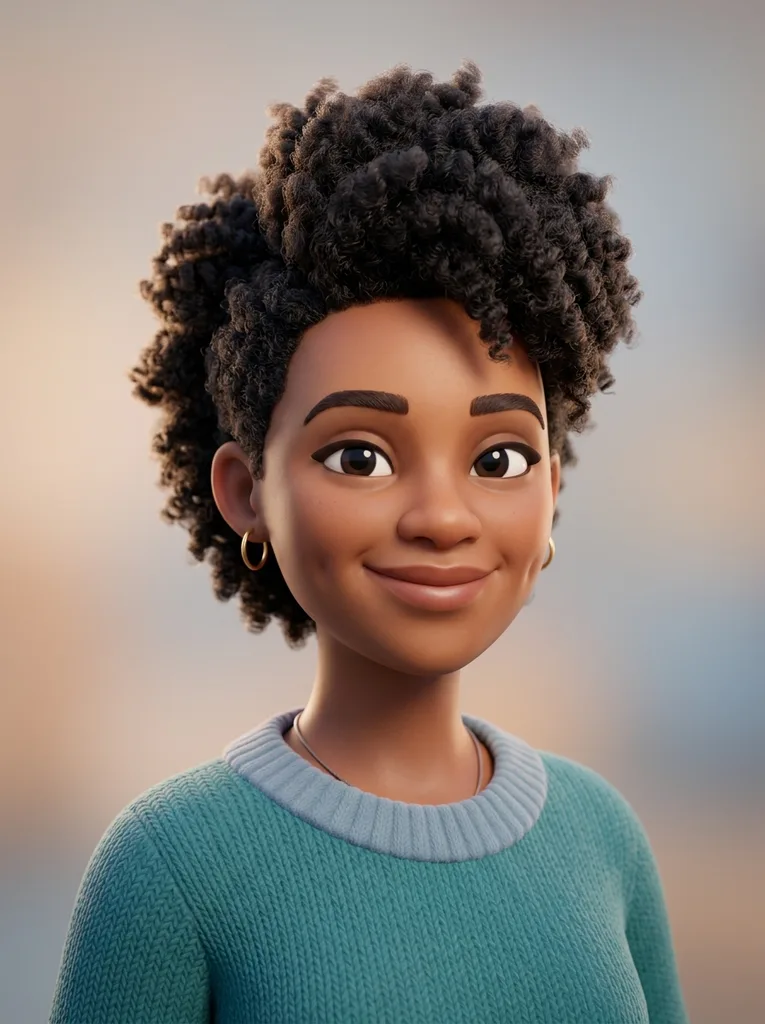
3D character
Rounded character lighting with a polished game-profile feel.
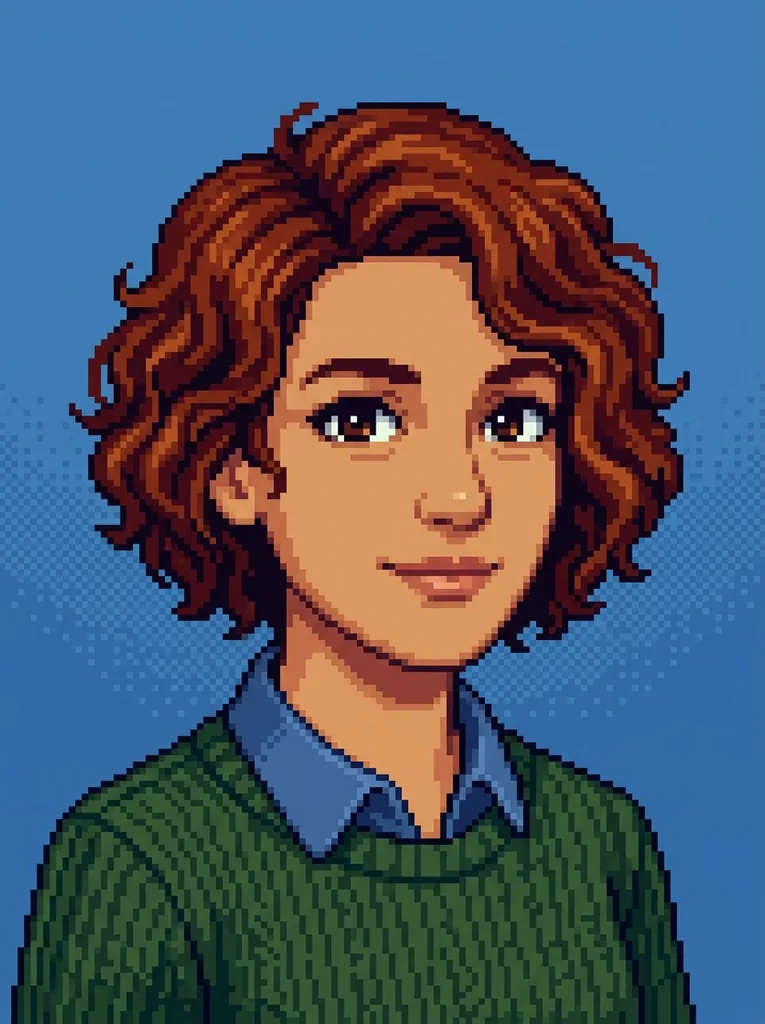
Pixel art
Retro blocky portrait that still preserves hair and face shape.
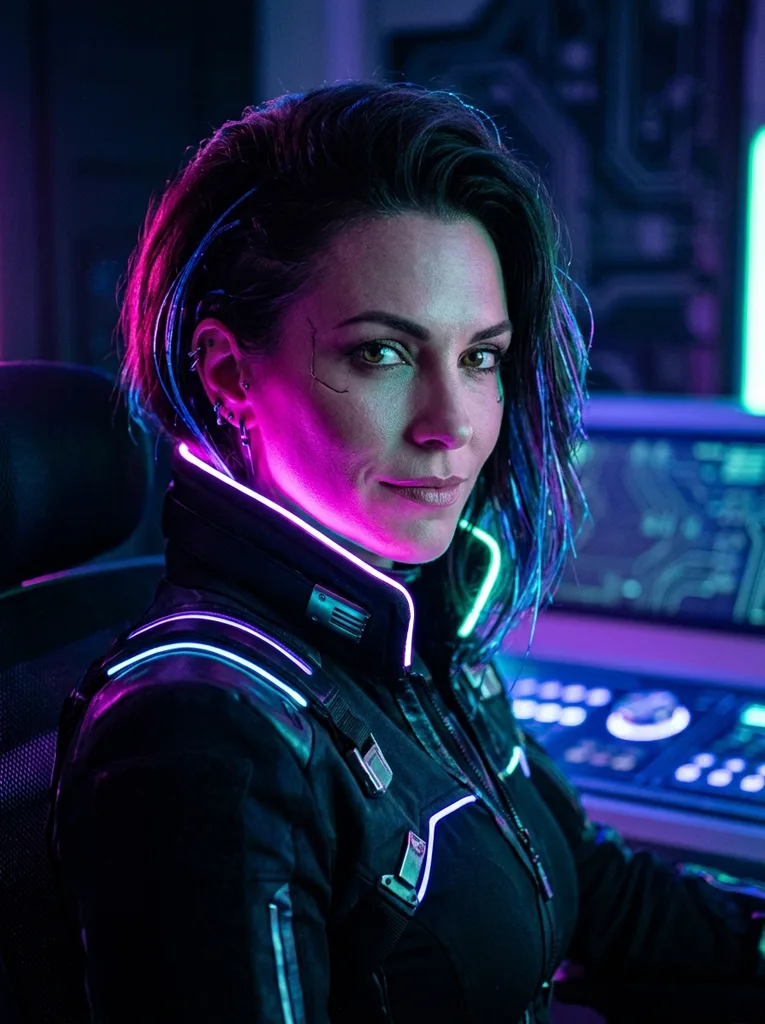
Cyberpunk
Neon lighting and futuristic color while keeping the person clear.
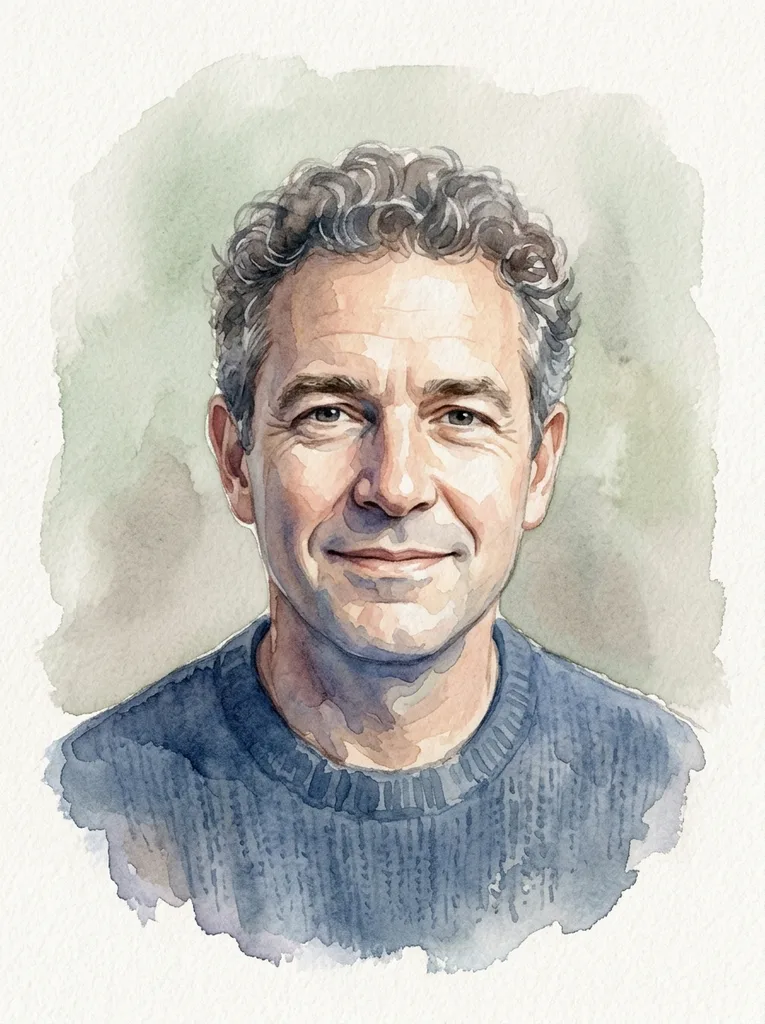
Watercolor
Soft washes and paper texture for a warmer profile image.
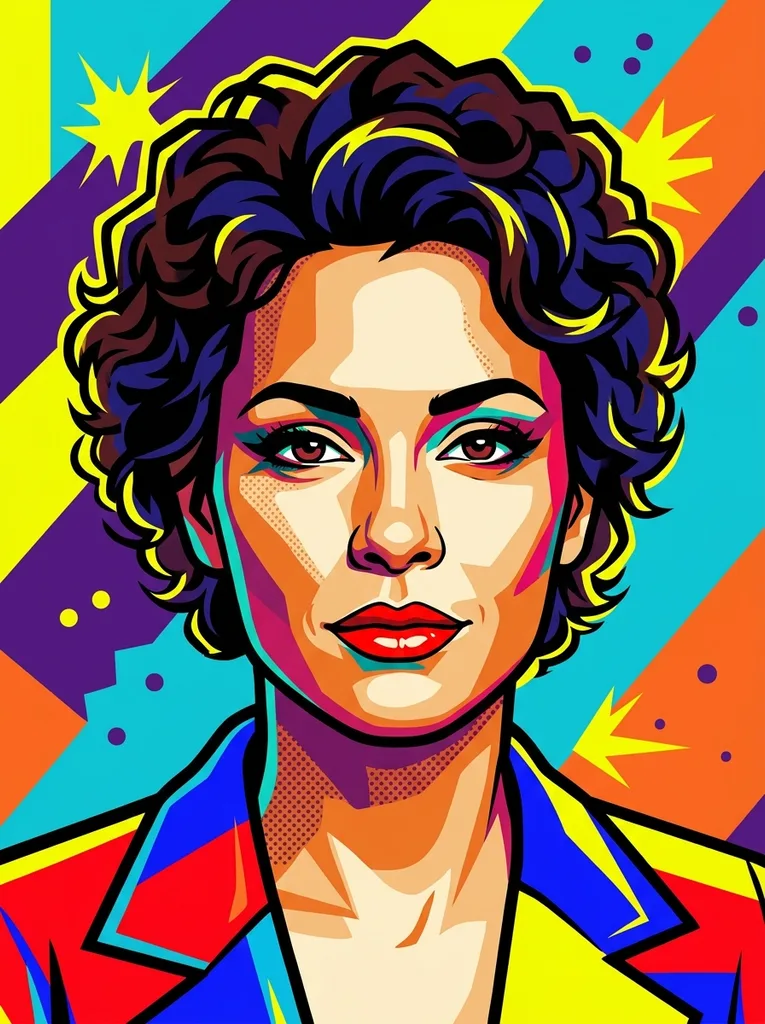
Pop-art
Bold colors and graphic contrast for a punchy social avatar.
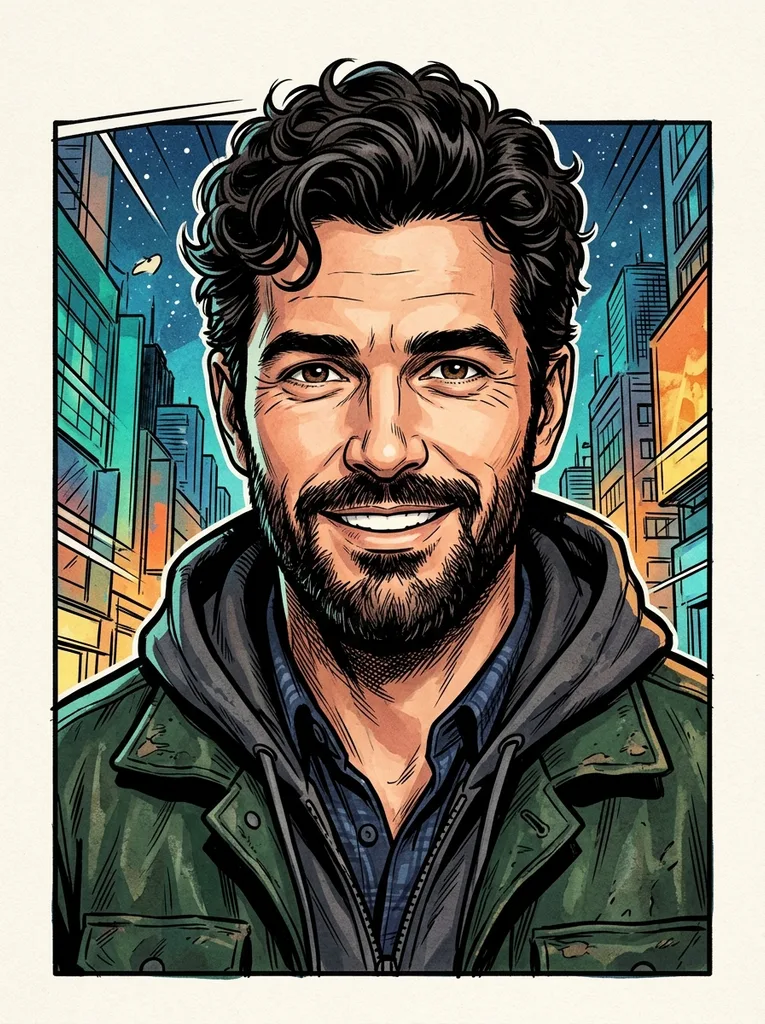
Comic book
Ink outlines and panel-ready color for expressive creator icons.
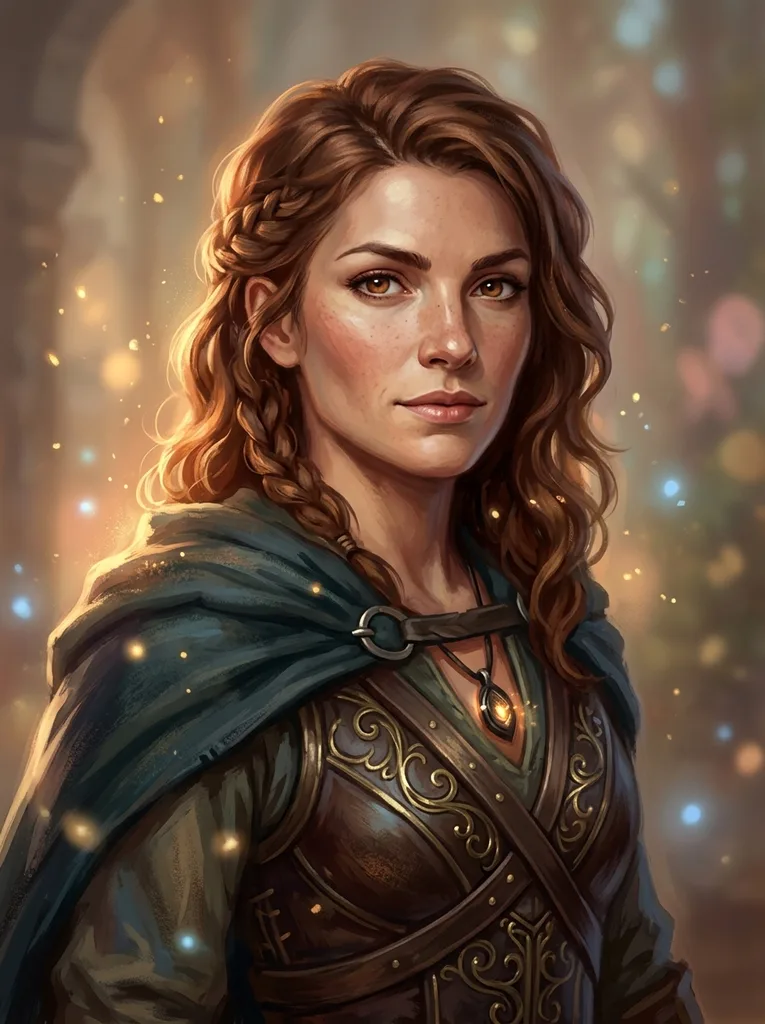
Fantasy
Soft magical styling with painterly light and character detail.
Where it fits
A good avatar is personal enough to be recognized and stylized enough to feel native in communities, games, team chat, and creator spaces.
Social profile image
Make a profile avatar that feels personal without posting the raw selfie everywhere.
Discord and games
Turn one selfie into a community icon, player profile, or party-chat avatar.
Slack and team spaces
Use a friendly stylized portrait when a real headshot feels too formal.
Streams and channels
Create a recognizable creator avatar for overlays, thumbnails, and profile badges.
Keep it recognizable
Start with a simple face-forward selfie and choose a style that supports your use case. Check the face shape, hair, and signature features before publishing.
Drag to compare: the art direction changes, but the portrait should still read as the same person.
Make avatars with consent.
Use your own selfie or a photo you have permission to edit. The tool is for recognizable stylization, not impersonating other people or hiding who approved the image.
FAQ
Practical answers about the AI avatar generator — likeness, input photos, consent, commercial use, and choosing the right style.
Yes. Upload a selfie, pick a style, and generate an avatar with the free base model. Sign in to keep results in history and remove the export watermark.
The prompts preserve face shape, hair, and key features while changing the art style. Always compare with the original and regenerate if the identity drifts.
Use a sharp, front-facing photo with one visible face, good light, and no heavy filters. Avoid sunglasses, strong shadows, and extreme camera angles.
Yes. The output is designed for social profiles, community icons, team chat, and creator channels where a stylized but recognizable avatar is useful.
Only use photos you own or have permission to edit. Do not impersonate another person or present an avatar as someone who did not consent.
This tool intentionally illustrates the selfie into anime, 3D, pixel, cyberpunk, watercolor, or pop-art looks. The profile picture generator keeps a more realistic photo look.
Use is subject to your rights in the input photo and the platform where you publish it. Avoid copyrighted characters, logos, or impersonation.
Start with a prompt or reference, compare models, and save the best result to history. Upgrade when you need cleaner exports, stronger models, or more production volume.