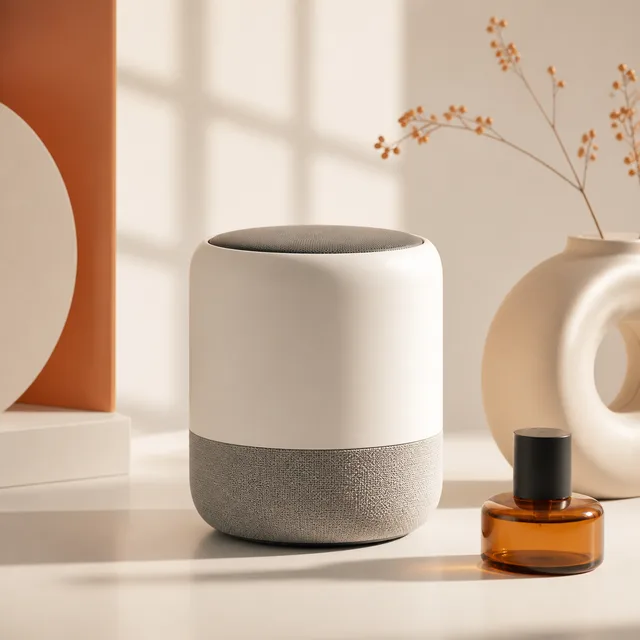
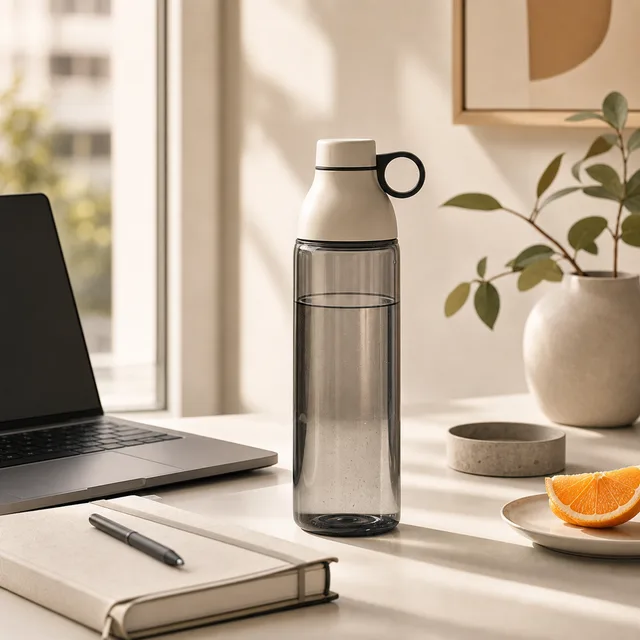
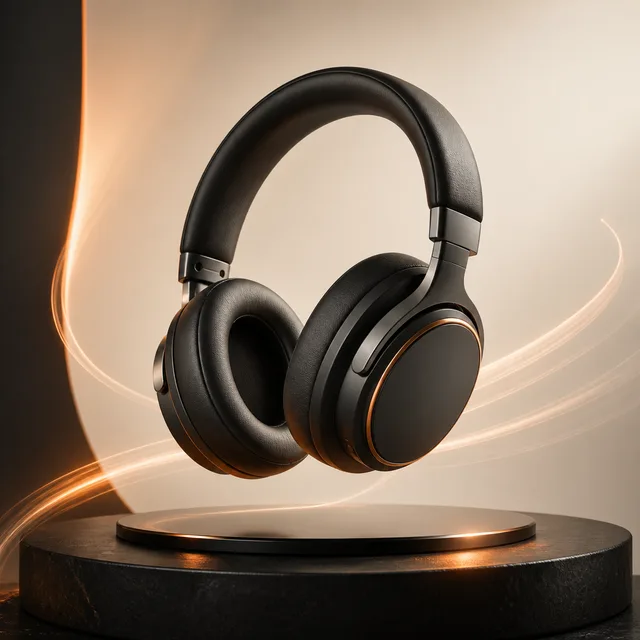
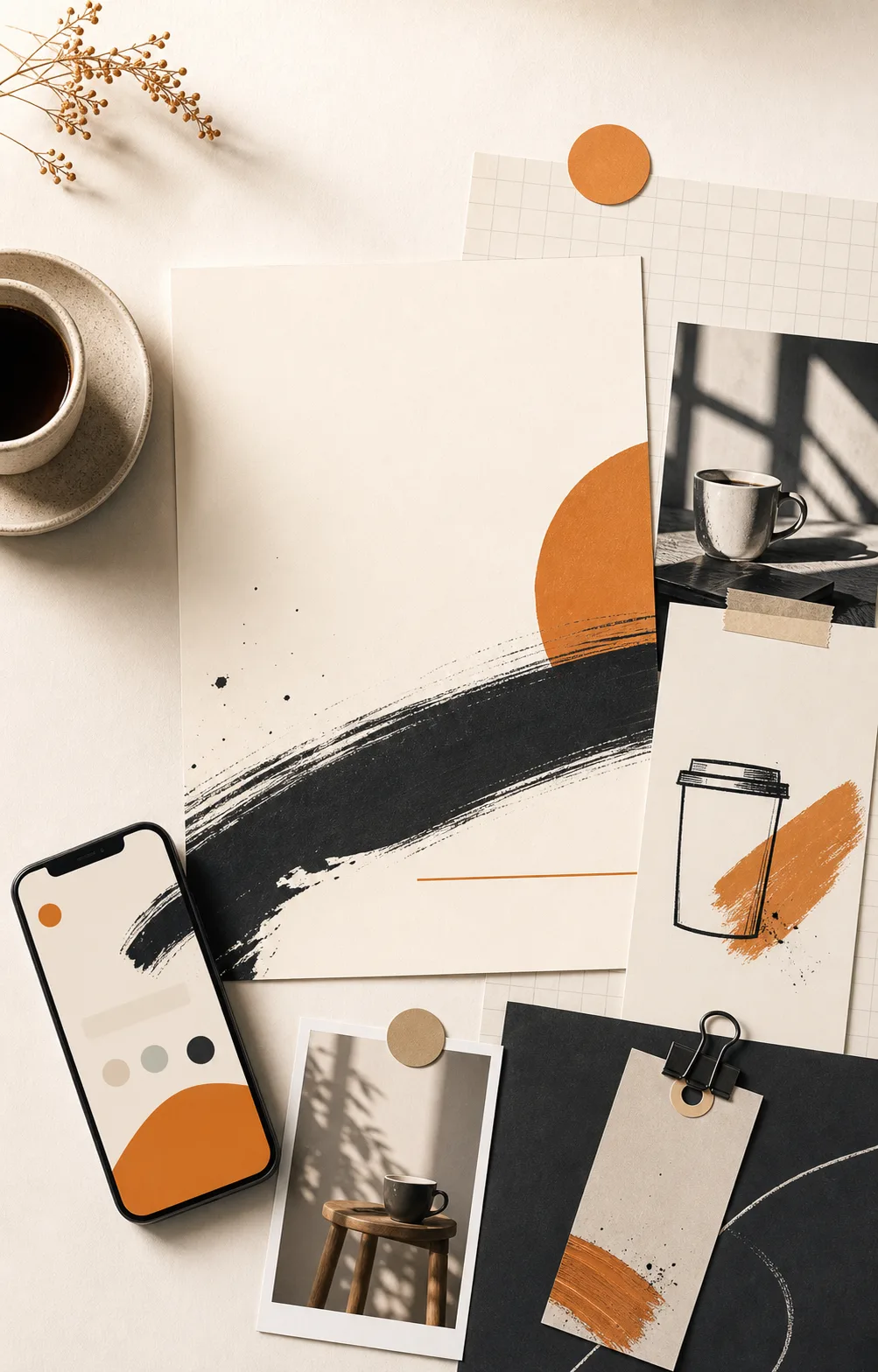
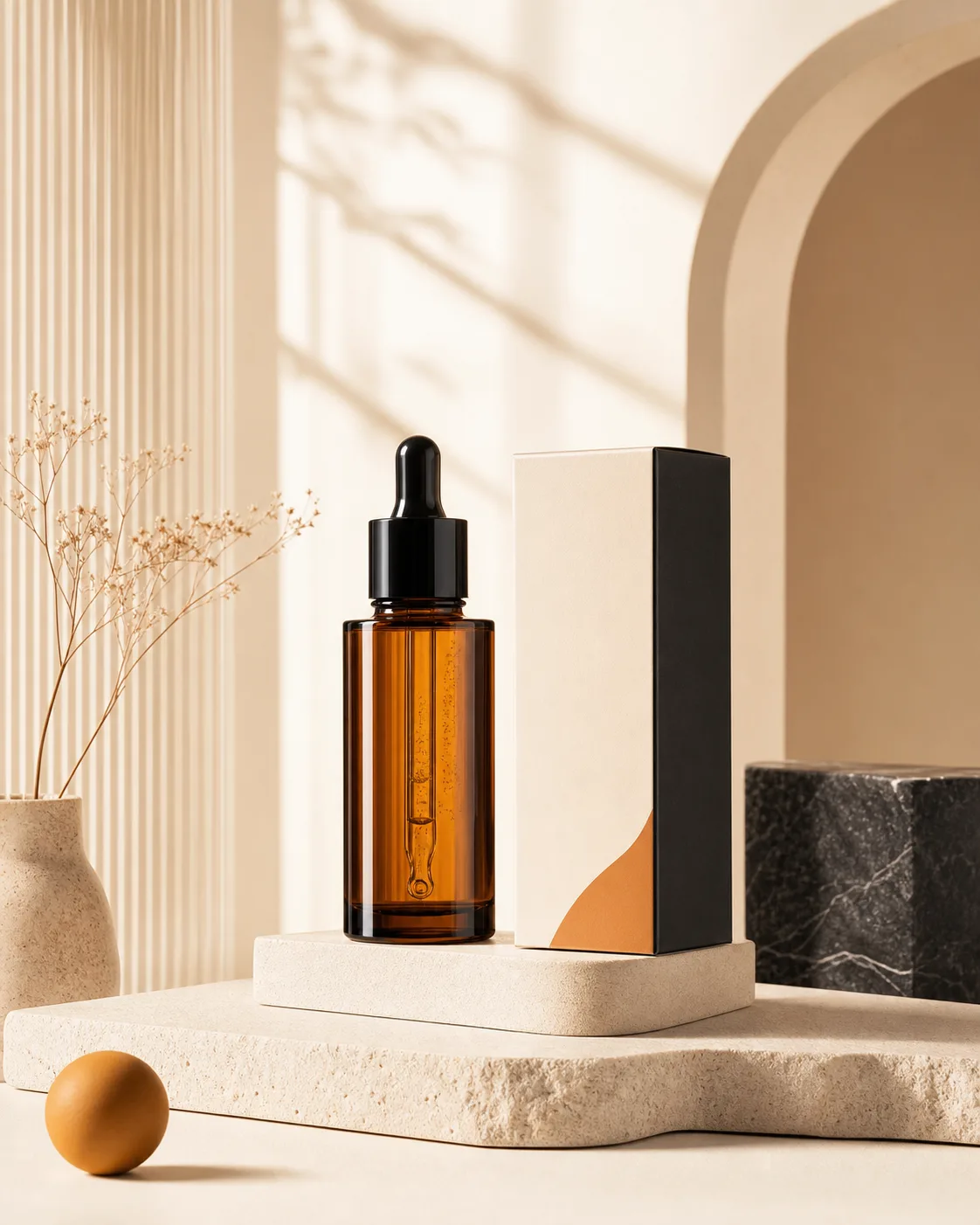
Premium product hero of a skincare serum bottle on a clean marble surface, soft natural daylight from the left, shallow depth of field, subtle contact shadow, 3:2 ratio.
AI Text to Image
Free Unlimited AI Text to Image Generator
Turn a sentence into product visuals, social covers, video first frames, and ad scenes. Try several models side by side and iterate on the one you like.
Style collage
Six directions in one collage. Compare, then send to the workbench.
Click any tile and the prompt, model, and aspect ratio drop into the workbench. Change a word or two and the output is yours.
Prompt waterfall
Read the whole prompt, then read the result.
Each card shows the full prompt and the output. Accent words call out the load-bearing tokens so you can strip them for your own subject.
Prompt formulas
Stuck mid-prompt? Use the skeleton.
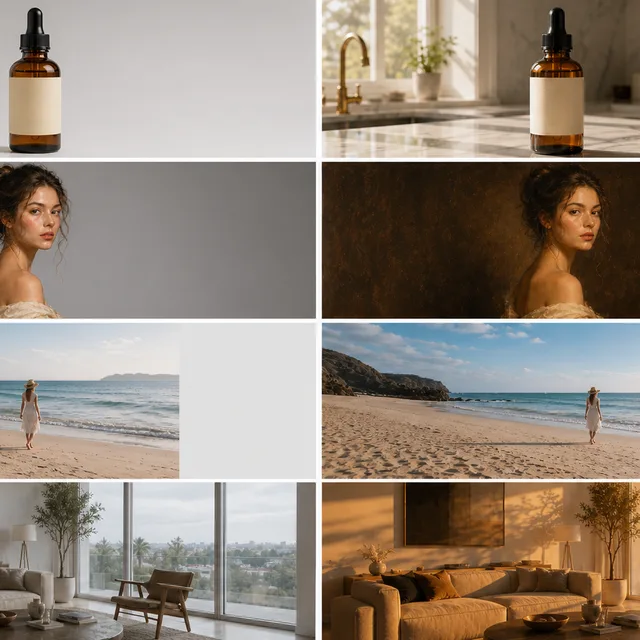
Each card shows the variable skeleton on the left and a filled example on the right. Send to the workbench in one click, then swap a few words for your own version.
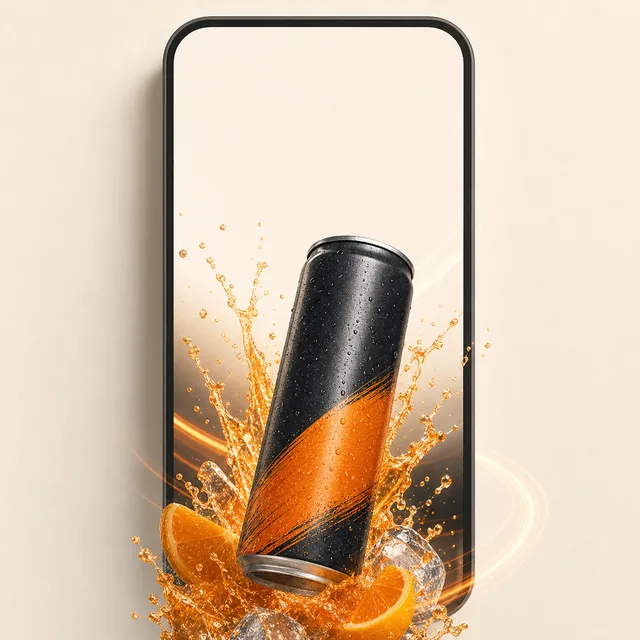
Social cover of a drink can on a bold magenta-to-orange gradient, clear empty headline zone at the top third, can offset bottom right, crisp studio lighting, 1:1 ratio.
Brand ad still of a fragrance bottle in warm cinematic light, 85mm close-up with shallow focus, deep amber palette, room for copy on the left, 16:9 ratio.
Cinematic first frame of a runner at the push-off moment, low tracking shot, motion blur on the back leg, golden hour rim light, 16:9 ratio.
Style matrix
Each style has its own images and prompts.
Tap a style above and the two examples below switch together. Click either tile to send that exact prompt straight to the workbench.
Where it fits
Different jobs, different playbooks.
Two frequent use cases, each shown as a hero plus three drill-down directions. Read once and your next move is obvious.

Playbook 01
Ecommerce hero: five directions in one run
Same product, multiple lighting and background takes. Pick a direction, then scale the rest.
Output routes
Pick the job, then scale variants.
Each route maps to a reusable prompt structure you can send straight into the workbench.
Clean studio
Neutral light for landing pages and PDPs.
Lifestyle scene
Drop the product into a real-use context.
Campaign frame
Leaves copy space, dramatic lighting.

Playbook 02
Social covers + posters: stop the scroll
Bake headline zone, brand color, and subject layering into a single prompt. Export multiple takes to compare.
Output routes
Pick the job, then scale variants.
Each route maps to a reusable prompt structure you can send straight into the workbench.
Short-video cover
9:16 with headline strip top and bottom.
Event poster
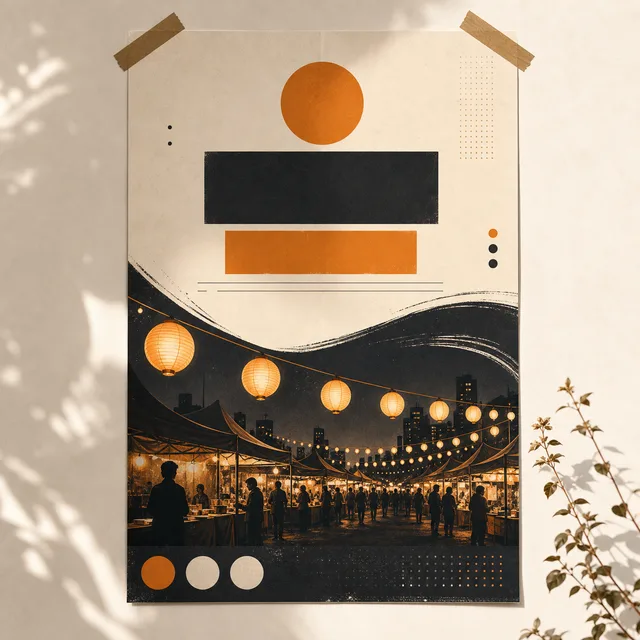
High contrast, info stacked in three tiers.
Carousel slide
One-line hook plus product crop.
Capability check
How Inkfox stacks up against the usual options.
Free start, model library, reference images, commercial use, speed — the columns you actually care about.
| Product | Free start | Multi-model | Commercial use | Resolution | Generation time | In-image text |
|---|---|---|---|---|---|---|
| Inkfox AI | Base model free | 15+ models | Pro / Max | HD / up to 4K | Model dependent | Max + Nano Banana 2.0 |
| Midjourney | Paid tiers only | |||||
| DALL·E 3 | Via ChatGPT | |||||
| Stable Diffusion | Self-host | Hardware bound |
Specs reflect public documentation as of 2025. Resolution and generation time depend on the selected model and settings; verify model terms before commercial use.
Ready for production?
Upgrade unlocks the rest of the pipeline.
The basic model is built for direction testing. Production-grade exports, batch variants, commercial licensing, and premium models open up in paid tiers.
Watermark-free output
Free outputs carry a small Inkfox watermark so you can validate direction first. Upgrade removes it — the same image goes straight into ads, listings, and campaigns.
Free
With Inkfox watermark
Upgrade
Clean, no watermark
Full image and video lineup
Free tier runs Inkfox Basic for image drafts. Upgrade unlocks the full premium image lineup (Flux, Nano Banana, GPT Image, Seedream, Wan…) and the image-to-video fleet (Kling, Runway, Veo, Hailuo, Seedance, Grok…), switched per scene.
Free
Inkfox Basic only
Upgrade
11+ AI image · 12+ AI video models
Production-grade throughput
Free tier covers drafting and validation. Upgrade adds priority generation, up to 8 images per request, and higher daily volume that sustains real production work.
Free
1 per request · fair-use limits
Upgrade
Up to 8 per request · priority queue
Workflow
How to create text-to-image results
Write a prompt, choose a model, add references when needed, and save the useful results for editing or export.
Enter the idea
Write subject, scene, style, aspect ratio, and intended use.
Choose a model
Switch models based on speed, quality, text control, or reference needs.
Generate and compare
Generate candidates, then download, edit, or use as video first frames.
Keep producing
Use results for ads, social posts, ecommerce, or video assets.
Use cases
Image types this page supports
Scan the collage and sample tiles below, lock in a direction, then write your own take in the workbench.
Product visuals
Create clean product scenes for ecommerce, landing pages, and ads.
Ad creative
Generate multiple ad options and select the ones worth publishing.
Social covers
Make post images, short-video covers, and campaign headers.
Video first frames
Generate stable first frames before moving to image-to-video.
FAQ
Text to image FAQ
About free use, references, models, and clean downloads.
Is text-to-image free?
You can start quickly for free. Premium models, cleaner downloads, and higher usage depend on your plan or credits.
Which aspect ratios are supported?
You can pick 1:1, 16:9, 9:16, 4:3, 3:4, 3:2, and 2:3 — covering short-video covers, posters, and ecommerce hero formats.
Can I use the output commercially?
Yes. Each model has its own license terms — check them before paid campaigns. Pro / Max plans support watermark-free downloads.
How long does one image take?
Base models land around 6–15 seconds. Pro models range from roughly 10 to 30 seconds depending on the model and how many references you attach.
Can it render text inside the image?
Yes. Inkfox AI Max, GPT Image 2.0, and Nano Banana 2.0 are the most reliable for in-image text, ideal for poster headlines and cover copy.
Can I use reference images?
Yes. The workspace supports reference uploads for product, person, composition, or style control.
What can I generate?
It fits product images, ad visuals, social covers, video first frames, character drafts, and brand concepts.
Create with Inkfox AI Free Unlimited AI Text to Image Generator.
Start with a prompt or reference, compare models, and save the best result to history. Upgrade when you need cleaner exports, stronger models, or more production volume.