
Product image to video
Animate clean product shots with push-ins, orbits, and highlight motion for ecommerce and ads.
AI Image to Video
Upload a photo, product image, portrait, or ad first frame and turn it into AI video with Grok, Kling, Runway, Veo, Hailuo, Wan, Seedance, and more for product videos, portrait motion, ads, and social clips.
Still to motion
Switch between product, portrait, travel, and campaign cases. Each one compares the source still with a motion preview, then states what stays locked and what camera move gets added.
Turn a clean product image into a controlled orbit, highlight sweep, and gentle push-in for ecommerce or ads.
Use cases
Covers the image-to-video jobs people actually search for: products, portraits, photos, ads, and first frames.
Animate clean product shots with push-ins, orbits, and highlight motion for ecommerce and ads.
Add subtle natural motion to portraits, avatars, covers, and old photos.
Turn an approved campaign visual into a publishable short clip.
Create slow camera moves from travel, real estate, interior, and lifestyle stills.
Create several shot options and pick the best video-ready frame.
Visual motion examples
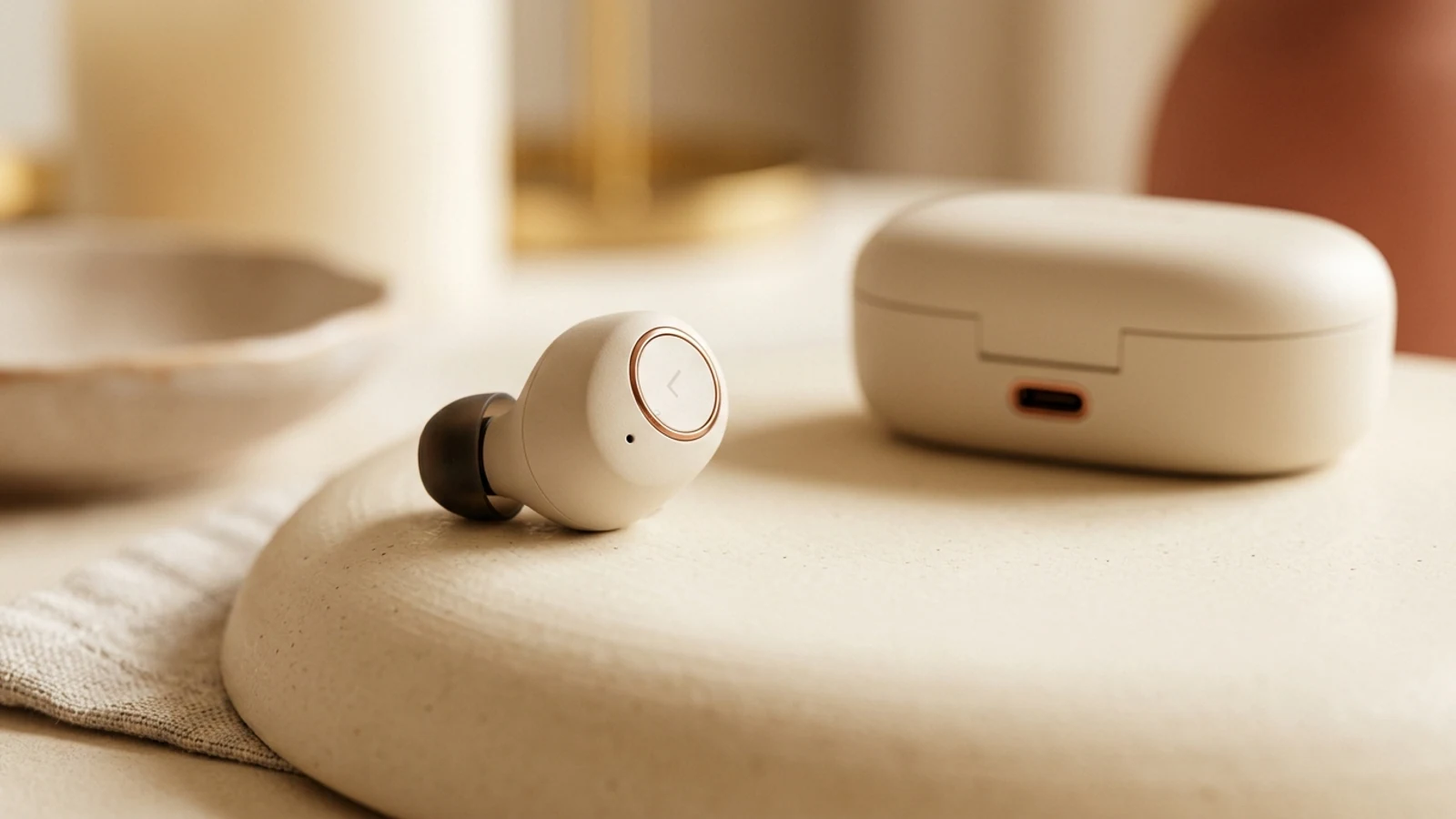
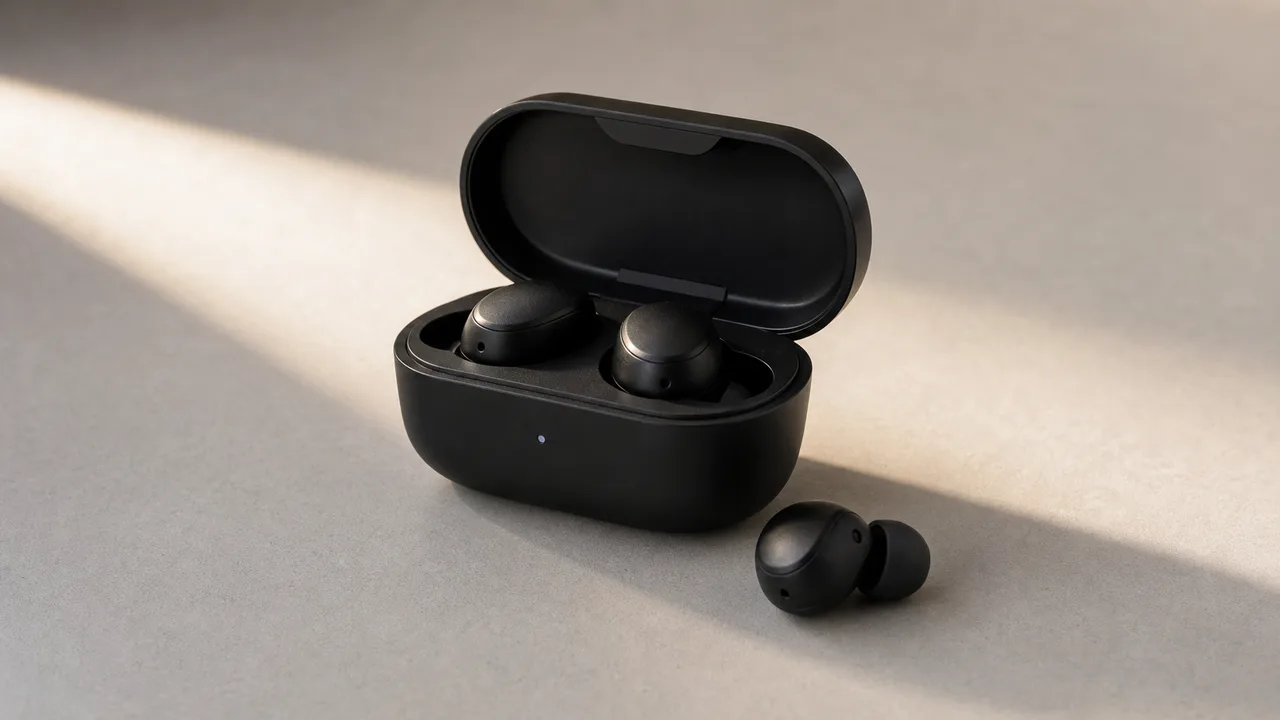
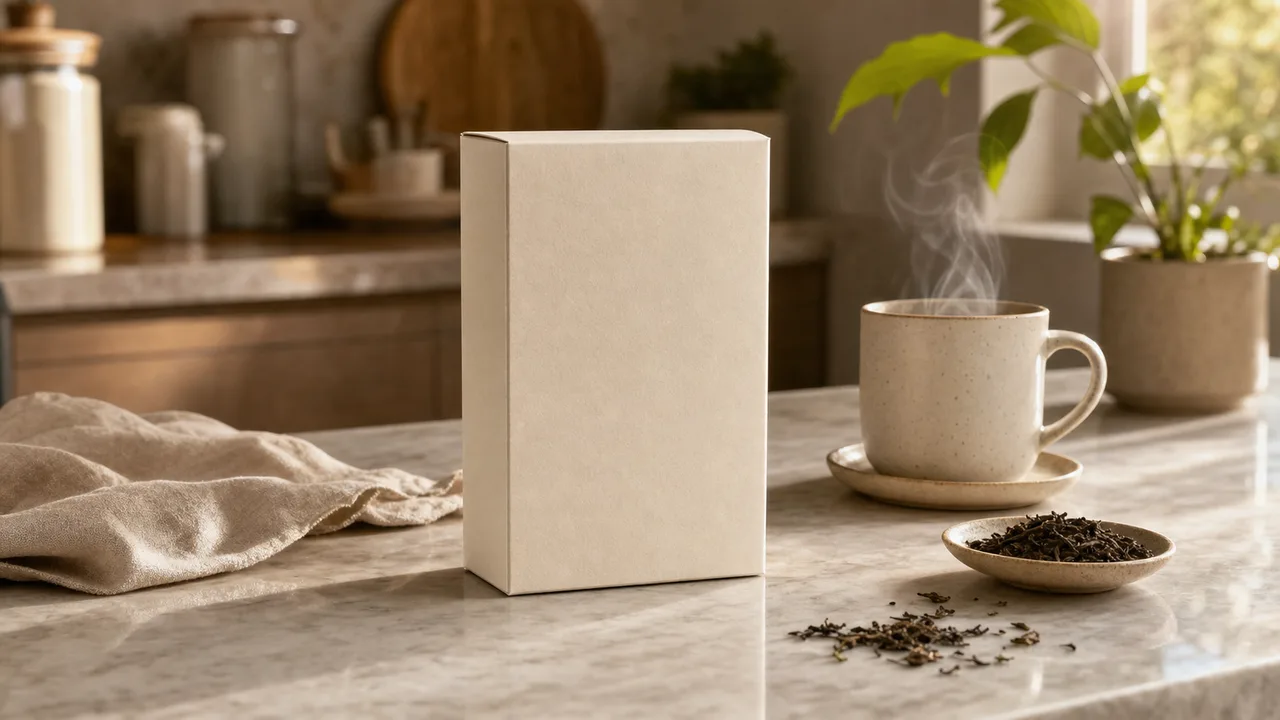
Good video generation is not a list of model names. It starts with a strong first frame, one readable motion, camera intent, and a production use case. These real product, portrait, and scene images show video directions that can actually be made.
Long-tail intent: product image to video generator
Animate a clean product photo with orbit, push-in, and light sweep for ecommerce and ads.

Long-tail intent: animate portrait photo AI
Make portraits, profile covers, and creator shots breathe, blink, and gently push in.
Long-tail intent: animate still image into video
Turn travel, interior, and lifestyle stills into slow cinematic camera moves.
Prompt starters
Each template maps to a clear long-tail search intent. Start free, prove the direction, then upgrade for higher-quality models and watermark-free export.
Fits: product photo to video, Shopify video, product detail page
Keep product structure and label text, slight camera orbit, clean background, rim highlight sweep, natural shadows, for a Shopify product hero, 5 seconds
Fits: animate photo, portrait to video, profile motion
Keep the face and hairstyle, subtle breathing motion, natural eye movement, shallow background drift, slow camera push-in, realistic photo texture
Why the Inkfox workspace
| Capability | Inkfox video workspace | Single-point tool |
|---|---|---|
| Multi-model switching | Kling, Veo, Runway, Hailuo, Seedance side by side | Usually locked to one model |
| Free start | Test photo motion directions for free first | Most require payment first |
| First frame / reference | Drive directly from a product shot, portrait, or ad first frame | Varies by tool |
| Camera control | Exposes push-in, orbit, and pan params per model | Limited control |
| Commercial & download | Watermark-free commercial downloads on paid plans | Often watermarked or limited |
FAQ
About the AI image-to-video generator — first frames, motion testing, model choice, and export-ready video clips.
Product shots, portraits, campaign visuals, storyboard frames, travel photos, and clear scene images work well. Generate or refine the first frame in the workspace before moving into video production.
Kling, Runway, Veo, Hailuo, Wan, and Seedance are all switchable. Pick Kling for motion consistency, Veo for quality and audio, Runway for stylized direction.
It depends on the model — usually a few seconds, from 720p to 1080p. The workspace shows adjustable duration and settings per model.
You can test a direction for free; premium models run on credits, and the workspace shows the cost before you generate.
Yes. Start with a clean, clearly composed product first frame, then test camera motion, lighting, and models. Paid plans allow watermark-free commercial downloads.
Describe one clear action and one camera move (push-in, orbit, pan, or handheld) in the prompt. Test on a short clip first, then spend credits on the most stable direction.
The workspace supports quick starts. Signing in unlocks more models, history, downloads, and paid credits.
Start with a prompt or reference, compare models, and save the best result to history. Upgrade when you need cleaner exports, stronger models, or more production volume.