
01
Dark brown
Try first
Hazel, honey brown, or deep gray
Be careful with
Highly saturated pale blue or glowing purple
Why it works
Dark base eyes need retained iris texture, so lower-contrast colors look more natural.
AI Virtual Try On Colored Contact Lens
Preview colored contact lens looks by changing only the iris color in your photo. Upload a clear eye photo, choose hazel, blue, green, gray, honey brown, or amethyst, and keep the pupil, eye shape, lashes, skin, and lighting unchanged.

Lens color guide
Use this only as a visual color preview. Real contact lenses are medical devices and require a prescription and fitting from an eye-care professional.
Try first
Hazel, honey brown, or deep gray
Be careful with
Highly saturated pale blue or glowing purple
Why it works
Dark base eyes need retained iris texture, so lower-contrast colors look more natural.
Try first
Hazel, green, or honey brown
Be careful with
Washed gray with a harsh edge
Why it works
Light brown bases transition well into warm shades and softer greens.
Try first
Gray, green, or light hazel
Be careful with
Opaque dark brown overlays
Why it works
Keeping the original lightness looks more like a real lens than covering it fully.
Try first
Hazel, gray, or honey brown
Be careful with
Neon blue or high-glow purple
Why it works
Similar brightness and a soft limbal ring keep the color change believable.
Try first
Blue, green, or hazel
Be careful with
Pure black enlarging lenses
Why it works
Gray bases can carry cool colors while still preserving pupil and iris detail.
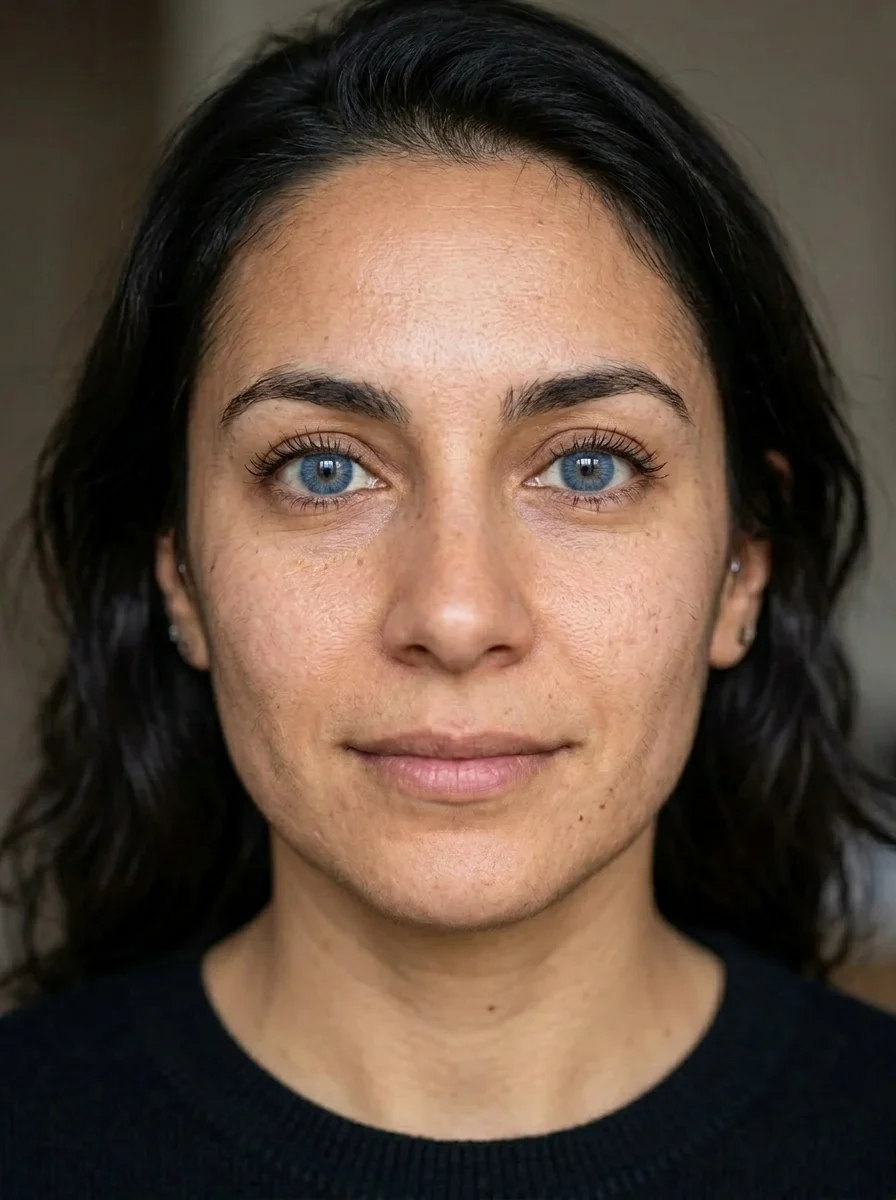
Try-on examples
Start with one eye close-up before-and-after, then compare hazel, blue, green, gray, honey brown, and amethyst previews.
Upload to result
Check the pupil, iris texture, limbal ring, and whether eye lighting still looks real.
Same eyes, every lens color
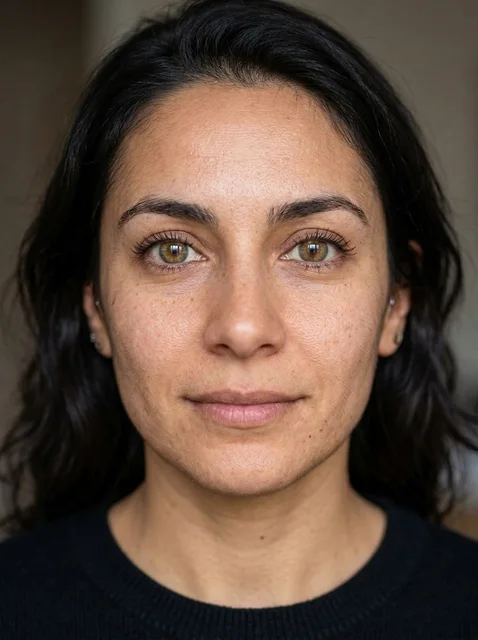
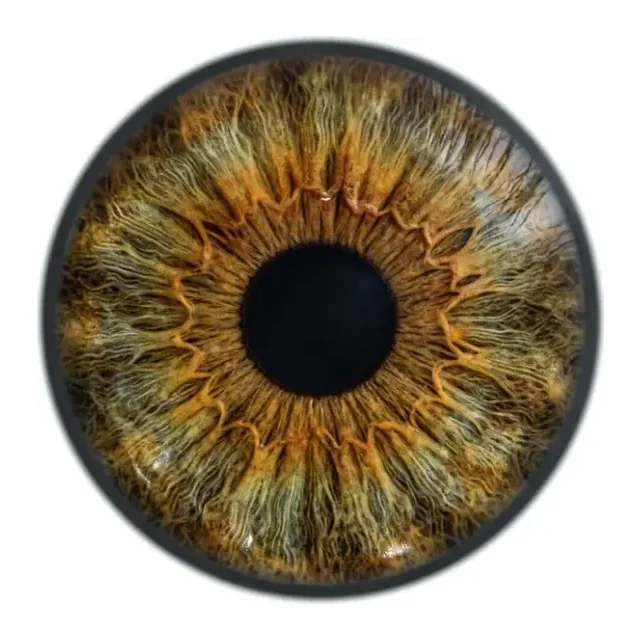
A natural warm shade, useful for dark brown and light brown base eyes.
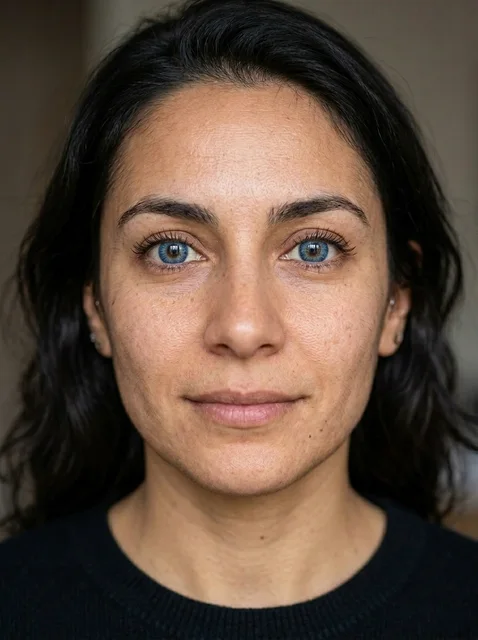
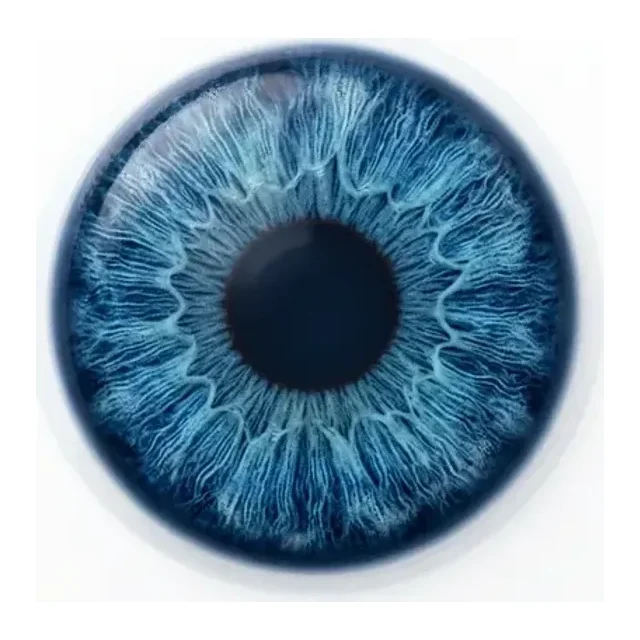
A cooler visible shift; inspect whether iris texture stays intact.
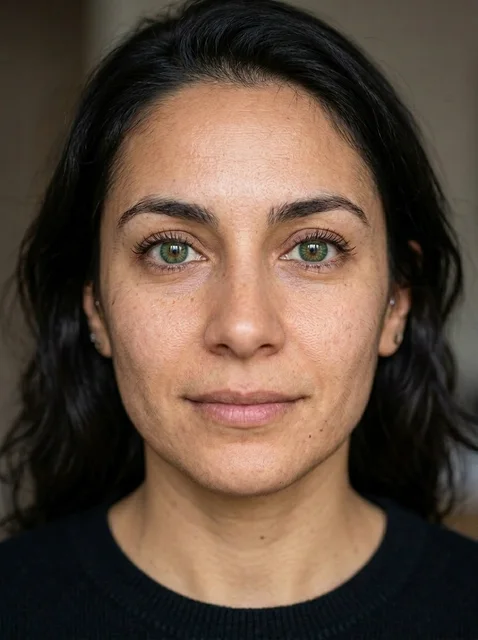
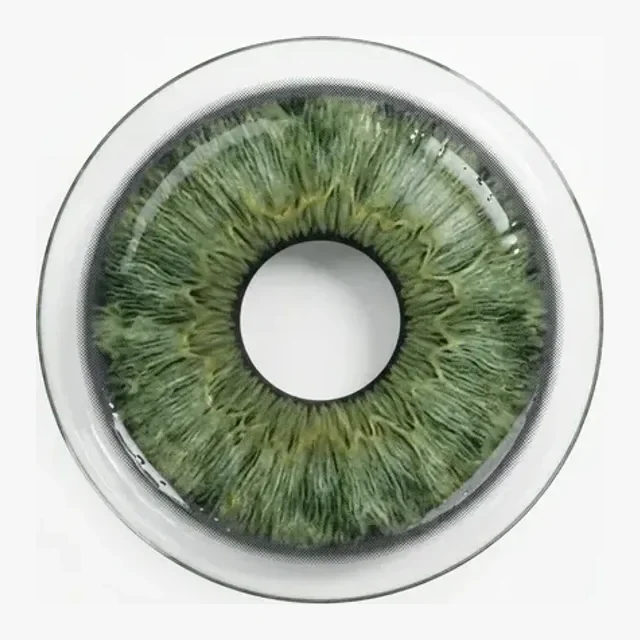
A balance between natural and noticeable; check the limbal transition.

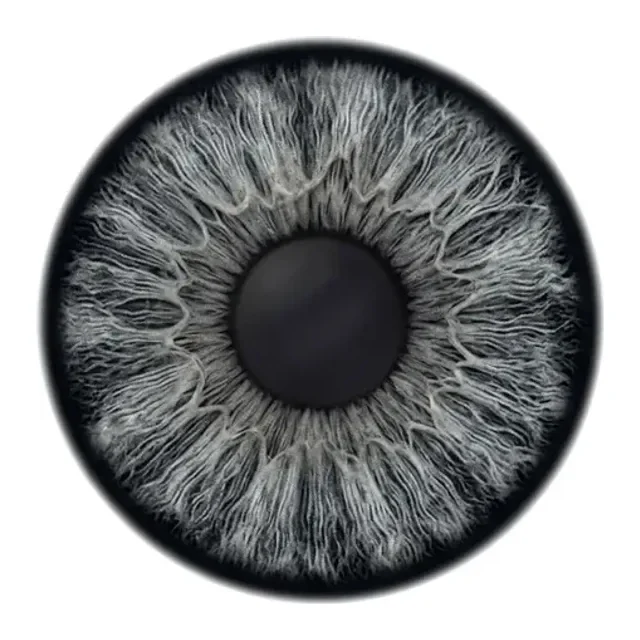
A low-saturation cool shade for checking skin tone and sclera contrast.
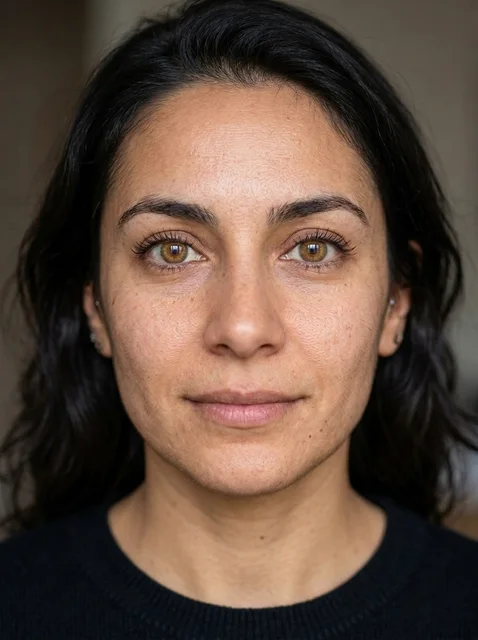
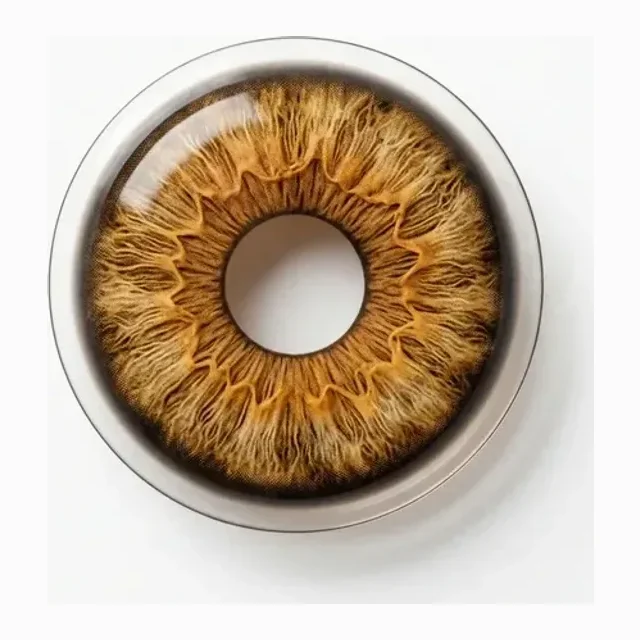
The warmest lift, useful for softly brightening darker base eyes.
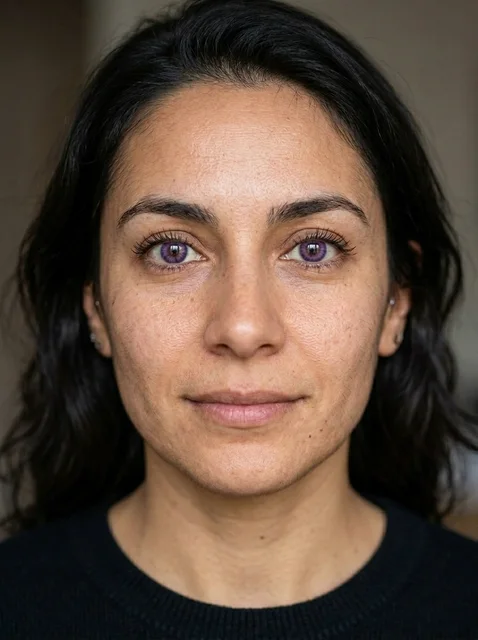
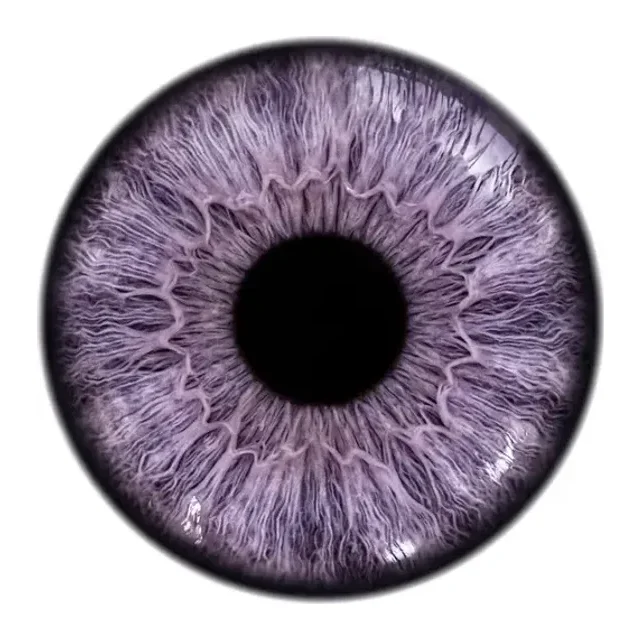
A more styled shade; inspect that it avoids glow and distortion.

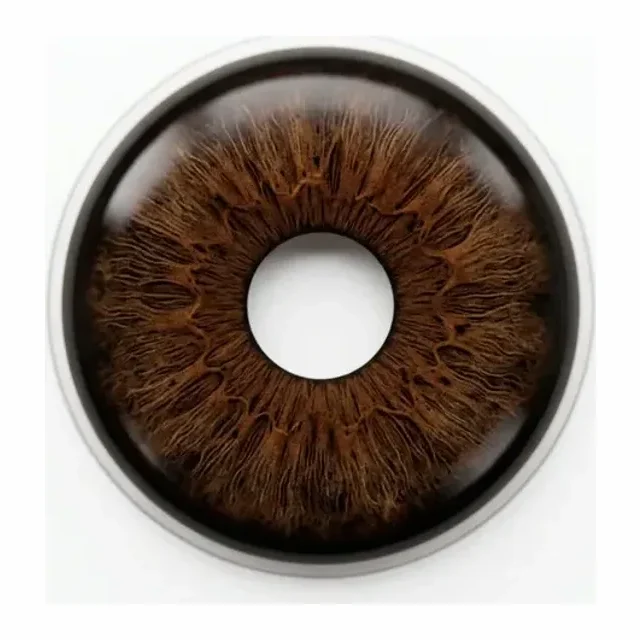
A natural everyday shade; check that the pupil and iris texture stay real.
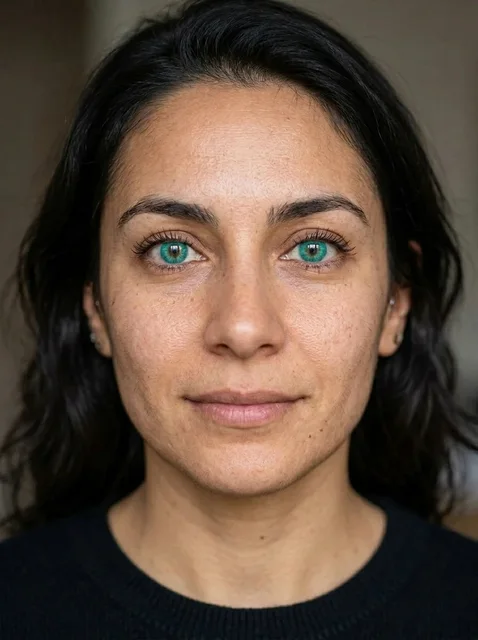
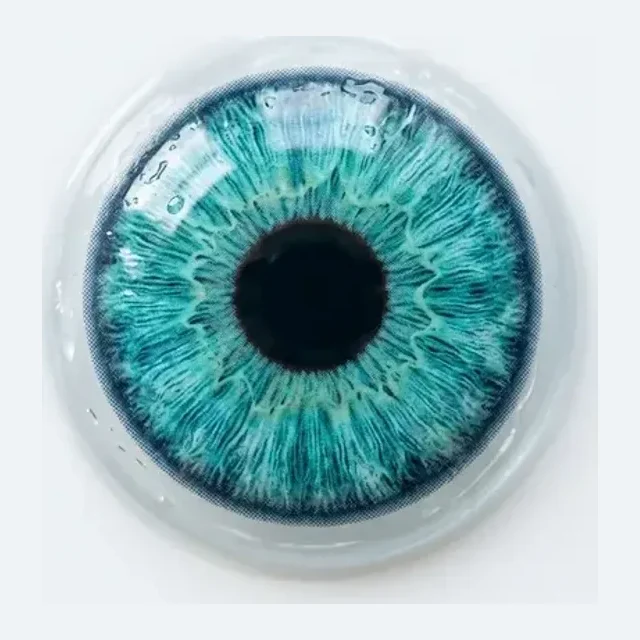
A bolder color; inspect that it avoids glow and edge distortion.
Medical safety note
Real contact lenses are medical devices and must be prescribed and fitted by an eye-care professional. Do not buy, share, or wear contact lenses based on an AI preview.
Method comparison
AI and AR are visual previews only. Real contact lenses are medical devices and require a prescription and fitting from an eye-care professional.
| Factor | AI visual preview | Prescription fitting | AR filters |
|---|---|---|---|
| Speed | Upload an eye photo, choose a color, generate; fast for visual direction | Requires eye exam, prescription fitting, and supervised trial | AR filters are instant, but still cannot replace an eye exam or prescription |
| Color range | Can compare hazel, blue, green, gray, honey brown, and amethyst previews | Limited by real prescription, base curve, diameter, and brand inventory | Filters offer many colors, but they do not mean real lenses are safe to wear |
| Safety | Visual preview only; do not buy or wear contact lenses based on the generated image | Real contact lenses are medical devices and require a prescription and professional fitting | AR filters are also visual only and cannot judge wearing safety |
| Accuracy | Good for color, limbal ring, and iris texture direction; not real lens performance | Professional fitting is best for comfort, prescription, oxygen flow, and eye health | Filters track well, but often simplify real lens opacity and diameter |
Photo prep
Lens color preview is only visual. Real contact lenses require an eye exam, prescription, and professional fitting.
The pupil, iris, and eyelid edges should be clear. Side glances or squinting make color boundaries less accurate.
Even light preserves iris texture. Harsh reflections can make the color look like a glowing filter.
The eye area should be large and sharp. Low-resolution photos lose iris texture and pupil edges.
Existing colored lenses change the base eye color and edge, making the preview harder to judge.
Workflow
Use the preview only for visual direction. Real contact lenses are medical devices and require an eye exam, prescription, and professional fitting before purchase or wear.
Use an adult eye close-up or portrait where both irises, pupils, eyelids, and lashes are sharp.
Pick hazel, blue, green, gray, honey brown, amethyst, brown, or turquoise. The thumb is only a color sample, not a real lens product.
The hidden prompt changes only iris color and keeps the pupil, eye shape, lashes, skin, identity, and light unchanged.
Use the image for styling direction only. Do not buy or wear contact lenses based on a generated preview.
FAQ
Practical answers about the AI colored contact lens try-on — free use, iris-only editing, input photos, medical safety, commercial rights, privacy, and retries.
You can try the page for free with the available lens color presets. Higher generation volume or account features may follow the normal Inkfox credit and plan rules.
The prompt asks the model to change only iris color while preserving the pupil, eye shape, lashes, eyebrows, skin, identity, and lighting. Review the result before using it.
Use a sharp eye close-up or clear adult portrait with visible irises and even light. Blur, glare, sunglasses, or existing colored lenses make the result less reliable.
No. This tool creates a visual preview only. Real contact lenses are medical devices and require an eye exam, prescription, and fitting from an eye-care professional.
Use the output only when you have rights to the portrait. For ads or ecommerce, avoid implying medical fit, prescription suitability, or real product safety from the preview.
Upload only photos you own or have permission to edit. Do not use the tool for impersonation, deceptive ads, official documents, or edits of someone who has not consented.
Try a sharper eye photo with less glare, or regenerate. The prompt asks for natural limbal ring and iris texture with no glow, but reject unsafe or unrealistic results.
Start with a prompt or reference, compare models, and save the best result to history. Upgrade when you need cleaner exports, stronger models, or more production volume.