
01
Round
Try first
Studs, slim drops, or light dangling earrings
Be careful with
Very large hoops or round discs close to the cheek
Why it works
Vertical lines lengthen the face and avoid repeating the round outline.
AI Virtual Try On Earrings
Try on earrings on your photo before buying or styling a look. Upload a front-facing portrait, choose an earring reference, and preview realistic scale, metal reflection, ear placement, and how the earring hangs.


Earring fit guide
Use this guide to shortlist earring shapes before comparing ear visibility, scale, and how the style hangs on your portrait.
Try first
Studs, slim drops, or light dangling earrings
Be careful with
Very large hoops or round discs close to the cheek
Why it works
Vertical lines lengthen the face and avoid repeating the round outline.
Try first
Hoops, pearl studs, or soft drop earrings
Be careful with
Hard geometric shapes or square drops
Why it works
Rounded outlines soften a strong jawline and ease the face edges.
Try first
Most styles work; start with studs, hoops, and chandeliers
Be careful with
Very long heavy drops that extend far below the jaw
Why it works
Oval faces are flexible; earring length and visual weight matter most.
Try first
Teardrops, fuller-bottom drops, or huggies
Be careful with
Top-heavy inverted triangle shapes
Why it works
A little weight near the lower edge balances a broader forehead and narrower chin.
Try first
Hoops, studs, or shorter chandeliers
Be careful with
Very long straight-line drops
Why it works
Horizontal width balances length; long drops make the face read longer.
Try-on examples
Start with one before-and-after, then compare studs, hoops, drops, huggies, chandelier, and ear cuffs on the same portrait.
Upload to result
Check ear symmetry, metal reflection, hanging direction, and whether hair overlap still feels natural.
Same face, every earring style

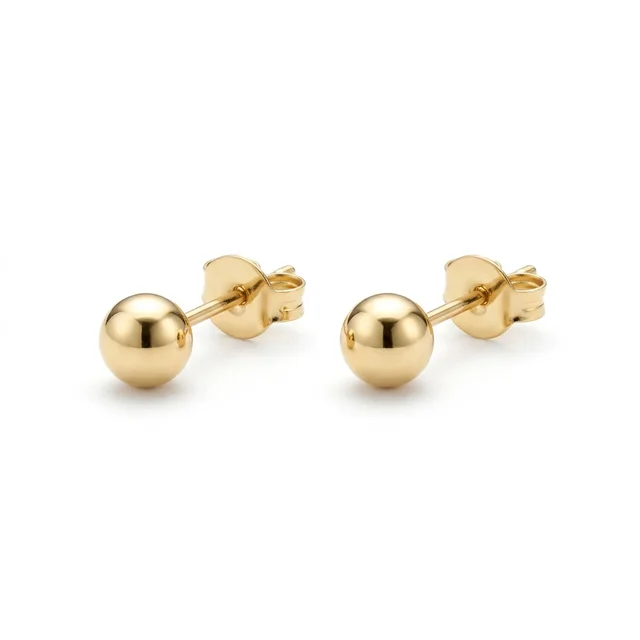
A light everyday test for earlobe placement and portrait proportion.

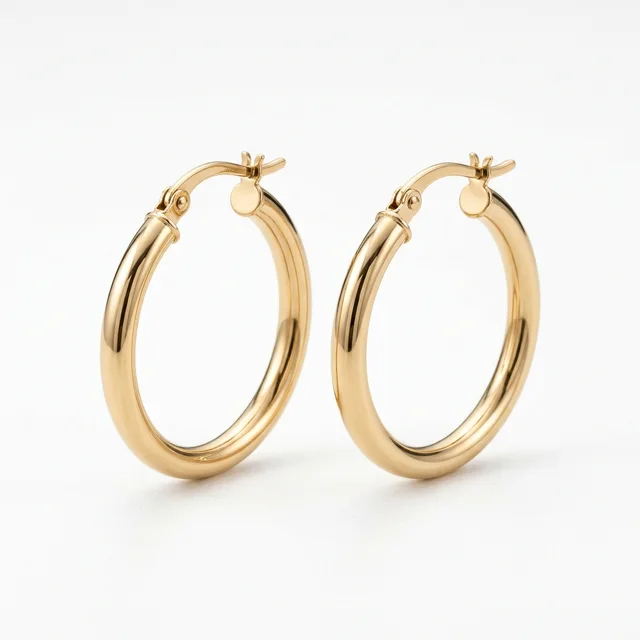
A clear circular silhouette for judging diameter, cheek distance, and metal reflection.

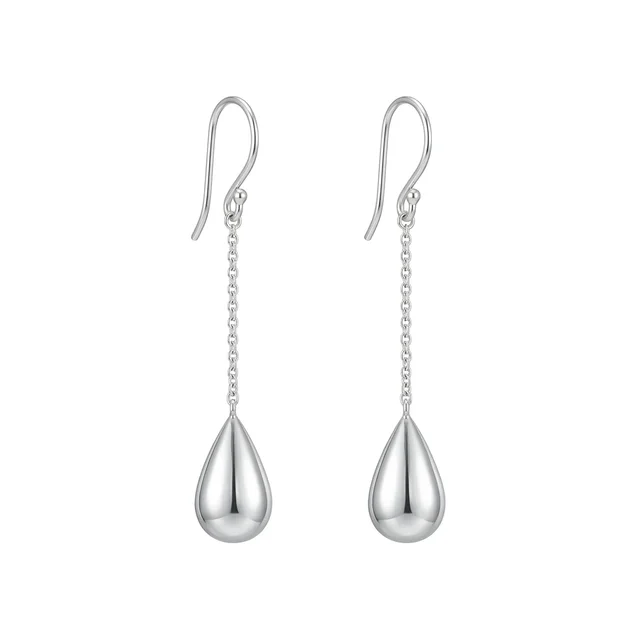
A longer line for checking whether the drop length flatters the face.

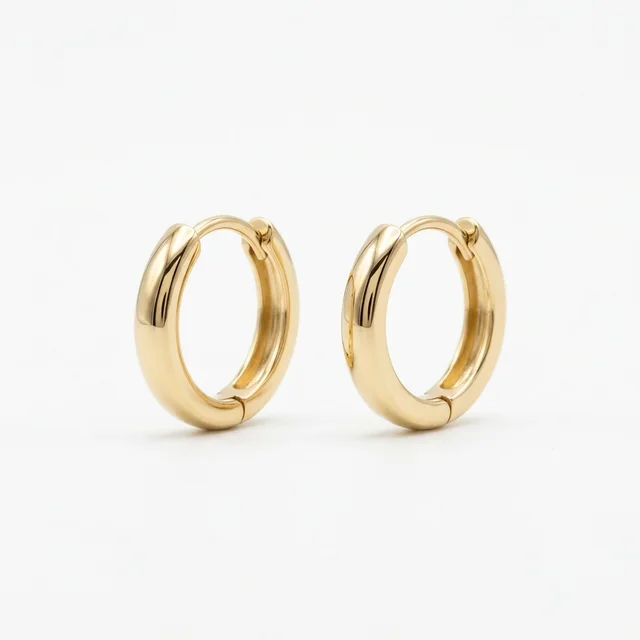
A close earlobe fit for checking subtle polish and everyday wear.

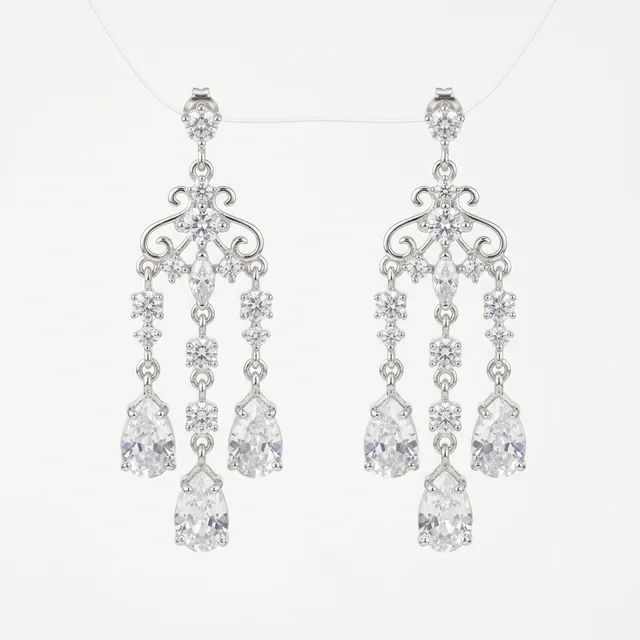
A heavier statement style; inspect jawline balance and shoulder-neck weight.

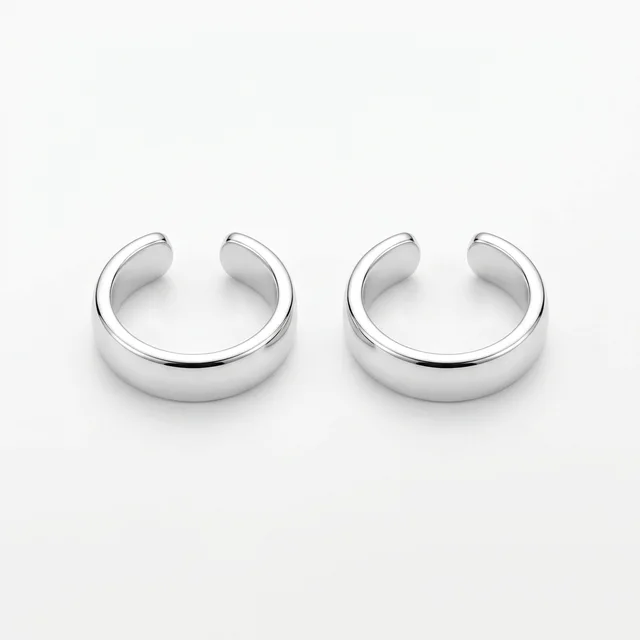
A higher placement for checking hair overlap and cartilage alignment.

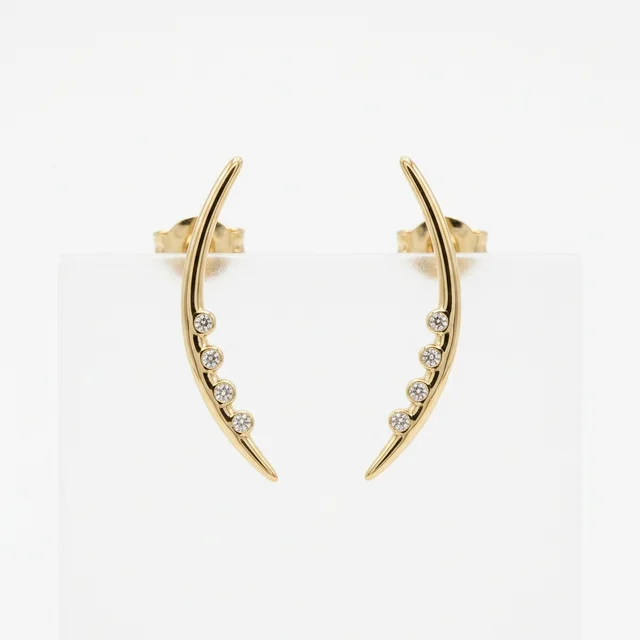
Pieces that climb up the lobe; check that the line follows the ear.

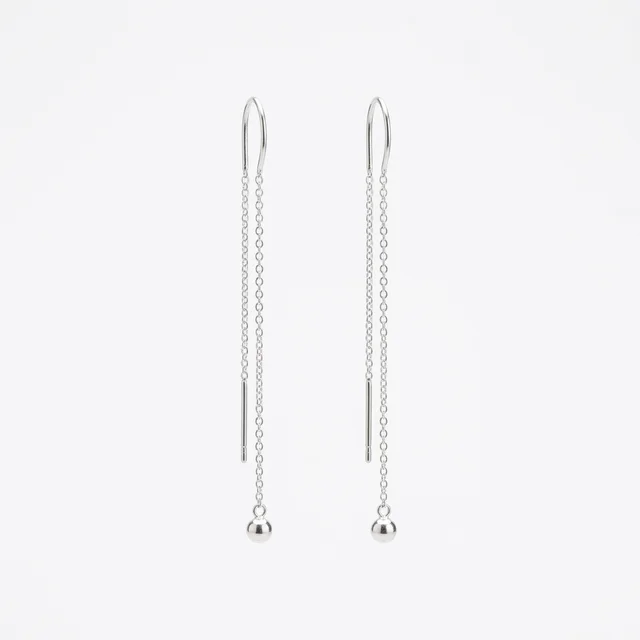
A thin chain threaded through the lobe; check the drape and length.
Method comparison
AI is useful for shortlisting size, face balance, and metal reflection. Confirm material, weight, piercing fit, and returns before buying.
| Factor | AI virtual try-on | In-store fitting | Webcam AR |
|---|---|---|---|
| Speed | Upload, choose earrings, generate; fast for shortlisting shape and size | Requires store fitting, with hygiene and inventory limits | Instant preview, usually limited to prepared brand assets |
| Style range | Can compare studs, hoops, drops, huggies, chandelier, and ear cuffs | Limited by stock, piercing placement, and try-on policy | Depends on prepared 3D earring or filter assets |
| Privacy | Use consented portraits only; avoid IDs or someone else’s selfie | Stores may capture fitting photos or sales notes | Usually needs camera permission and browser tracking |
| Accuracy | Good for scale, reflection, and face balance; not real weight | Physical fitting is best for weight, piercing position, and allergy-safe material | Alignment can be stable, but metal and hair overlap are simplified |
Photo prep
Earring try-on depends on visible ears, balanced angles, and stable metal reflection. Check these four points before uploading.
Both ears and earlobes should be visible. One hidden ear makes symmetry and hanging direction less reliable.
Hair over the earlobes can make studs, hoops, or drops look pasted onto hair.
A straight portrait keeps both earrings level. Strong side angles distort one side.
Metal reflection needs stable light. Backlight or colored light makes earring edges muddy.
Workflow
Use the preview to shortlist shape and size, then confirm material, weight, fastening, and return terms before buying real earrings.
Use an adult, front-facing photo with both ears and earlobes visible.
Pick studs, hoops, drops, huggies, chandelier, ear cuffs, climbers, or threaders so the edit follows a concrete product reference.
The hidden prompt keeps identity, hair, skin tone, and lighting stable while adding earrings to both ears.
Zoom in on earlobe contact, symmetry, metal reflection, hair overlap, and whether each earring hangs naturally.
FAQ
Practical answers about the AI earrings try-on — free use, face preservation, input photos, commercial rights, privacy, retries, and real-world earring fit.
You can try the page for free with the available earring presets. Higher generation volume or account features may follow the normal Inkfox credit and plan rules.
The prompt is written for identity-preserving edits. Use a clear adult portrait and review the result for changes to face shape, hair, skin tone, or expression.
A straight-on portrait with both ears visible, hair pulled back, and soft light works best. Covered ears or strong side angles make symmetry harder.
Use the output only when you have rights to the portrait and earring reference. For ecommerce or ads, verify product accuracy, model releases, brand permissions, and platform rules.
Upload only photos you own or have permission to edit. Do not use the tool for impersonation, deceptive ads, official documents, or edits of someone who has not consented.
Try a cleaner portrait with both ears visible, or regenerate. Hair over the ears is the most common cause of floating or missing earrings.
No. AI Earrings Try On is a visual preview, not a weight, clasp, or allergy check. Confirm material, fastening, comfort, and returns with the seller.
Start with a prompt or reference, compare models, and save the best result to history. Upgrade when you need cleaner exports, stronger models, or more production volume.