
Is the AI emoji generator free?
Yes. Describe an emoji, pick a style, and generate with the free base model. Sign in to keep results in history and remove the export watermark.
AI Emoji Generator
Describe a custom emoji, pick a style, and the AI emoji generator generates a square, readable reaction icon for Discord, Slack, live chat, or sticker packs.
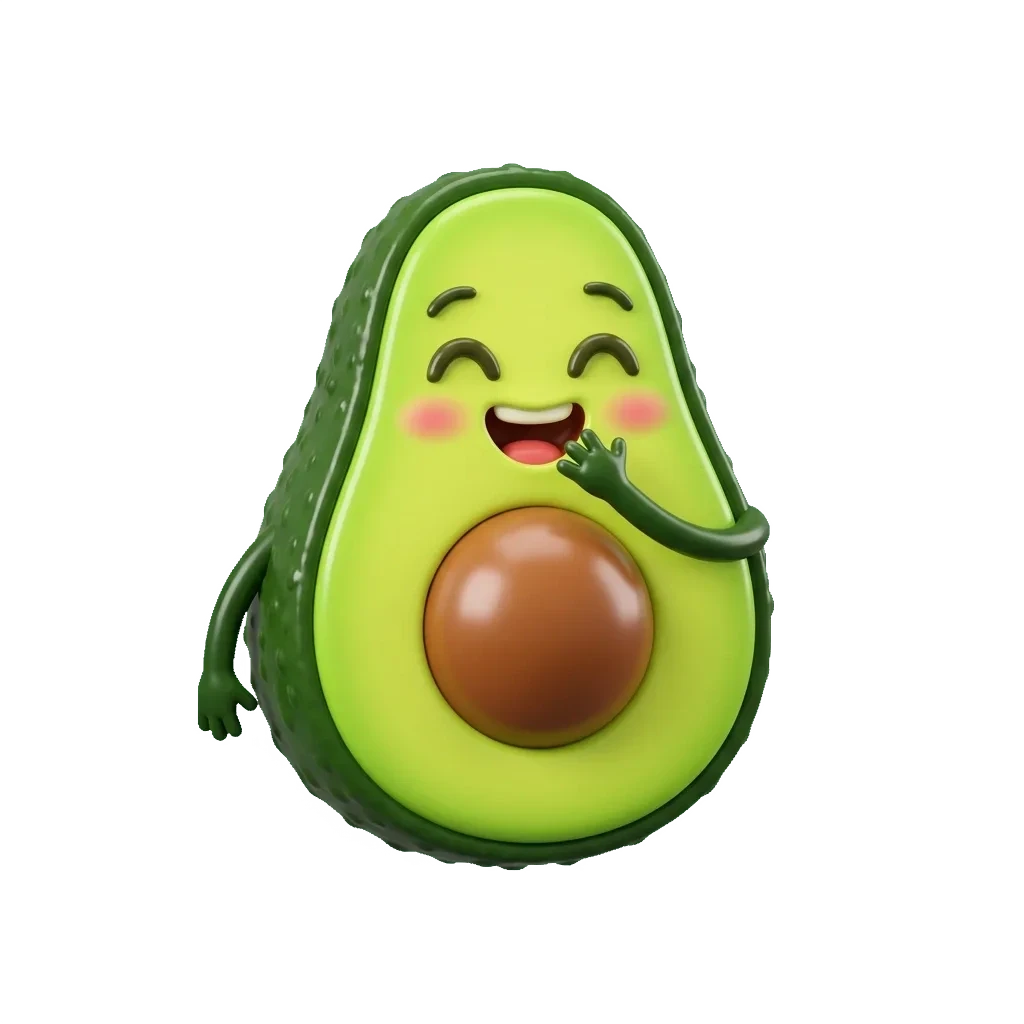

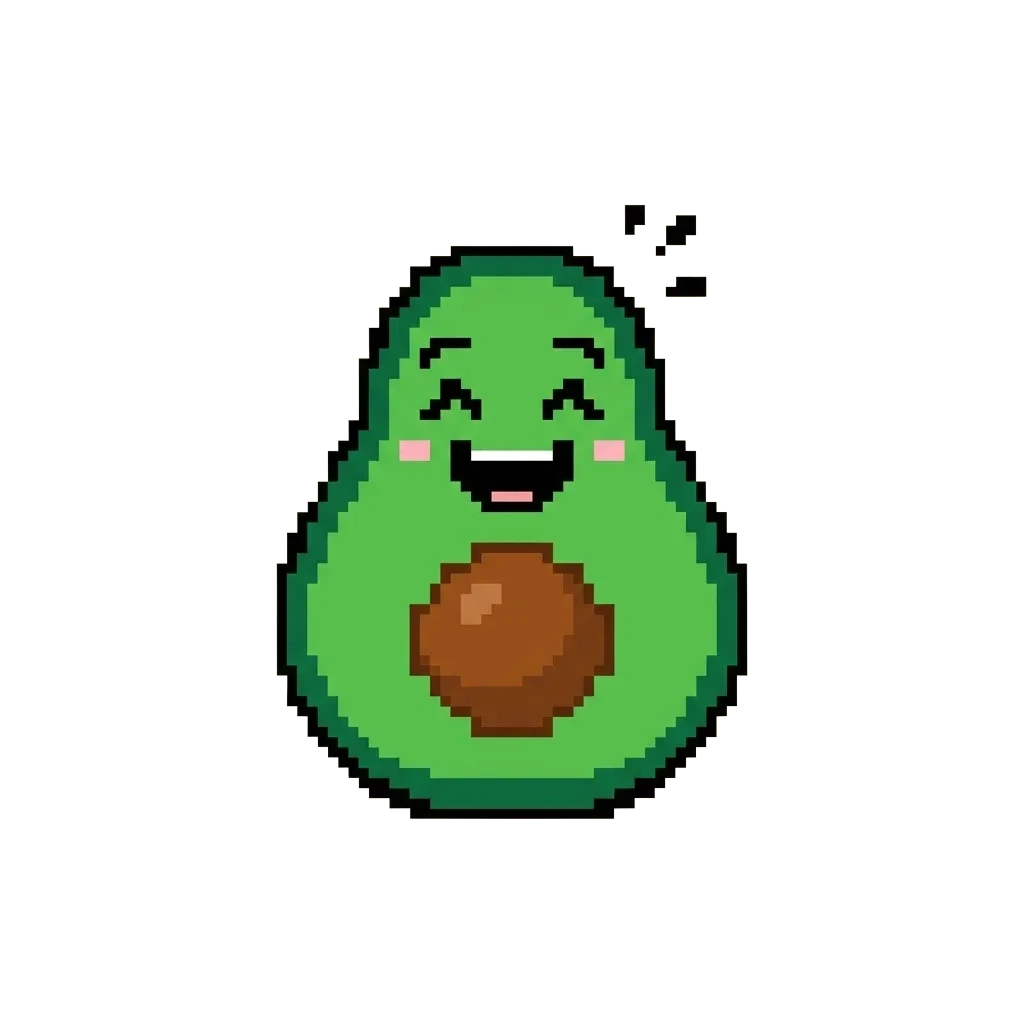
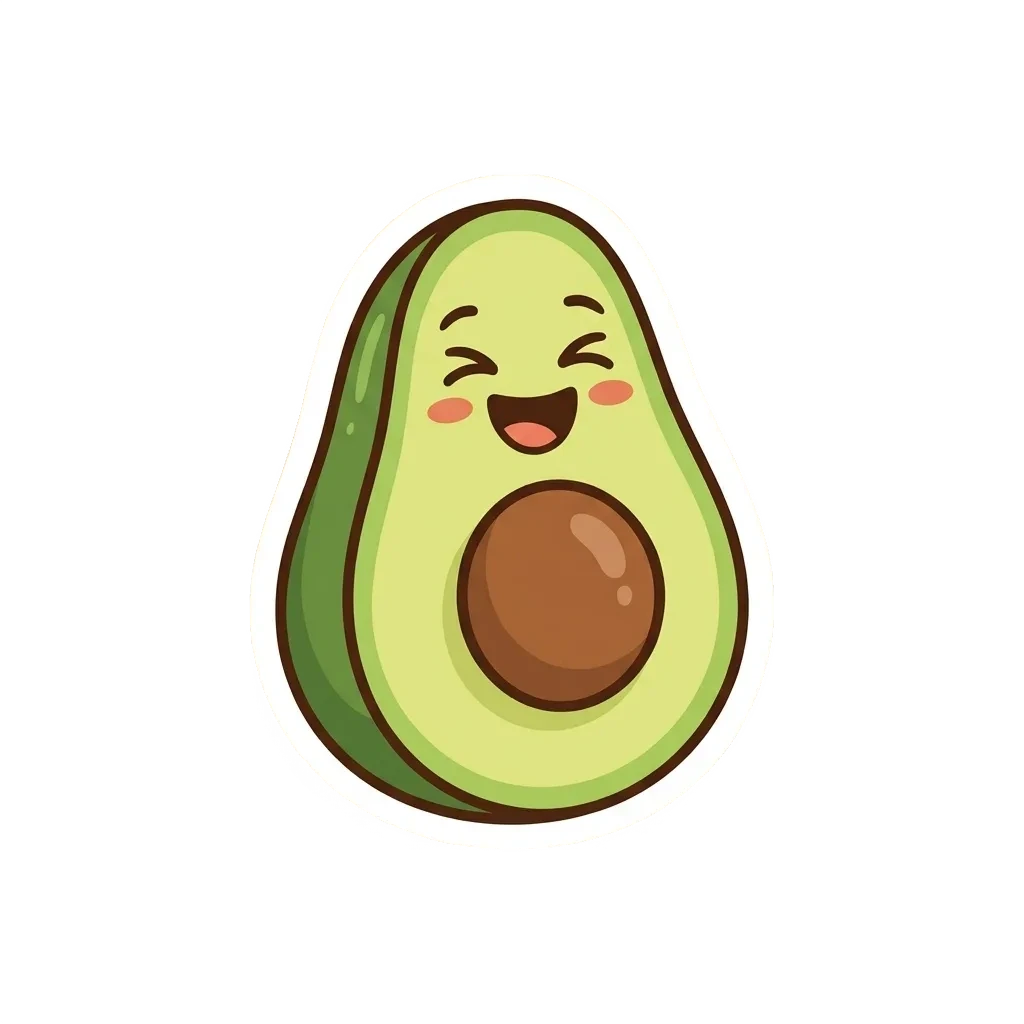
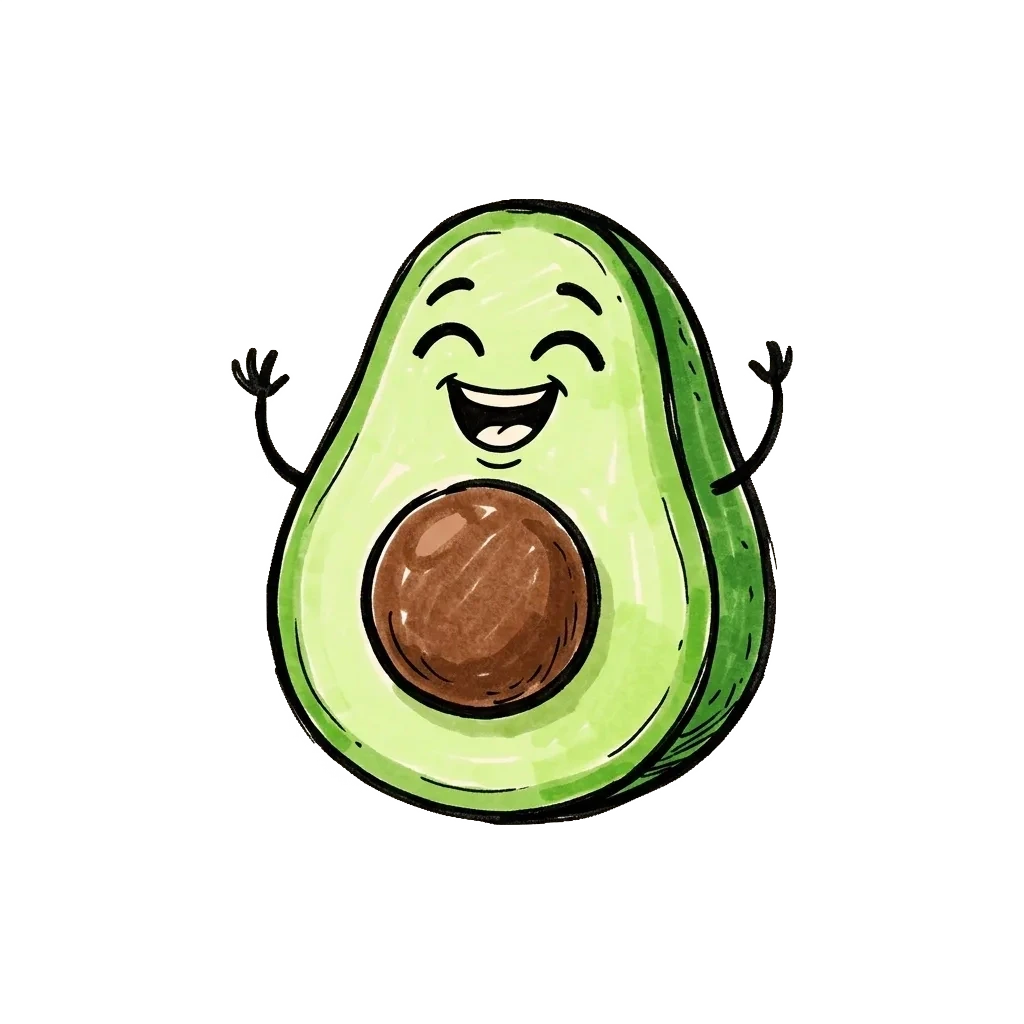
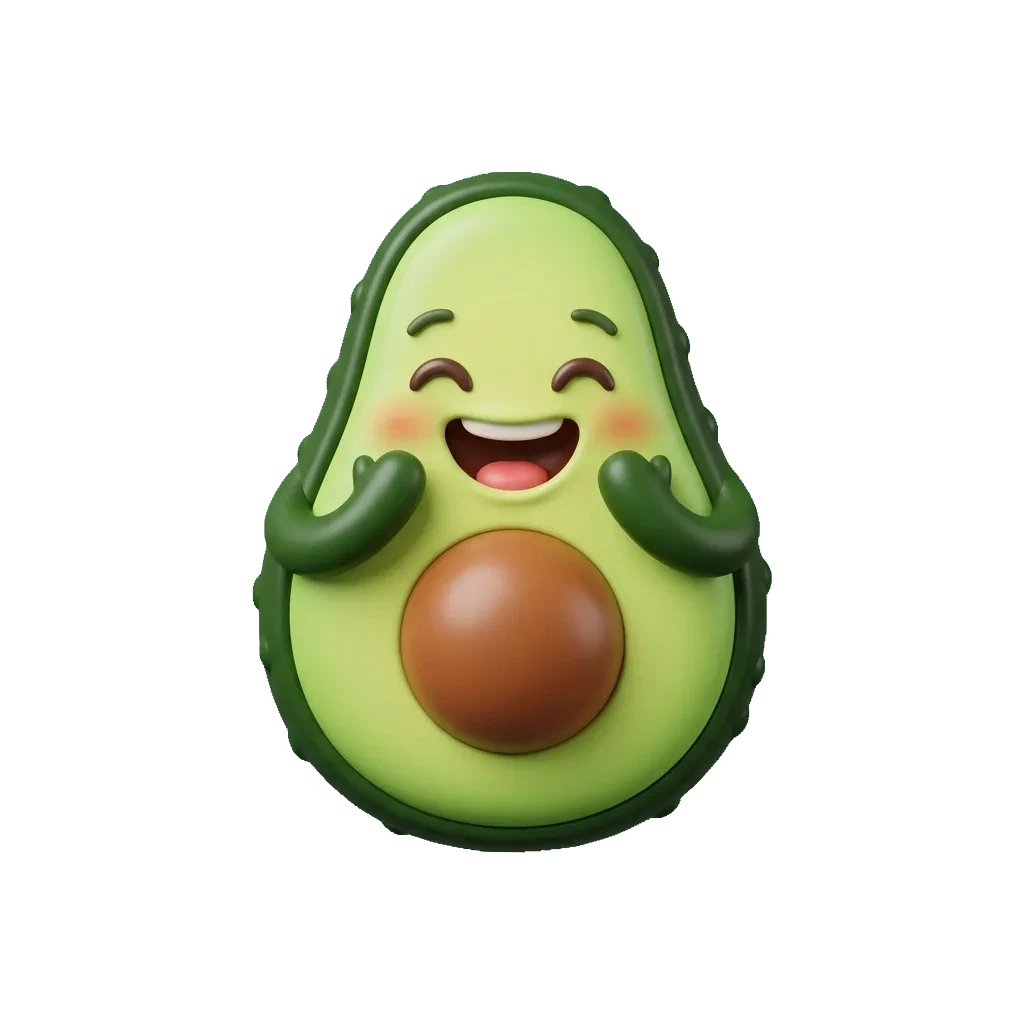

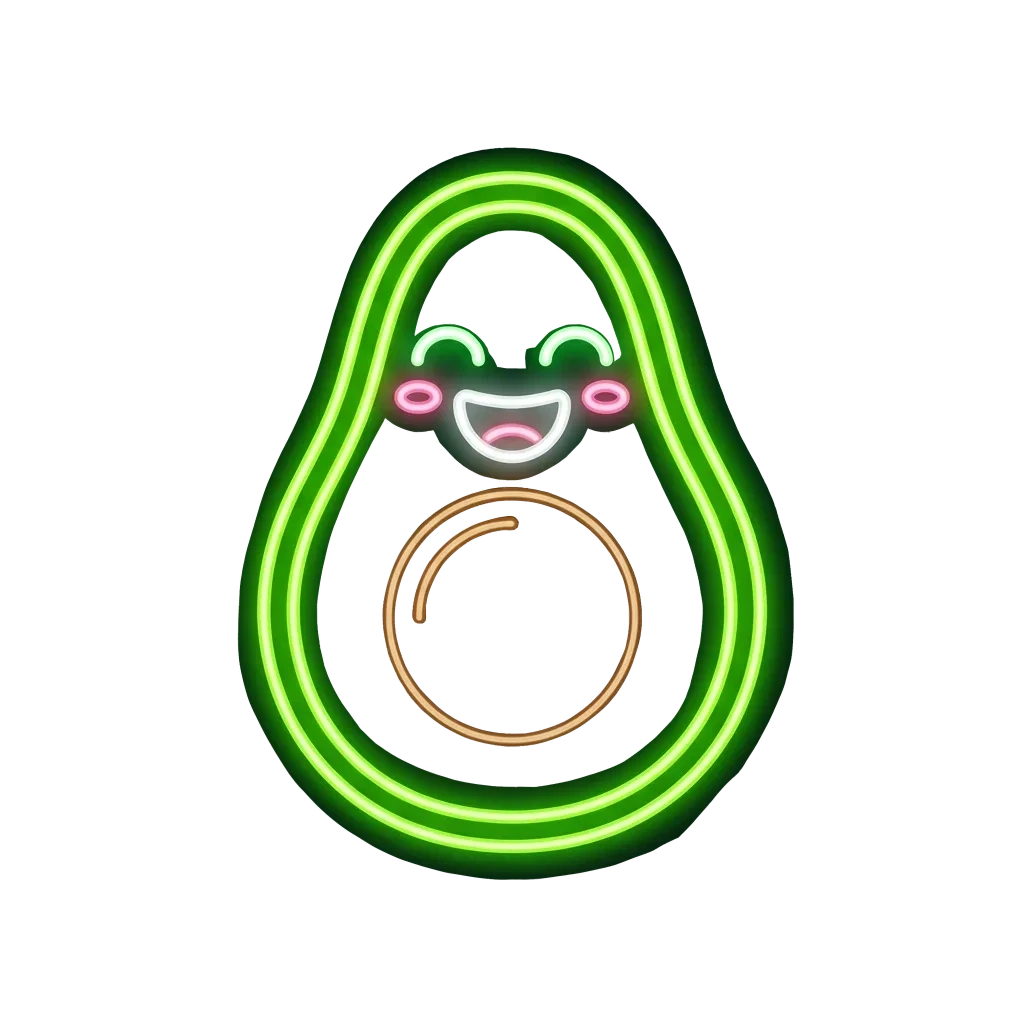
Emoji styles
Custom emoji need strong silhouettes and instant meaning. Compare glossy 3D, flat, pixel, sticker, hand-drawn, and Memoji-style directions before picking one.
3D glossy
Rounded highlights and polished volume for playful reactions.
Flat
Simple shapes and clean color blocks for tiny UI sizes.
Pixel
Retro grid charm with a crisp small-size silhouette.
Sticker outline
Thick white border and expressive sticker-pack presence.
Hand-drawn
Loose lines and imperfect charm for friendlier communities.
Memoji-style
Character-like emoji with rounded features and clean lighting.
Kawaii
Cute rounded proportions with friendly color and simple emotion.
Neon
Bright glow and high contrast for energetic community reactions.
Where it fits
Emoji travel through tiny spaces: chat lists, reaction menus, live overlays, and sticker grids. The right style makes the joke land quickly.
Discord and Slack emoji
Create custom emotes for inside jokes, team rituals, and community reactions.
Chat reactions
Turn a mood or object into a readable reaction icon for fast conversations.
Stream alerts
Make expressive emotes for live chat, subscriber moments, and event overlays.
Sticker packs
Explore a family of square icons before exporting a consistent pack.
Style gallery
A good emoji reads fast, even when it is tiny. Use the gallery to compare silhouette, color, outline, and expression before exporting.
Eight style examples from one prompt. Pick the direction that stays readable when scaled down.
Respect platform and content rules.
Custom emoji still need rights and moderation judgment. Avoid copyrighted characters, private likenesses, harassment, and content that violates Discord, Slack, or streaming-platform policies.
FAQ
Practical answers about the AI emoji generator — custom emoji prompts, platform rules, small-size readability, exports, and copyright.
Yes. Describe an emoji, pick a style, and generate with the free base model. Sign in to keep results in history and remove the export watermark.
Describe one clear subject and emotion, such as “a laughing avocado,” “a sleepy robot,” or “a thumbs-up coffee cup.”
Yes. The styles are designed for custom community emoji and chat reactions. Check each platform’s file size, format, and content rules before uploading.
This is a text-driven custom emoji maker. Comparing focused style examples is more useful than showing an edited input image.
Use one main subject, strong silhouette, bold colors, and enough spacing. Avoid long words, complex scenes, and tiny background objects.
Only use names, characters, logos, or likenesses you have rights to use. Follow the rules of the platform where the emoji will be uploaded.
Yes. Use the same style and a consistent subject family, then generate several emotions or poses for a cohesive set.
Start with a prompt or reference, compare models, and save the best result to history. Upgrade when you need cleaner exports, stronger models, or more production volume.