
Upload your product photo
Add a JPG, PNG, or WebP snapshot of your item. Natural ambient light and a visible product outline give the cleanest result.
AI Etsy Listing Photo
Upload a quick phone snapshot of your handmade product and get a warm, styled Etsy lifestyle photo in one click — the item, its texture, and its colors stay exactly the same.
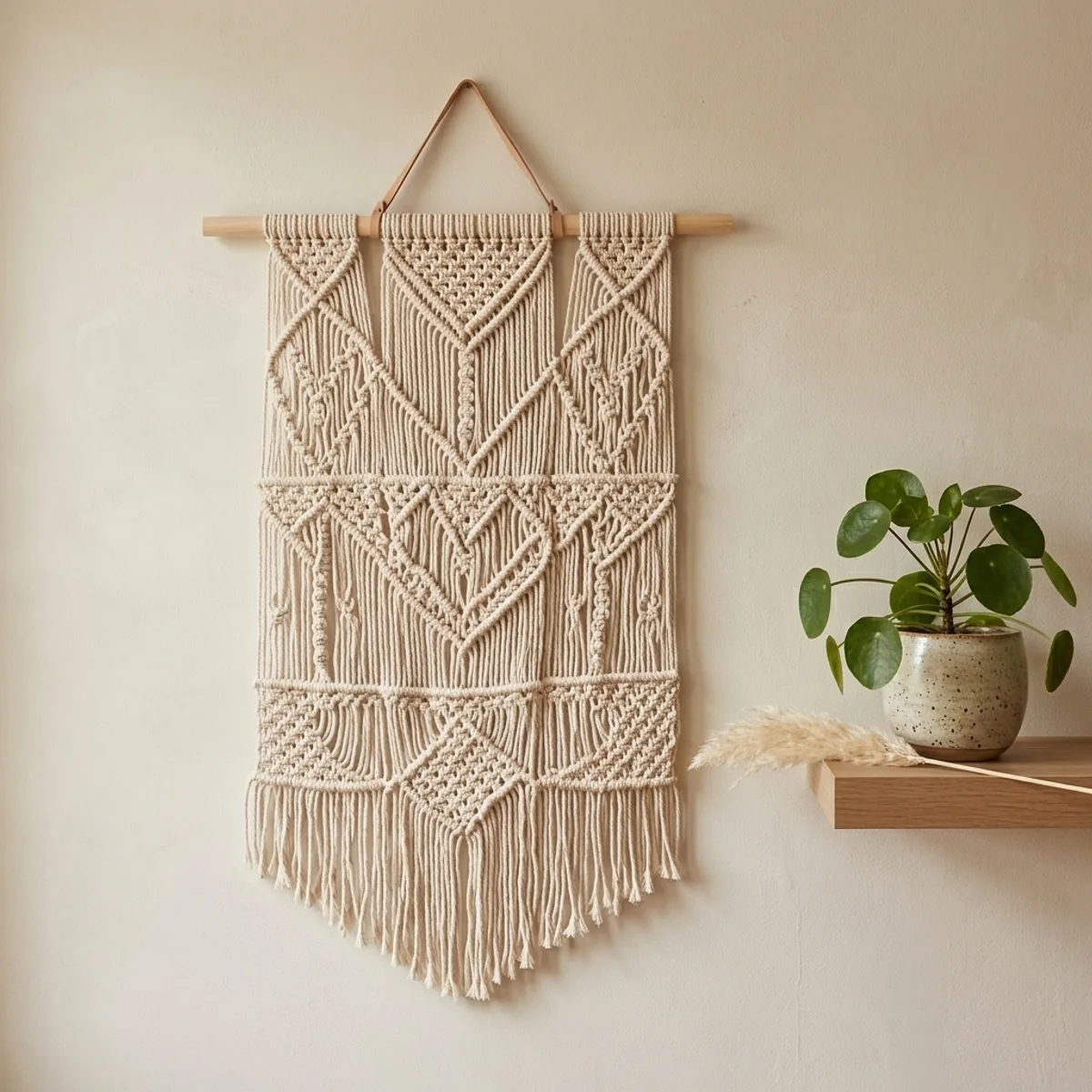
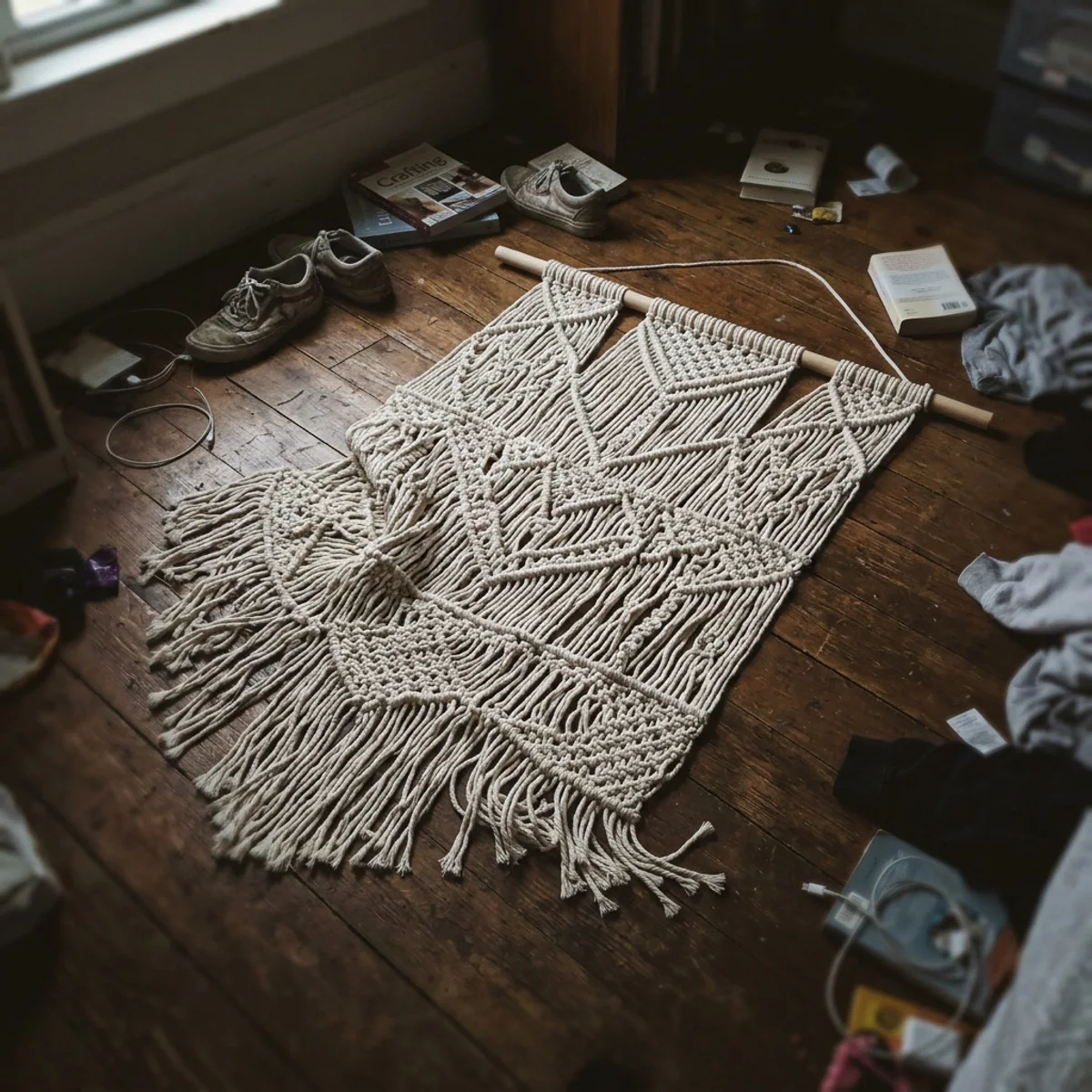
Examples
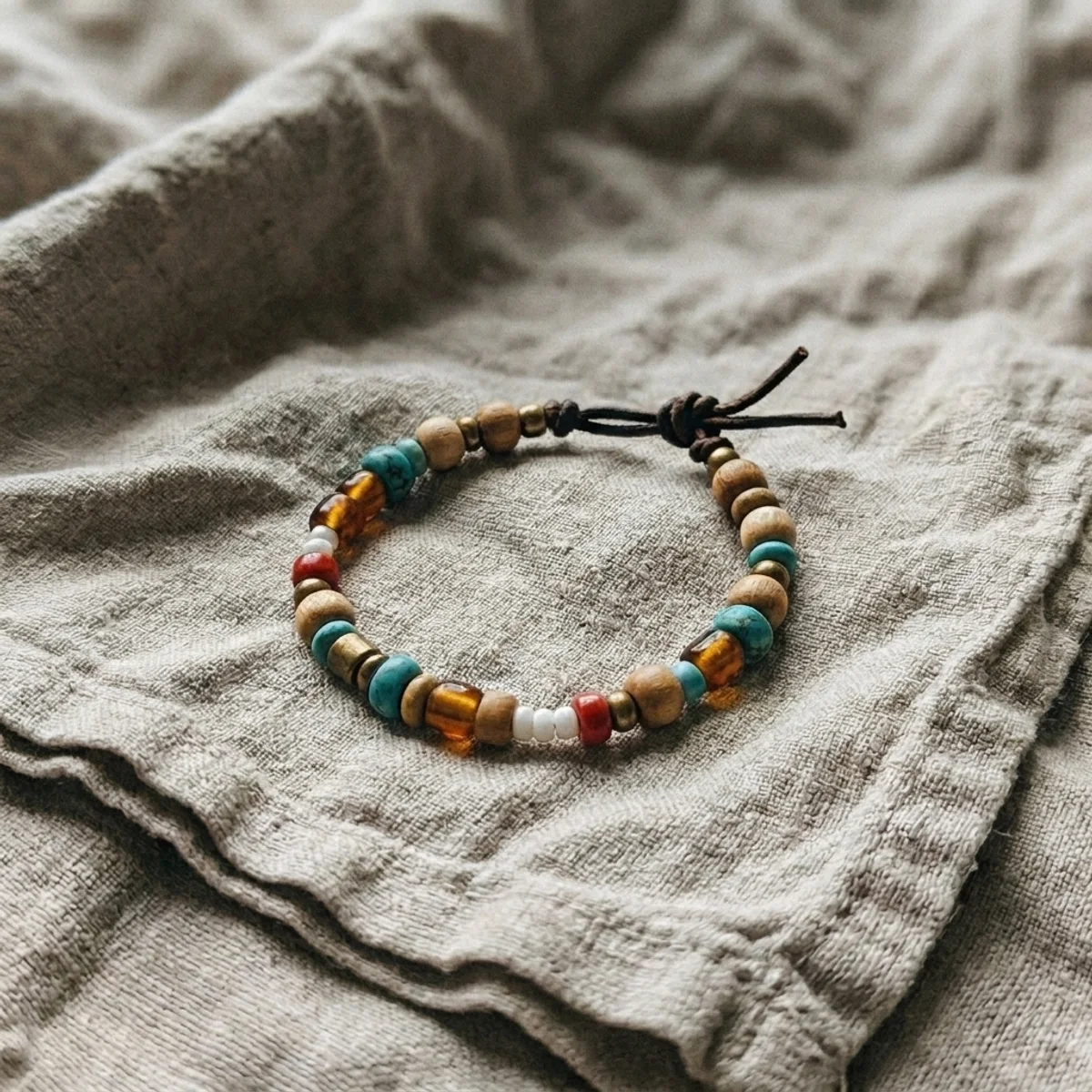
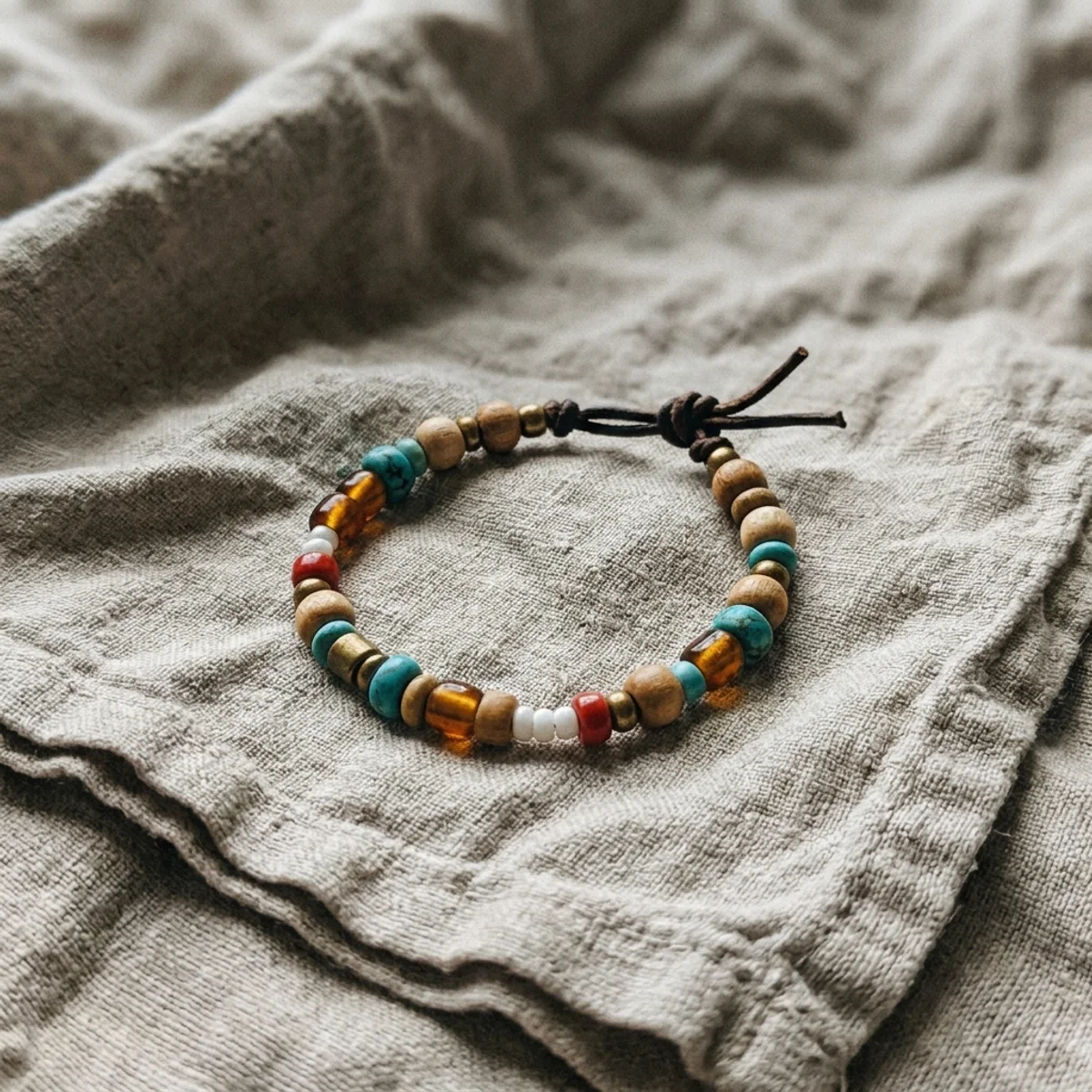
Macrame, candles, jewelry — drag each slider to see a raw product snapshot become a warm, styled Etsy lifestyle photo. Same item, brand-new setting.
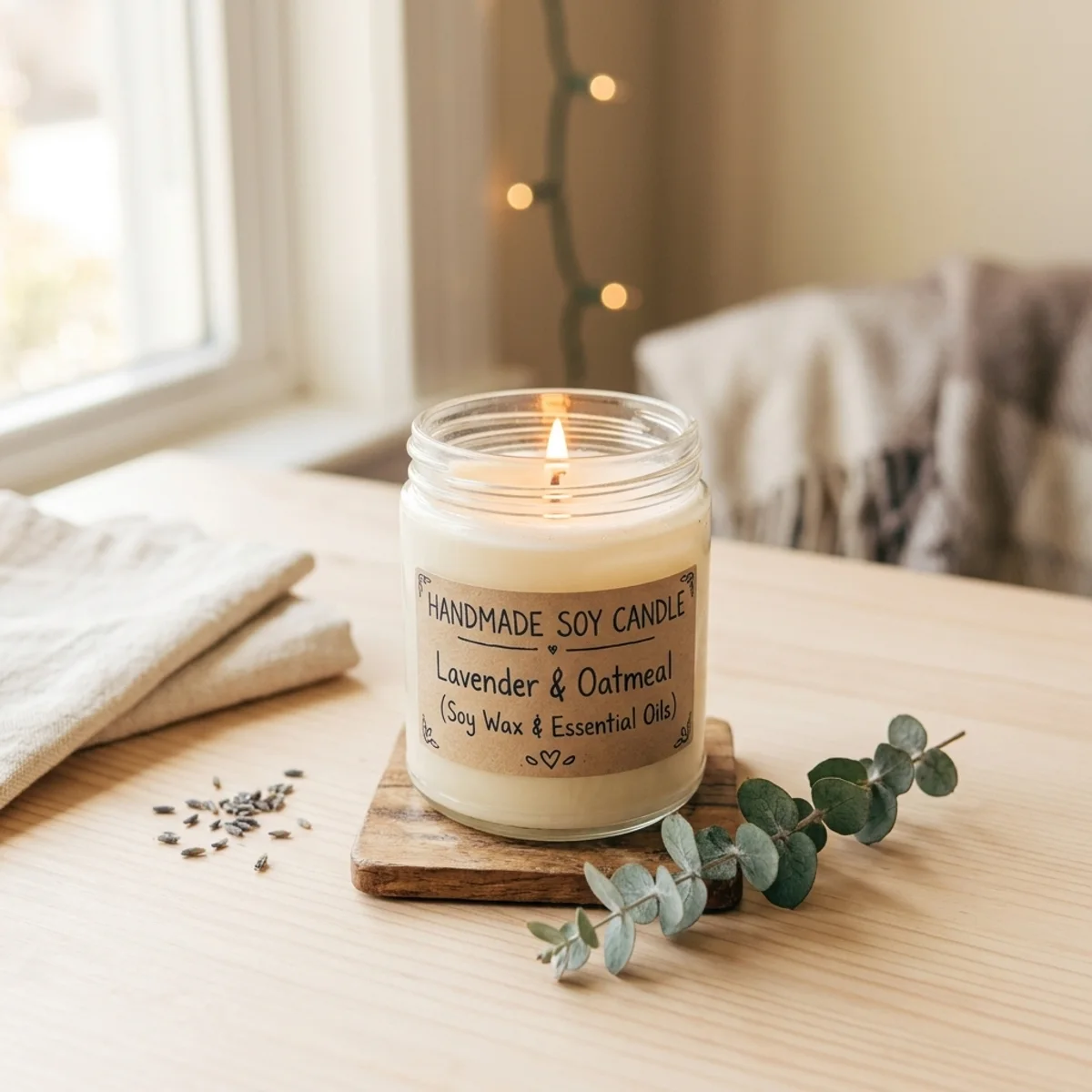
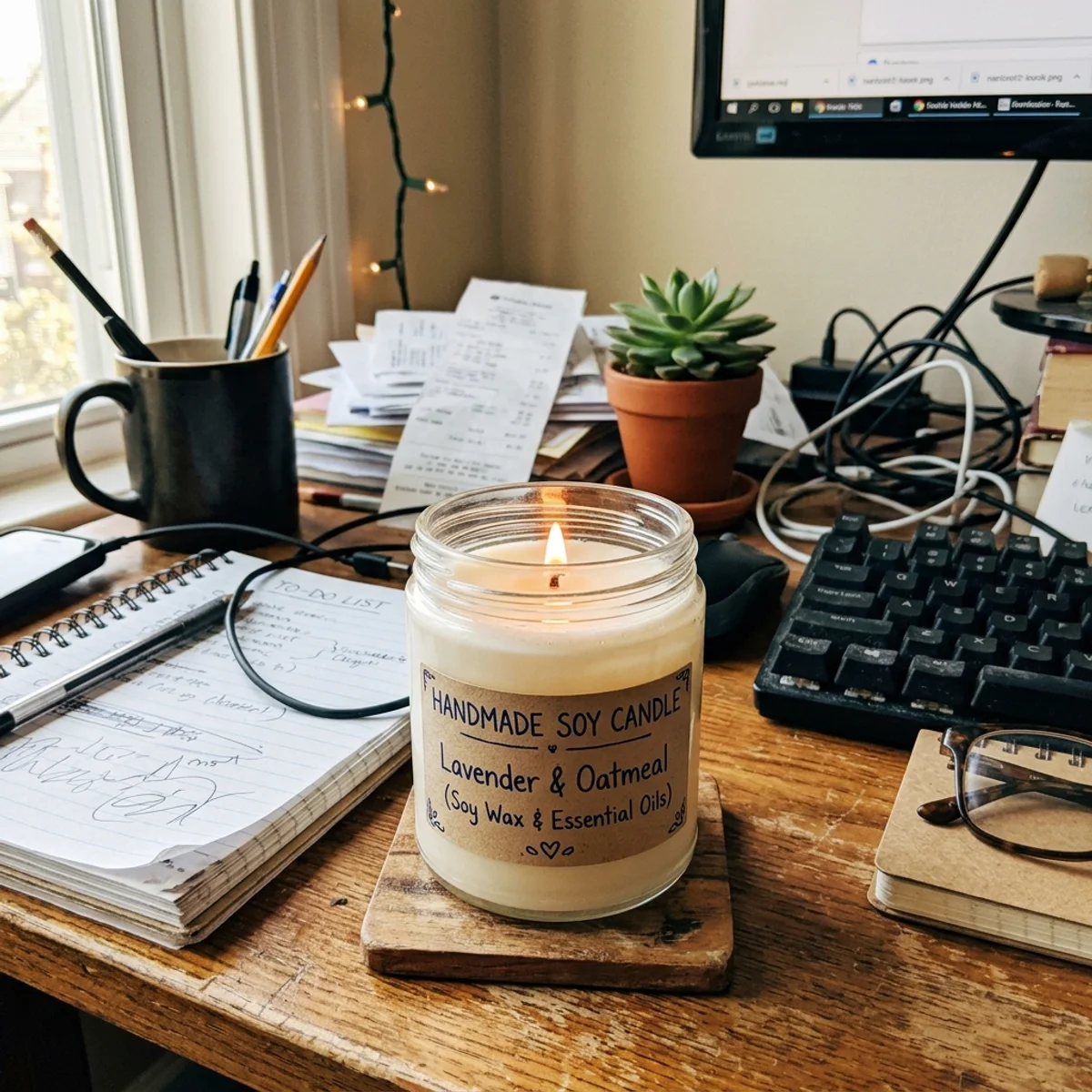
Why it looks like the real thing
A listing photo only works if it accurately represents what the buyer will receive. The model rebuilds the background and styling while leaving the handmade item itself completely untouched.
Every stitch, knot, glaze mark, and charm is kept as-is. Only the setting around it changes — the product itself is never altered or smoothed out.
Linen weave, wax finish, clay grain — tactile details that convince buyers the item is worth buying are preserved in full.
The exact dye lot, glaze tone, and thread color from the original photo are carried over so listings accurately represent what the buyer will receive.
Workflow
Upload, style, and review — then drop the result straight into your Etsy listing.
Add a JPG, PNG, or WebP snapshot of your item. Natural ambient light and a visible product outline give the cleanest result.
The model removes the original background and rebuilds the scene as a warm, styled lifestyle photo with soft light and a cozy prop.
Zoom in to check that colors, textures, and any printed design on the item look exactly as in the original. Run a second pass if needed.
Sign in to save results to your history and remove the export watermark, then upload directly to your Etsy shop.
Use cases
Use the AI etsy listing photo generator to turn a raw product snapshot into a styled listing photo — then verify before you publish.
Give candles, ceramics, macrame, knitwear, and jewelry the warm lifestyle backdrop they deserve without renting a studio or buying props.
Clean up a thrift-store snapshot and place a vintage find on a tasteful neutral surface so buyers can focus on the piece itself.
Re-context a flat POD mockup into a cozy lifestyle scene that feels handmade and personal rather than mass-produced.
Repurpose the styled listing photo directly for Pinterest boards, Instagram posts, and shop announcements without an extra shoot.
FAQ
Practical answers about the AI etsy listing photo generator — product accuracy, Etsy guidelines, and getting a clean styled result.
Yes. Upload a product photo and get a styled lifestyle result with the free base model. Sign in to keep results in your history and remove the export watermark from your downloads.
No. The model is instructed to keep the handmade item, its texture, colors, and details exactly the same. Only the setting — the background, surface, and props — is rebuilt in a warm Etsy aesthetic.
Jewelry, candles, ceramics, macrame, knitwear, stationery, and other small handmade items photograph best when the item has a clear outline and good ambient light. Avoid very dark or highly reflective objects for the cleanest result.
The output is a high-quality styled JPEG or PNG that fits Etsy's recommended square or portrait ratio. Always review the final image yourself before listing — AI can occasionally add or remove small props unexpectedly.
It works well for POD items too — t-shirts, mugs, tote bags, and phone cases. Upload a flat-lay or mockup and the model re-contexts it into a lifestyle scene. Check that any printed design remains legible after styling.
Yes, as long as you review it first. Check that the product details, colors, and any text or design on the item are accurate before publishing. Minor touch-ups in a free editor can fix any small artifacts.
Start with a prompt or reference, compare models, and save the best result to history. Upgrade when you need cleaner exports, stronger models, or more production volume.