
01
Round
Try first
Baseball caps, shallow fedoras, or slightly angled brims
Be careful with
Tight beanies or round crowns with very narrow brims
Why it works
A little brim angle and crown height lengthen the face without adding roundness.
AI Virtual Try On Hat
Use this AI virtual hat try-on to preview hats, caps, and beanies on your photo before you buy or style a shoot. Upload a front-facing portrait, choose a hat reference, and preview realistic brim angle, crown height, hairline edges, and face shadows.

Hat fit guide
Use AI try-on to narrow the hat shape first. Then compare brim angle, hairline edges, and shadows on your own portrait.
Try first
Baseball caps, shallow fedoras, or slightly angled brims
Be careful with
Tight beanies or round crowns with very narrow brims
Why it works
A little brim angle and crown height lengthen the face without adding roundness.
Try first
Soft bucket hats, beanies, or wide-brim hats
Be careful with
Rigid flat brims or boxy tall crowns
Why it works
Softer curves ease a strong jawline, while less rigid brims feel more balanced.
Try first
Most hats work; start with baseball caps, fedoras, or wide brims
Be careful with
Statement brims that run much wider than the shoulders
Why it works
Oval faces are flexible; crown height and brim width are the main checks.
Try first
Beanies, bucket hats, or low-profile baseball caps
Be careful with
Very wide stiff brims or dramatic tall crowns
Why it works
A lighter upper silhouette keeps a broader forehead from feeling crowded.
Try first
Wide brims, bucket hats, or low-crown baseball caps
Be careful with
Tall-crown fedoras or cowboy hats with strong vertical lift
Why it works
Horizontal brim width balances length; tall crowns make the face read longer.
Try-on examples
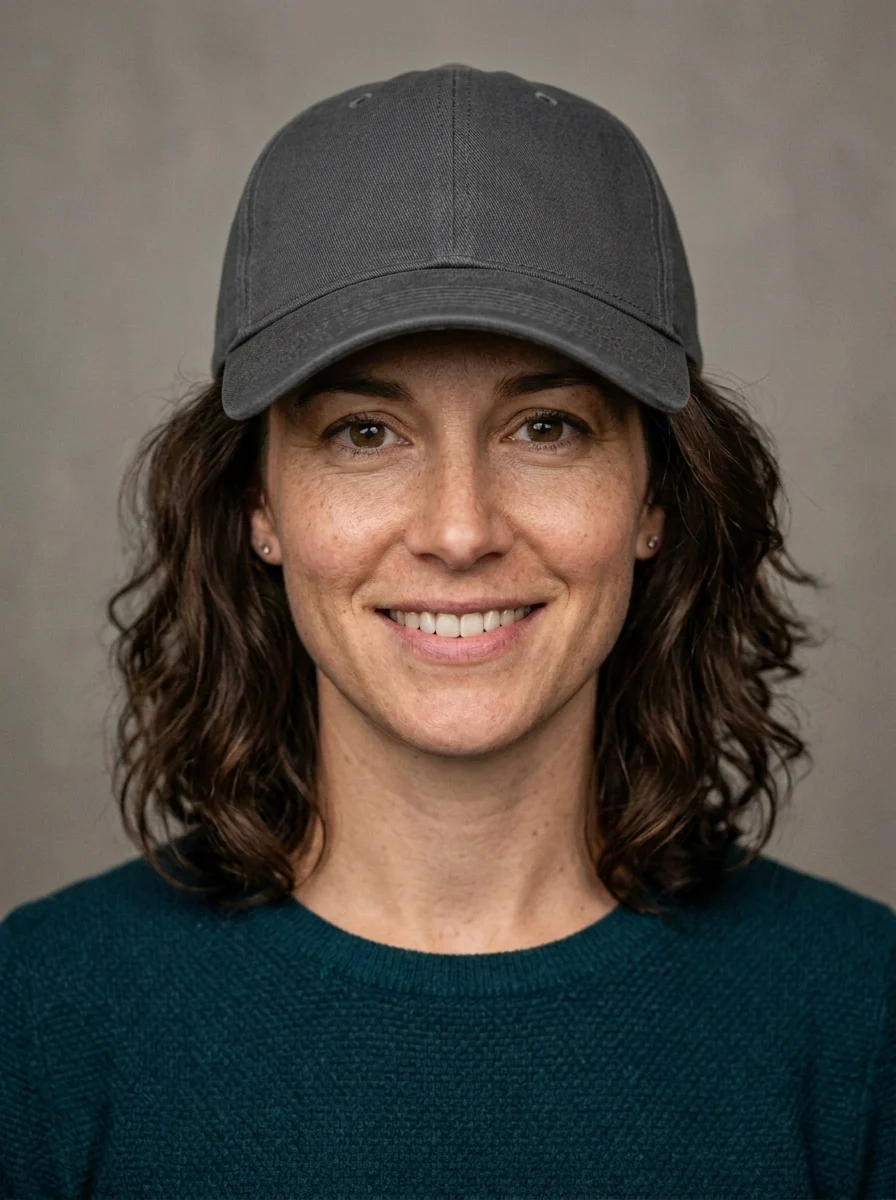
Start with one before-and-after, then compare brim, crown, and shadow differences across six hat styles.
Upload to result
Check brim angle, hairline edges, crown proportion, and whether the face shadows still feel natural.
Same face, every hat style
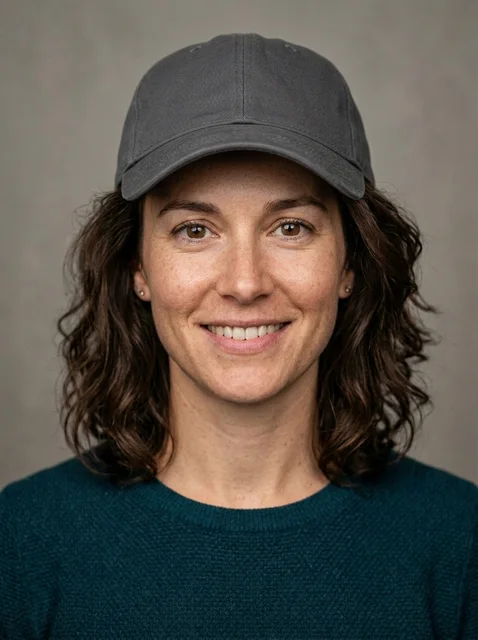
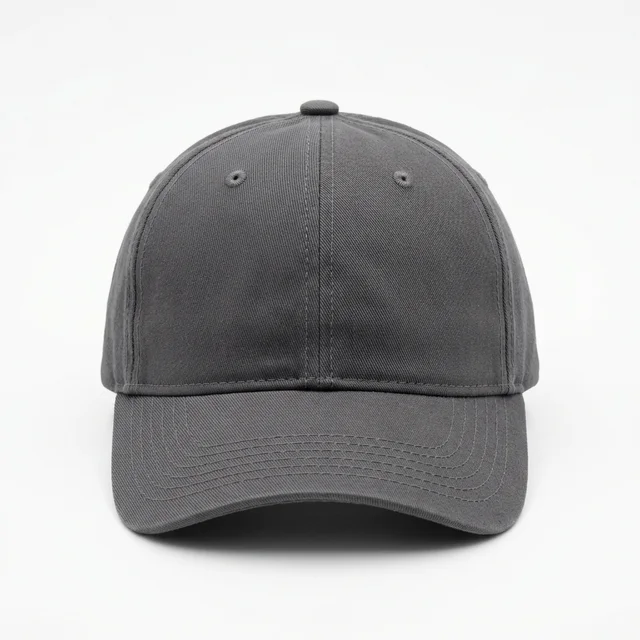
The easiest everyday test for brim length, forehead coverage, and casual proportion.
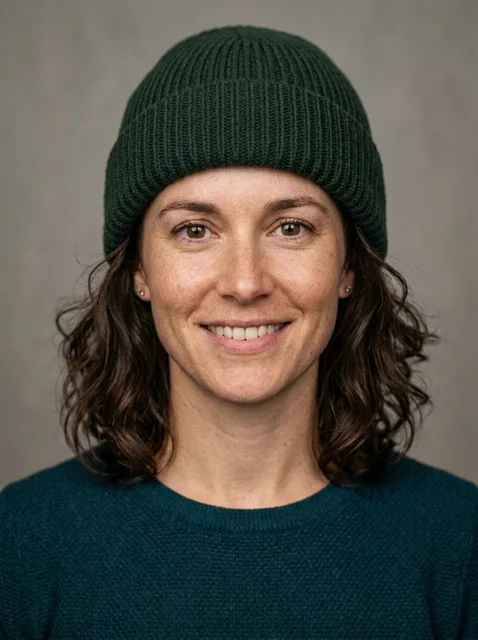
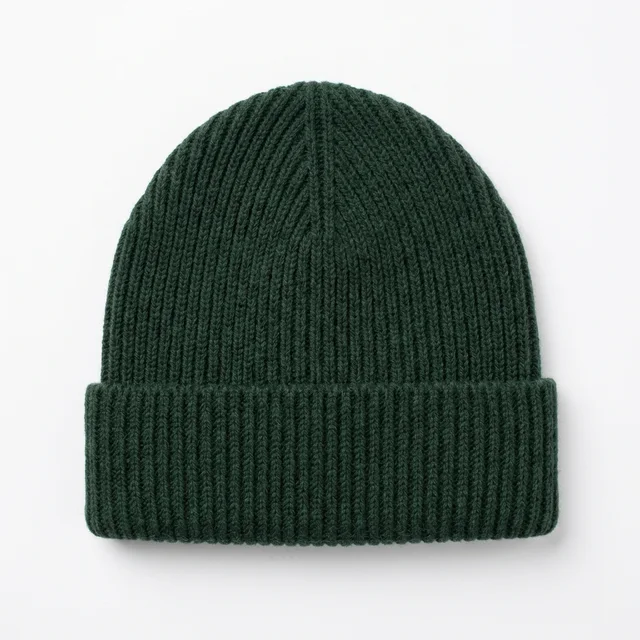
A close-to-head fit for checking face length, hairline edges, and winter portrait mood.
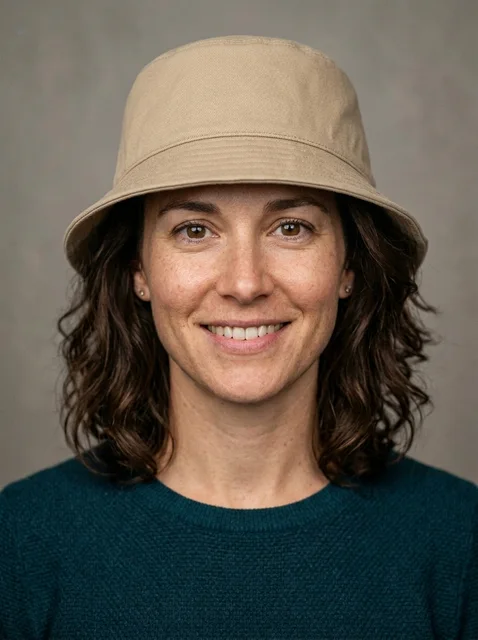
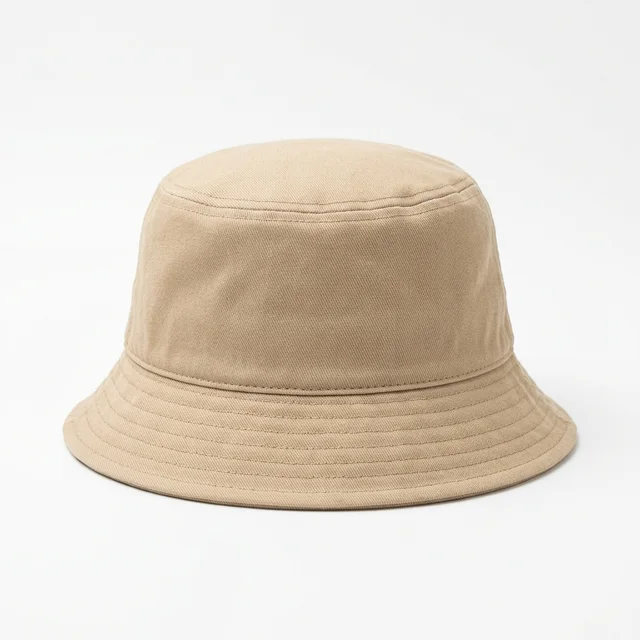
The soft brim changes cheek shadows, useful for streetwear and vacation styling.

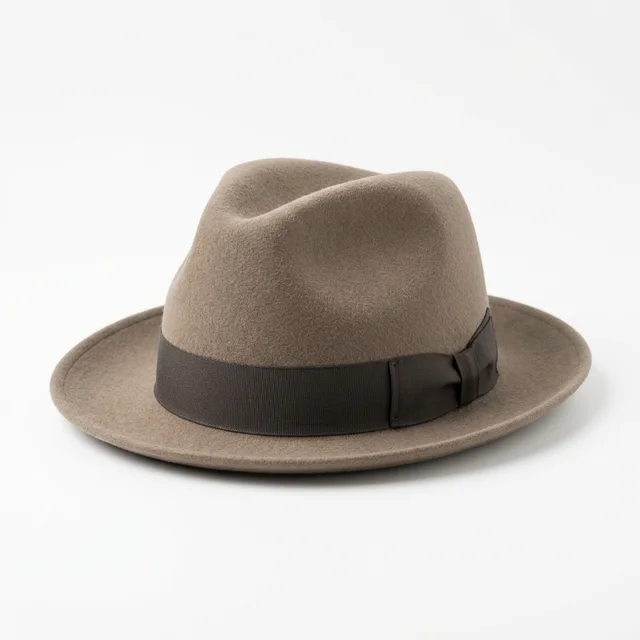
A more structured crown and brim for judging retro, workday, or travel looks.
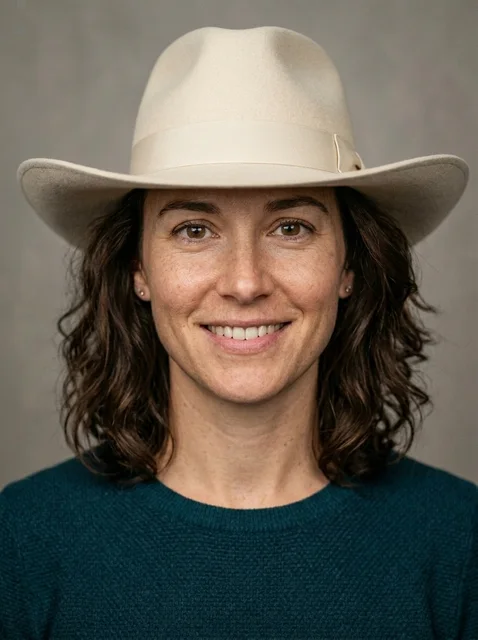
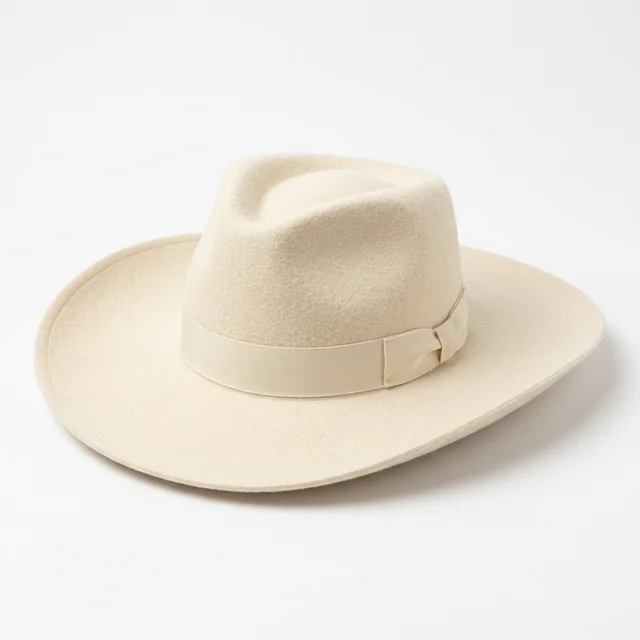
A stronger silhouette; inspect whether the brim overwhelms the face or hides the eyes.
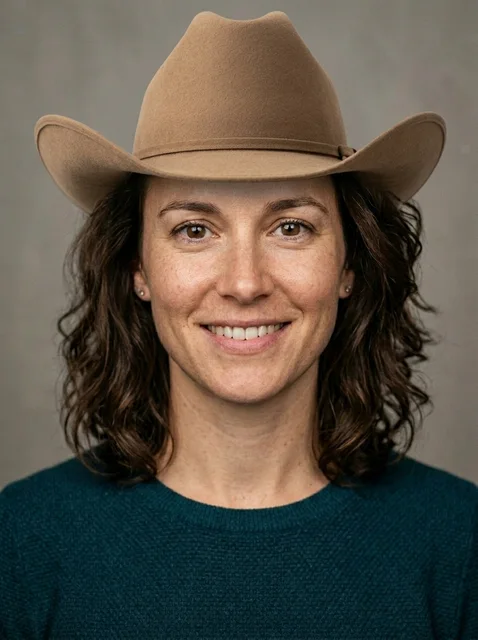
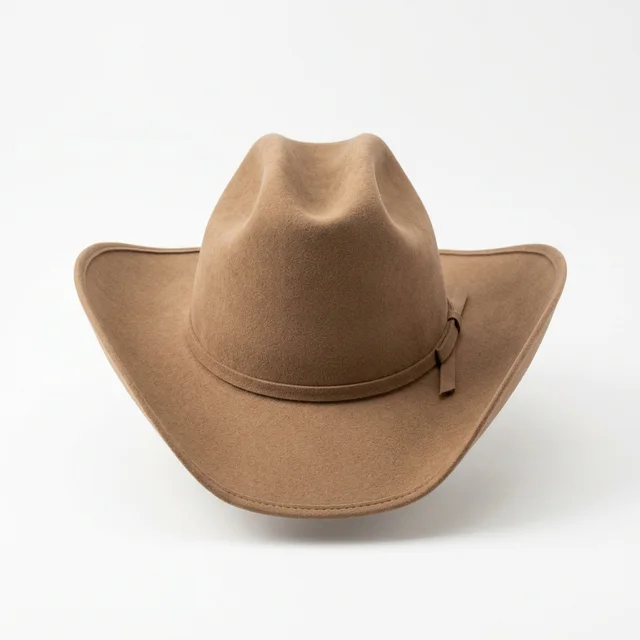
A taller crown and lifted brim for testing whether a themed look still sits naturally.
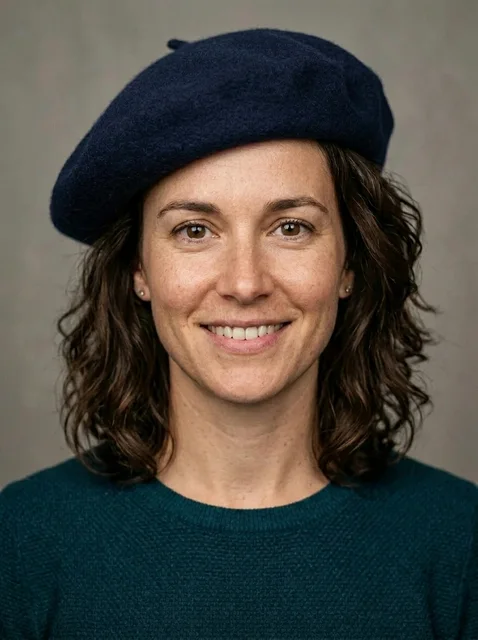
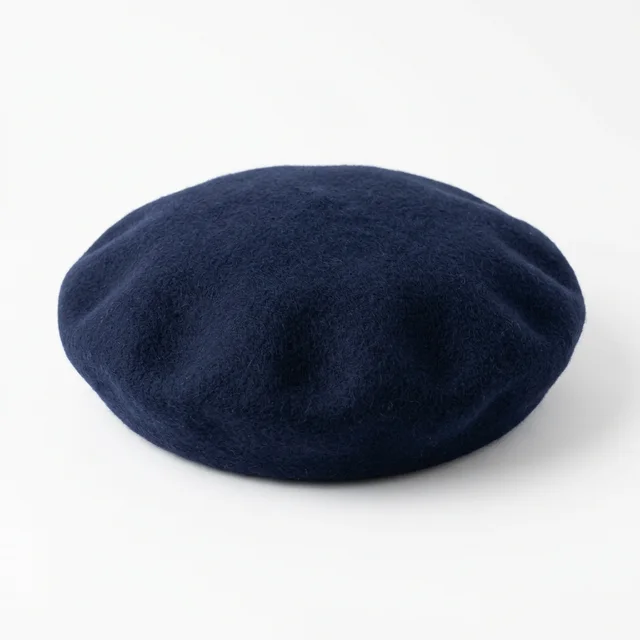
A soft brimless cap worn at an angle; check the crown folds and tilt.
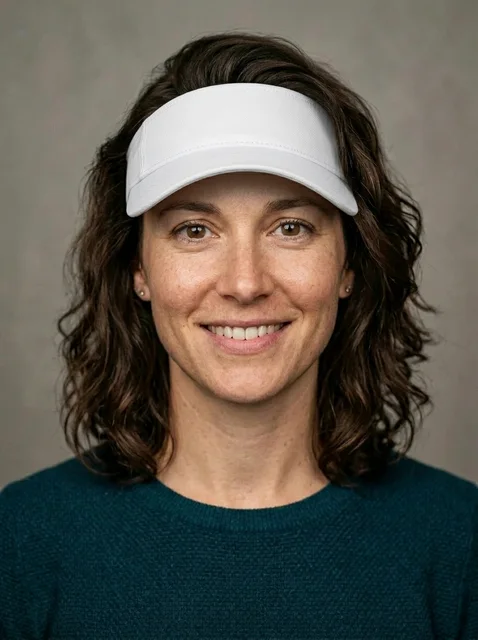
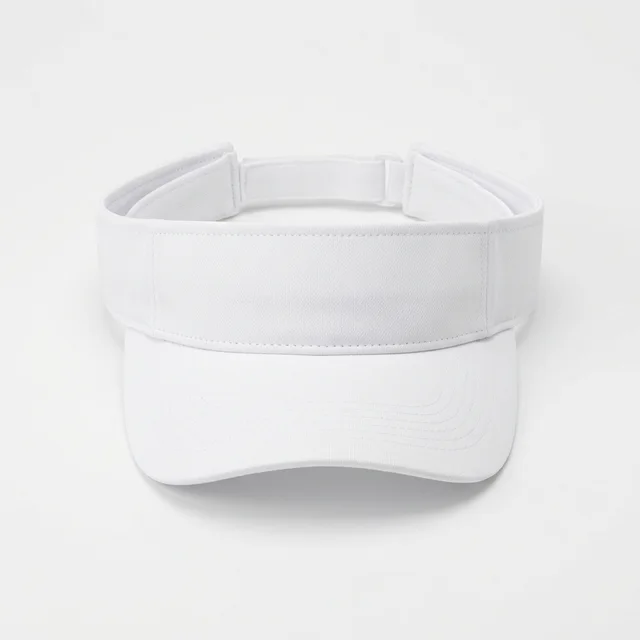
A brim-only open-top cap; check the forehead shadow and how the hairline reads.
Method comparison
AI is useful for shortlisting silhouette, proportion, and portrait presentation. Confirm head size, material, fit, and returns before buying.
| Factor | AI virtual try-on | In-store fitting | Webcam AR |
|---|---|---|---|
| Speed | Upload, choose a hat, generate; good for ruling out weak silhouettes in minutes | Requires store visits, changing styles, and available sizes | Instant preview, usually limited to the brand catalog |
| Style range | Can compare caps, beanies, buckets, fedoras, wide brims, or themed hats from references | Limited by store inventory, colors, and head-size availability | Depends on prepared 3D hat models or AR assets |
| Privacy | Use only consented portraits; avoid IDs, children, or someone else’s selfie | In-store try-ons may be recorded or photographed depending on store policy | Usually needs camera permission, with privacy tied to the browser and retailer |
| Accuracy | Good for brim width, crown height, and portrait mood; not real head sizing | Physical fitting is best for head size, tightness, material weight, and comfort | Alignment can be stable, but material stiffness, sizing, and pressure marks are simplified |
Photo prep
Hat try-on depends on the forehead, hairline, and top of the head. Check these four points before uploading.
Keep the face outline, forehead, and top of the head visible. Side angles make brim angle and head proportion less reliable.
Bangs or existing headwear hide the forehead, making it harder to place the hat naturally.
Backlight eats into hair and brim edges. Soft front light gives the model better contact shadows.
Close wide-angle selfies enlarge the forehead and nose, which makes brim width harder to judge. Step back for a cleaner fit.
Workflow
Use the virtual try on hat preview for styling direction, then confirm head size, material, and return policies before buying a real hat.
Use an adult, front-facing photo where the forehead, hairline, head outline, and face are visible.
Pick a baseball cap, beanie, bucket hat, fedora, wide-brim hat, cowboy hat, beret, or visor so the edit follows a concrete reference.
The hidden prompt asks the model to keep identity, expression, skin texture, lighting, and hairline edges stable.
Zoom in on brim angle, crown height, forehead contact, hairline edges, and shadows before saving the result.
FAQ
Practical answers about the AI virtual try on hat generator — free use, face preservation, input photos, commercial rights, privacy, retries, and real-world hat sizing.
You can try the page for free with the available hat presets. Some advanced generation volume, higher limits, or account features may follow the normal Inkfox credit and plan rules.
The preset prompt is written for identity-preserving edits. Use a clear adult portrait and review the result for changes to face shape, expression, skin texture, or hairline before using it.
A straight-on portrait with even light, visible forehead, visible hairline, and no existing hat works best. Close wide-angle selfies and backlit photos make brim placement less reliable.
Use the output only when you have rights to the portrait and the hat reference. For ecommerce or ads, verify product accuracy, model releases, brand permissions, and local platform rules.
Upload only photos you own or have permission to edit. Do not use the tool for impersonation, deceptive ads, official documents, or edits of someone who has not consented.
Try another preset or regenerate with a cleaner portrait. Make sure the top of the head and hairline are visible; missing head shape is the most common cause of floating hats.
No. AI Hat Try On is a visual preview, not a head-size measurement. Confirm size, fit, fabric, brim stiffness, and return options with the seller.
Start with a prompt or reference, compare models, and save the best result to history. Upgrade when you need cleaner exports, stronger models, or more production volume.