
Is the AI headshot generator free?
Yes. Upload a selfie, pick a style, and generate a headshot with the free base model. Sign in to keep results in history and remove the export watermark.
AI Headshot Generator
Upload one selfie, pick a style, and the AI headshot generator delivers a studio-grade headshot for LinkedIn, resumes, and team pages. Your real face, glasses, and skin tone stay the same — only the outfit, backdrop, and lighting level up to professional standard.
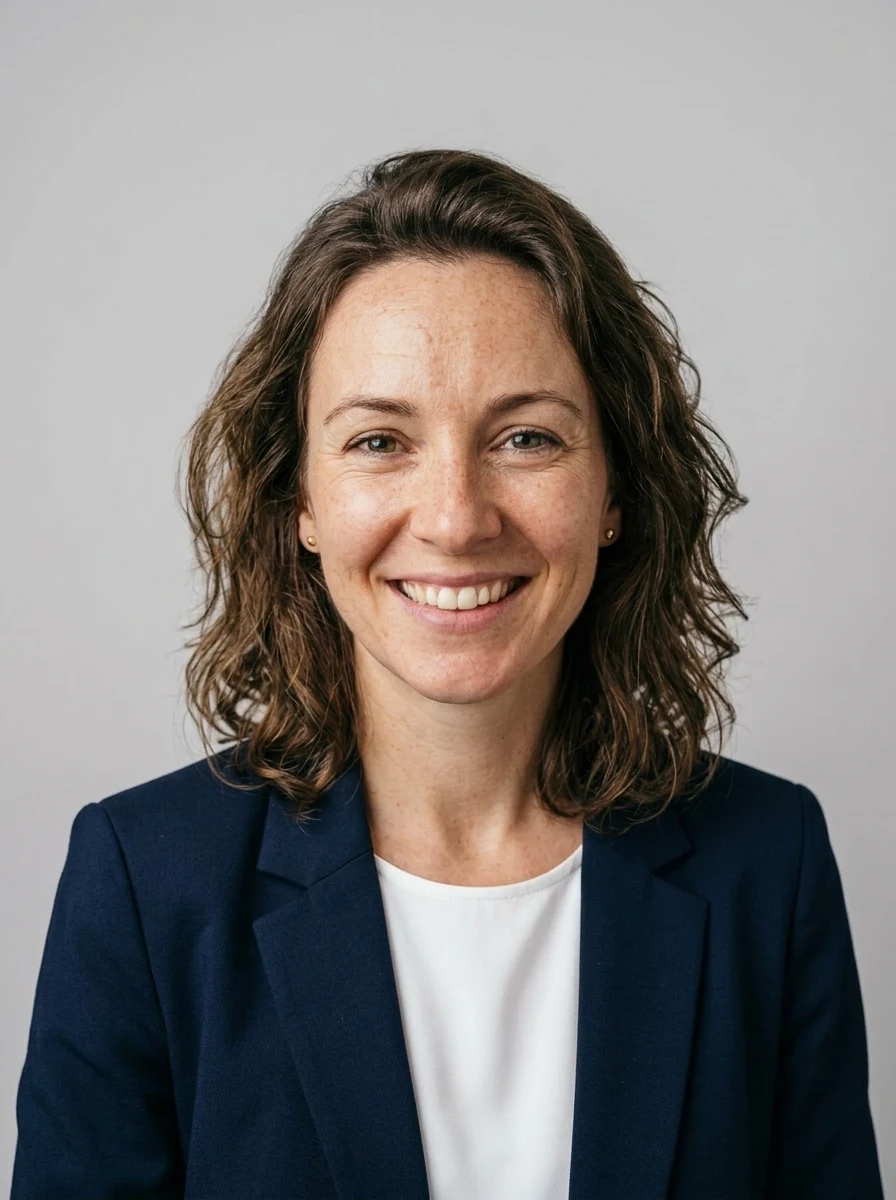
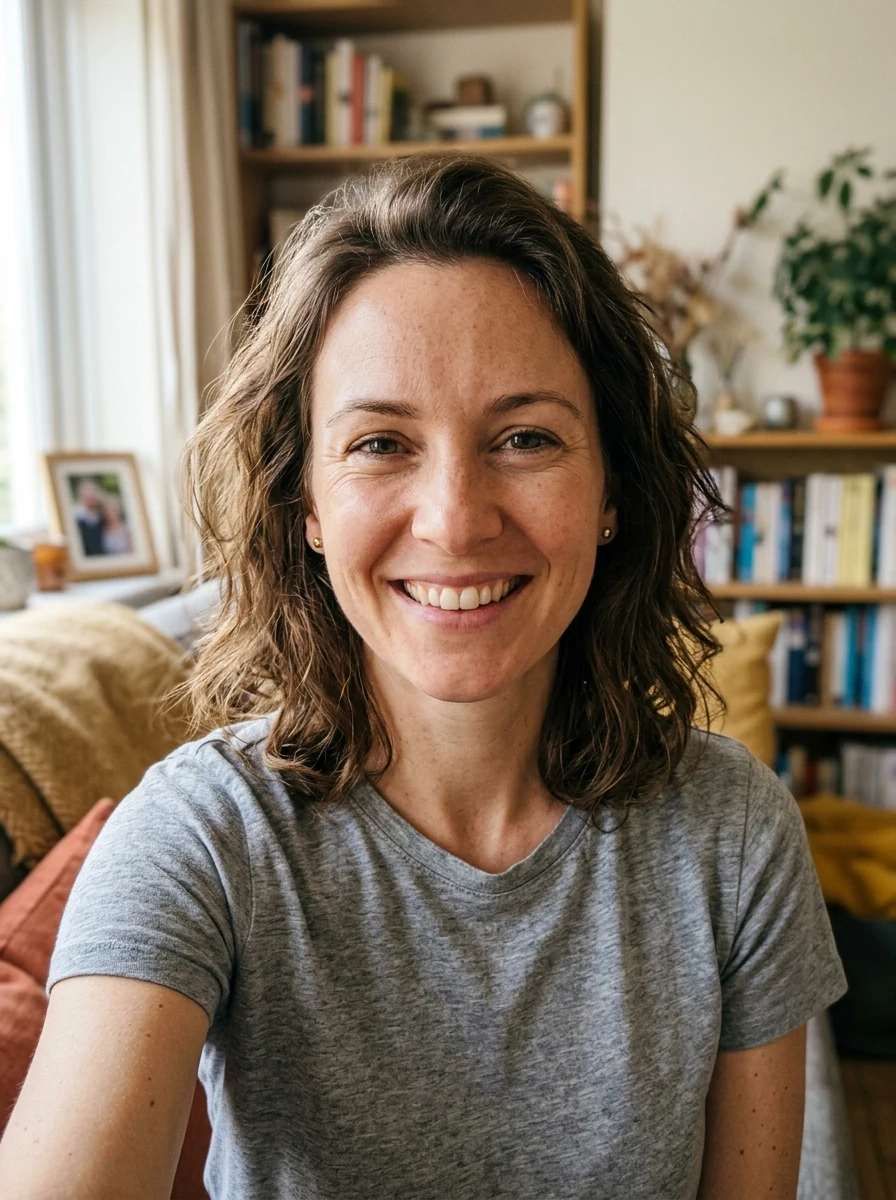
The styles
The same upload runs through four headshot styles — same person, same expression. Each one swaps the attire, backdrop, and lighting so you can match the platform you are posting on.
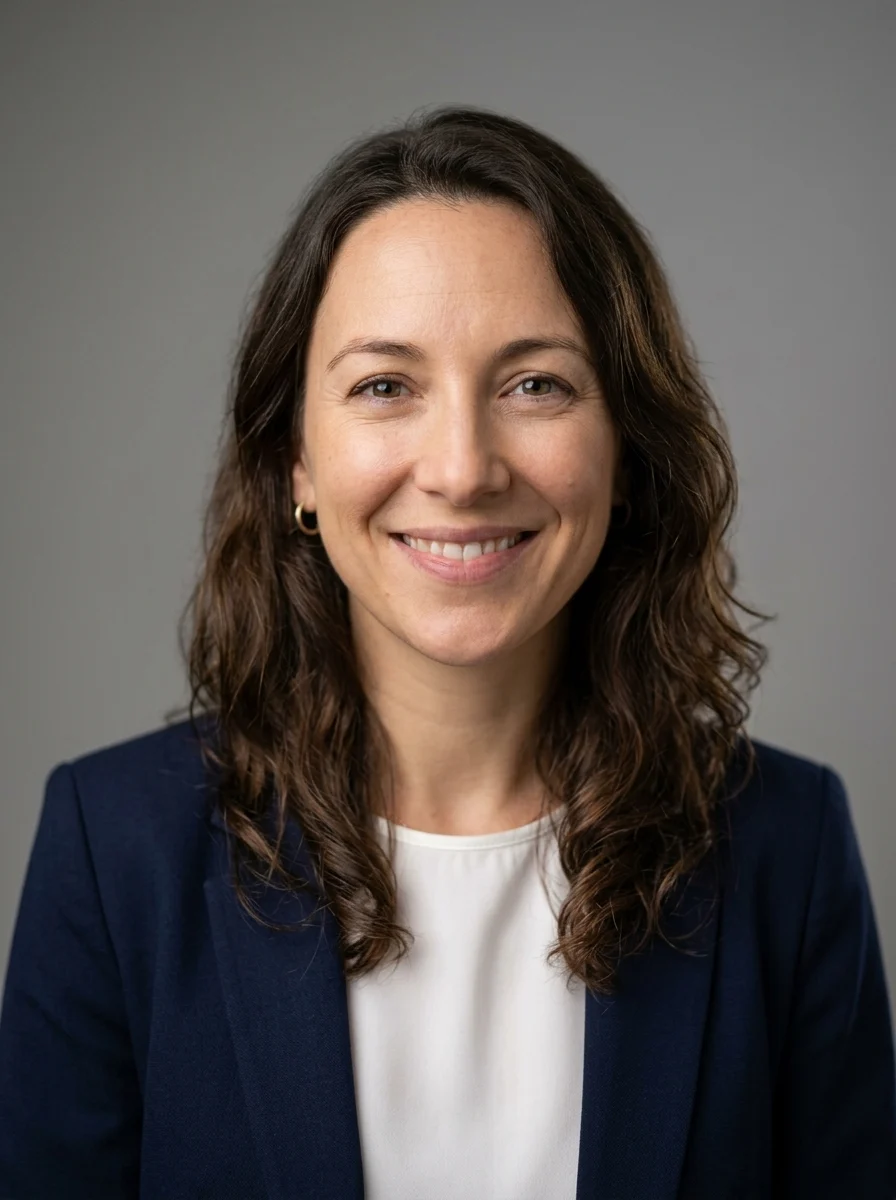
Corporate
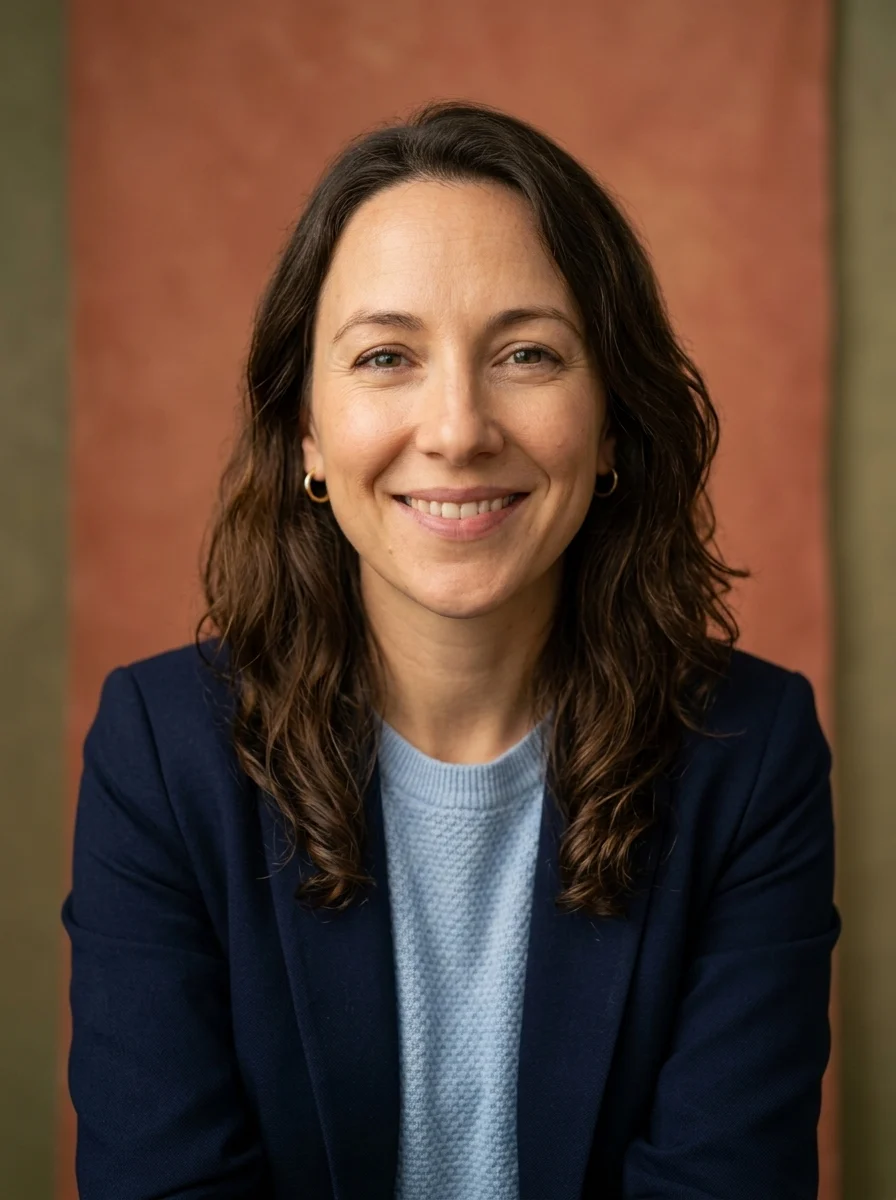
Creative
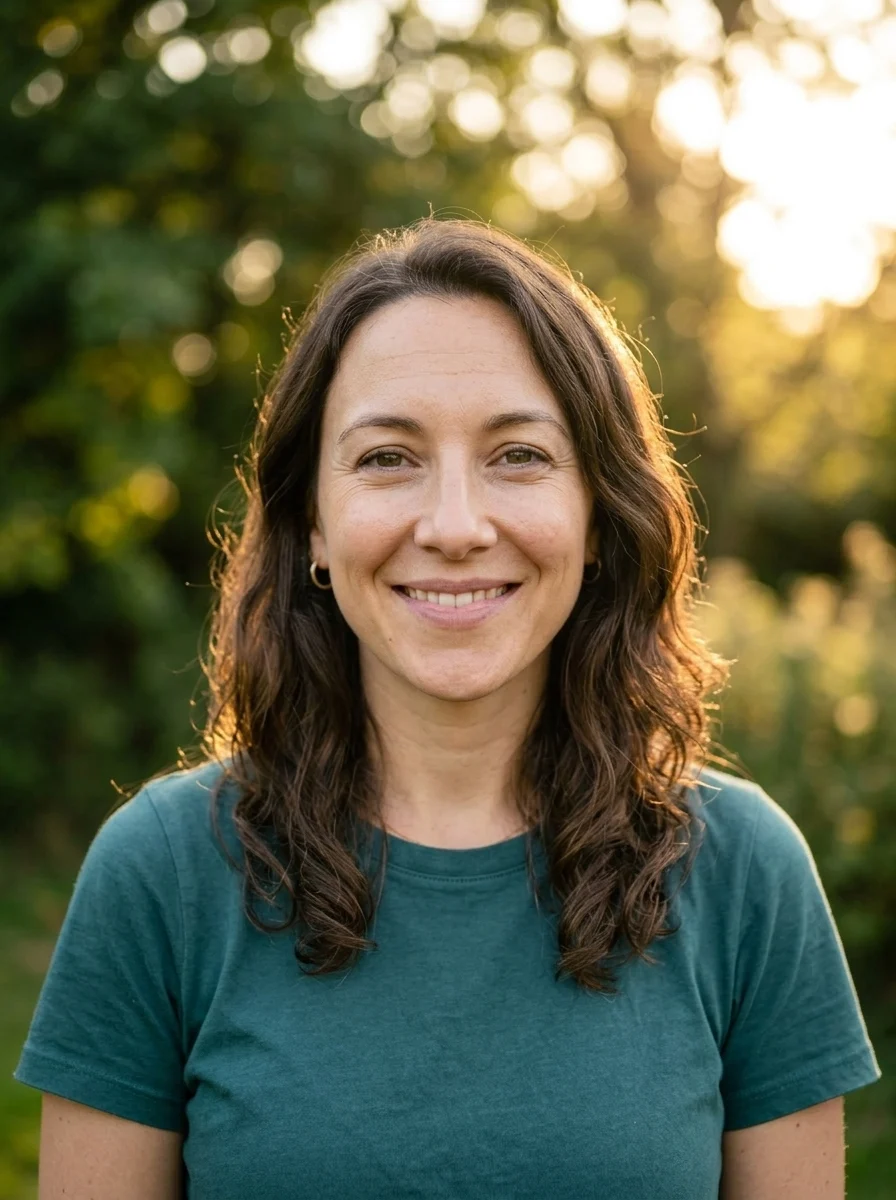
Outdoor
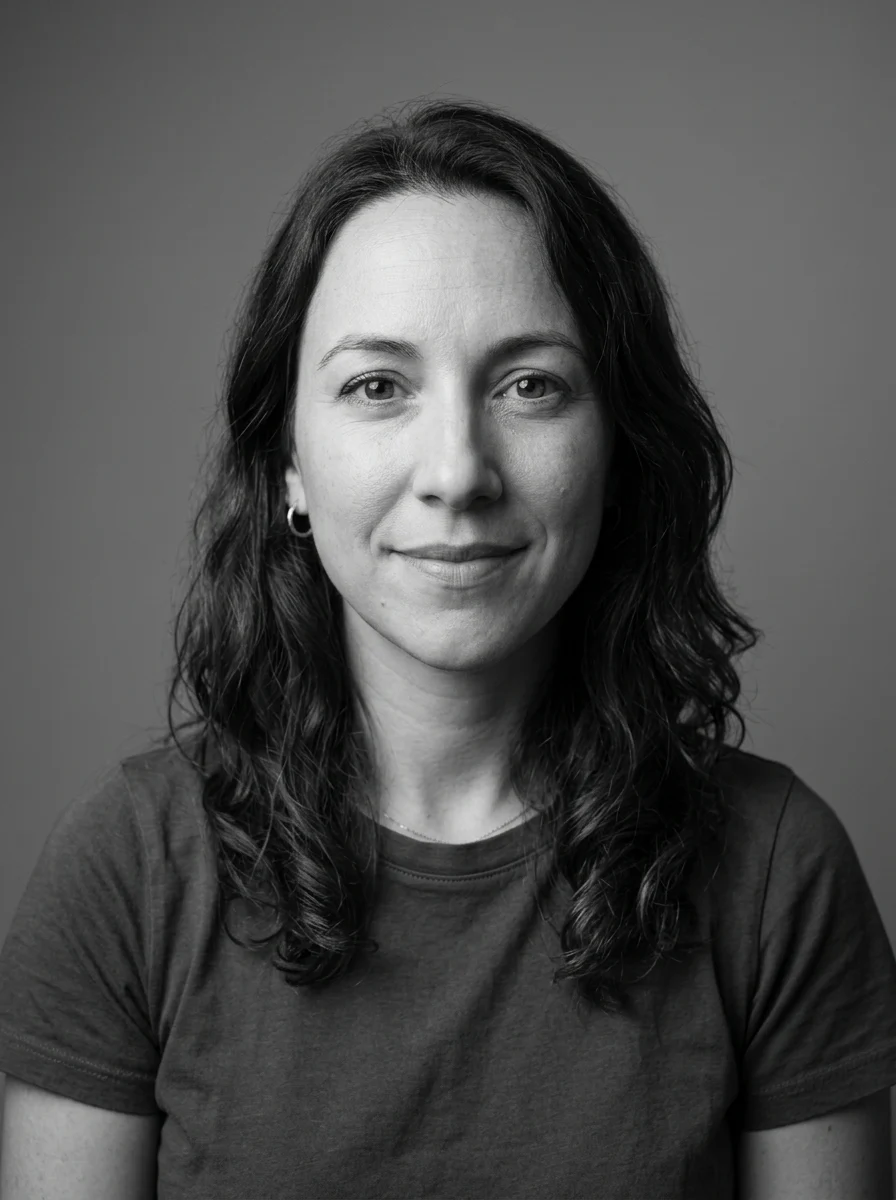
Studio B&W
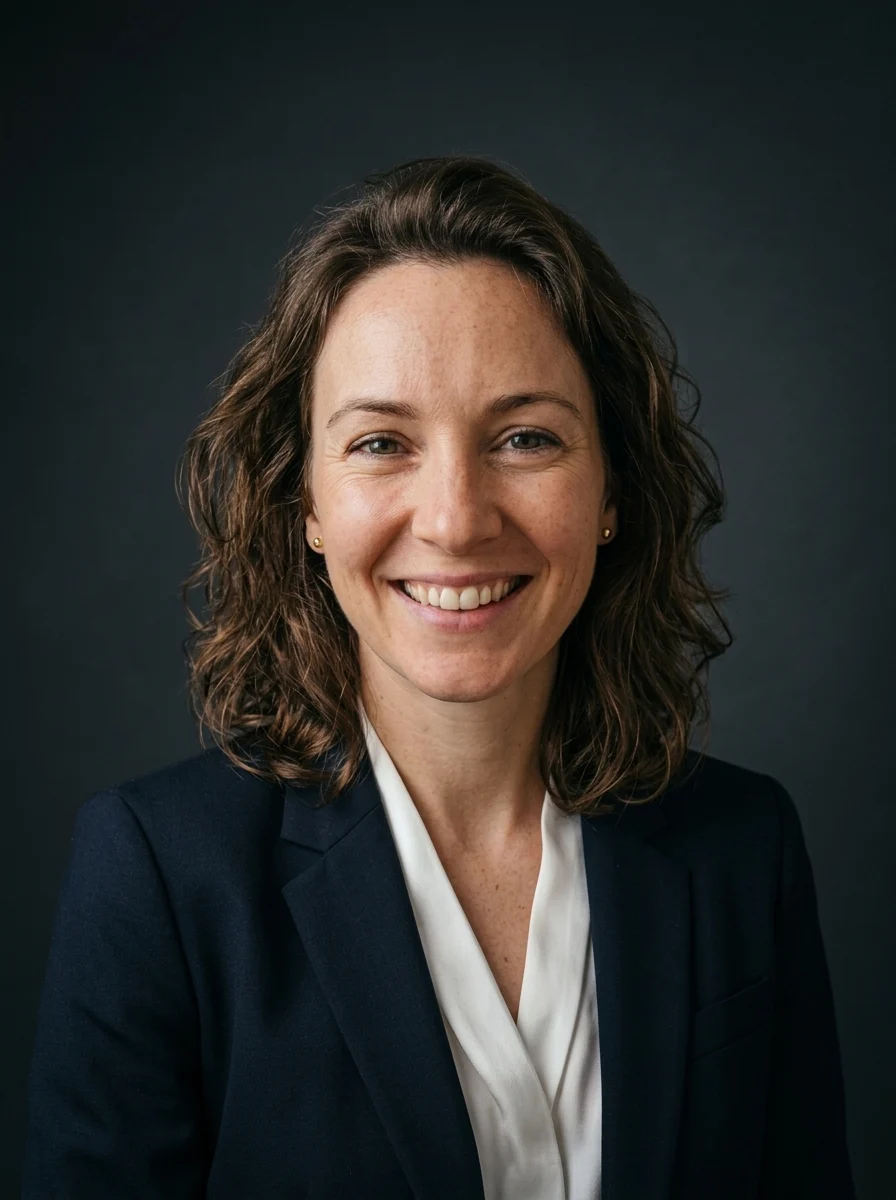
Executive
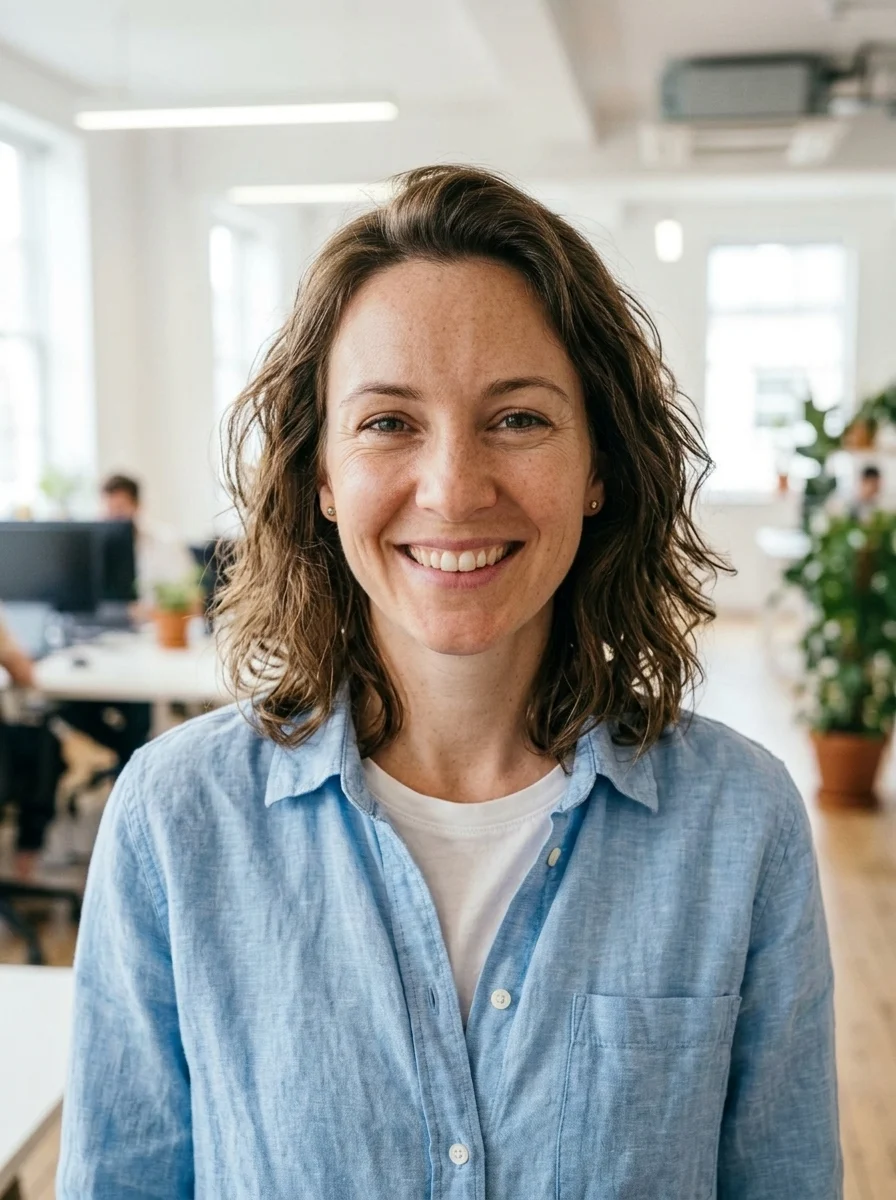
Startup casual
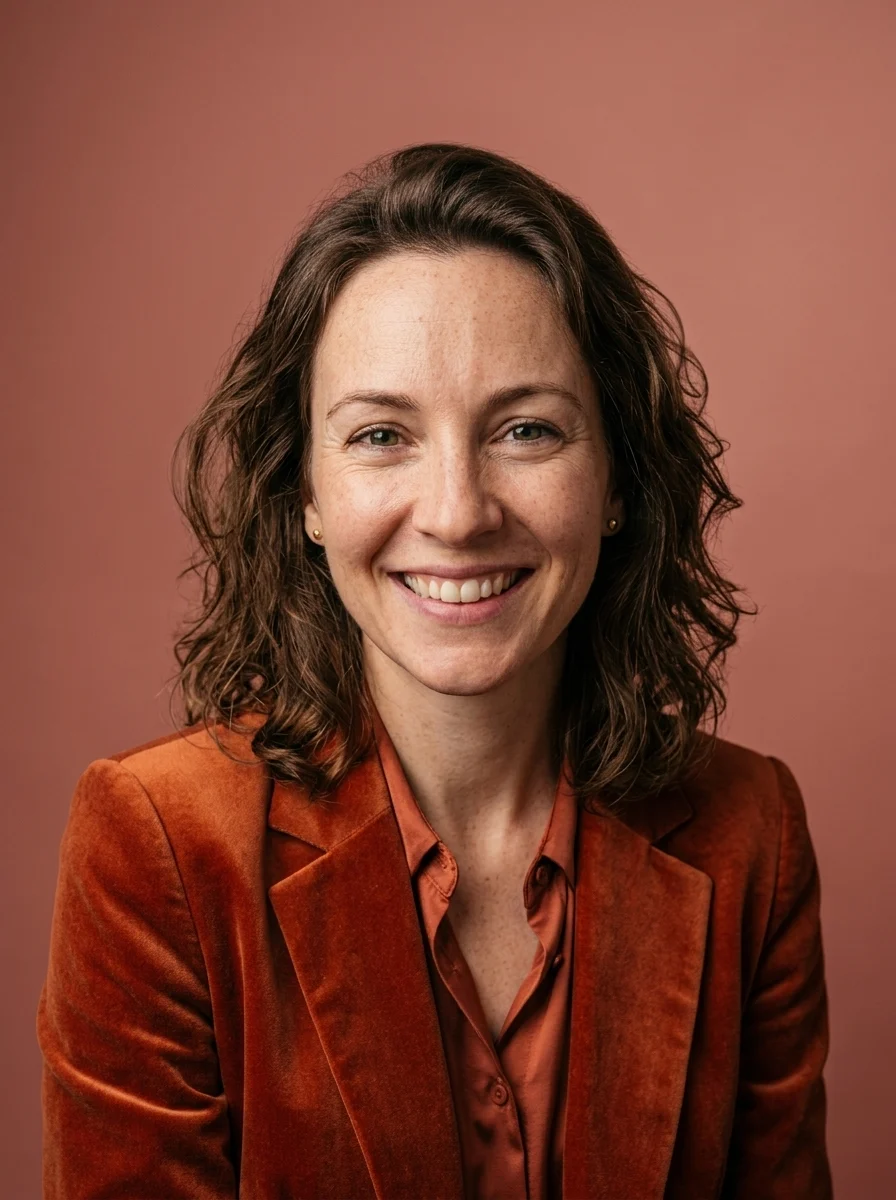
Editorial
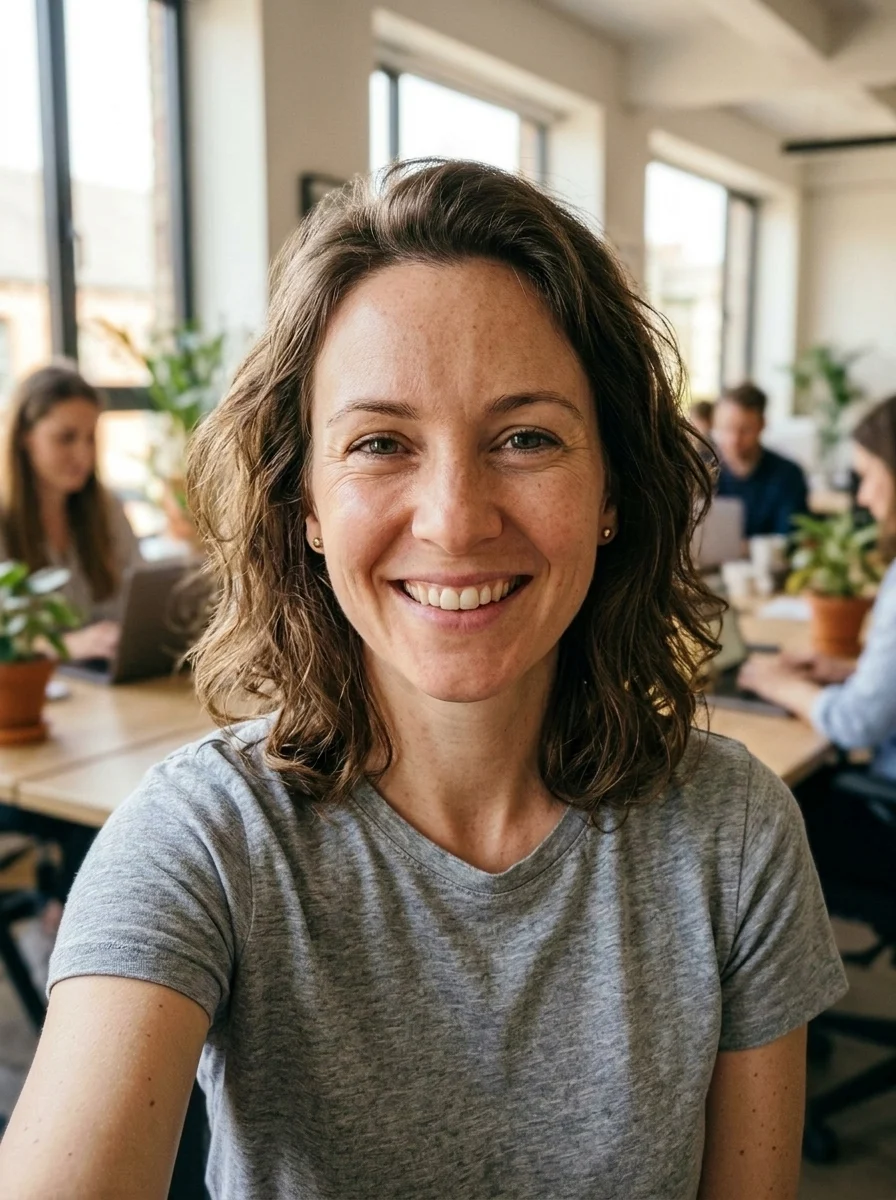
Environmental
Where it fits
One good headshot does a lot of work. Generate once, then reuse the same confident photo everywhere people decide whether to trust, hire, or follow you.
LinkedIn profile
Swap a cropped vacation photo for a clean, professional portrait that reads as hireable.
Company team page
Give every teammate a consistent look without booking a single studio session.
Press & speaker kits
Deliver a polished founder or speaker photo when an event organizer asks on short notice.
Resumes & applications
Pair your CV with a confident headshot that matches the role you are applying for.
Creator & about pages
Make an approachable profile image for newsletters, podcasts, and social channels.
Make it convincing
A great headshot looks like you on your best day — not a different person. Start from a clean selfie and dial in four things that separate a real photo from an obvious filter.
Drag to compare: same face and expression, upgraded outfit, backdrop, and lighting.
Your face stays yours.
Every style preserves your identity, glasses, and skin tone and only restyles the outfit, backdrop, and lighting. Compare each result against your original and regenerate if a feature drifts — these are profile photos, not document or ID photos.
FAQ
Practical answers about the AI headshot generator — identity, selfies, document use, realism, and rights.
Yes. Upload a selfie, pick a style, and generate a headshot with the free base model. Sign in to keep results in history and remove the export watermark.
Each style is prompted to preserve your exact face identity and expression while upgrading the outfit, background, and lighting. Always compare with the original and regenerate if a feature looks off.
Use a clear, front-facing photo taken at eye level with your whole face visible and soft, even light. Avoid heavy shadows, sunglasses, hats, low resolution, or extreme angles — a phone photo near a window works great.
Yes. Run the same upload through Corporate, Creative, Outdoor, and Studio B&W to build a small set, then pick the look that fits LinkedIn, a team page, or a press kit.
No. These are professional profile photos, not document photos. Passports, visas, and IDs require an unedited photo on a regulation background, so use a compliant service for those.
The styles ask for natural skin texture and restrained retouching, but results vary by selfie. If skin looks waxy or pores disappear, regenerate or start from a sharper, well-lit photo for more believable detail.
It aims to keep your identity, glasses, and skin tone intact while replacing only attire, backdrop, and lighting. Check eyes, hairline, and glasses against the original — if a feature drifts, regenerate rather than keep the result.
Use your own photo or one you have explicit permission to edit. Do not impersonate anyone, generate headshots of people who have not consented, or misrepresent job titles or credentials.
Start with a prompt or reference, compare models, and save the best result to history. Upgrade when you need cleaner exports, stronger models, or more production volume.