
Upload your room photo
Add a JPG, PNG, or WebP of the room, corner, or nook you want to turn into a home office.
AI Home Office Design
Upload a photo of your room or corner and see it redesigned as a stylish, productive home office in one click — plan your setup before you buy a single piece of furniture. Results are inspiration images.
Examples
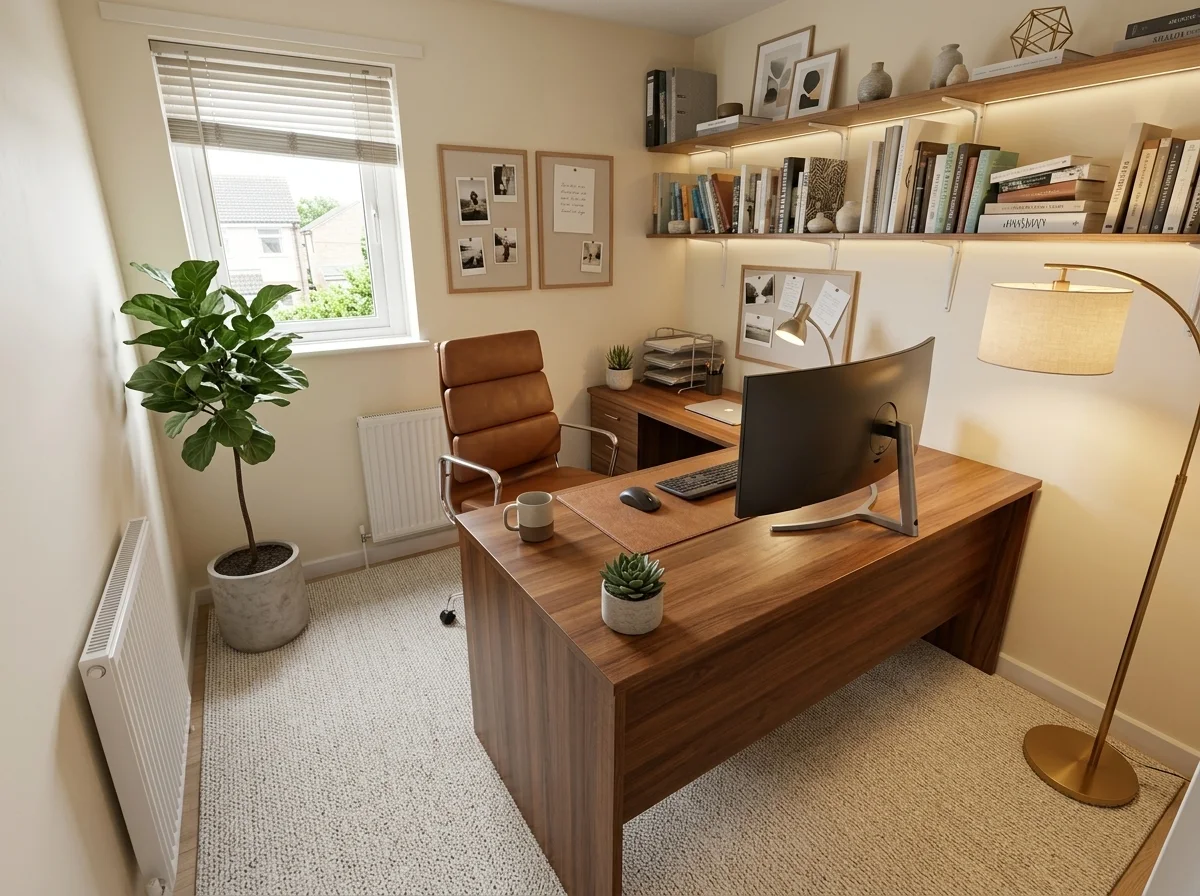
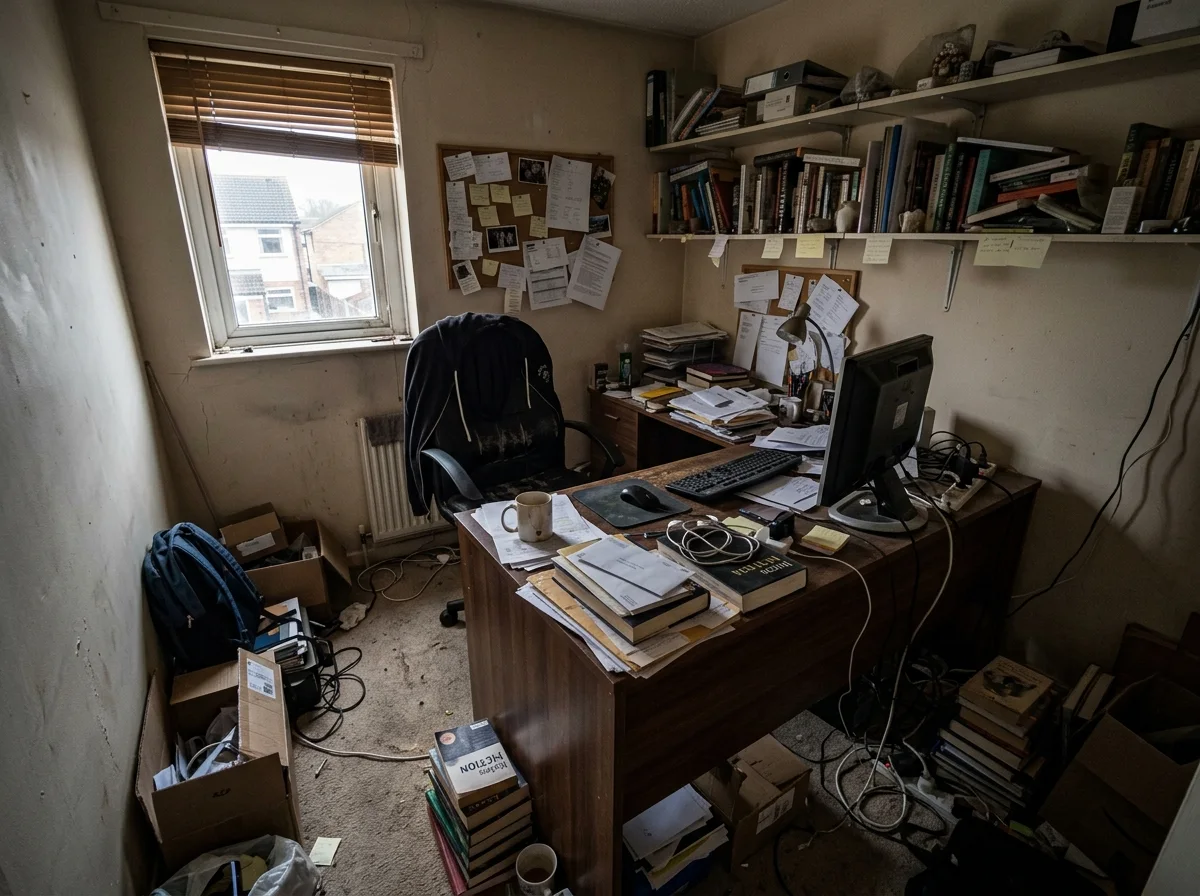
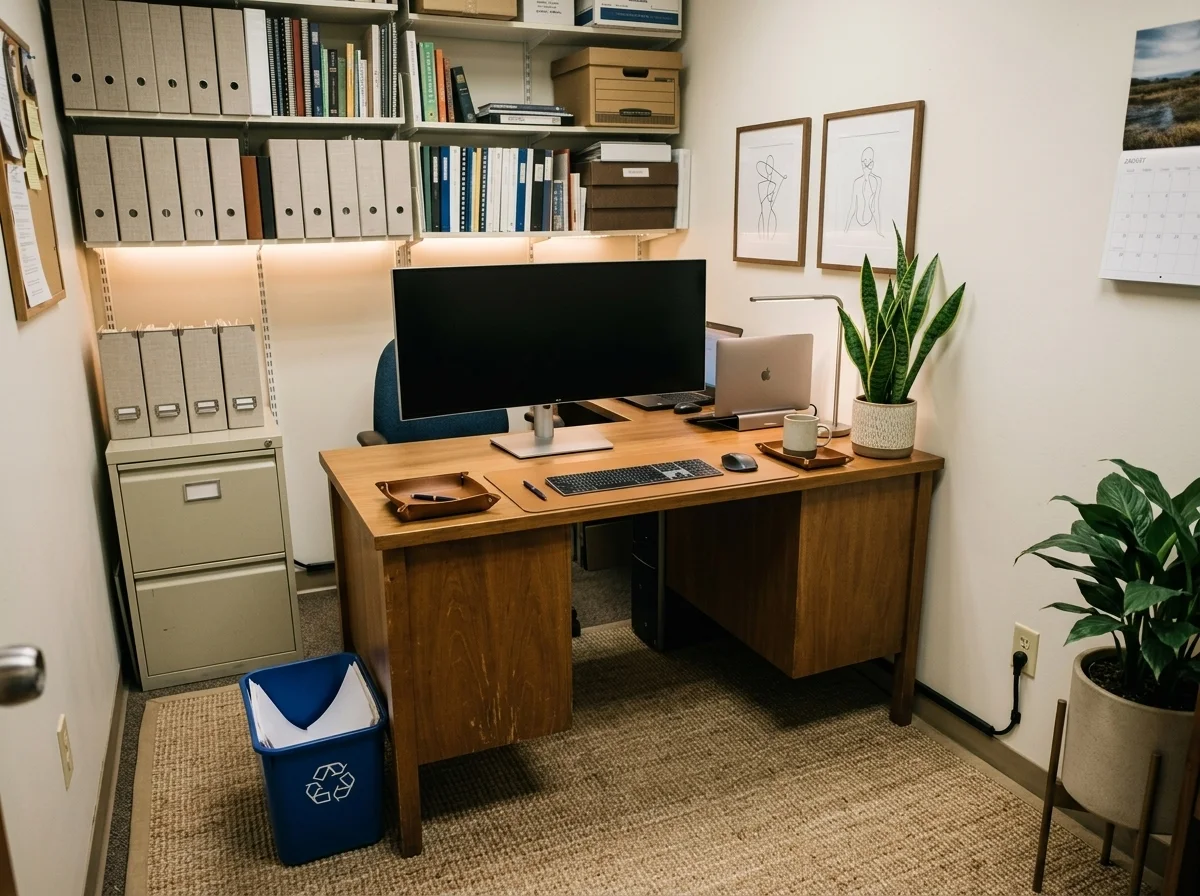
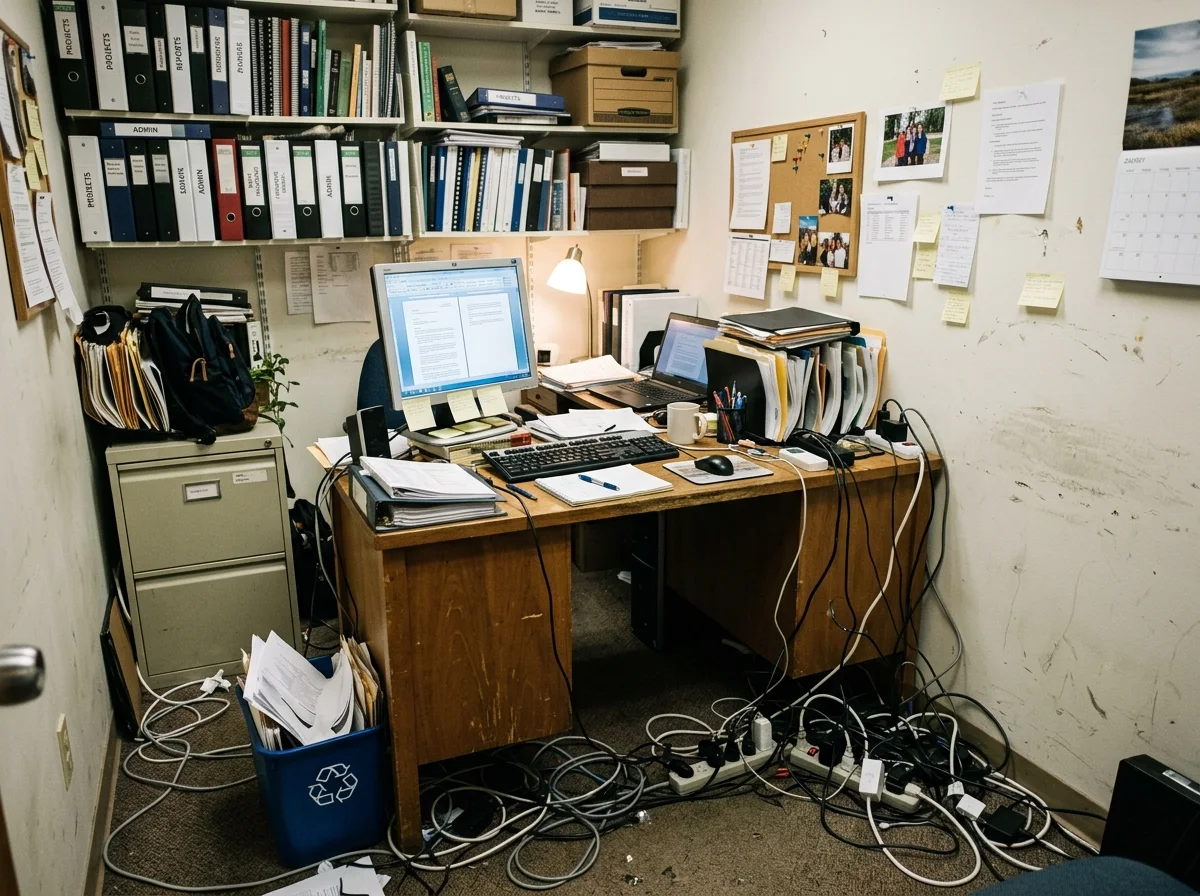
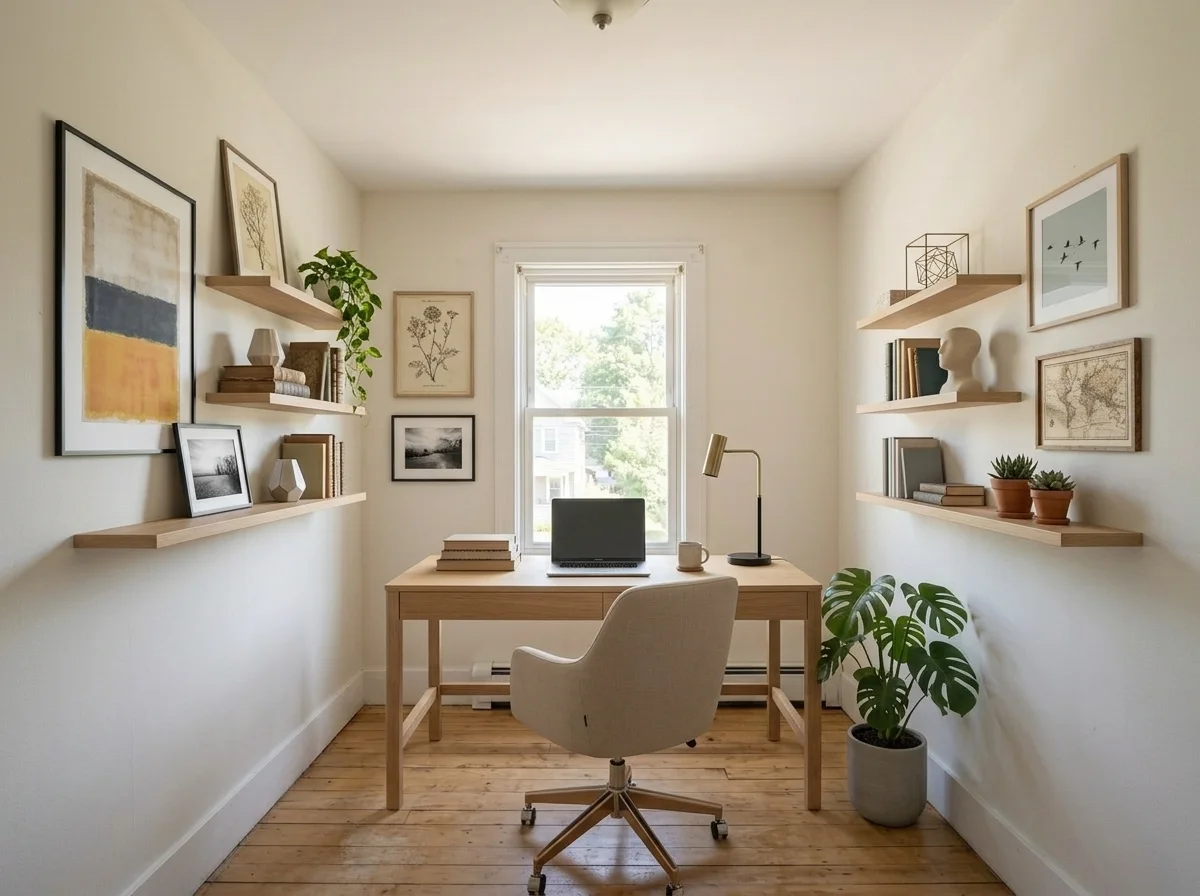
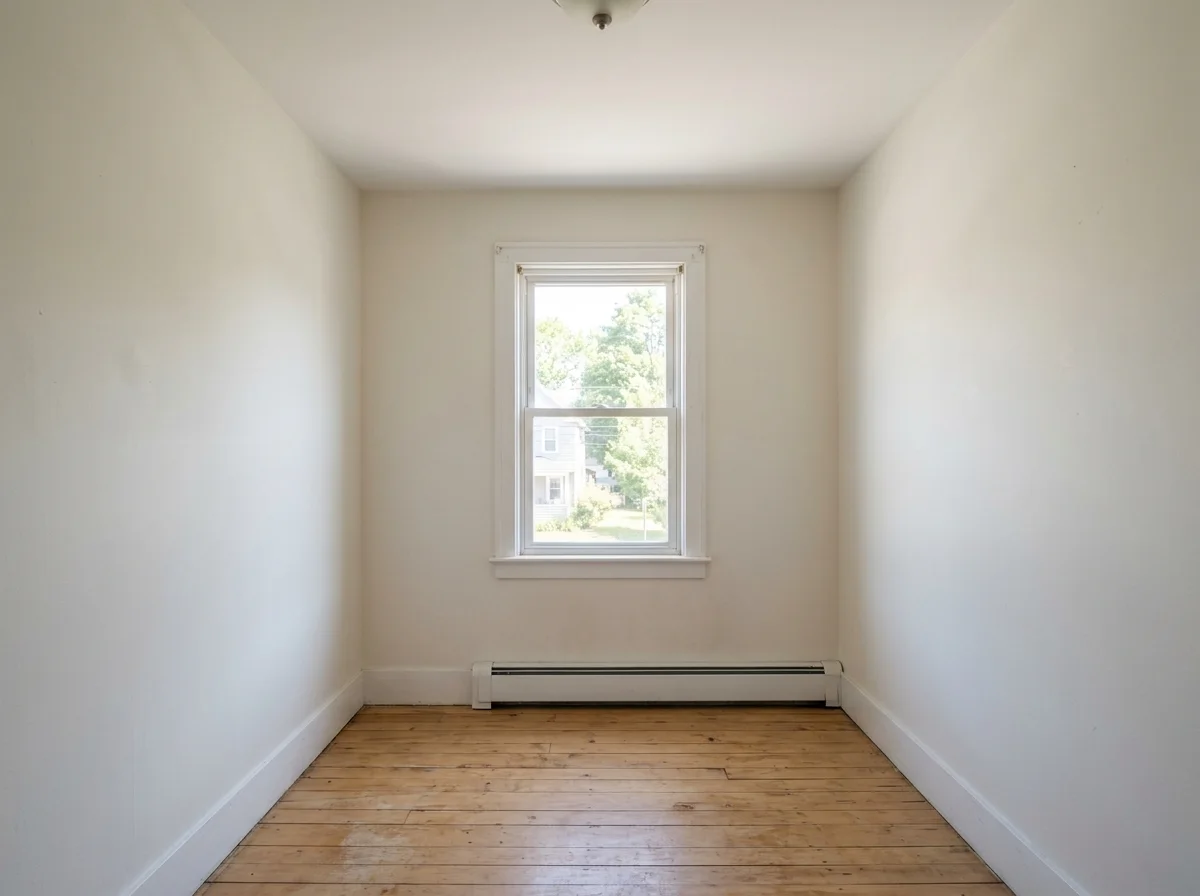
Spare rooms, cluttered corners, and empty spaces — drag each slider to see the same room redesigned as a productive, stylish home office. Same walls, completely new setup.
Why it looks like your room
A redesign only feels useful if it reflects your actual space. The model keeps the architecture and light exactly as-is while rebuilding everything that can move or change.
The walls, floor, ceiling, and window placement stay exactly as they are — only the furniture, setup, and styling change.
The camera angle and spatial depth are preserved so the redesigned room matches your actual space, not a generic render.
Existing light sources and shadows are respected so the new desk and shelving look correctly lit for your room, not artificially bright.
Workflow
Upload your room, generate a redesign, and use the result to plan your real setup.
Add a JPG, PNG, or WebP of the room, corner, or nook you want to turn into a home office.
The model keeps your room shape and light while replacing the furnishings and styling with a clean, modern office setup.
Check that the proportions and window light match your actual space. Run a second pass or describe changes in the full workbench if needed.
Save the result as a shopping and styling reference. Sign in to keep your history and remove the export watermark.
Use cases
Use the AI home office design to turn any room or corner into a productive workspace — then use the result to guide your real purchases.
Upgrade a spare bedroom or living-room corner into a dedicated workspace that keeps work and home life separate.
See how an awkward alcove, under-stair space, or compact room can be arranged into a functional, comfortable office.
Explore styling and furniture ideas that work within your existing layout without structural changes — useful when you need landlord approval.
Generate a visual target before buying a desk, chair, or shelving unit so every purchase moves you toward a finished look.
FAQ
Practical answers about the AI home office design — photo requirements, room constraints, and getting a realistic redesign for your space.
Yes. Upload a photo of your room and get a redesigned home office with the free base model. Sign in to save results to your history and remove the export watermark.
Use a well-lit photo taken from a natural standing or sitting viewpoint — a corner, a spare bedroom, or an alcove all work well. Good lighting and a clear view of the floor and walls give the best results.
No. The model keeps the same room shape, window placement, and camera angle. It redesigns the furniture and style while respecting the actual dimensions and architecture of your space.
Yes — that is one of the most popular uses. Upload your current room, generate a redesigned version, and use the result as a visual reference when shopping for a desk, chair, or shelving unit.
Absolutely. Compact nooks and awkward corners often benefit most from a redesign. The model will suggest a setup that fits the space rather than ignoring its constraints.
Results are high-quality inspiration images suited for mood boards, rental applications, or showing a contractor what you have in mind. They are not architectural blueprints, so treat them as a starting point rather than a final plan.
Start with a prompt or reference, compare models, and save the best result to history. Upgrade when you need cleaner exports, stronger models, or more production volume.