
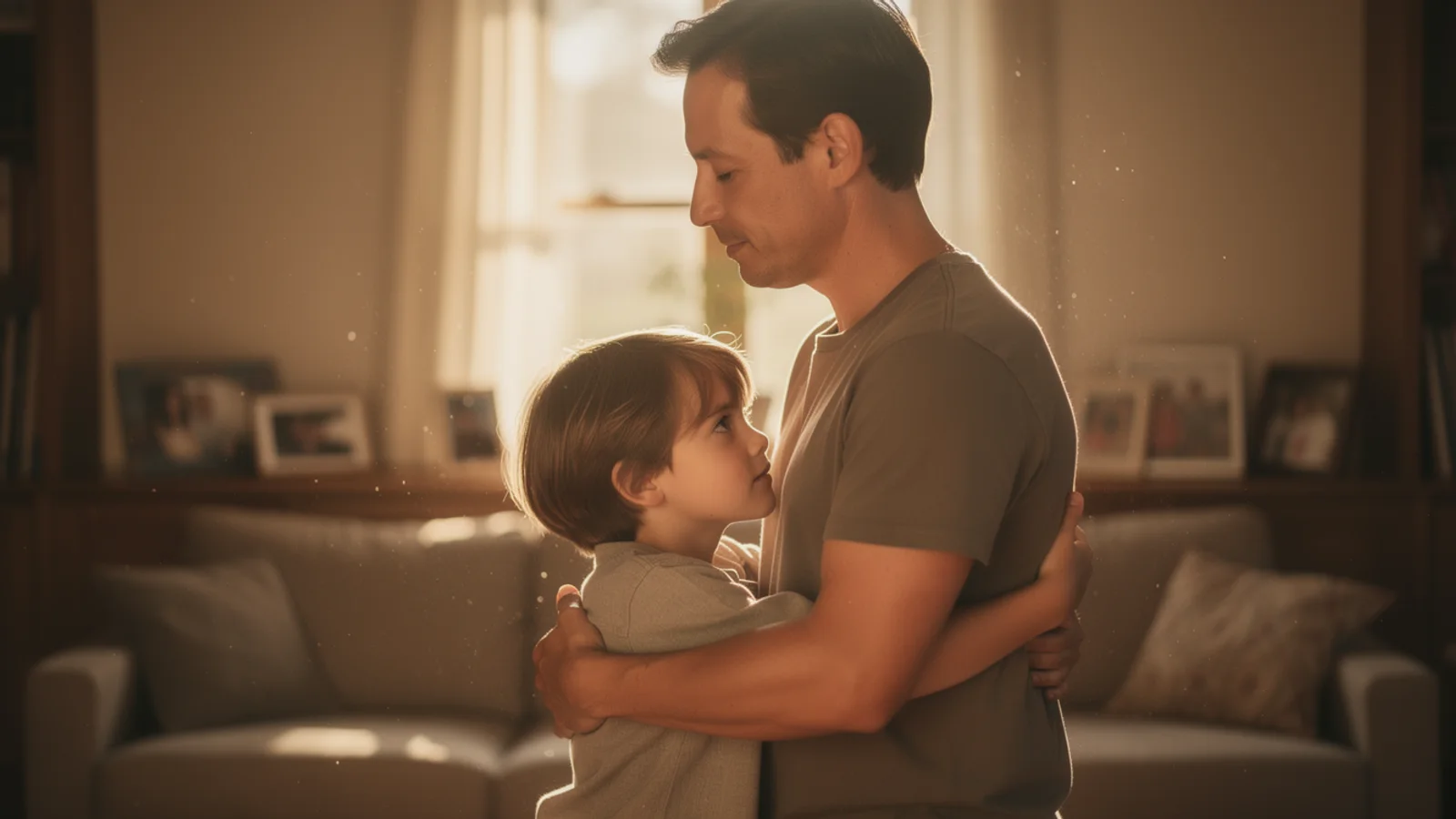
Across-time reunion
Use this for childhood and current portraits. Keep it restrained: eye contact, a gentle embrace, and a slow push-in.
Hug video generator
Use one photo with two people, or two separate portraits, to create a natural AI hug video.
Visual examples
Each example maps to a different input strategy. Hover to preview the motion; on mobile, the clip plays when it enters the viewport.
Use this for childhood and current portraits. Keep it restrained: eye contact, a gentle embrace, and a slow push-in.

Best when the relationship already exists in one frame. Preserve the pose and add small shoulder, arm, and expression motion.
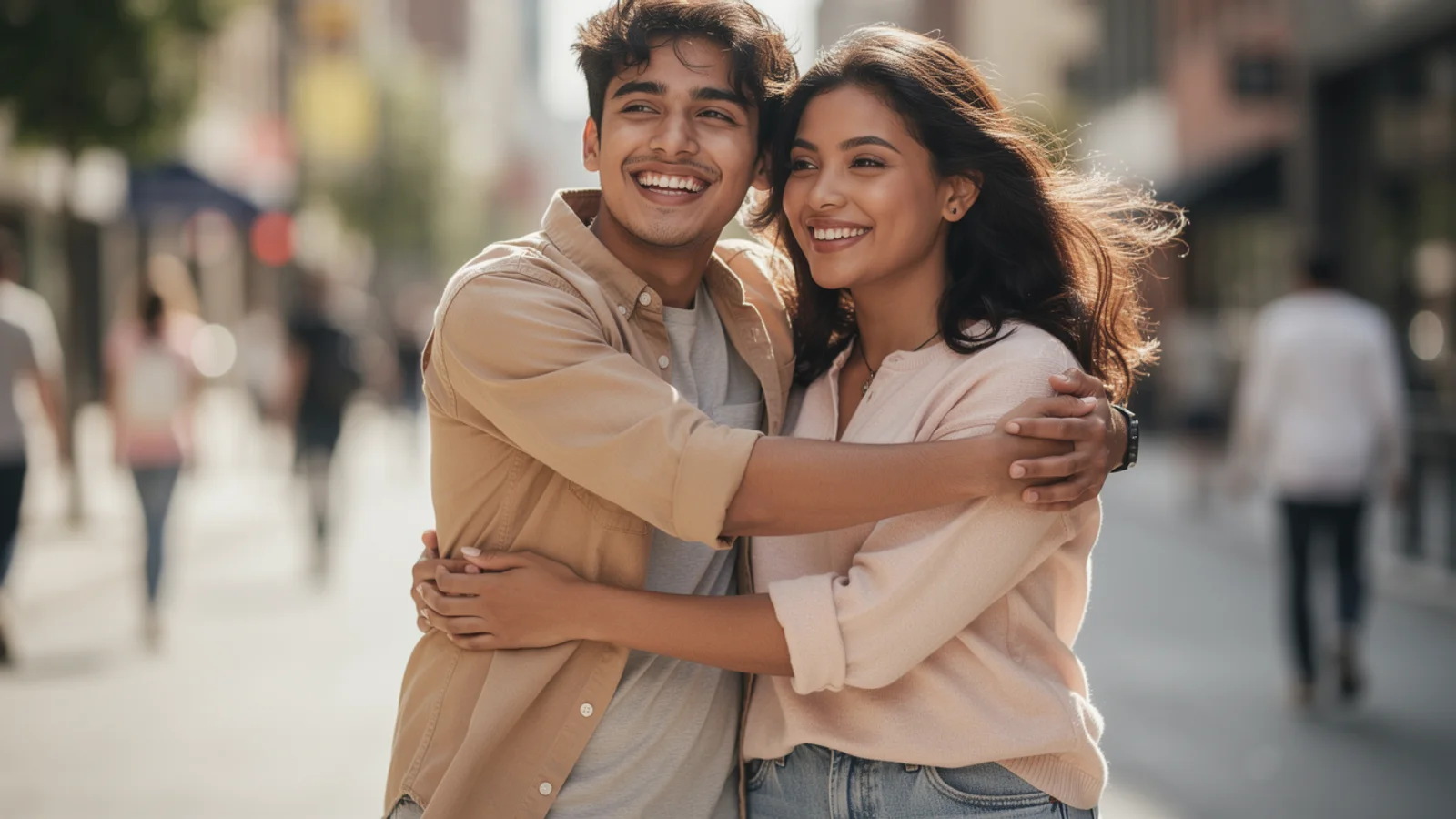
Useful for social clips where the motion should feel relaxed, natural, and free of exaggerated effects.
Input choice
This workspace works best when you decide early whether the moment already exists in one frame or needs a composite first. That choice changes how believable the final hug feels.
Both people are already in the same frame and the distance already makes sense. Use this mode when you want subtle motion from an existing shared moment.
The two people are in separate photos, or the scene never existed in real life. This is the right path for across-time reunions, long-distance family, and other composite-first ideas.
Authorization and privacy
Hug videos amplify emotion quickly, so this page is best for your own photos or media you are clearly allowed to transform. Sensitive family photos, minors, and memorial material need a rights decision before a creative decision.
Use your own photos or images you have permission to transform. Do not turn strangers, celebrities, or scraped portraits into shareable hug videos.
This workflow is optimized for public-facing creation. For memorial footage, minors, or private family photos, decide first whether the image should enter a public-style generation flow at all.
Do not use the prompt to imply intimacy, consent, or a relationship that the subjects never agreed to portray.
What this page assumes
This is a production workspace for a shareable result, not a private archive tool.
Validate the relationship, motion, and camera language first, then refine ratio, duration, and model choice.
When the input is weak or the boundary is unclear, change the concept before you force a generation.
Use-case fit
This tool is strongest when the clip revolves around one emotional idea. Decide whether you are making an across-time reunion, a family moment, or a social-first emotional hook.
Pair a childhood photo with a current portrait and keep the emotional center on reunion rather than spectacle.
Use this for parents, couples, or old friends when the goal is a believable reunion clip for birthdays, holidays, or memorial moments.
Best for short vertical posts when the clip commits to one emotion instead of trying to be funny, dramatic, and cinematic at the same time.
Prompt quality
Name the relationship first, for example adult self meeting childhood self or sisters reuniting after years apart.
Gentle embrace, restrained approach, or eye contact before the hug all guide motion better than a bare hug prompt.
Add the camera and light last so the model can separate a memorial reunion from a fast social clip.
Example prompt
Adult self and childhood self make eye contact before a gentle reunion hug, restrained and warm emotion, medium shot, slow dolly in, soft golden light.
FAQ
Everything about generating AI hug videos.
Yes. Choose One Photo mode and upload a photo that already includes two people. The AI will animate them into a natural hug based on your prompt.
Yes. Choose Two Photos mode, then upload Person A and Person B separately. Each image should include at least one clear person, and the system will blend them into one hugging scene.
Clear upper bodies, visible faces, good lighting, and similar camera angles work best. In Two Photos mode, matching angle and lighting makes the blend more natural.
No. Two Photos mode uses both uploads as person references to create one hug scene. It does not treat the first photo as a start frame and the second as an end frame.
Yes. Upload a childhood photo and a current photo as the two separate images, then choose Across Time or describe a warm reunion hug between your younger self and present self. The AI hug generator turns that meet your younger self scene into an emotional video.
You can try, but results are less predictable. This page is optimized for two-person hugs, so cropping to the target two people is recommended.
Results usually start in about 60 seconds, depending on the model, duration, resolution, and queue load.
This generator is designed for public video creation by default. For sensitive, private, or memorial photos, make sure you have permission and manage generated records from your account.
Try clearer photos with similar angle, lighting, and framing. Add a more specific prompt such as warm reunion, gentle hug, or friendly embrace.
Upload one group photo or two authorized portraits, start with Inkfox AI Pro by default, then tune ratio, duration, and export settings.