
Upload your photo
Add a JPG, PNG, or WebP where the subject has clear background near the edges for the smoothest extension.
AI Image Extender
Upload a photo and the AI image extender extends it in any direction — the AI outpaints natural scenery beyond the edges so you can resize or reframe without cropping your subject.
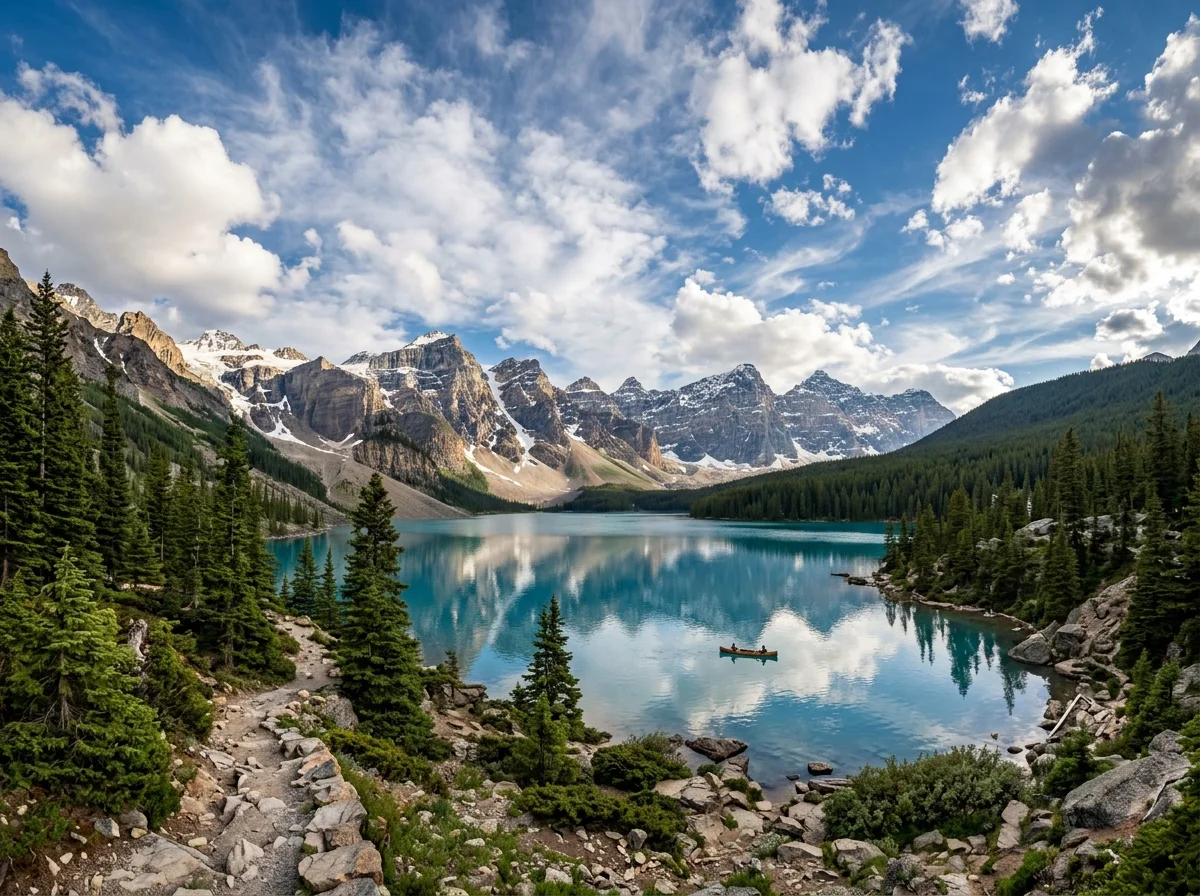
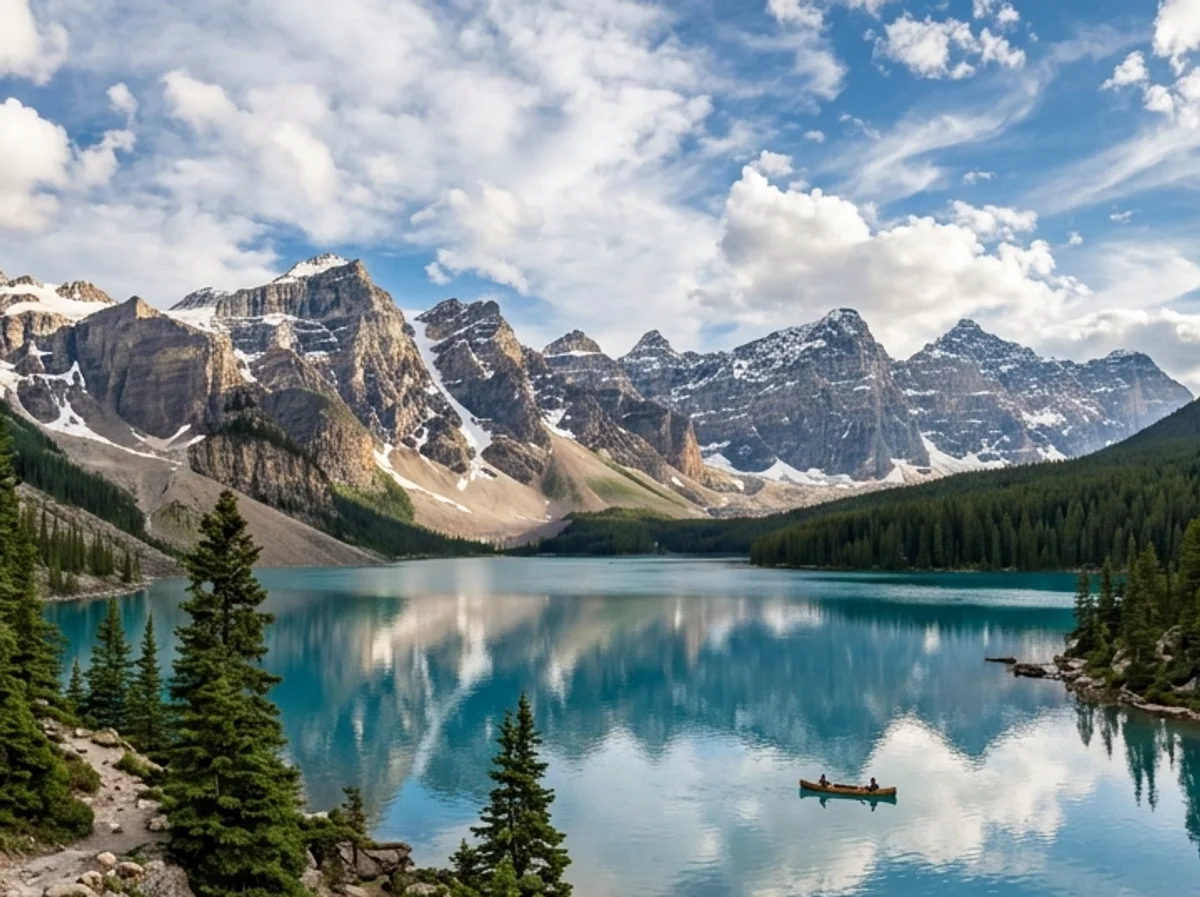
Examples
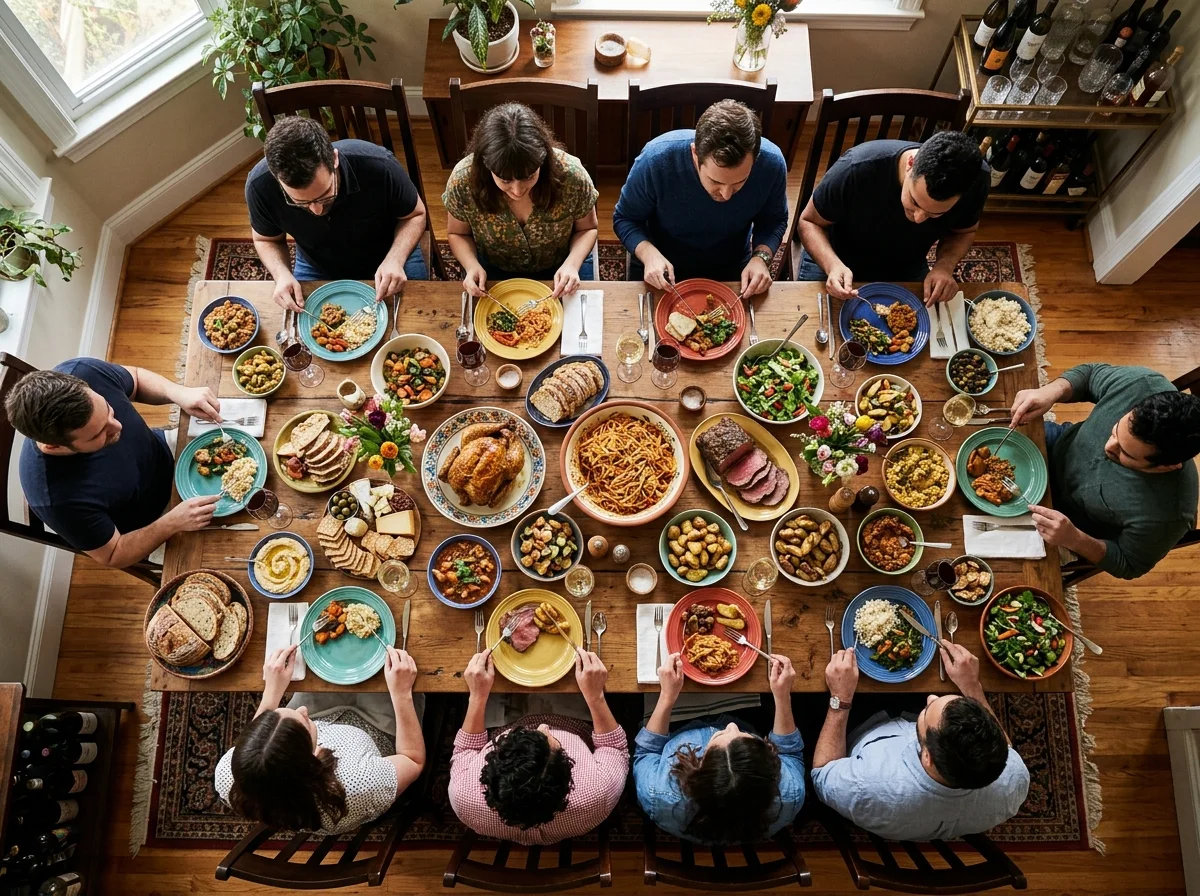
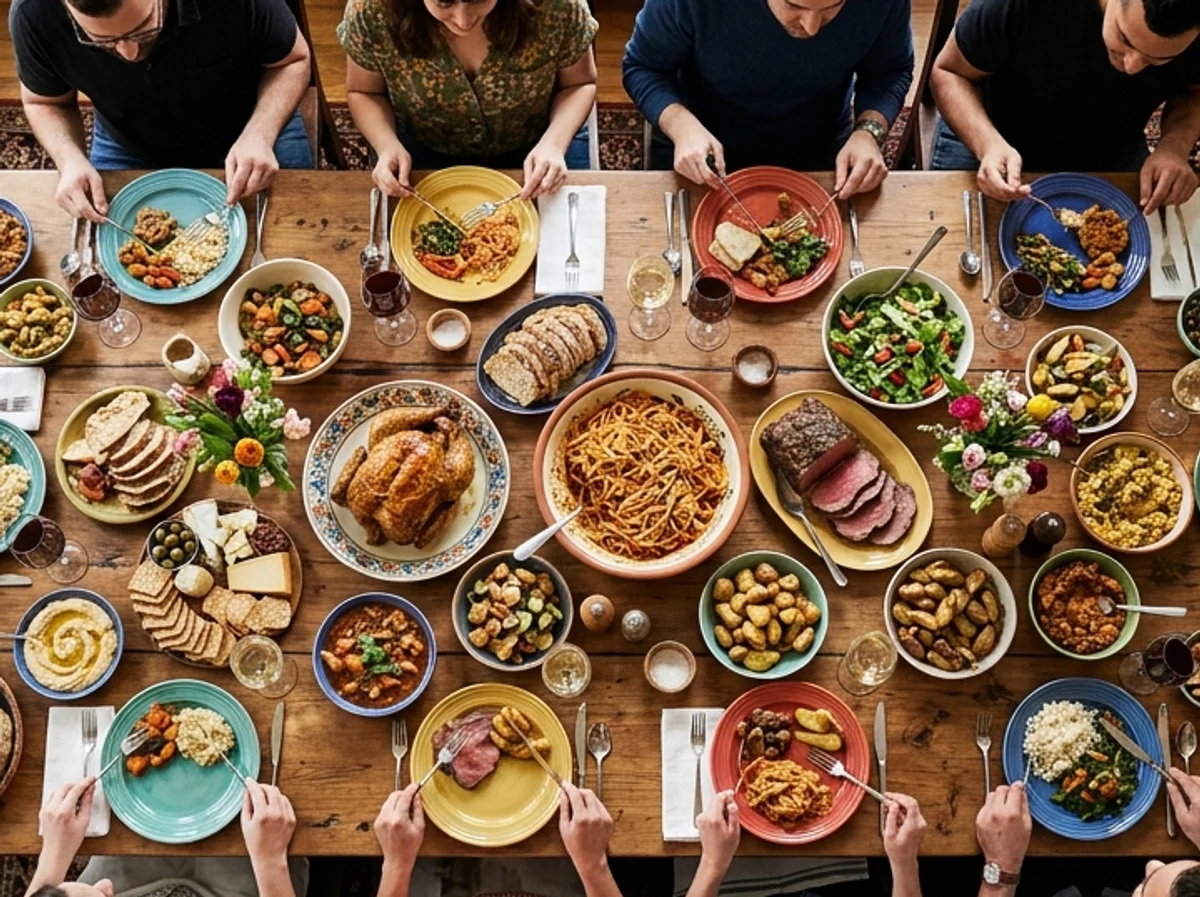
Landscapes, portraits, and interiors — drag each slider to see how the AI continues the scene beyond the original frame. Same photo, more space.
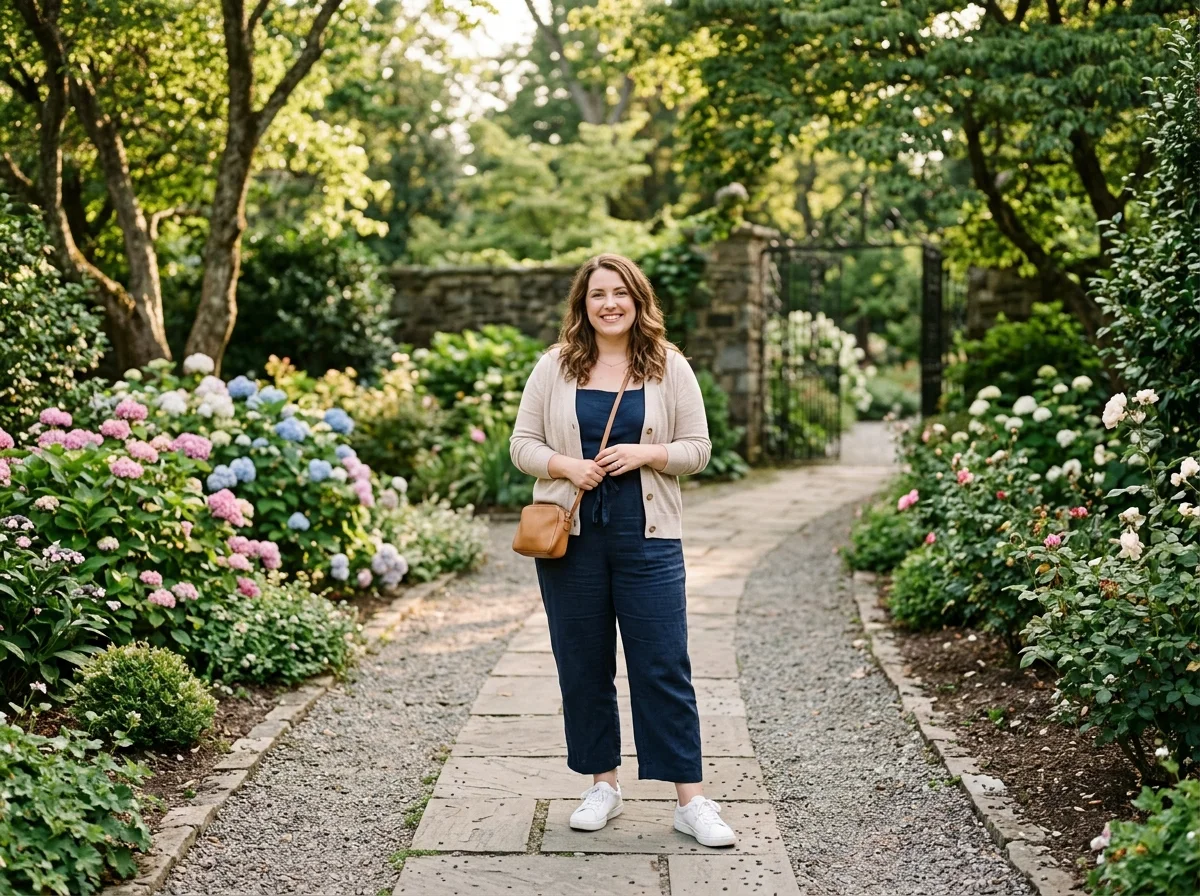
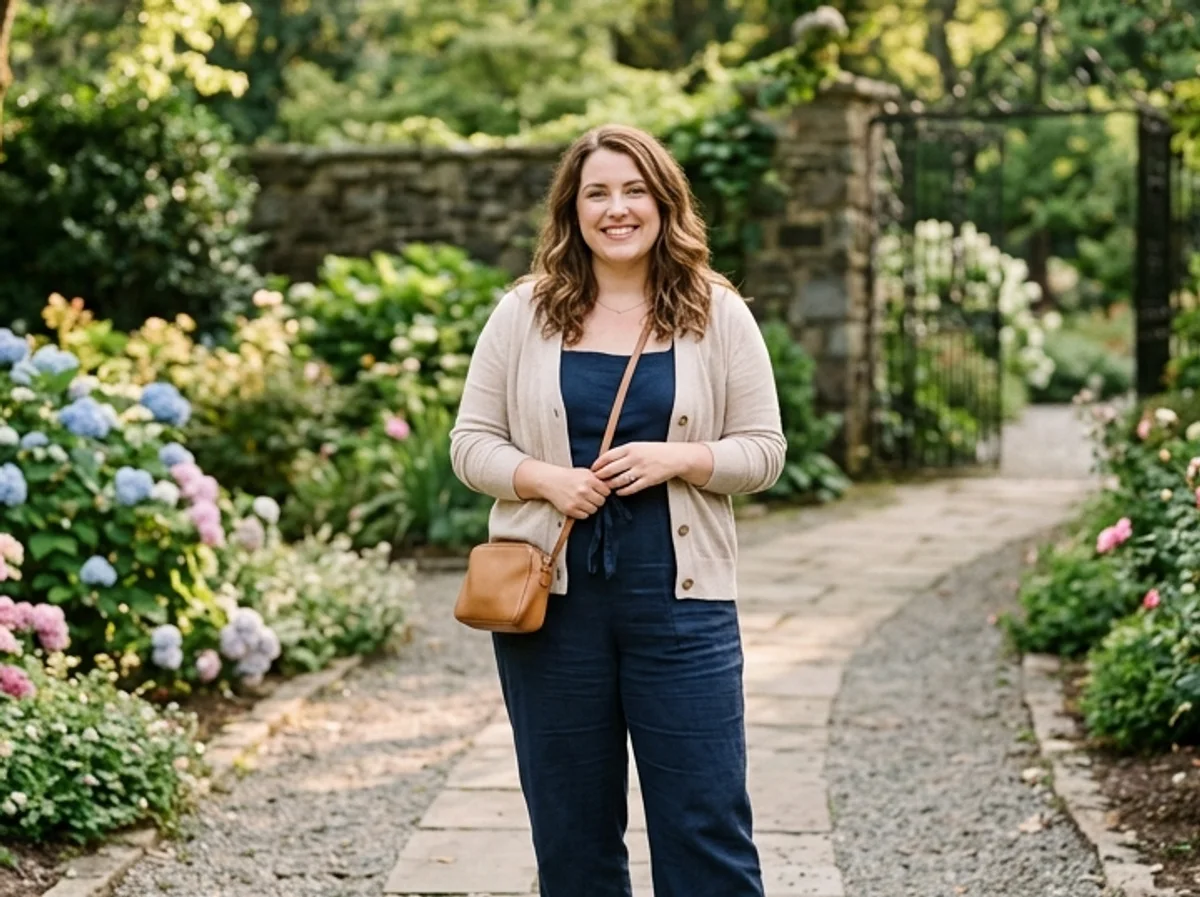
Why it looks real
A seamless extension only works if the new pixels are indistinguishable from the original. The model studies your scene and generates content that matches the lighting, texture, and color — leaving everything inside the original frame untouched.
The model never touches pixels inside your original frame — only the area beyond the edges is generated, so your subject stays exactly as shot.
Lighting, color tone, and texture are matched to the source image so the extension looks like it was always part of the photo.
Extend left, right, top, bottom, or all sides at once to hit any aspect ratio — from square social crops to wide cinematic banners.
Workflow
Upload, outpaint, and review — then download a wider result.
Add a JPG, PNG, or WebP where the subject has clear background near the edges for the smoothest extension.
The model reads the scene, generates natural content beyond every edge, and returns an expanded version in one pass.
Zoom into the seam between original and generated content. Run a second pass or start from a cleaner crop if any edge looks rough.
Sign in to save history and remove the export watermark from your final extended image.
Use cases
Use the AI image extender to expand any photo beyond its edges — then verify the blend before you publish.
Turn a square Instagram post into a wide Twitter header or a tall Pinterest pin without cropping the subject out.
Extend a product or lifestyle photo to create breathing room for a headline, logo, or call-to-action overlay.
Stretch a portrait-oriented photo into a wide hero banner or YouTube channel art in one pass.
Recover a tight headshot by extending the canvas to reveal shoulders, arms, or the surrounding environment.
FAQ
Practical answers about the AI image extender — outpainting, supported formats, and getting a seamless extension.
Yes. Upload a photo and extend it with the free base model. Sign in to keep results in your history and remove the export watermark from your downloads.
Outpainting means generating new image content beyond the original edges of a photo. The AI studies the colors, lighting, and scene in your photo and synthesizes a believable continuation — as if the photographer had simply framed wider.
No. The extension is added only outside your original frame. Everything inside the uploaded image is preserved exactly as it was.
The one-click action uses auto aspect ratio, expanding the canvas outward to add natural scene on all sides. For a specific ratio, describe it in the full workbench prompt.
Photos with clear, continuous backgrounds — sky, grass, water, walls, floors — extend most naturally. Busy edges near the border of the frame can sometimes produce visible seams; trimming the crop before uploading helps.
Upload a JPG, PNG, or WebP up to 10 MB. Use the highest-resolution version you have for the cleanest blend at the extension boundary.
Start with a prompt or reference, compare models, and save the best result to history. Upgrade when you need cleaner exports, stronger models, or more production volume.