

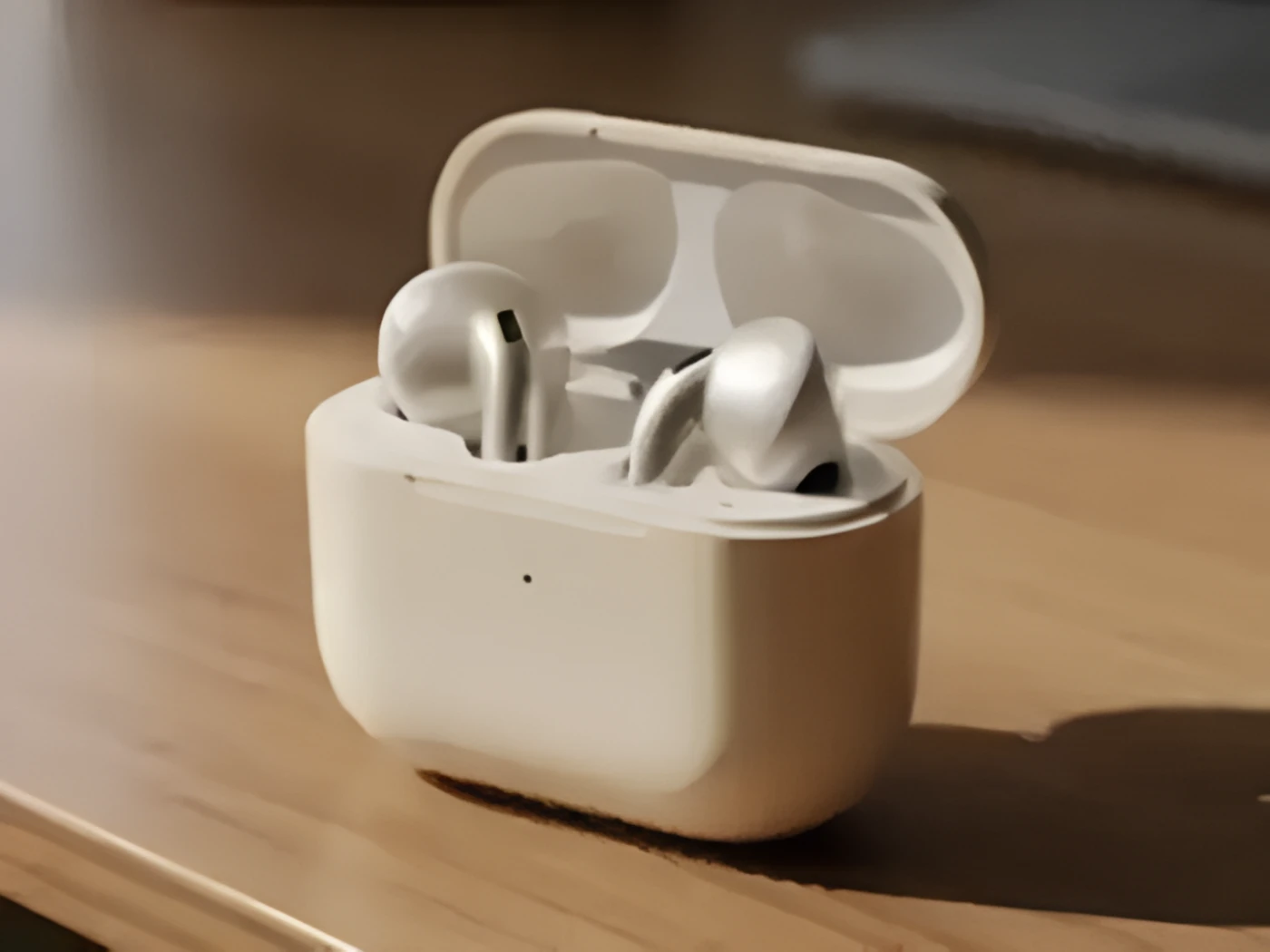
Product photo
Soft product edges and texture come back into focus
AI Image Upscaler
This free AI image upscaler turns a small, blurry, or compressed photo into a crisper, higher-resolution version — no login, no watermark, free to start. Ready for product pages, ads, social covers, prints, and video first frames.
No image? Try a scene
Pick a sample to preview the full flow
Real upscaled result preview
Sharper surface texture
Source image
Product detail
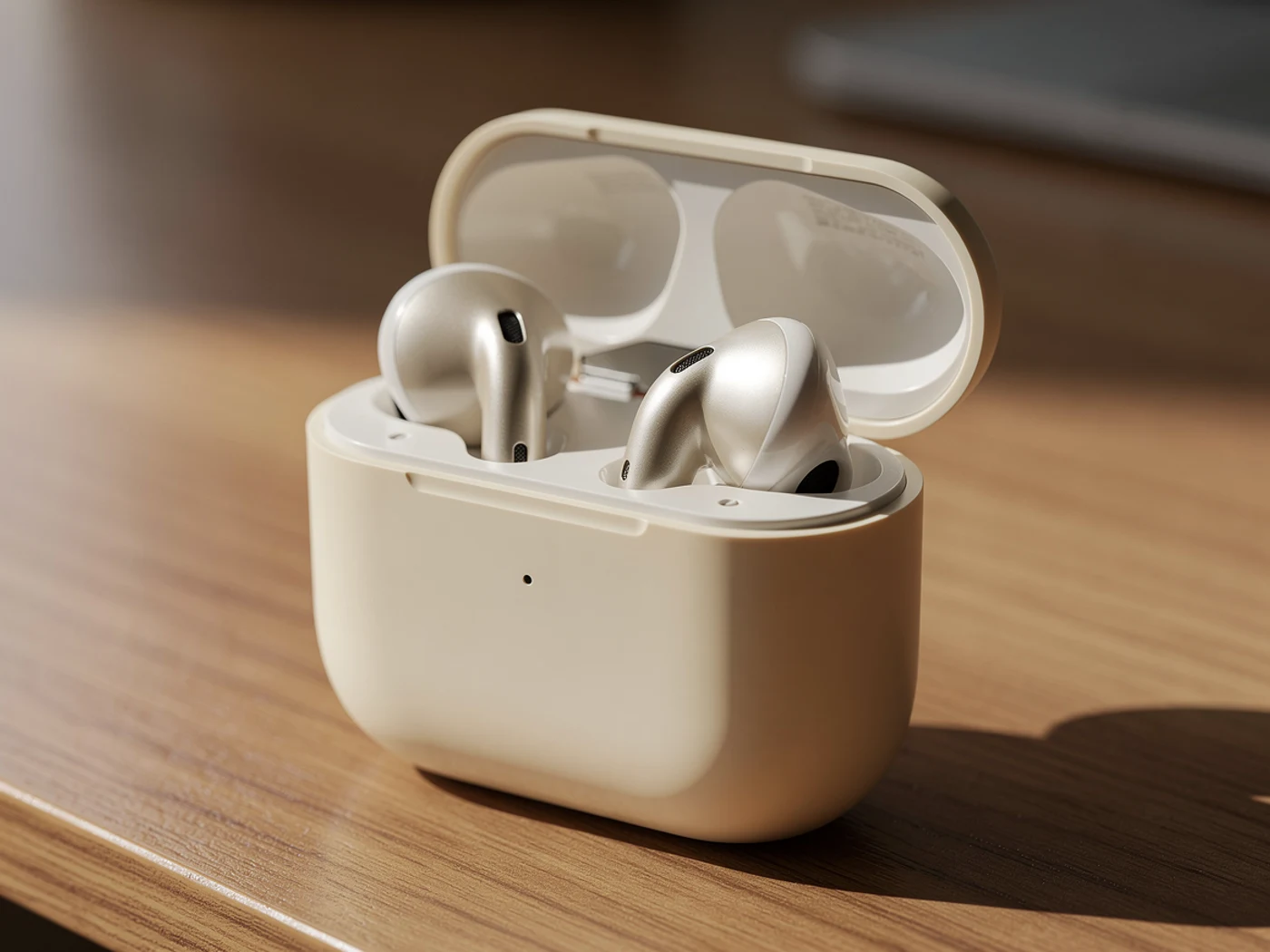
Detail restored
Sharper surface texture
Before & after
Same image — the low-res source on the left, the AI image upscaler result on the right. Watch product edges, text, and portrait detail.
Product photo
Soft product edges and texture come back into focus
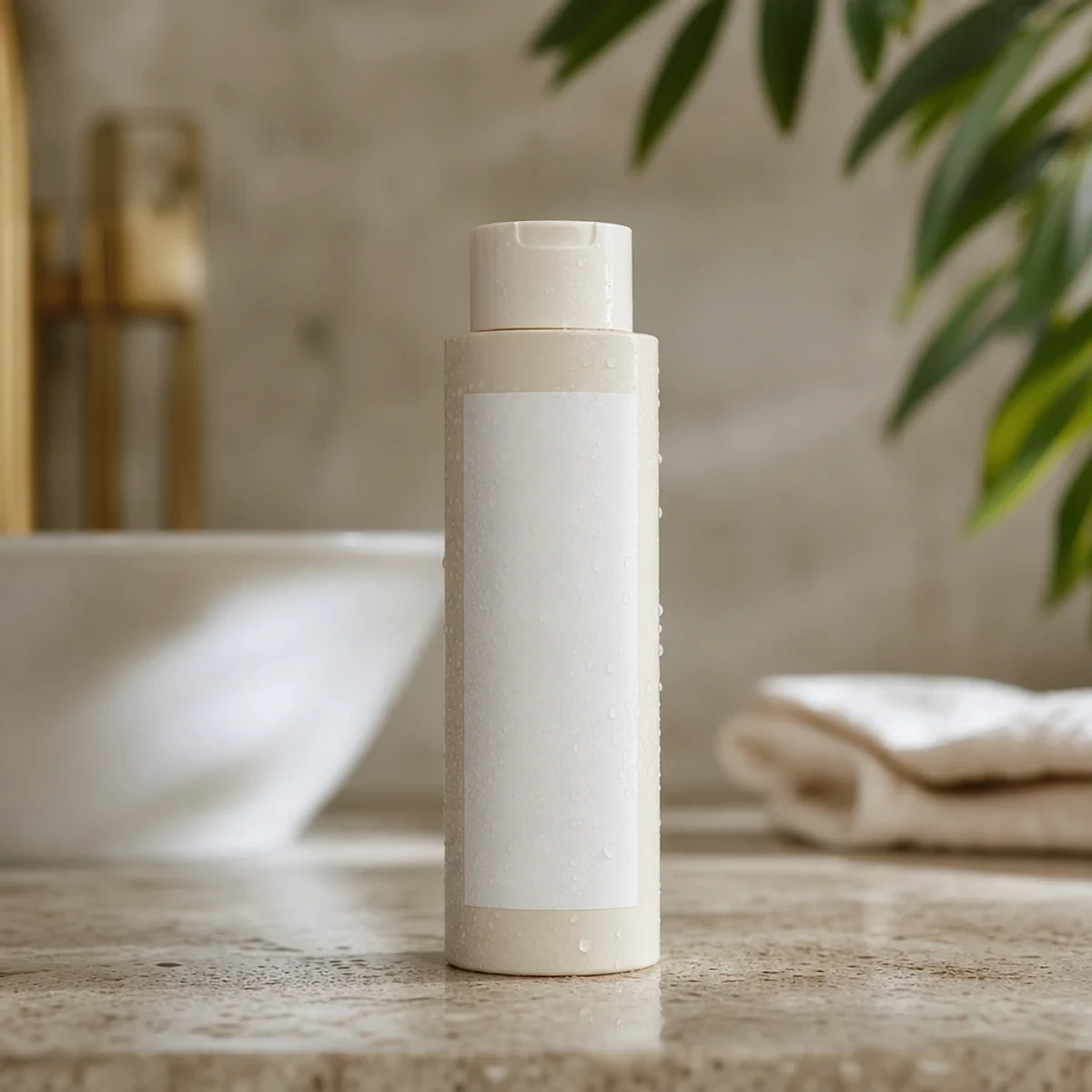
Text & labels
Compressed label text becomes legible again

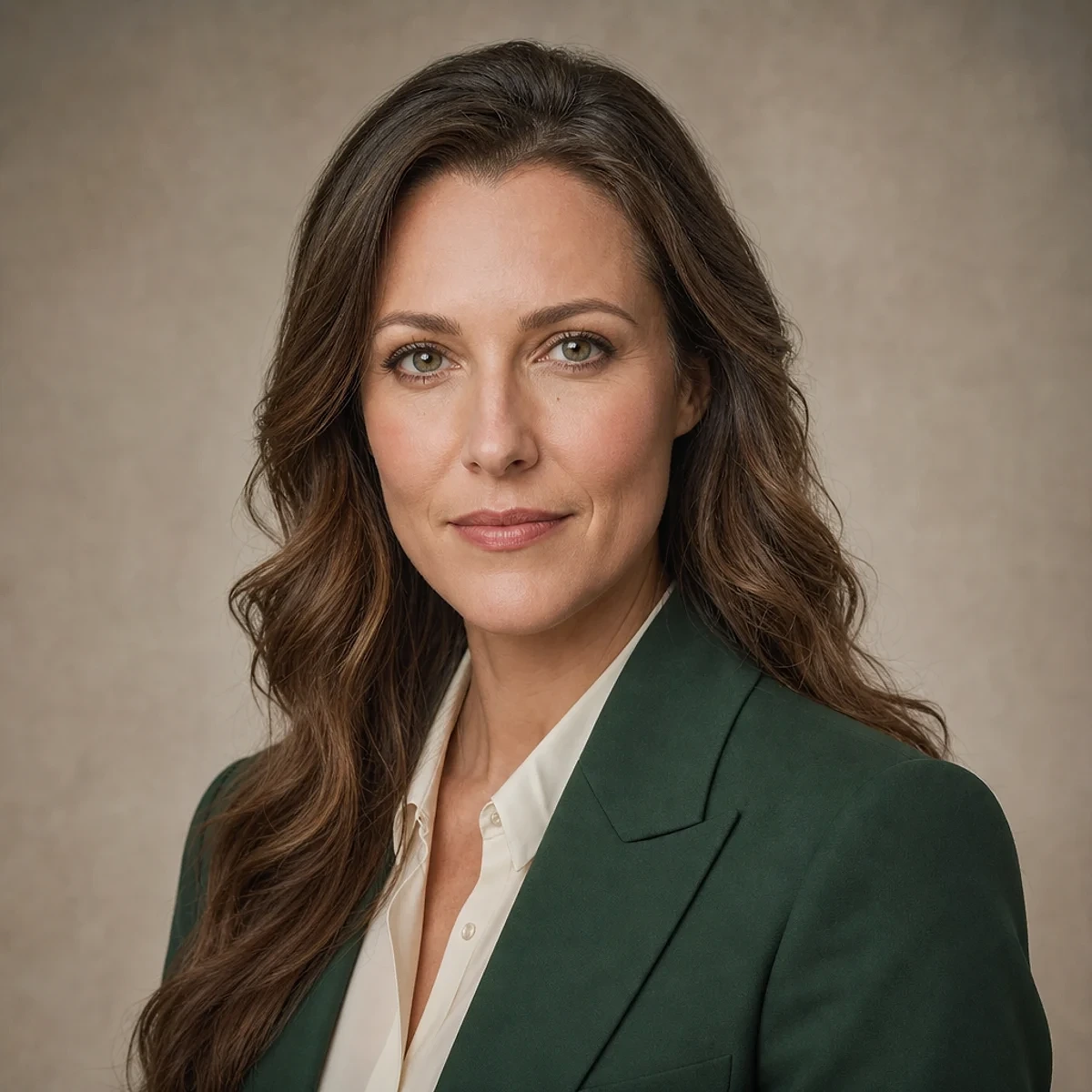
Portrait
Facial features and hair strands look sharper, not smeared
Steps
Three steps to use the AI image upscaler: turn a low-res, compressed image into a deliverable, crisp version.
Pick the photo whose composition and content are already right — upscaling repairs quality, it does not redraw the direction.
Recraft Crisp Upscale sharpens detail, recovers compressed texture, and reduces blur and noise for a higher usable resolution.
Inspect the focal areas — faces, label text, product edges — confirm they read cleanly, then download with no watermark.
Use cases
Product shots, avatars, old photos, social covers — anything low-res, compressed, or too small becomes more usable.
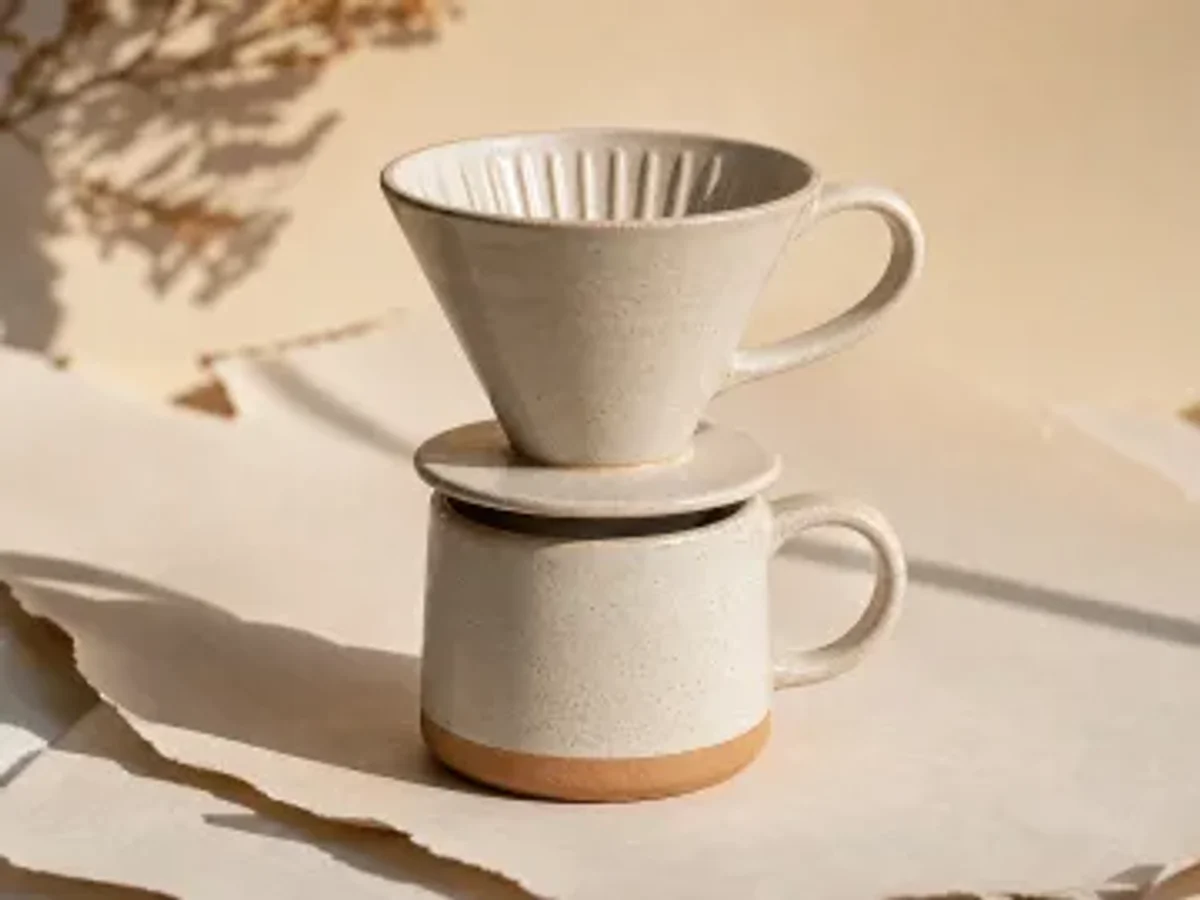 Before
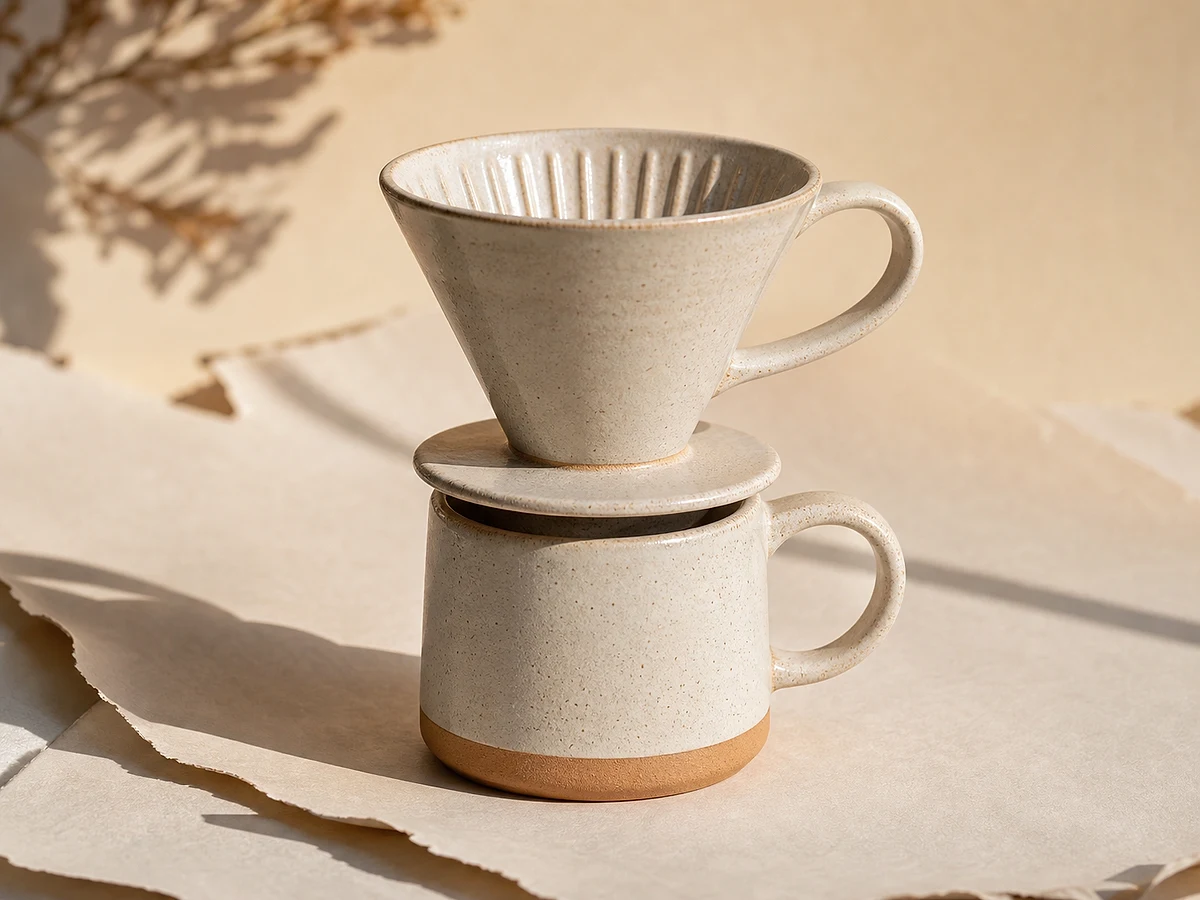 After
AfterPhone-shot or supplier photos look soft on a product page. Sharper detail builds trust and earns the click to buy.
 Before
 After
AfterA small or compressed face photo looks pixelated where it matters. Crisp upscale firms up features and edges.
 Before
 After
AfterMemories you can never reshoot deserve to be clearer. Recover fur, texture, and detail lost to time or compression.
 Before
 After
AfterCovers get re-compressed by every platform. Start from a sharper source so the published frame still holds up.
What it does
Honestly, here is what the AI image upscaler does: it enhances clarity and resolution and repairs compressed quality. Results depend on how much detail the source holds — it does not invent a new direction.
Enlarges the image while keeping it clean, so a small or web-sized photo holds up at the size you actually need.
Firms up edges, fabric, fur, and material texture that looked soft or smeared in the source.
Brings back fine detail and label text that compression had blurred, so it can be read again.
Reduces blur and the blocky artifacts left by heavy compression — quality repair, not a new creative direction.
Plans
The AI image upscaler is free with no login. Signing in saves your history and unlocks follow-up workflows; paid plans (Pro, Max, Unlimited) trade up for faster, priority processing.
FAQ
About free use, watermarks, sign-in, sharpness, faces and text, and what comes next.
Yes — the AI image upscaler is free to use with no login required. Signing in saves your results to history, and Pro adds faster, priority processing.
No. Upscaled results come out without any watermark.
No. Signing in is only for saving results to your history and continuing into background swap or image-to-video.
It enhances clarity and resolution rather than scaling by a fixed multiplier. Results depend on the source quality — start from an image that is already composed and clear, because upscaling repairs quality, it does not change direction.
Yes. It sharpens facial features, text, and edges — though the result still depends on how much detail the source holds.
Use it for product pages, ads, covers, or prints — or as a sharper first frame for image-to-video. Signed in, you can continue straight into background swap or video.
The AI image upscaler is free, with no watermark and no login. Upgrade to a paid plan for priority processing when you need faster runs at volume or during peak hours.