
Upload your kitchen photo
Add a JPG, PNG, or WebP of your current kitchen. A well-lit, full-width shot gives the best result.
AI Kitchen Remodel
Upload a photo of your kitchen and see it redesigned with modern cabinets, quartz counters, and fresh finishes in one click — explore styles before you spend a cent on renovation.
Examples
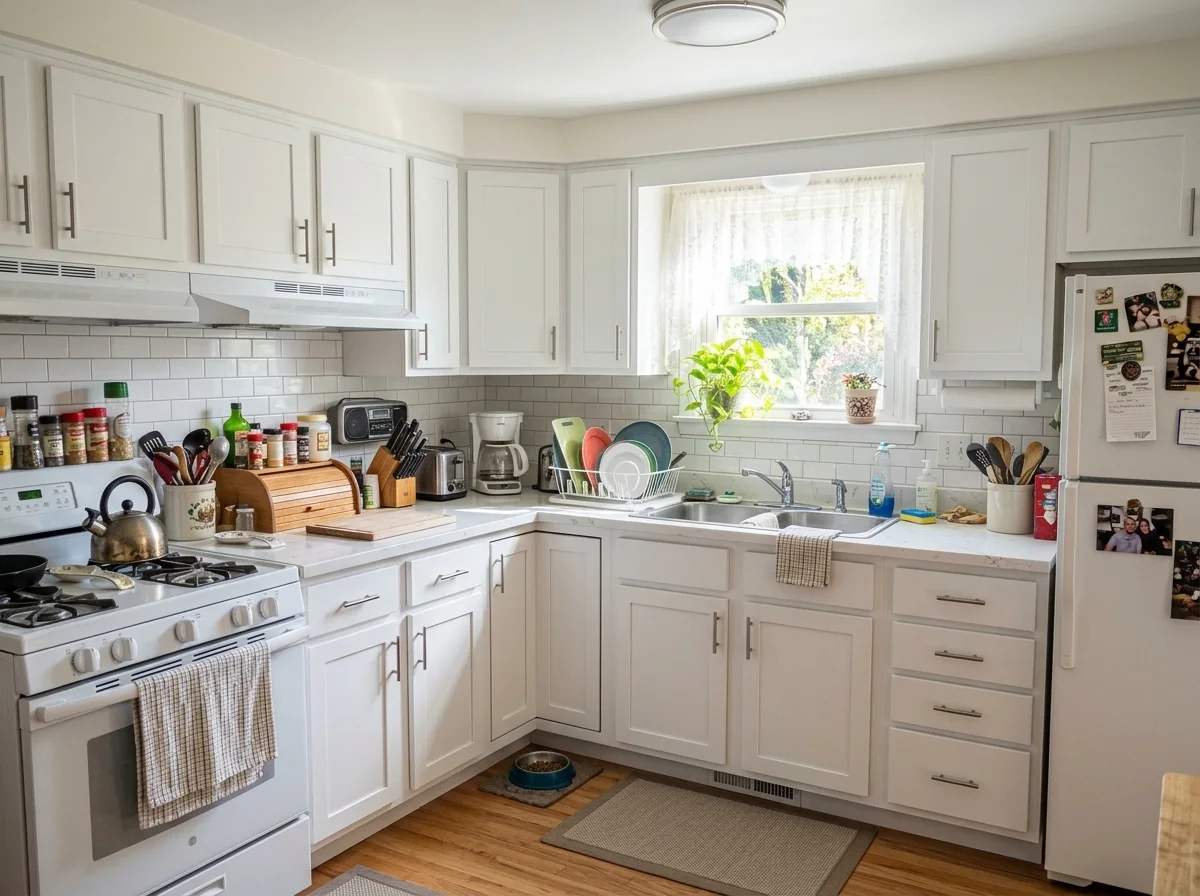
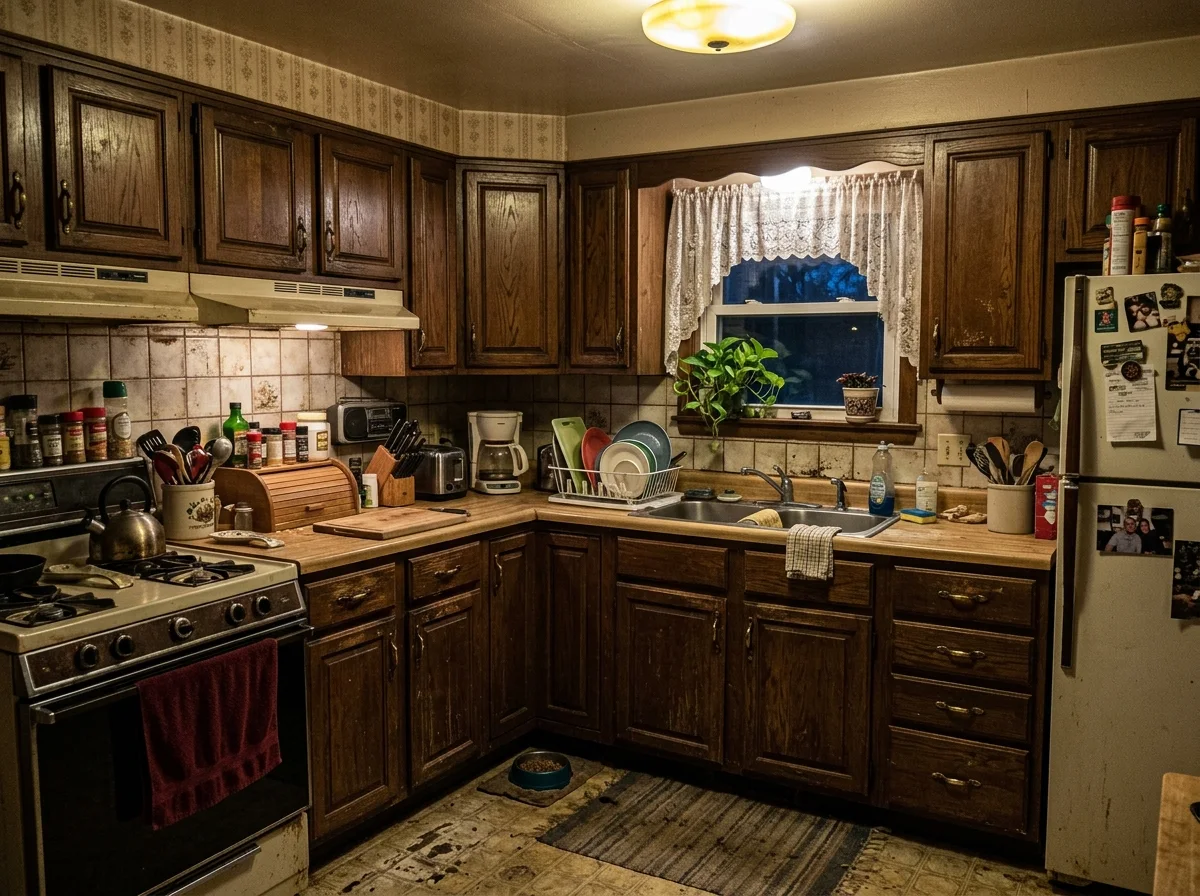
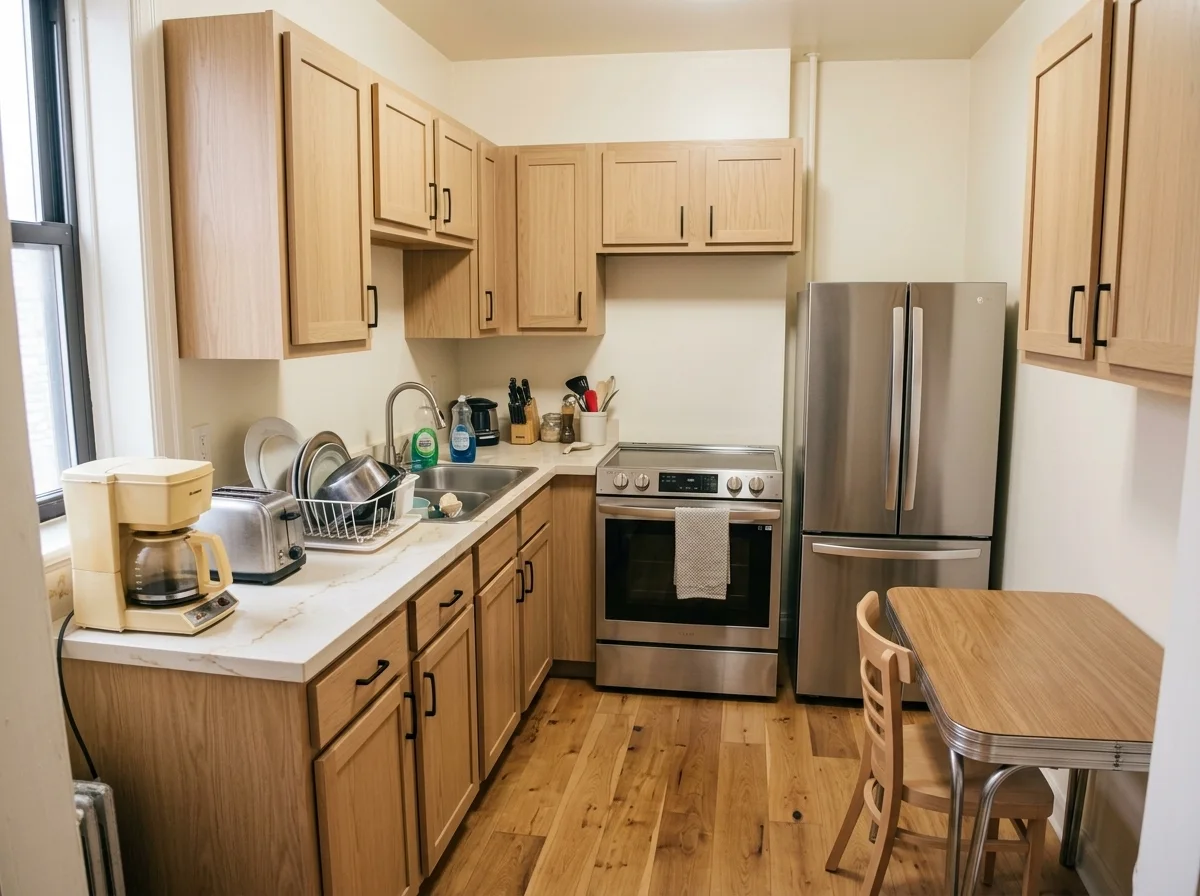
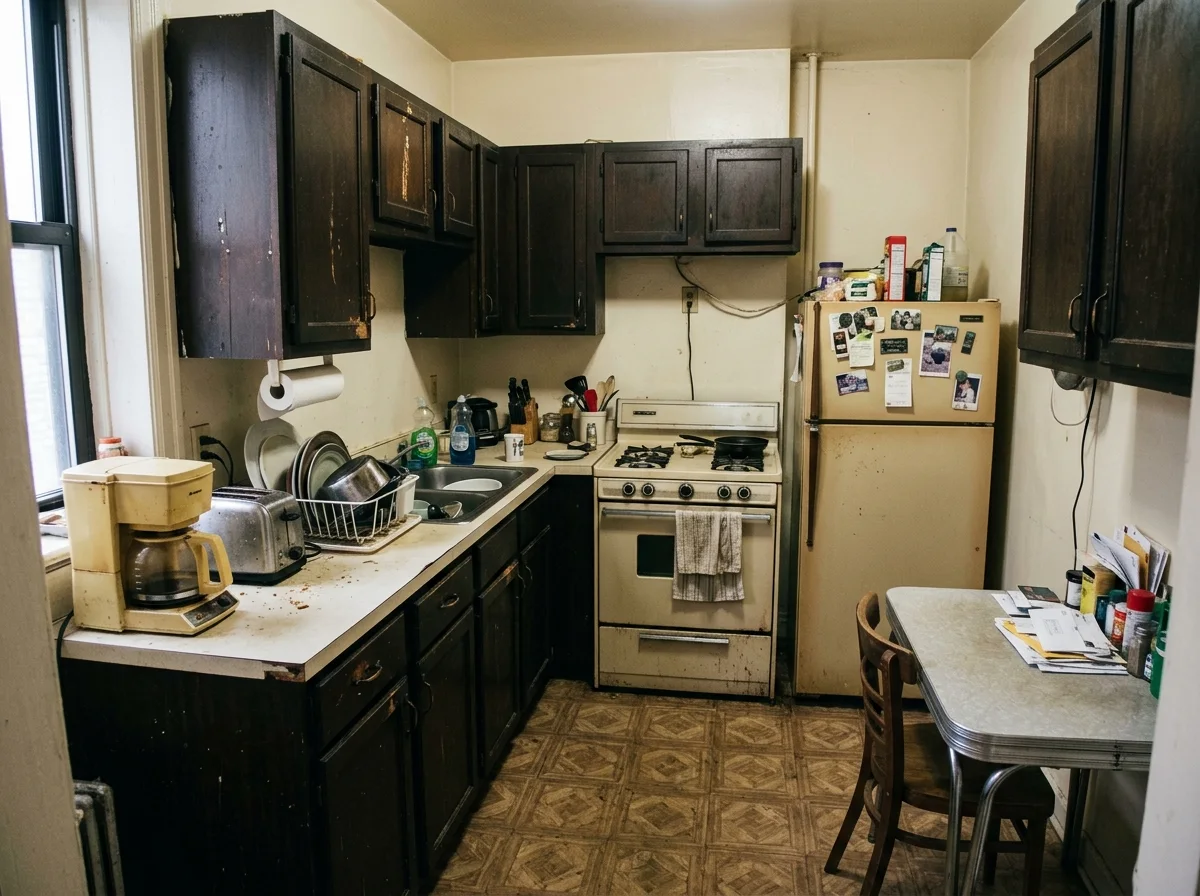
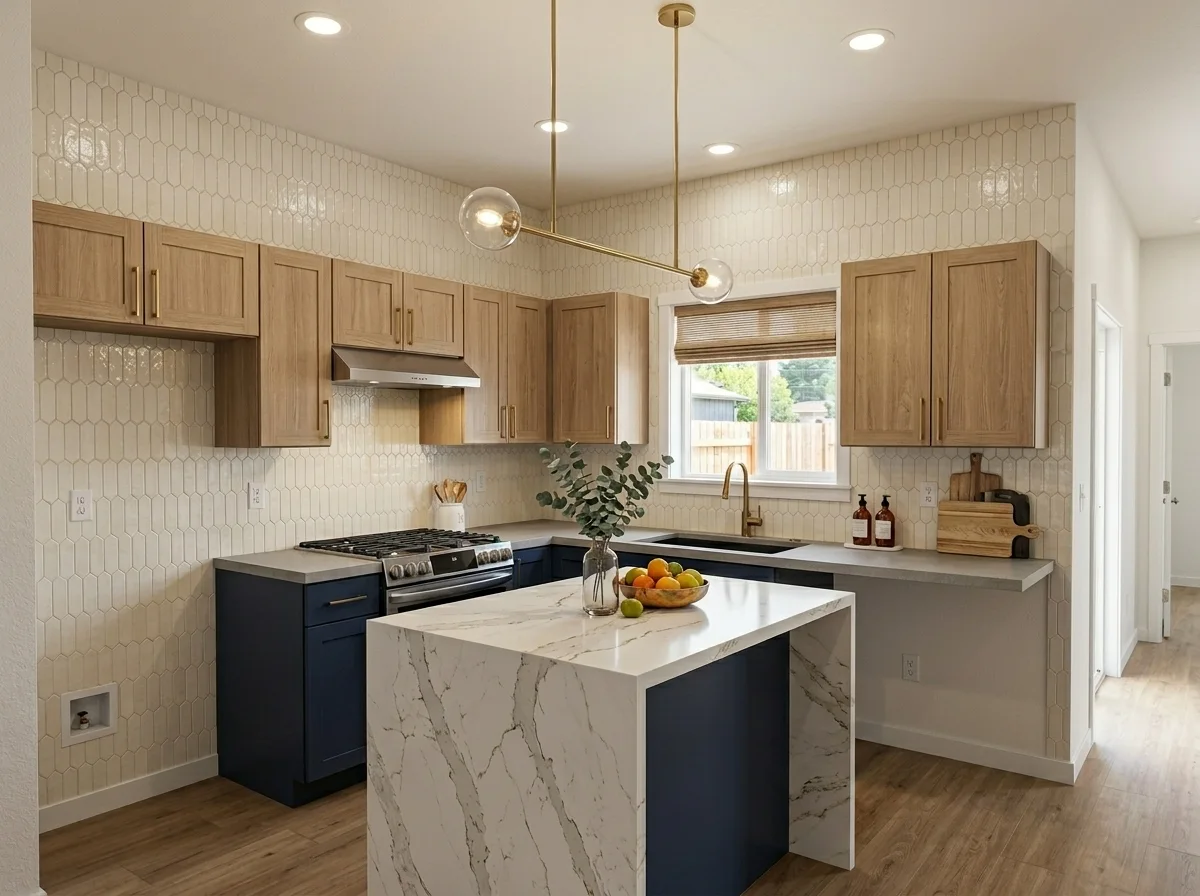
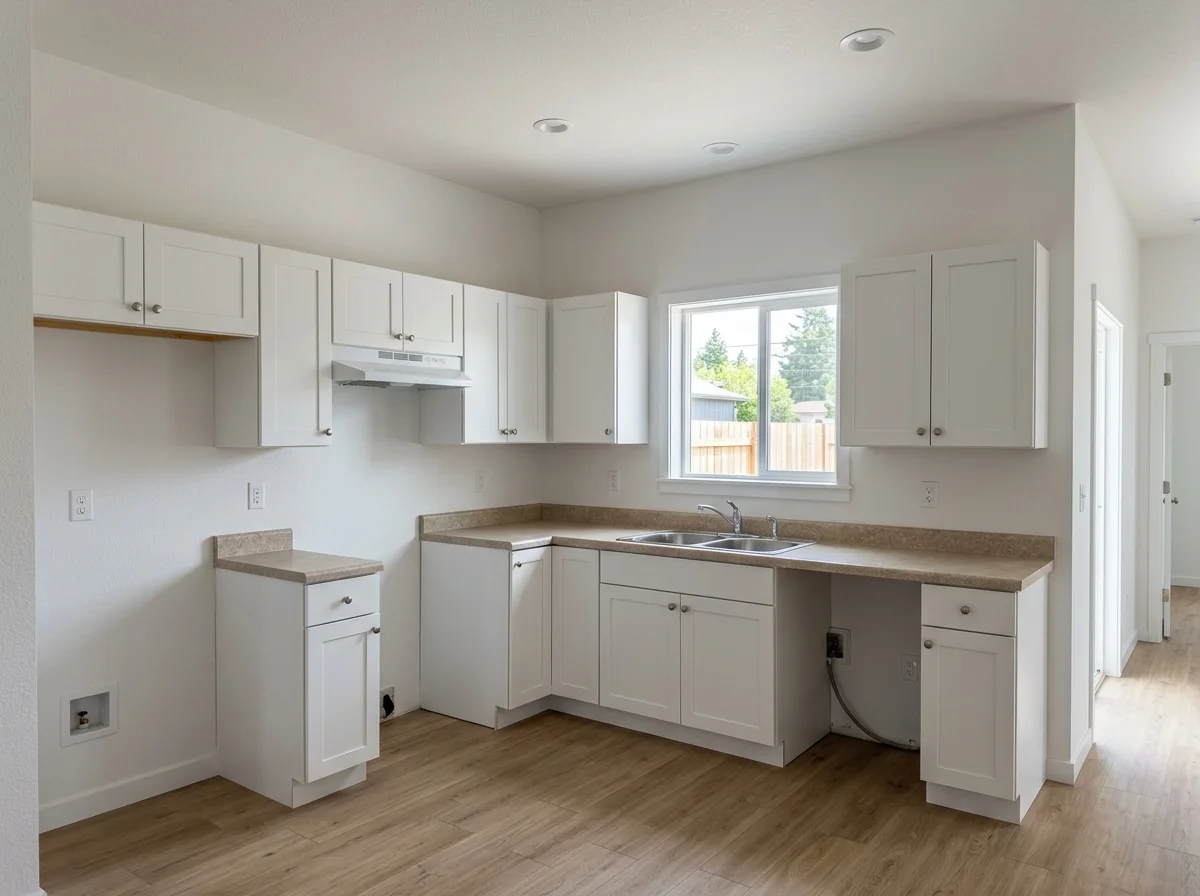
Dated, cramped, or builder-grade — drag each slider to see the same kitchen transformed with modern finishes. The layout never moves.
Why it looks real
A kitchen remodel render only works if it looks like your actual space. The model replaces finishes and fixtures while keeping the layout, windows, and proportions exactly where they are.
The model keeps the same walls, windows, and cabinet positions — only the finishes, materials, and style are swapped. Your floor plan stays exactly as it is.
Window placement and the camera angle are preserved so the remodeled render matches the lighting and proportions of your real kitchen.
Cabinets, counters, hardware, backsplash, and flooring are rebuilt to the selected style while structural elements remain unchanged. Results are design inspiration, not engineering plans.
Workflow
Upload, generate, and explore — then take the inspiration to your contractor.
Add a JPG, PNG, or WebP of your current kitchen. A well-lit, full-width shot gives the best result.
The model keeps your layout and camera angle while swapping in modern cabinets, counters, backsplash, and lighting in one pass.
Check that the layout and windows look right. Run again or describe a different style in the full workbench if you want to explore more options.
Sign in to save results and remove the export watermark. Share the render with your designer, contractor, or family to align on the direction.
Use cases
Use the AI kitchen remodel to see your kitchen transformed before committing to a single cabinet — then share the vision with your team.
Visualize a full kitchen makeover before signing any contracts. Try modern, farmhouse, or industrial finishes on your actual space.
Show buyers a dated kitchen's potential with a single render. Help listings stand out without spending on physical staging.
Present style options to clients quickly and iterate on looks before drafting detailed plans or ordering materials.
Build a visual brief for your renovation by generating several styles from the same photo and picking what resonates.
FAQ
Practical answers about the AI kitchen remodel — layout preservation, supported photos, and using results as design inspiration.
Yes. Upload a photo and remodel your kitchen with the free base model. Sign in to save results to your history and remove the export watermark from downloads.
Yes. The model preserves the same footprint, wall positions, windows, and camera angle. Only the finishes, cabinet style, countertop material, and backsplash are redesigned.
No — results are design inspiration, not engineering or construction plans. Use the renders to explore styles and communicate ideas to a contractor or designer before committing to a renovation.
Use a well-lit, straight-on or slightly angled photo that shows the full width of your kitchen. Avoid extreme fisheye angles or very dark shots. The more detail visible in the original, the better the remodel result.
Yes. Run the tool again with a different style prompt in the full workbench, or describe the look you want — farmhouse, industrial, Scandinavian, or any other aesthetic.
Upload a JPG, PNG, or WebP up to 10MB. Use the highest-resolution version you have for the sharpest remodel render.
Start with a prompt or reference, compare models, and save the best result to history. Upgrade when you need cleaner exports, stronger models, or more production volume.