
Profile photos
Turn a flat headshot or avatar into an eye-catching live photo that stands out on social profiles and messaging apps.
AI Live Photo Generator
Upload a still photo and the AI live photo generator brings it to life in one click — the AI adds subtle natural motion automatically, so there is no prompt to write.
Use cases
Each output is a short looping clip — hover any card to preview the motion, then share the moment people pause to look at twice.
Turn a flat headshot or avatar into an eye-catching live photo that stands out on social profiles and messaging apps.
Add the feel of moving water or drifting clouds back into a landscape photo and make the scene feel like you are really there.
Replace a static hero image with a subtly animated version to give your site an immediate sense of depth and life.
Animate an old family photo or special moment and share a version that feels more alive than a static print.
Workflow
Upload, generate in one click, and share — no style picking, no prompt needed.
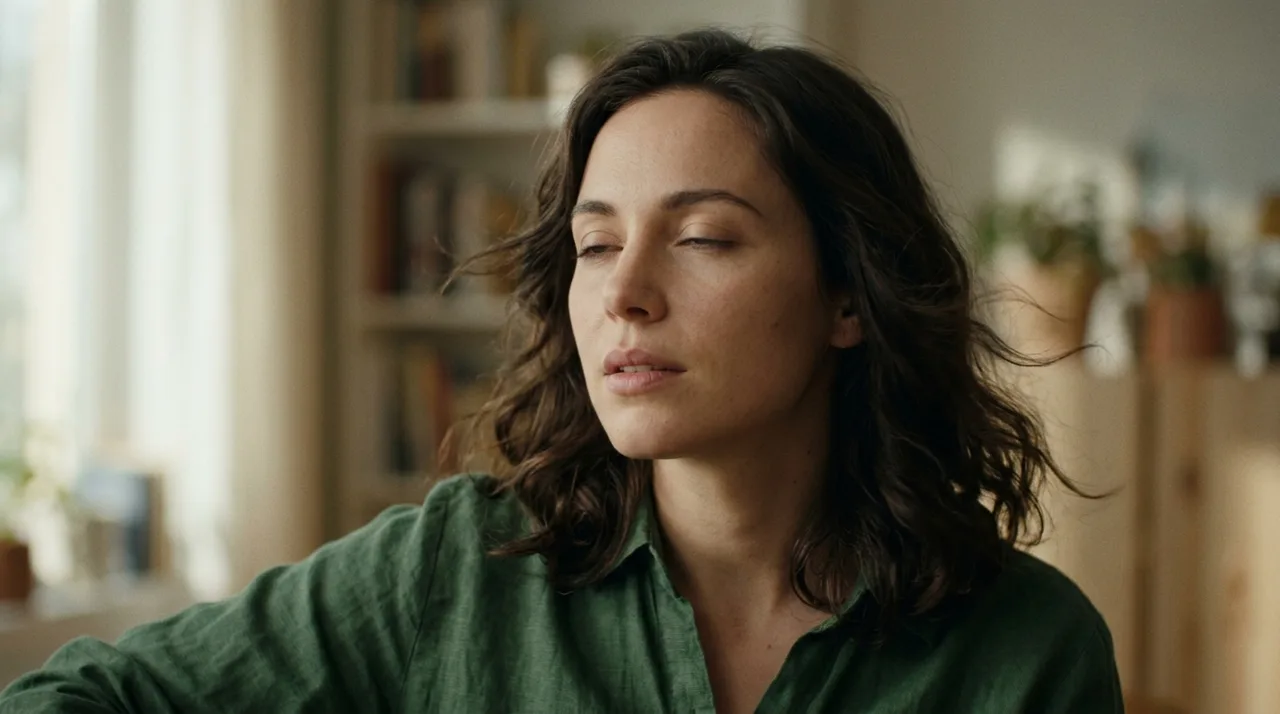
Add a clear, well-lit still photo — portrait, landscape, cityscape, or any scene with natural-motion potential.
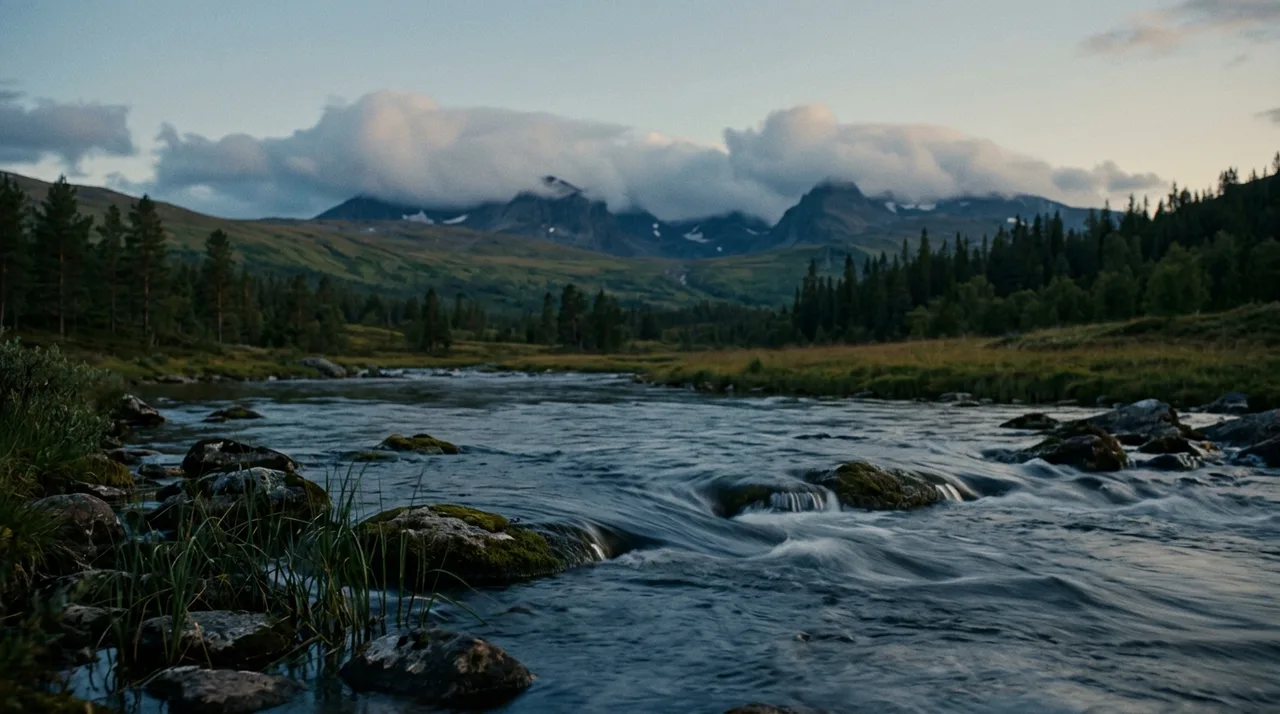
The AI automatically applies a tuned live-photo motion preset. Open the custom prompt only if you want a specific movement.
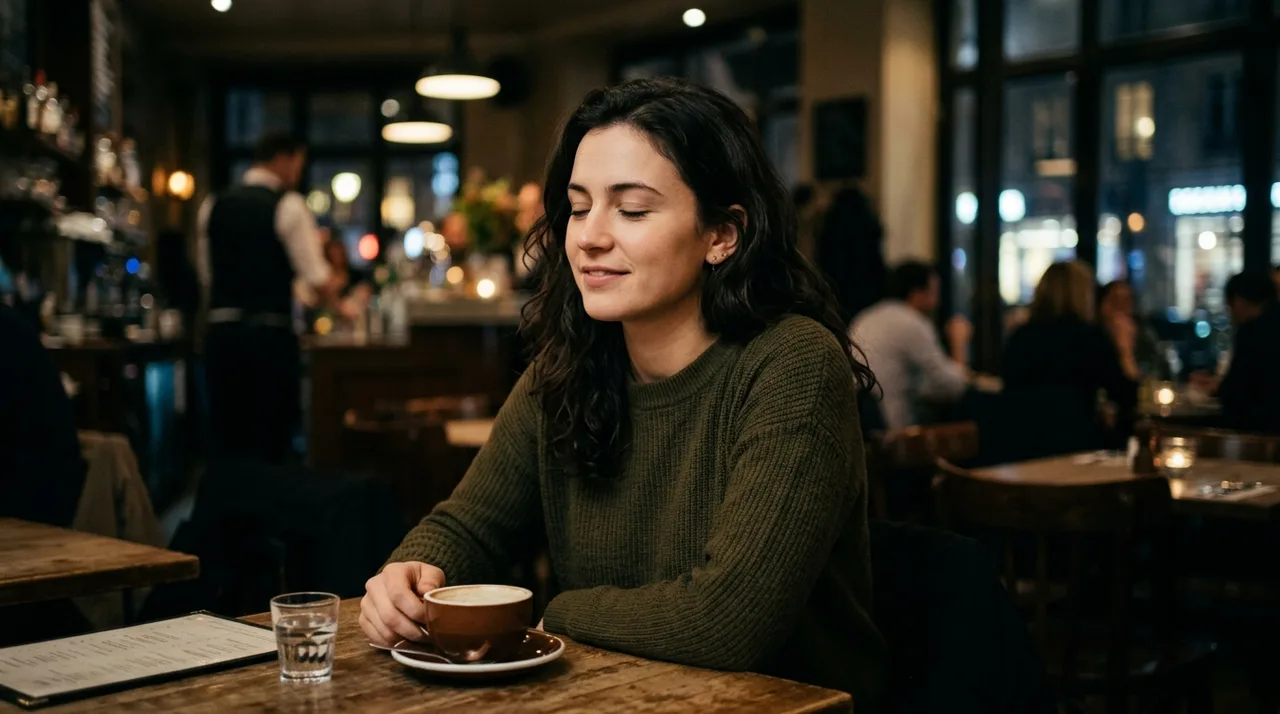
Click once and the photo is animated into a short looping clip — no prompt writing required.
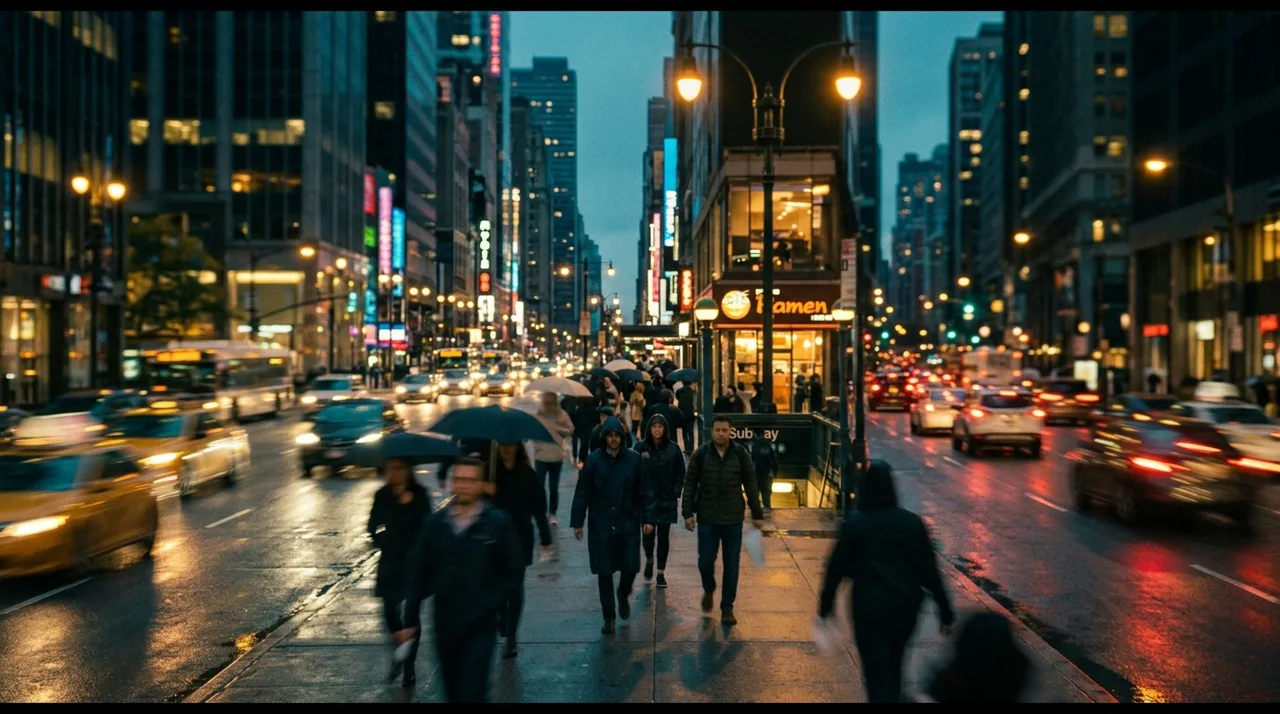
Sign in to save history and remove the export watermark, then post your live photo wherever it will be seen.
Why it stays believable
Motion is layered in naturally — only the elements that would actually move in real life animate, so the photo never looks distorted or artificial.
Upload and click once — the AI automatically applies a tuned live-photo motion preset. No style picking needed.
For portraits, the face, expression, and outfit remain unchanged — only subtle peripheral motion is added so the person is unmistakably the same.
FAQ
Practical answers about the AI live photo generator — photos, motion, and getting a believable live photo.
Yes. Upload a photo and generate a short animated live photo with the free base model — the AI applies subtle natural motion automatically. Sign in to save results to your history and remove the export watermark from downloads.
This is a one-click tool: just upload your photo and click once — the AI automatically applies a tuned live-photo motion preset, then the still photo is brought to life as a short looping clip. No style picking, no prompt writing needed. Want a different look? Open the full workbench and describe it in a custom prompt.
Use a clear, well-lit photo with a subject that has obvious natural-motion elements — flowing hair, moving water, swaying foliage, or city lights. Clean, high-contrast images produce the most believable results.
No. The portrait preset is tuned to hold the face, expression, and identity stable — only subtle surrounding motion like hair drift or a soft blink is added.
It generates a short looping clip suited to social posts, profile photos, and website headers. Generate a few takes and keep the one that feels most natural.
Treat results as creative drafts. Only animate photos you have the rights to use, and follow the applicable terms for any platform you post on.
Start with a prompt or reference, compare models, and save the best result to history. Upgrade when you need cleaner exports, stronger models, or more production volume.