
Single release teasers
Animate the artist photo into a short looping performance clip, then add track audio and release text in your editor.
AI Music Video Generator
Upload one photo and the AI music video generator turns it into a music video clip in one click — the AI applies the right motion automatically, so there is no prompt to write.
Use cases
Each clip is the animated visual layer for a song — hover any card to preview the motion, then add your track, captions, or release text in an editor.
Animate the artist photo into a short looping performance clip, then add track audio and release text in your editor.
Use the band-energy look for rhythmic head nods, instrument gestures, and community edits that need more movement.
A slower studio motion suits lyric clips and atmospheric posts where the subject should stay restrained.
The visualizer look shines when the image already has strong lighting, abstract background, or cover-art energy.
Workflow
Upload, generate in one click, then finish the music video with audio and titles.
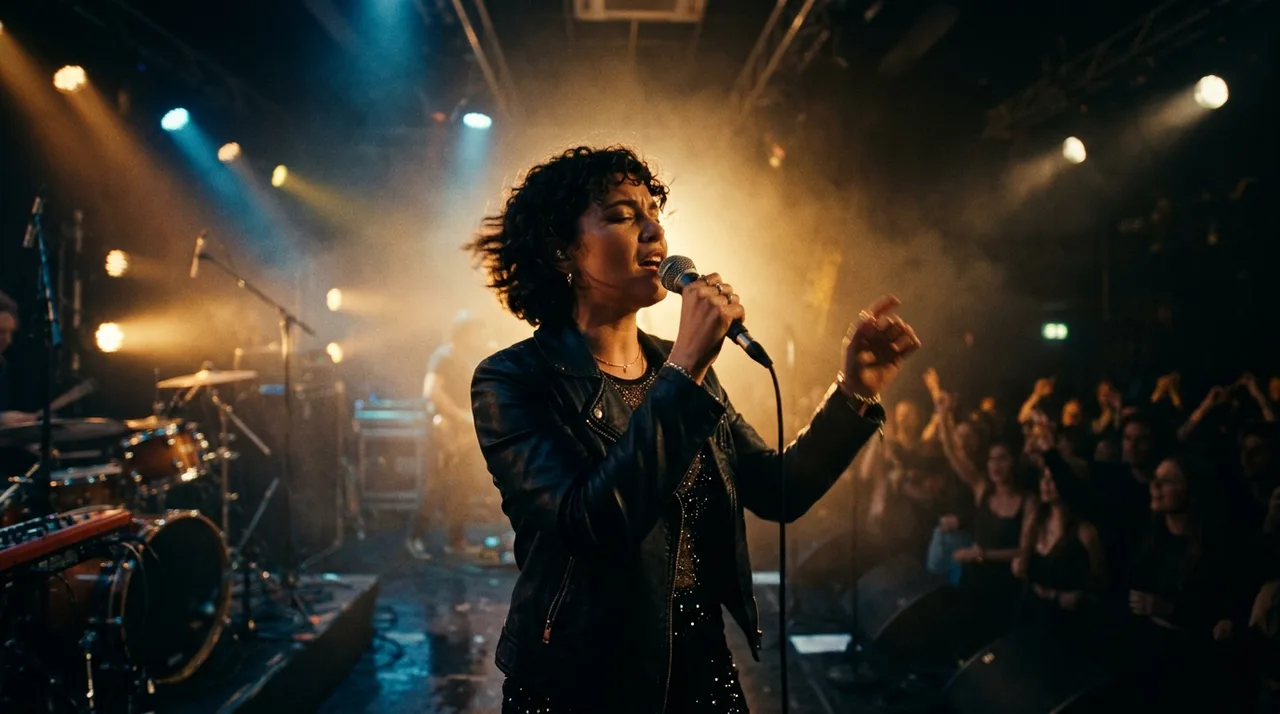
Add a clear photo where one person is fully visible and stands out from the background — waist-up or full-body gives the most room for stage motion.

The AI automatically applies a tuned music-video motion. Open the custom prompt only when you want one extra detail, like light pulses or a slow sway.
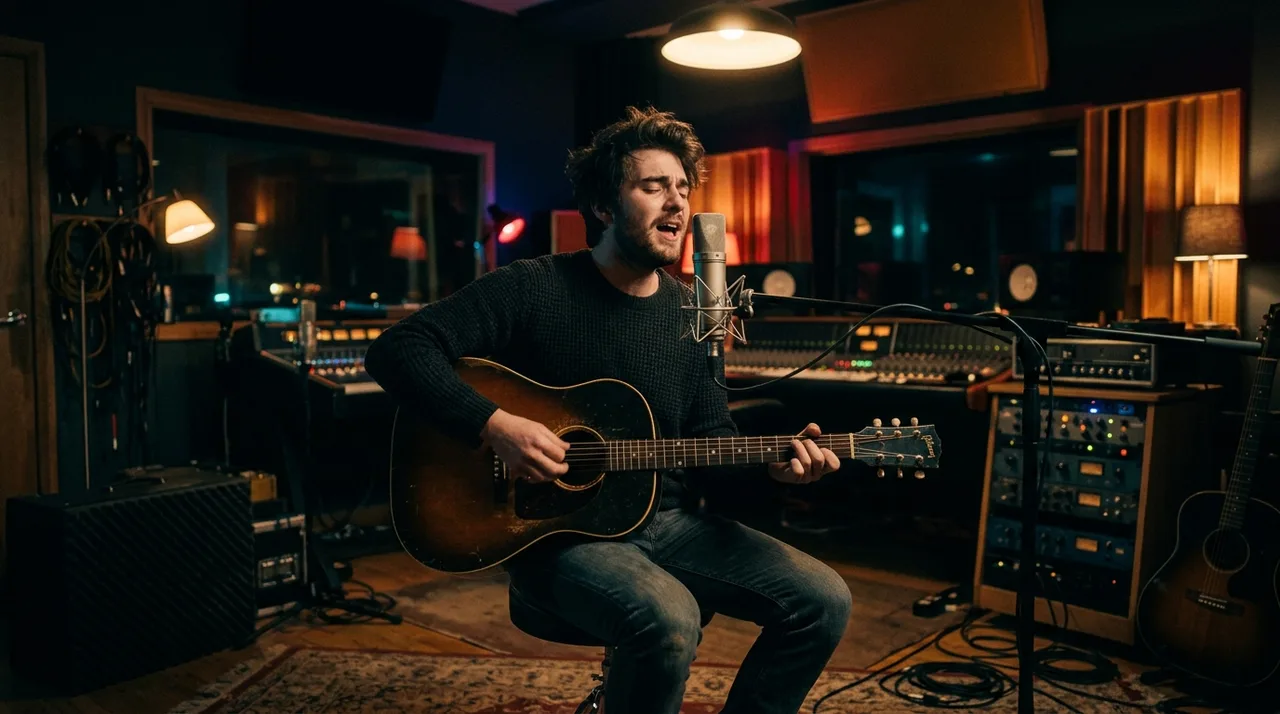
Click once and the photo is animated into a short music-video clip — no prompt writing required.
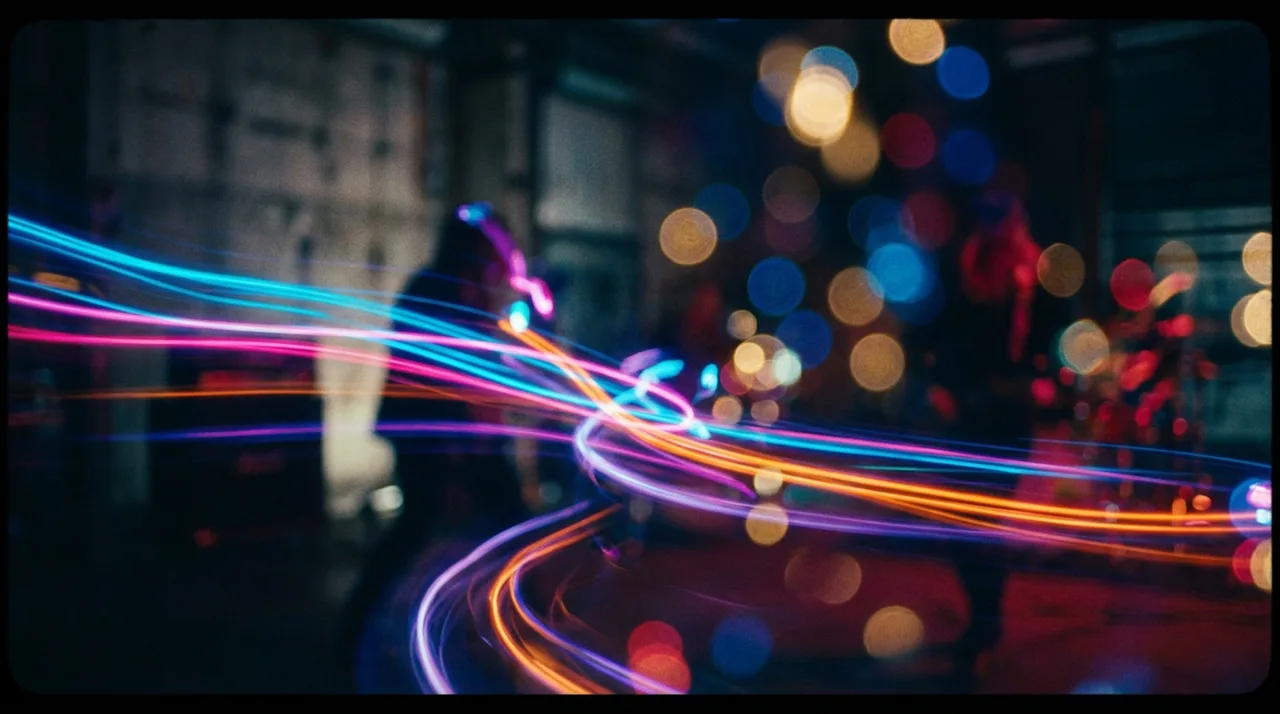
Generate the motion clip here, then add your track, lyrics, release date, or cover-art text in any video editor.
Why it stays believable
Motion is added while the same face, outfit, and framing hold — so it reads as the same artist, performing.
Upload and click once; the AI applies a tuned music-video motion automatically. No style picking needed.
Motion stays on the subject so the background and environment hold instead of warping.
FAQ
Practical answers about the AI music video generator — photos, video motion, and getting a believable music video clip.
Yes. Upload a photo and generate a short music video clip with the free base model — the AI applies music-video motion automatically. Sign in to keep results in history and remove the export watermark from your downloads.
This is a one-click tool: just upload your photo and click once — the AI automatically applies a tuned music-video motion, then the photo is animated into a short clip. No style picking, no prompt writing needed. Want a different look? Open the full workbench and describe it in a custom prompt.
Use a clear, well-lit photo where the person is fully or mostly visible and not cut off. Clean separation from the background gives the most believable motion.
It works best with one clear subject. Group photos can work but motion is most stable and believable with a single person in frame.
It generates a short clip suited to social posts, reels, and teasers. Generate a few takes and keep the one you like best.
Treat results as creative drafts. Only animate photos you have the rights to, and avoid using a real person’s likeness in a misleading way.
Start with a prompt or reference, compare models, and save the best result to history. Upgrade when you need cleaner exports, stronger models, or more production volume.