
01
Crew neck
Try first
Princess length, short pendants, or slim chains
Be careful with
Thick chokers that crowd the neckline
Why it works
A length just below the neckline opens the neck without fighting the collar.
AI Virtual Try On Necklace
Try on necklaces on your photo before buying or styling an outfit. Upload a front-facing upper-body photo, choose a necklace reference, and preview realistic drape, length, collarbone placement, and clasp direction.


Necklace fit guide
Use neckline shape to shortlist necklace length, then inspect drape, collarbone placement, and shadows in the generated preview.
Try first
Princess length, short pendants, or slim chains
Be careful with
Thick chokers that crowd the neckline
Why it works
A length just below the neckline opens the neck without fighting the collar.
Try first
V-shaped pendants, slim drops, or layered chains
Be careful with
Short heavy chokers that cut across the V
Why it works
A pendant that follows the V elongates the collarbone line naturally.
Try first
Short pearls, rounded pendants, or collarbone chains
Be careful with
Large square pendants that repeat the neckline
Why it works
Curved details soften the straight neckline and keep the neck area lighter.
Try first
Long pendants, sweater chains, or statement long necklaces
Be careful with
Short necklaces hidden by the collar
Why it works
Longer necklaces sit over the fabric and have room to show shape and scale.
Try first
Short pearls, chokers, or collar necklaces
Be careful with
Tiny pendants that sit too low
Why it works
A boat neck widens the shoulder line, so shorter necklaces keep focus near the face.
Try-on examples
Start with one before-and-after, then compare pendants, chokers, chains, layered, statement, and pearl styles.
Upload to result
Check chain length, collarbone placement, drape curve, and whether the neckline overlap feels natural.
Same photo, every necklace style

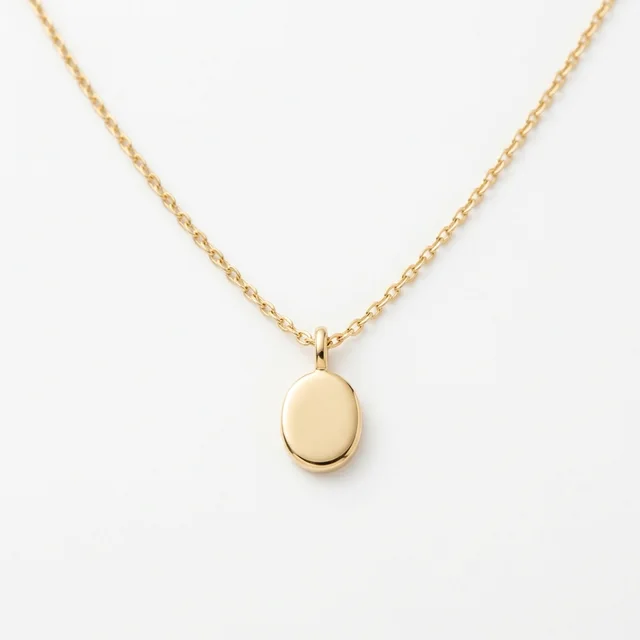
The clearest test for chain length, pendant placement, and collarbone fit.

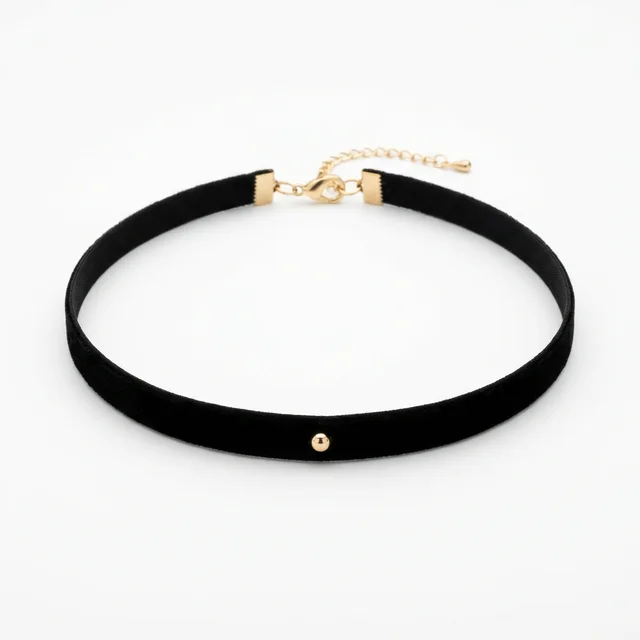
A close-neck style for checking tightness and neckline crowding.

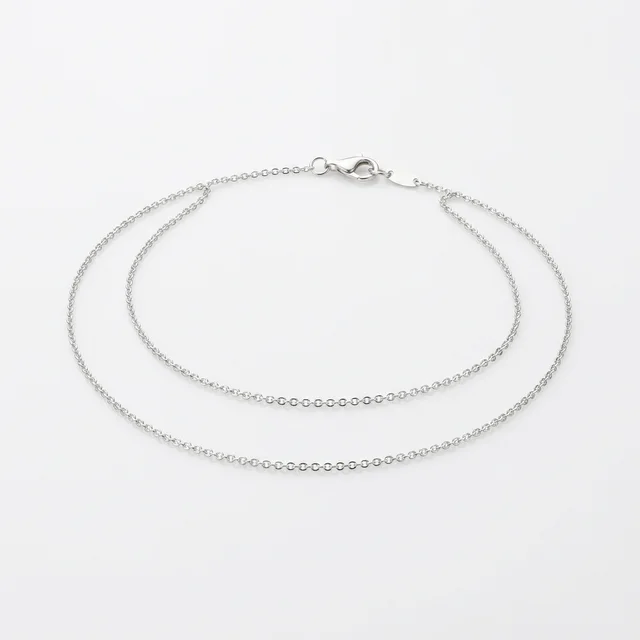
An everyday style for judging metal reflection and length proportion.

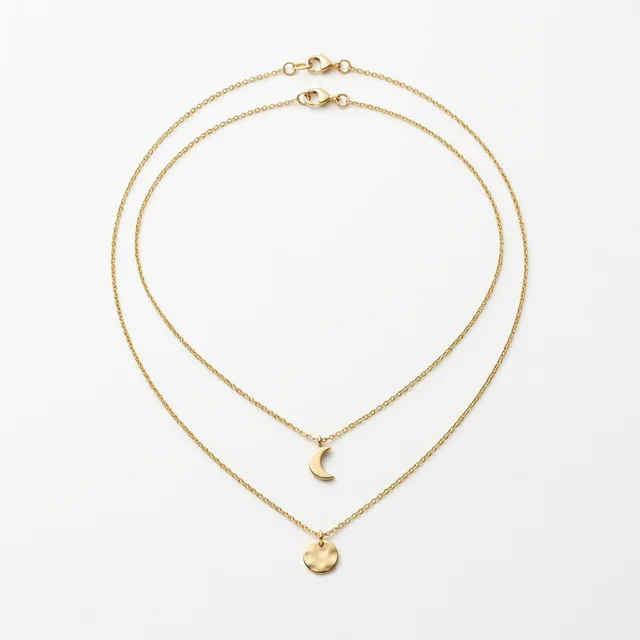
More layered detail; inspect whether each chain separates naturally.

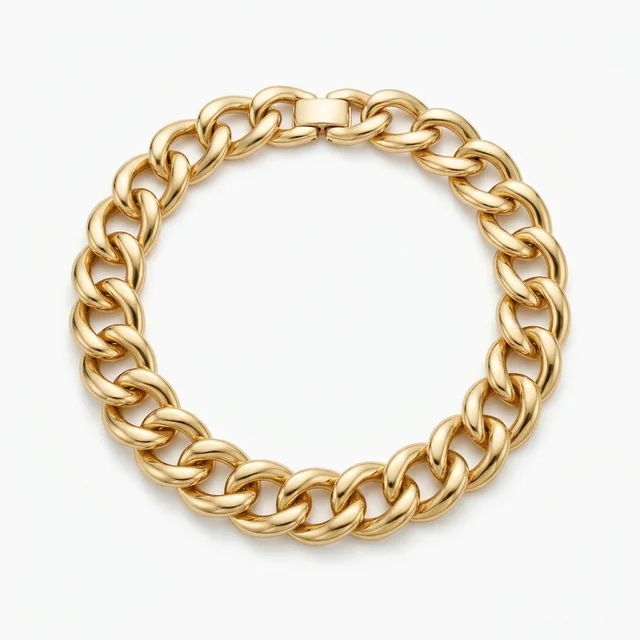
The strongest visual weight for checking whether the upper body feels overwhelmed.

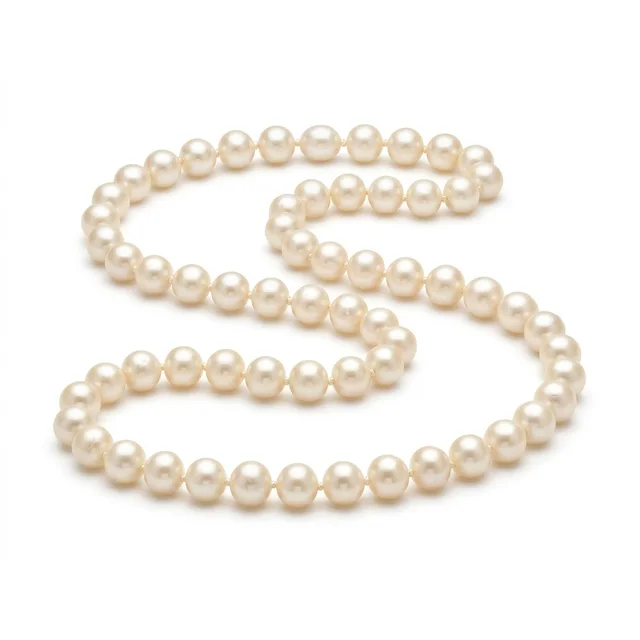
A softer classic style for checking pearl size, neckline, and skin-tone harmony.

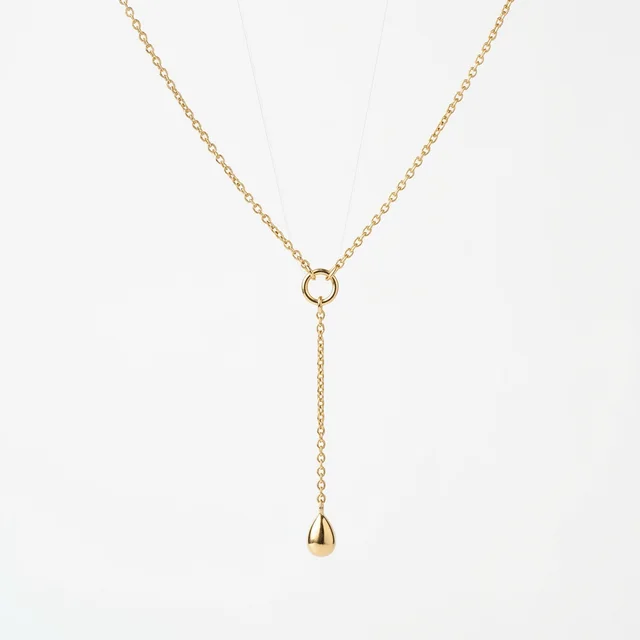
A Y-shaped drop in front; check the length and where it falls on the neckline.

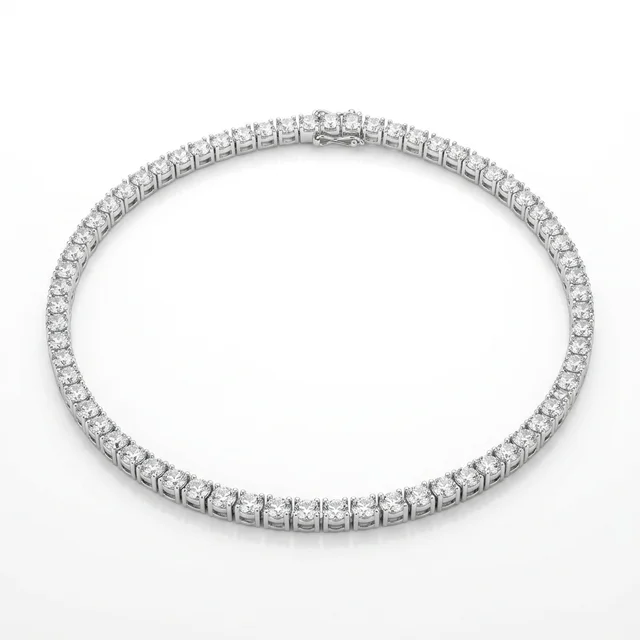
An even line of stones around the neck; check the curve and sparkle.
Method comparison
AI is useful for shortlisting length, neckline fit, and visual weight. Confirm material, weight, clasp, and allergy risk before buying.
| Factor | AI virtual try-on | In-store fitting | Webcam AR |
|---|---|---|---|
| Speed | Upload an upper-body photo, choose a necklace, generate; fast for length and neckline checks | Requires store visits and changing lengths, limited by inventory | Instant preview, usually limited to brand catalogs |
| Style range | Can compare pendant, choker, chain, layered, statement, and pearl styles | Limited by store styles, lengths, and material options | Depends on prepared 3D necklace or AR assets |
| Privacy | Use only consented portraits or upper-body photos | Store fittings may be recorded or used for sales follow-up | Usually needs camera permission and browser support |
| Accuracy | Good for length, drape, and visual weight; not real gram weight | Physical fitting is best for weight, feel, clasp, and allergy-safe material | Alignment can be stable, but chain thickness and physical drape are simplified |
Photo prep
Necklace length, drape, and shadow depend on shoulder and collarbone detail. Make the upper body clear before uploading.
Necklace length depends on the neckline. Cropping out the collarbone makes placement unreliable.
A front-facing upper-body photo helps the chain drape symmetrically instead of sliding to one side.
If the collar hides the neck and collarbone, short chains and pendants are harder to place.
Soft front light preserves skin and metal reflection while helping the chain cast a believable shadow.
Workflow
Use the preview to shortlist length and neckline fit, then confirm material, weight, clasp, and allergy risk before buying real jewelry.
Use an adult, front-facing photo where the neck, collarbone, shoulders, and neckline are visible.
Pick a pendant, choker, chain, layered, statement, pearl strand, lariat, or tennis necklace reference.
The hidden prompt keeps the neckline, collarbone, skin tone, face identity, and lighting stable.
Zoom in on chain length, pendant center, collarbone contact, clothing overlap, and clasp realism.
FAQ
Practical answers about the AI necklace try-on — free use, identity preservation, input photos, commercial rights, privacy, retries, and real-world necklace fit.
You can try the page for free with the available necklace presets. Higher generation volume or account features may follow the normal Inkfox credit and plan rules.
The preset prompt is written to preserve face identity, skin tone, neckline, collarbone, clothing, and lighting while adding the necklace.
A front-facing upper-body photo with the neck, collarbone, and neckline visible works best. High collars or cropped shoulders make length placement harder.
Use the output only when you have rights to the portrait and necklace reference. For ecommerce or ads, verify product accuracy, model releases, brand permissions, and platform rules.
Upload only photos you own or have permission to edit. Do not use the tool for impersonation, deceptive ads, official documents, or edits of someone who has not consented.
Try a clearer upper-body photo with visible collarbone and neckline, or regenerate. Cropped necklines are the most common cause of weak drape.
No. AI Necklace Try On is a visual preview, not a material, weight, clasp, or allergy check. Confirm those details with the seller.
Start with a prompt or reference, compare models, and save the best result to history. Upgrade when you need cleaner exports, stronger models, or more production volume.