
Upload your photo
Add a JPG, PNG, or WebP. Higher-resolution originals give the model more context for a cleaner background fill.
AI Object Remover
Upload a photo and the AI erases unwanted objects, people, text, or watermarks and fills the gap with natural background in one click — no manual masking needed.
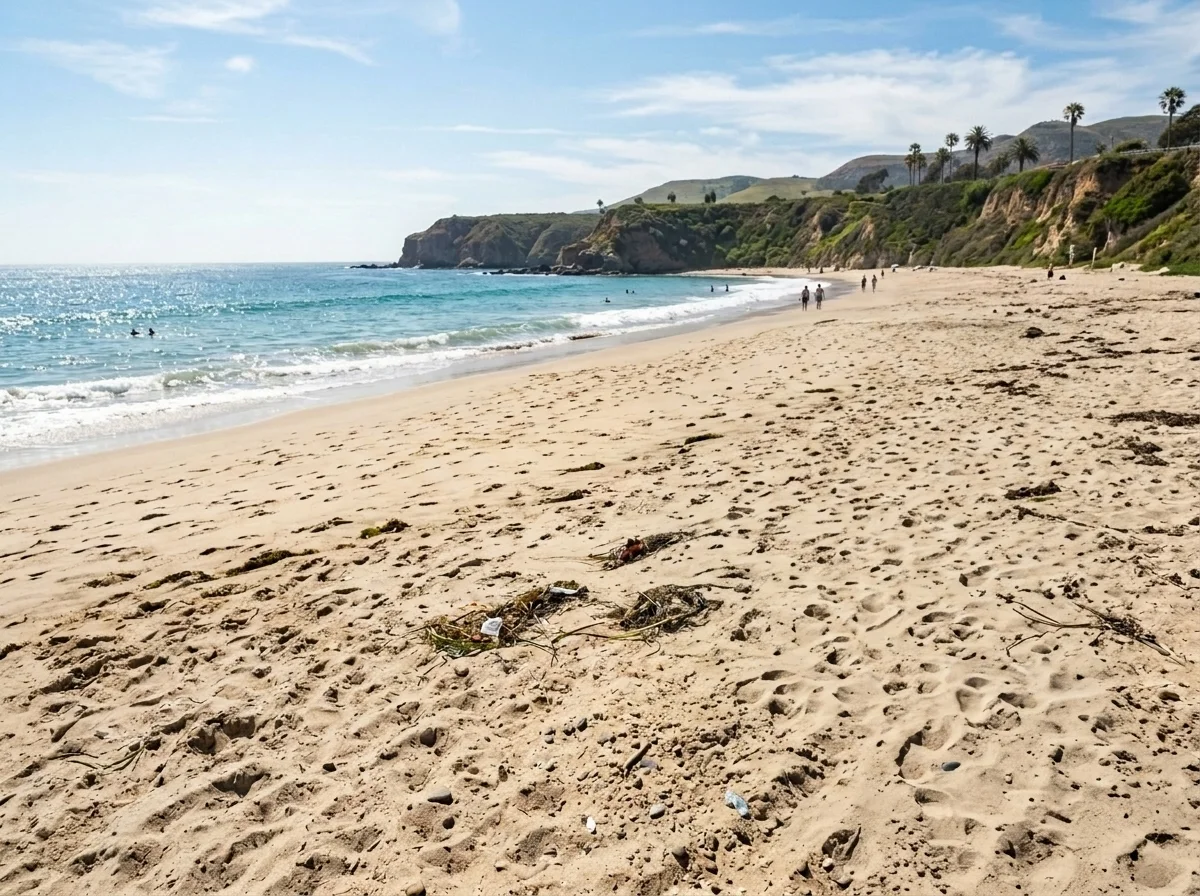
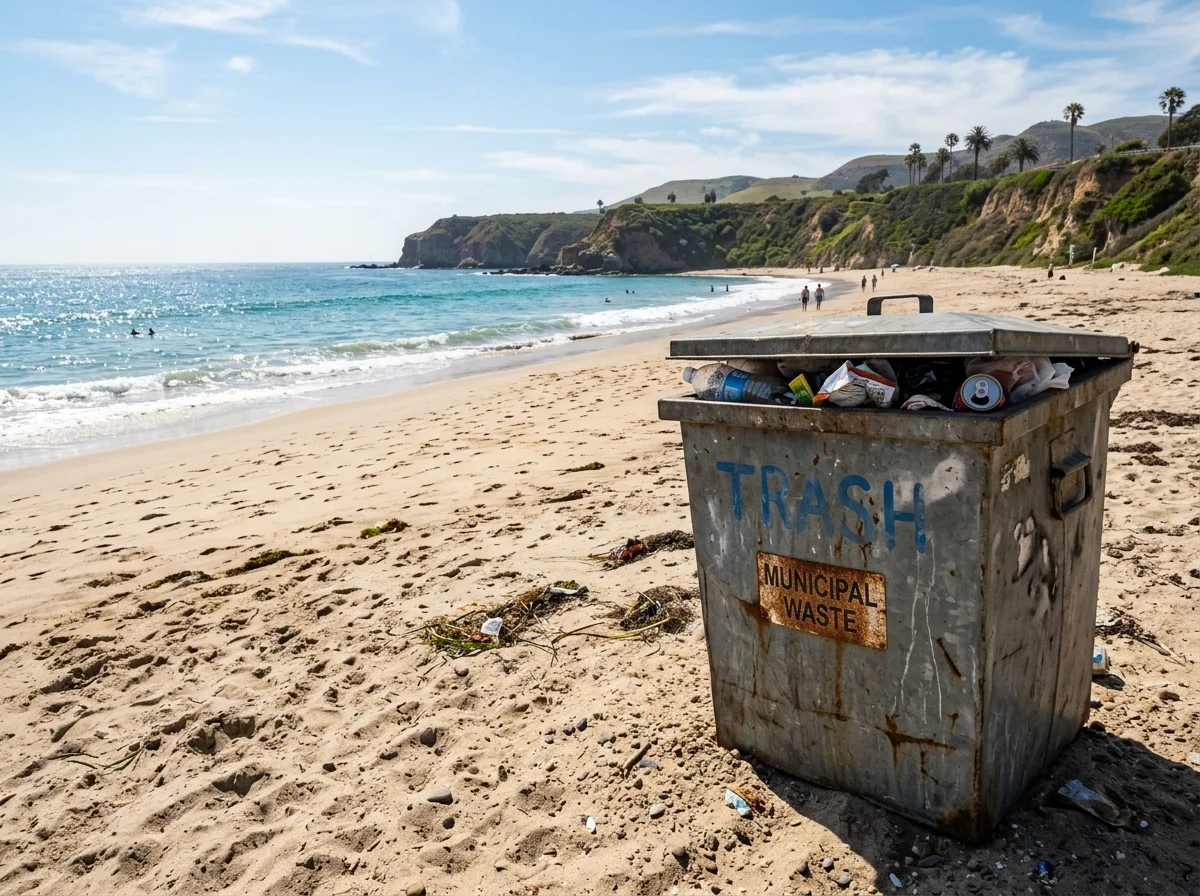
Examples
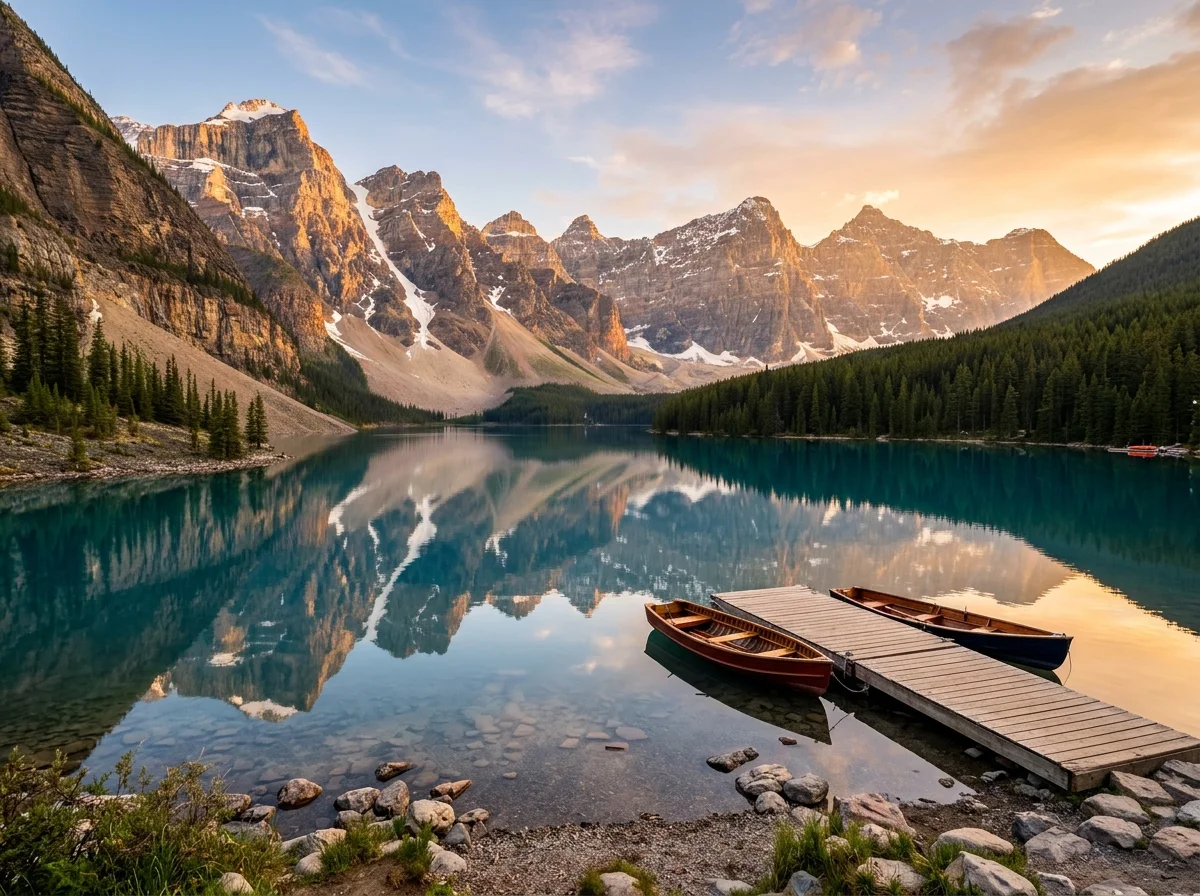
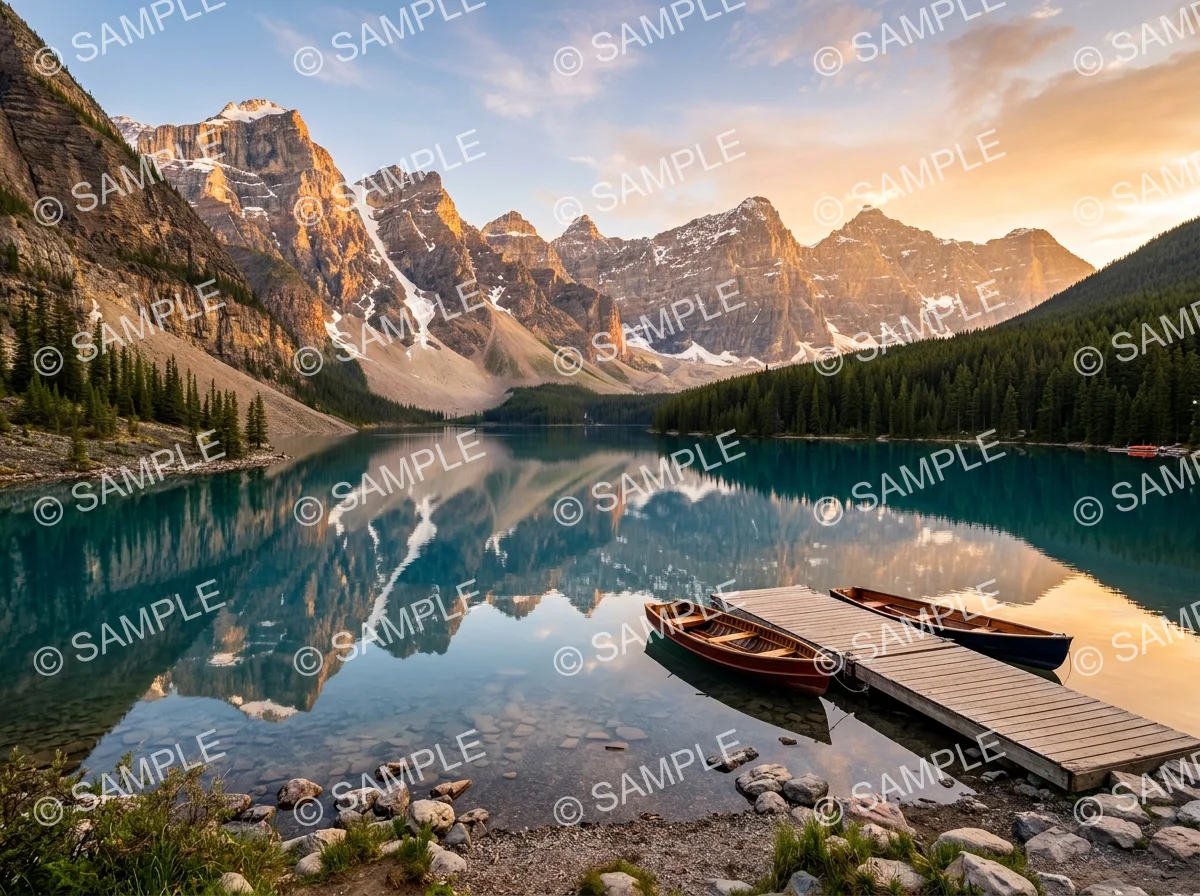
Tourists, power lines, and watermarks — drag each slider to watch the unwanted element disappear and the background fill in naturally. Same photo, cleaner result.
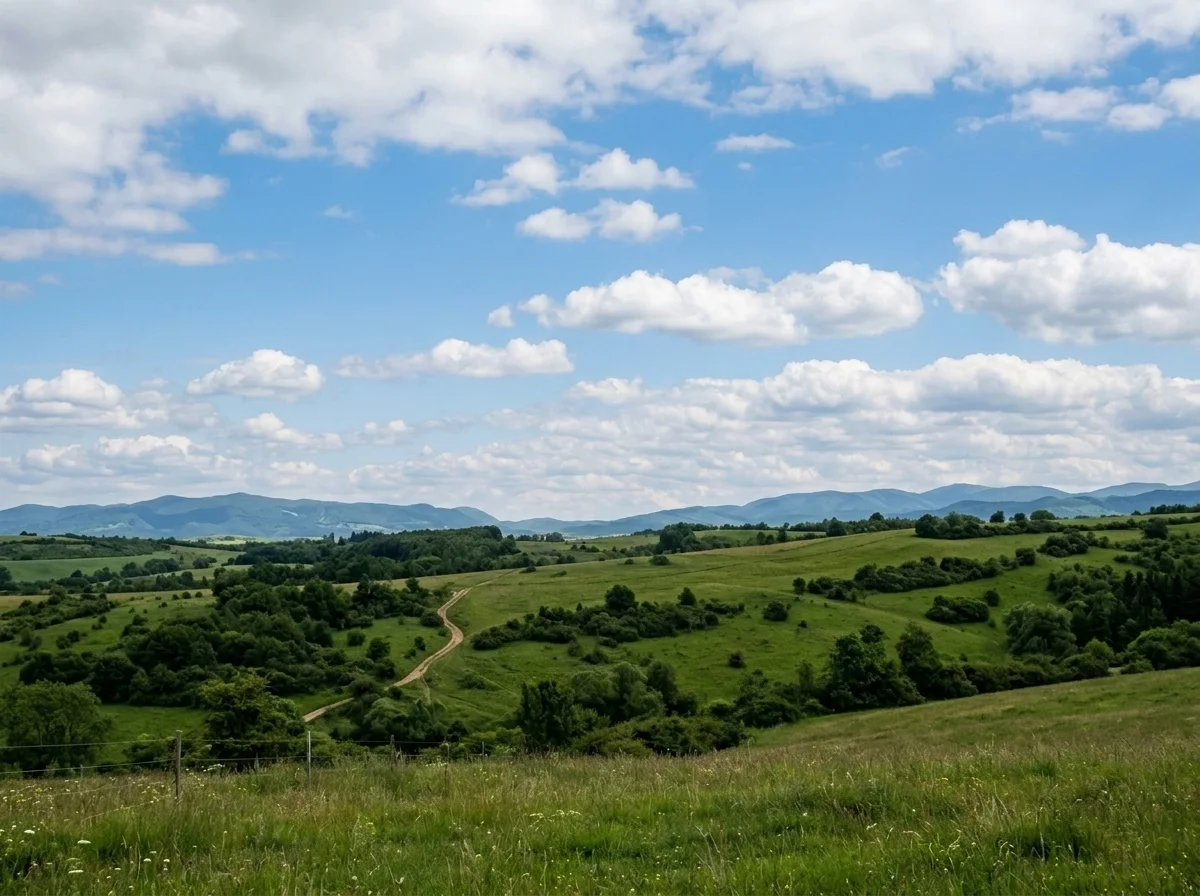
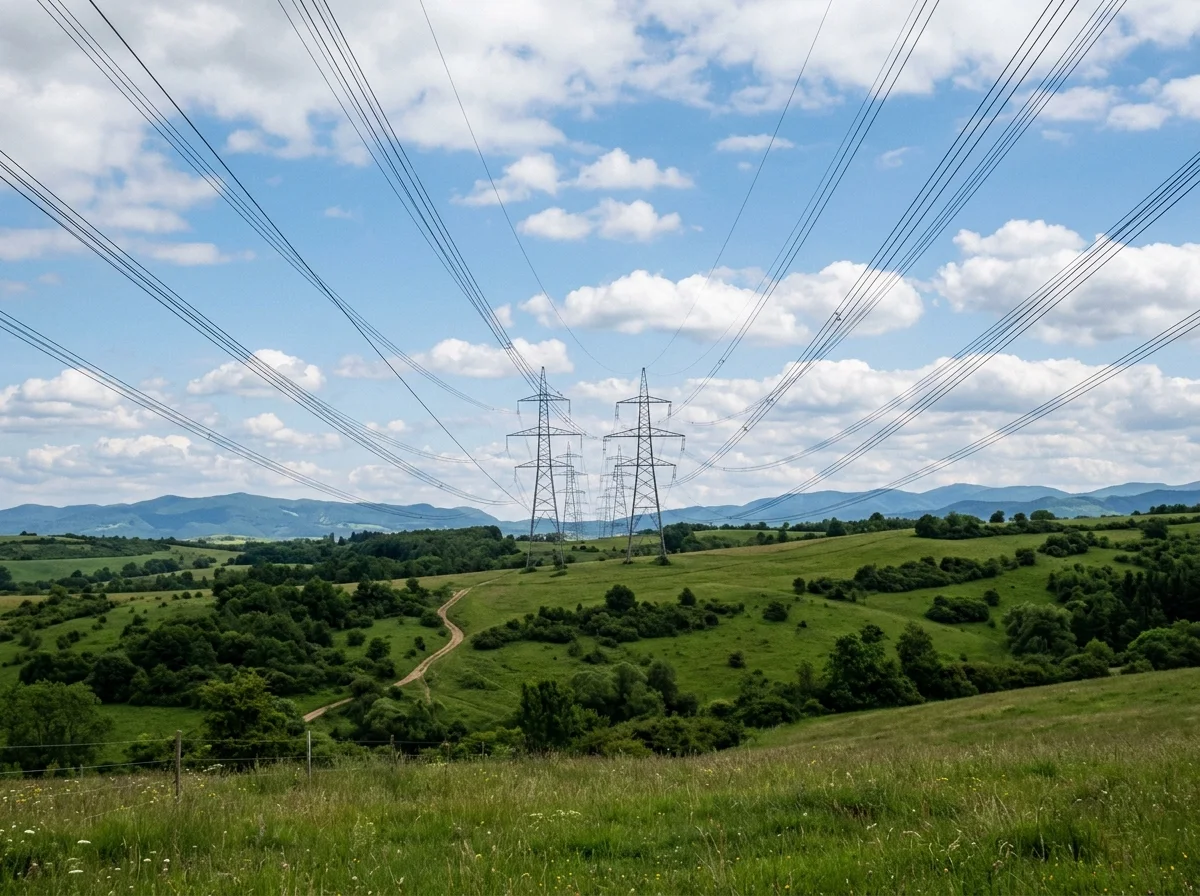
Why it looks real
A removal only works if nobody can tell it happened. The model reads the texture, color, and lighting of the surrounding scene and reconstructs the missing area so the filled patch blends in completely — while leaving every other pixel in the photo exactly as it was.
The model reads the surrounding texture, color, and lighting and reconstructs the missing area so the filled patch looks like it was always part of the scene — not blurred, cloned, or tiled.
Only the unwanted element is erased. Every other pixel in the photo — colors, sharpness, composition, and lighting — stays exactly as captured.
Whether the distraction is a person, a sign, power lines, or a text overlay, the model identifies and removes it and fills the gap in a single pass.
Workflow
Upload, erase, and review — then download a clean, distraction-free result.
Add a JPG, PNG, or WebP. Higher-resolution originals give the model more context for a cleaner background fill.
The model identifies the most prominent unwanted element, erases it, and fills the gap with natural background matching the surrounding texture, color, and lighting in one pass.
Zoom into the removed area and check the boundary. Run a second pass or open the full workbench to describe the specific element to remove if the result needs refinement.
Sign in to save history and remove the export watermark from your final cleaned image.
Use cases
Use the AI object remover to erase any distraction from any photo — then check the fill before you share or publish.
Erase photobombers, crowds, or unwanted people from landmark shots and travel photos so the scene looks exactly as you intended.
Remove power lines, trash bins, signs, cables, and vehicles from landscapes, architecture, and street photos without re-shooting.
Erase text overlays, logos, and watermarks from images and let the AI restore the background underneath in one pass.
Strip stray objects, reflections, or distracting background elements from product photography for cleaner listings and catalogs.
FAQ
Practical answers about the AI object remover — removing people, objects, text, and watermarks from photos.
Yes. Upload a photo and erase unwanted objects with the free base model. Sign in to keep results in your history and remove the export watermark from your downloads.
It works well on discrete objects with reasonably clear edges — tourists, strangers, trash bins, signs, cables, power lines, cars, text overlays, and watermarks. Very large objects that occupy most of the frame are harder to fill convincingly because there is less surrounding scene for the model to reference.
Yes. The model can erase a person from a scene and fill the gap with the background behind them. Results are most convincing when the person is not overlapping with other important subjects and when the background behind them has clear texture or pattern to reference.
Yes. Text overlays and watermarks are removed and the area underneath is reconstructed from the surrounding image. Complex backgrounds with fine texture directly under the text may require a second pass for a fully clean result.
No. The model targets only the unwanted element and fills the gap with matching background. Everything else in the image stays exactly the same.
Upload a JPG, PNG, or WebP up to 10 MB. Higher-resolution originals give the model more context for a cleaner fill — especially useful when removing objects from complex or textured backgrounds.
Start with a prompt or reference, compare models, and save the best result to history. Upgrade when you need cleaner exports, stronger models, or more production volume.