
Is the AI pet portrait generator free?
Yes. Upload a pet photo, pick a style, and generate a portrait with the free base model. Sign in to keep results in history and remove the export watermark.
AI Pet Portrait Generator
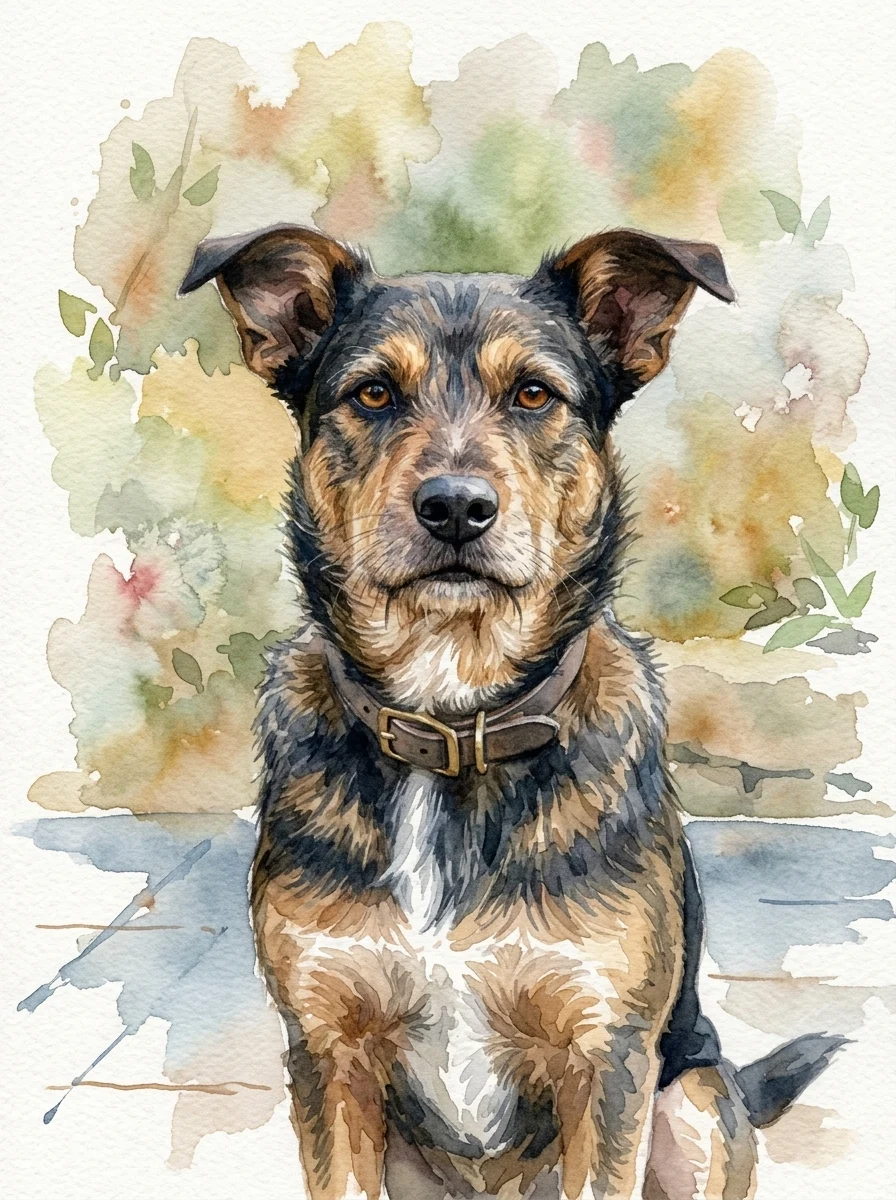
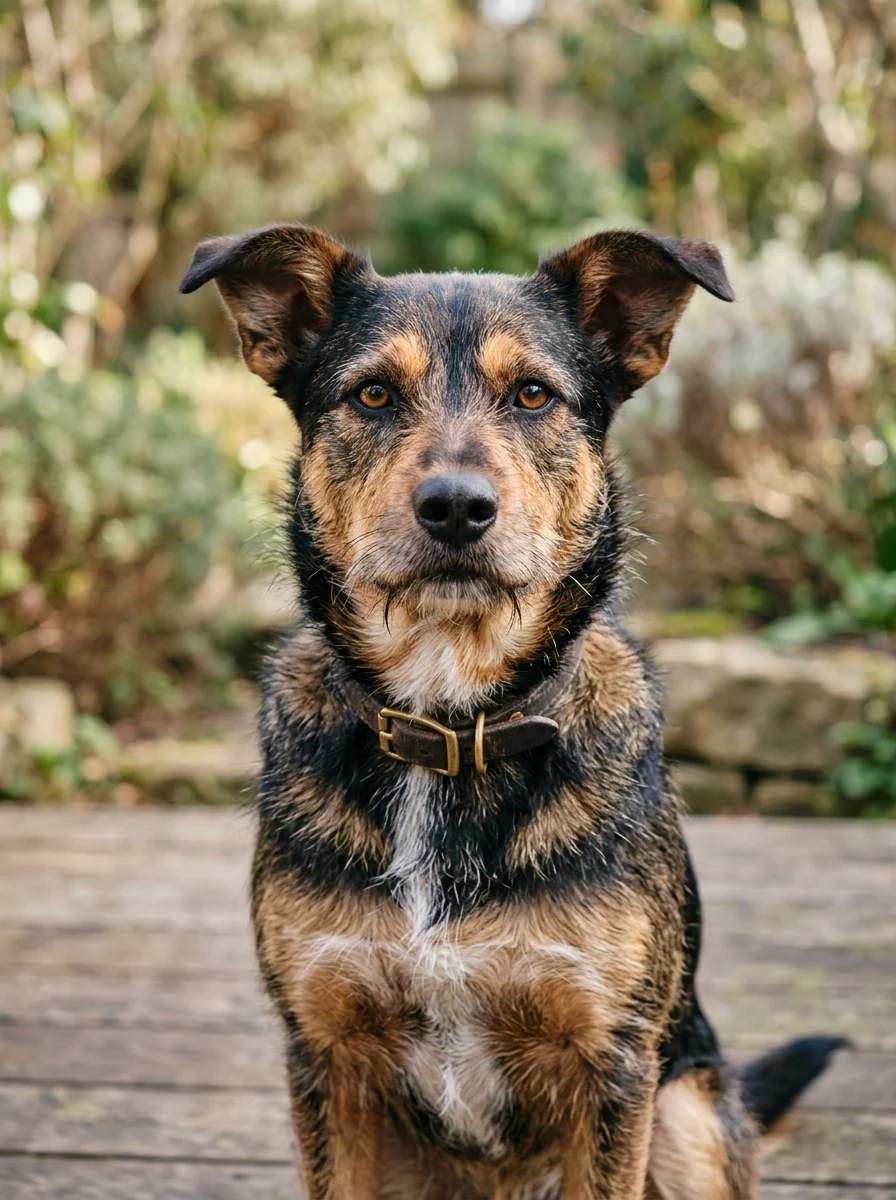
Upload a pet photo and the AI pet portrait generator turns it into custom pet art while preserving breed, fur markings, color, and expression.
Pet portrait styles
Each style starts from the same pet photo and changes the art direction while preserving the details that make the animal recognizable.
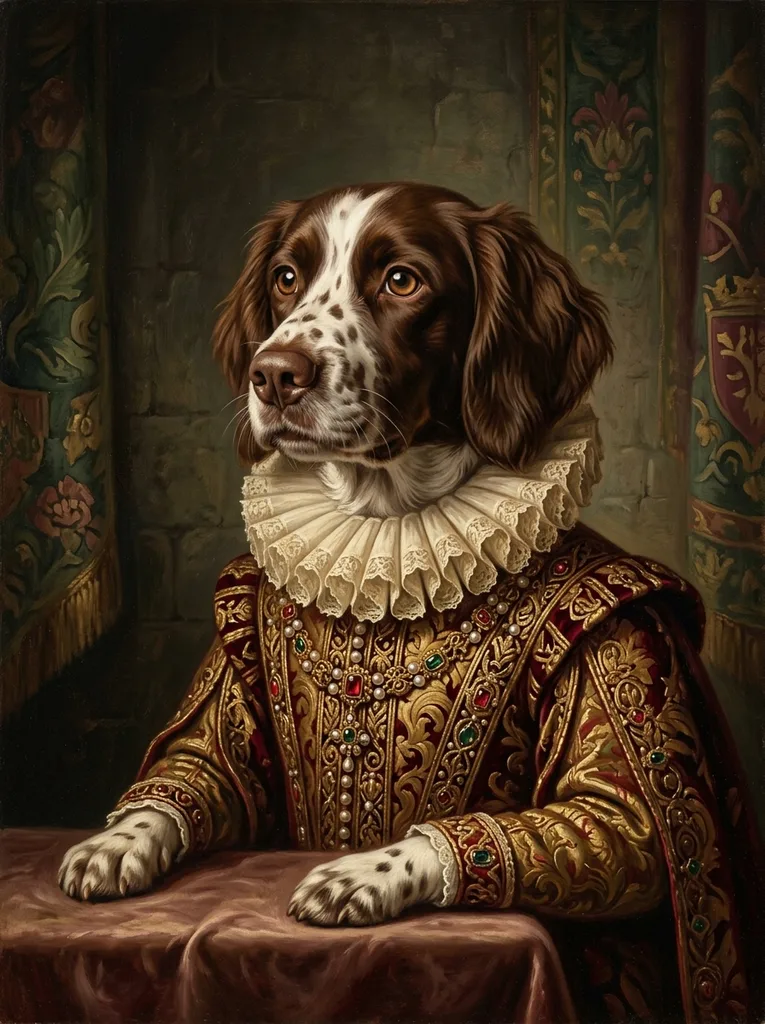
Renaissance royal
Regal costume portrait with a classic painted backdrop.
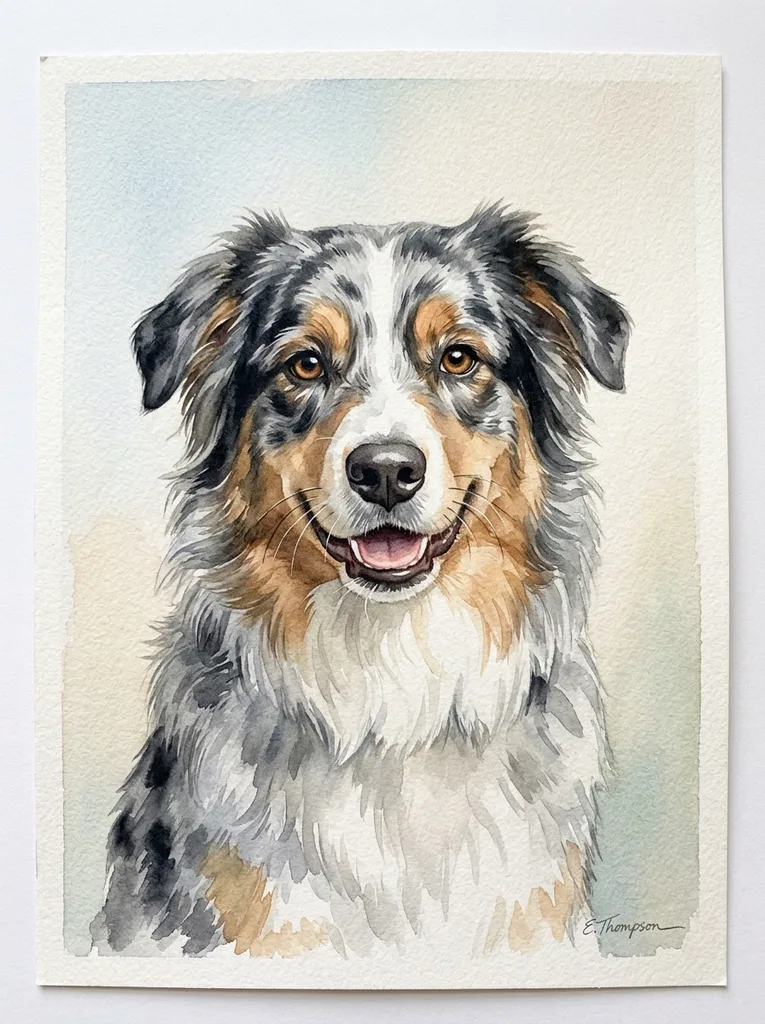
Watercolor
Soft washes that keep fur markings and expression gentle.
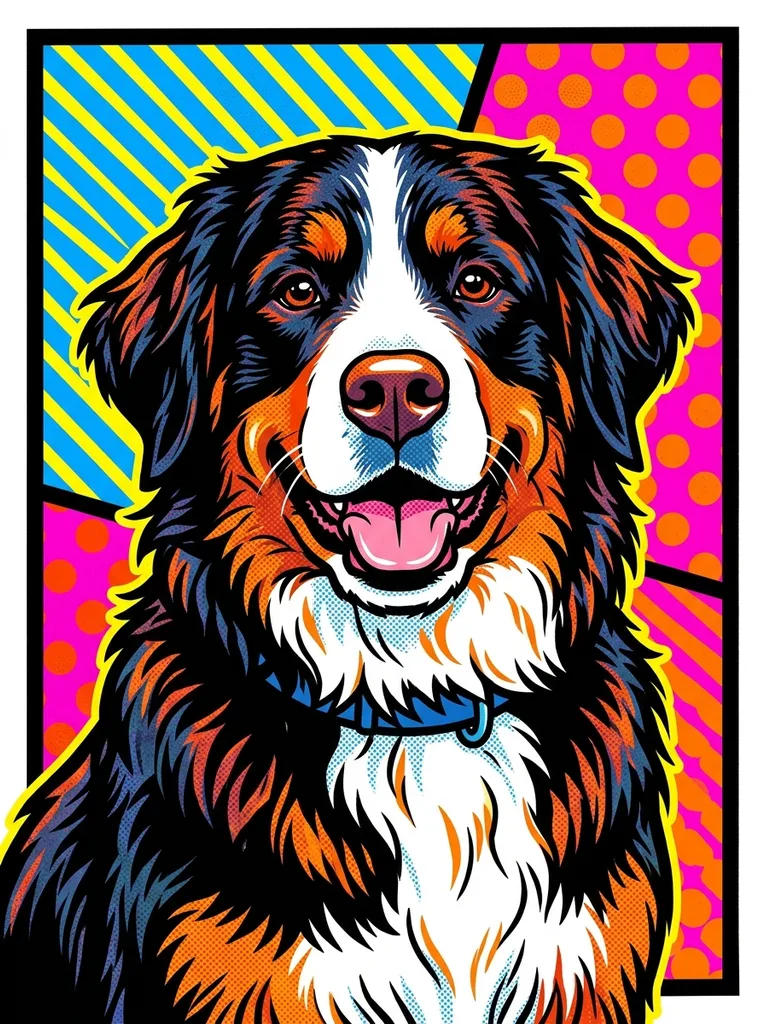
Pop-art
Bold color panels and graphic contrast for playful pet art.
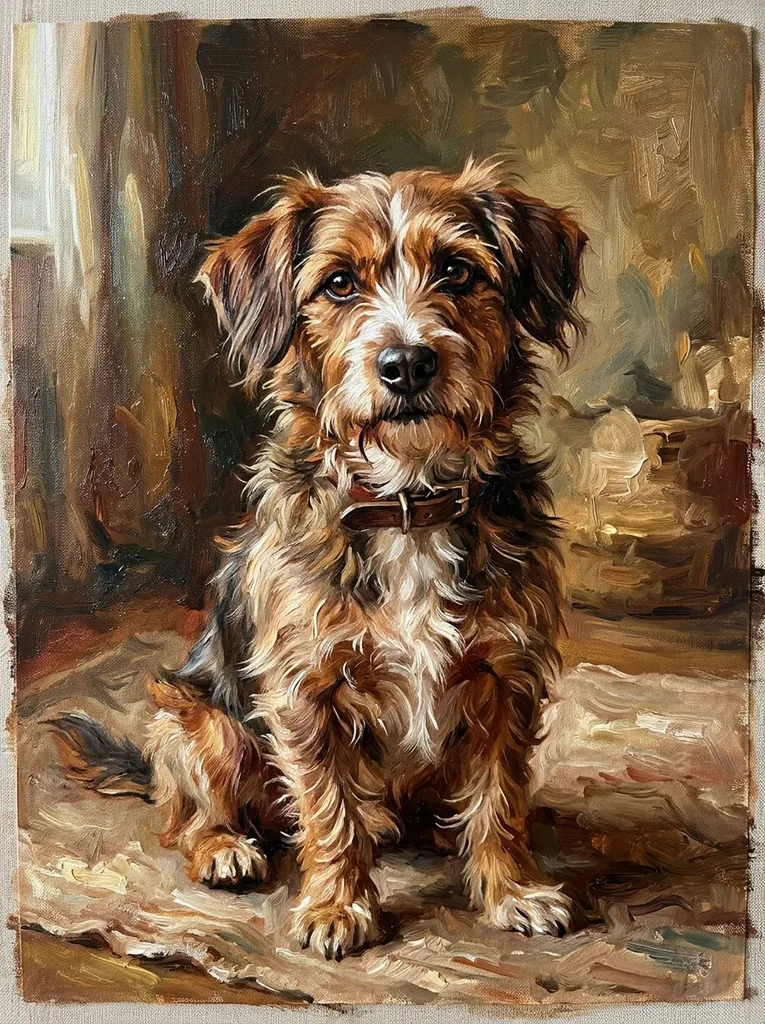
Oil painting
Painterly brushwork with depth, warmth, and wall-art polish.
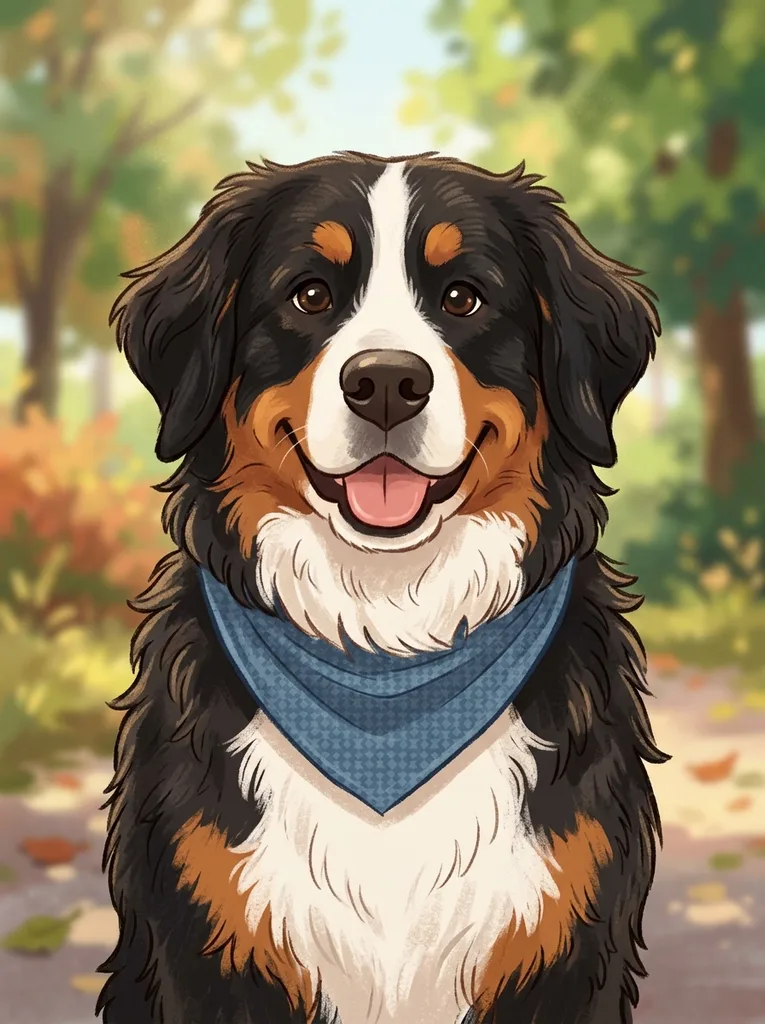
Cartoon
Friendly stylized pet portrait for stickers and fun keepsakes.
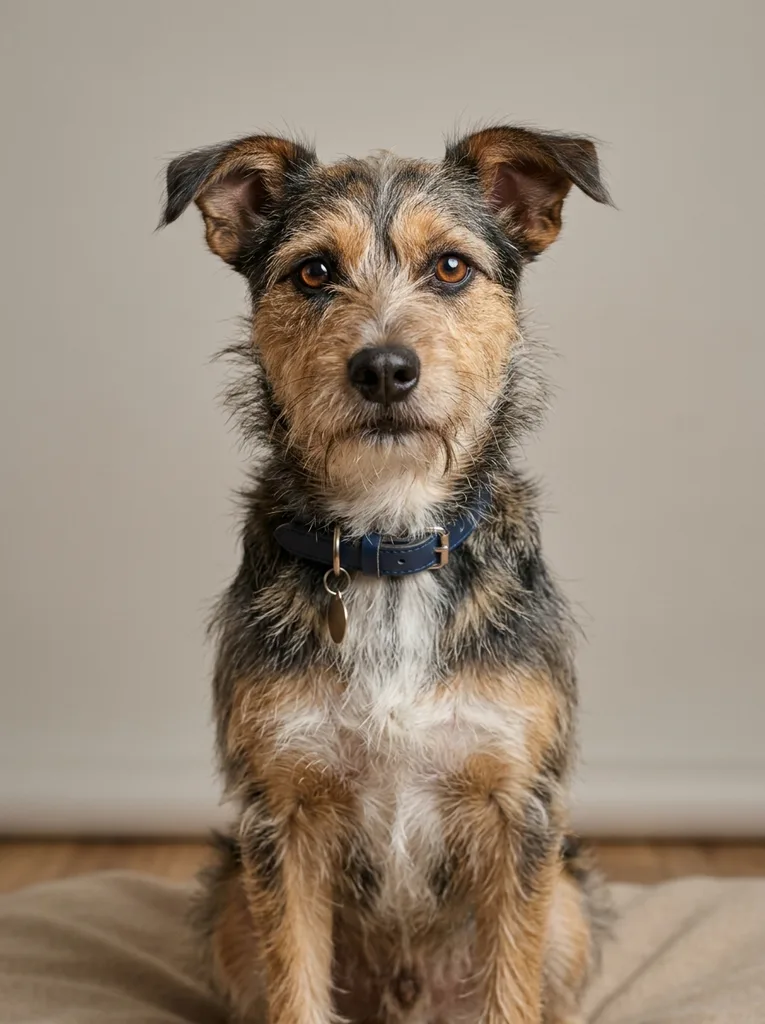
Studio photo
Clean lighting and backdrop for a polished pet profile.
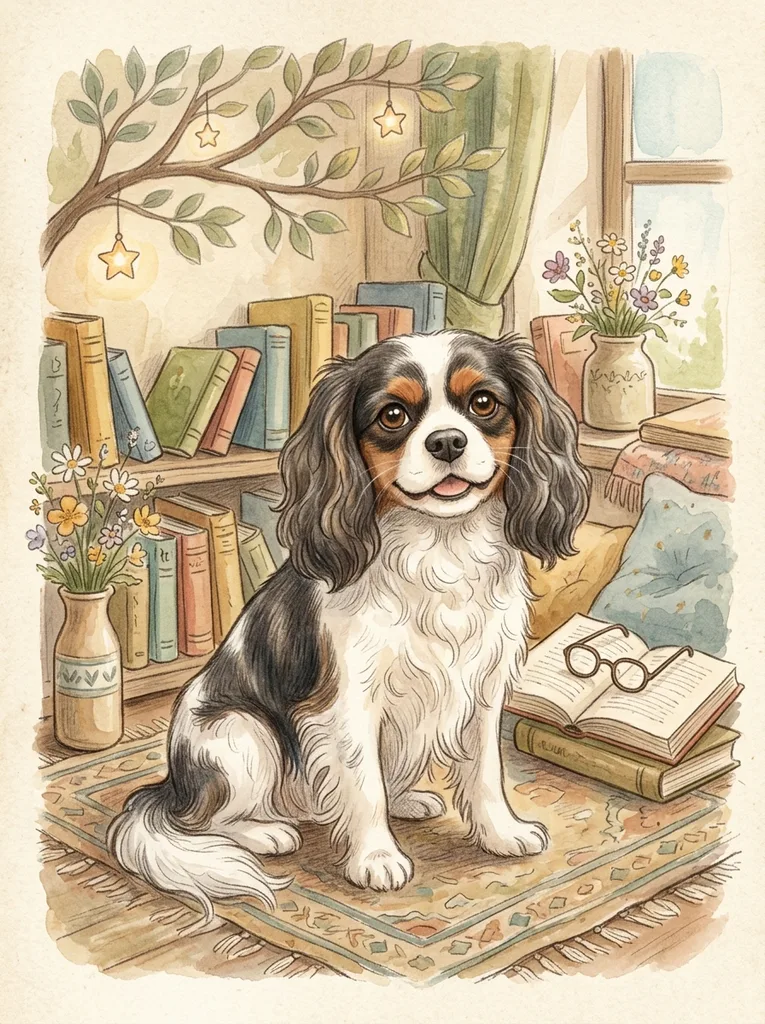
Storybook
Whimsical illustrated charm for warm keepsakes and nursery art.
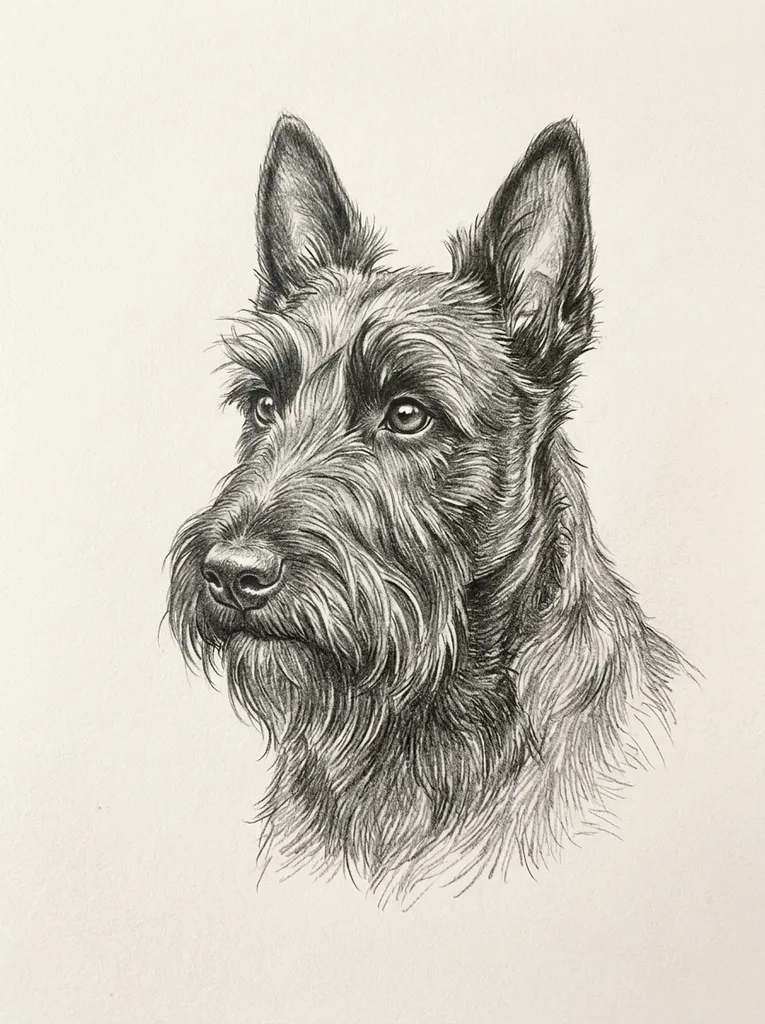
Pencil sketch
Fine graphite lines that preserve markings in a quieter style.
Where it fits
Pet portraits are emotional objects. Use the style that matches the moment: a keepsake, a wall print, a profile image, or a playful share.
Custom gifts
Turn a favorite pet photo into art for birthdays, holidays, or new-pet celebrations.
Keepsakes and memorials
Create a warmer portrait that preserves markings, color, and expression.
Wall decor
Make a print-friendly portrait direction before ordering a canvas or framed piece.
Social sharing
Generate a distinctive pet profile image or post without losing the real personality.
Preserve the pet
The best results keep the pet’s breed, fur pattern, color, and expression intact. Start with a clear single-subject photo and inspect the output before printing.
Drag to compare: the composition becomes art, but the pet’s markings and expression should stay recognizable.
Keep the real pet recognizable.
A useful pet portrait honors the animal’s actual features. If the model changes breed, markings, color, or expression too much, regenerate from a clearer source photo.
FAQ
Practical answers about the AI pet portrait generator — pet-photo quality, markings, print use, keepsakes, and faithful results.
Yes. Upload a pet photo, pick a style, and generate a portrait with the free base model. Sign in to keep results in history and remove the export watermark.
The prompts ask the model to preserve breed, fur markings, color, and expression. Check the result closely and regenerate if a marking or eye color changes.
Use one clear pet, visible eyes, good light, and a simple background. Avoid motion blur, tiny distant subjects, and photos where fur markings are hidden.
Yes. It works best for pets with a clear face and body shape, including dogs, cats, rabbits, horses, and other companion animals.
You can use the output as custom pet art or a print concept, subject to your rights in the input photo and the final image quality you need for the print size.
Yes. Watercolor, oil painting, and Renaissance royal styles are good choices when you want a tasteful keepsake rather than a novelty image.
Low-resolution, dark, or crowded photos give the model weak identity cues. Try a sharper photo with one pet and visible markings.
Start with a prompt or reference, compare models, and save the best result to history. Upgrade when you need cleaner exports, stronger models, or more production volume.