
Describe the product
Specify product type, material, color, selling point, target channel, and aspect ratio.
Free unlimited AI product photography generator
Start with the Inkfox AI Basic model to create free watermarked product photo generator drafts for marketplace listings, lifestyle scenes, ad visuals, and social assets. Once the concept works, switch to premium models and credits for production exports.
Workflow
Start free, test the product-photo idea, then upgrade the version you want to publish in your store, ads, or social posts.
Specify product type, material, color, selling point, target channel, and aspect ratio.
The default basic model is suited for fast background, composition, lighting, and ad-angle tests.
Choose the listing image, lifestyle scene, ad visual, or variant that best fits your product.
Use premium models, clean downloads, upscaling, or image editing when the draft is ready to publish.
Use cases
Built for ecommerce product photos, ad visuals, and social posts that need to test fast and look ready to sell.
Test marketplace product images for Shopify, Amazon, TikTok Shop, and storefront pages.
Create draft ad visuals with negative space, selling angles, and varied backgrounds.
Place products in realistic contexts so buyers understand use and texture faster.
Compare compositions, tones, props, and channel styles for one product.
Visual case library
See how Inkfox turns product ideas into listing images, ad visuals, and lifestyle shots. Start with free drafts to test the composition and selling angle, then upgrade to clean exports for your store, ads, and social posts.
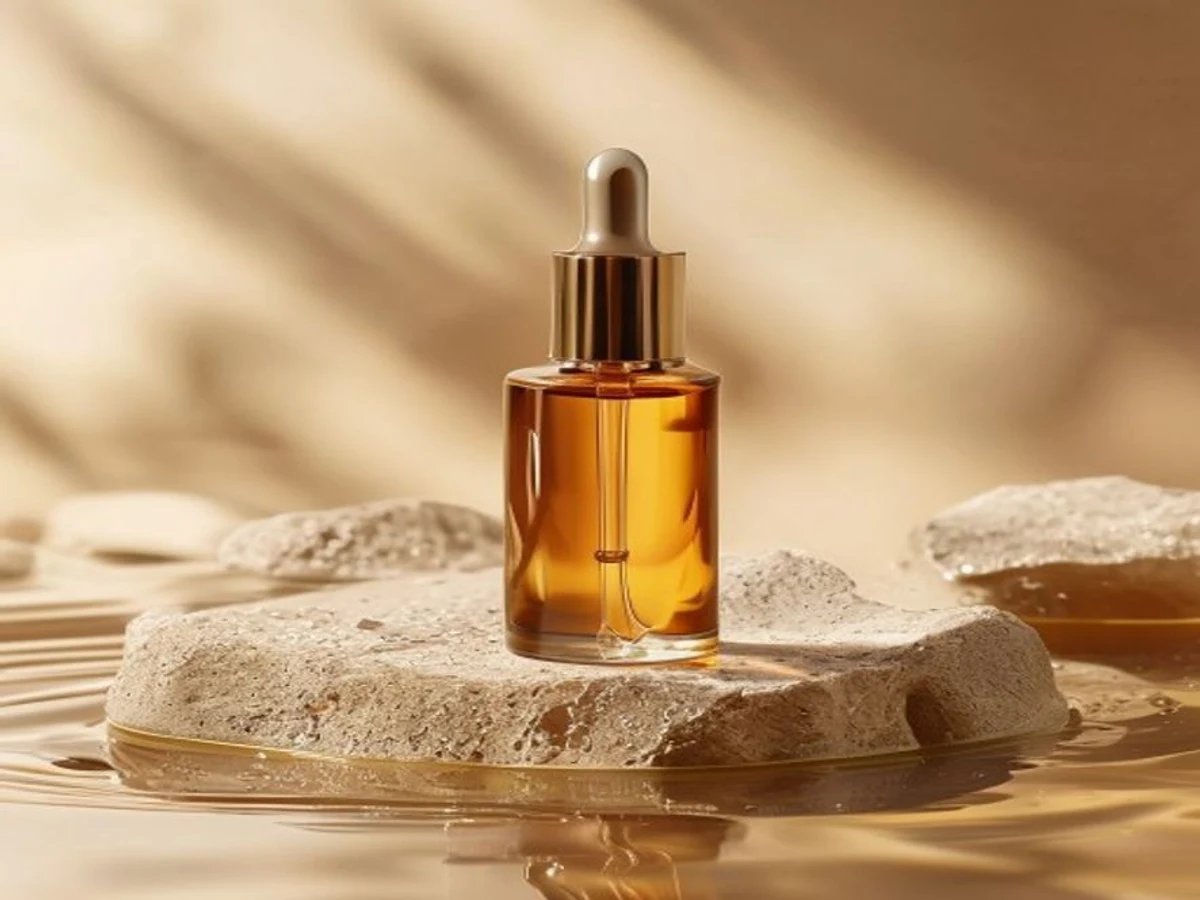
Best used for
Use this style for landing pages, Meta ads, and launch visuals when you need a premium product image with room for a headline.
Buyers can quickly read the bottle shape, serum texture, and premium surface.
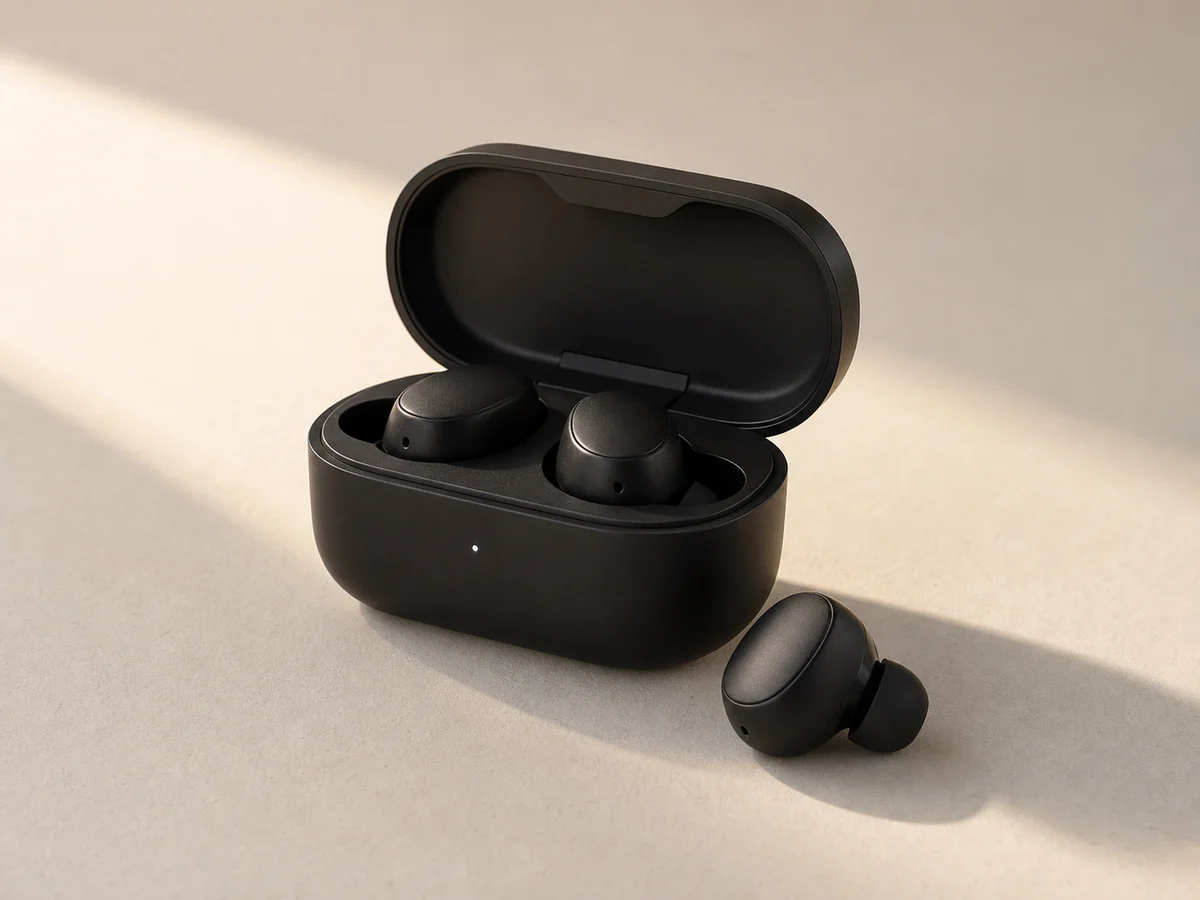
Best used for
Use this for Amazon, Shopify, and product pages when shoppers need to understand the product shape before they click.
The open case, earbuds, and shadows make the product feel like something shoppers can trust.
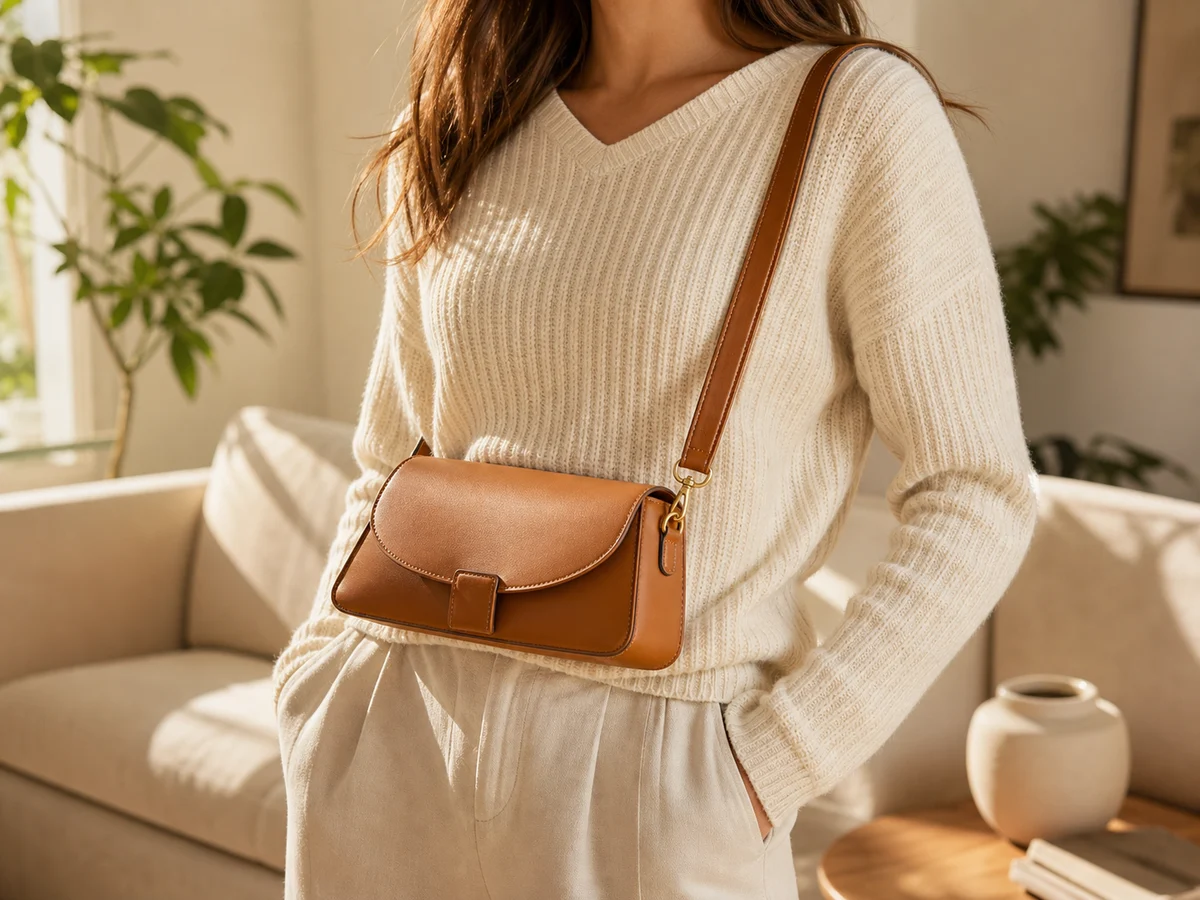
Best used for
Use this for TikTok Shop, Instagram, and retargeting when the buyer needs to see how the product looks in real life.
The bag stays prominent while the outfit helps shoppers imagine wearing it.
More product categories
Need more than skincare, earbuds, or fashion? Packaging, appliances, and small products can also become low-cost drafts for listings, ads, and social content before you pay for final exports.
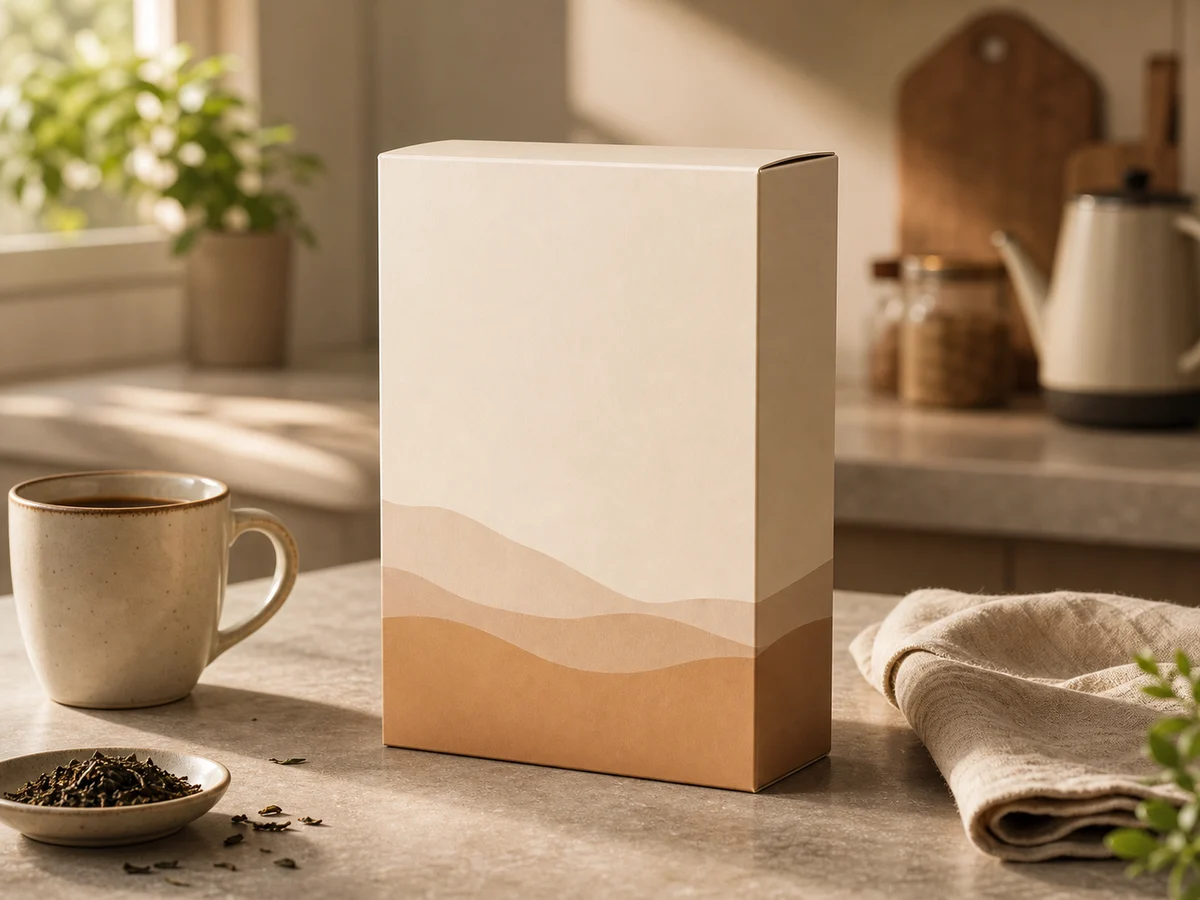
packaged goods counter shot
Clear edges, paper texture, and simple props keep the package easy to judge.
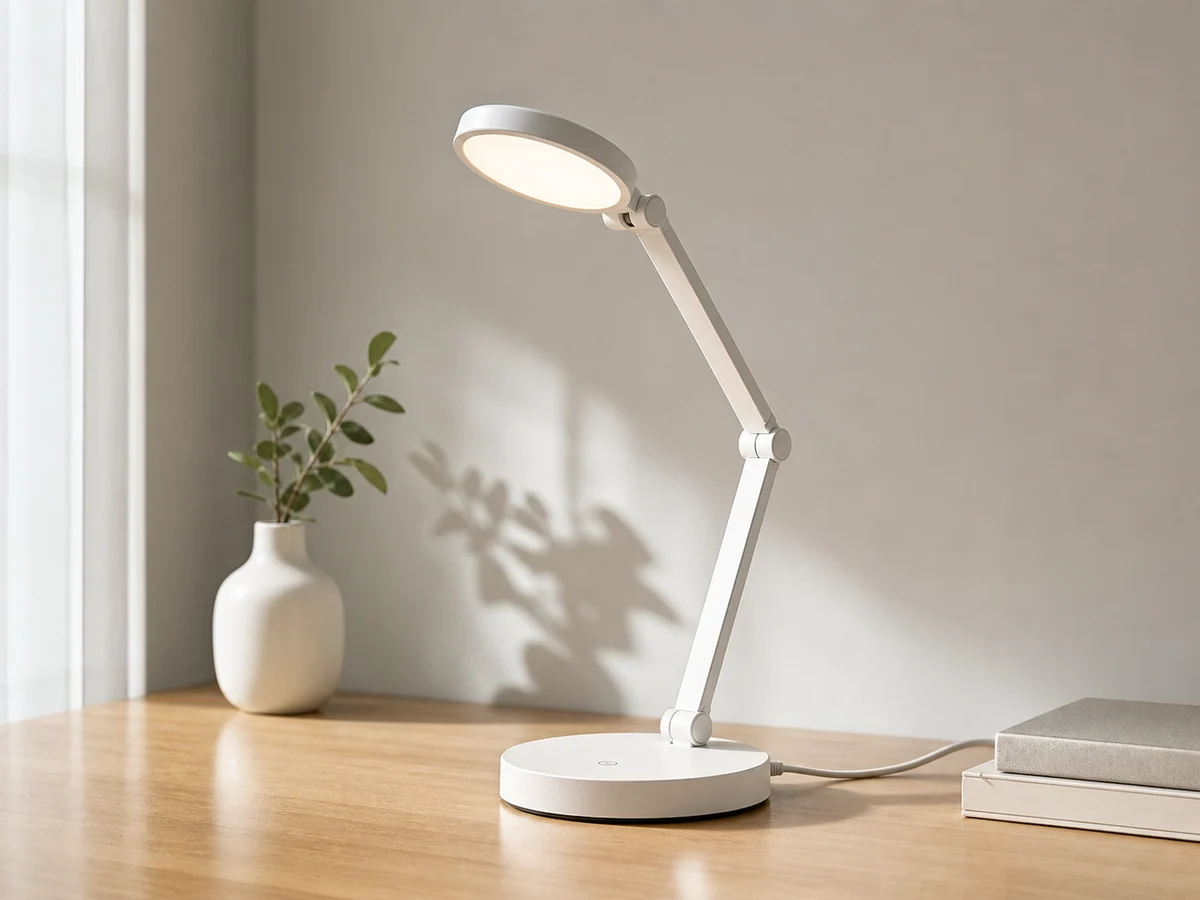
small appliance structure
The base, arm, cable, and shadows look connected, so the product feels usable.
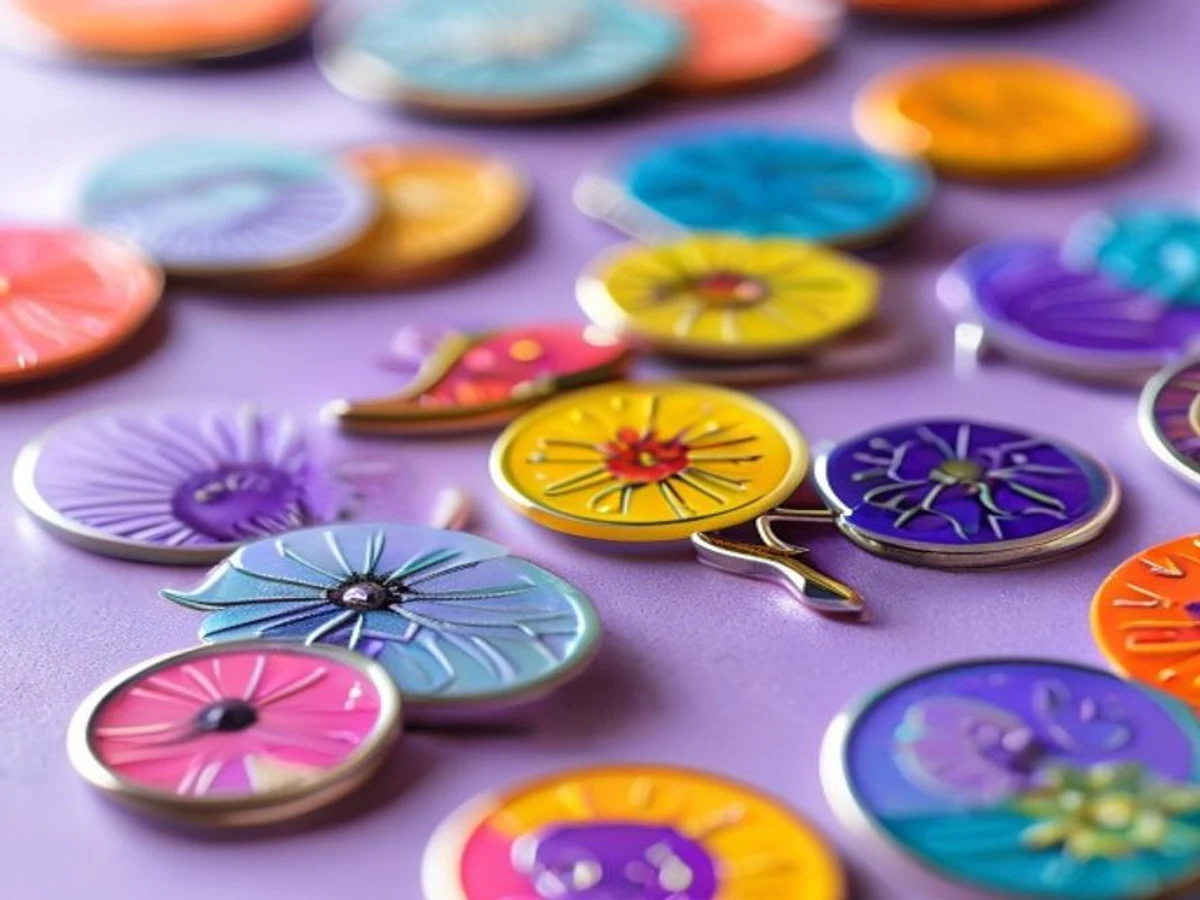
small merch close-up
Close-up detail makes the edge, finish, and size easier to understand.
Prompt guide
A good prompt helps the model protect your product details, fit the sales channel, leave room for copy, and reduce rework. Draft for free first, then upgrade when the image is ready for a store or campaign.
Name the product type, material, color, finish, label, and packaging details so the image still looks like your item.
Tell Inkfox if the image is for an Amazon listing, Shopify product page, paid ad, or social post so the layout fits the job.
Add the light direction, shadow softness, camera distance, and crop so the image feels intentional instead of generic.
Add brand colors, headline space, no-people rules, logo requirements, and marketplace limits before you generate.
Ready-to-use prompt
Example: amber serum bottle, transparent glass, beige stone surface, soft natural light from the left, Meta ad image, 4:5 crop, open headline space on the right, clear bottle edges, realistic liquid texture, ready for ad testing.
Selling channels
Choose the channel you want to sell on, then start from the closest example. Each option begins with a free draft and helps you get to a clean, ready-to-use image.
For storefront images, collection thumbnails, and product-page covers where silhouette, material, and a clean backdrop matter most.
Visual standard
Clean and credible, with minimal props and clear product edges
Editable prompt
Minimal ecommerce product image, emphasize silhouette and material, clean light background, soft rim highlights, open space for a headline
For landing-page headers, Meta ads, and promo posters where visual punch, benefit props, and text space matter.
Visual standard
Premium and spacious, with the benefit visible quickly
Editable prompt
Premium ad-style product shot, soft natural light, brand-relevant props, tactile backdrop, crisp centered product, open side space for ad text
Use this for social posts, creator-style visuals, and retargeting assets that place the product in a believable real-life context.
Visual standard
Real use context, believable person or environment, product still leads
Editable prompt
Realistic lifestyle product scene, show the item in a believable use context, natural color grading, focus on texture and lived-in mood
When to upgrade
Use free drafts until the image looks worth publishing. When the layout, copy space, and product details are close, spend credits for a cleaner, more consistent version.
Use the basic model to quickly try backgrounds, compositions, lighting, and selling angles before spending credits.
When one version looks ready for a store or campaign, upgrade for cleaner output, premium models, and follow-up editing.
Signs you are ready to upgrade
FAQ
About the AI product photography generator — free drafts, product scenes, models, and upgrade timing.
Yes. The Inkfox AI Basic model can generate watermarked product photography drafts for free with no sign-up required to start. Premium models, clean exports, and higher throughput use credits.
Yes. This scene page is designed for ecommerce product photography, listing images, lifestyle scenes, ad visuals, and social assets. Check source product rights, brand rules, and platform policies before publishing.
Most product images need a few tries before the best layout appears. The basic model lets you test composition, background, and selling angle first, then move the best version to premium models for a clean export.
Upgrade when a draft is worth using in your store, ad account, or social campaign and you need watermark-free downloads, premium models, faster generation, batch variants, or higher monthly production volume.
Start with a prompt or reference, compare models, and save the best result to history. Upgrade when you need cleaner exports, stronger models, or more production volume.