
Is the AI profile picture generator free?
Yes. Upload a selfie, pick a PFP style, and generate with the free base model. Sign in to keep results in history and remove the export watermark.
AI Profile Picture Generator
Upload a selfie, preserve your real face, and let the AI profile picture generator restyle the crop, lighting, and background for a sharper profile picture on LinkedIn, Instagram, X, dating apps, and personal sites.
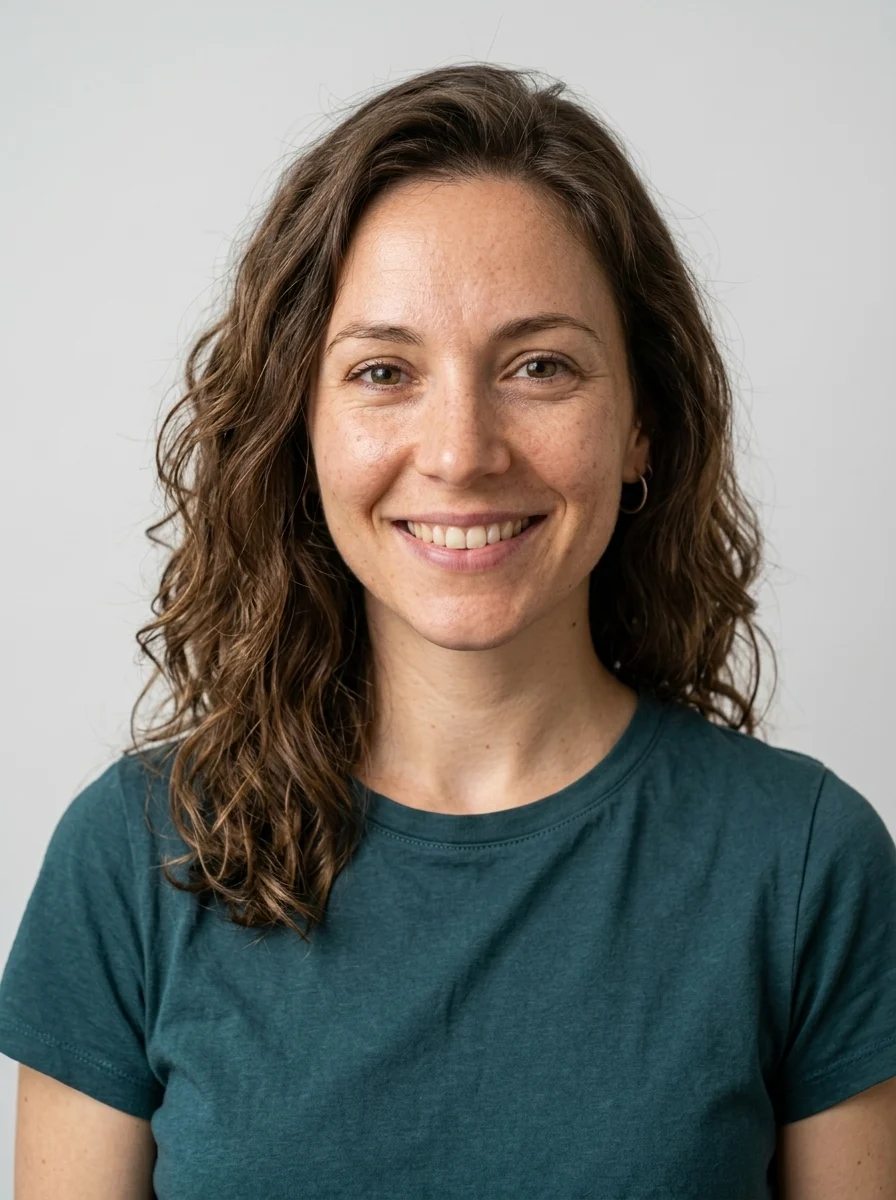
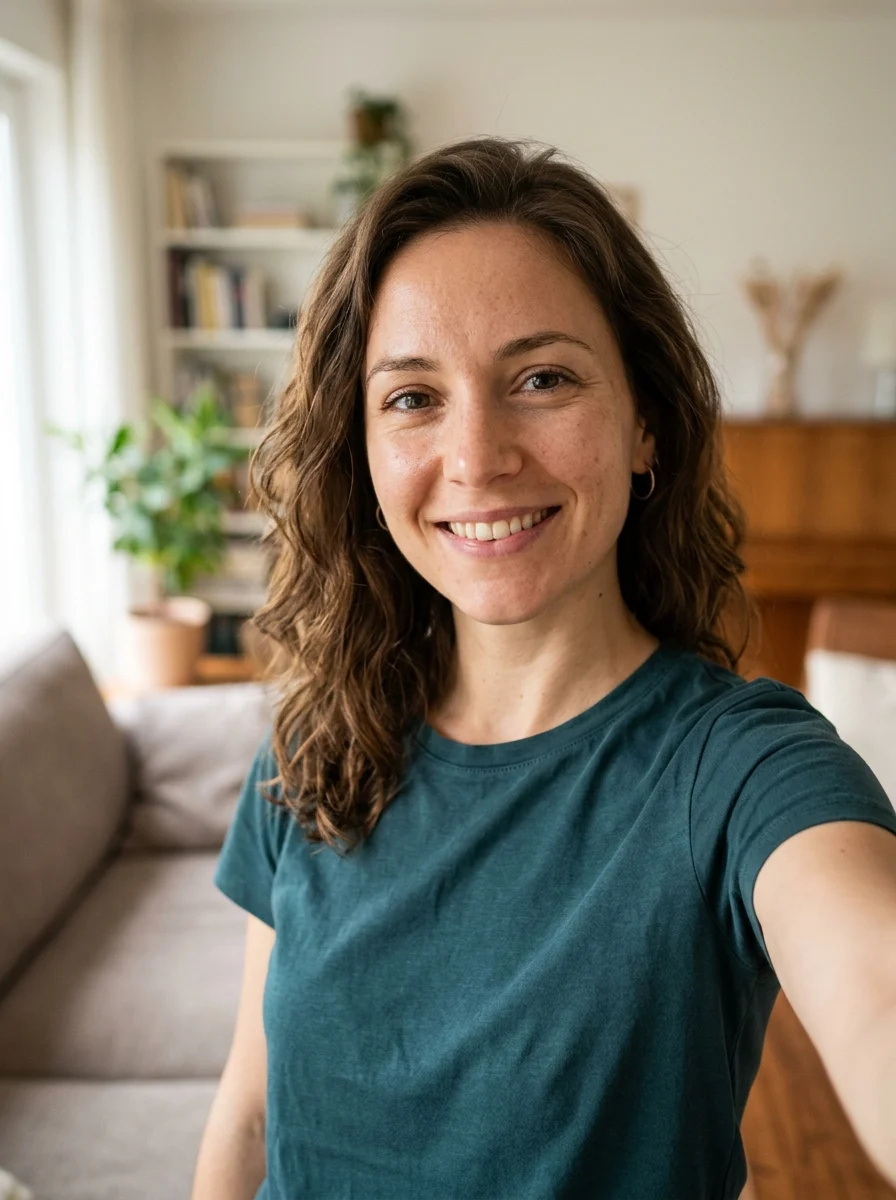
PFP styles
These styles keep the photo realistic and change the parts that make a PFP work: lighting, background, crop, contrast, and platform readability.
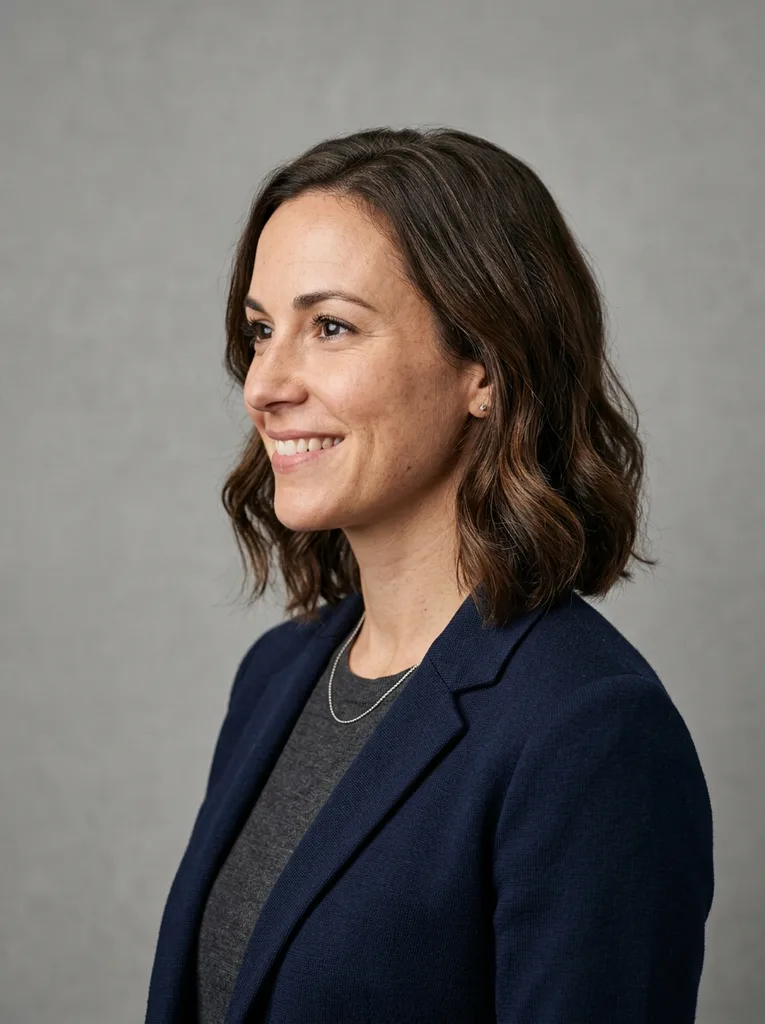
Clean studio
Neutral studio lighting for a crisp, trustworthy profile photo.
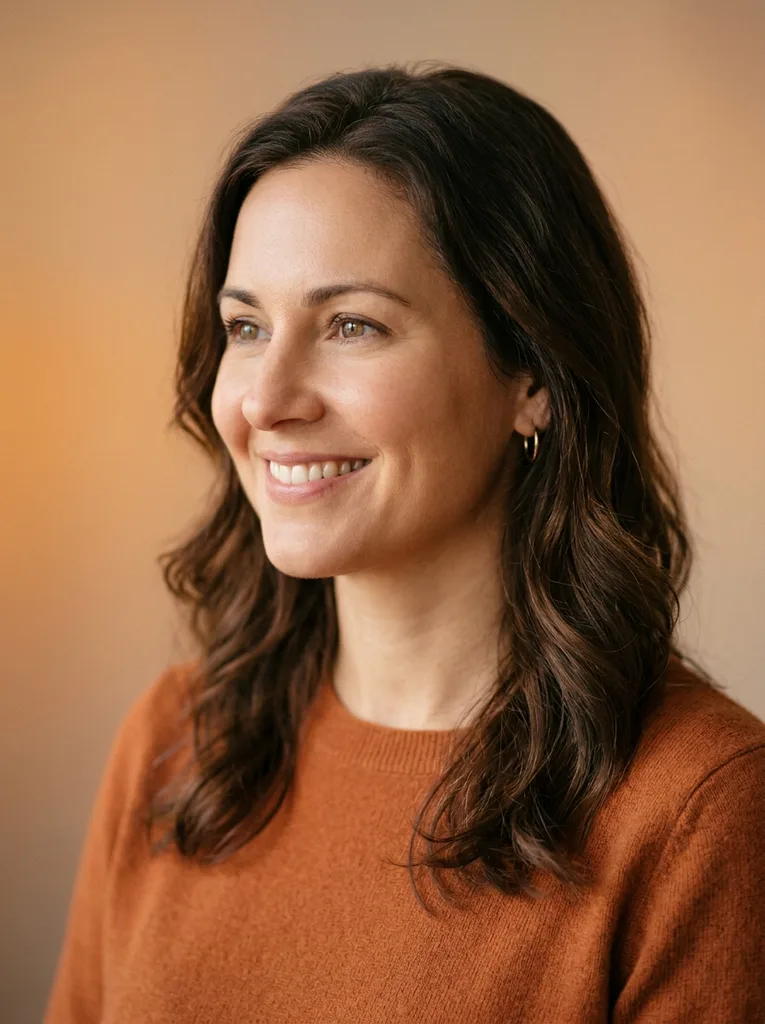
Soft gradient
Warm gradient color for a friendly social profile image.
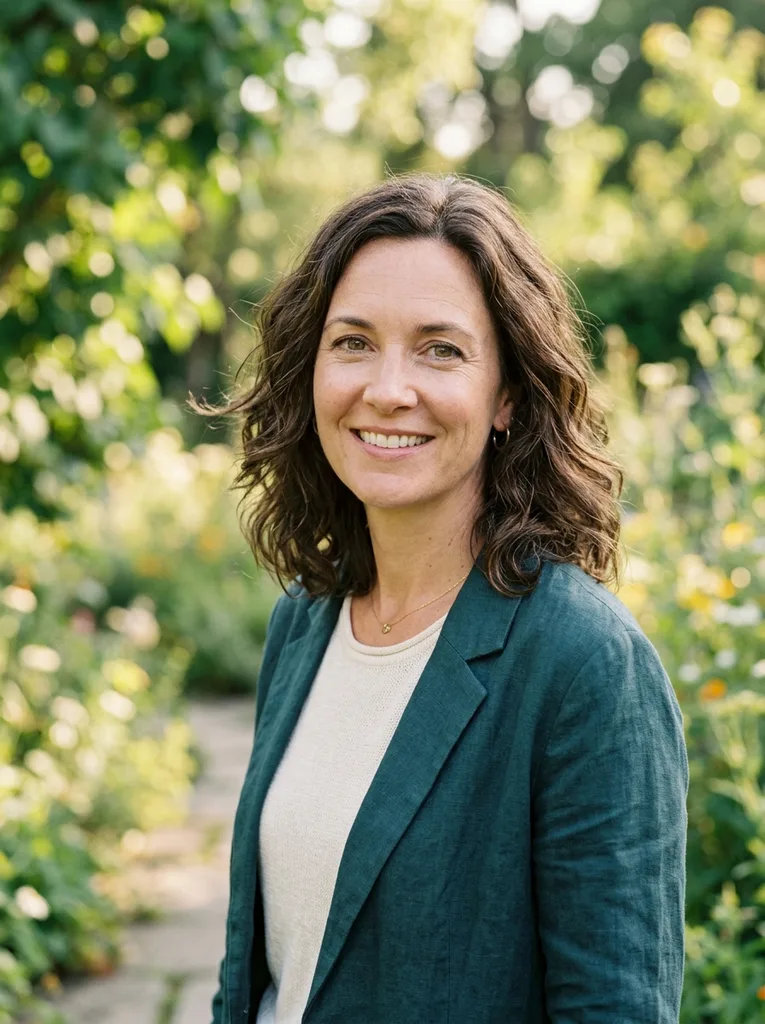
Outdoor bokeh
Natural daylight with a blurred background that feels candid.
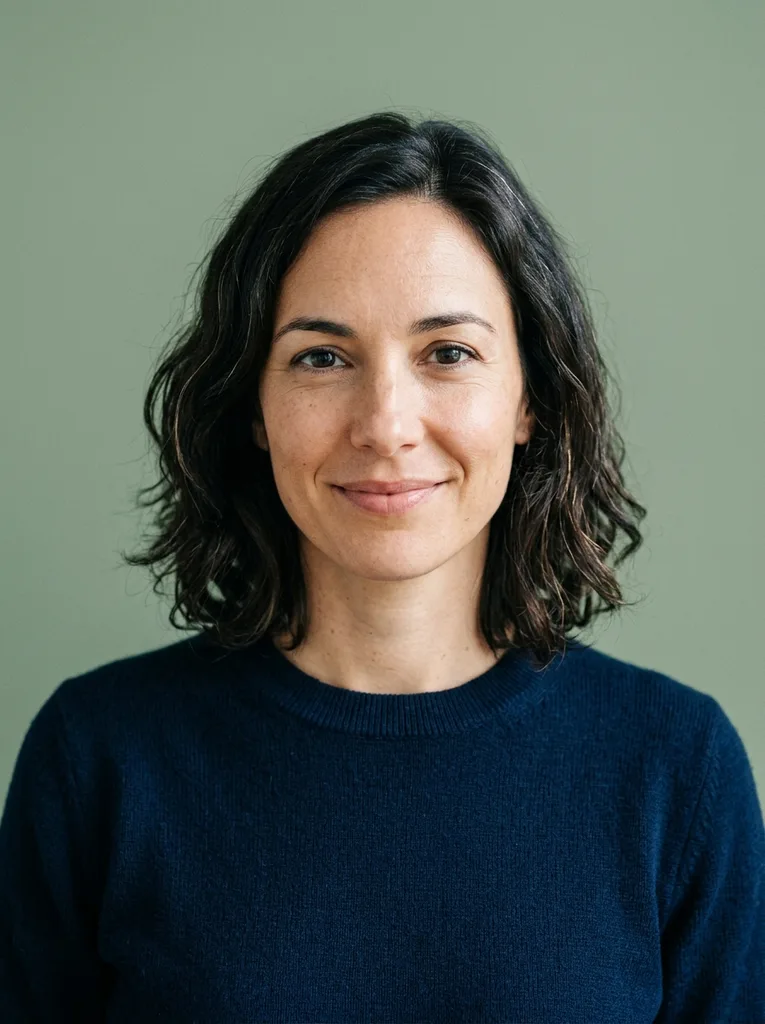
Minimal flat
Simple flat background and clean crop for busy profile grids.
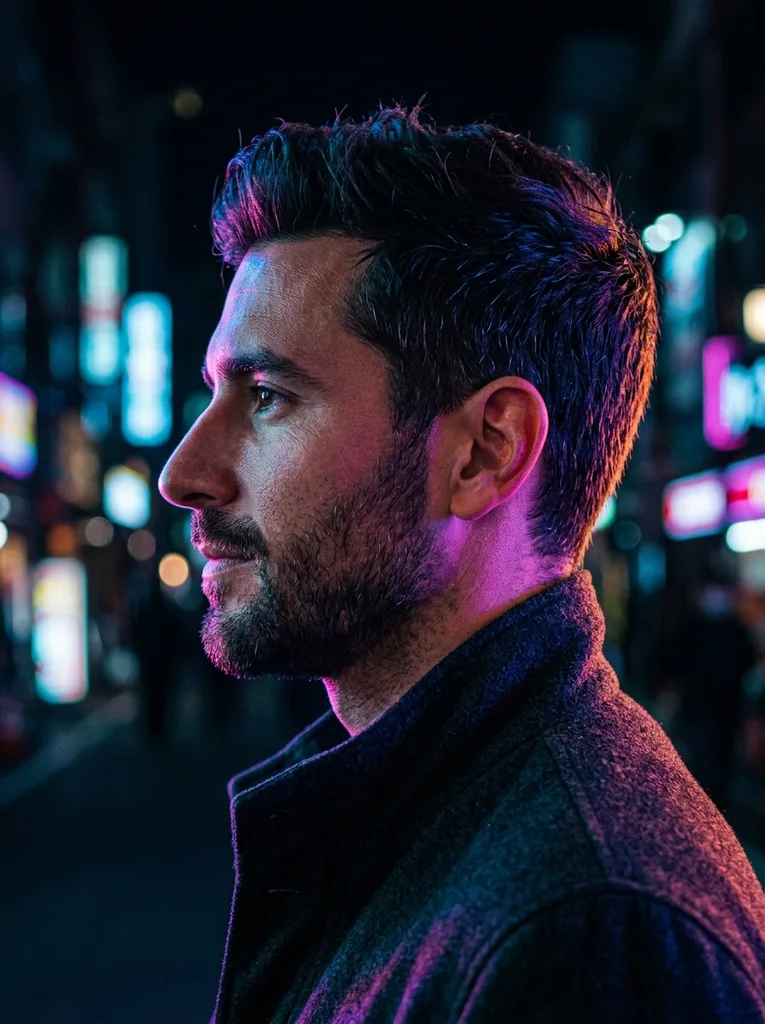
Neon
Colorful edge lighting for creators, gaming, and music profiles.
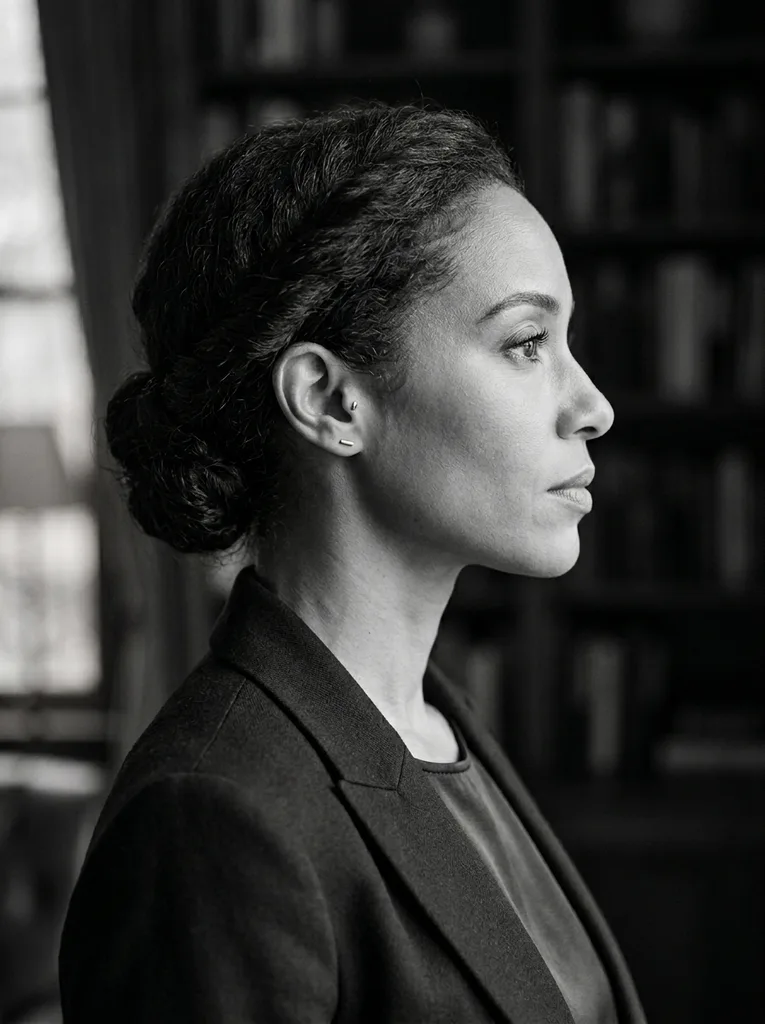
Monochrome
Black-and-white contrast for a timeless personal brand image.
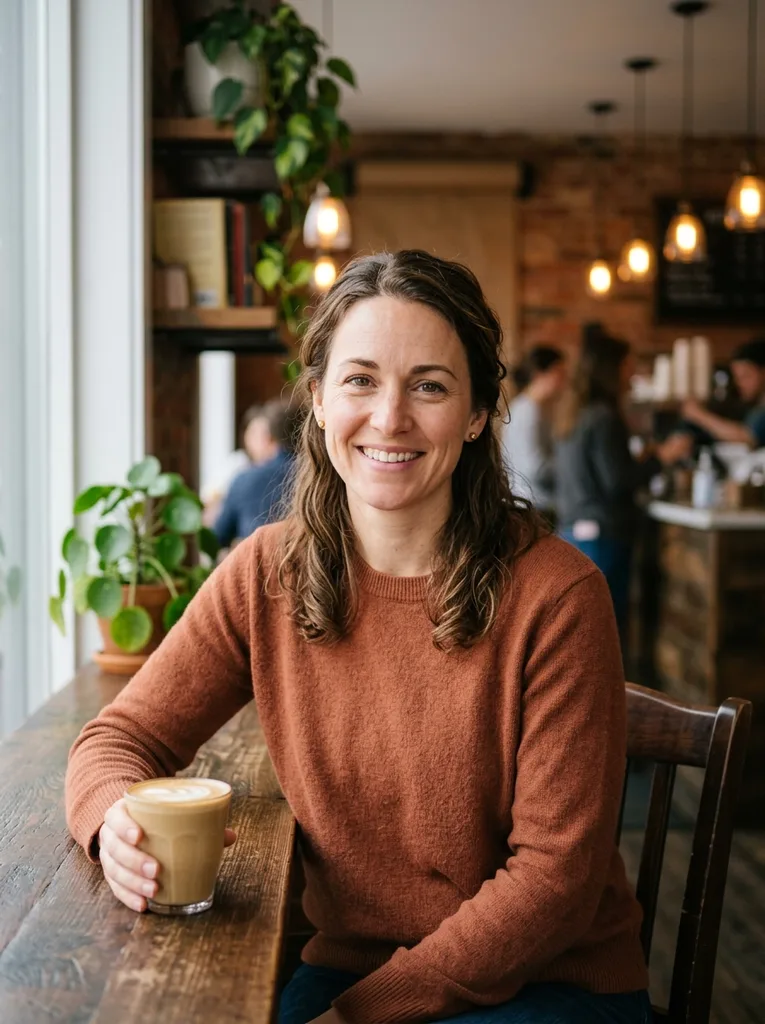
Warm cafe
Natural indoor light for an approachable everyday profile.
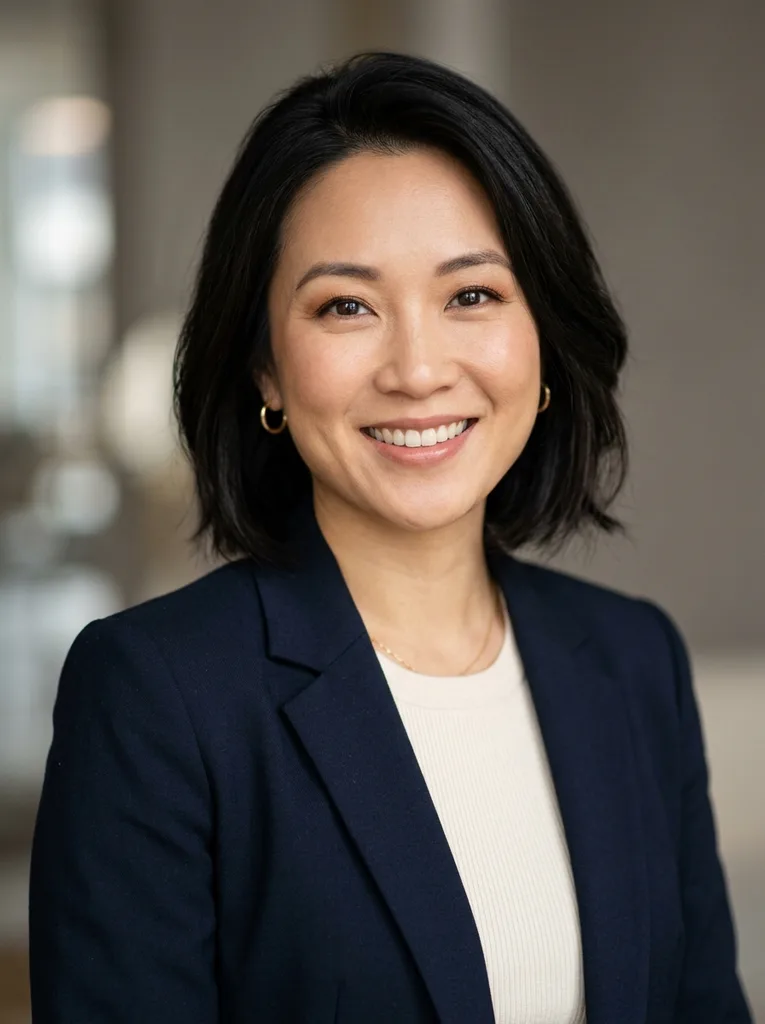
Editorial
Clean magazine-style lighting with a confident personal brand feel.
Where it fits
A PFP has to work in tiny circles, feed previews, profile cards, and bio pages. Pick the style that matches the room you are walking into.
Create a polished profile image without turning it into a formal headshot-only look.
Instagram and X
Make a clean PFP that stays readable in small circular crops.
Dating profiles
Improve lighting and background while keeping the real expression and face.
Author and about pages
Use one consistent face photo across personal sites, newsletters, and bios.
Make it believable
Profile pictures fail when they drift into another face. Use a clean selfie and check the output for real identity, natural texture, and readable crop.
Drag to compare: face and expression stay constant while the background, lighting, and crop improve.
Keep your real face intact.
This is a realistic PFP maker, not an identity swap. Publish results only when they preserve your actual face and when you have the right to use the input photo.
FAQ
Practical answers about the AI profile picture generator — realism, PFP crops, LinkedIn use, consent, and identity checks.
Yes. Upload a selfie, pick a PFP style, and generate with the free base model. Sign in to keep results in history and remove the export watermark.
Yes. Each prompt asks the model to keep the exact same face identity and expression while restyling only the background, lighting, and crop.
The avatar generator turns a selfie into illustrated styles. This profile picture generator stays photorealistic and is meant for platform-ready PFPs.
Use a clear photo at eye level with your face unobstructed. Soft window light and a simple background usually work best.
Yes, especially the Clean studio, Outdoor bokeh, and Monochrome styles. For regulated document photos, use an official ID-photo service instead.
Only if you have permission to edit and publish their photo. Do not create or use PFPs for impersonation.
Compare eyes, hairline, skin tone, glasses, and expression against the original. Regenerate if any identity feature looks wrong.
Start with a prompt or reference, compare models, and save the best result to history. Upgrade when you need cleaner exports, stronger models, or more production volume.