
Upload your room photo
Add a JPG, PNG, or WebP of the room you want to restyle. A straight-on shot with good natural light works best.
AI Room Makeover
Upload a photo of any room and see it restyled with new furniture, decor, and lighting in one click — explore looks before you redecorate.
Examples
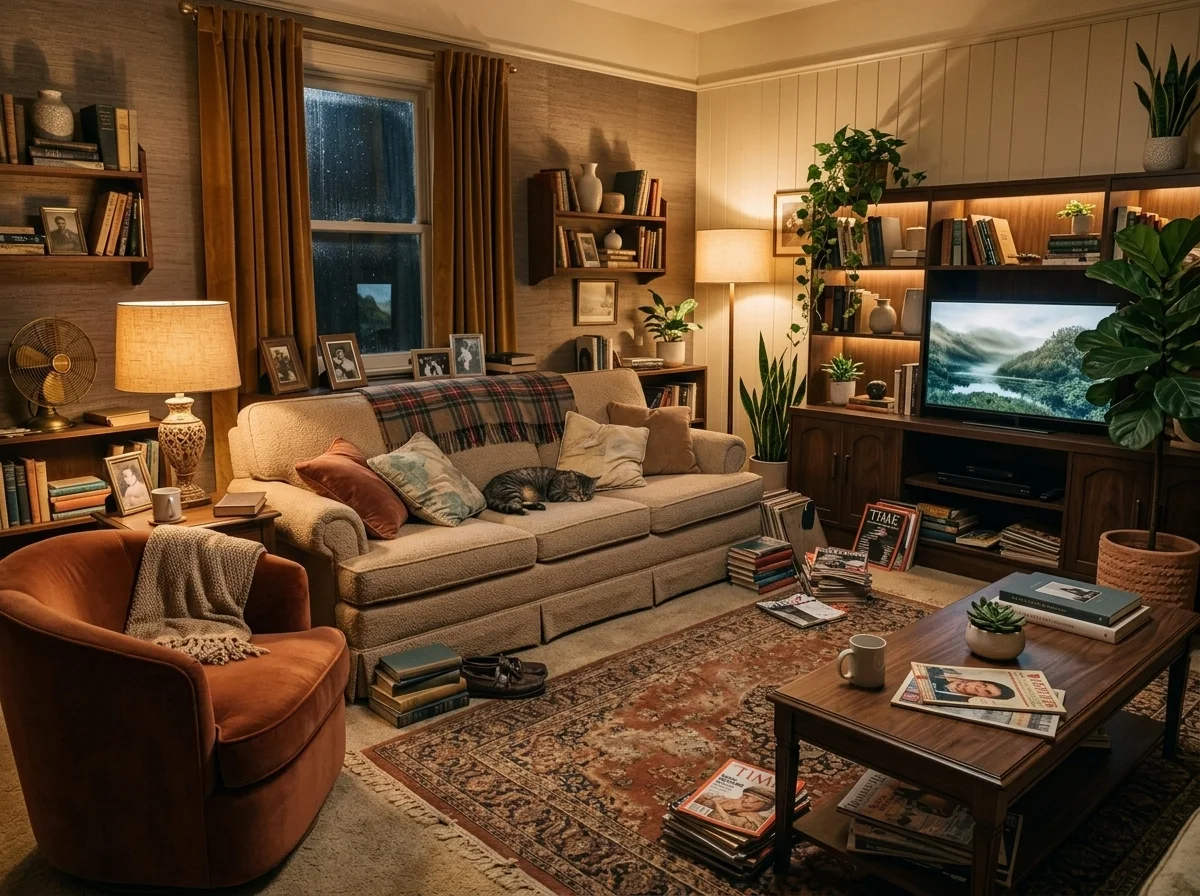
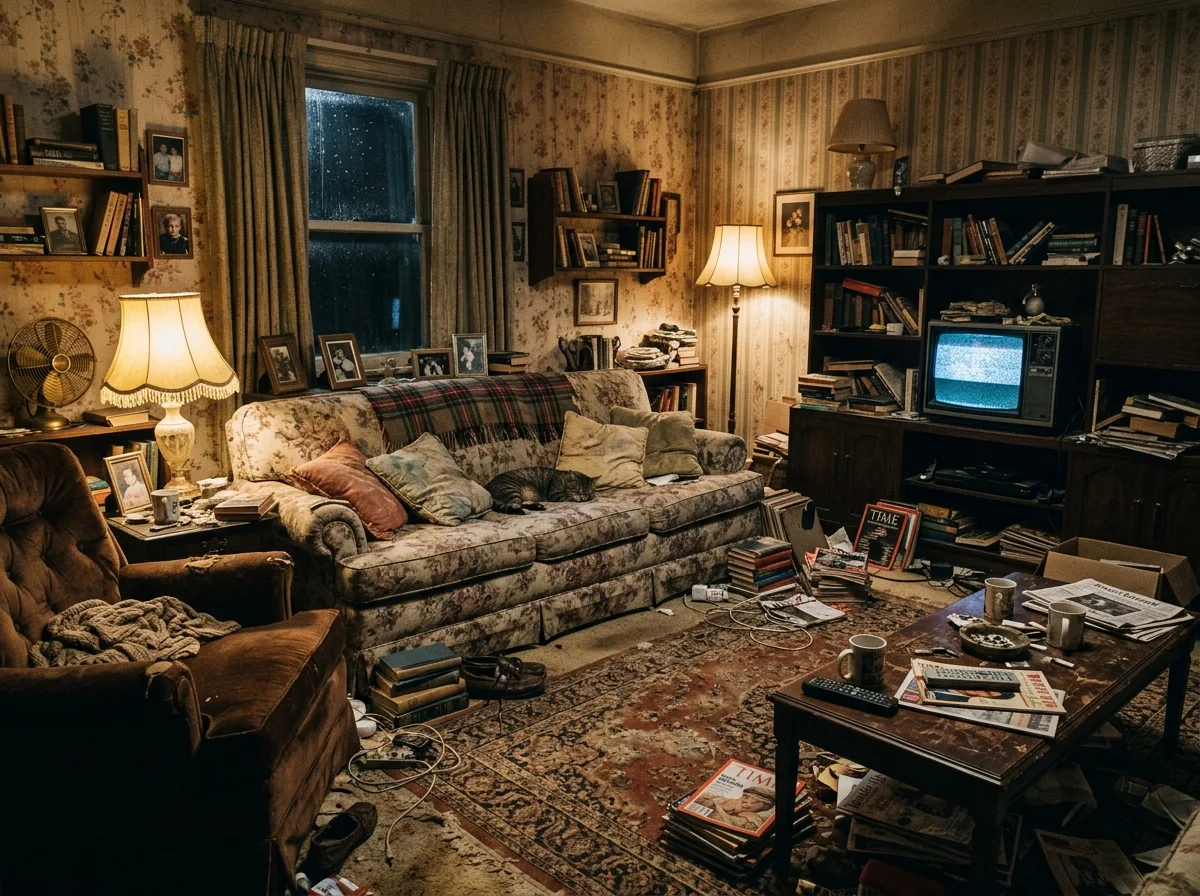
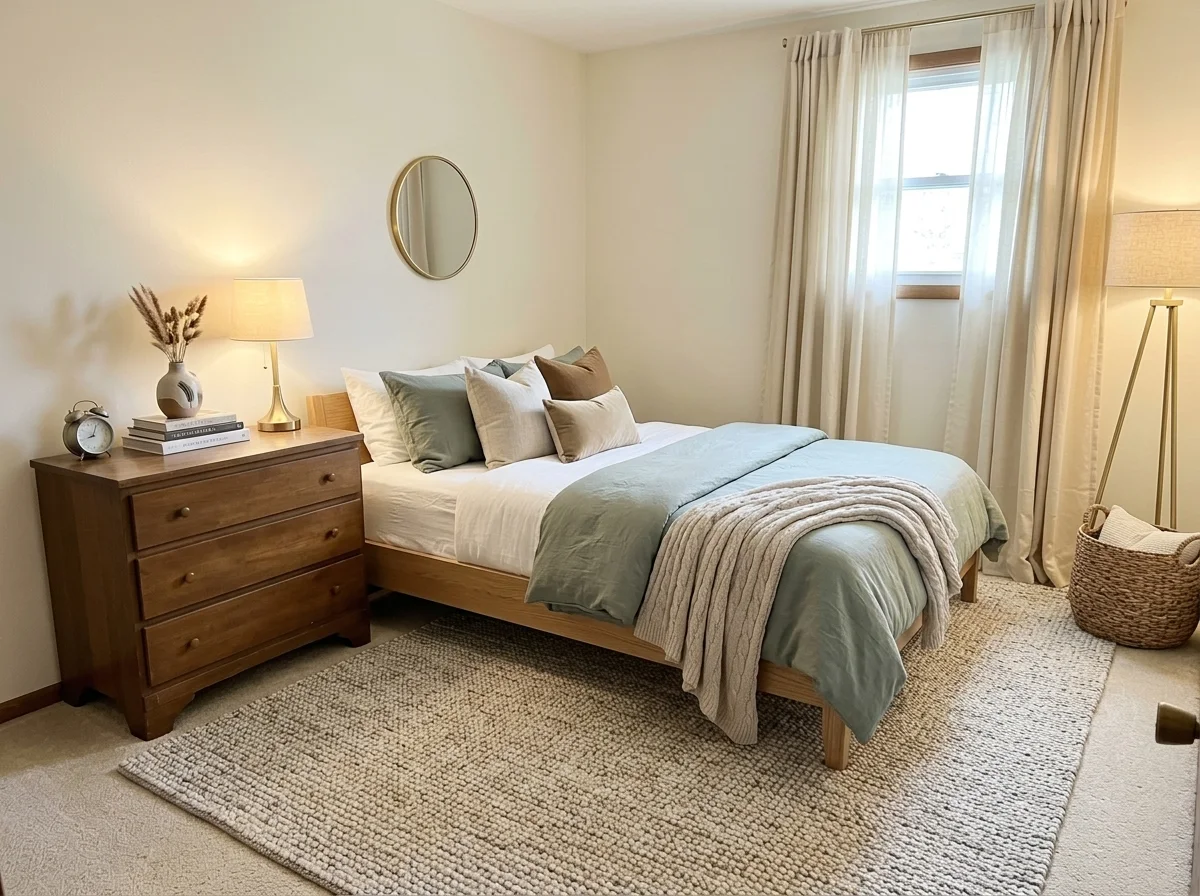
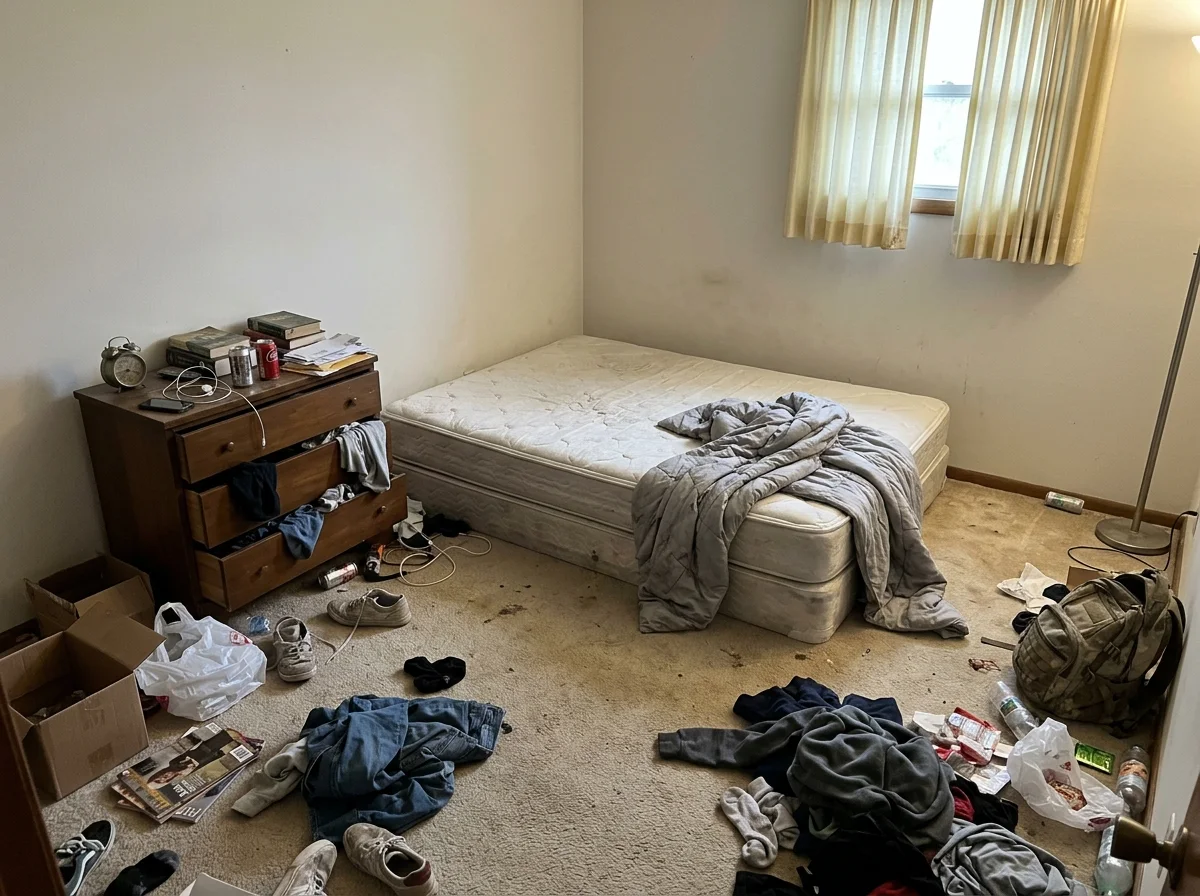
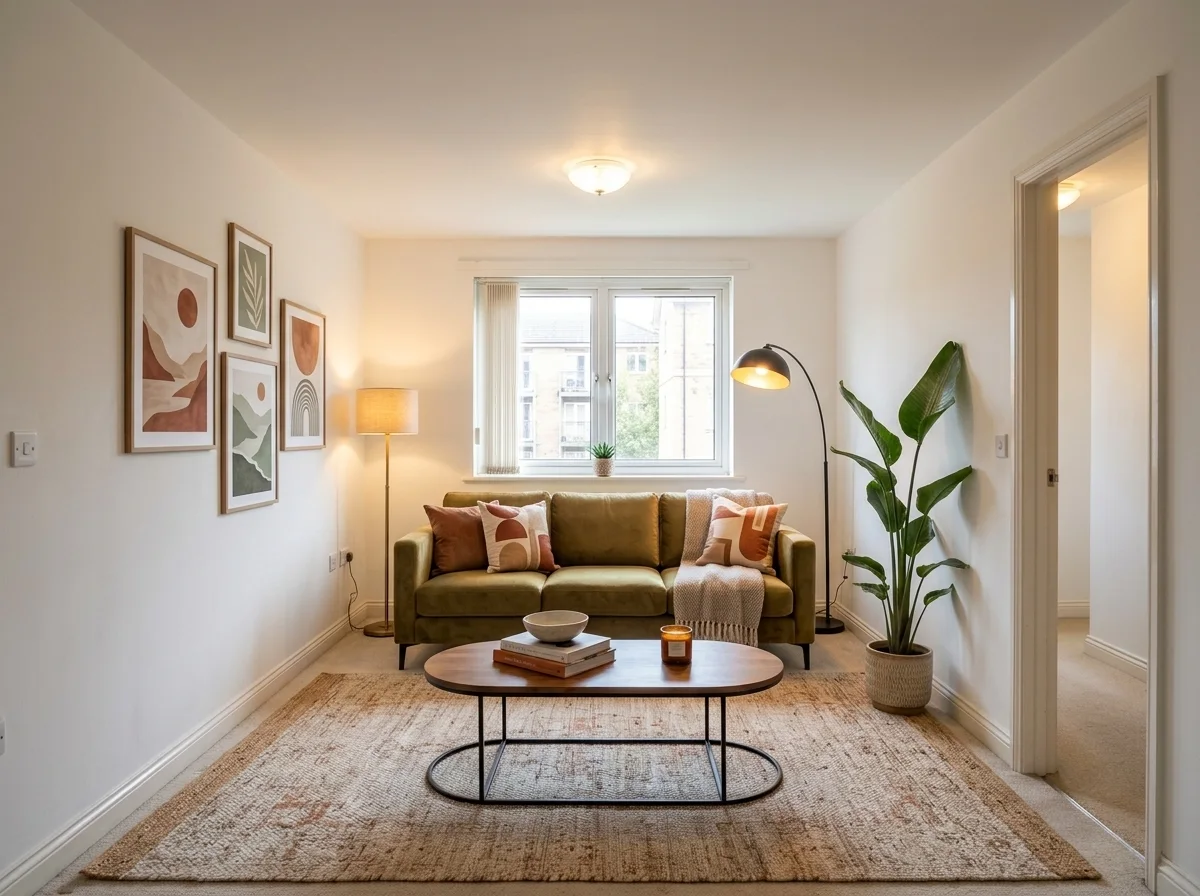
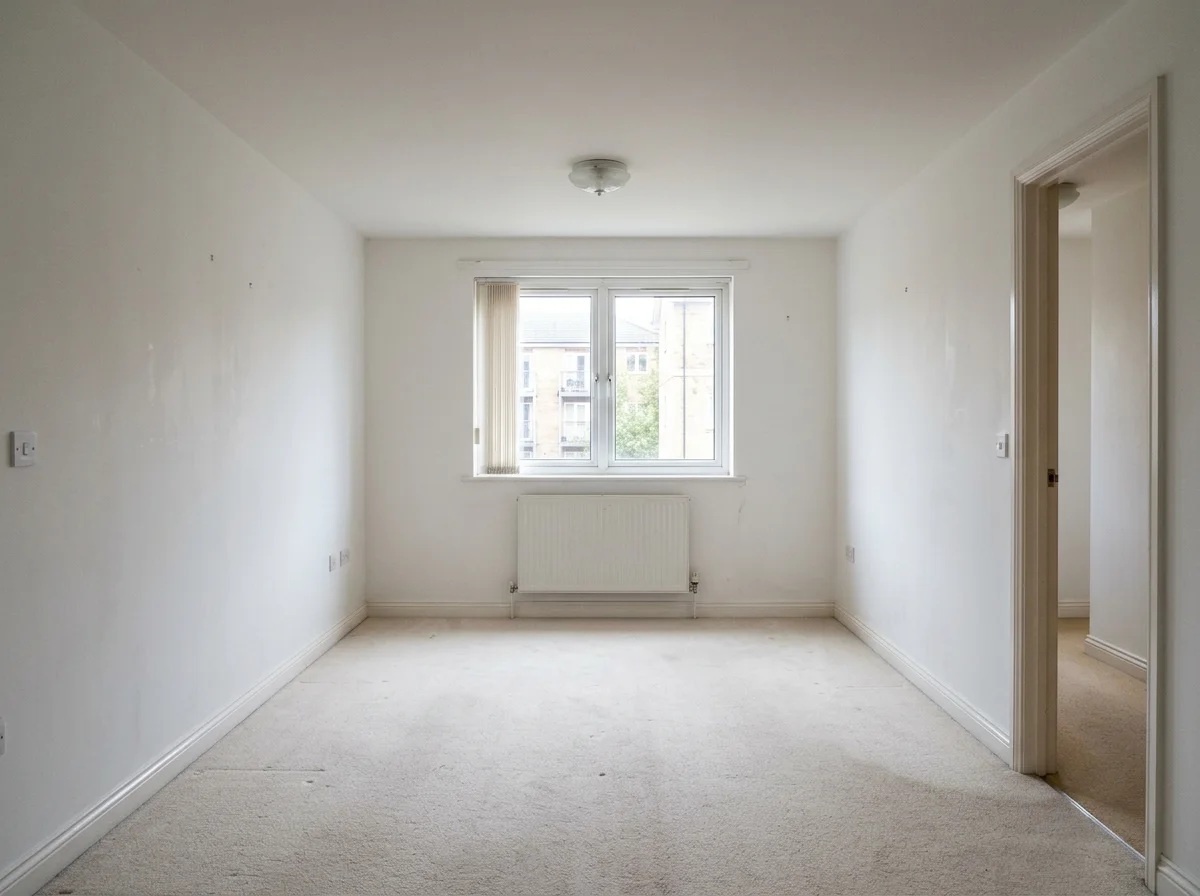
Living rooms, bedrooms, and empty rentals — drag each slider to see the same space transformed. Same walls, brand-new style.
Why it looks real
A room makeover only convinces if the architecture stays consistent. The model rebuilds the furniture and decor while keeping everything structural exactly as it is. Results are inspiration — verify dimensions and finishes before you buy.
The room footprint, wall positions, windows, and architectural features stay exactly where they are — only the furniture and styling change.
Natural light sources are preserved and the new decor is lit to match, so the result reads as a real photo rather than a render.
Dated or mismatched pieces are swapped for coordinated furniture, plants, and decor that match the chosen mood.
Workflow
Upload, restyle, and explore — then use the result as your decoration guide.
Add a JPG, PNG, or WebP of the room you want to restyle. A straight-on shot with good natural light works best.
The model keeps your walls, windows, and layout while swapping in coordinated furniture, plants, and warm decor.
Compare before and after. Run another pass or open the full workbench to try a different style direction.
Sign in to save history and remove the export watermark. Use the result as a reference when shopping or briefing a designer.
Use cases
Use the AI room makeover to see your space restyled before you spend a penny — then use the result as a shopping guide.
Try a completely different furniture arrangement or style direction in your existing space before buying anything.
Show how a bland or empty rental could look furnished and styled to attract better tenants or buyers.
Generate virtual staging photos for listings without hiring a stager or renting furniture.
Build a concrete visual reference for an interior designer or contractor instead of describing it in words.
FAQ
Practical answers about the AI room makeover — supported rooms, what changes, and how to get the best result.
Yes. Upload a room photo and get a restyled result with the free base model. Sign in to keep results in your history and remove the export watermark from downloads.
Living rooms, bedrooms, home offices, and rental spaces all work well. A photo taken straight-on with decent natural light gives the clearest before-and-after. Avoid extreme fisheye angles or very dark photos.
No. The model keeps the same walls, windows, floor plan, and camera angle. It replaces furniture, textiles, decor, and lighting mood while the architecture stays put.
The one-click preset applies a modern cozy restyle. Open the full workbench to describe any style — Scandinavian, mid-century modern, industrial, maximalist, and more.
The results are inspiration, not a technical plan. They show you how a style direction might look in your actual space before you spend money on furniture or paint. Always verify dimensions and finishes independently.
Upload a JPG, PNG, or WebP up to 10 MB. Use the highest-resolution photo you have for the sharpest result.
Start with a prompt or reference, compare models, and save the best result to history. Upgrade when you need cleaner exports, stronger models, or more production volume.