
Upload your product photo
Add a JPG, PNG, or WebP of the product. It can be a supplier image, a phone snap, or any raw shot — the messier the background, the bigger the improvement.
AI Shopify Product Photo
Upload an amateur product snapshot and get a sleek, on-brand DTC studio photo in one click — clean lighting, sharp shadow, and a minimal backdrop ready for your Shopify store and ads.
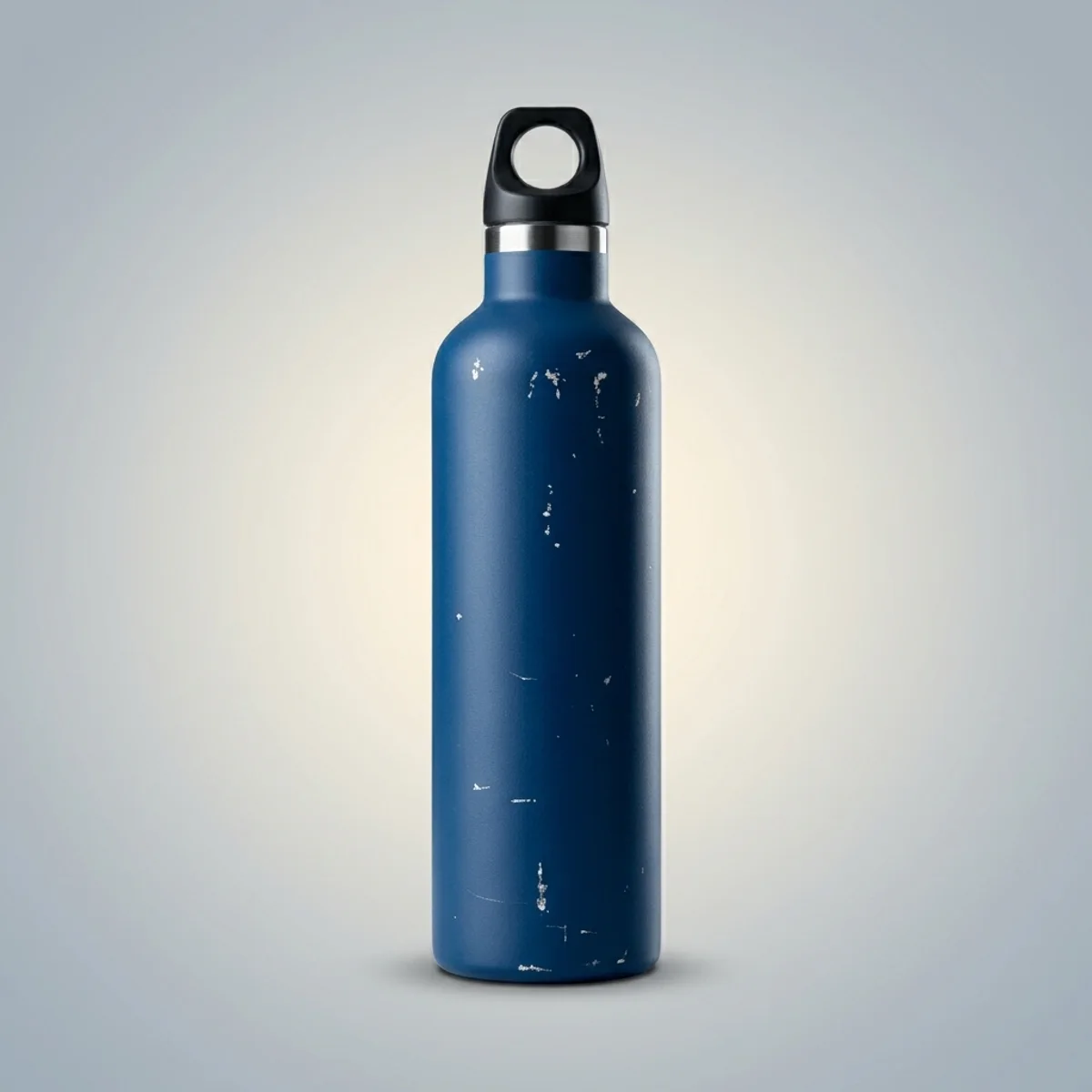
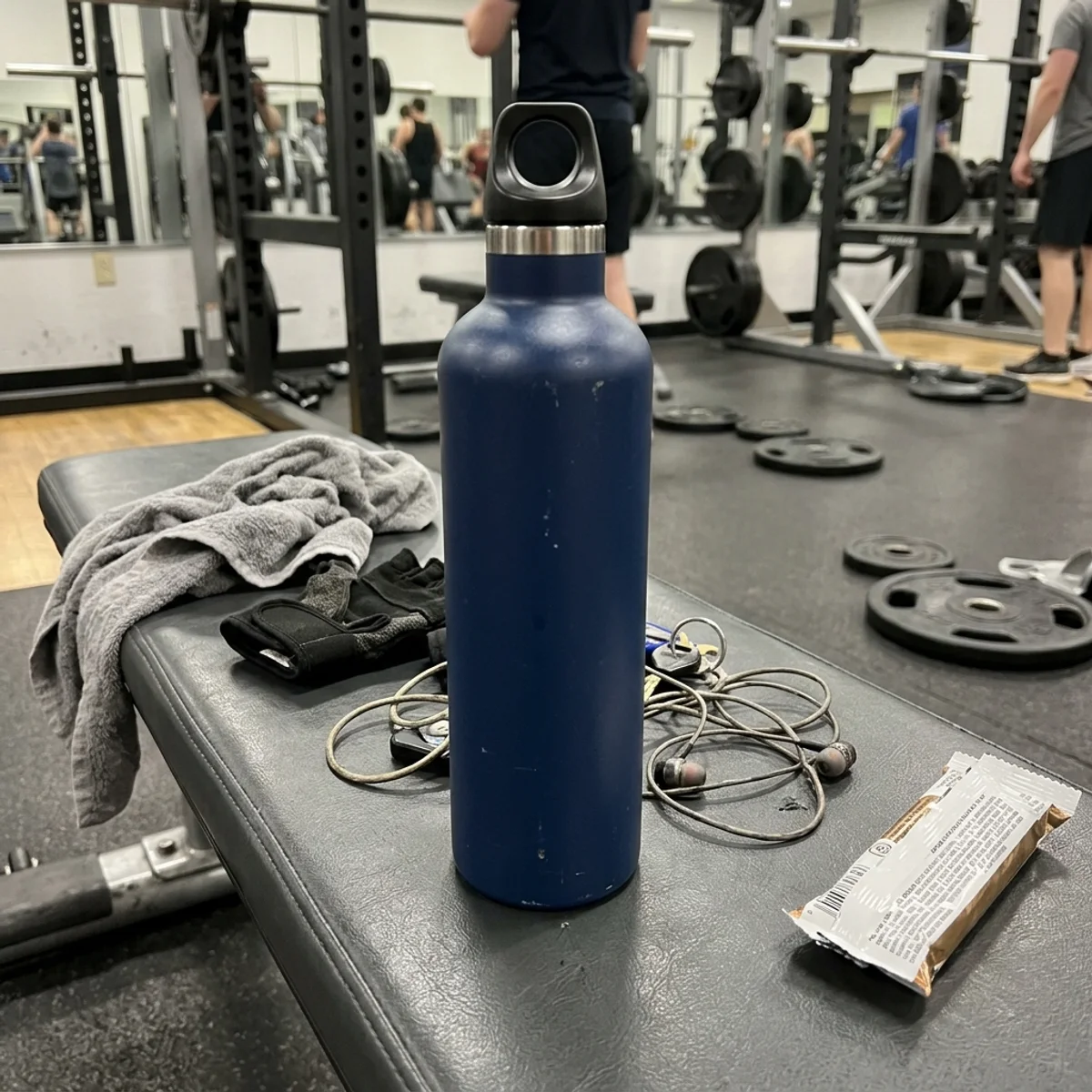
Examples
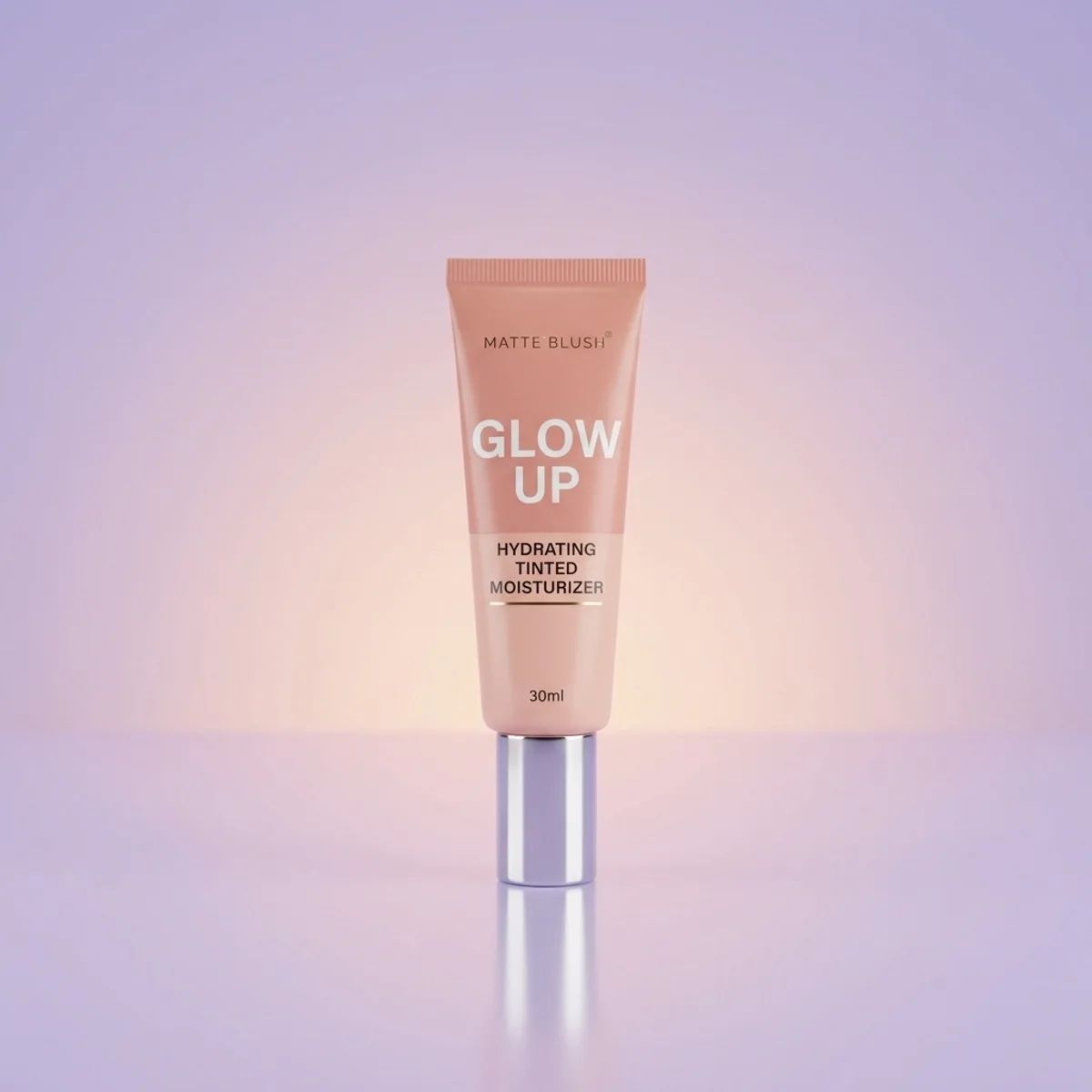
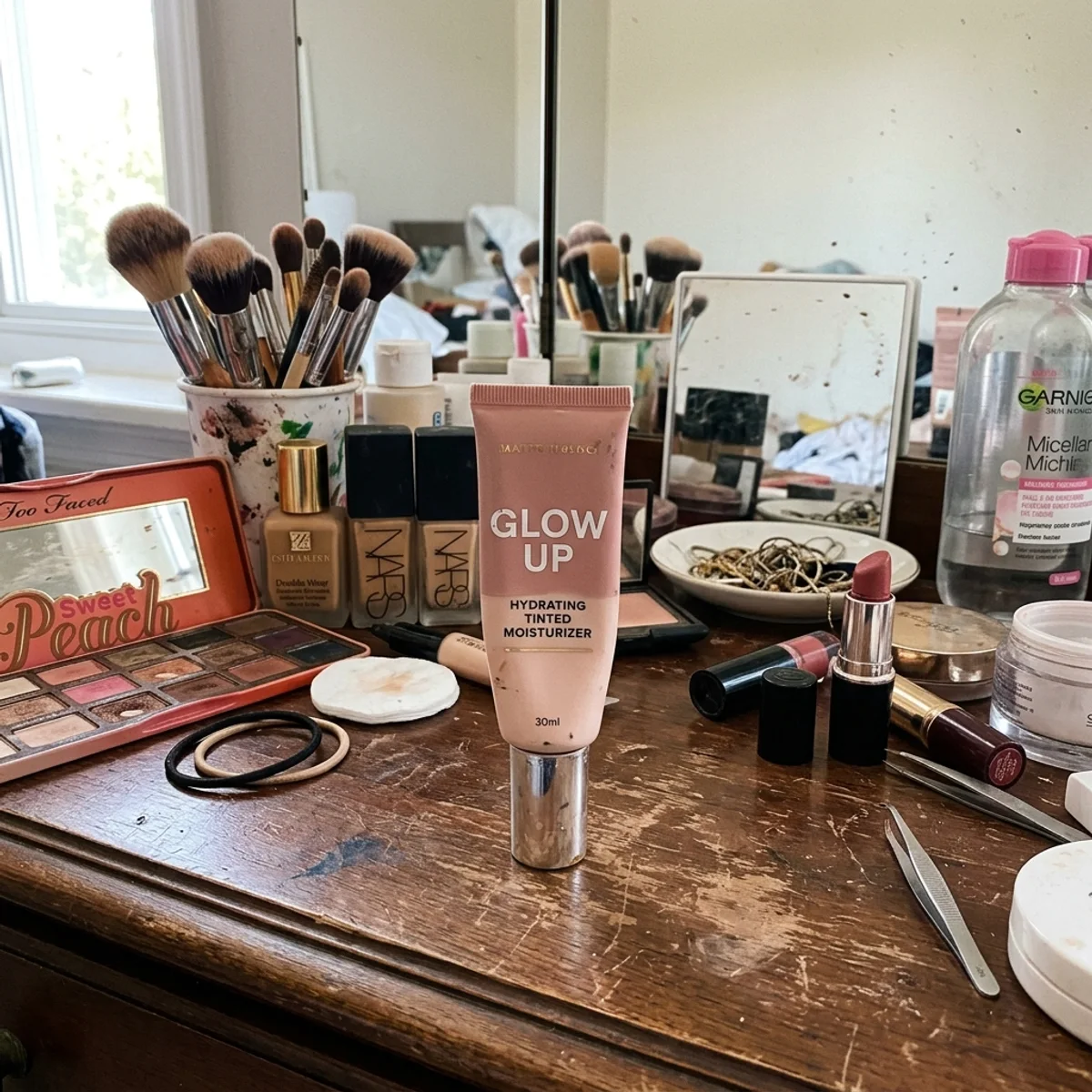
Water bottles, shoes, and cosmetics — drag each slider to see a raw product snapshot become a clean studio photo. Same product, brand-new backdrop.
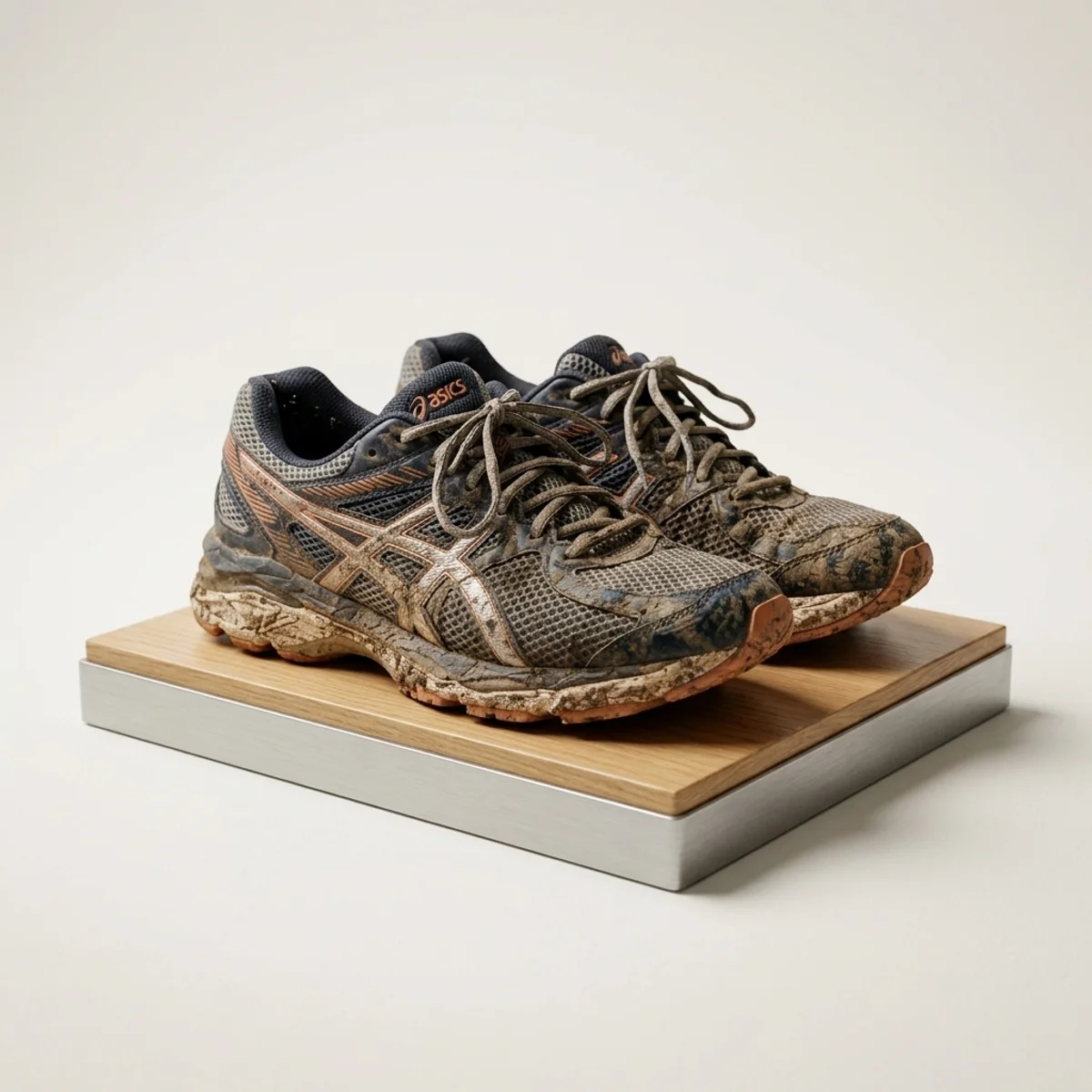
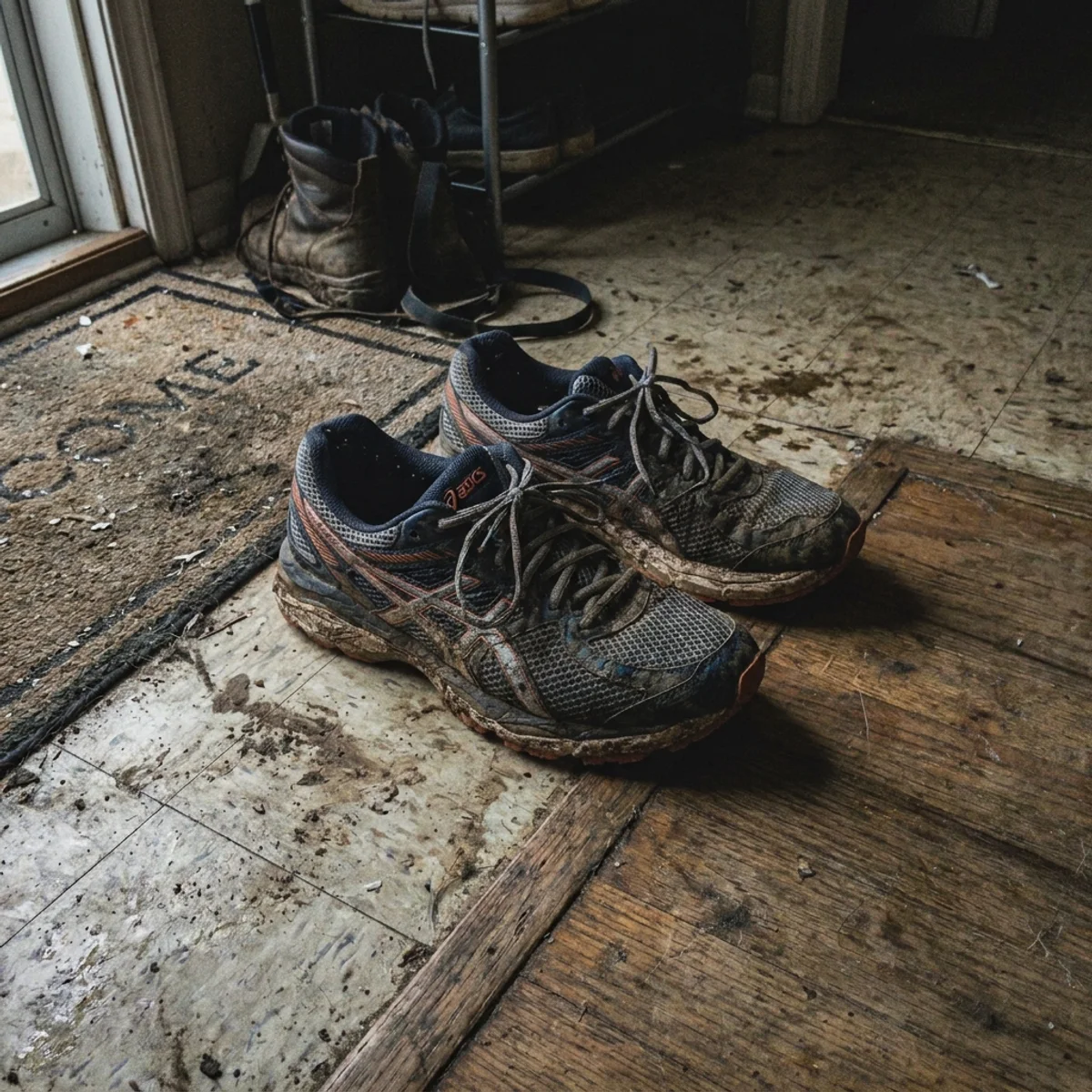
Why it looks professional
A product photo upgrade only works if the product itself stays pixel-perfect. The model rebuilds the environment around your product while leaving every label, texture, and color exactly as shot.
Labels, textures, and branding on the product are preserved exactly — only the background and lighting environment are replaced.
The model applies crisp, even lighting that looks like a professional product shoot, removing shadows from the original messy setting.
A natural drop shadow is added under the product so it sits convincingly on the new studio surface rather than floating.
Workflow
Upload, transform, and review — then drop the result into your store.
Add a JPG, PNG, or WebP of the product. It can be a supplier image, a phone snap, or any raw shot — the messier the background, the bigger the improvement.
The model removes the background, applies studio lighting, and places the product on a clean gradient with a natural shadow in one pass.
Check that product labels and edges are sharp. Run a second pass or start from a higher-resolution photo if any detail looks soft.
Sign in to save your history and remove the export watermark, then upload the photo directly to your Shopify listing or ad creative.
Use cases
Use the AI shopify product photo generator to turn any raw product snapshot into a polished brand photo — then drop it straight into your store.
Replace messy supplier or homemade photos with clean studio shots that match your brand aesthetic and convert better on product pages.
Take raw wholesale or AliExpress supplier images and transform them into branded product photos without booking a photoshoot.
Generate crisp, high-contrast product images that perform in Meta and Google ad creative where the first frame decides the click.
Create consistent, on-brand product visuals for Instagram, TikTok, and email campaigns straight from your phone photos.
FAQ
Practical answers about the AI shopify product photo generator — supported products, output quality, and getting store-ready photos.
Yes. Upload a product photo and get a studio-quality result with the free base model. Sign in to keep results in your history and remove the export watermark from downloads.
Hard goods with defined edges work best — bottles, shoes, cosmetics, electronics, bags, and packaged goods. Soft or transparent products like fabrics or glass may need a manual review of the edges.
No. The prompt instructs the model to preserve the exact product, its label, color, and details. Only the background environment and lighting are rebuilt.
Yes. The output is a high-quality image ready to upload to your Shopify product listings, collection pages, and ad creatives. Always do a final review to confirm edges look clean before publishing.
Yes — this is one of the most common uses. Upload the raw supplier image and get a branded studio photo that fits your store style without a photoshoot.
Upload a JPG, PNG, or WebP up to 10MB. Use the highest-resolution version of the photo you have for the sharpest result.
Start with a prompt or reference, compare models, and save the best result to history. Upgrade when you need cleaner exports, stronger models, or more production volume.