
Inkfox AI logoInkfox AIInkfoxAI
HomeGallery
Up to 33%Pricing
  • Home
  • Image
    • Text to Image
    • Image to Image
    • Background Remover
    • Image Upscaler
    • Merge Images
    • Background Changer
    • Photo Restoration
    • Watermark Remover
    • Virtual Try On Glasses
    • Virtual Try On Sunglasses
    • Logo Generator
    • Anime Generator
    • Coloring Page
    • Headshot Generator
    • Sticker Generator
    • Product Photo
  • Video
    • Text to Video
    • Image to Video
    • Video to Video
    • Old Photo Video
    • Hug Video
    • Product Video
    • Kiss Video
    • Wedding Video
    • Real Estate Video
    • Food Video
    • Travel Video
    • Portrait Video
    • Baby Dance Video
  • Models
    • Inkfox AI Basic
    • Inkfox AI Pro
    • Inkfox AI Max
    • GPT Image 2.0
    • Nano Banana 2.0
    • Nano Banana
    • Seedream 4.0
    • Seedream 4.5
    • Seedream 5 Lite
    • GPT Image 1.5
    • Z-Image
    • Flux 2 Pro
    • Wan 2.7 Image Pro
    • Inkfox AI Pro
    • Inkfox AI Max
    • HappyHorse 1.0
    • Seedance 2.0
    • Gemini Omni
    • Grok Imagine 1.5
    • Grok Imagine
    • Veo 3.1
    • Kling 3.0
    • Runway
    • Hailuo 02
    • Wan 2.7
    • Hailuo 2.3
    • Seedance v1
    • Kling 2.6
    • Wan 2.6
  • Gallery
  • Pricing
  • Blog
    Guides and launch notes
    Feature Requests
    Vote on what ships next
    FAQ
    Usage, pricing, and account answers
Inkfox AI logoInkfox AIInkfoxAI

AI Sticker Generator

Free AI Sticker Generator

Upload a photo of your pet or face to turn it into a die-cut sticker, or describe one from scratch — bold borders, clean colors, ready for packs, planners, and chats.
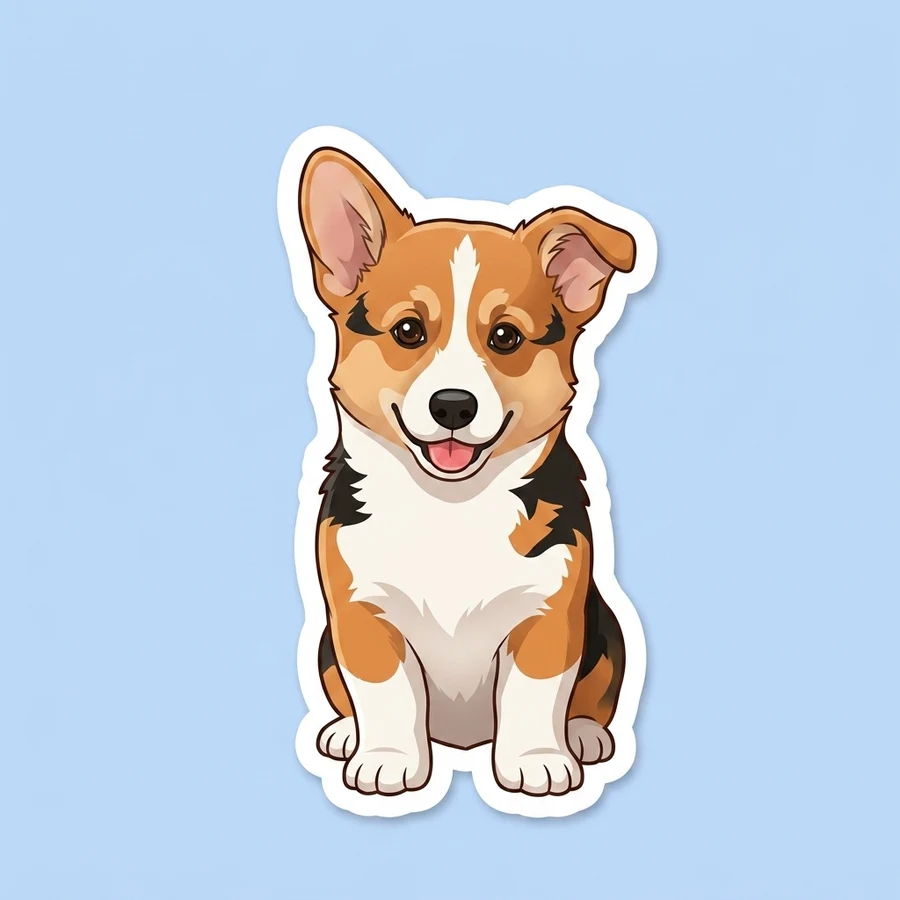
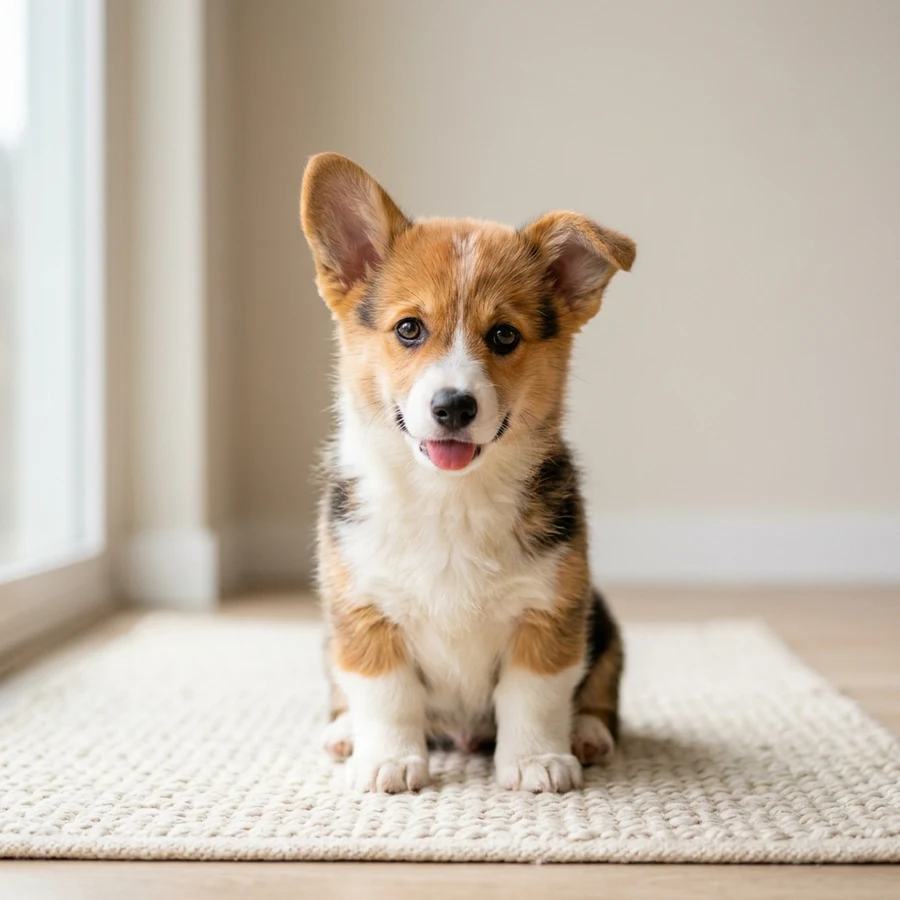
Photo to stickerOr describe oneBold die-cut borders

Model

Public

Image

max 1 image

Pick a style

Guest results stay in this browser. Sign in from a result to keep it and remove the watermark.
Free AI Sticker Generator demo after
Free AI Sticker Generator demo before
BeforeAfter

Inspiration

Stickers people remix on Inkfox.

Tap any sticker to load its style and idea, swap in your own subject, and generate a fresh die-cut design — kawaii characters, cartoons, glossy 3D, and pixel art.

Prompt recipes

Four ways to describe a sticker.

The cleanest stickers come from a short, focused brief. Tap a recipe to load a working example, then swap in your own subject.

Sticker tips

Readable at thumbnail size.

The best stickers are simple and bold. A short, focused brief gives you a clean die-cut design that works everywhere.

  • 1

    One clear subject

    Stickers read at thumbnail size — describe a single character or object, not a busy scene.

  • 2

    One emotion

    Give the subject a single, obvious feeling — happy, winking, sleepy — so it pops in chats and on laptops.

  • 3

    Keep a pack consistent

    Reuse the same style across prompts so a set of stickers looks like it belongs together.

Workflow

How to make a sticker

Pick a style, describe the subject, generate, and refine.

1

Pick a style

Choose kawaii, cartoon, 3D, or pixel art to set the look.

2

Describe the subject

Keep it to one clear character or object with a single emotion.

3

Generate the sticker

Get a die-cut design with a thick white border and simple background.

4

Refine for a pack

Reuse the style across prompts to build a matching sticker set.

Use cases

What AI Sticker Generator is good for

Spin up sticker ideas fast — then refine the strongest one for a pack.

Sticker packs

Create themed sets with a consistent style for creators and communities.

Print-on-demand

Draft sticker concepts quickly before production cleanup and cut lines.

Social graphics

Make reaction stickers and comment visuals for chats and posts.

Planners & labels

Generate small mood, habit, and label stickers for planners and packaging.

FAQ

AI Sticker Generator FAQ

Practical answers about turning photos into stickers, die-cut borders, packs, and printing.

Is the AI sticker generator free?

Yes. Pick a style, describe the sticker, and generate with the free base model. Sign in to keep results in history and remove the export watermark.

How do I get a clean die-cut sticker?

Keep it to one clear subject and a short description. Each style adds a thick white border and simple background so the sticker reads at small sizes.

Can I make a matching sticker pack?

Yes. Keep the same style and a consistent character or theme across prompts to build a cohesive pack.

Can I print the stickers?

Use the result as a draft, then check resolution and add cut lines in your print workflow before producing physical stickers.

Does it have a transparent background?

Stickers generate on a simple plain background with a white border. Remove the background in an editor if you need a true transparent cutout.

Can I use the stickers commercially?

Treat results as drafts and avoid copyrighted characters, trademarks, and celebrity likenesses. Verify rights before selling sticker packs.

Ready with Inkfox AI

Create with Inkfox AI Free AI Sticker Generator.

Start with a prompt or reference, compare models, and save the best result to history. Upgrade when you need cleaner exports, stronger models, or more production volume.

Open Inkfox AI generatorView Gallery
Inkfox AI logoInkfox AIInkfoxAI

Free Unlimited AI Image Generator — no sign-up required.

Inkfox AI is a free AI image and video generator for text to image, image-to-image editing, reference image creation, background removal, image upscaling, text-to-video, image-to-video, and multi-model visual generation.

Company
  • About
  • Contact
  • Transparency
  • Status
Legal
  • Cookie Policy
  • Privacy Policy
  • Terms of Service
© 2026 Inkfox AI. All Rights Reserved.Sitemap