
Is the AI tattoo design generator free?
Yes. Describe your idea, choose a style, and generate a tattoo reference with the free base model. Sign in to keep results in history and remove the export watermark.
AI Tattoo Design Generator
Describe a tattoo idea, pick a style, and the AI tattoo design generator generates clean tattoo design references for artist conversations, flash sheets, placement planning, and inspiration boards.
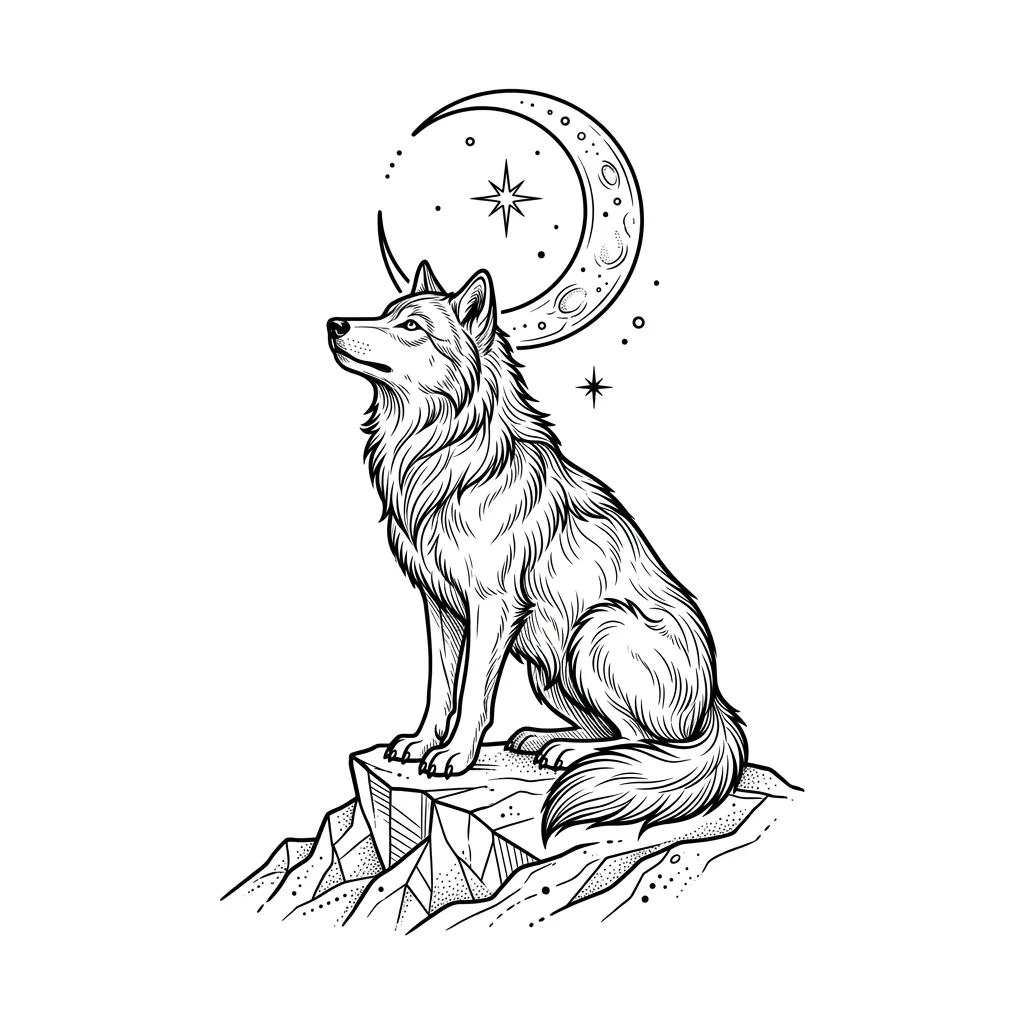
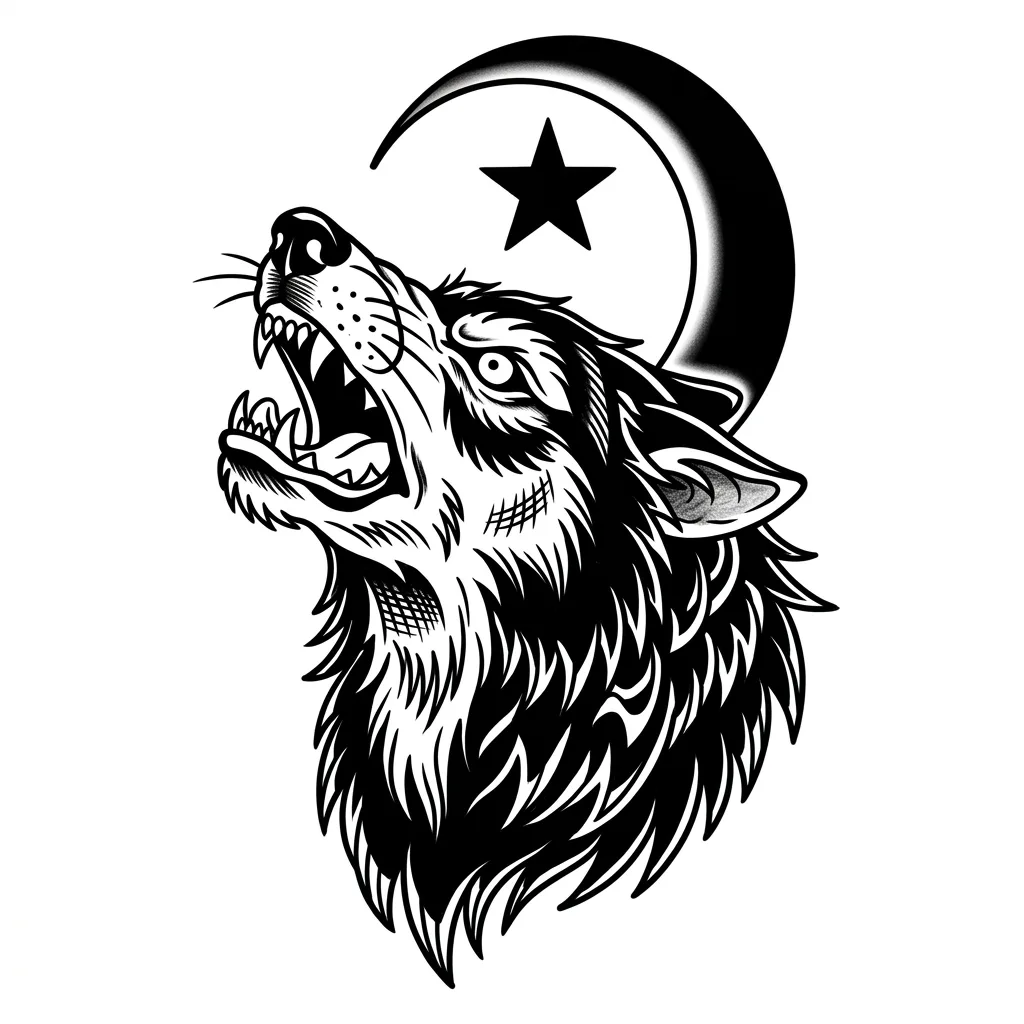
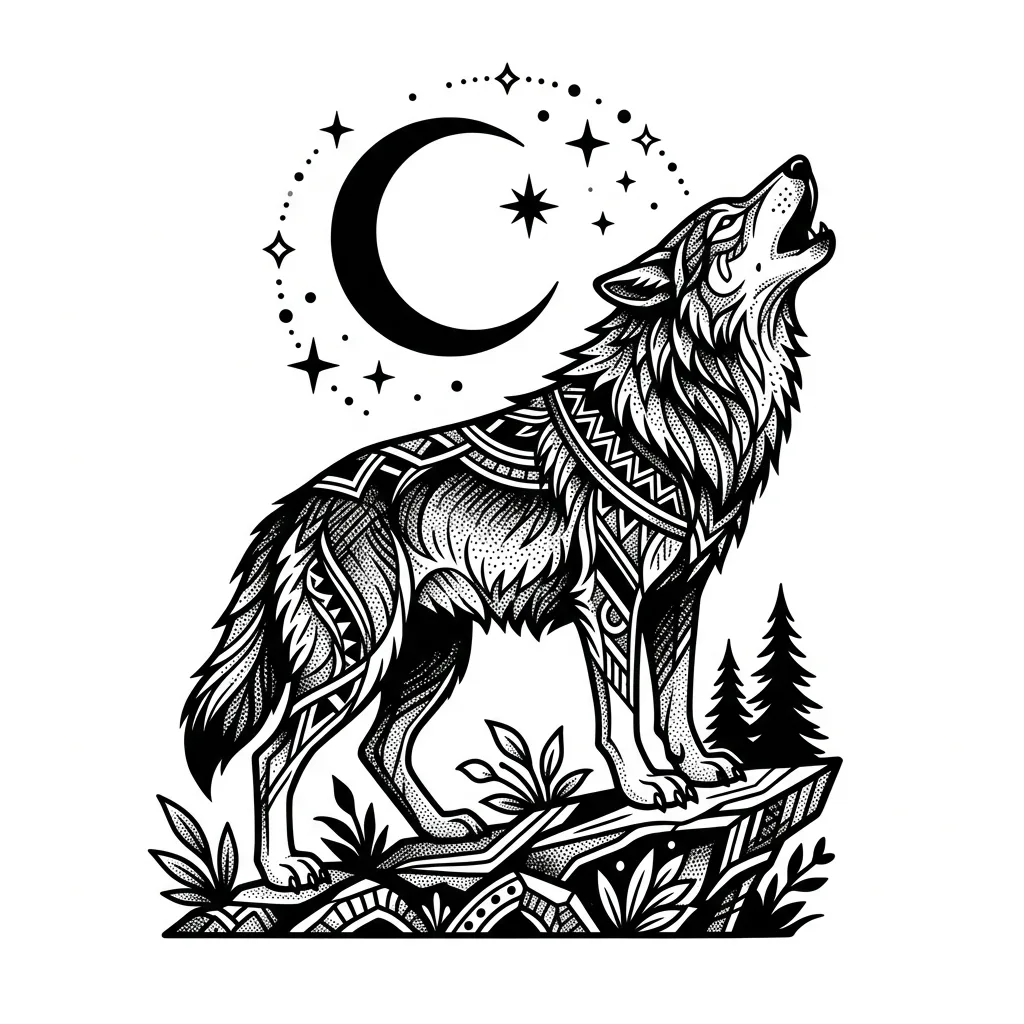
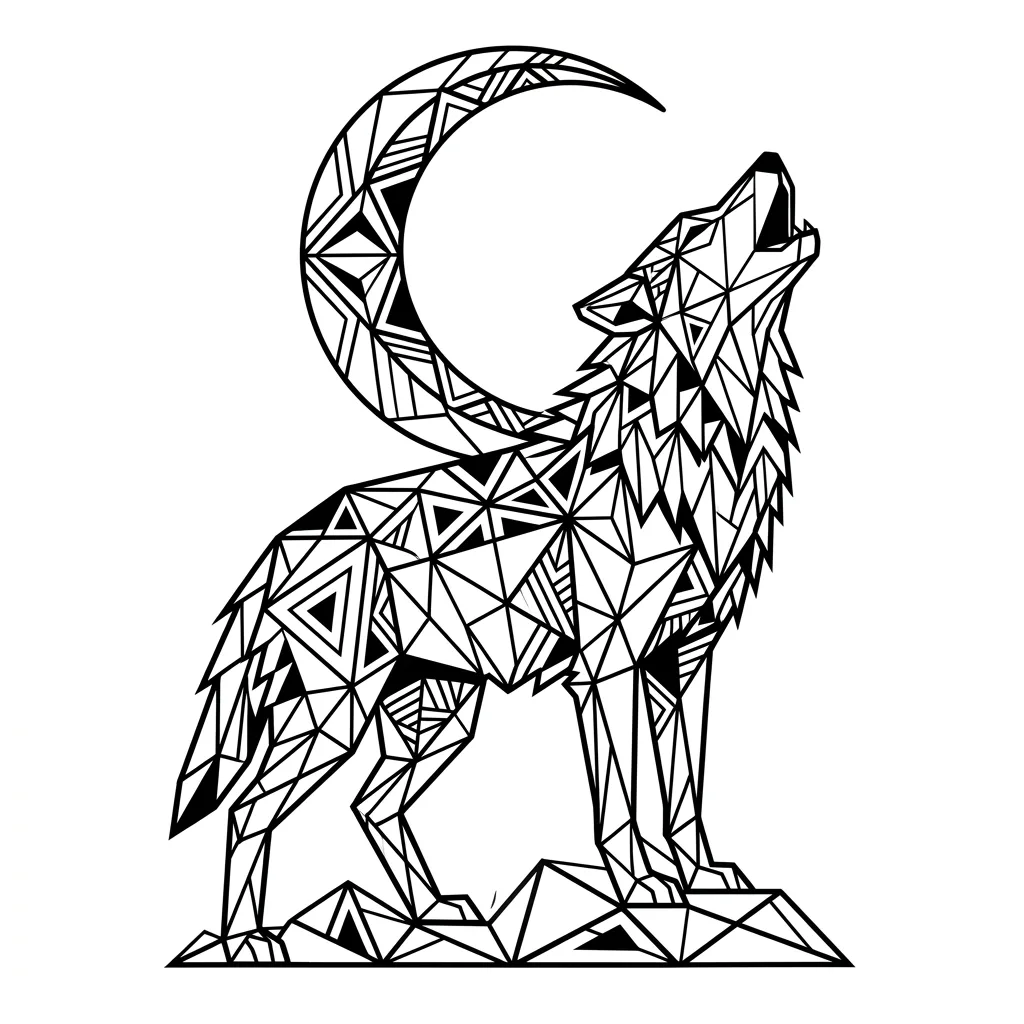
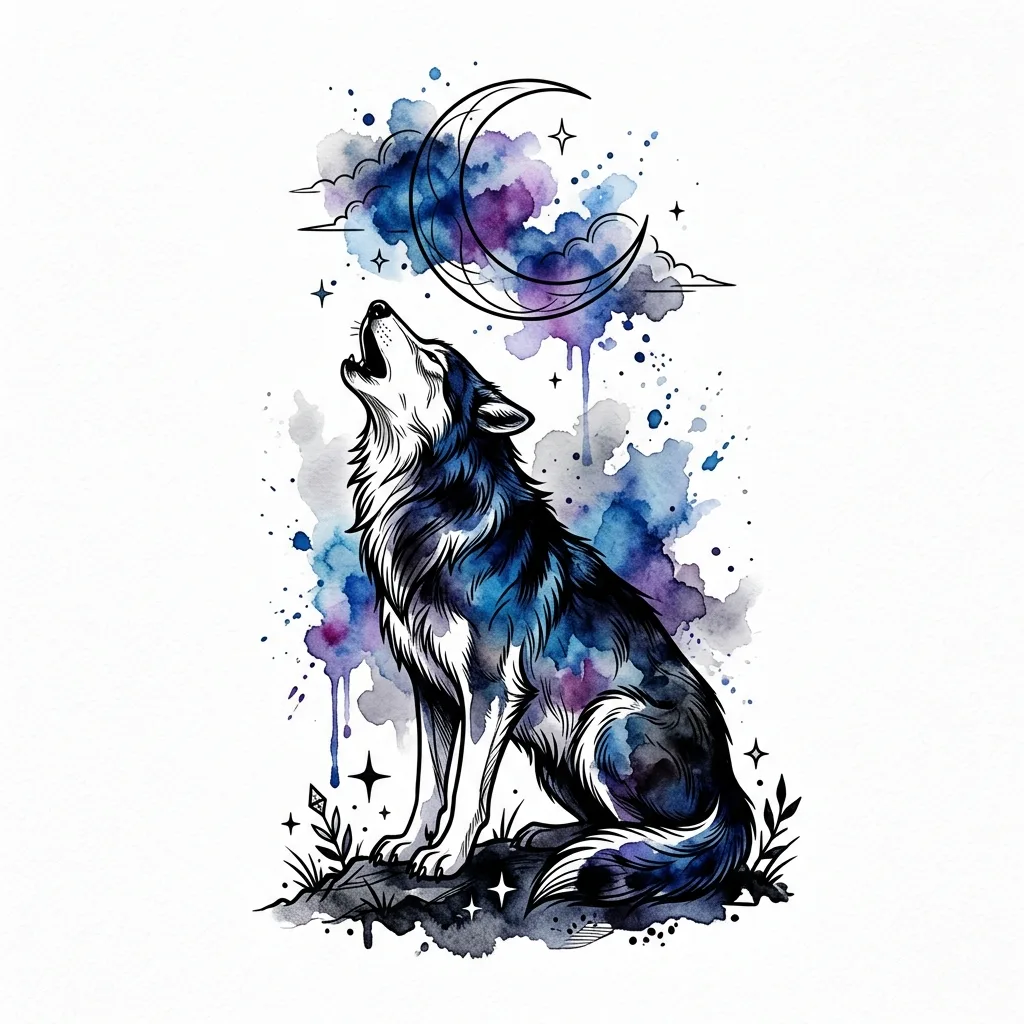
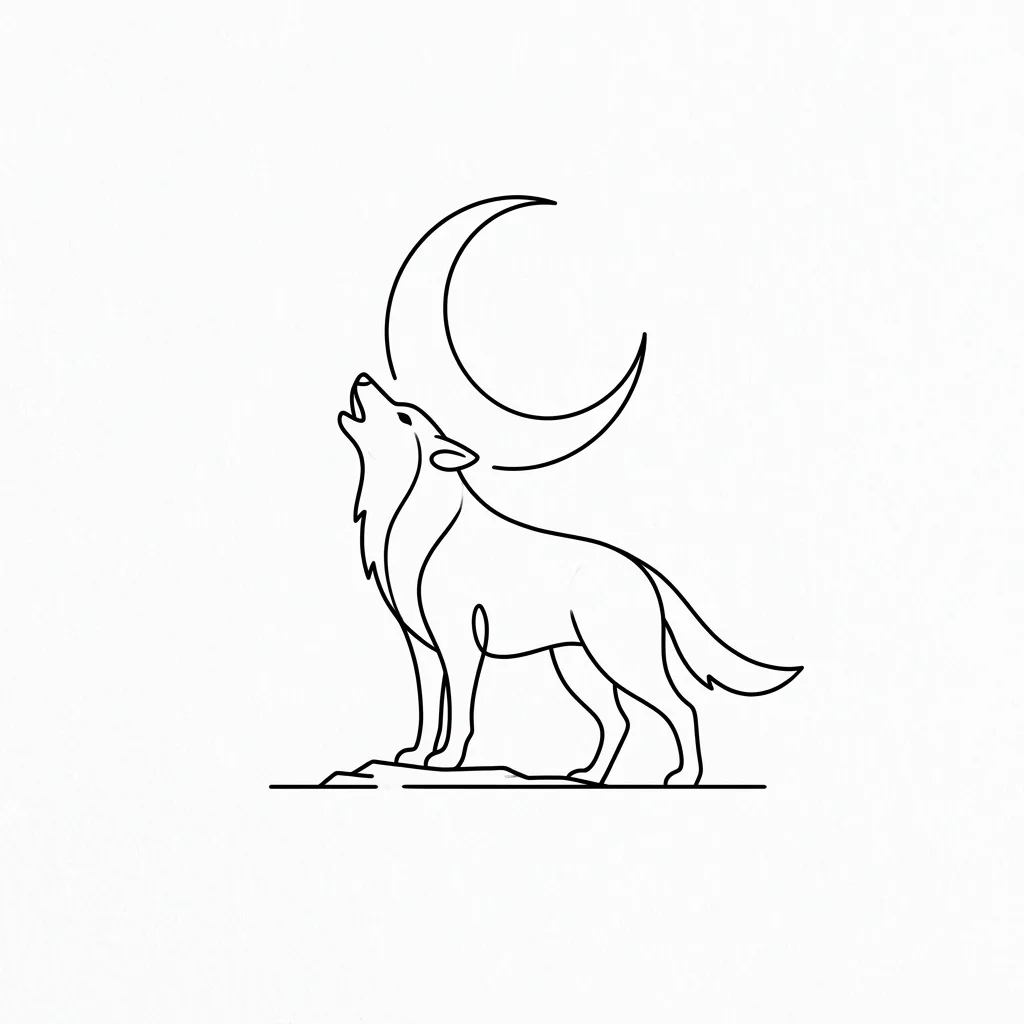
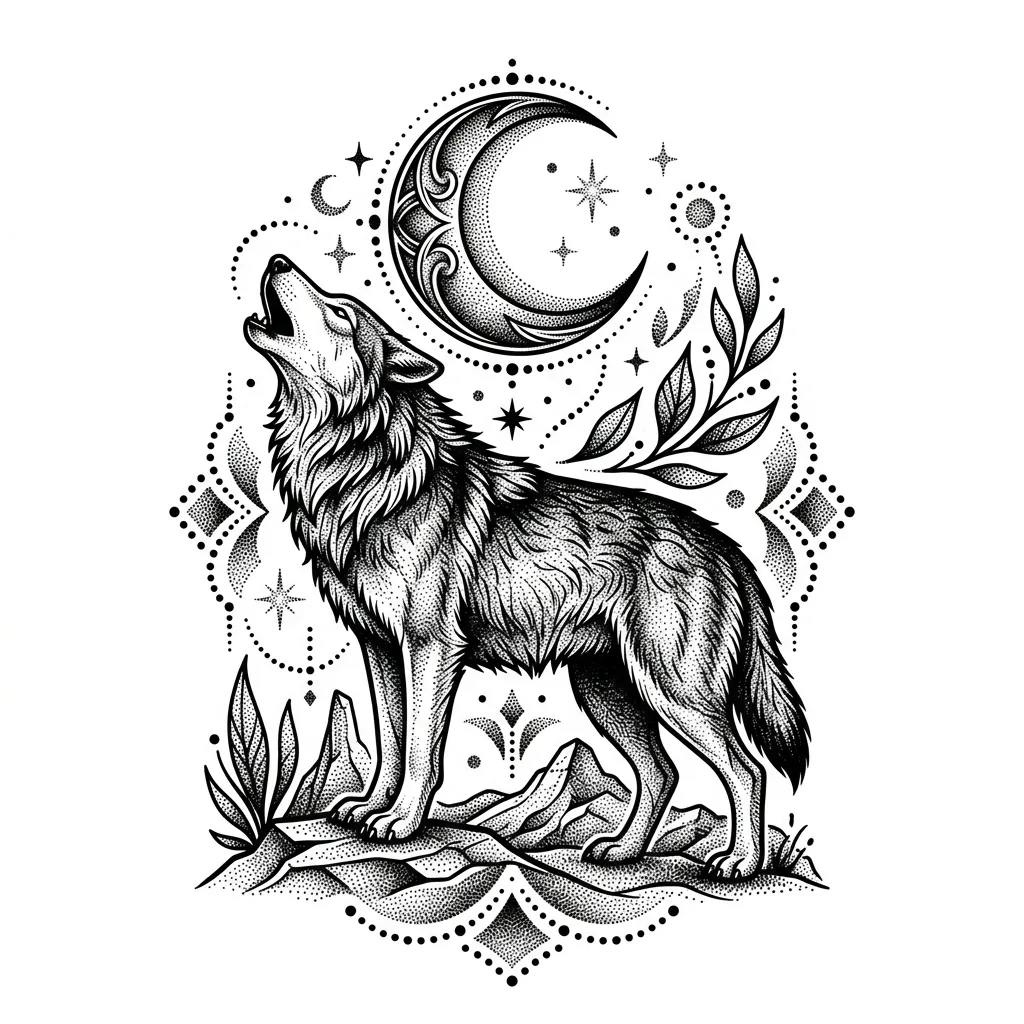
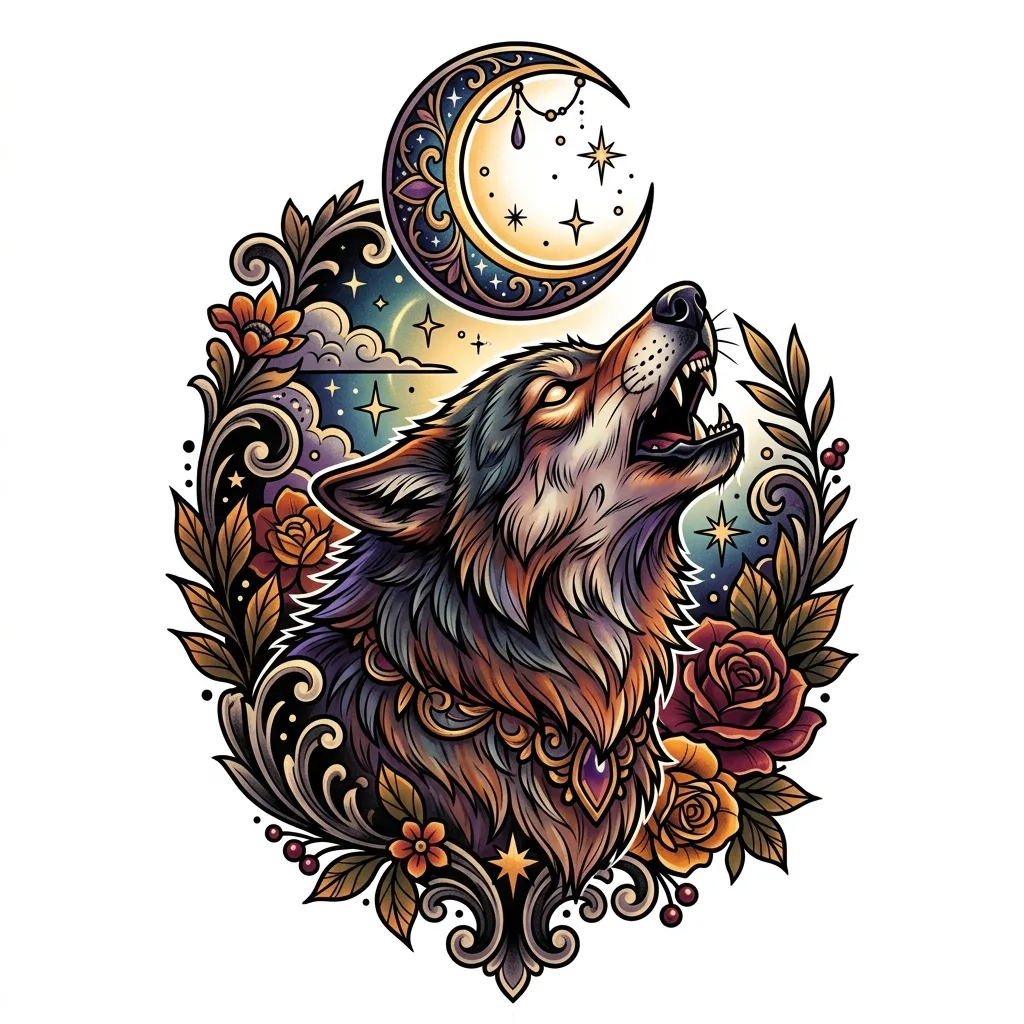
Tattoo styles
Use the same idea across eight tattoo languages to see whether it belongs as fine-line, traditional, blackwork, geometric, watercolor, minimalist, dotwork, or neo-traditional work.
Fine-line
Thin precise linework for delicate symbols and small placements.
Traditional
Bold outlines and classic contrast for flash-sheet concepts.
Blackwork
Dense black shapes and negative space for high-impact designs.
Geometric
Symmetry, structure, and clean construction lines.
Watercolor
Soft color washes paired with clean tattoo-ready contours.
Minimalist
Simple silhouettes and restrained details for clean references.
Dotwork
Stippled shading and delicate texture for symbolic pieces.
Neo-traditional
Illustrative forms with bold color and modern tattoo contrast.
Where it fits
AI is useful at the conversation stage: gathering references, comparing directions, and arriving at the appointment with sharper language.
Artist reference
Bring a clearer visual brief to a licensed tattoo artist before the custom drawing starts.
Placement preview
Compare how bold, fine, geometric, or minimalist approaches might suit the body area.
Flash sheet planning
Generate a set of related motifs to explore before narrowing the final design.
Idea boards
Turn rough symbolic ideas into visual directions that are easier to discuss.
Style gallery
Text-driven tattoo work does not need a before/after slider. The useful artifact is a clear gallery of style directions you can discuss with a professional.
Eight style references from one idea. Use them as discussion material, not as a final stencil.
A tattoo artist still matters.
These images are design references only. They do not replace a licensed tattoo artist, placement advice, sterile practice, or cultural and copyright judgment.
FAQ
Practical answers about the AI tattoo design generator — stencils, artist collaboration, copyright, cultural symbols, and using AI tattoo references responsibly.
Yes. Describe your idea, choose a style, and generate a tattoo reference with the free base model. Sign in to keep results in history and remove the export watermark.
No. Treat the result as a design reference. A licensed tattoo artist should redraw, size, place, and prepare the final stencil for your skin.
Describe the main subject, symbols, mood, and placement. For example: “a wolf under a crescent moon for an upper arm tattoo, calm and protective.”
Yes. It can help communicate direction, but the artist should adapt it for anatomy, line aging, skin tone, placement, and technical execution.
Avoid copying another artist’s work or someone’s personal tattoo. Use the tool to explore original references and then collaborate on a custom design.
Be careful with religious, tribal, memorial, and cultural imagery. Research meaning and context before using a symbol permanently.
This is a text-driven tattoo idea generator, so the useful comparison is style direction across focused visual examples rather than editing an uploaded photo.
Start with a prompt or reference, compare models, and save the best result to history. Upgrade when you need cleaner exports, stronger models, or more production volume.