
Upload your image
Add a JPG, PNG, or WebP that contains the overlaid text, caption, or watermark you want to remove.
AI Text Remover
Upload an image and the AI text remover erases captions, watermarks, and overlaid text in one click — the AI rebuilds the area underneath so it looks clean.

Examples
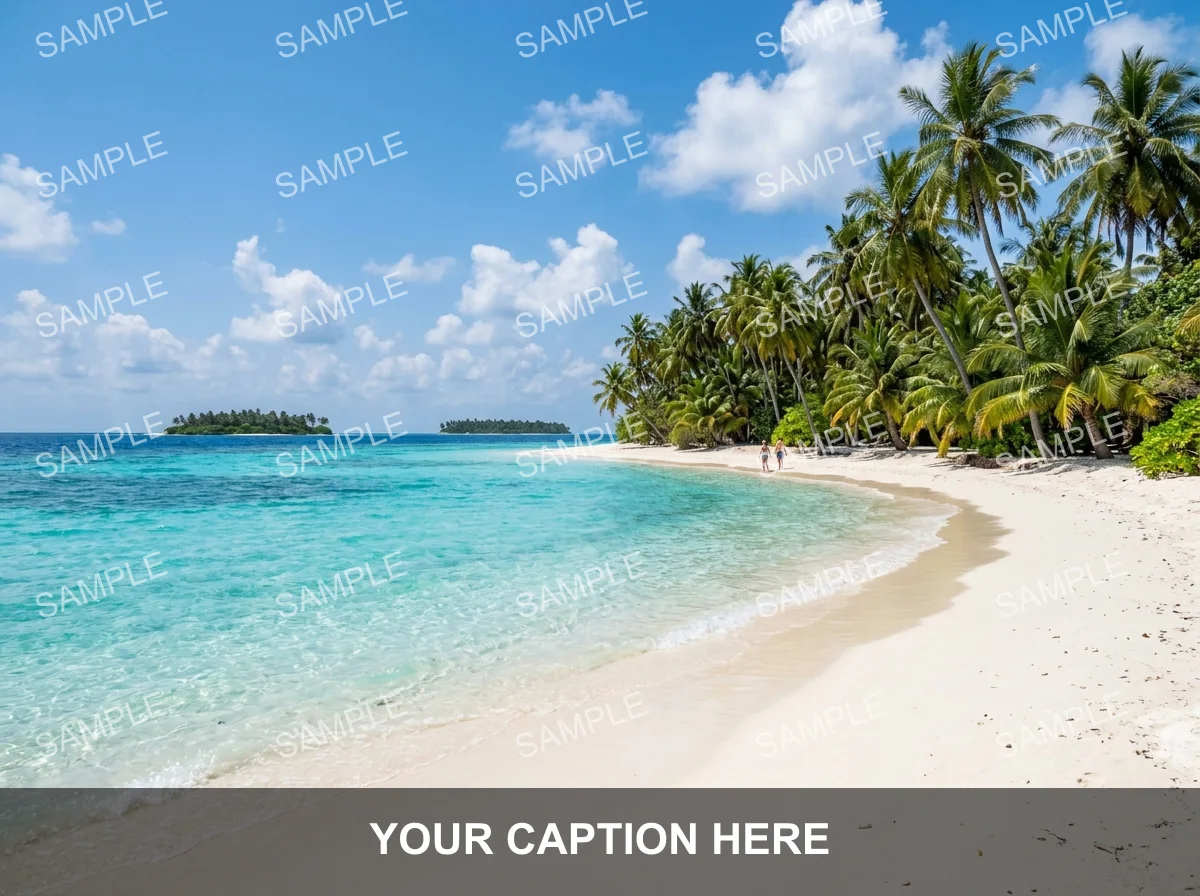
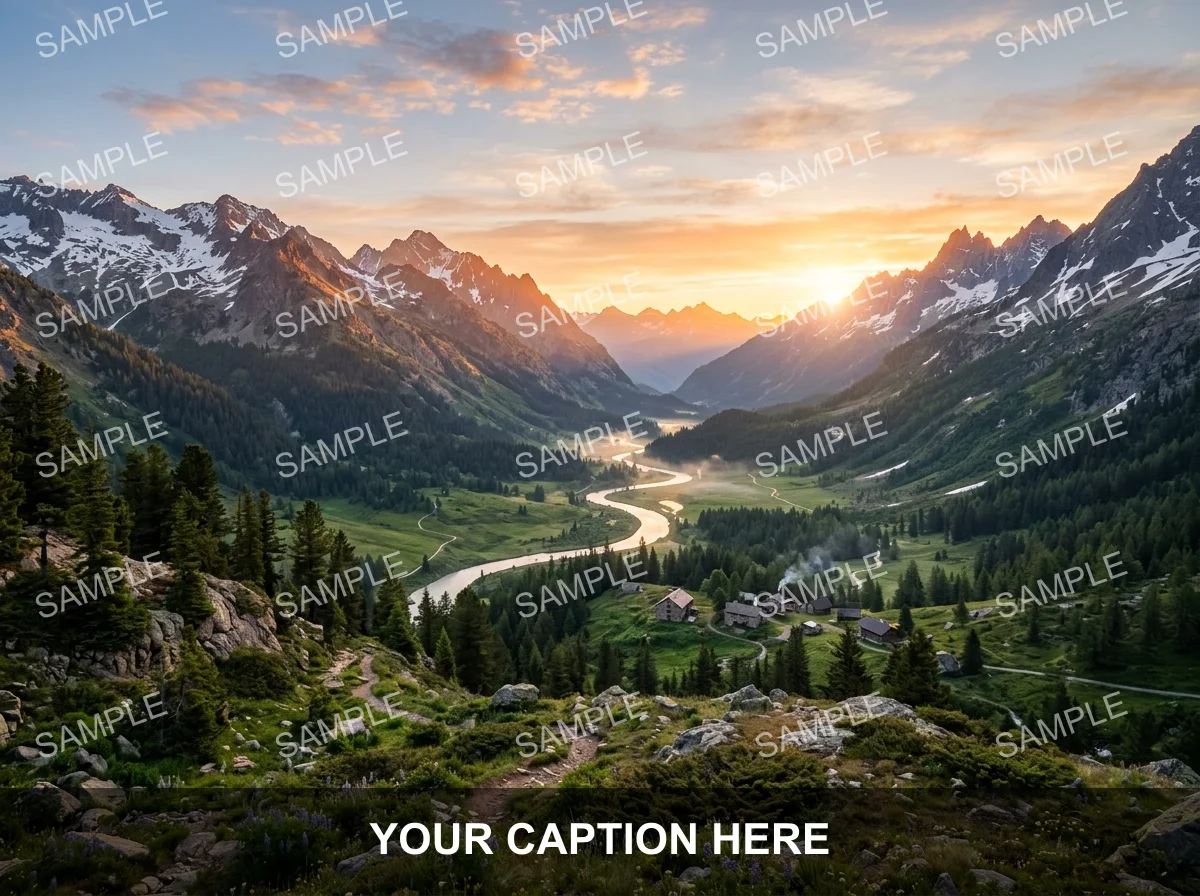
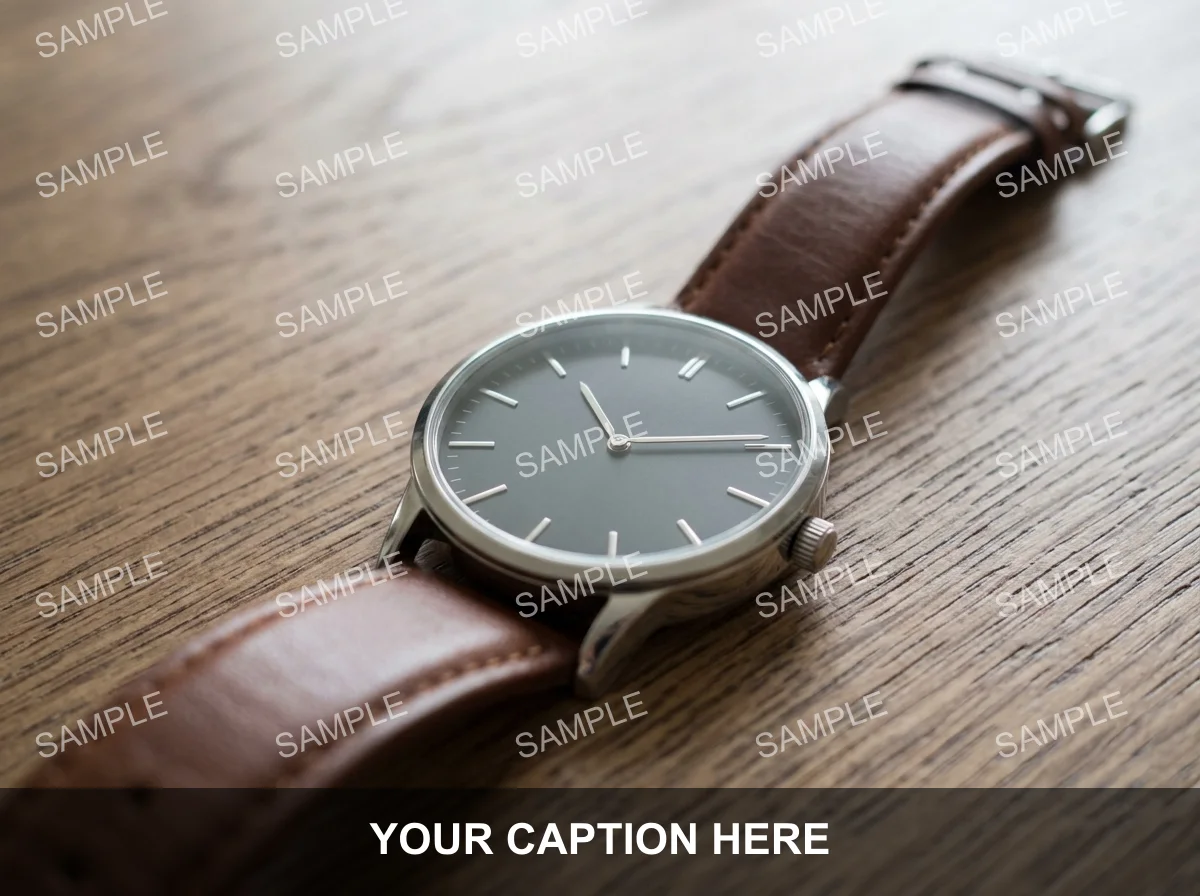
Travel photos, scenic shots, and product images — drag each slider to watch the overlaid text disappear and the area underneath rebuild cleanly.


Why it looks real
Erasing text only works if there is no trace left behind. The model reconstructs the pixels under the caption or watermark while leaving every other part of the image exactly as it was.
The AI fills in what was hidden beneath the caption or watermark — textures, colors, and detail are reconstructed so the patch blends seamlessly.
Only the pixels covered by the text are changed. Every other part of the image — subject, background, colors — stays exactly as it was.
Instead of a blurry blur or a cloned patch, the model reasons about what should be there, leaving no telltale smear where the text used to be.
Workflow
Upload, erase, and review — then download a clean result.
Add a JPG, PNG, or WebP that contains the overlaid text, caption, or watermark you want to remove.
The model identifies the text pixels, erases them, and reconstructs the area underneath in one pass.
Zoom in on areas where the text was densest. Run a second pass if any traces or smudges remain.
Sign in to save history and remove the export watermark from your final image.
Use cases
Use the AI text remover to clean up your own images — then verify the reconstruction before you publish.
Remove travel captions, Instagram overlays, or text you added yourself to get back to a clean photo.
Erase the date-time stamp from old camera photos and let the AI fill in the corner naturally.
Strip the text layer from a graphic or promotional image you created so you can repurpose the visual for a different campaign.
Remove UI labels, tooltips, or notification banners from screenshots before including them in a presentation or tutorial.
FAQ
Practical answers about the AI text remover — supported text types, image formats, and getting a clean result.
Yes. Upload an image and erase overlaid text with the free base model. Sign in to keep results in history and remove the export watermark from your downloads.
It handles captions, date stamps, subtitles, logo text, and semi-transparent watermarks placed on top of an image. Very deeply embedded text that is part of the original photo (such as a sign in the scene) is harder to erase completely.
The model targets only the text-covered pixels and reconstructs the area underneath. Everything else in the frame stays the same.
Only use this tool on images you own or have rights to edit. Removing a watermark from someone else's photo without permission may violate copyright. This tool is intended for cleaning your own captioned photos, your own designs, and your own screenshots.
Upload a JPG, PNG, or WebP up to 10 MB. Use the highest-quality version of the file you have for the cleanest reconstruction.
Run the result through the tool a second time, or try starting from a higher-resolution source image. Text against a complex background is harder to reconstruct perfectly in one pass.
Start with a prompt or reference, compare models, and save the best result to history. Upgrade when you need cleaner exports, stronger models, or more production volume.