
01
Slim wrist
Try first
28-36mm cases, slim leather, or mesh straps
Be careful with
Chunky dive watches and very wide straps
Why it works
A smaller case follows wrist width and avoids overpowering the hand.
AI Virtual Try On Watch
Try watches on your wrist photo before buying or styling a shoot. Upload a clear wrist image, choose a watch reference, and preview realistic case size, strap fit, metal reflection, and contact shadow.
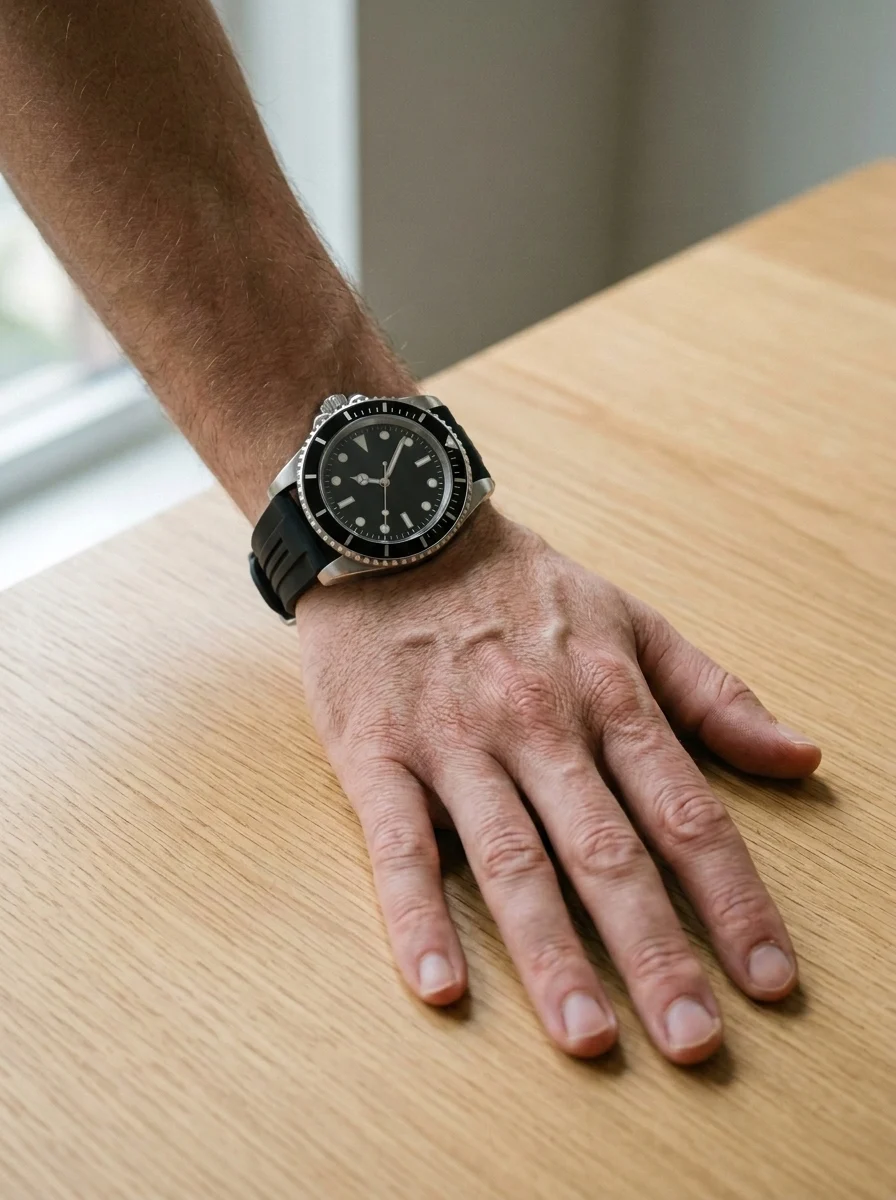
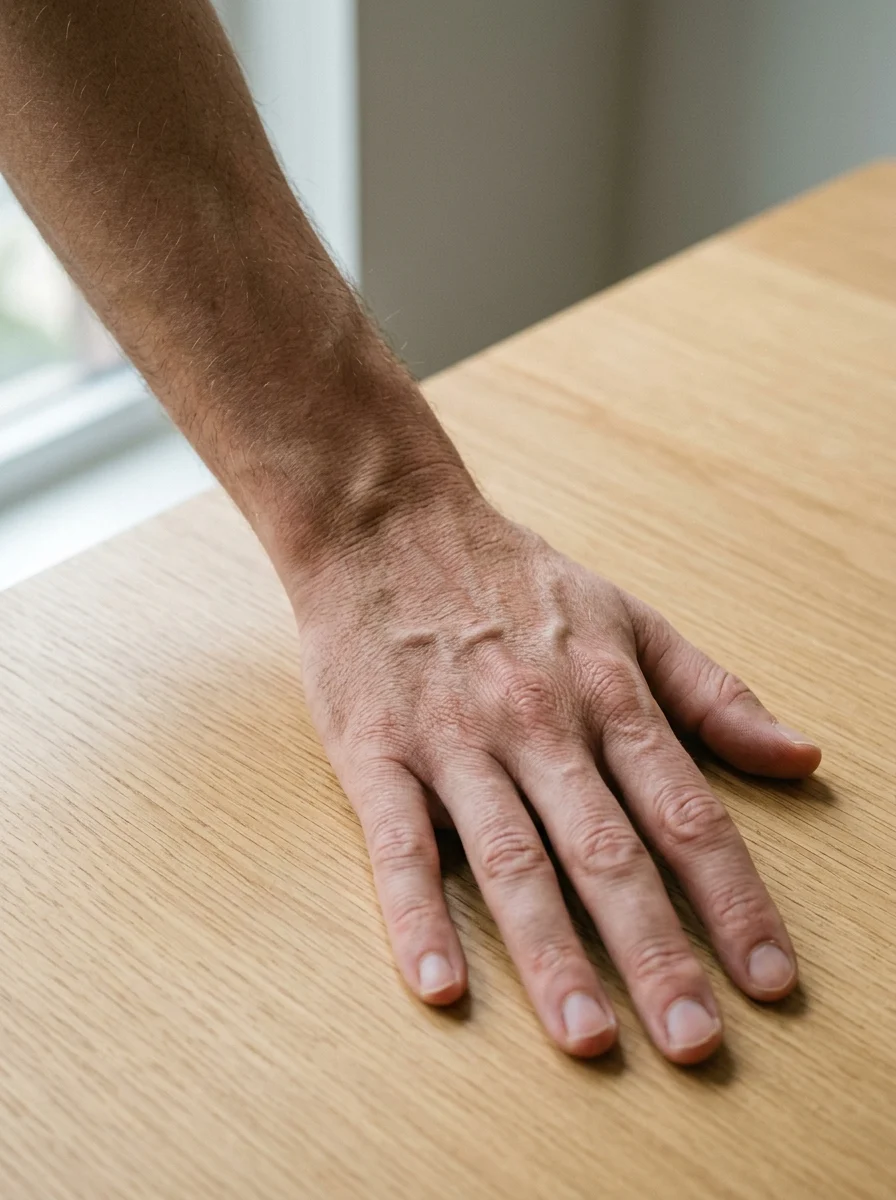
Watch fit guide
Use AI watch try-on to rule out cases that feel too large or too small, then inspect lugs, strap width, and wrist contact shadow.
Try first
28-36mm cases, slim leather, or mesh straps
Be careful with
Chunky dive watches and very wide straps
Why it works
A smaller case follows wrist width and avoids overpowering the hand.
Try first
36-41mm dress, field, or minimalist watches
Be careful with
Oversized cases that extend beyond the wrist
Why it works
Medium wrists are flexible; check that the lugs do not overhang the wrist.
Try first
40-46mm dive, chronograph, or smartwatch cases
Be careful with
Tiny cases and very thin straps
Why it works
A larger case matches wrist width and avoids looking undersized.
Try-on examples
Start with one wrist before-and-after, then compare dive, dress, chronograph, field, minimalist, and smartwatch styles.
Upload to result
Check case size, strap width, wrist contact shadow, and whether the metal reflection feels natural.
Same wrist, every watch style
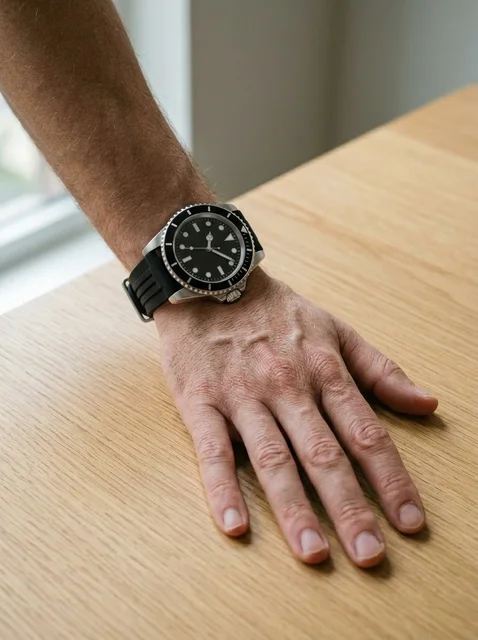
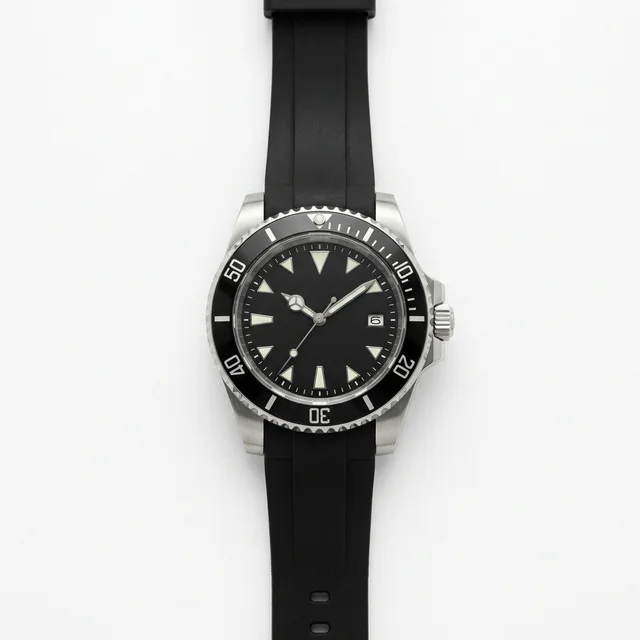
A thicker case for checking whether wrist width can carry a sport proportion.
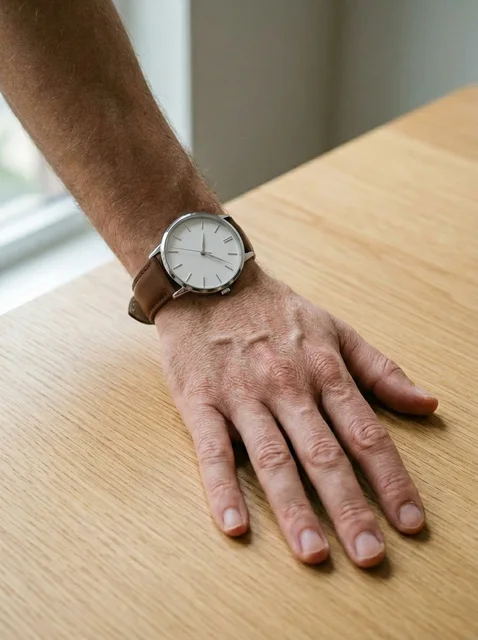
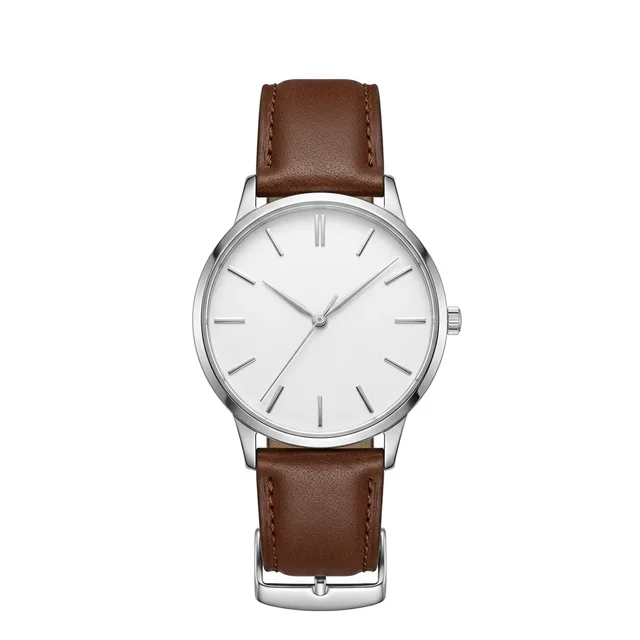
A thinner restrained watch for checking shirt cuffs and business proportion.
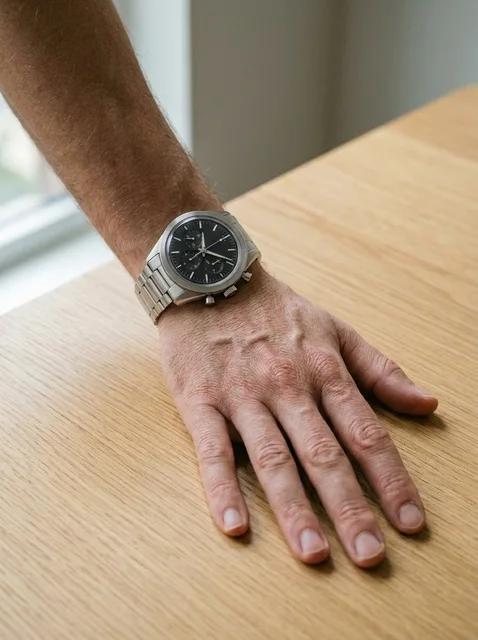
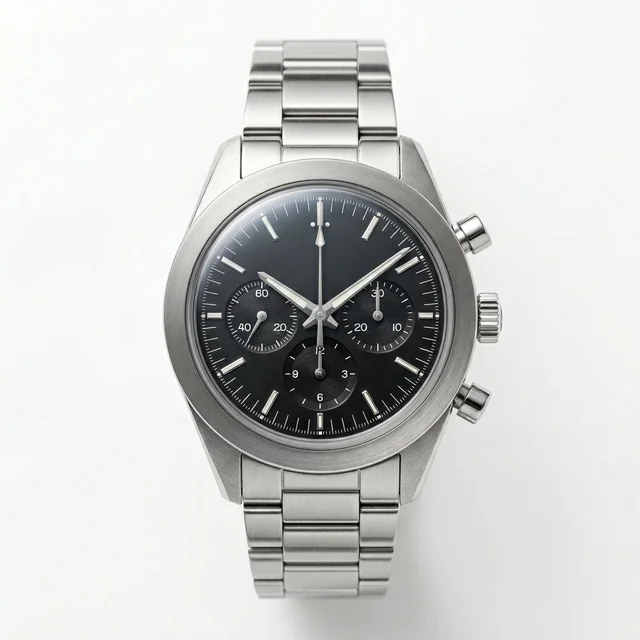
A busier dial for checking whether the face feels too crowded.
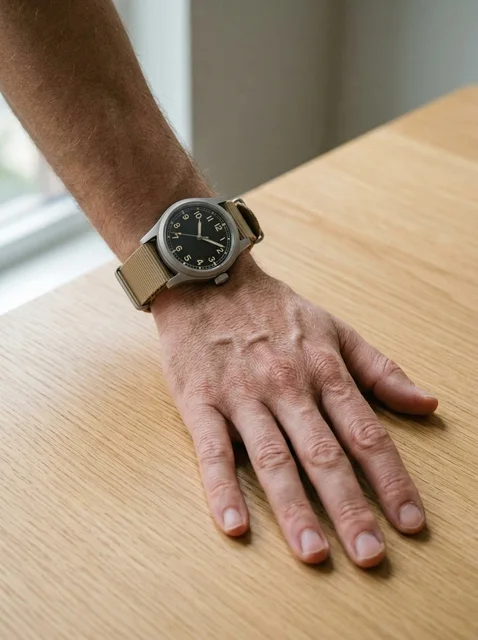
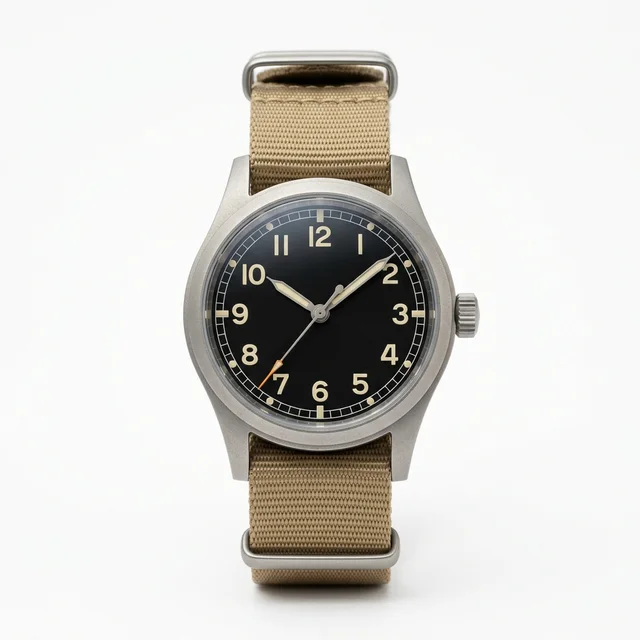
A practical everyday watch for judging nylon or leather strap proportion.
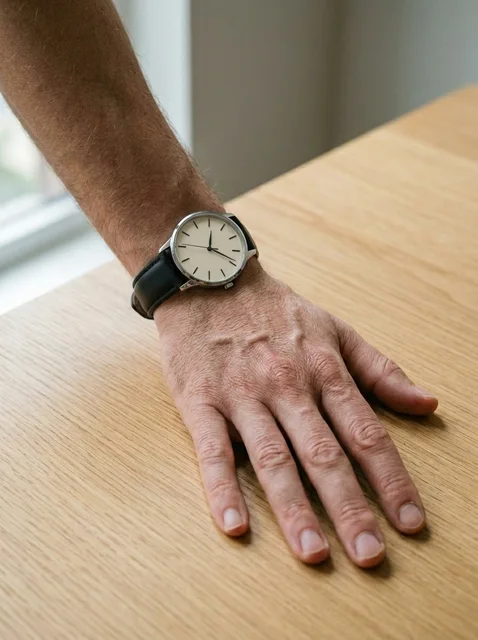
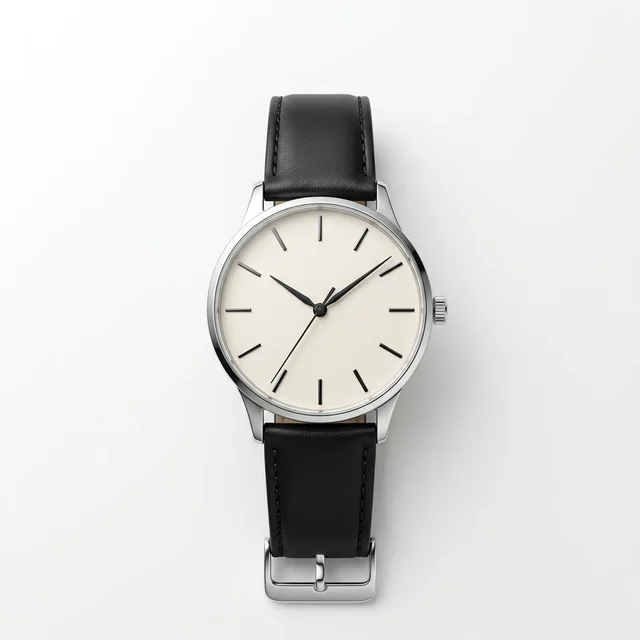
The lightest visual style for checking smaller cases and minimal outfits.
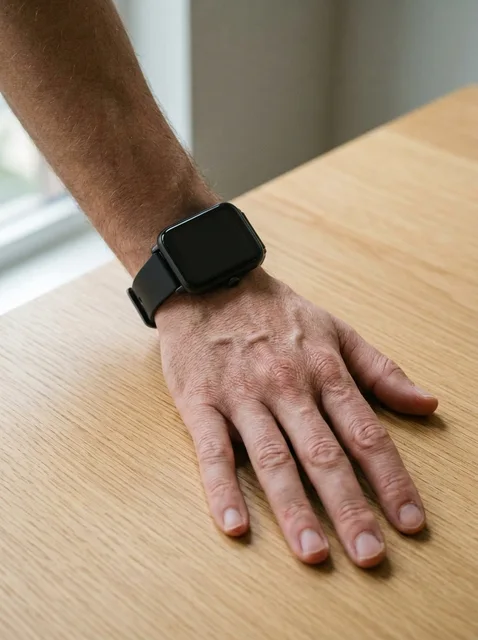
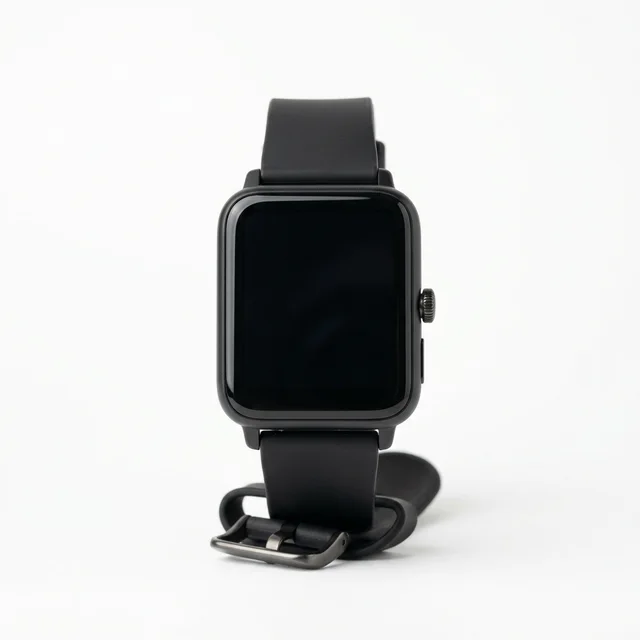
A clearer square screen for checking size and strap contact.
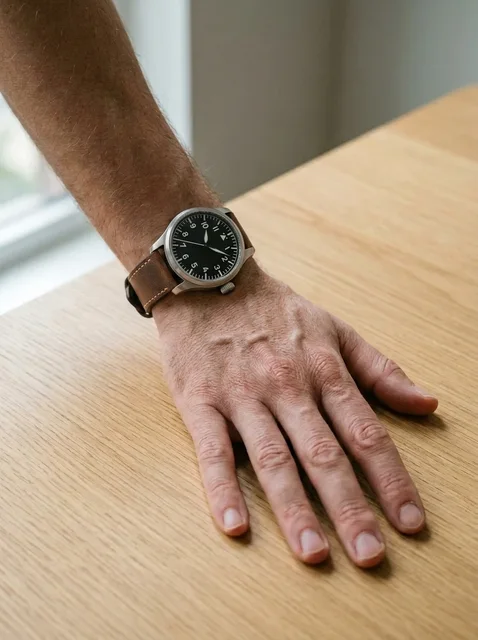
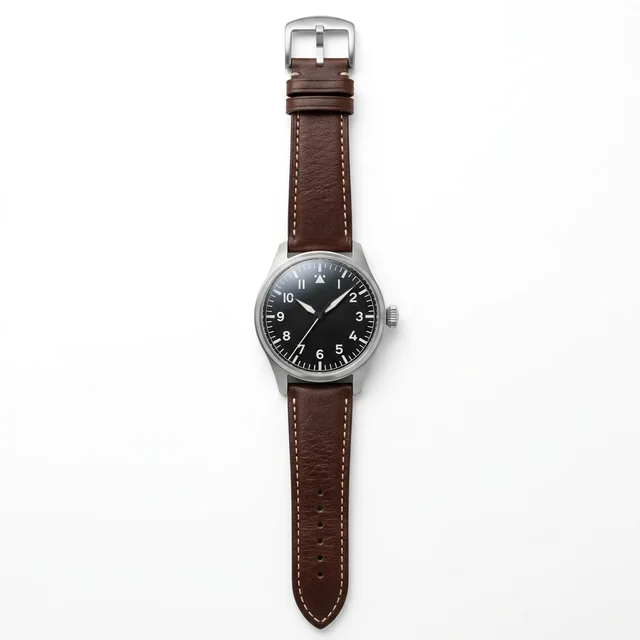
A large dial with busy markings; check whether the size overwhelms the wrist.
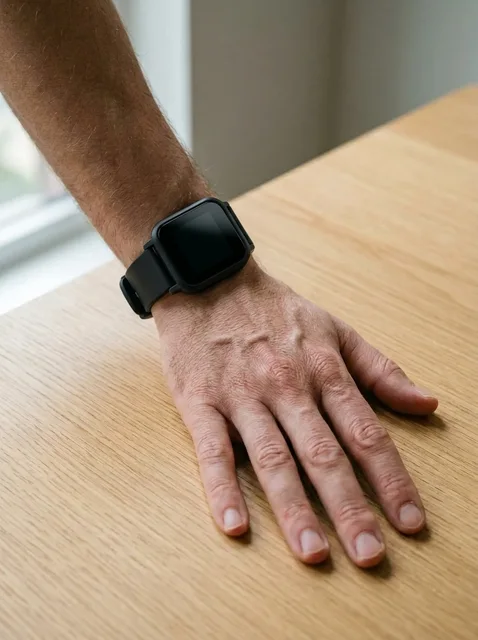
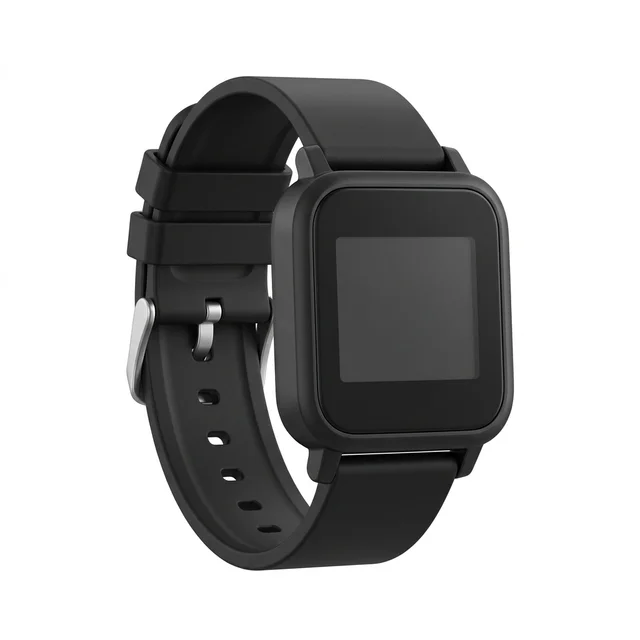
A squared digital face; check the screen proportion and strap fit.
Method comparison
AI is useful for case size and visual proportion. Measure your wrist and try real weight, thickness, and strap tightness before buying.
| Factor | AI virtual try-on | In-store fitting | Brand AR |
|---|---|---|---|
| Speed | Upload a wrist, choose a watch, generate; useful for shortlisting case size in minutes | Requires store fitting, with stock, strap length, and adjustment limits | Brand AR is instant, but usually limited to its own catalog |
| Style range | Can compare dive, dress, chronograph, field, minimalist, and smartwatch styles | Limited by store inventory, case sizes, straps, and budget | Depends on prepared accurate 3D watch assets |
| Wrist realism | Useful for case diameter, strap width, and contact shadow | Physical fitting is best for weight, thickness, and strap tightness | Brand AR aligns well, but weight and wrist sizing still need real checks |
| Accuracy | Good for visual proportion; not a real wrist measurement | Physical fitting is closest to real wear | Brand AR can show placement, but material and thickness are often simplified |
Photo prep
Watch try-on depends on case size, strap fit, and contact shadow. Make the wrist width and skin edges clear.
A flat wrist helps the case and strap sit naturally. Bent wrists make the dial angle unstable.
Show the back of the hand, wrist bones, and wrist width so the model knows where the case sits.
An existing watch hides skin and wrist width, which can cause double dials or drifting straps.
A clean background and even light make strap edges, contact shadow, and metal reflection easier to read.
Workflow
Use the preview to shortlist case size and style, then measure your wrist and confirm weight, thickness, strap length, and return terms before buying.
Use a clear adult wrist photo with the top of the wrist, hand edge, and skin tone visible.
Pick a dive, dress, chronograph, field, minimalist, smartwatch, pilot, or digital reference.
The hidden prompt keeps the hand, wrist, skin tone, and lighting stable while adding the watch.
Zoom in on case diameter, lug width, strap contact, wrist shadow, and whether the watch overhangs.
FAQ
Practical answers about the AI watch try-on — free use, wrist preservation, input photos, commercial rights, privacy, retries, and real-world watch sizing.
You can try the page for free with the available watch presets. Higher generation volume or account features may follow the normal Inkfox credit and plan rules.
The prompt is written to preserve the hand, wrist, skin tone, lighting, and camera angle while adding the watch reference.
A sharp top-of-wrist photo with no existing watch works best. Keep the wrist flat and avoid busy backgrounds or strong shadows.
Use the output only when you have rights to the wrist photo and watch reference. For ecommerce or ads, verify product accuracy, model releases, brand permissions, and platform rules.
Upload only photos you own or have permission to edit. Do not use the tool for impersonation, deceptive ads, official documents, or edits of someone who has not consented.
Try a flatter wrist photo with no existing watch, or regenerate. Missing wrist edges are the most common cause of poor strap fit.
No. AI Watch Try On is a visual preview, not a wrist measurement. Measure your wrist and confirm case thickness, weight, strap length, and return options.
Start with a prompt or reference, compare models, and save the best result to history. Upgrade when you need cleaner exports, stronger models, or more production volume.