
Pick a theme
Choose from floral, modern minimal, rustic kraft, art deco, and more to set the overall style.
AI Wedding Invitation Generator
Pick a wedding theme, describe your day, and the AI wedding invitation generator generates elegant, print-ready invitation designs — florals, modern minimal, rustic, art deco, and more — then refine your favorite.
Inspiration
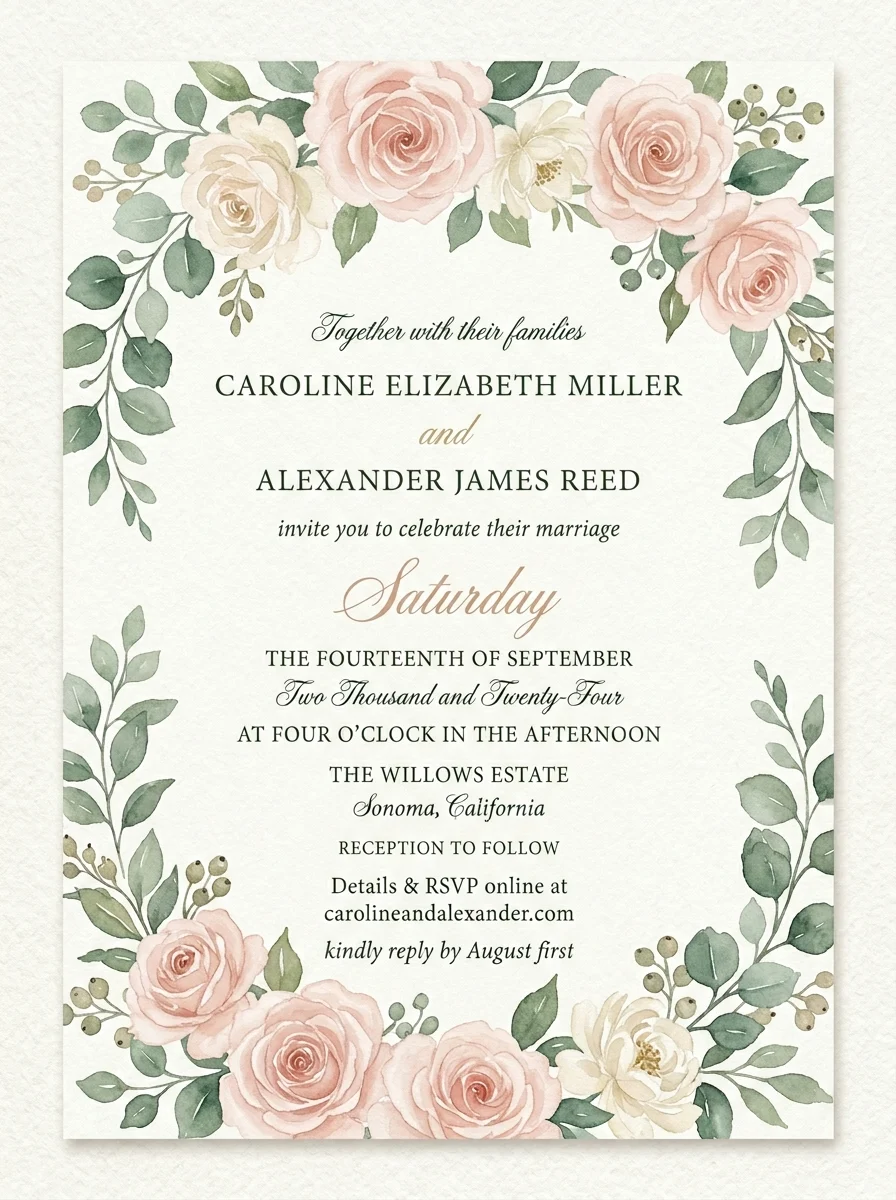
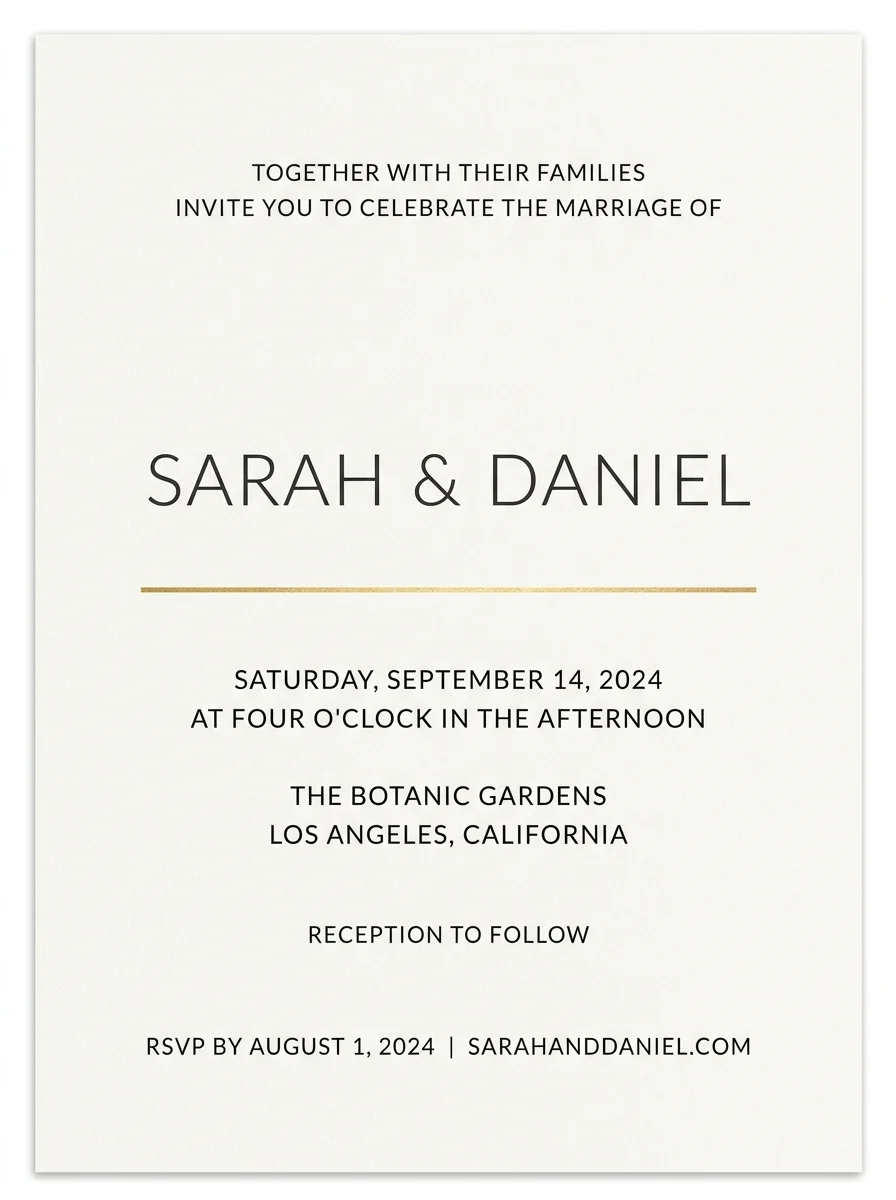
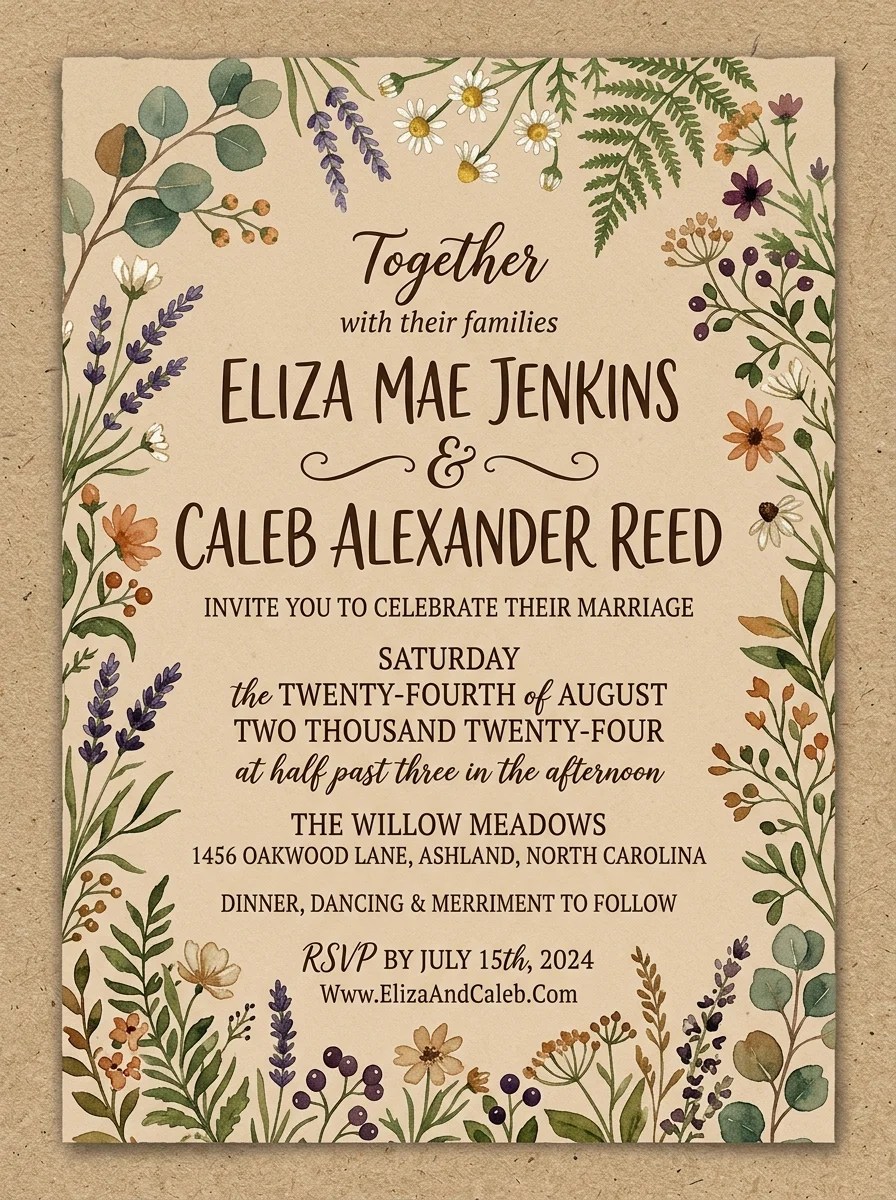
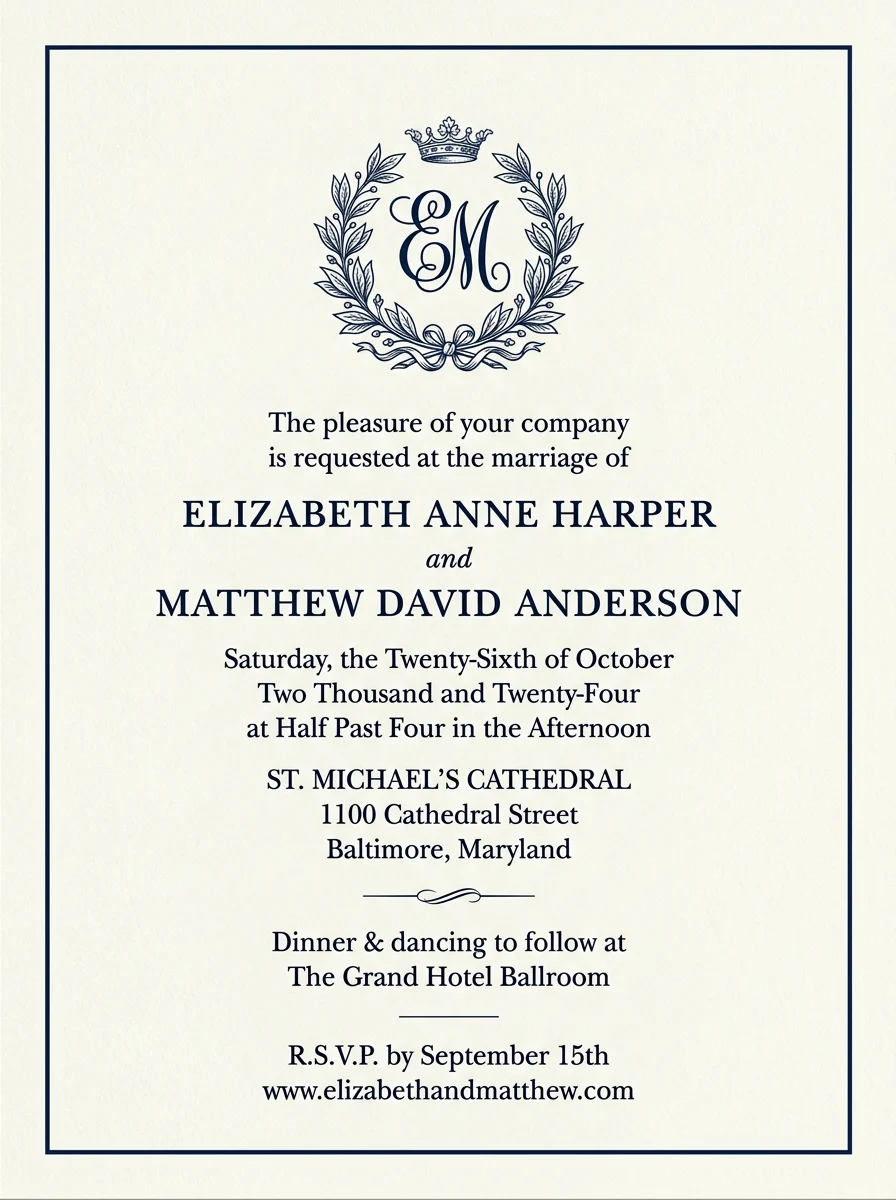
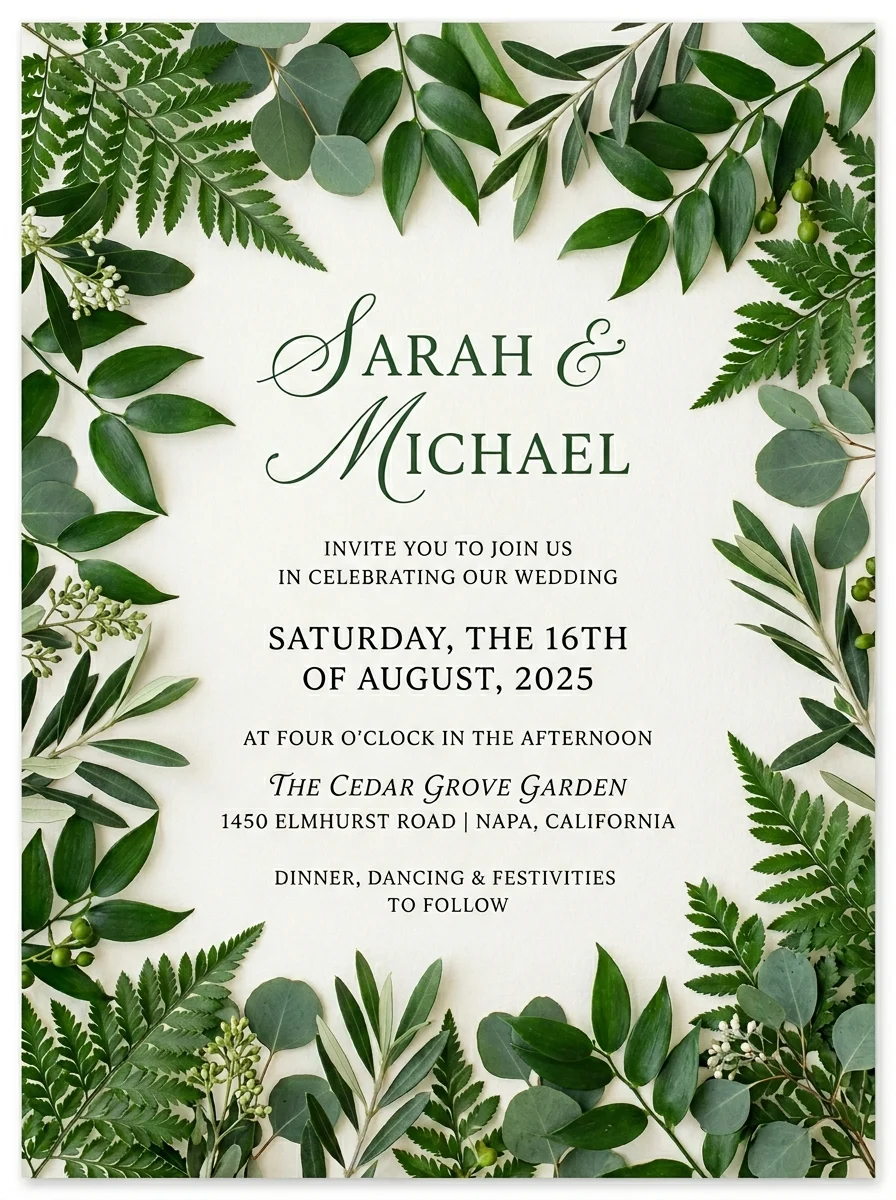
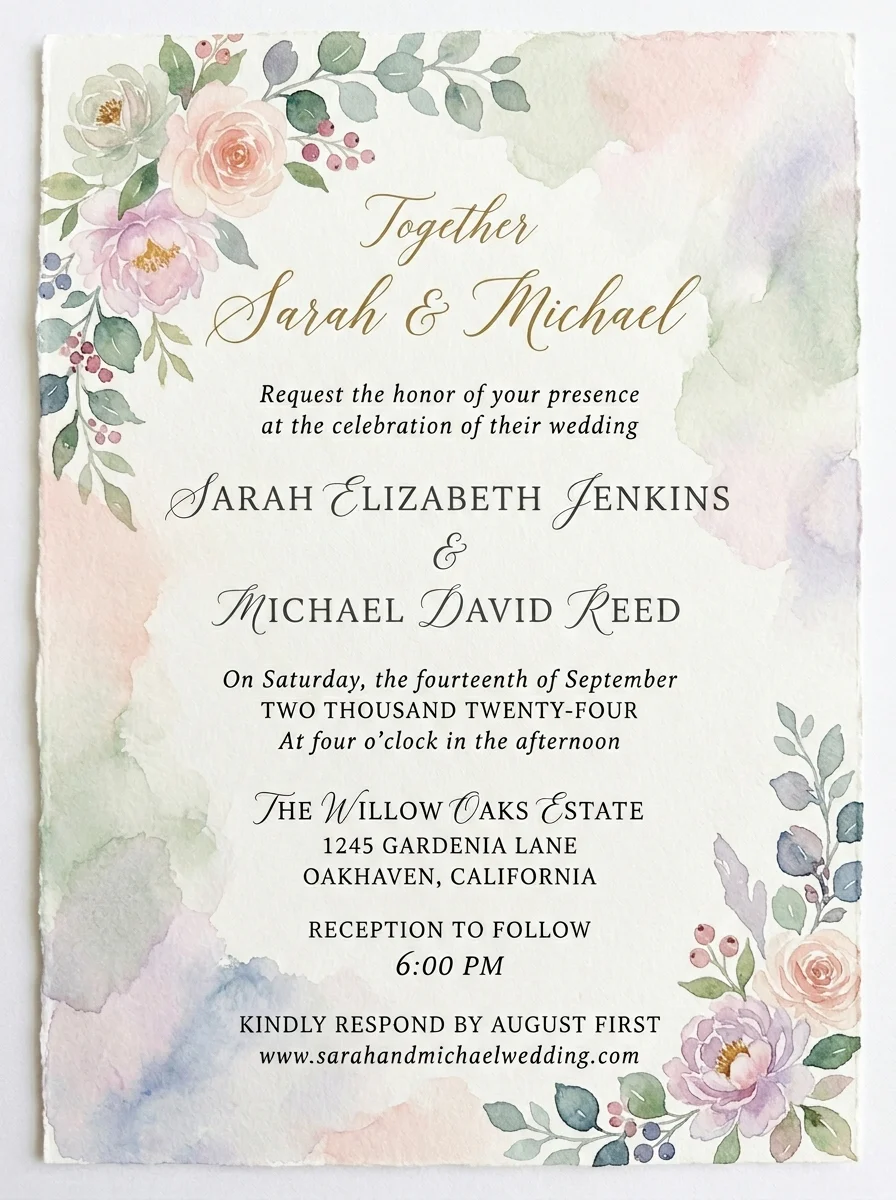
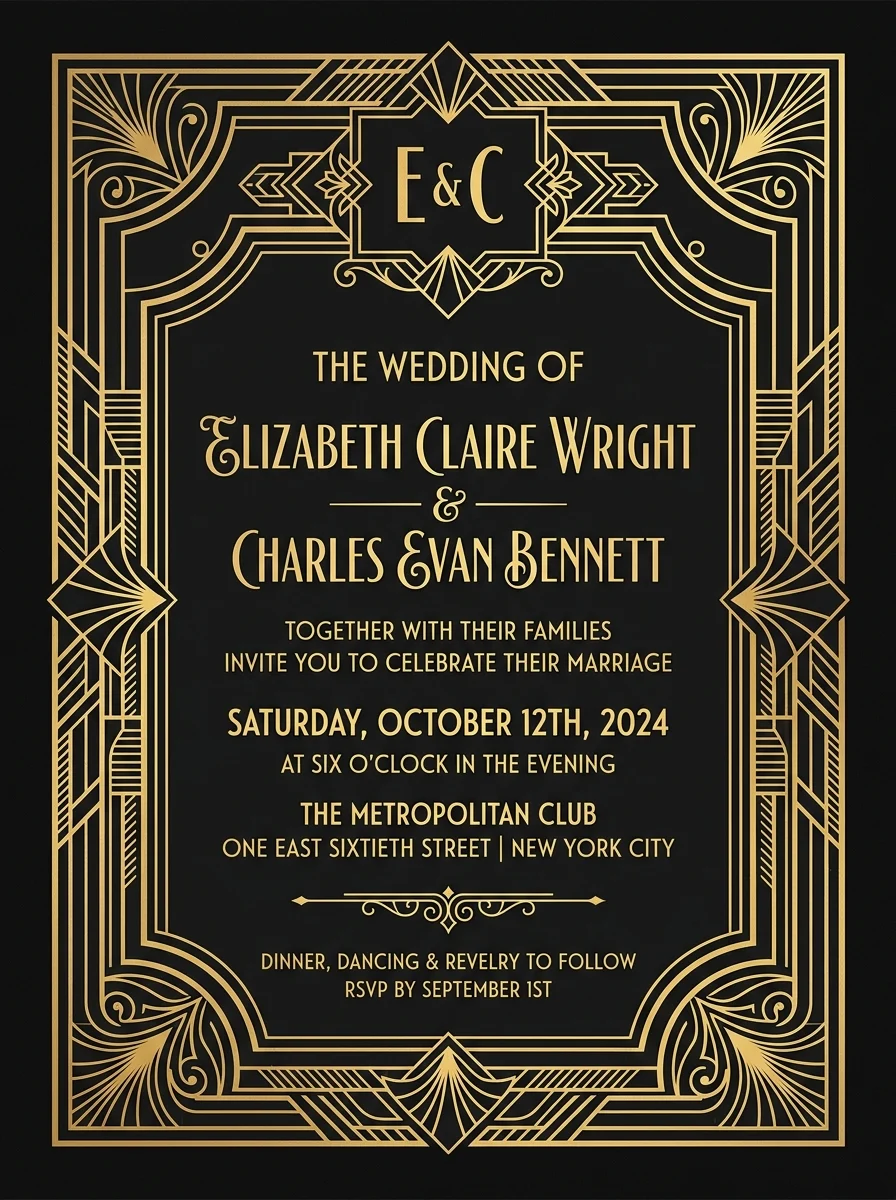
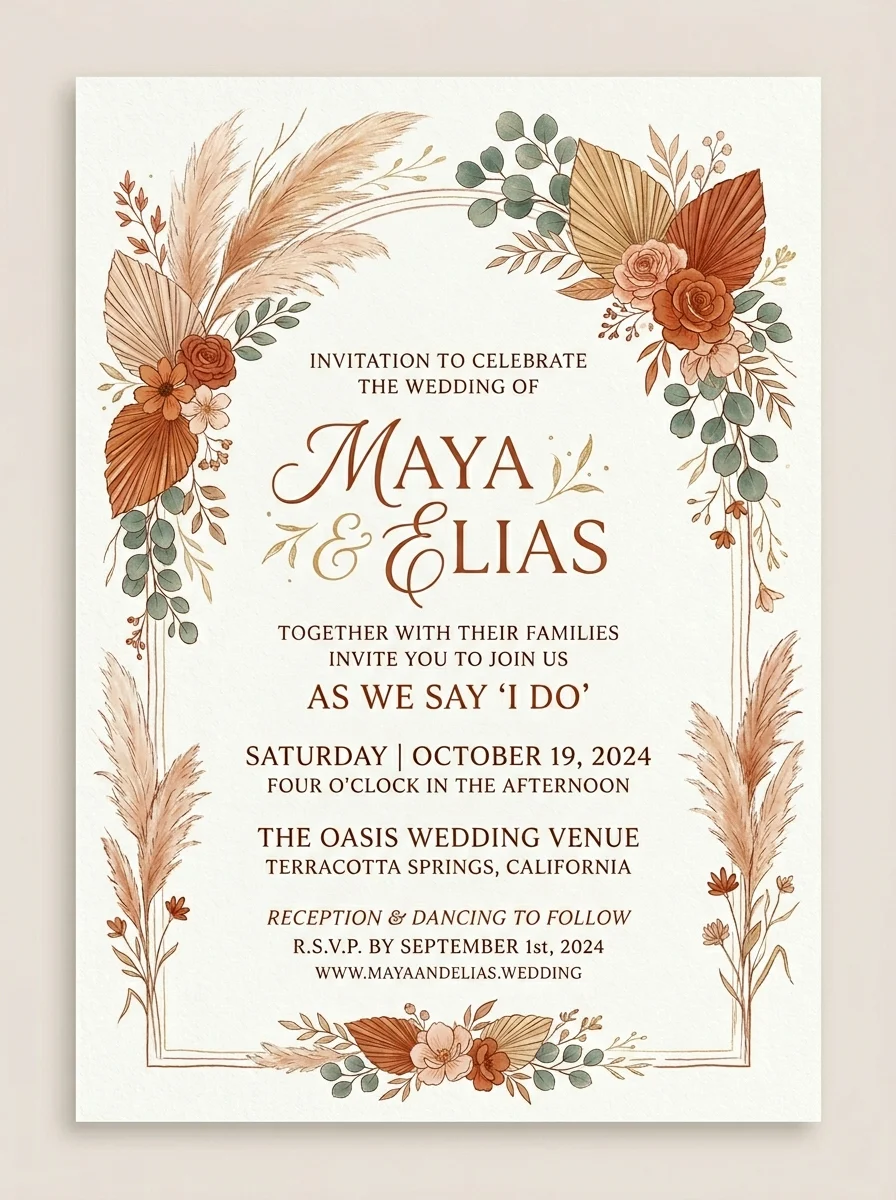
No blank canvas. Tap any invitation to load its theme and brief into the generator, swap in your own names and date, and create a fresh version in seconds — across florals, modern minimal, rustic, watercolor, and art deco styles.
Prompt recipes
A good invitation prompt follows a simple pattern: theme, couple names and date, one motif, and a tight color palette. Tap a recipe to load a working example, then swap in your own details.
Write a better brief
The model is only as good as the brief. A specific, focused sentence beats a vague one every time — here is what to include.
Start with the couple's names and wedding date — "Olivia & Liam, June 14 2026" anchors the design and the wording.
Pick a single visual anchor — roses, pampas grass, gold linework — rather than listing many. One strong motif generates better than five vague ones.
Mention print, digital, or RSVP card so the model scales detail and layout appropriately for the medium.
Workflow
Pick a theme, describe your wedding, generate, and refine.
Choose from floral, modern minimal, rustic kraft, art deco, and more to set the overall style.
Add the couple's names, date, venue, and any motif or color palette you want the design to reflect.
Create a few variations and compare them — different themes, different prompts — until one feels right.
Bring the design into Canva or a print tool, set the final wording precisely, and export for print or digital.
Use cases
Use the AI wedding invitation generator to explore invitation directions fast — then refine the strongest design for print or digital delivery.
Draft elegant invitation concepts for any wedding style — garden, barn, beach, ballroom, or destination.
Create cohesive designs for engagement parties, bridal showers, and rehearsal dinner invites.
Generate matching save-the-date cards and RSVP inserts using the same theme for a consistent suite.
Export portrait designs for digital delivery, wedding websites, and social media announcements.
FAQ
Practical answers about the AI wedding invitation generator — themes, text, print quality, and getting a design you can actually use.
Yes. Pick a theme, describe your wedding, and generate invitation designs with the free base model. Sign in to keep results in your history and remove the export watermark from downloads.
Choose a theme that fits your wedding style, then describe the couple's names, date, venue, and any motif or color palette — for example "Sophie & Jack, September 7, a garden ceremony with soft blush roses". Generate a few variations and refine the one that feels right.
The AI can render short text, but AI-generated text is not always perfectly spelled or formatted. Use the generated design as a visual template and set the final wording — names, date, venue, RSVP details — in a design editor like Canva or Word.
Designs generate as portrait images suitable for previewing and most digital uses. For professional printing at 5×7 in or A5, export the image and work with a local or online print shop that can upscale or recreate the layout at print resolution.
You may use the generated designs for personal and small-run use. For large commercial print runs or resale, verify that your use case complies with Inkfox's terms of service.
Yes — generate each piece separately using the same theme and color description. Keeping the prompt consistent ("botanical greenery, green and cream, Sophie & Jack") produces a cohesive suite across invitation, save-the-date, and RSVP.
Results download as standard image files (JPEG or PNG). To build a full print-ready PDF with precise type, bring the image into Canva, Adobe Express, or a similar tool and add your final text layer.
Generate as many concepts as you like with the free base model — most couples try a few themes before settling on a direction. Sign in to save your favorites in history and revisit them later.
Start with a prompt or reference, compare models, and save the best result to history. Upgrade when you need cleaner exports, stronger models, or more production volume.