
Upload your photo
Add a JPG, PNG, or WebP where the subject stands out from the original background.
AI Background Changer
Upload a portrait or product photo and the AI background changer swaps the cluttered background for a clean studio backdrop in one click — the subject, pose, and edges stay exactly the same.
Examples
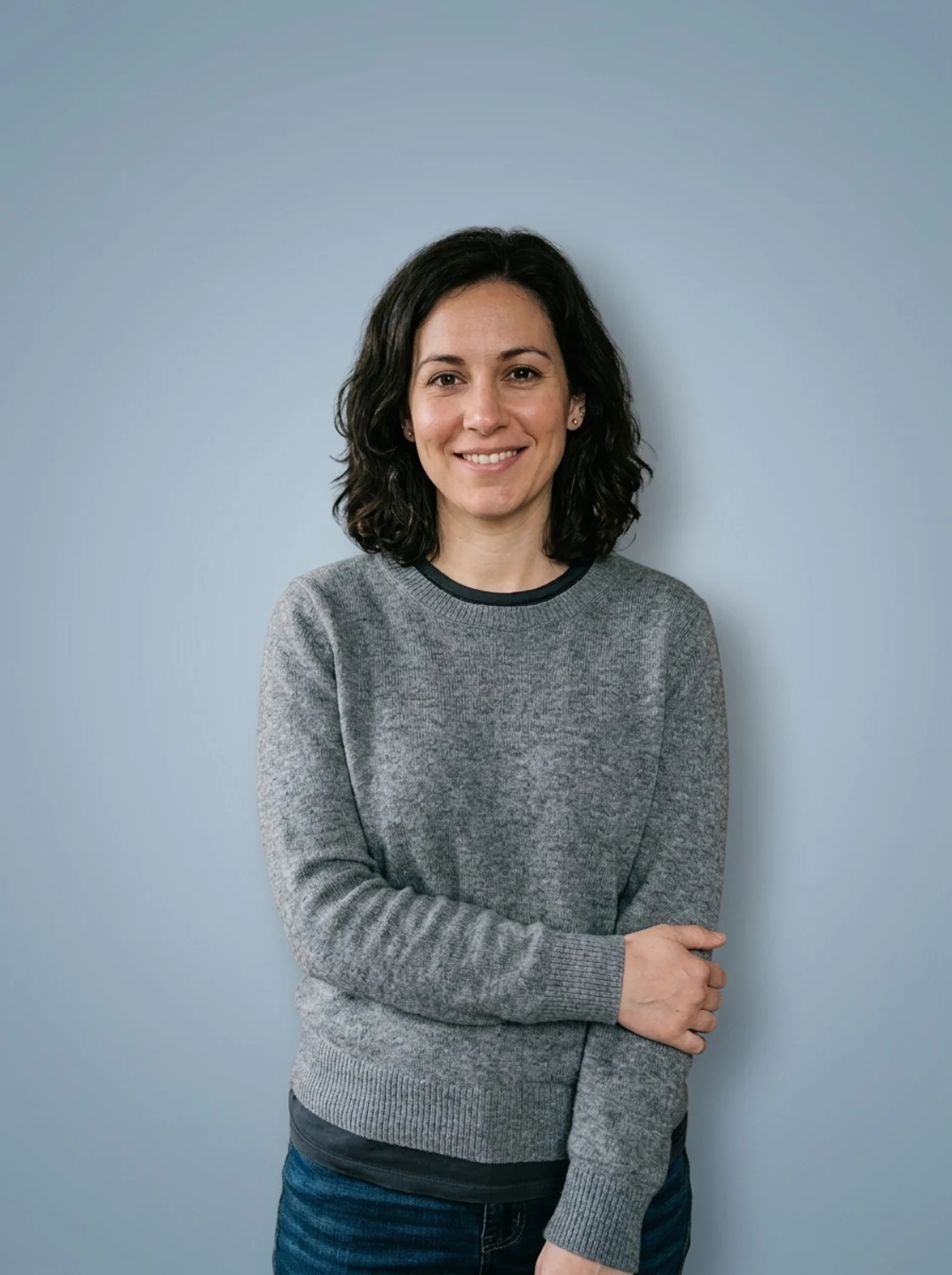
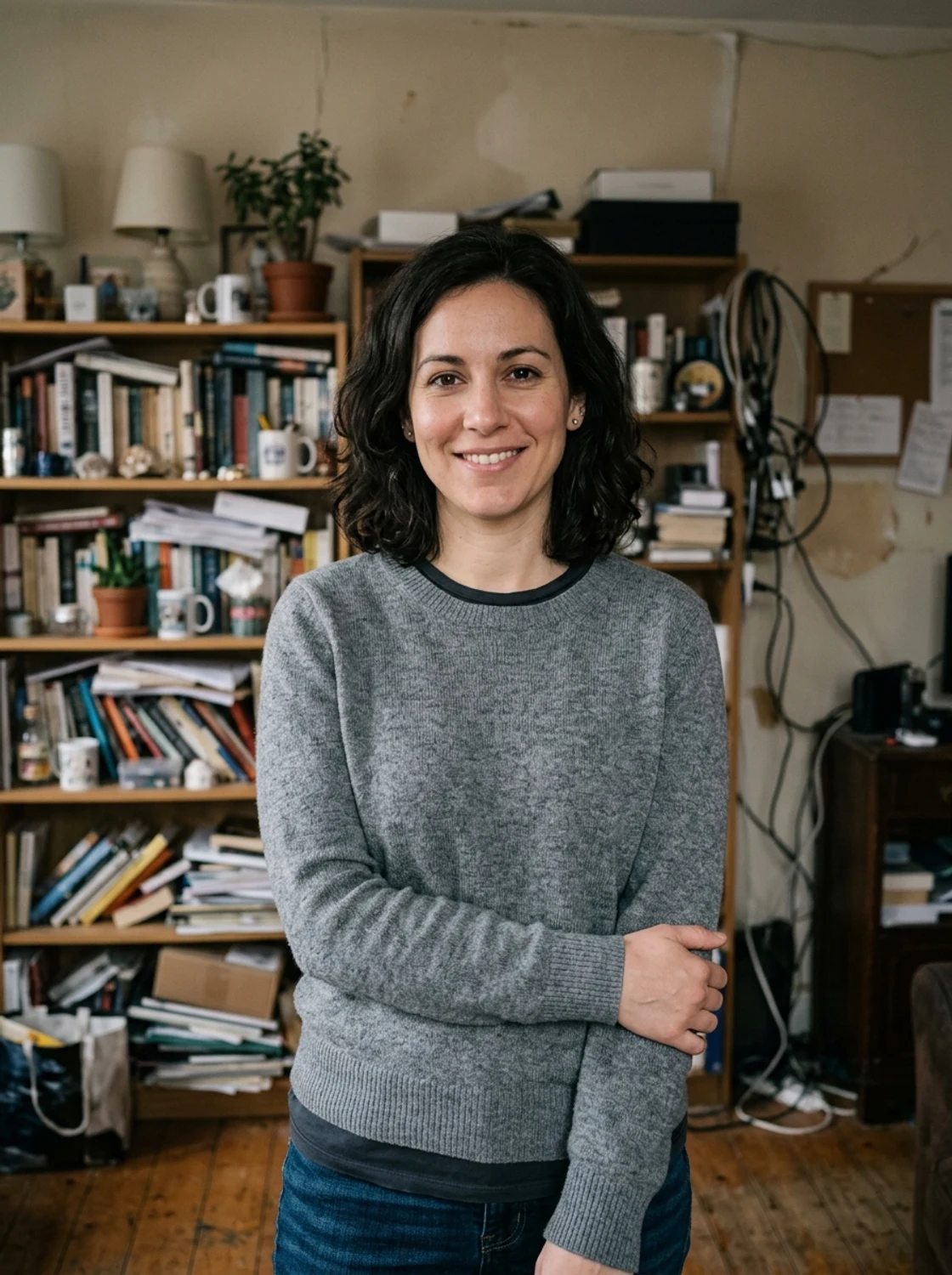
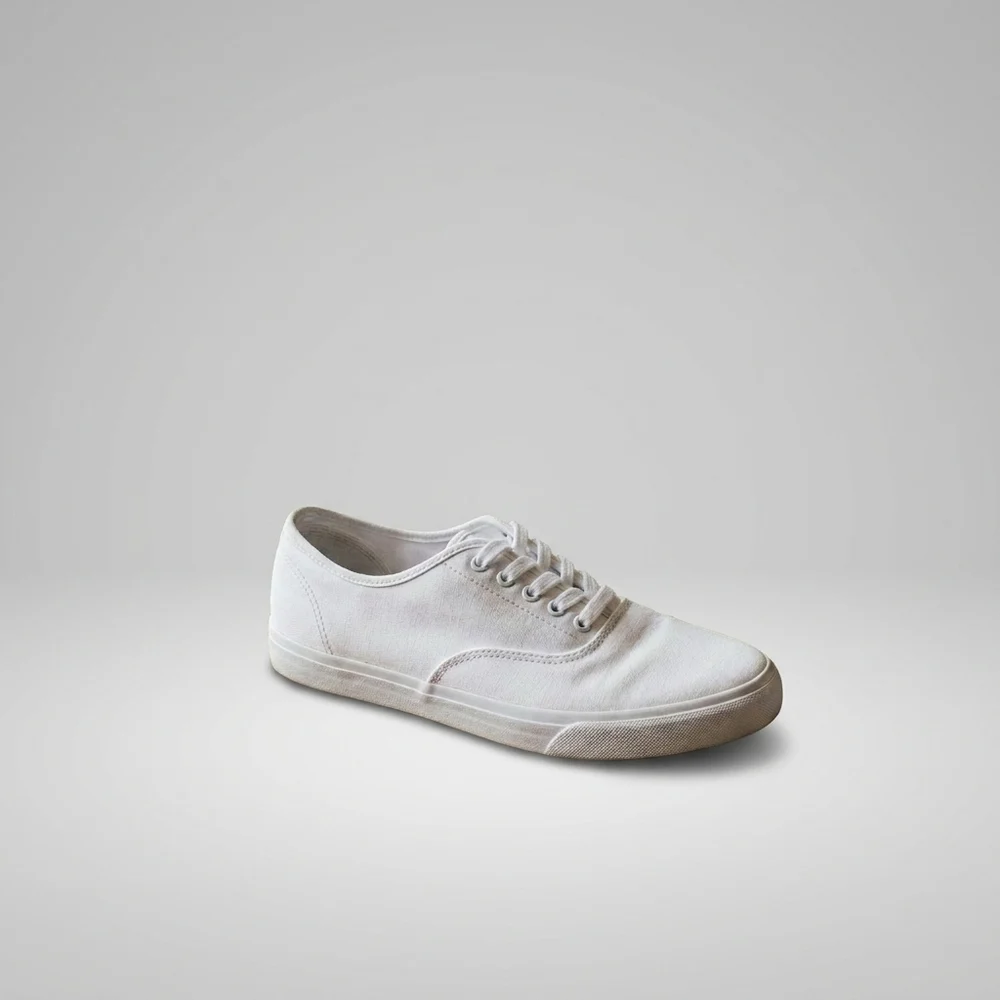
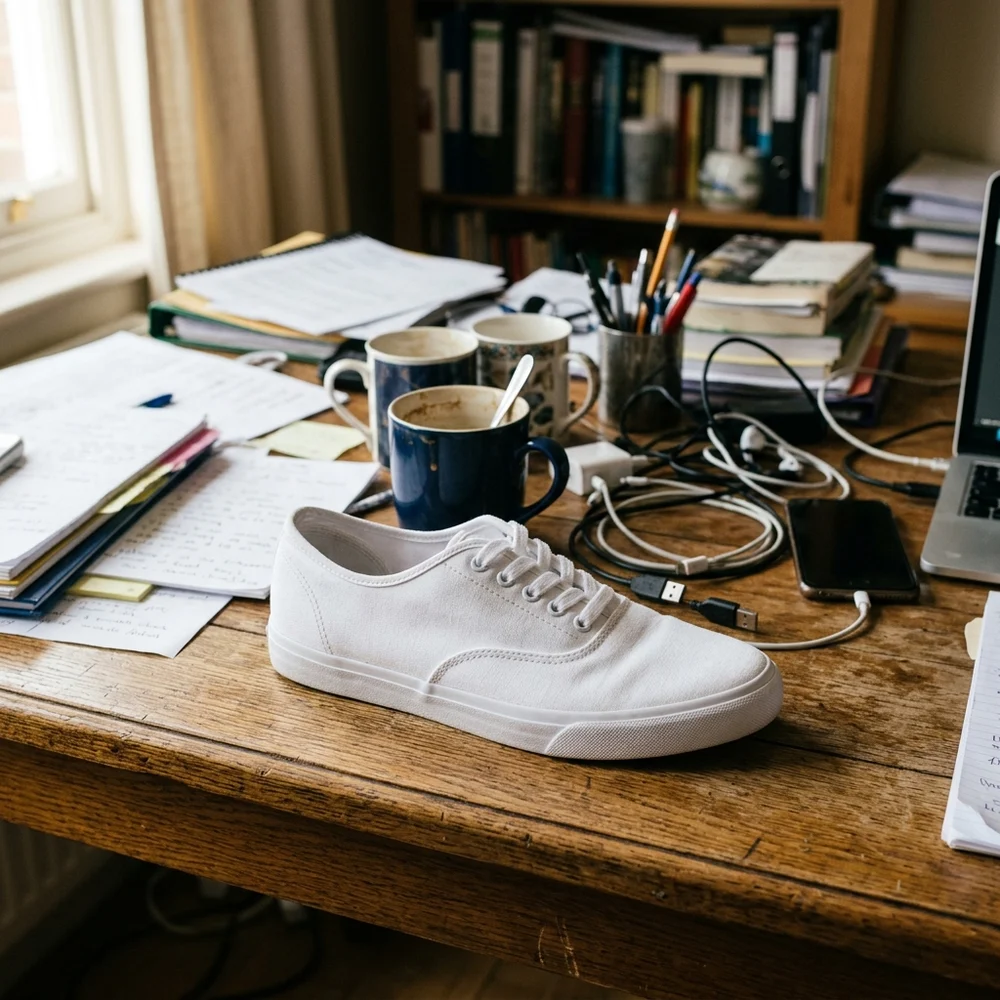
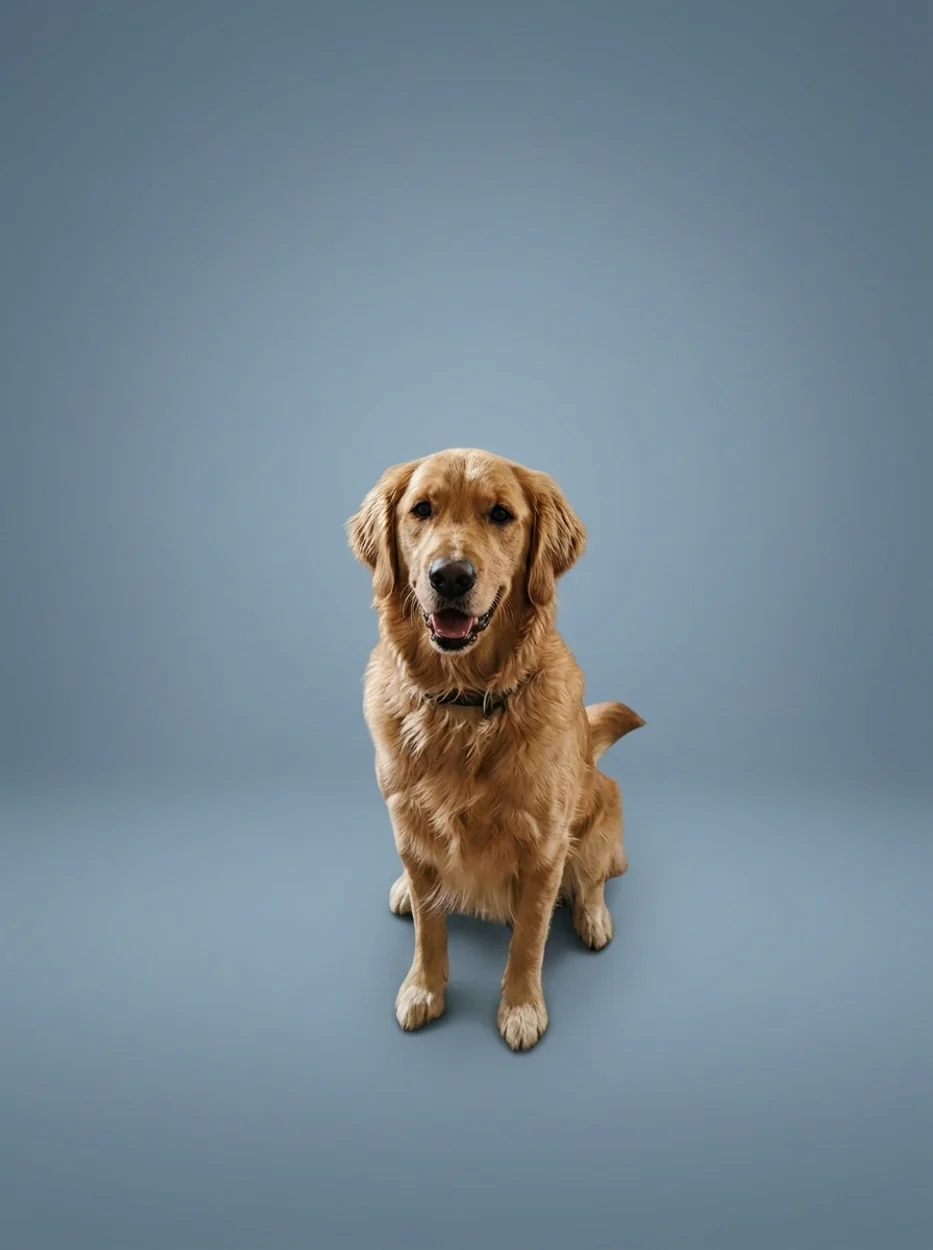
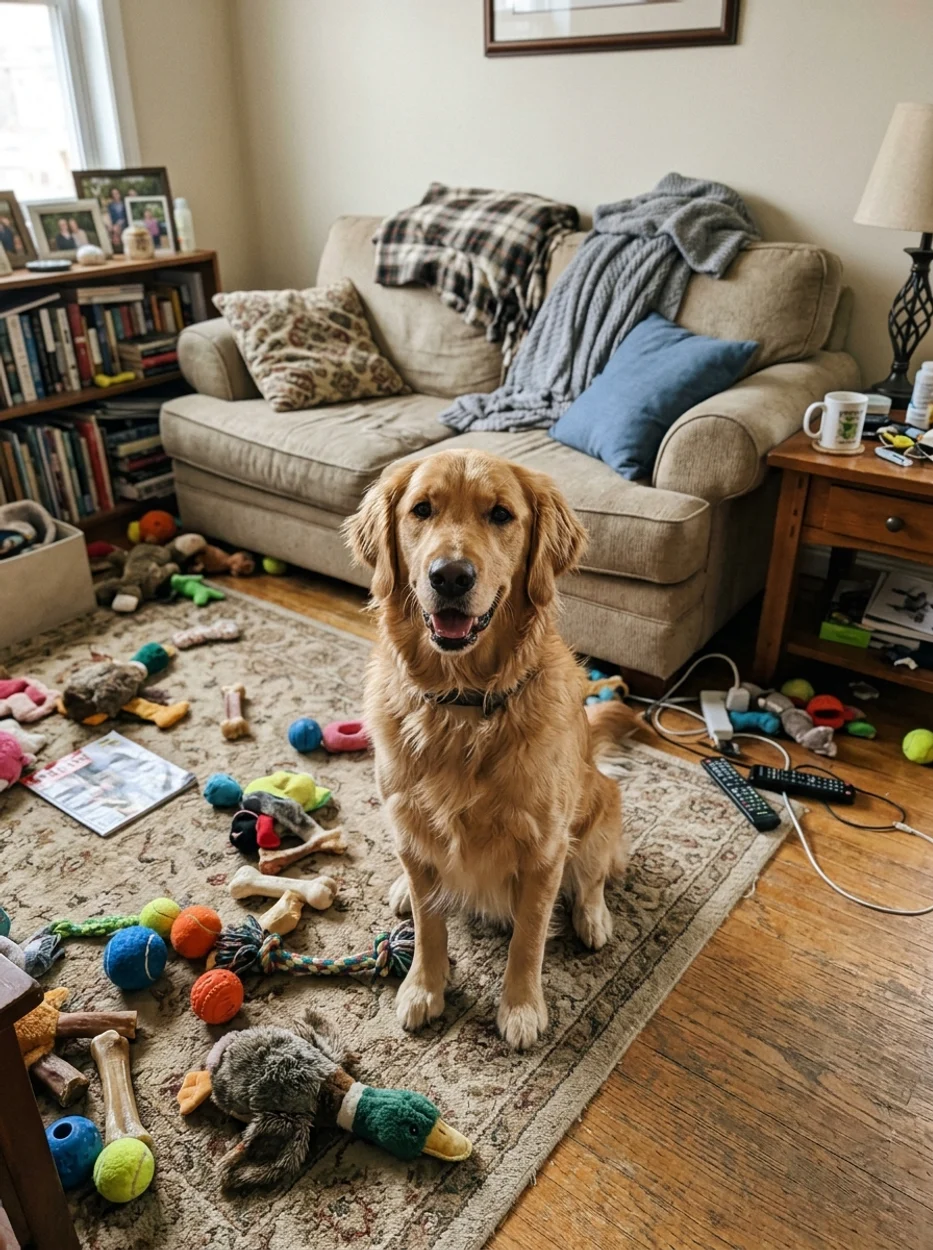
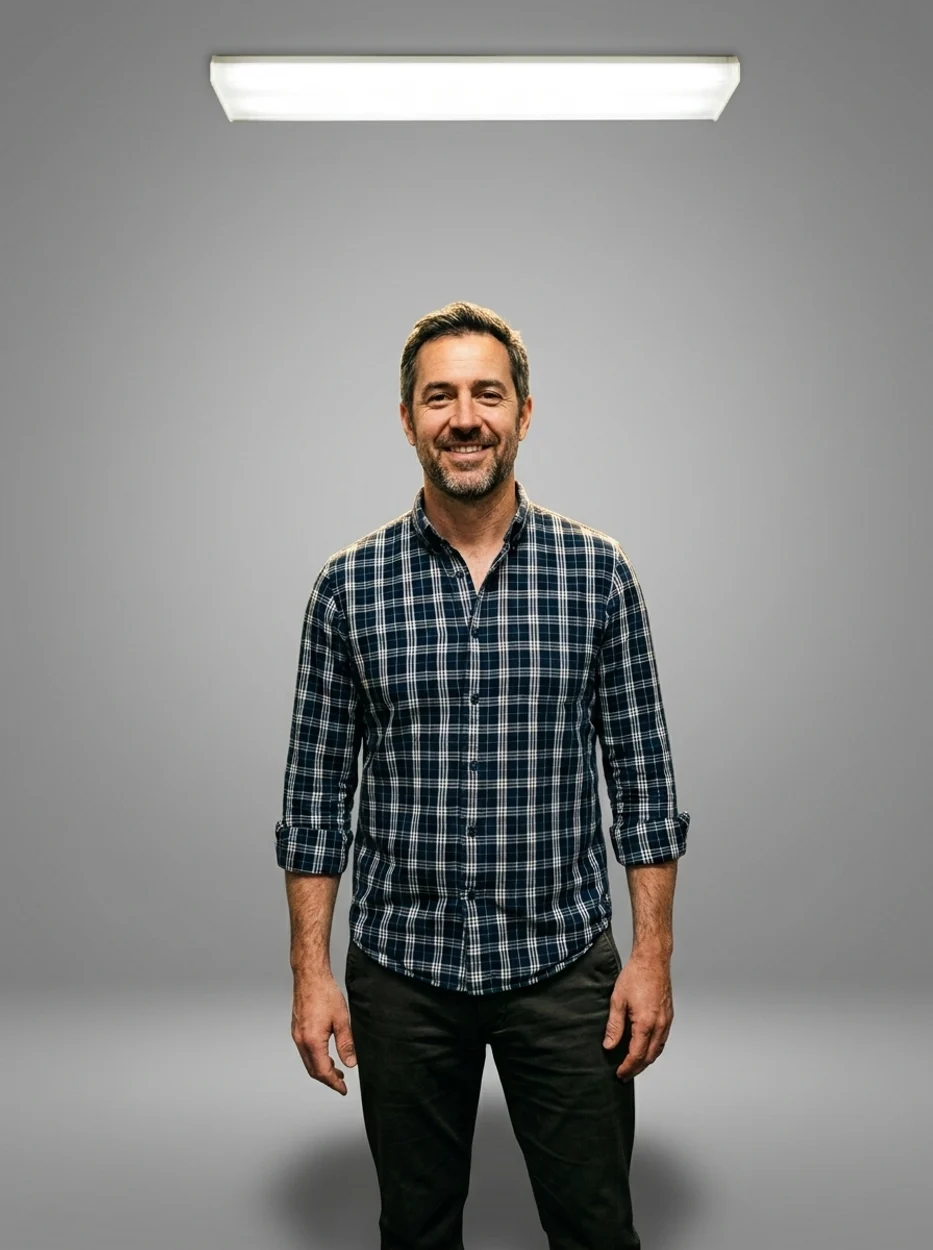
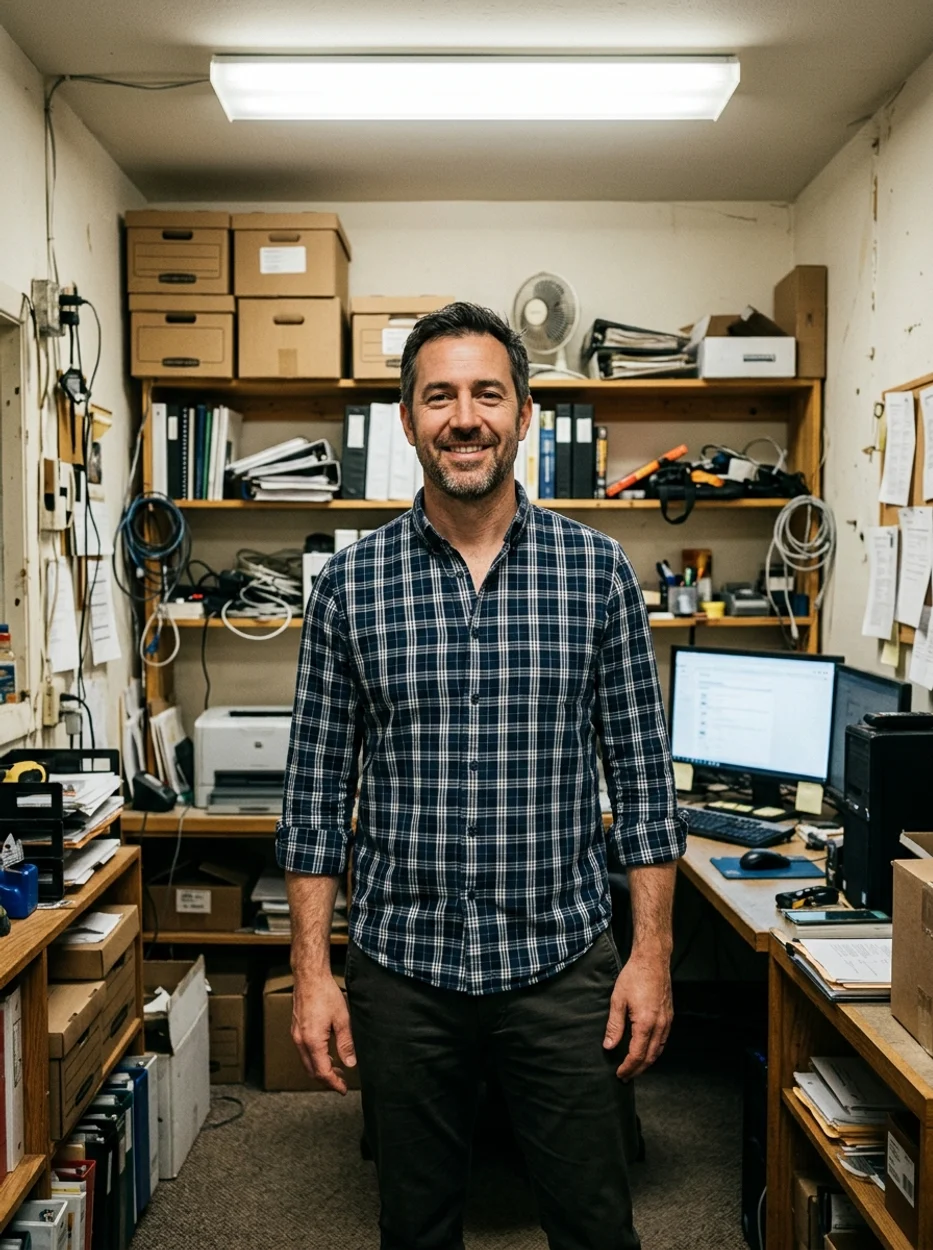
People, products, and pets — drag each slider to watch the cluttered original become a clean studio shot. Same subject, brand-new background.
Why it looks real
A background swap only works if nobody can tell it happened. The model rebuilds the space behind your subject while leaving the subject itself untouched.
The cutout traces fine hair and edges instead of a rough lasso, so the subject does not look pasted on.
Skin tone, product labels, and texture stay exactly as shot — only the area behind the subject is rebuilt.
A soft contact shadow is added under the subject so it sits believably on the new backdrop.
Workflow
Upload, swap, and review — then download a clean result.
Add a JPG, PNG, or WebP where the subject stands out from the original background.
The model isolates the subject, drops in a clean studio backdrop, and adds a natural contact shadow in one pass.
Zoom into hair and edges. Run a second pass or start from a cleaner source if any edge looks rough.
Sign in to save history and remove the export watermark from your final image.
Use cases
Use the AI background changer to drop any subject onto a clean backdrop — then verify the cutout before you publish.
Turn a casual photo into a clean, professional-looking headshot for LinkedIn, resumes, or team pages.
Place a product on a tidy studio backdrop so marketplace and catalog shots look consistent.
Remove a distracting room or street background and keep the focus on the subject.
Get a clean, on-brand background for avatars, banners, and social posts in seconds.
FAQ
Practical answers about the AI background changer — supported photos, cutout quality, and getting a clean studio result.
Yes. Upload a photo and replace the background with the free base model. Sign in to keep results in history and remove the export watermark from your downloads.
Use a well-lit photo where the subject has a clear outline against the background. Portraits, product shots, and pet photos all work well. Soft, blurry edges or hair against a busy background are harder to cut cleanly.
The model replaces only the background and adds a natural contact shadow while preserving the subject, pose, outfit, and edges. Always zoom into the hair and edges to check the cutout before publishing.
This one-click action drops in a clean studio gradient that suits profile photos, listings, and headshots. For a pure white or transparent cutout, crop or describe it in the full workbench.
Upload a JPG, PNG, or WebP up to 10MB. Use the highest-quality version of the file you have for the cleanest cutout.
Run the result through again, or start from a photo with stronger separation between the subject and the original background. High-contrast edges cut more cleanly.
Start with a prompt or reference, compare models, and save the best result to history. Upgrade when you need cleaner exports, stronger models, or more production volume.