
Scene understanding
Upload a reference image or clip and note the subject and style to keep.
Google multimodal video
Use Gemini Omni on Inkfox AI for multimodal video generation with prompt, image, and video references through KIE. Free monthly credits to start.
Gemini Omni video workbench
40+ creditsGemini Omni is selected by default. Start from a prompt or reference image, then choose duration, resolution, and landscape or vertical framing.
Cinematic sample reel
Multimodal omni generationUse Gemini Omni on Inkfox AI for multimodal video generation with prompt, image, and video references through KIE. Free monthly credits to start. Feed Gemini Omni a prompt, reference image, and reference video together and it reads the cross-modal brief. It suits exploring several creative directions from the assets you already have rather than betting on one hero shot.
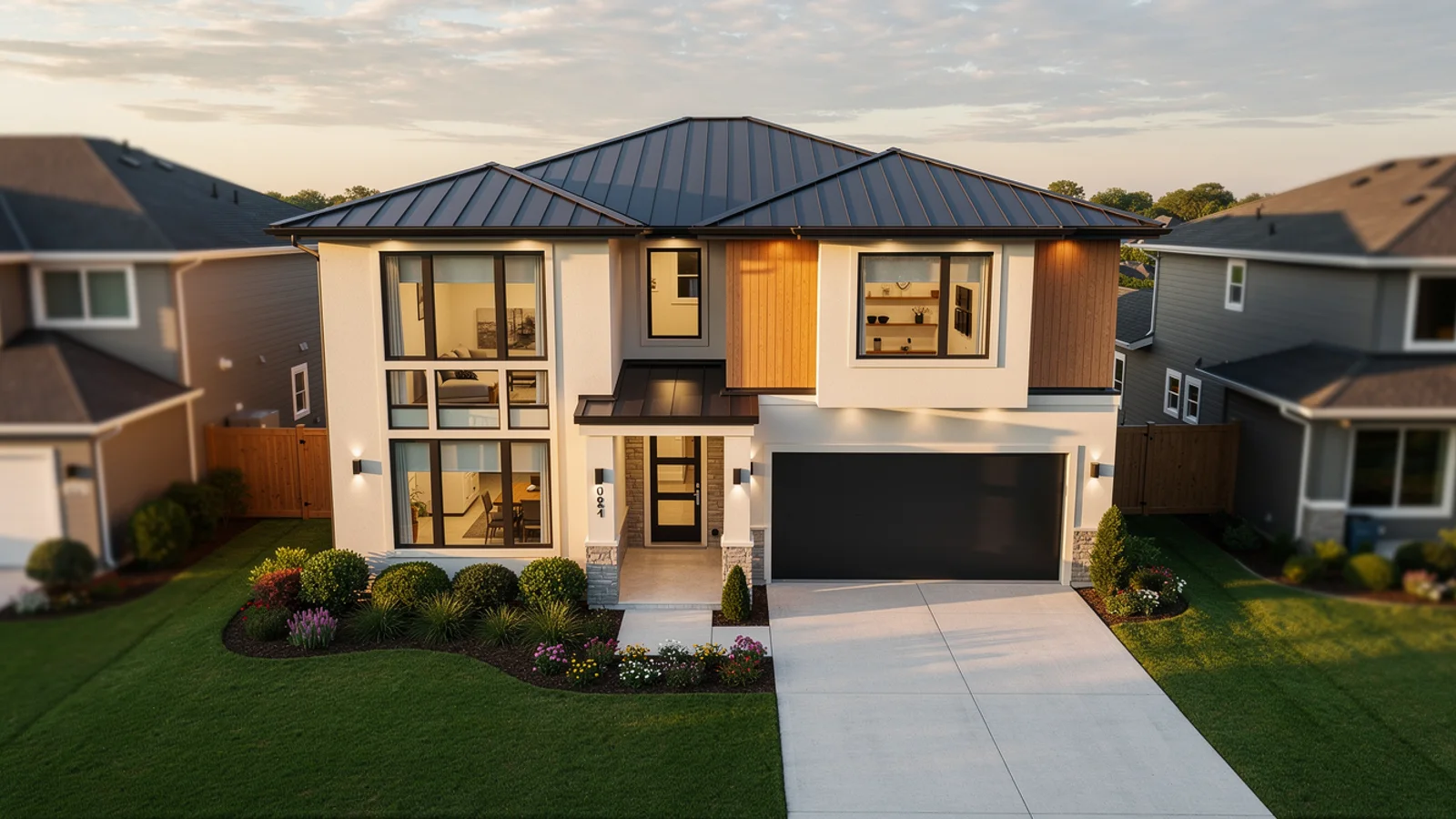
Multimodal lead shot
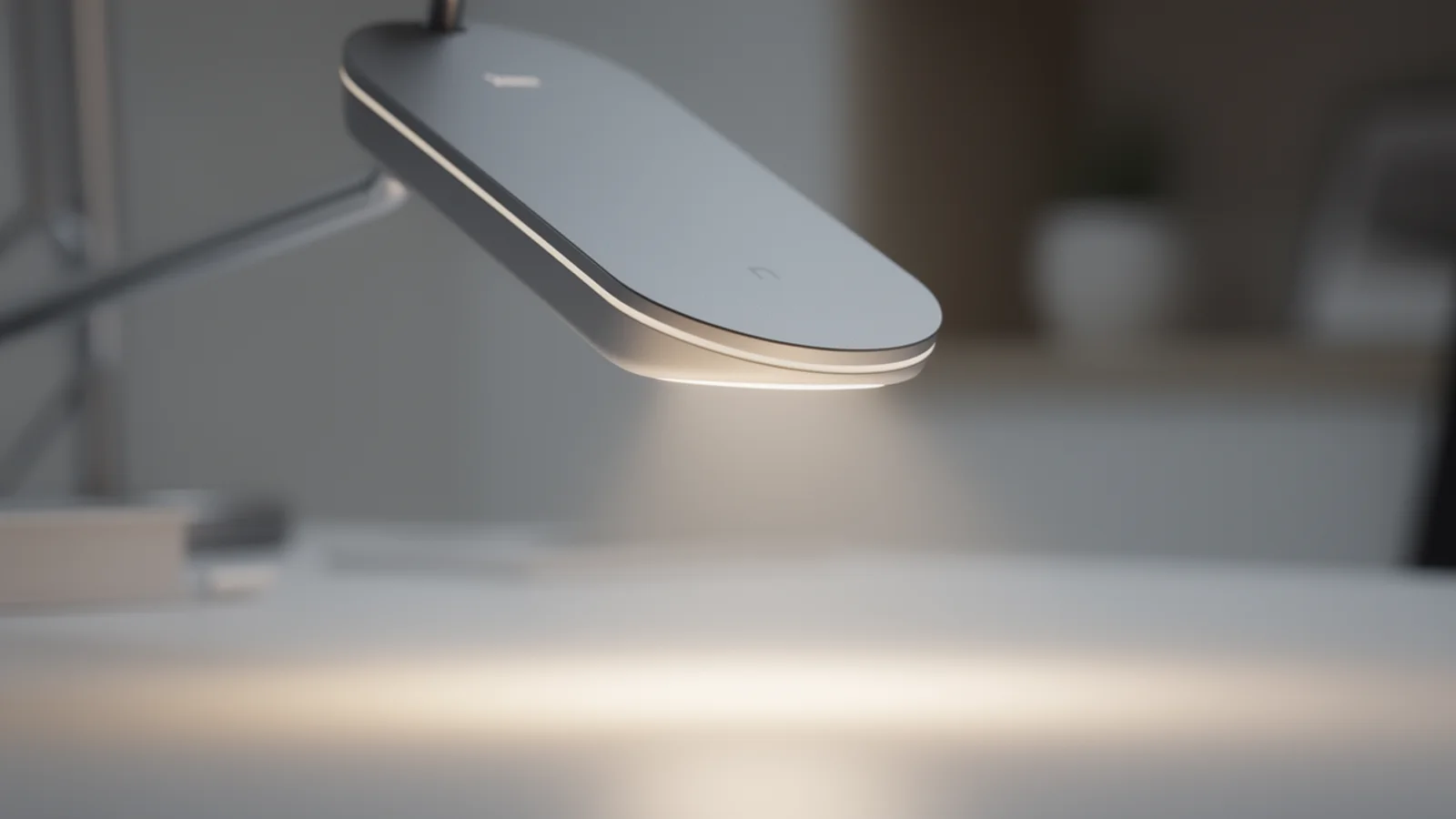
Image-driven shot

Fast variant shot
Upload a reference image or clip and note the subject and style to keep.
Explain which part of the frame the text drives and which the reference drives.
Describe the action, camera move, and pace for a clear direction.
Final-grade pick
Reach for Gemini Omni while the brief is still open and you want to combine text, image, and footage. Move to Veo when one clip has to hit peak cinematic quality.
Creation steps
The fastest path is not a longer prompt. It is one readable frame, one motion goal, and one camera choice.
Upload a reference image or clip, or start straight from a prompt.
State the cross-modal intent: which parts the reference should drive.
Pick duration, resolution, and landscape or vertical before generating.
Choose a direction, then refine the prompt to spread delivery variants.
Prompt examples
Before spending 40+ credits on a larger batch, make sure the subject, use case, and output requirements are clear.
Upload a reference image or clip and note the subject and style to keep.
Explain which part of the frame the text drives and which the reference drives.
Describe the action, camera move, and pace for a clear direction.
Set duration, resolution, and landscape or vertical framing.
Model comparison
Pick Gemini Omni for multimodal references and flexible testing, Veo for peak cinematic quality and native audio, Kling for motion consistency.
| Dimension | Gemini Omni | Veo | Kling |
|---|---|---|---|
| Multimodal input | Image/text/video | Prompt-led | Image + text |
| Creative flexibility | Strong | Medium | Medium |
| Visual quality | Medium–high | Strong | Strong |
| Resolution | 720p–4k | High | 720p–1080p |
| Duration range | 4–10s | Shorter | Medium |
| Credit cost | 40+ credits | 30+ credits | 140+ credits |
Prompt examples
These examples show how to describe the subject, scene, camera, and final use so you can adapt them to your own image or video.
Build on the product and palette from the reference image, slow orbit camera, soft studio light, clean background, keep the reference premium look.
Continue the character and scene from the reference clip, add a gentle push-in move, natural light, matched mood for a smooth cut.
9:16 vertical, centered subject, softly blurred background, slow upward tilt, pacing tuned for a short-video feed.
Decision guide
Choose it when the job matches use gemini omni on inkfox ai for multimodal video generation with prompt, image, and video references through kie. free monthly credits to start.
Compare with Inkfox AI Pro, Inkfox AI Max, Veo, Kling, or Seedance when the brief depends on a different strength, cost, or output format.
Quick answer
Gemini Omni is best for use gemini omni on inkfox ai for multimodal video generation with prompt, image, and video references through kie. free monthly credits to start.. Use it when that matches your goal, check the credit cost before generating, and compare another model when you need a different strength.
Return to the workbenchFAQ
Model behavior, cost labels, and when to use this workbench.
Inkfox AI submits Gemini Omni jobs through KIE Market createTask with the provider model gemini-omni-video, then reads results from the shared KIE task detail endpoint.
The workbench supports prompts and reference images now. The underlying KIE model also supports video input, audio IDs, and character IDs, which can be expanded into dedicated controls later.
KIE documents durations of 4, 6, 8, and 10 seconds, resolution values of 720p, 1080p, and 4k, and aspect ratios of 16:9 and 9:16.
Use the Inkfox AI workbench for a quick generation, then compare real examples from other creator workflows.