
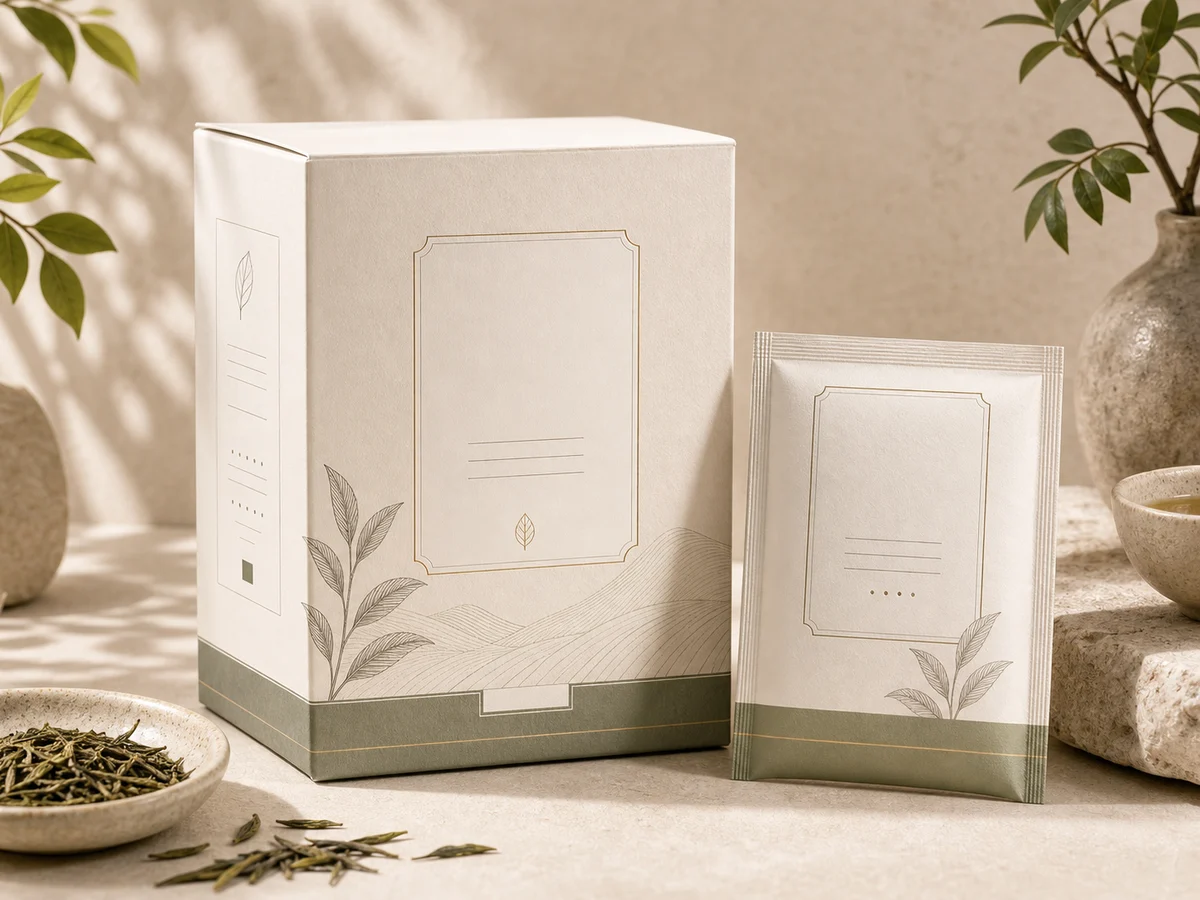
 Packaging mockup
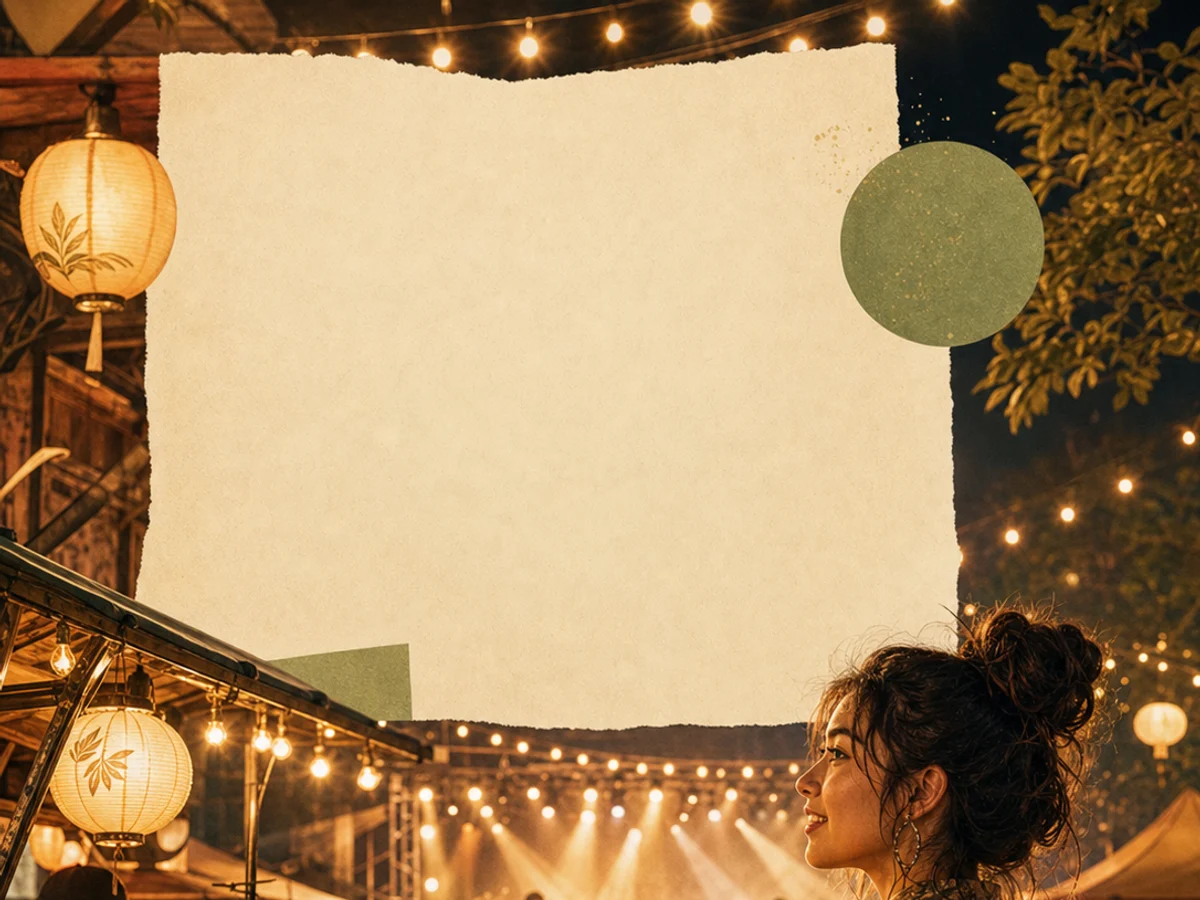 Poster layout
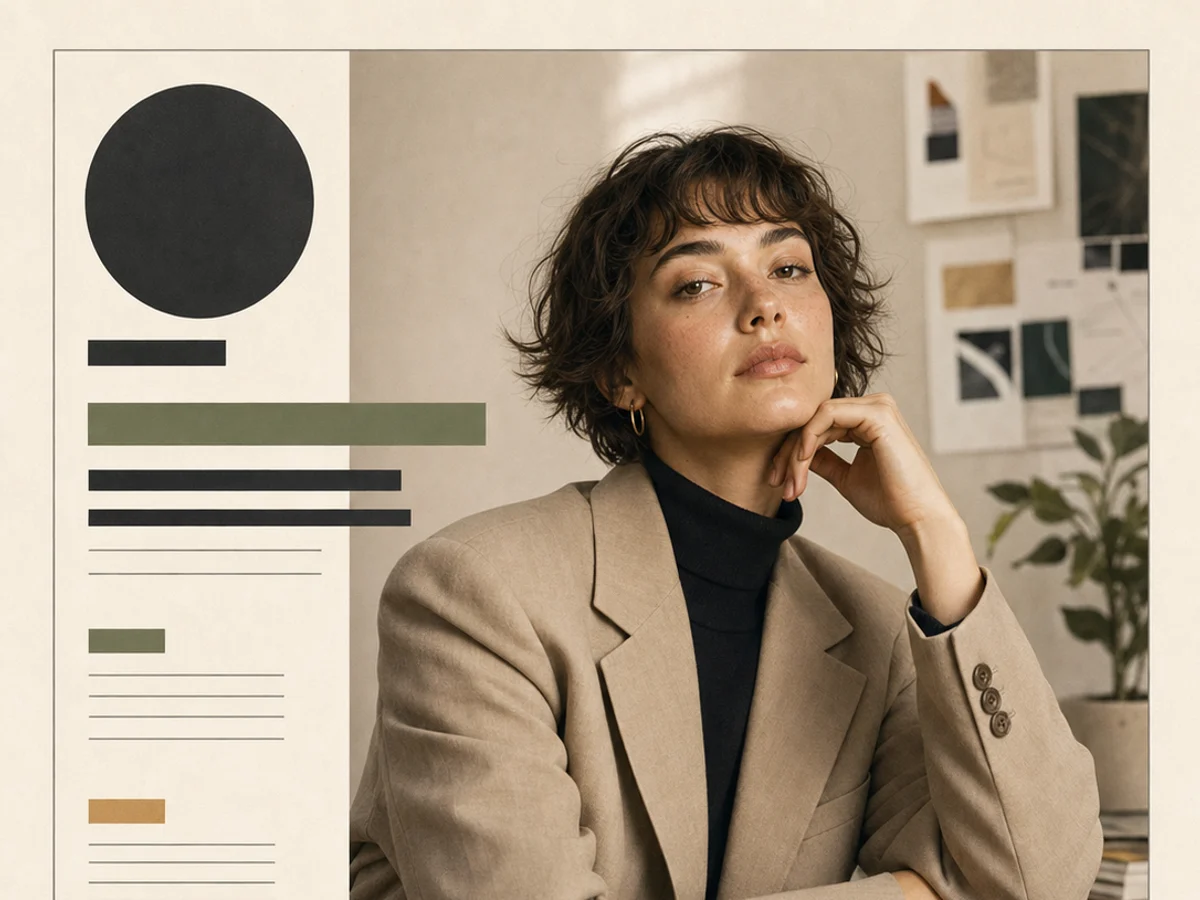 Editorial portrait
OpenAI precision draft model
Use GPT Image 1.5 on Inkfox AI as a lower-cost OpenAI model for precise square drafts, product concepts, and ad visuals. The workbench below opens on GPT Image 1.5, so you can iterate OpenAI image drafts with free monthly credits to start.
Packaging mockupPoster layoutEditorial portraitClean output room
Use GPT Image 1.5 on Inkfox AI as a lower-cost OpenAI model for precise square drafts, product concepts, and ad visuals. Free monthly credits to start. Keep the page quiet here: the important work is comparing clean outputs, edge quality, and whether the model stayed faithful to the brief.
Use GPT Image 1.5 for commercial visuals where product shape, material, light, and channel fit all matter.
Write the subject, face direction, lens feel, and lighting so the result does not drift into generic realism.
Upload a reference when identity, product geometry, composition, or style continuity must stay controlled.
Creation steps
The fastest path is not a longer prompt. It is a clear subject, controlled lighting and references, and the model that fits the brief.
Start with a concrete subject, channel, and visual outcome.
Add lighting, material, environment, and reference constraints before generating.
Compare the best prompt against adjacent models before final export.
Prompt examples
Before spending 4+ credits on a larger batch, make sure the subject, use case, and output requirements are clear.
Name the product, person, object, or scene without vague style filler.
Specify daylight, studio softbox, rim light, shadow, or mood.
Give the surface, background, props, lens feel, and composition.
Say ecommerce, ad creative, portrait, storyboard, poster, or social cover.
Decision guide
Choose it when the job matches use gpt image 1.5 on inkfox ai as a lower-cost openai model for precise square drafts, product concepts, and ad visuals. free monthly credits to start.
Compare with GPT Image 2.0, Nano Banana 2.0, Flux, or Seedream when the brief depends on a different strength, cost, or output format.
Quick answer
GPT Image 1.5 is best for use gpt image 1.5 on inkfox ai as a lower-cost openai model for precise square drafts, product concepts, and ad visuals. free monthly credits to start.. Use it when that matches your goal, check the credit cost before generating, and compare another model when you need a different strength.
Return to the workbenchFAQ
Model behavior, cost labels, and when to use this workbench.
GPT Image 1.5 is useful as a lower-cost precise OpenAI image baseline. Use it for controlled drafts before deciding whether the brief needs GPT Image 2.0.
The current Inkfox AI workbench exposes GPT Image 1.5 with a square-friendly setup. Use it when 1:1 output is acceptable for thumbnails, product concepts, or social tests.
It can help with precise image drafts, but GPT Image 2.0 is the stronger choice when poster text, label hierarchy, or commercial layout text is critical.
Use the Inkfox AI workbench for a quick generation, then compare real examples from other creator workflows.