
Grok Imagine ladder
Direction before polish01Low-cost test
→02Pick the winner
→03Upgrade to final
1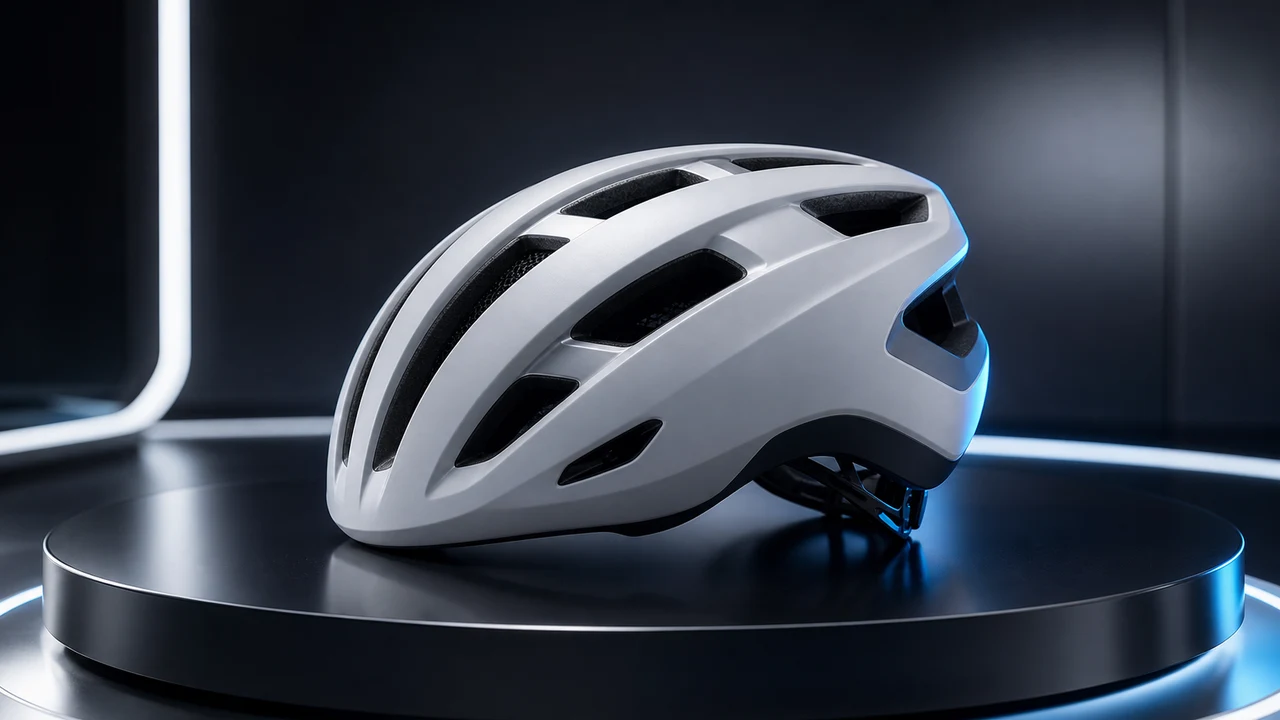
Push-in test
Product reveal
2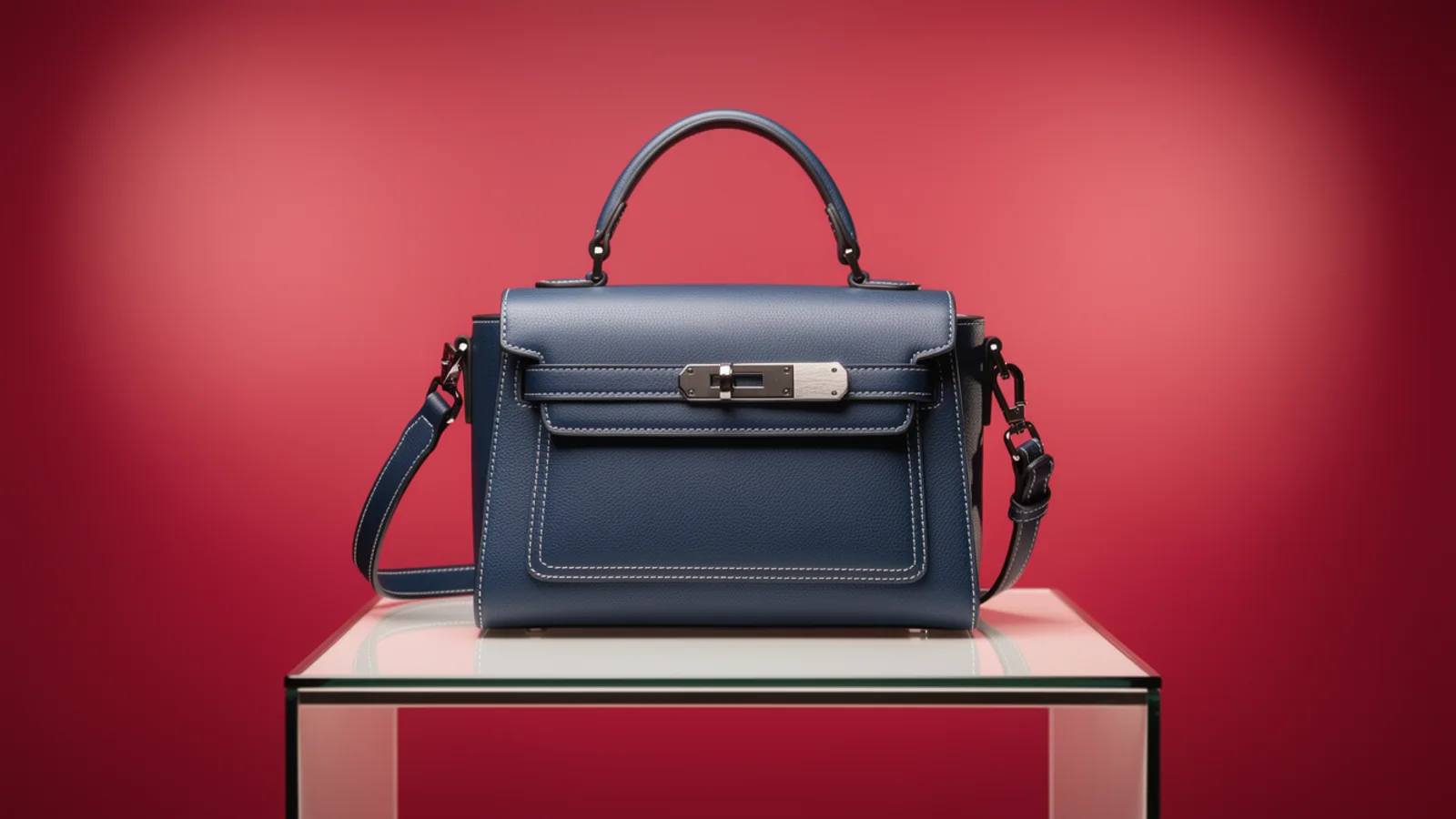
Orbit test
Campaign opener
3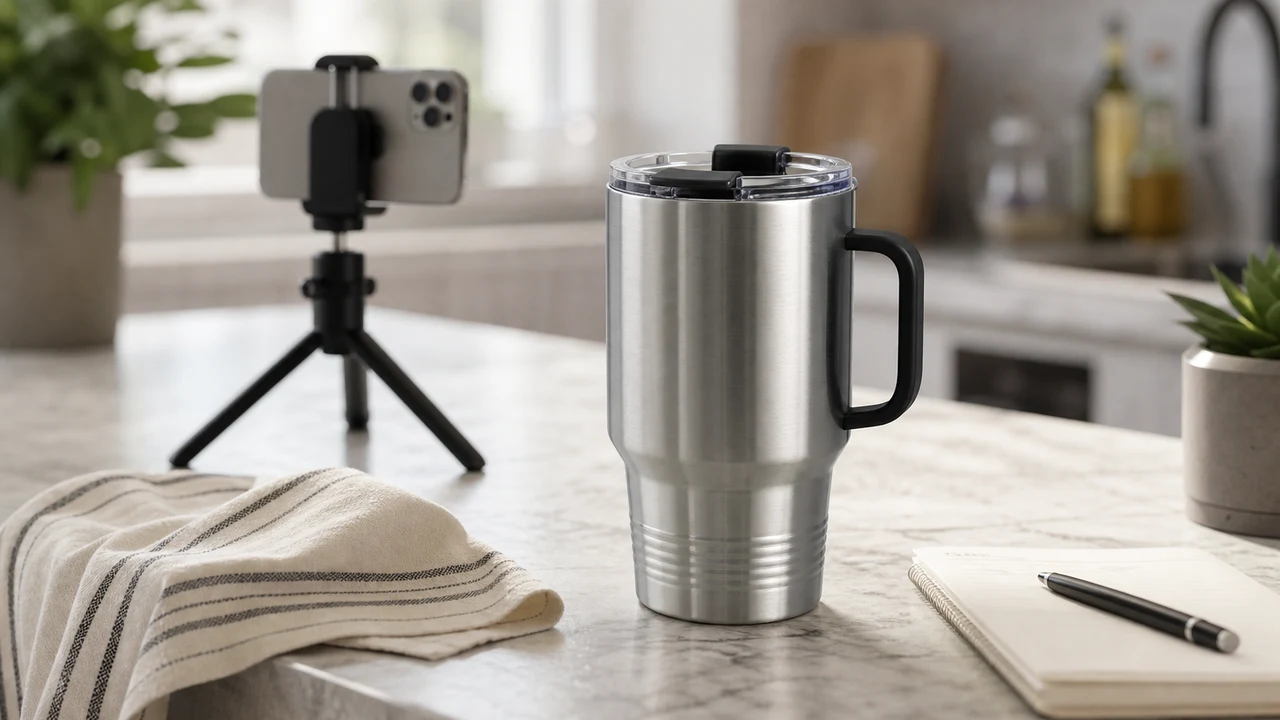
Micro-motion test
Grok Imagine image-to-video
Turn one still image into a short video you can use to test ads, social posts, product pages, and storyboard direction. Validate motion quickly with Grok Imagine, then decide whether to upgrade to Max or compare another premium video model.
Grok Imagine workbench
10+ creditsUpload a first frame, describe one motion direction, and validate whether the shot works before spending more credits or upgrading to Max for a final pass.
Grok Imagine ladder
Direction before polishPush-in test
Orbit test
Micro-motion test
Cost-to-confidence
fast image-to-video tests from product stills, concept art, portraits, and storyboard frames. Grok Imagine trades final polish for speed: keep the same first frame, swap the motion prompt, and a few short clips tell you which camera move and pace are worth keeping. Treat this AI video generator as the draft layer, then chase quality once the direction lands.
Choose one strong first frame with a clear subject, stable composition, and room for motion.
State one motion goal and one camera move instead of a full scene.
Name what must stay stable: identity, product shape, logo, packaging text, or framing.
Run a short test first, then spend more credits or upgrade to Max only on the strongest direction.
Creation steps
The fastest path is not a longer prompt. It is one readable frame, one motion goal, and one camera choice.
Choose one strong first frame with a clear subject, stable composition, and room for motion.
State one motion goal and one camera move instead of a full scene.
Name what must stay stable: identity, product shape, logo, packaging text, or framing.
Run a short test first, then spend more credits or upgrade to Max only on the strongest direction.
Prompt examples
Before spending 10+ credits on a larger batch, make sure the subject, use case, and output requirements are clear.
Name what must stay stable from the uploaded image.
Describe one readable action, not a full scene.
Use push-in, orbit, handheld, or locked camera only when it helps the shot.
Review stability, artifacts, duration, aspect ratio, and whether it is worth more credits.
Model comparison
Use Grok Imagine as the exploration layer. Move to a higher-stability model when the prompt already works and final polish matters more than speed.
| Dimension | Grok Imagine | Max / Kling / Runway / Veo / Hailuo |
|---|---|---|
| Best for | Fast motion drafts, image-to-video direction tests, product reveals, social hooks | Final stability, cinematic polish, portrait fidelity, premium delivery |
| Credit strategy | Test several directions at lower cost before committing | Spend more after the winning prompt and first frame are clear |
| When not to use | Final-grade portraits, complex body motion, or premium brand spots | Very fast rough exploration where you have not shaped the prompt yet |
Prompt examples
These examples show how to describe the subject, scene, camera, and final use so you can adapt them to your own image or video.
slow push-in on the product, soft studio highlights, clean background, premium ad motion, realistic reflections, keep the packaging readable, end on a stable hero frame
gentle camera drift, atmospheric depth, subtle foreground movement, cinematic lighting, keep the main subject stable, do not change the original composition
natural micro expression, slight head turn, soft hair movement, calm camera, preserve face identity and outfit details
Decision guide
Choose it when the job matches fast image-to-video tests from product stills, concept art, portraits, and storyboard frames
Compare with Inkfox AI Max, Kling, Runway, Veo, or Hailuo when the brief depends on a different strength, cost, or output format.
Quick answer
Grok Imagine is best for fast image-to-video tests from product stills, concept art, portraits, and storyboard frames. Use it when that matches your goal, check the credit cost before generating, and compare another model when you need a different strength.
Return to the workbenchFAQ
Model behavior, cost labels, and when to use this workbench.
On this page, Grok Imagine is an image-to-video workflow: upload a source image or AI-made first frame, then describe the motion you want. Inkfox keeps the run inside one workspace so you can compare Max, Kling, Runway, and Veo afterward.
It is best for quick product reveals, social clips, concept-frame motion, storyboard shots, and light character movement. It is not the first choice for complex choreography, long narrative scenes, or strict end-frame control.
A short test starts at 10+ credits depending on duration, resolution, and aspect ratio. Validate the motion direction with a short clip first, then spend more credits on a longer or higher-resolution version.
Upgrade to Max after Grok Imagine has validated the motion direction and you are preparing an ad, product-page clip, or client-ready version. Validate the idea first, then spend higher credits on the final pass.
Use a source image with a clear subject, stable composition, simple background, and readable lighting direction. Ecommerce products, character art, concept frames, poster stills, and lifestyle photos all work well.
Start with one subject, one camera move, one style constraint, and one detail that must stay stable. Avoid packing multiple storylines, complex actions, and too many shots into one generation.
Use the Inkfox AI workbench for a quick generation, then compare real examples from other creator workflows.