
Hailuo 02 baseline
Low-cost baseline01Low-cost test
→02Pick the winner
→03Upgrade to final
1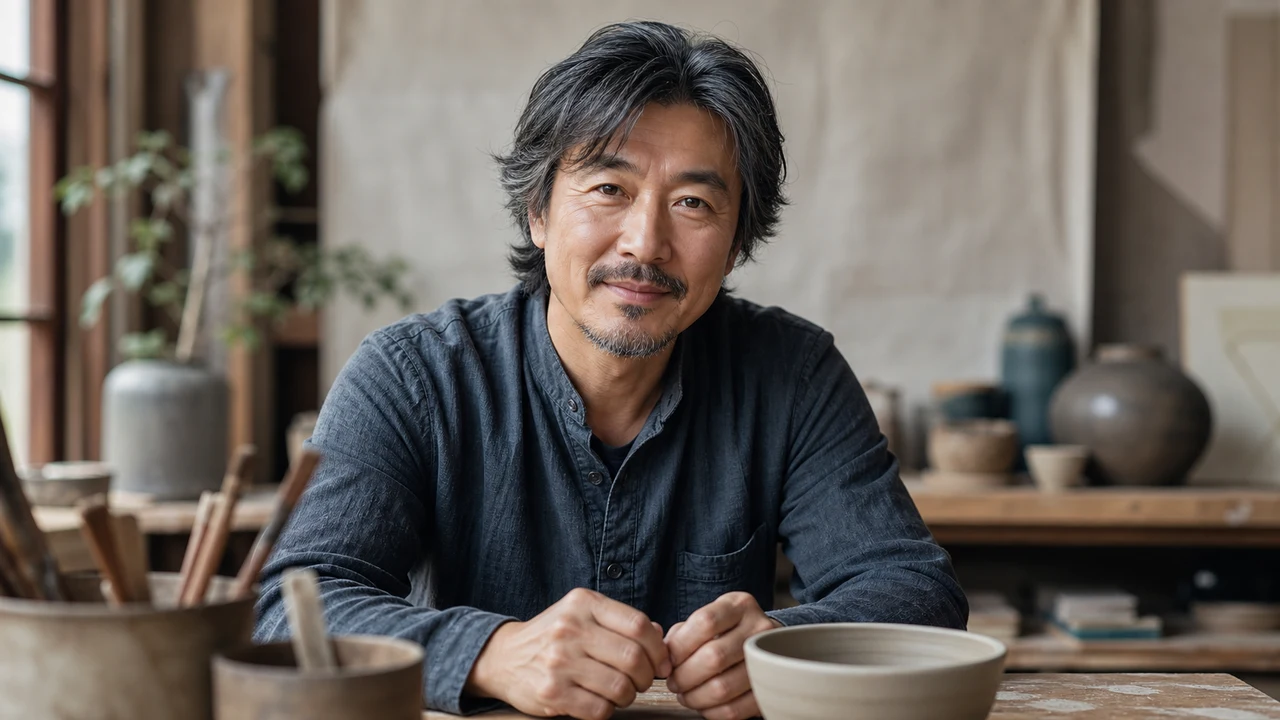
Baseline portrait motion
Studio portrait
2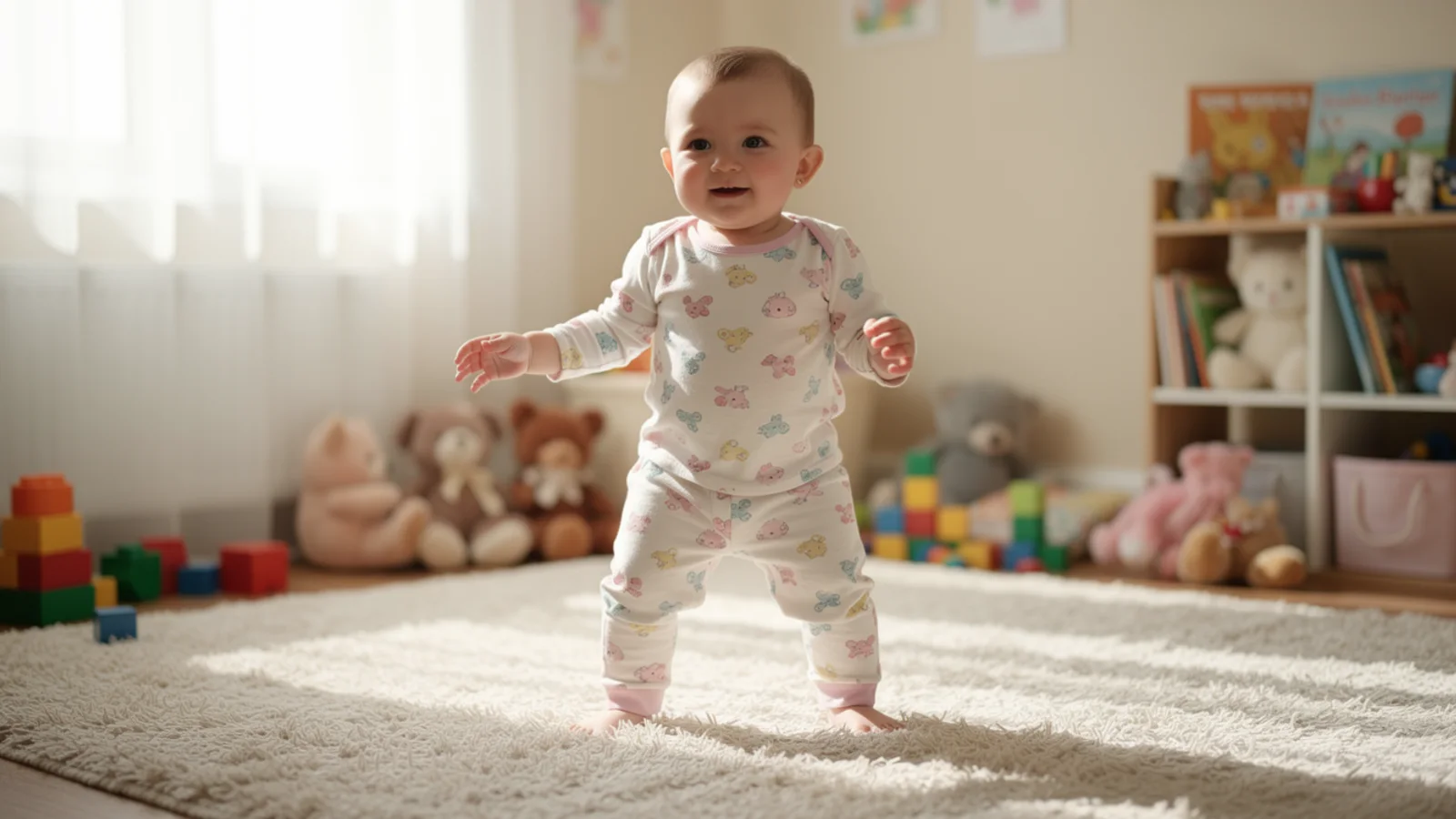
Light product shot
Gentle toddler motion
3
Avatar micro-motion
Natural portrait motion model
Use Hailuo 02 on Inkfox AI for natural character animation, portrait motion, gentle product scenes, and short social clips. The workbench below opens on Hailuo 02, so you can make a portrait move naturally with free monthly credits to start.
Hailuo 02 baseline
Low-cost baselineBaseline portrait motion
Light product shot
Avatar micro-motion
Cost-to-confidence
Use Hailuo 02 on Inkfox AI for natural character animation, portrait motion, gentle product scenes, and short social clips. Free monthly credits to start. Hailuo 02 is the cheapest way to start an image-to-video test: a short clip runs from 12 credits with natural motion and a face that holds. It is not built for spectacle. Its value is letting you confirm the motion direction on the cheap, then upgrade only the version that works.
Upload a front-facing image with a clear subject, simple background, and room to move.
Write one small action like a blink or a slow turn instead of stacking motion.
Run a 12-credit short test to confirm the face stays put and the motion is not stiff.
Once the direction holds, upgrade to Hailuo 2.3 or a longer render for the final.
Creation steps
The fastest path is not a longer prompt. It is one readable frame, one motion goal, and one camera choice.
Upload a front-facing image with a clear subject, simple background, and room to move.
Write one small action like a blink or a slow turn instead of stacking motion.
Run a 12-credit short test to confirm the face stays put and the motion is not stiff.
Once the direction holds, upgrade to Hailuo 2.3 or a longer render for the final.
Prompt examples
Before spending 12+ credits on a larger batch, make sure the subject, use case, and output requirements are clear.
Upload a clean portrait or product image with the subject centered.
Describe one small action: a blink, a small nod, or a slow push-in.
Name the facial features, packaging text, or framing that must stay consistent.
Review drift, duration, and aspect ratio, then decide whether to upgrade.
Model comparison
Hailuo 02 is the low-cost image-to-video baseline: use it to confirm the motion direction, move to Hailuo 2.3 when you need more detail, and Kling 3.0 when camera control matters most.
| Dimension | Hailuo 02 | Hailuo 2.3 | Kling 3.0 |
|---|---|---|---|
| Starting cost | 12+ credits | 30+ credits | 140+ credits |
| Character motion | Solid | Strong | Medium |
| Facial detail | Medium | Strong | Medium |
| Camera control | Basic | Medium | Strong |
| Speed | Fast | Fast | Medium |
| Best for | Quick rough tests | Detailed finals | Big camera moves |
Prompt examples
These examples show how to describe the subject, scene, camera, and final use so you can adapt them to your own image or video.
A front-facing portrait breathes gently, blinks slowly, and smiles, soft natural light, features and hairstyle stay consistent, small motion, 4-second clip.
A product on a desk slowly pushes in with a soft light sweep, packaging stays readable, end on a stable hero frame, clean composition.
An avatar slowly turns toward the camera and gives a small smile, background slightly blurred, vertical composition for Shorts and Reels.
Decision guide
Choose it when the job matches use hailuo 02 on inkfox ai for natural character animation, portrait motion, gentle product scenes, and short social clips. free monthly credits to start.
Compare with Kling, Runway, Veo, Hailuo, or Grok Imagine when the brief depends on a different strength, cost, or output format.
Quick answer
Hailuo 02 is best for use hailuo 02 on inkfox ai for natural character animation, portrait motion, gentle product scenes, and short social clips. free monthly credits to start.. Use it when that matches your goal, check the credit cost before generating, and compare another model when you need a different strength.
Return to the workbenchFAQ
Model behavior, cost labels, and when to use this workbench.
Hailuo 02 is best for natural character motion, portrait animation, gentle human gestures, and short image-to-video clips that need emotional readability.
Choose Hailuo 02 for portrait motion, facial expression, and softer human movement. Choose Kling 3.0 when you need stronger general motion consistency or product movement.
Use a clean portrait or product image with a clear subject, simple background, and enough space around the face or object for natural movement.
Use the Inkfox AI workbench for a quick generation, then compare real examples from other creator workflows.