
Image-to-video stability tests
Hover to preview motion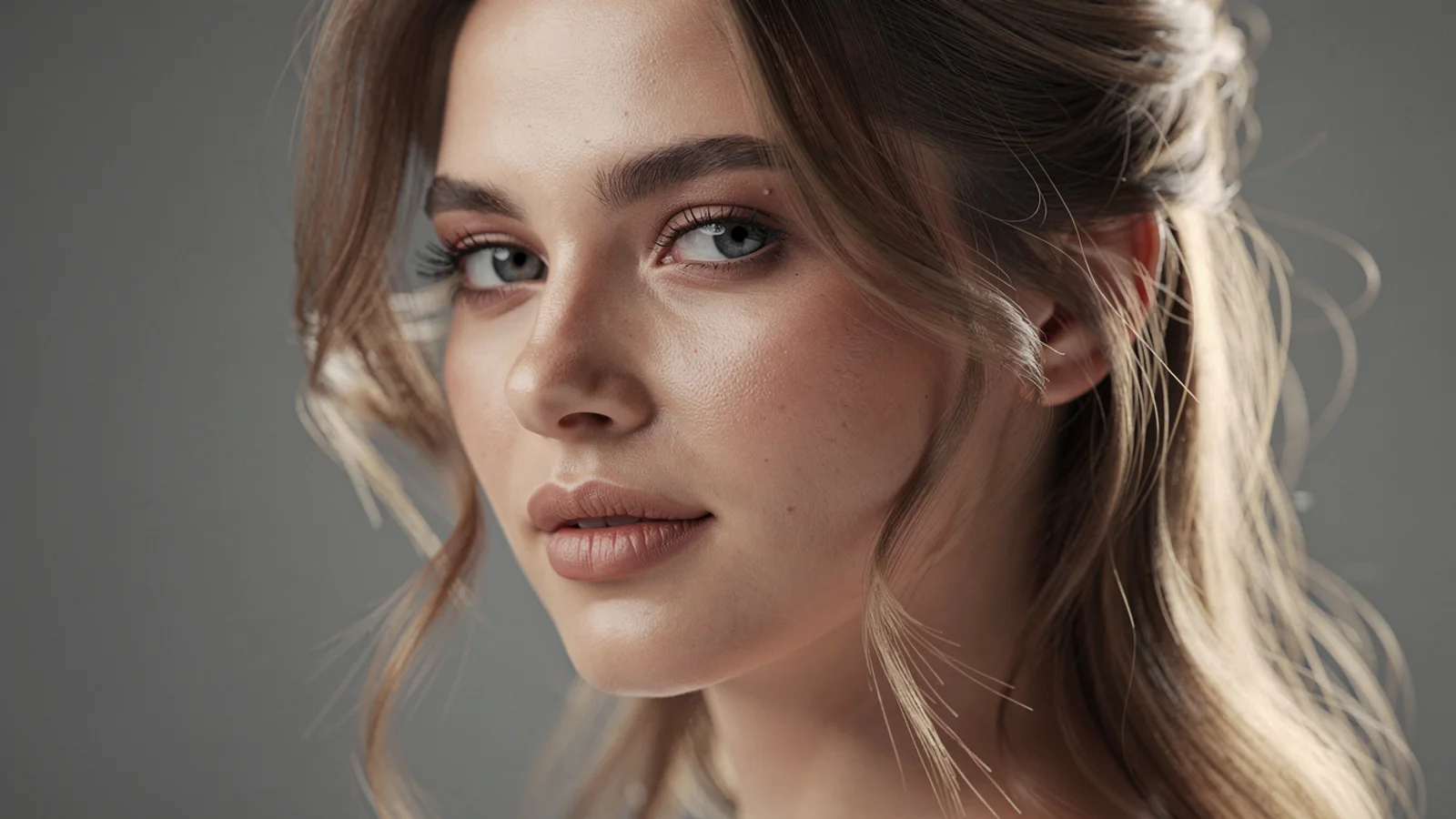
Natural turn
Portrait expression

Portrait micro-expression
Friendly reunion

Social character clip
Premium character motion model
Use Hailuo 2.3 on Inkfox AI for premium image-to-video, natural character motion, detail-rich clips, and portrait animation. The workbench below opens on Hailuo 2.3, so you can animate a chosen portrait or character with free monthly credits to start.
Hailuo 2.3 performance
Expressive character motionUse Hailuo 2.3 on Inkfox AI for premium image-to-video, natural character motion, detail-rich clips, and portrait animation. Free monthly credits to start. Hailuo 2.3 is built around expression and body language: a head turn carries weight, a blink has rhythm, a smile has layers. When it turns a character image into video it reads the emotion instead of just pushing the camera around, and it renders fast enough to refine the performance one pass at a time.
Input frame
Upload a clear character or portrait first frame.
Motion
Describe one natural action: turn, nod, or smile.
Expression & detail
State facial expression and details to preserve.
Output check
Note duration, whether audio is needed, and the channel.
Image-to-video stability tests
Hover to preview motionNatural turn
Portrait micro-expression
Social character clip
Make a character image turn, nod, and emote naturally without stiffness.
Generate detail-rich micro-motion for avatars and people covers.
Produce smooth, polished character clips for Reels and Shorts.
Make lip-synced or ambient clips on audio-supported configs.
Creation steps
The fastest path is not a longer prompt. It is one readable frame, one motion goal, and one camera choice.
Select a clear character or portrait first frame in the workspace.
Describe one natural action and expression, avoid large motion.
Validate naturalness and detail on short clips.
Then raise duration, quality, or add audio.
Prompt examples
Before spending 30+ credits on a larger batch, make sure the subject, use case, and output requirements are clear.
Upload a clear character or portrait first frame.
Describe one natural action: turn, nod, or smile.
State facial expression and details to preserve.
Note duration, whether audio is needed, and the channel.
Model comparison
Prefer Hailuo 2.3 for natural character motion and smooth social clips, Kling 3.0 for camera control, Veo 3.1 for quality and audio.
| Dimension | Hailuo 2.3 | Kling 3.0 | Veo 3.1 |
|---|---|---|---|
| Natural character motion | Strong | Medium | Medium |
| Facial detail | Strong | Medium | Strong |
| Camera control | Medium | Strong | Medium |
| Native audio | Some configs | Some configs | Strong |
| Speed | Fast | Medium | Slower |
| Credit cost | 30+ credits | 140+ credits | 30+ credits |
Prompt examples
These examples show how to describe the subject, scene, camera, and final use so you can adapt them to your own image or video.
From the portrait, the person slowly turns to look at the camera and smiles, natural light, hair drifts slightly, crisp facial detail.
Avatar blinks slowly and nods gently, soft indoor light, keep features and hairstyle consistent, 4-second clip.
A person waves hello, background slightly blurred, upbeat pace, vertical composition for Reels and Shorts.
Decision guide
Choose it when the job matches use hailuo 2.3 on inkfox ai for premium image-to-video, natural character motion, detail-rich clips, and portrait animation. free monthly credits to start.
Compare with Kling, Runway, Veo, Hailuo, or Grok Imagine when the brief depends on a different strength, cost, or output format.
Quick answer
Hailuo 2.3 is best for use hailuo 2.3 on inkfox ai for premium image-to-video, natural character motion, detail-rich clips, and portrait animation. free monthly credits to start.. Use it when that matches your goal, check the credit cost before generating, and compare another model when you need a different strength.
Return to the workbenchFAQ
Model behavior, cost labels, and when to use this workbench.
Hailuo 2.3 is best for natural character motion, detail-rich portrait animation, premium short clips, and social videos that need a polished feel.
Hailuo 02 is a lighter natural-motion option. Hailuo 2.3 is positioned for stronger detail and more premium output when quality matters more.
The model has audio-supported versions in the Inkfox AI configuration. Check the visible workbench settings before rendering.
Choose Hailuo 2.3 for natural character motion, facial expression, and smooth social clips. Choose Kling 3.0 when you need strict camera control and strong subject stability.
This workbench defaults to Hailuo 2.3 from about 30 credits. Confirm natural character motion on short clips first, then scale duration and quality.
Clips are usually a few seconds at 720p to 1080p. The workspace shows adjustable duration and settings for the model.
Use the Inkfox AI workbench for a quick generation, then compare real examples from other creator workflows.