
HappyHorse social clips
Social short-video direction01Low-cost test
→02Pick the winner
→03Upgrade to final
1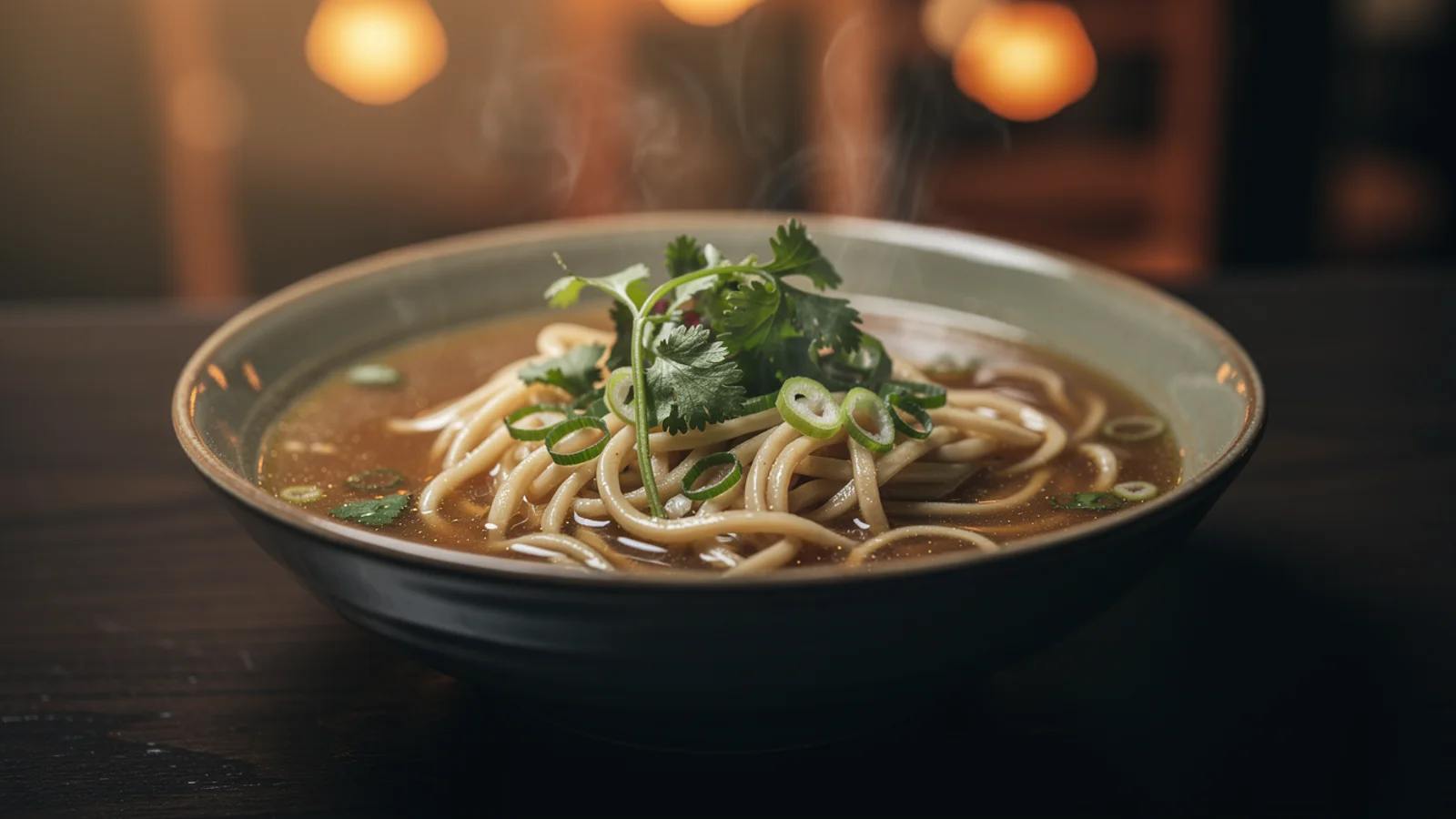
UGC hook
Restaurant motion
2
Product walkthrough
Travel teaser
3
Footage remix direction
Reference-heavy video edit model
Use HappyHorse 1.0 on Inkfox AI for image-to-video and video editing with audio, multi-image references, and 1080p output. The workbench below opens on HappyHorse 1.0, so you can upload your references and test audio, motion, and output direction with free monthly credits to start.
HappyHorse social clips
Social short-video directionUGC hook
Product walkthrough
Footage remix direction
Cost-to-confidence
Use HappyHorse 1.0 on Inkfox AI for image-to-video and video editing with audio, multi-image references, and 1080p output. Free monthly credits to start. HappyHorse 1.0 is for rhythmic, audio-aware social clips: UGC hauls, product walkthroughs, and footage remixes. A test starts at 84 credits, so confirm the action and lip motion first, then push to 1080p, add references, and extend duration for the final.
Upload the key references first: character, product, or the clip you want to remix.
Set one action and mood, like a wave-in intro or a turn to show the product.
Turn on audio if needed and run a short test to check lip motion and pacing.
Once it works, push to 1080p, add duration, or layer in references for the final.
Creation steps
The fastest path is not a longer prompt. It is one readable frame, one motion goal, and one camera choice.
Upload the key references first: character, product, or the clip you want to remix.
Set one action and mood, like a wave-in intro or a turn to show the product.
Turn on audio if needed and run a short test to check lip motion and pacing.
Once it works, push to 1080p, add duration, or layer in references for the final.
Prompt examples
Before spending 84+ credits on a larger batch, make sure the subject, use case, and output requirements are clear.
Upload a character or product image, plus a scene or style reference if needed.
Describe one social-friendly action: a wave, a reveal, or a turn.
State whether you need lip motion, voice, or ambience, and the pacing.
Confirm resolution, duration, aspect ratio, and that references line up.
Model comparison
HappyHorse 1.0 leans into multi-reference, video input, and audio-aware 1080p clips. Use Kling 3.0 for camera stability and Veo 3.1 for raw quality and native audio.
| Dimension | HappyHorse 1.0 | Kling 3.0 | Veo 3.1 |
|---|---|---|---|
| Starting cost | 84+ credits | 140+ credits | 30+ credits |
| Multi-reference input | Strong | Medium | Medium |
| Video input | Supported | Partial | Partial |
| Audio clips | Strong | Some configs | Strong |
| Max resolution | 1080p | 1080p | 1080p |
| Best for | UGC and footage remix | Big camera moves | Quality and audio |
Prompt examples
These examples show how to describe the subject, scene, camera, and final use so you can adapt them to your own image or video.
A person waves and intros a product to the camera, light handheld feel, vertical composition, upbeat pace, natural lip motion and voice, readable in the first second.
A person picks up the product and turns to show the main selling point, soft indoor light, light ambient audio, 1080p, clean and stable framing.
Using the uploaded clip as input, keep the subject and action but restyle it into a brighter social look with a rhythmic background track.
Decision guide
Choose it when the job matches use happyhorse 1.0 on inkfox ai for image-to-video and video editing with audio, multi-image references, and 1080p output. free monthly credits to start.
Compare with Kling, Runway, Veo, Hailuo, or Grok Imagine when the brief depends on a different strength, cost, or output format.
Quick answer
HappyHorse 1.0 is best for use happyhorse 1.0 on inkfox ai for image-to-video and video editing with audio, multi-image references, and 1080p output. free monthly credits to start.. Use it when that matches your goal, check the credit cost before generating, and compare another model when you need a different strength.
Return to the workbenchFAQ
Model behavior, cost labels, and when to use this workbench.
HappyHorse 1.0 is useful for image-to-video and video editing workflows where you need multiple references, 1080p output, and audio-aware motion tests.
Yes. The model configuration supports image and video inputs, so it is a good candidate when you want to transform existing footage rather than only animate a still frame.
Choose HappyHorse 1.0 for reference-heavy editing and video-input tests. Choose Kling 3.0 when the priority is high-stability image-to-video motion from a still frame.
Use the Inkfox AI workbench for a quick generation, then compare real examples from other creator workflows.