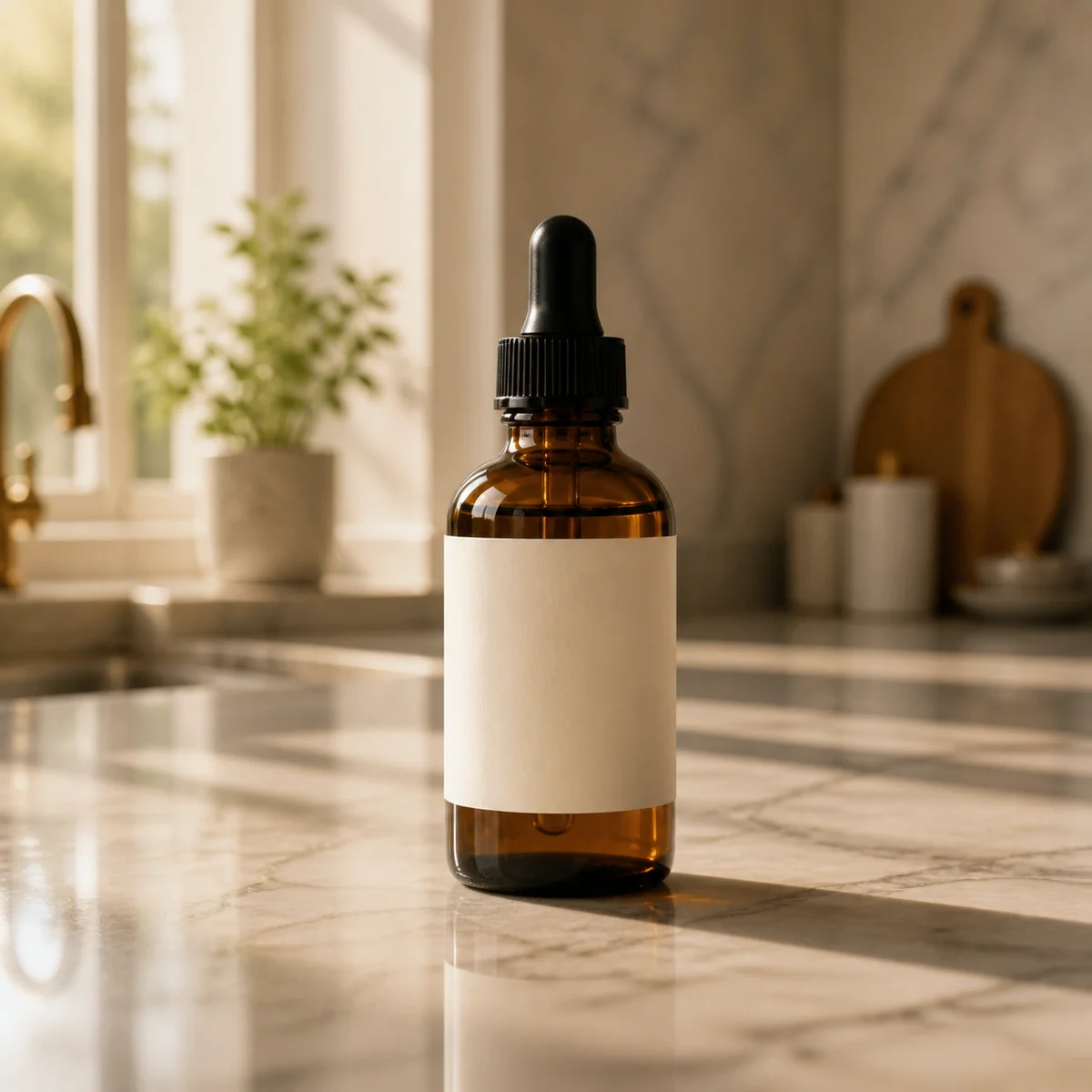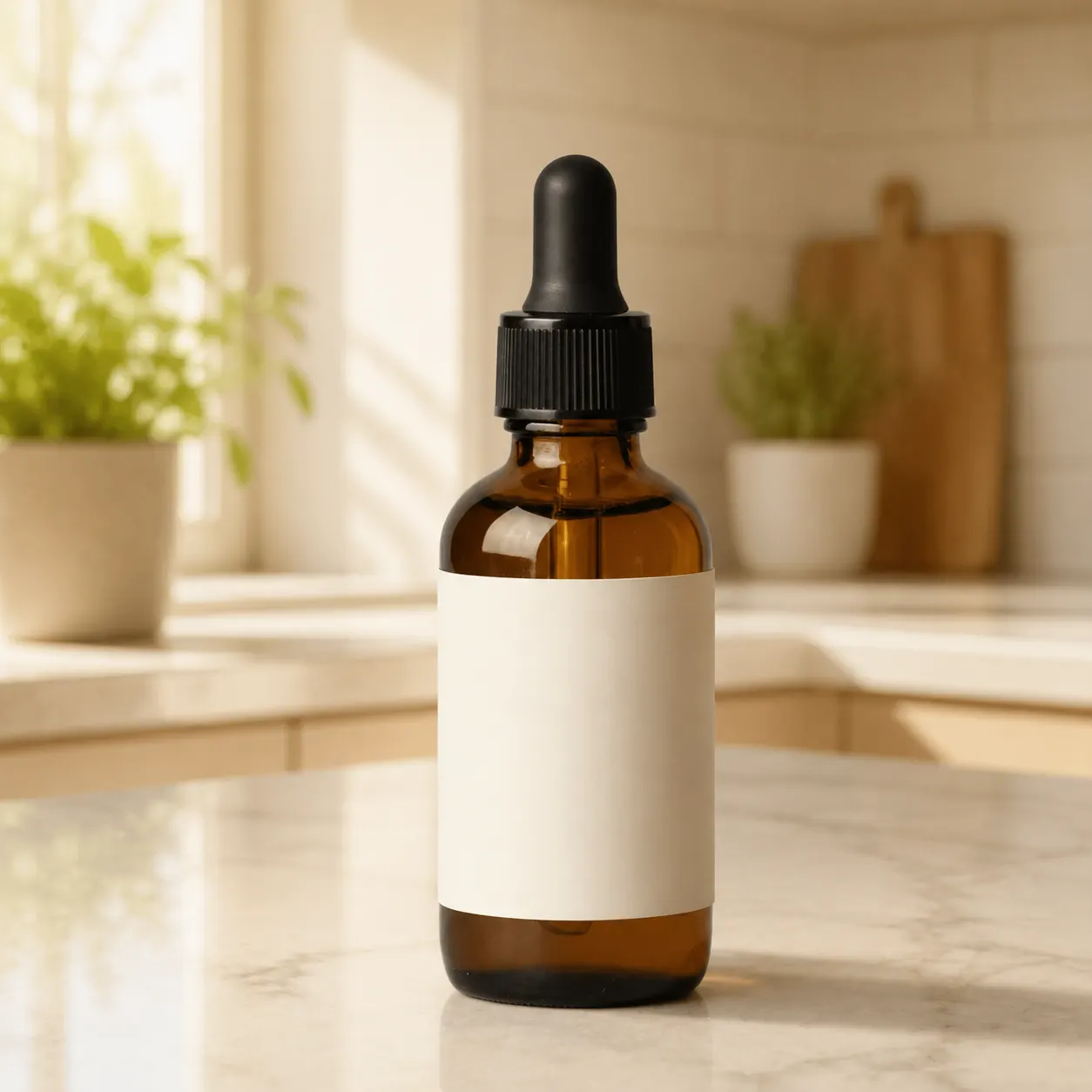
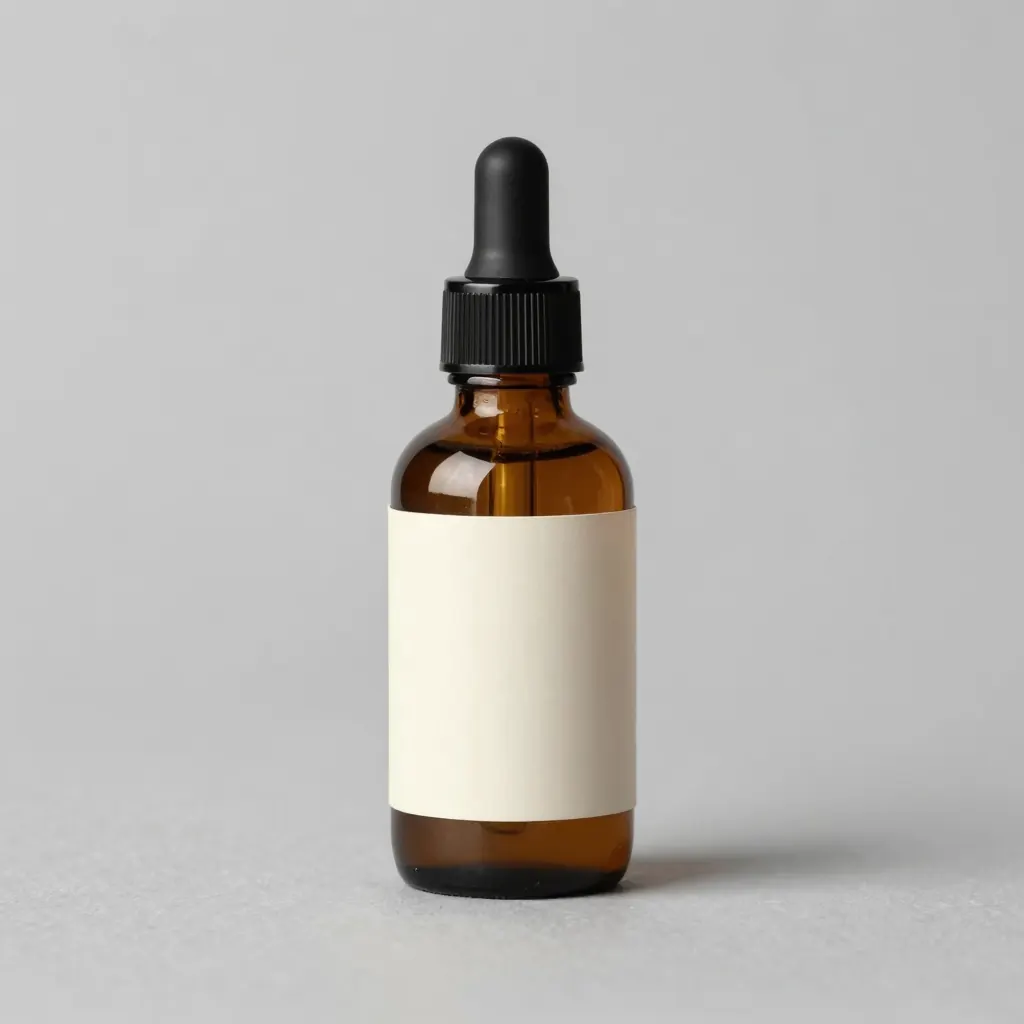
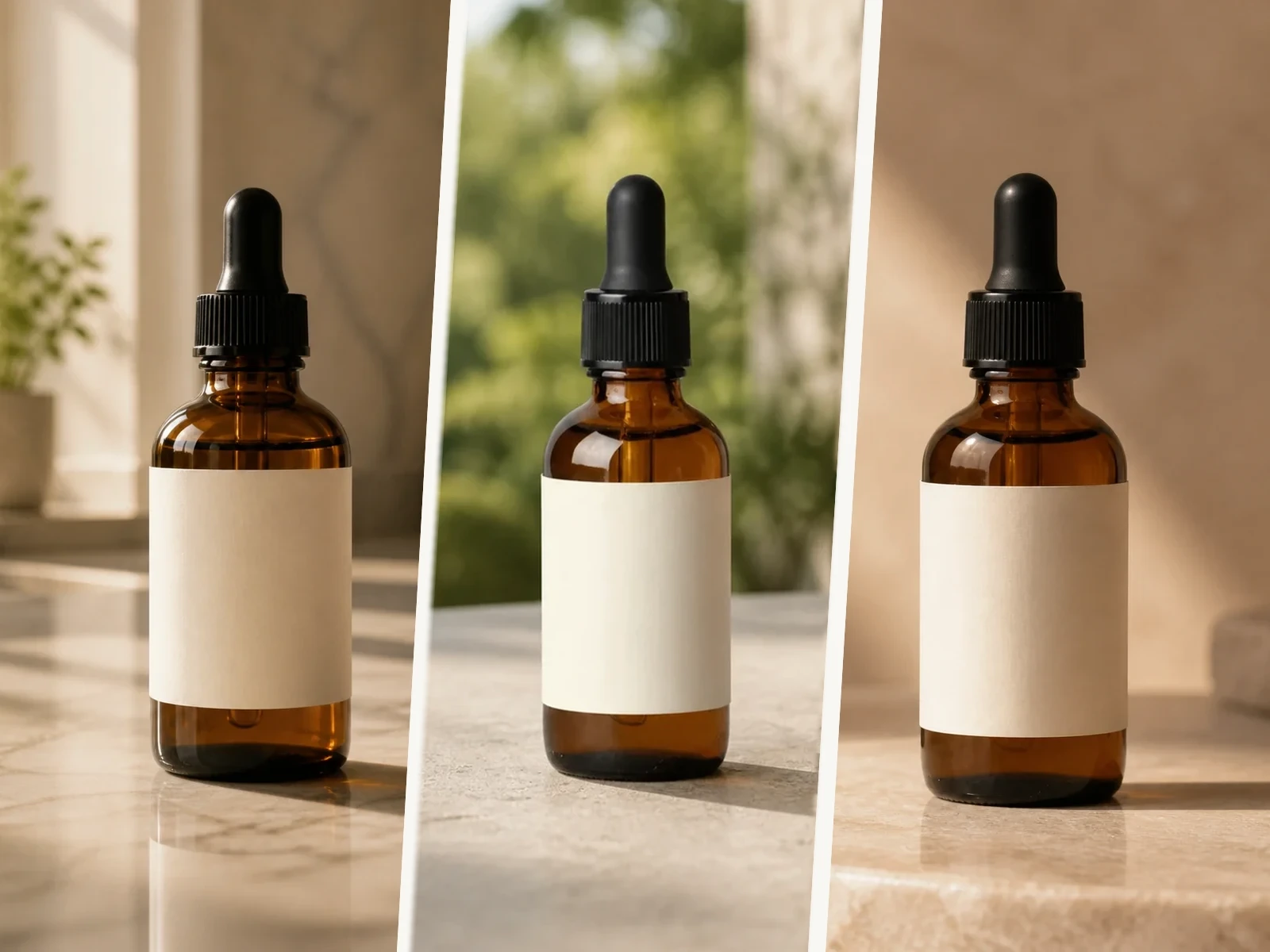
Keep the bottle silhouette, label, and cap. Replace background with a warm sunlit kitchen counter, soft window light from left, gentle contact shadow. Strength 0.45.
AI Image to Image
Free AI Image to Image Generator
Drop in a reference, say what to keep and what to change. Swap backgrounds, restyle portraits, outpaint, relight, or create identity-safe variants for ads and social content.
Before / after
Compare the source and output without hiding the real edit.
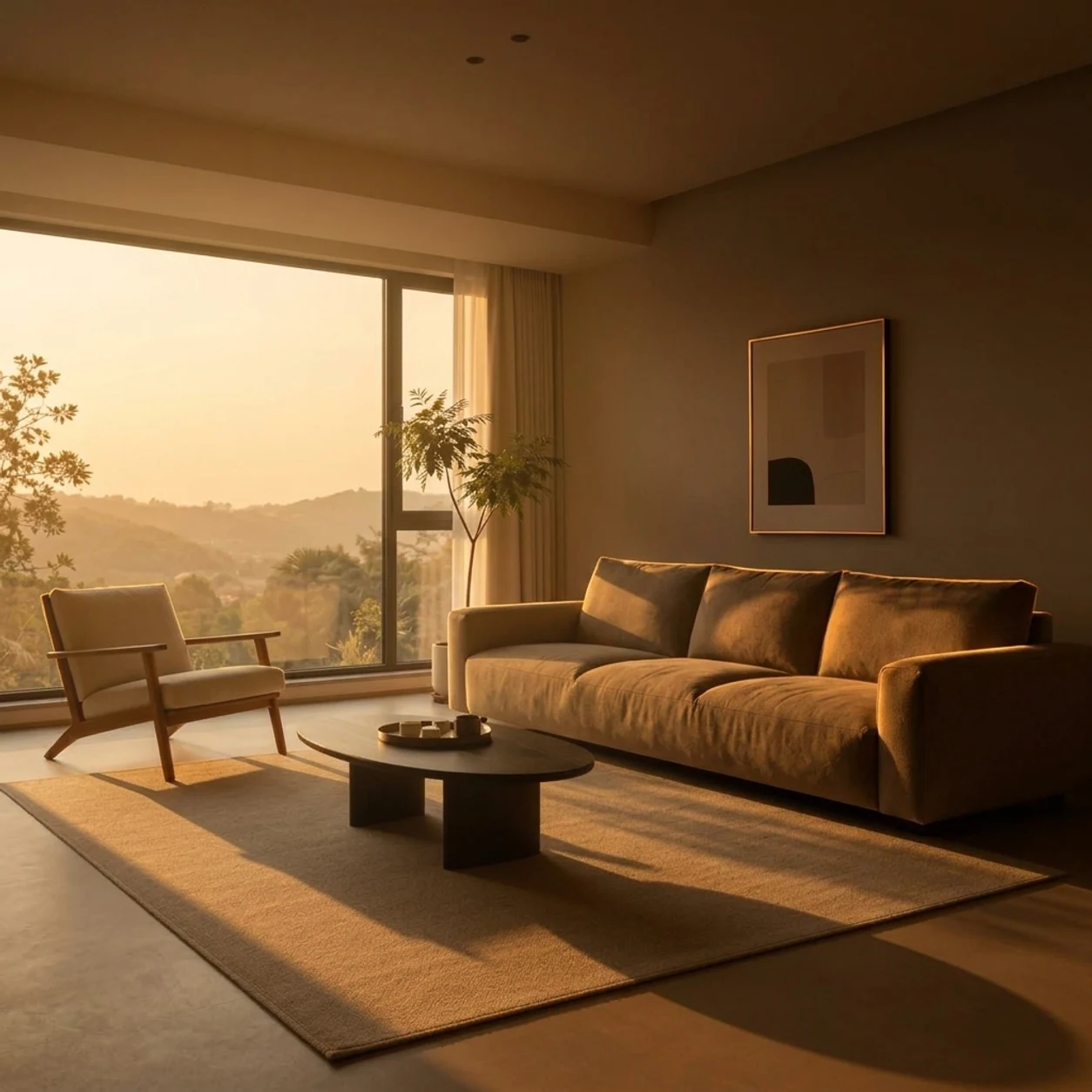
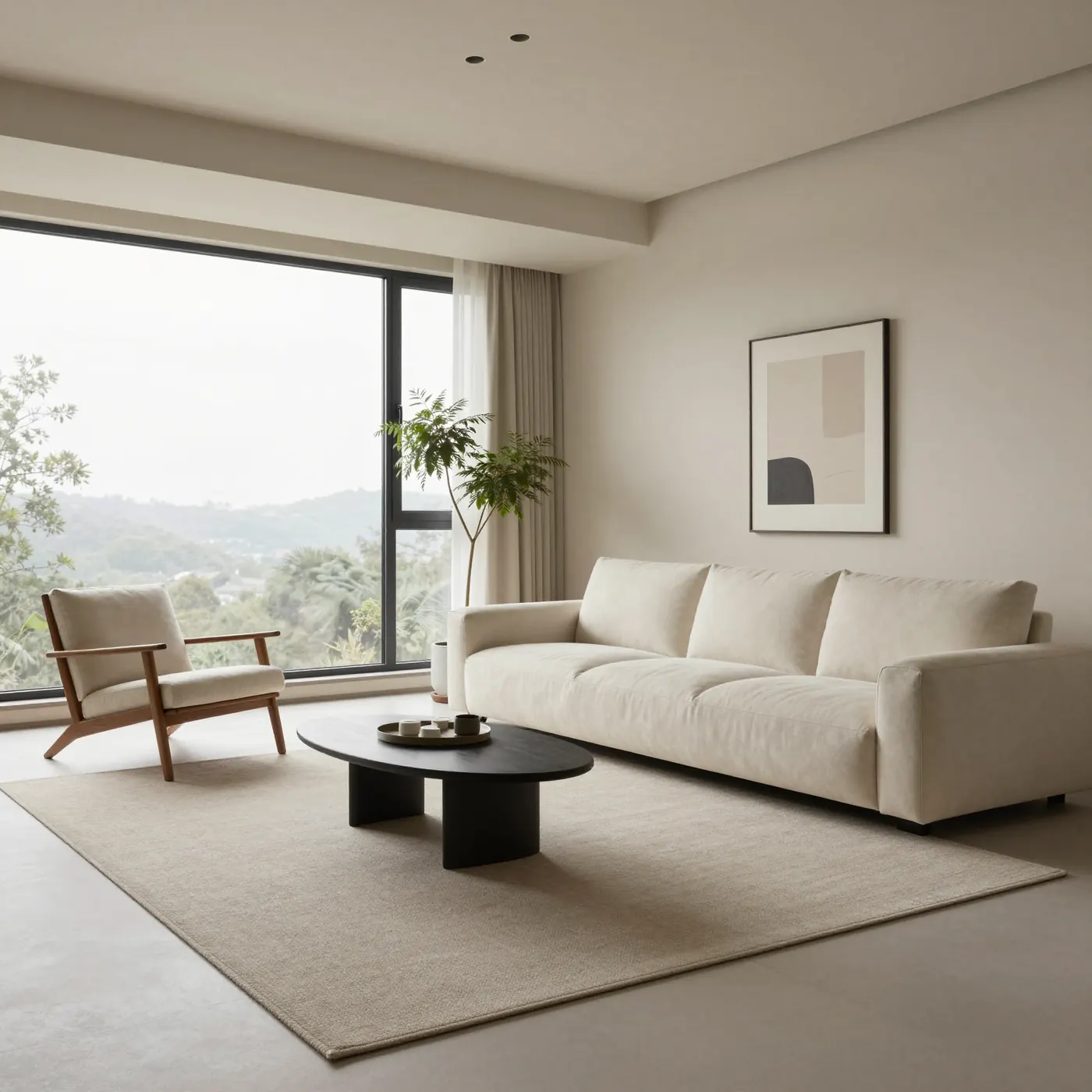
Choose a case and inspect the before and after side by side across four common edits: background swap, style transfer, outpaint, and relight. Every case ships with a keep-and-change list.
Background swap
Move a clean product shot into a sellable scene while locking scale and angle.
- Keep
- Bottle, label, cap
- Change
- Background, light, contact shadow


Prompt formulas
Stuck mid-prompt? Use the skeleton.
Each card shows the variable skeleton on the left and a filled example on the right. Send to the workbench in one click, then swap a few words for your own version.
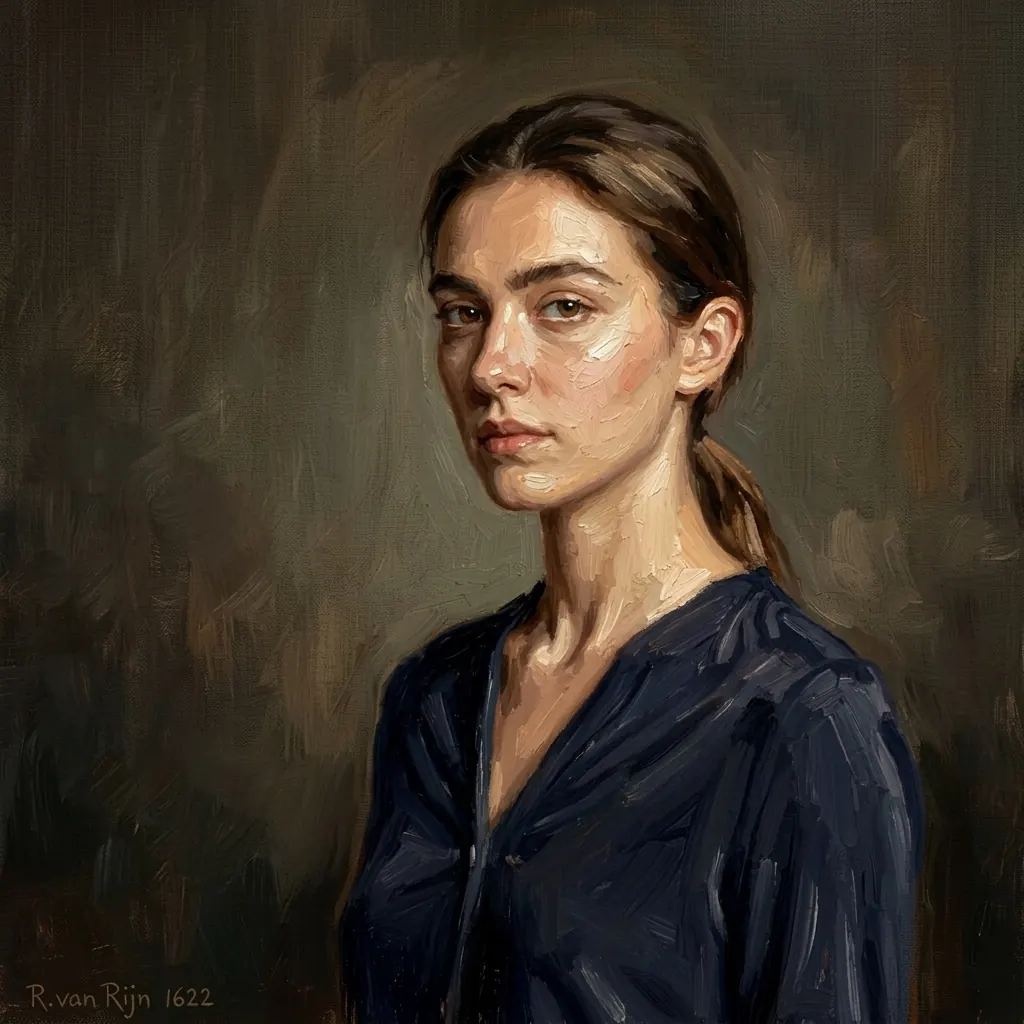
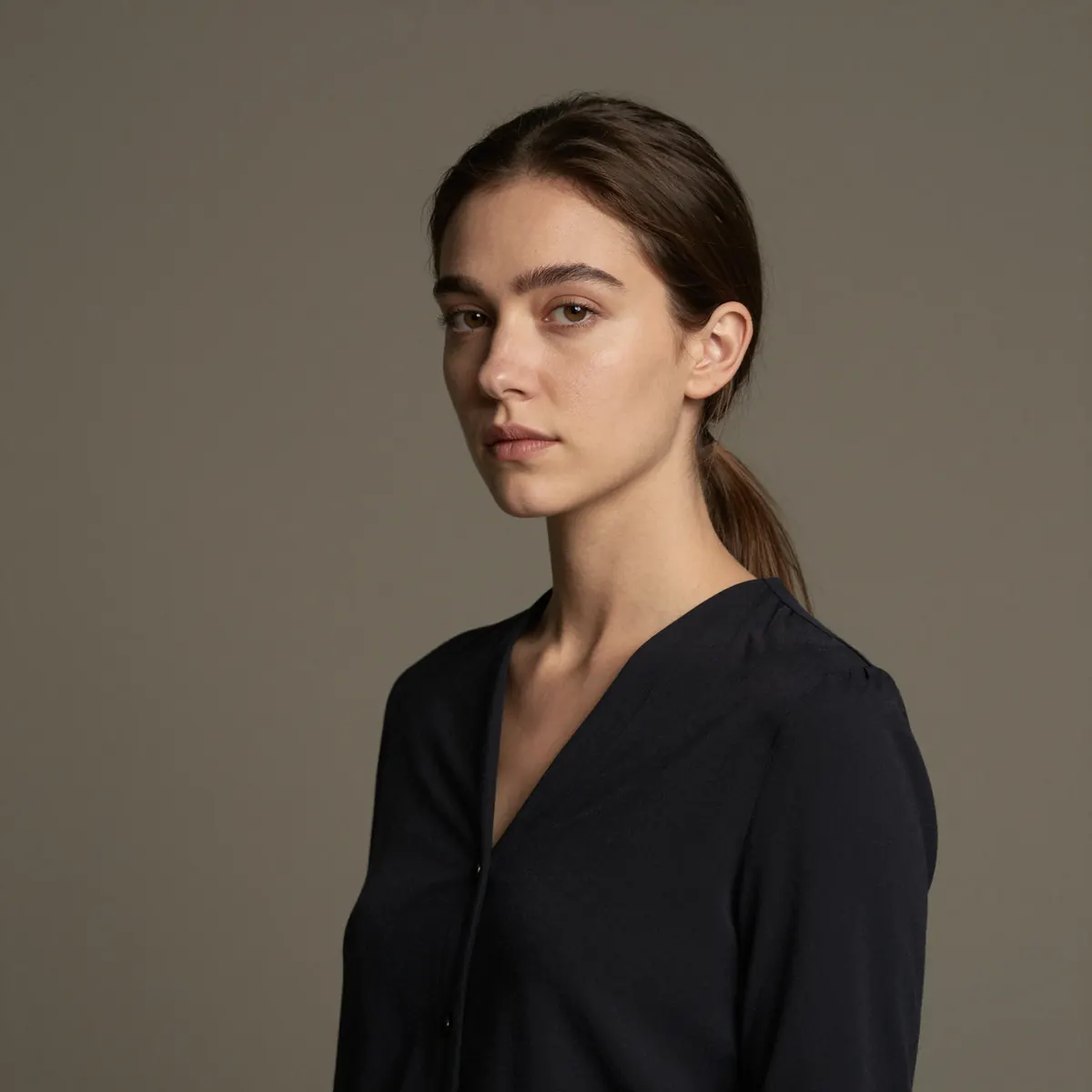
Keep identity and pose. Restyle into thick impasto oil painting, visible brushwork, warm Renaissance palette. Strength 0.6.
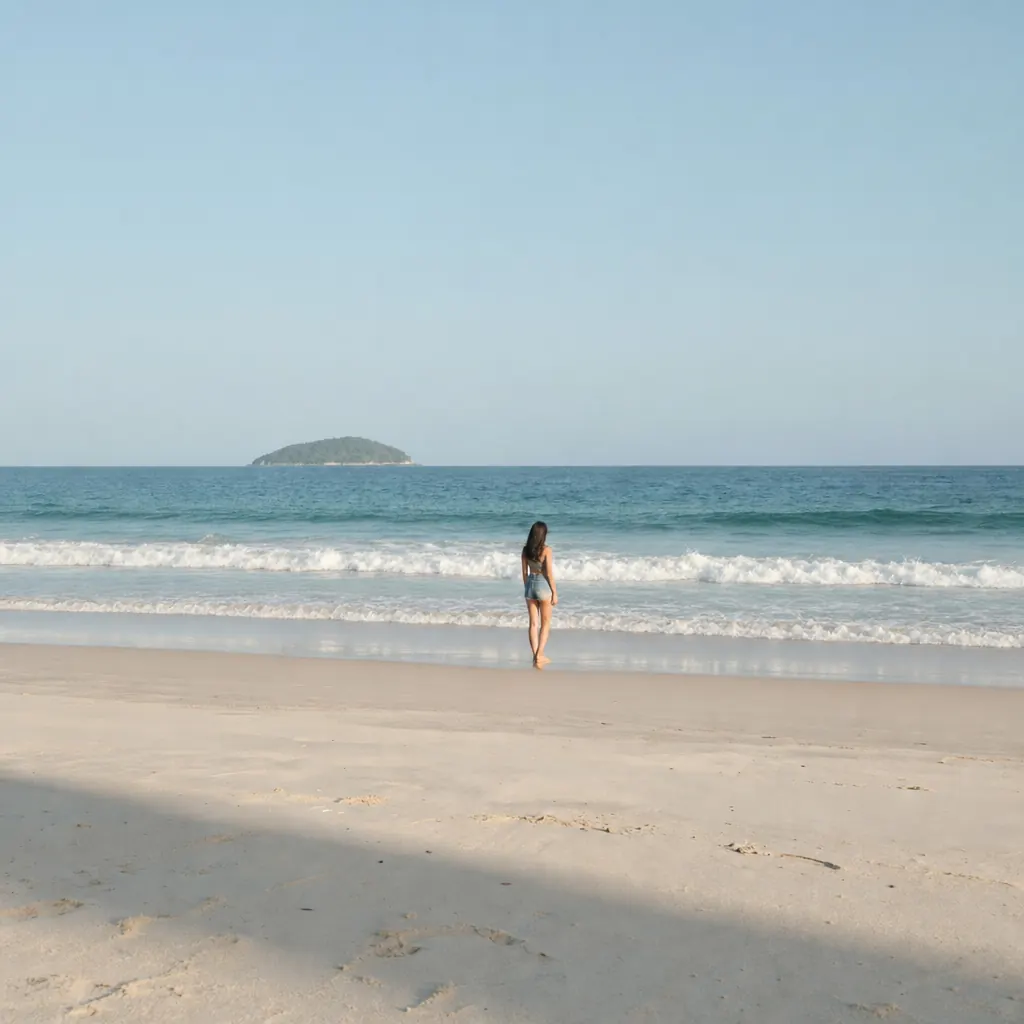
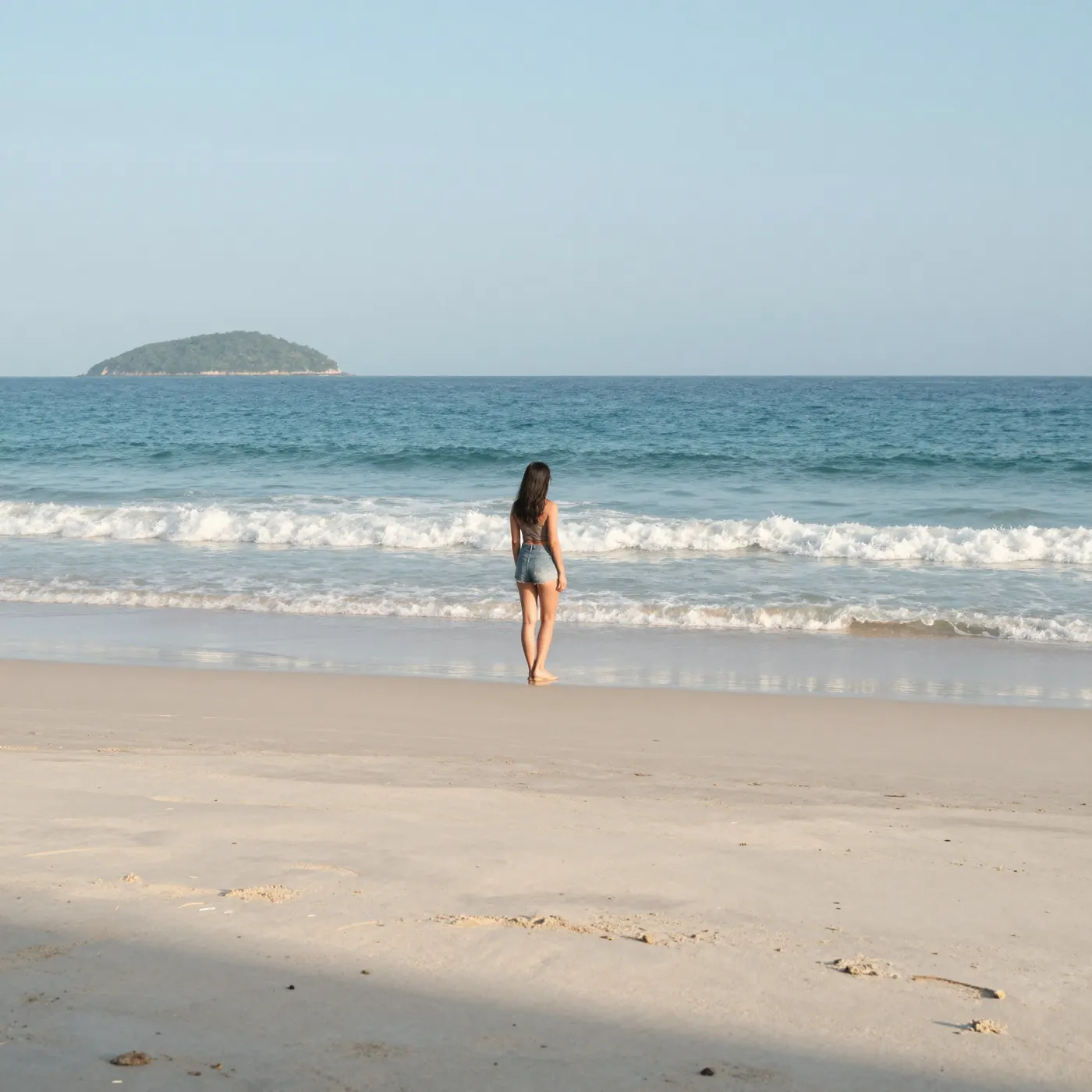
Lock the full original frame as the center reference. Outpaint left and right to 16:9 without zooming, cropping, stretching, or recentering the source content. Extend only the new canvas area with matching light, color, horizon, and texture, so the subject naturally appears smaller relative to the wider final image.
Anchor face shape, hair color, and skin tone. Swap outfit to a tailored navy blazer, change background to clean studio white, add soft front light. Strength 0.45.
Where it fits
Different jobs, different playbooks.
Two frequent use cases, each shown as a hero plus three drill-down directions. Read once and your next move is obvious.

Playbook 01
Product scenes: from plain backdrop to real context
Upload a plain backdrop shot, tell it where the product belongs. New light, new background, new props — subject stays intact.
Output routes
Pick the job, then scale variants.
Each route maps to a reusable prompt structure you can send straight into the workbench.

Kitchen scene
Morning soft light, counter material matches the product palette.

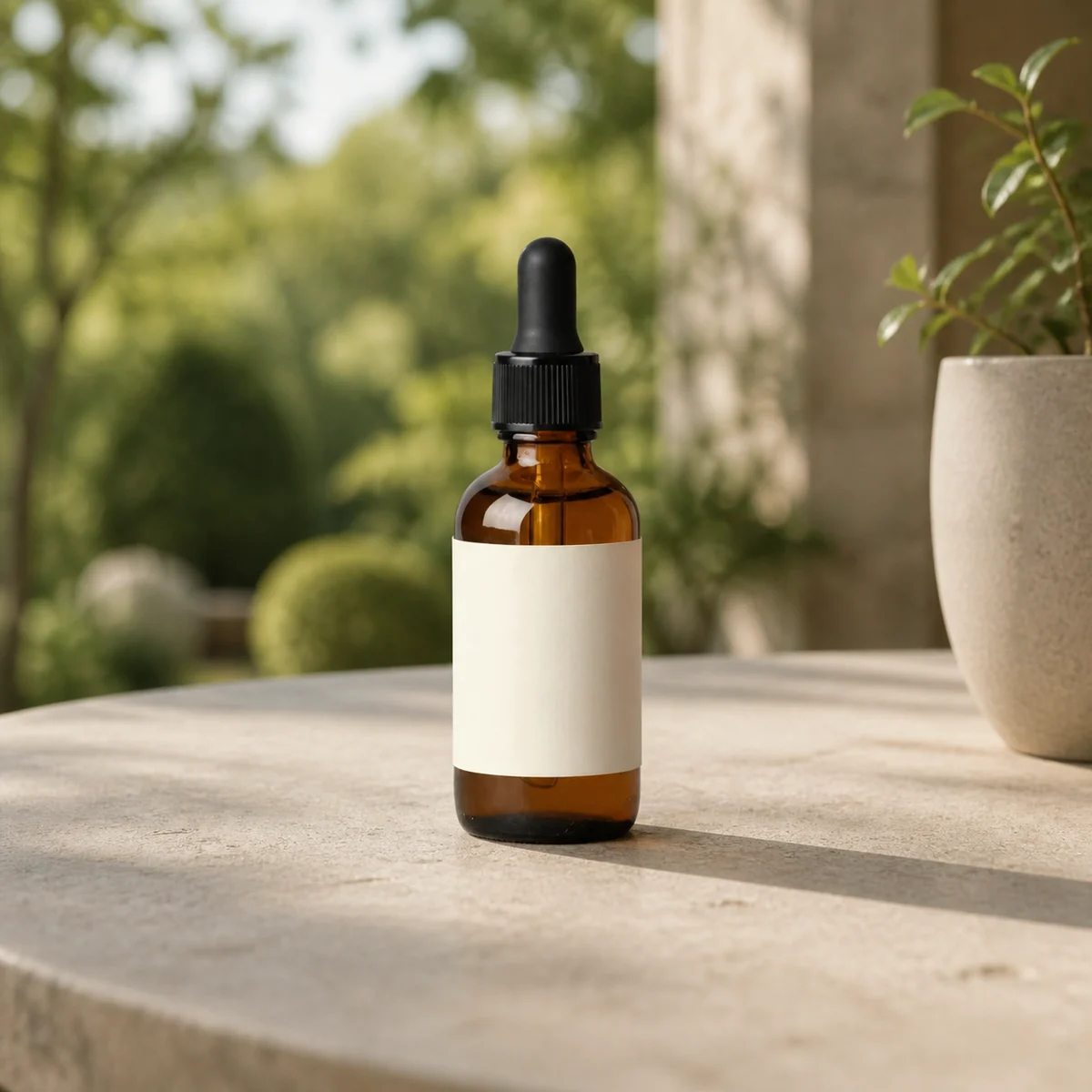
Outdoor lifestyle
Grass or wood table backdrop, fits outdoor and camping lines.

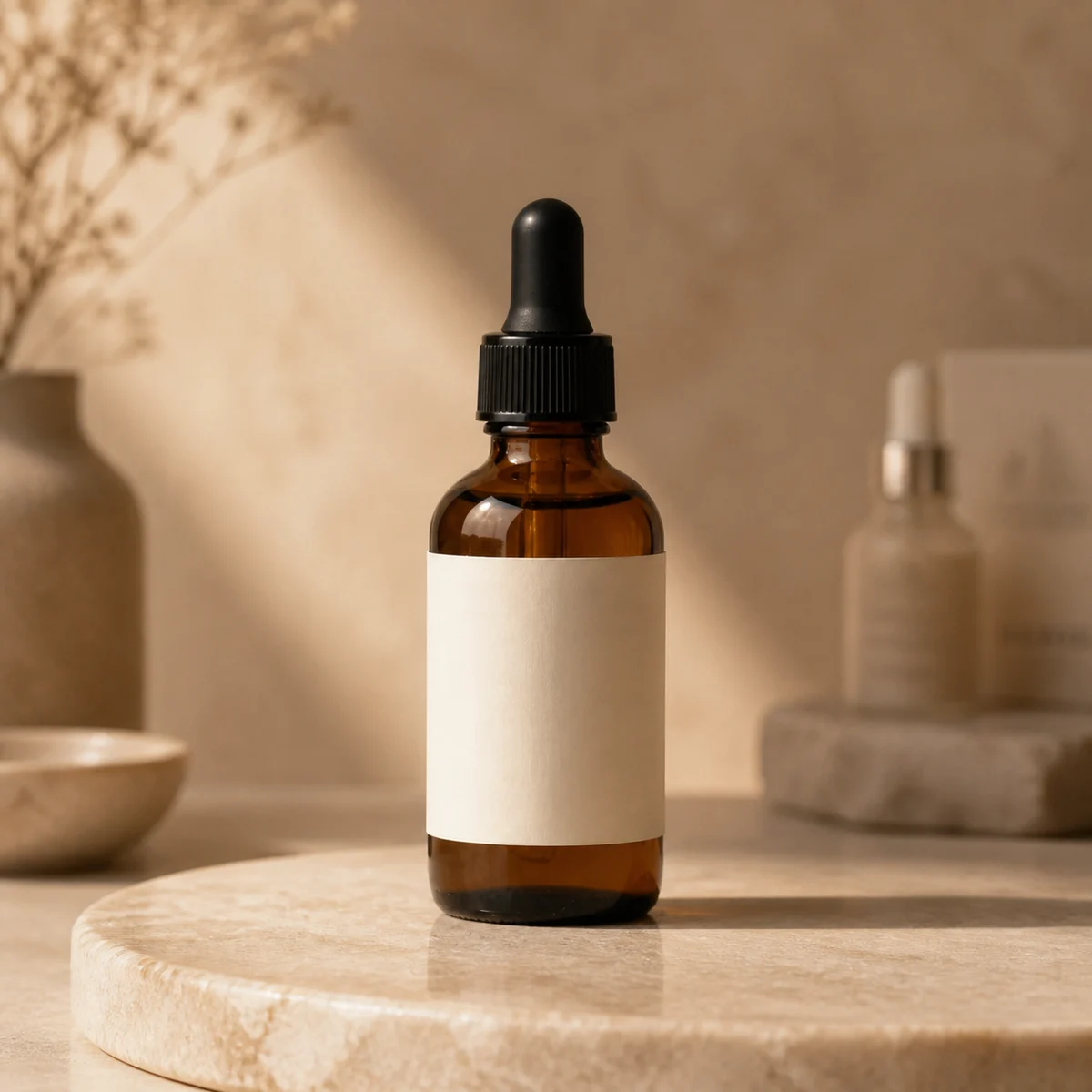
Boutique feel
Low-saturation backdrop, soft spot lights to play up material.

Playbook 02
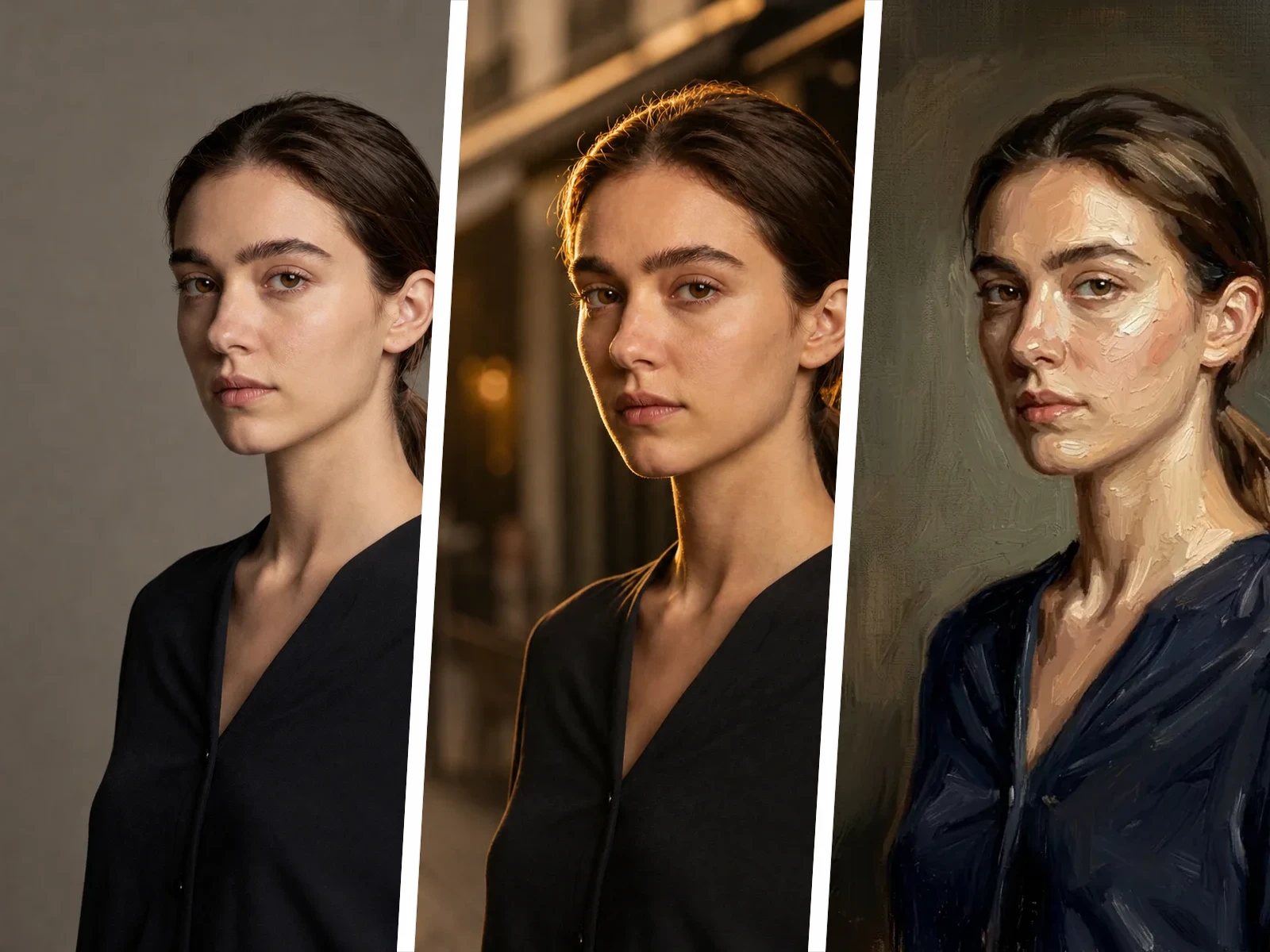
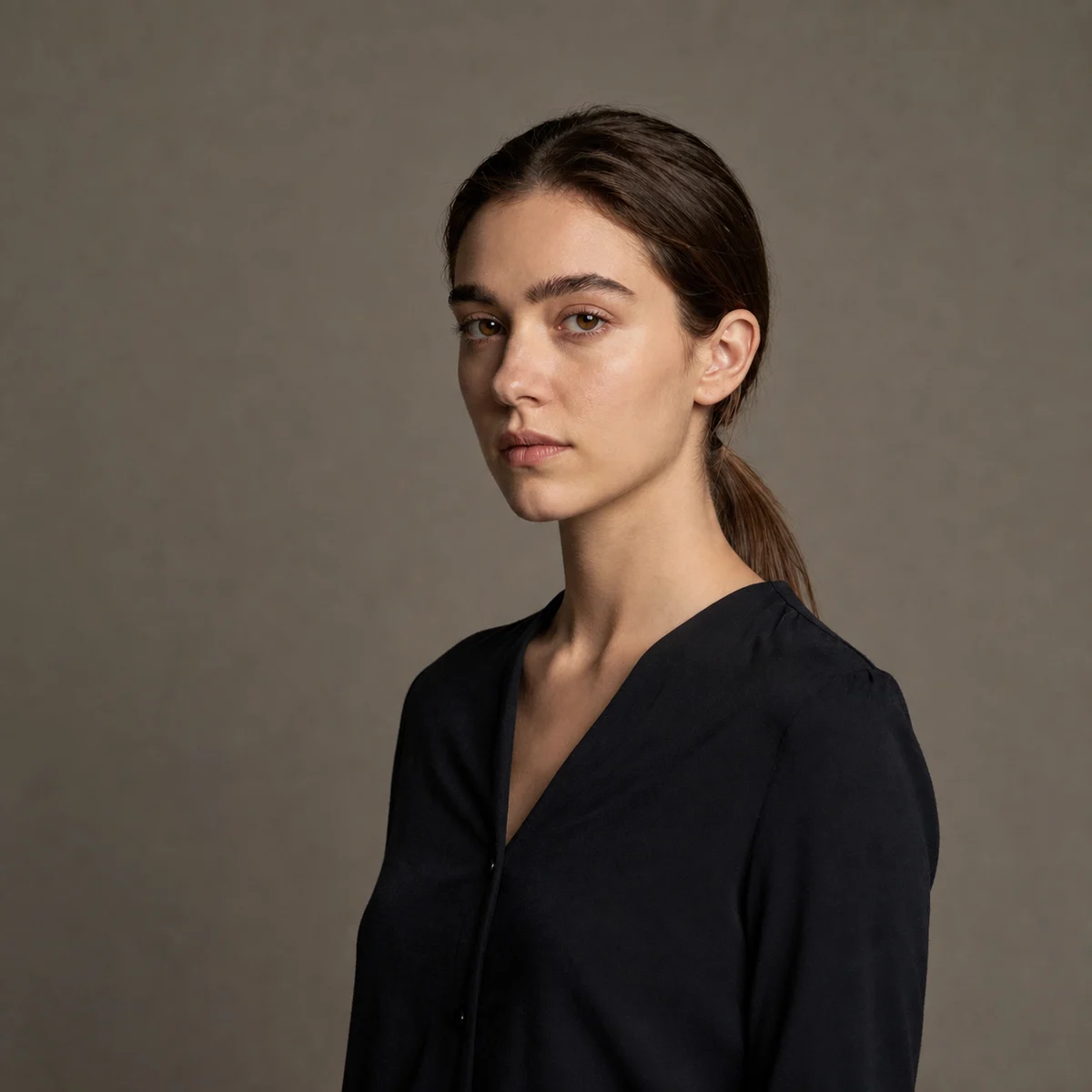
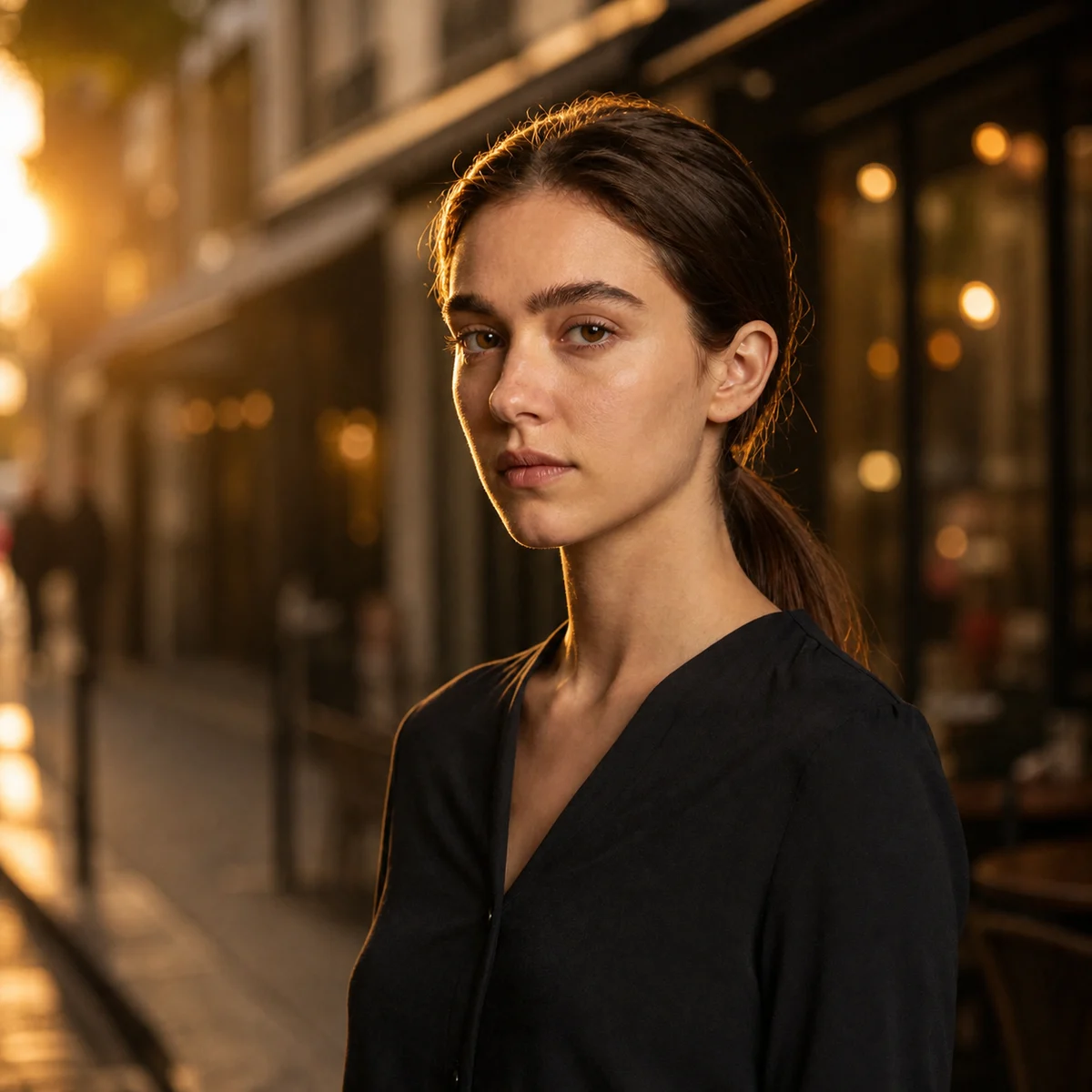
Portrait restyling: same identity, three new moods
One straight-on photo, three different moods (studio, street, painted) — facial identity stays recognizable across all of them.
Output routes
Pick the job, then scale variants.
Each route maps to a reusable prompt structure you can send straight into the workbench.

Studio formal
Soft front light, clean white backdrop.

Street photography
Golden-hour warmth, 35mm framing.

Oil portrait
Visible brushwork, Renaissance tones.
Capability check
How Inkfox stacks up against the usual options.
Free start, model library, reference images, commercial use, speed — the columns you actually care about.
| Product | Free start | Multi-model | Reference image | Commercial use | Resolution | Generation time | In-image text |
|---|---|---|---|---|---|---|---|
| Inkfox AI | Base model free | 15+ models | Up to 4 refs | Pro / Max | HD / up to 4K | Model dependent | Max + Nano Banana 2.0 |
| Midjourney | cref / sref | ||||||
| DALL·E 3 | In ChatGPT only | ||||||
| Stable Diffusion | ControlNet |
Specs reflect public documentation as of 2025. Resolution and generation time depend on the selected model and settings; verify model terms before commercial use.
Workflow
How to edit an image with AI
Upload a reference, describe what should stay and what should change, then create variants for ads, product images, or social posts.
Upload reference
Add product, portrait, sketch, or brand material as input.
Describe edits
State what to preserve, what to change, and who the output is for.
Generate variants
Compare backgrounds, styles, composition, and product expressions.
Continue output
Download, edit again, upscale, or use as a video first frame.
Use cases
Where image-to-image fits
Choose the edit that matches your asset: product background, portrait style, ad variant, or concept refinement.
Product background changes
Turn plain product shots into ad, ecommerce, or lifestyle scenes.
Portrait restyling
Keep identity cues while testing different visual styles.
Ad variants
Create several paid-media options from one source image.
Concept refinement
Turn sketches or rough ideas into more usable visuals.
FAQ
Image to image FAQ
About references, variants, identity-safe edits, and product-image changes.
Do I need to upload an image?
Uploading a reference is recommended. The workspace can preserve key elements while changing style, background, or composition.
How sharp does the reference need to be?
Use a sharp image with at least 1024px on the short edge. Blur or blown-out highlights force the model to guess and outputs drift.
How do I keep facial identity?
State "keep face, hair color, skin tone" first, then list what to change. Nano Banana Edit and Seedream Edit hold identity the most reliably.
Can I edit only part of the image?
Prompt-driven local edits are supported. For region-bounded changes, use the edit view after generation to refine specific areas.
Can I generate multiple variants?
Yes. The workspace returns candidates and supports continued edits, which fits variant comparison.
Is it good for product image changes?
Yes. Upload a product image and prompt for background, material, scene, packaging, or ad direction changes.
Create with Inkfox AI Free AI Image to Image Generator.
Start with a prompt or reference, compare models, and save the best result to history. Upgrade when you need cleaner exports, stronger models, or more production volume.