
Image-to-video stability tests
Hover to preview motion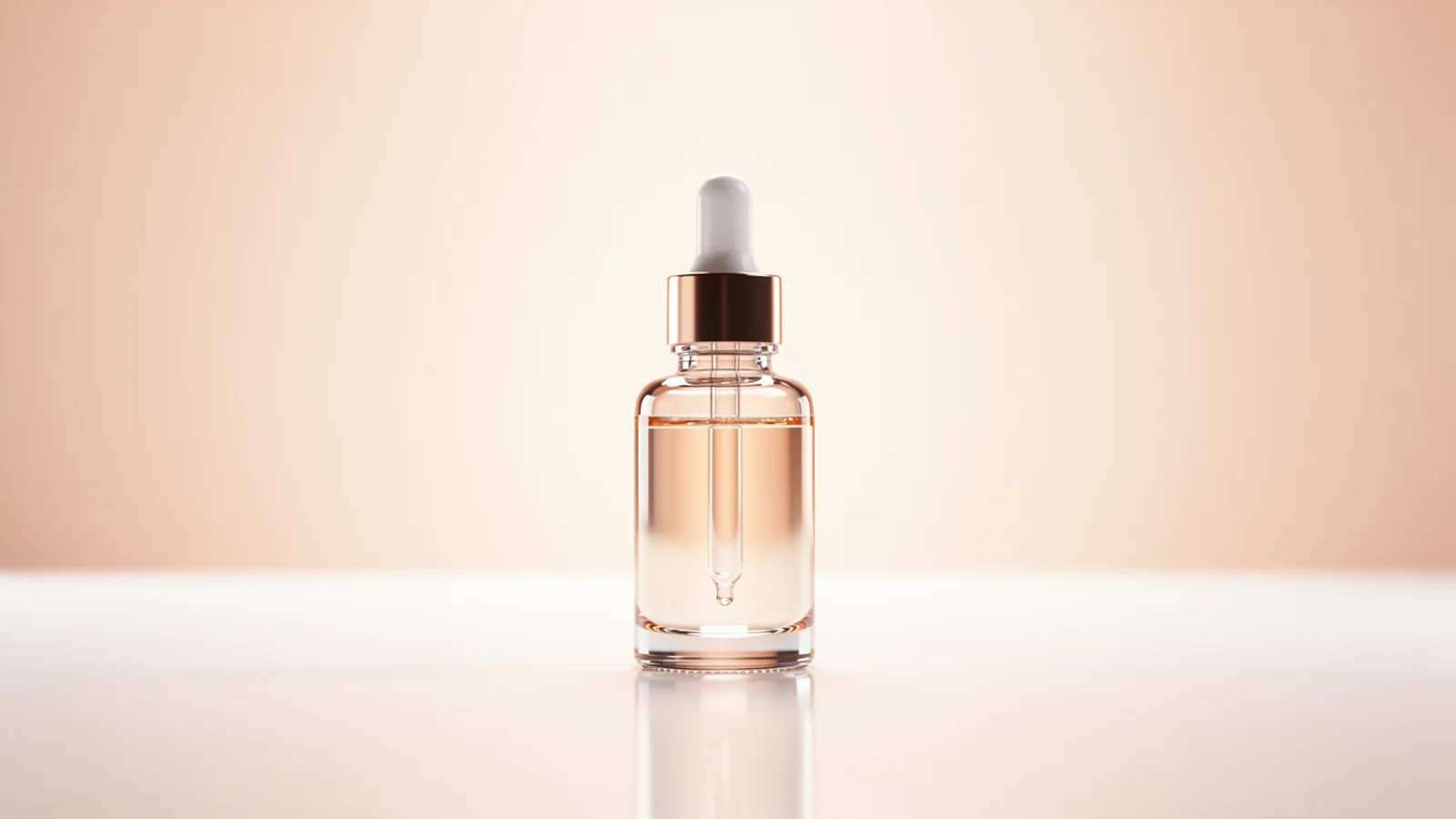
Final-quality take
Max product concept
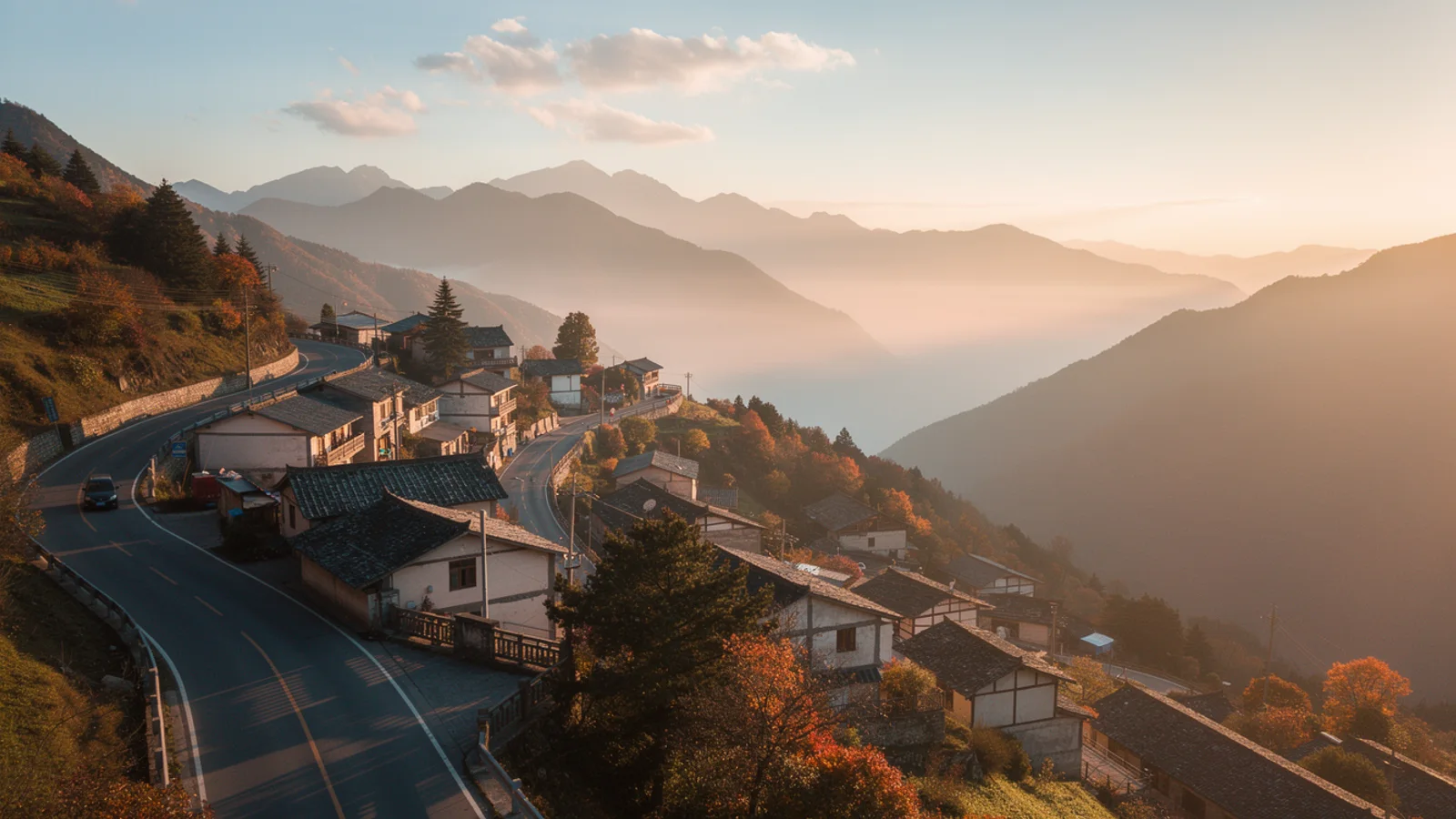
Ad delivery check
Max storyboard drift
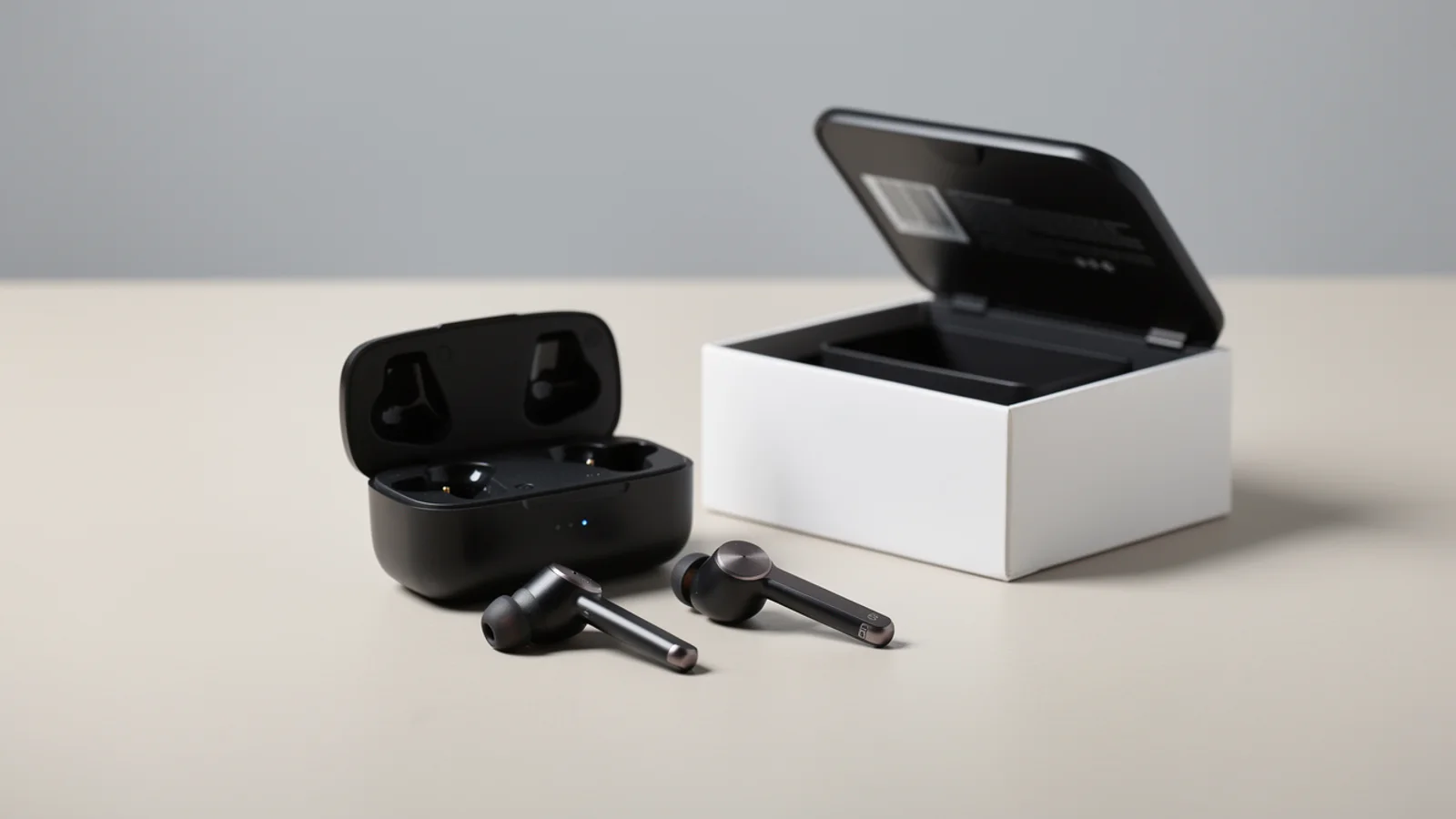
Client review cut
Official Max video model
Use Inkfox AI Max for higher-quality image-to-video tests through the Max video pipeline. Free monthly credits to start.
Inkfox AI Max video workbench
24+ creditsThis page defaults to Inkfox AI Max. Use it when the Pro direction works and you want a higher-quality final video pass.
Inkfox AI Max final-render evidence
Top house qualityUse Inkfox AI Max for higher-quality image-to-video tests through the Max video pipeline. Free monthly credits to start. Inkfox AI Max is the top-quality lane in Inkfox, built for the final render. It is not where you hunt for a direction — that is Pro Video. Once an action and first frame already work, move them to Max for the sharpest detail and a clip you can hand to a client.
Proven frame
Use the first frame already stable on Pro, do not switch direction.
Motion
Keep the one validated action, no last-minute changes.
Quality goal
State that this is a final render needing sharper detail and a stable subject.
Delivery
Note whether it is for an ad, product page, or client review.
Image-to-video stability tests
Hover to preview motionFinal-quality take
Ad delivery check
Client review cut
Turn a validated product or character motion into a high-quality clip ready to run.
Produce sharper, reusable final clips for landing and detail pages.
After locking on Pro, render the deliverable version clients sign off on.
Promote the same frame and prompt from Pro to Max for cleaner detail and stability.
Creation steps
The fastest path is not a longer prompt. It is one readable frame, one motion goal, and one camera choice.
Shape the motion direction first on Inkfox AI Pro.
Bring the winning frame and prompt to Max unchanged.
Raise quality on Max and confirm detail and subject stability.
Export the deliverable for ads, product pages, or client review.
Prompt examples
Before spending 24+ credits on a larger batch, make sure the subject, use case, and output requirements are clear.
Use the first frame already stable on Pro, do not switch direction.
Keep the one validated action, no last-minute changes.
State that this is a final render needing sharper detail and a stable subject.
Note whether it is for an ad, product page, or client review.
Model comparison
Use Inkfox AI Max for the final render and top quality, drop back to Inkfox AI Pro to test directions cheaply, and compare Veo for native audio and realism.
| Dimension | Inkfox AI Max | Inkfox AI Pro | Veo |
|---|---|---|---|
| Output quality | Highest | Medium | High |
| Detail sharpness | Strong | Medium | Strong |
| Best stage | Final render | Direction tests | Final render |
| Subject stability | Strong | Medium | Strong |
| Speed | Medium | Faster | Slower |
| Credit cost | 24+ credits | 10+ credits | High |
Prompt examples
These examples show how to describe the subject, scene, camera, and final use so you can adapt them to your own image or video.
From a validated product frame, slow push-in with a moving highlight, top quality, sharp detail, stable subject, clean background, ready to run.
From the product frame, half-turn orbit reveal, clean light, sharp reusable detail, subject shape stable throughout.
From the locked character frame, keep the validated action, natural light, consistent face and outfit, deliver final review quality.
Decision guide
Choose it when the job matches use inkfox ai max for higher-quality image-to-video tests through the max video pipeline. free monthly credits to start.
Compare with Inkfox AI Pro, Grok Imagine, Veo, Kling, Runway, or Seedance when the brief depends on a different strength, cost, or output format.
Quick answer
Inkfox AI Max is best for use inkfox ai max for higher-quality image-to-video tests through the max video pipeline. free monthly credits to start.. Use it when that matches your goal, check the credit cost before generating, and compare another model when you need a different strength.
Return to the workbenchFAQ
Model behavior, cost labels, and when to use this workbench.
Inkfox AI Max is best for stronger image-to-video output when the prompt direction already works and you want a higher-confidence final pass.
Inkfox AI Max is an official Inkfox video model that uses Grok-family video capability under the hood while keeping a separate Inkfox product name, pricing, and workflow.
Use Inkfox AI Pro for fast motion tests. Move to Inkfox AI Max when you want stronger output quality for ads, product pages, or client review.
Use the Inkfox AI workbench for a quick generation, then compare real examples from other creator workflows.