
Studio 1
Product-grade realism
Generate near-studio product visuals with control over material, reflection, depth, and lighting.
Official Pro commercial image model
Use Inkfox AI Pro for commercial images, photoreal product visuals, reference edits, and campaigns. The workbench below opens on Inkfox AI Pro, so you can test product scenes, lifestyle visuals, and reference edits with free monthly credits to start.
Studio production board
Use Inkfox AI Pro for commercial images, photoreal product visuals, reference edits, and campaigns. Free monthly credits to start. Use the board like an art-director pass: evaluate surface, light, composition, and final channel fit before spending more credits.
Generate near-studio product visuals with control over material, reflection, depth, and lighting.
Place products into believable lifestyle environments for ads and social key visuals.
Upload a source image and swap background, lighting, or mood while keeping the subject.
Produce several high-finish campaign directions fast, then narrow down.
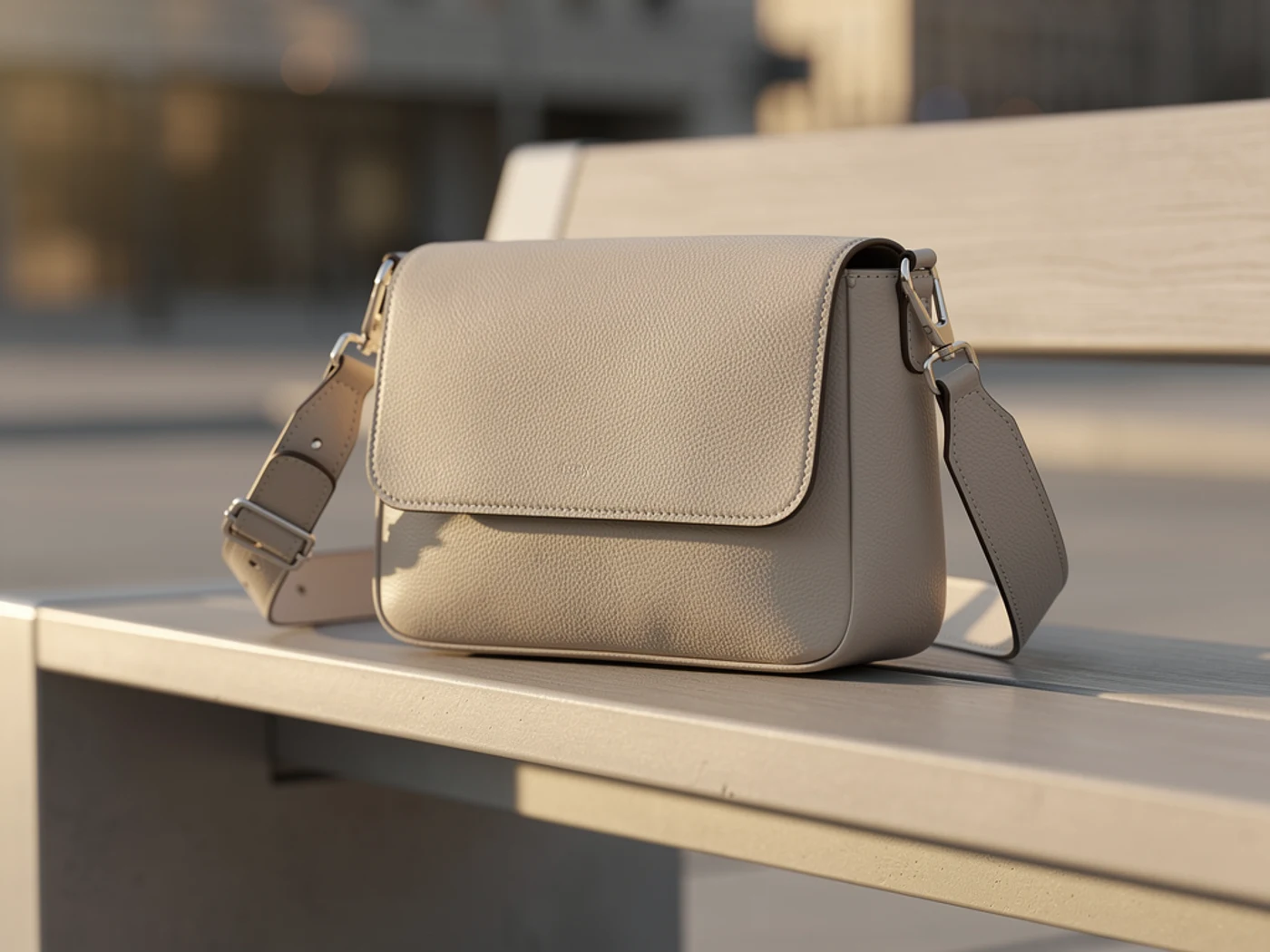
Hero candidate
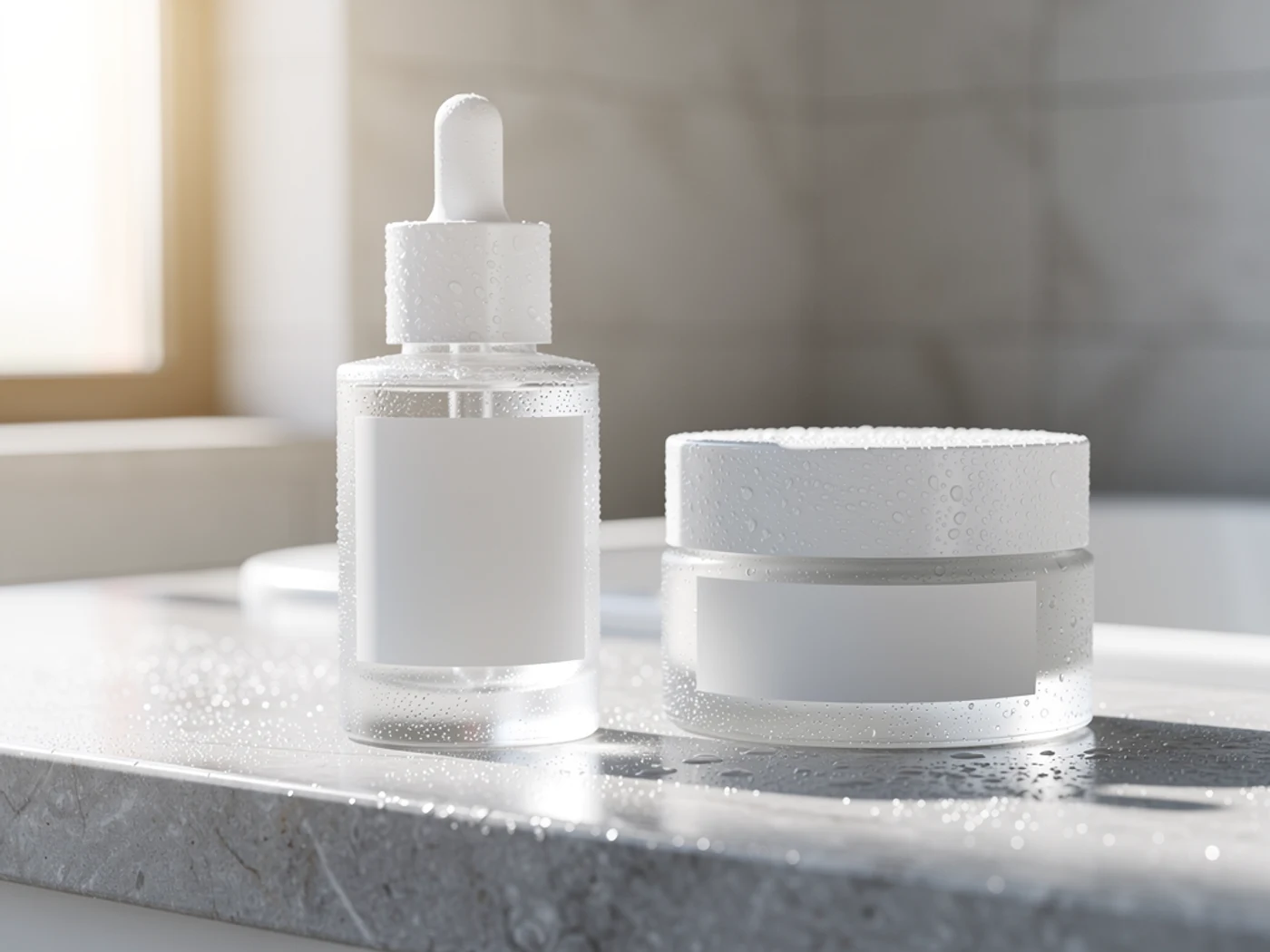 Skincare campaign
 Portrait render
Creation steps
The fastest path is not a longer prompt. It is a clear subject, controlled lighting and references, and the model that fits the brief.
Define the use: product shot, lifestyle, or campaign key visual.
Control one core input: the subject or a single reference image.
Describe material, lighting, and mood instead of stacking style words.
Generate a small batch first, then upscale the strongest result for final use.
Prompt examples
Before spending 5 credits on a larger batch, make sure the subject, use case, and output requirements are clear.
Name the product or person with key materials and details.
Describe the environment, light direction, and time-of-day mood.
Specify material reflection, depth of field, and camera angle.
State use case, aspect ratio, and brand elements to preserve.
Model comparison
Pick Inkfox AI Pro for realism and texture, GPT Image 2.0 for layout text, Seedream 4.5 for high-res variants.
| Dimension | Inkfox AI Pro | GPT Image 2.0 | Seedream 4.5 |
|---|---|---|---|
| Photoreal texture | Strong | Medium | Strong |
| Text & layout | Medium | Strong | Medium |
| Reference editing | Yes | Yes | Yes |
| High-res variants | Good | Medium | Better |
| Credit cost | 5 credits | Medium | 7 credits |
Prompt examples
These examples show how to describe the subject, scene, camera, and final use so you can adapt them to your own image or video.
Matte skincare bottle on a beige counter, soft side light, shallow depth of field, realistic reflections, clean ad background, vertical composition.
Hands holding a ceramic coffee cup in a morning kitchen, natural window light, warm tones, realistic materials, editorial lifestyle look.
A sneaker floating on a gradient backdrop, rim highlights, dramatic top light, clean negative space for copy.
Decision guide
Choose it when the job matches use inkfox ai pro for commercial images, photoreal product visuals, reference edits, and campaigns. free monthly credits to start.
Compare with GPT Image 2.0, Nano Banana 2.0, Flux, or Seedream when the brief depends on a different strength, cost, or output format.
Quick answer
Inkfox AI Pro Image Generator is best for use inkfox ai pro for commercial images, photoreal product visuals, reference edits, and campaigns. free monthly credits to start.. Use it when that matches your goal, check the credit cost before generating, and compare another model when you need a different strength.
Return to the workbenchFAQ
Model behavior, cost labels, and when to use this workbench.
Inkfox AI Pro is best for polished photorealistic images, product scenes, style exploration, and reference-guided edits where visual finish matters.
Inkfox AI Pro is the official Inkfox Pro model for photoreal commercial work. Choose it when realism, texture, lighting, and mood matter more than strict typography or layout control.
Yes. Inkfox AI maps the Pro text model and image model together, so reference workflows can route to the matching image-to-image model when you upload a source image.
Choose Inkfox AI Pro for realistic texture, lighting, and product mood. Choose GPT Image 2.0 when poster text, layout, and exact typography are the main requirement.
This workbench defaults to Inkfox AI Pro at about 5 credits per generation. The cost label shows before you generate, so you can validate a direction in small batches first.
Yes. Paid plans support watermark-free commercial downloads for product shots, campaign key visuals, and ecommerce assets.
Use the Inkfox AI workbench for a quick generation, then compare real examples from other creator workflows.