
Image-to-video stability tests
Hover to preview motion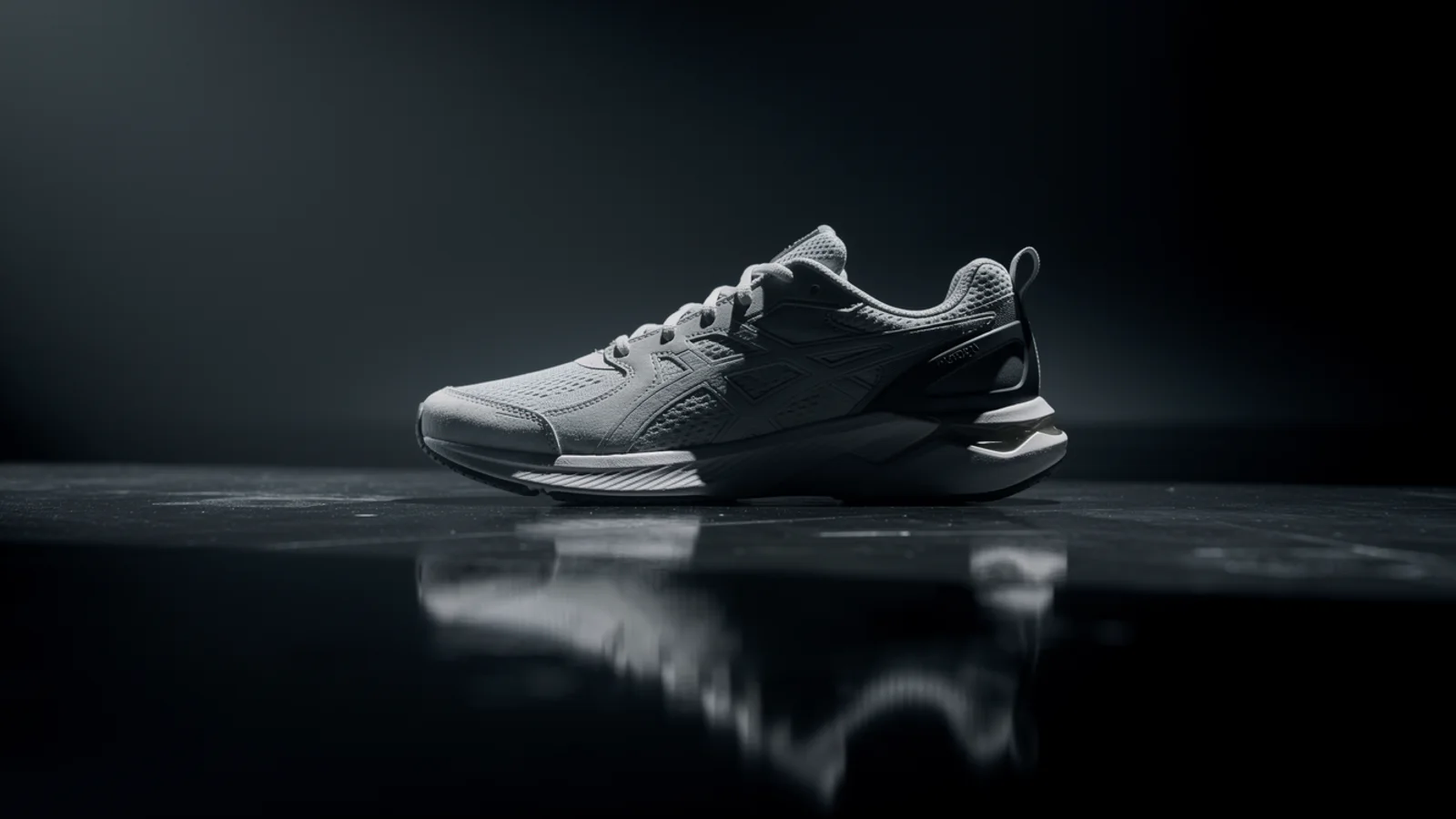
Product push-in take
Product reveal
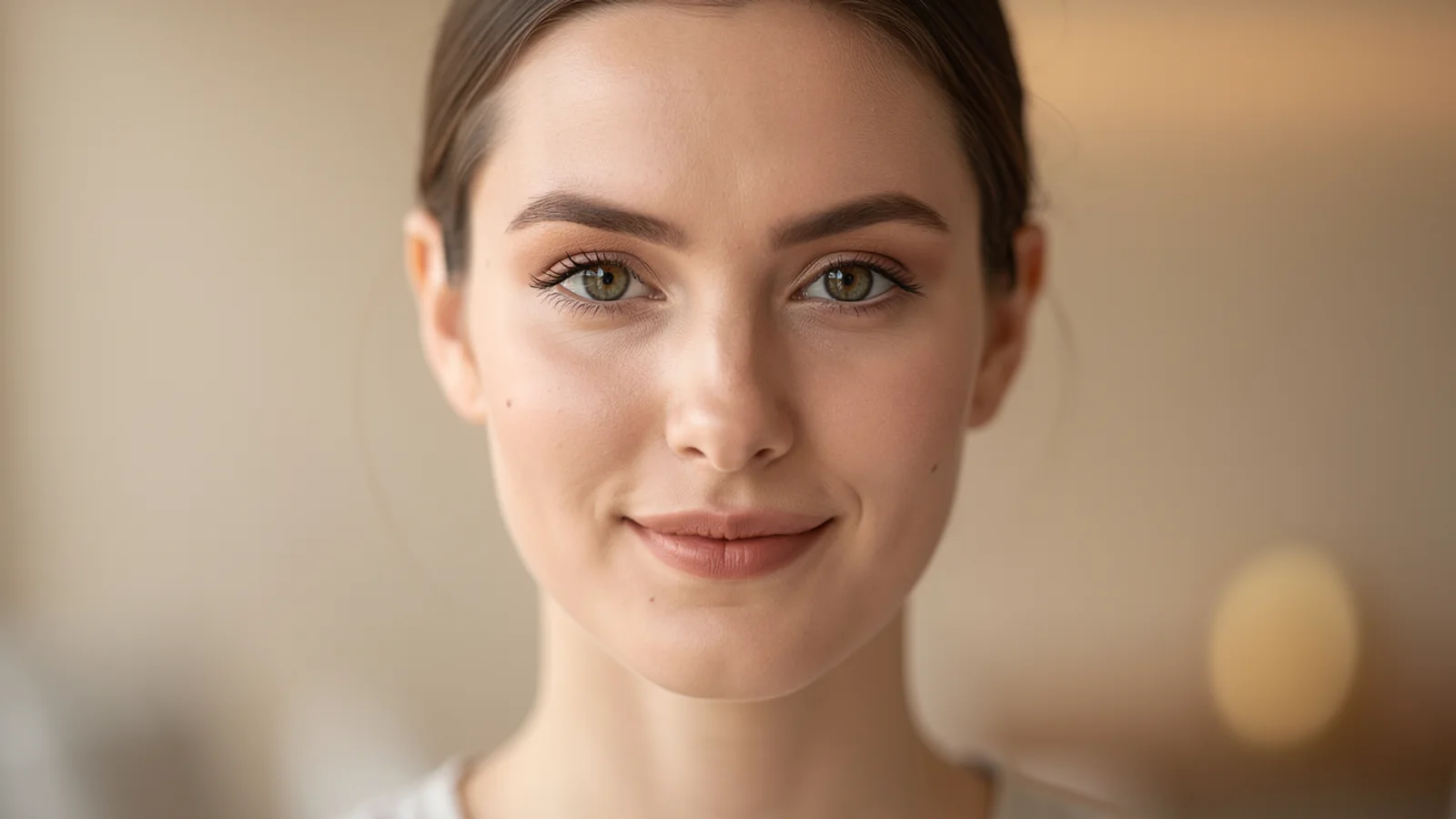
Character motion check
Character shot

Camera drift check
High-consistency motion model
Use Kling 3.0 on Inkfox AI for high-quality image-to-video, motion consistency, camera control, and 720p or 1080p drafts. The workbench below opens on Kling 3.0, so you can upload a first frame or references and test motion on shorter clips with free monthly credits to start.
Kling 3.0 stability evidence
High-consistency pickUse Kling 3.0 on Inkfox AI for high-quality image-to-video, motion consistency, camera control, and 720p or 1080p drafts. Free monthly credits to start. Kling 3.0 is built around single-shot subject consistency and controllable camera moves. Validate one action plus one move first, confirm a face or product does not warp mid-clip, then talk about resolution.
Input frame
Upload a clear first frame with defined subject and composition.
Motion
Describe one readable subject action only.
Camera
Pick one move: push-in, orbit, pan, or handheld.
Output check
State duration, use case, and the subject to keep stable.
Image-to-video stability tests
Hover to preview motionProduct push-in take
Character motion check
Camera drift check
Make a product frame push in, orbit, and catch highlights with a stable subject.
Generate coherent, stable clips for character motion and expression.
Turn storyboard frames into shots with consistent motion, scene by scene.
Test one clear camera move to validate the shot before scaling quality.
Creation steps
The fastest path is not a longer prompt. It is one readable frame, one motion goal, and one camera choice.
Prepare a clear, well-composed first frame in the workspace.
Describe one action and one camera move, not a whole scene.
Test motion consistency cheaply on short durations.
Raise quality and duration only for the most stable direction.
Prompt examples
Before spending 140+ credits on a larger batch, make sure the subject, use case, and output requirements are clear.
Upload a clear first frame with defined subject and composition.
Describe one readable subject action only.
Pick one move: push-in, orbit, pan, or handheld.
State duration, use case, and the subject to keep stable.
Model comparison
Prefer Kling 3.0 for motion consistency and stability, Veo 3.1 for quality and native audio, Runway for stylized camera work.
| Dimension | Kling 3.0 | Runway | Veo 3.1 |
|---|---|---|---|
| Motion consistency | Strong | Medium | Strong |
| Camera control | Strong | Strong | Medium |
| Native audio | Some configs | Limited | Strong |
| Resolution | 720p–1080p | 720p–1080p | High |
| Speed | Medium | Medium | Slower |
| Credit cost | 140+ credits | High | High |
Prompt examples
These examples show how to describe the subject, scene, camera, and final use so you can adapt them to your own image or video.
From the product first frame, slow push-in, a highlight travels along the bottle, subject stays stable, shallow depth of field, clean background.
A standing character smiling, camera slowly orbits half a turn, natural light, face and outfit stay consistent, 5-second clip.
From the storyboard frame, the subject takes one step forward, camera pans to follow, city street background, coherent motion.
Decision guide
Choose it when the job matches use kling 3.0 on inkfox ai for high-quality image-to-video, motion consistency, camera control, and 720p or 1080p drafts. free monthly credits to start.
Compare with Kling, Runway, Veo, Hailuo, or Grok Imagine when the brief depends on a different strength, cost, or output format.
Quick answer
Kling 3.0 is best for use kling 3.0 on inkfox ai for high-quality image-to-video, motion consistency, camera control, and 720p or 1080p drafts. free monthly credits to start.. Use it when that matches your goal, check the credit cost before generating, and compare another model when you need a different strength.
Return to the workbenchFAQ
Model behavior, cost labels, and when to use this workbench.
Kling 3.0 is best for higher-quality motion, character scenes, product reels, and clips where camera movement and subject stability matter.
The Inkfox AI workbench exposes Kling 3.0 with an audio toggle when the selected configuration supports it. Check the visible model settings before generating.
Use Kling 3.0 when motion consistency and subject stability are the priority. Try Runway when the brief is more cinematic, experimental, or style-led.
Clips are usually a few seconds at 720p to 1080p. Test the motion on shorter clips first, then raise quality and duration once it is stable.
This workbench defaults to Kling 3.0 from about 140 credits, a premium tier. Validate motion on short clips first, then spend credits on the most stable direction.
A clear first frame is usually more controllable than text alone, especially for product and character shots. Prepare the frame first, then describe one action and one camera move.
Use the Inkfox AI workbench for a quick generation, then compare real examples from other creator workflows.