

Side by side
Place two or more images in a row. Best for before-and-after comparisons and quick A/B reads.
Merge Images
Upload 2 to 6 images and combine them into a comparison, product composite, reference board, ad asset, or video first frame. The merge runs locally in your browser — no watermark, no login, completely free.
Composition settings
Upload 2 to 6 images for instant preview
Local merge · no server upload
Upload images and the merged preview appears here instantly.
Layout modes
The same set of images becomes a different asset depending on how you arrange them. Side by side, stacked, or grid — each fits a different job.
Place two or more images in a row. Best for before-and-after comparisons and quick A/B reads.
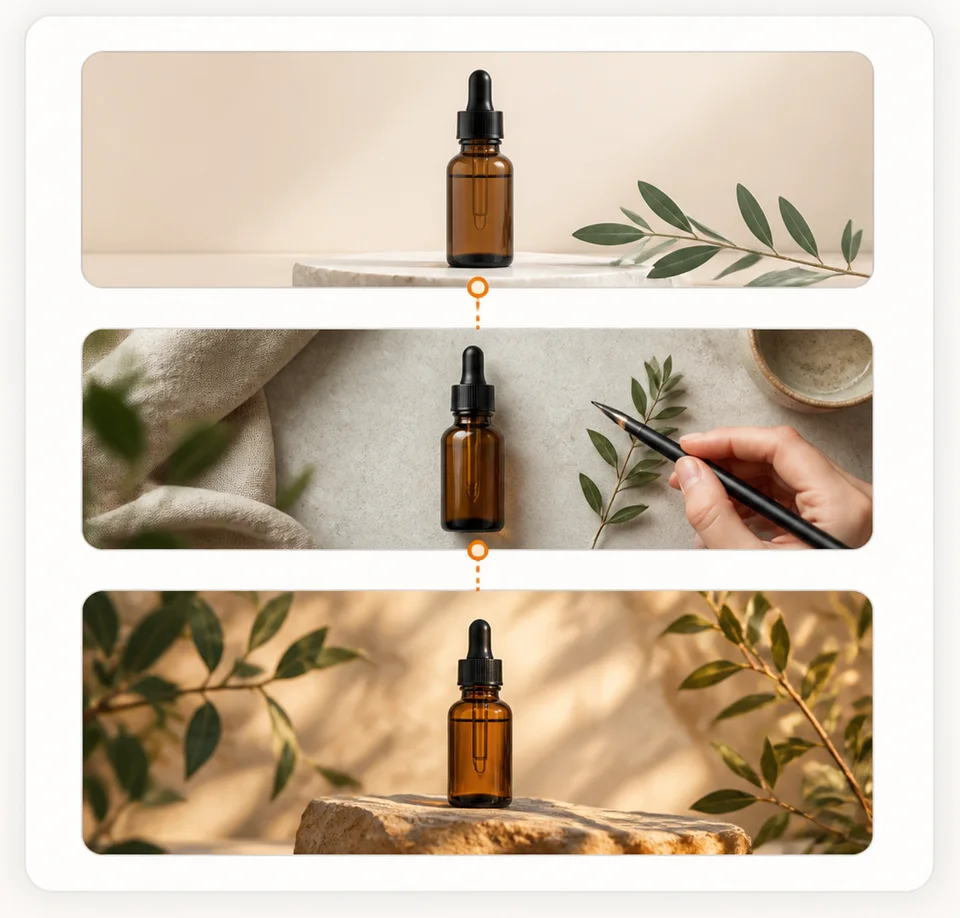
Stack images top to bottom into one tall canvas. Best for long screenshots, step sequences, and tall covers.

Arrange three to six images into a tidy grid. Best for product sets, mood boards, and reference collections.
What you can build
One local merge workspace covers comparisons, product sets, reference boards, and ad composites — it depends on how you arrange them.
Put the original next to the edited, upscaled, or background-removed version so the change reads in one glance.
Combine multiple angles, colorways, or items into one listing visual, detail page, or catalog frame.
Gather people, product, and scene references into one frame to feed image-to-video as a clearer first frame.
Lay several shots into one cover or ad composite for posts, thumbnails, and campaign creative.
The merge itself runs locally in your browser — your images do not need to be uploaded to a server to be combined and exported as a PNG.
Selecting, ordering, previewing, and laying out happen in your browser tab — not on a server.
The merged canvas downloads straight to your device as one PNG, with no watermark.
Your images leave the browser only if you choose to send the result into Inkfox AI generation or video.
Steps
Three steps to turn separate images into one reusable PNG — all in your browser.
Select, drag, or paste your images. They load into a local queue in your browser — nothing is uploaded to merge.
Choose side-by-side, stacked, or grid, then drag the thumbnails until the order tells the story you want.
Confirm the gap, background, and fit, then download the combined canvas as a single watermark-free PNG.
Take it further
Merging is free and local, with no credits. Once it is ready, take the result into Inkfox AI generation and image-to-video — that is where paid plans and sign-in actually come in.
Send the merged board into image-to-video so the model starts from one composed, unambiguous frame.
Use the composite as the starting point for AI editing, so references and product sit together in one image.
FAQ
About combining images, local processing, layouts, the image limit, text labels, and follow-up video use.
Yes. Upload 2 to 6 images, choose a side-by-side, stacked, or grid layout, and export one PNG. It fits comparisons, product sets, reference boards, and ad composites.
The merge itself does not. Selecting, ordering, previewing, and exporting the PNG all happen locally in your browser. Your images are only uploaded if you choose to send the result into Inkfox AI generation or image-to-video.
Three: side by side for comparisons, stacked for long images, and grid for multi-image sets. After picking a layout you can drag the thumbnails to set the order.
Between 2 and 6 at a time. That range keeps the combined canvas clear and readable instead of crowded.
Not currently. The tool focuses on arranging images into a layout, controlling the gap, background, and fit, then exporting a clean PNG. Text can be added afterward in another tool.
Yes. Use the merged image as a clearer first frame and send it into the Inkfox AI image-to-video workflow to bring it to life.
Merging is free, local, and login-free. When the composite is ready, take it into image-to-video and bring it to life.