
Upload your photo
Add a JPG, PNG, or WebP — a well-lit portrait, couple shot, or pet photo gives the cleanest cartoon result.
Photo to Cartoon
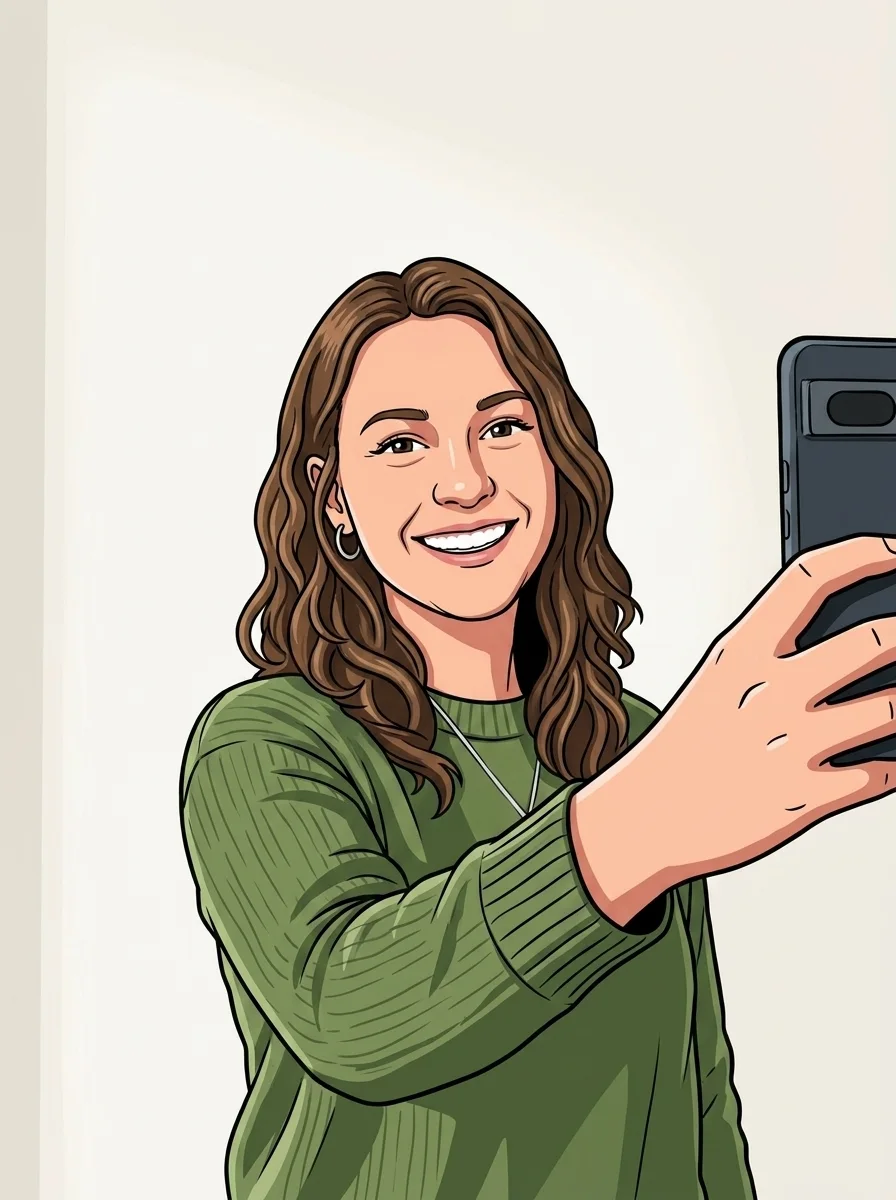
Upload a photo of yourself, friends, or pets and the photo to cartoon turns it into a vibrant cartoon illustration in one click — bold outlines, cel shading, and your likeness intact.
Examples
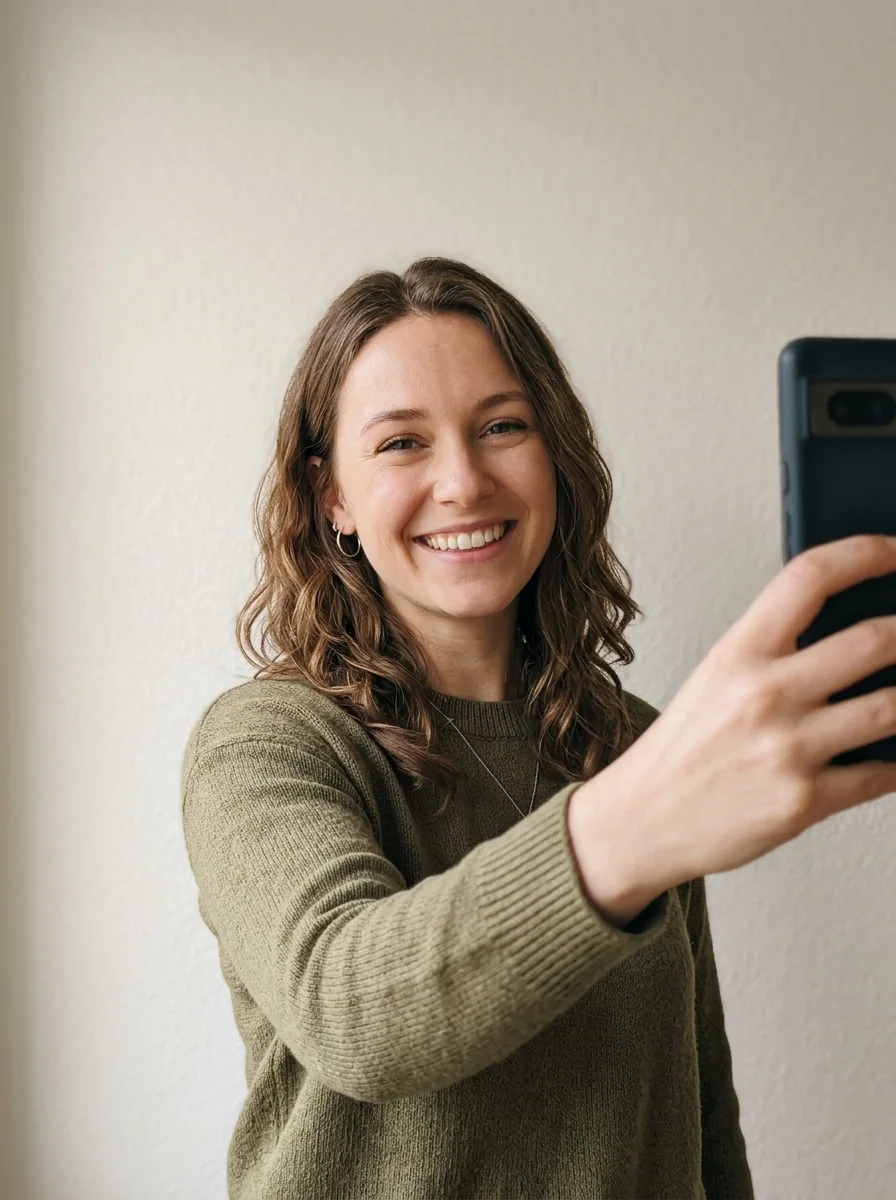
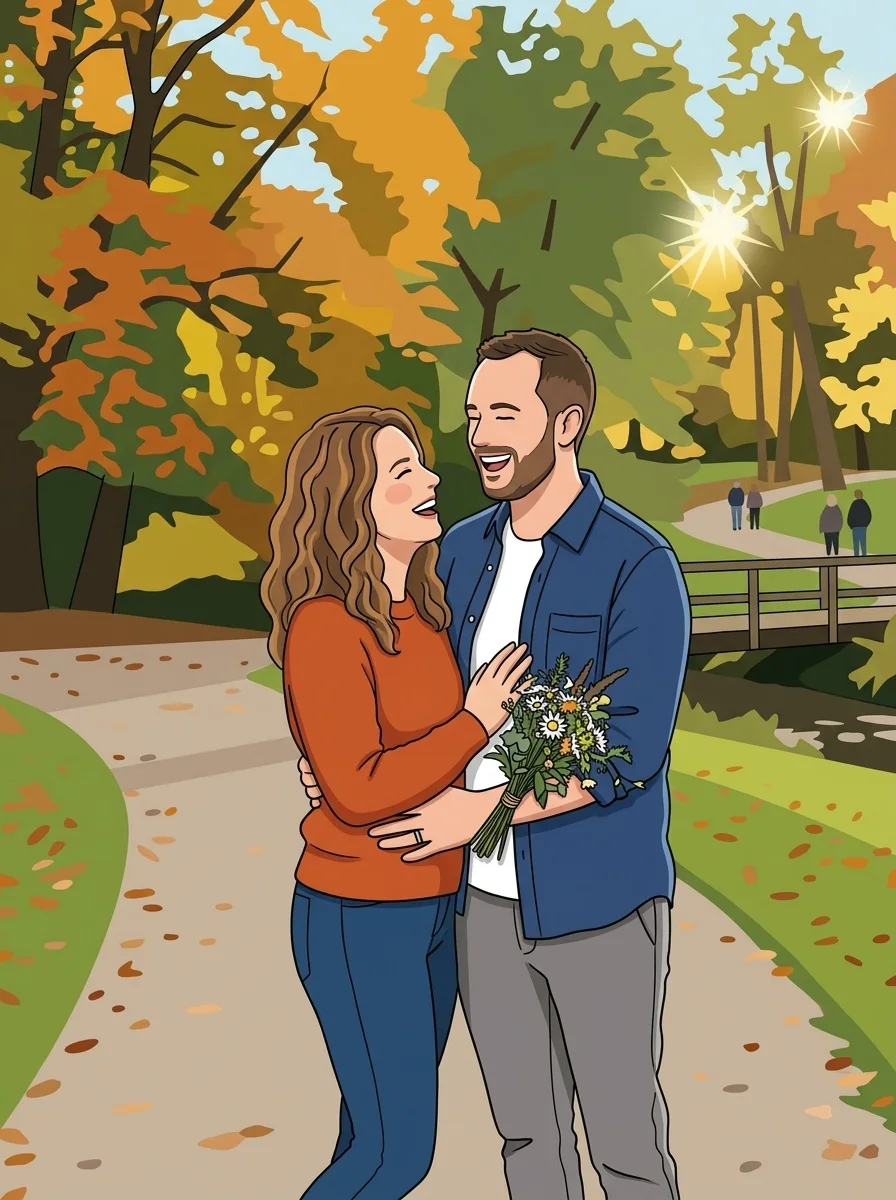
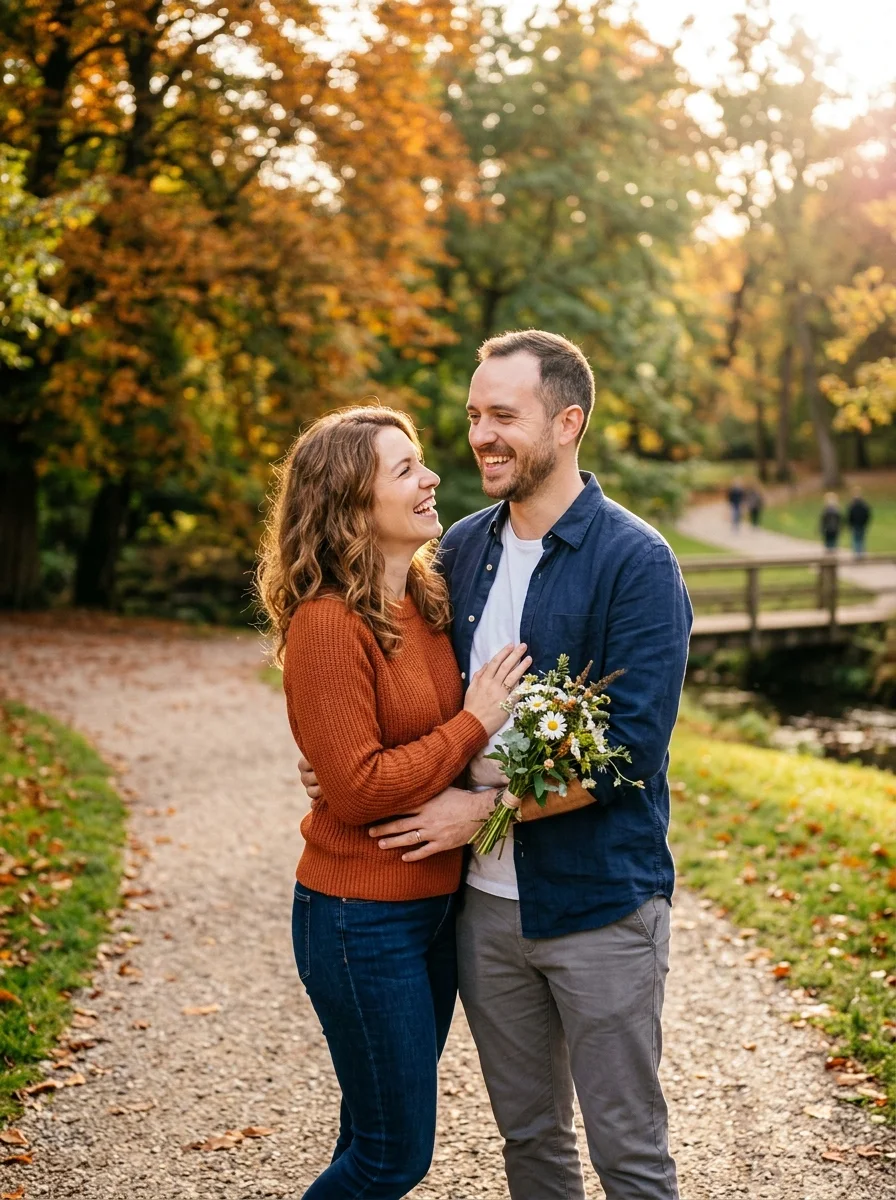
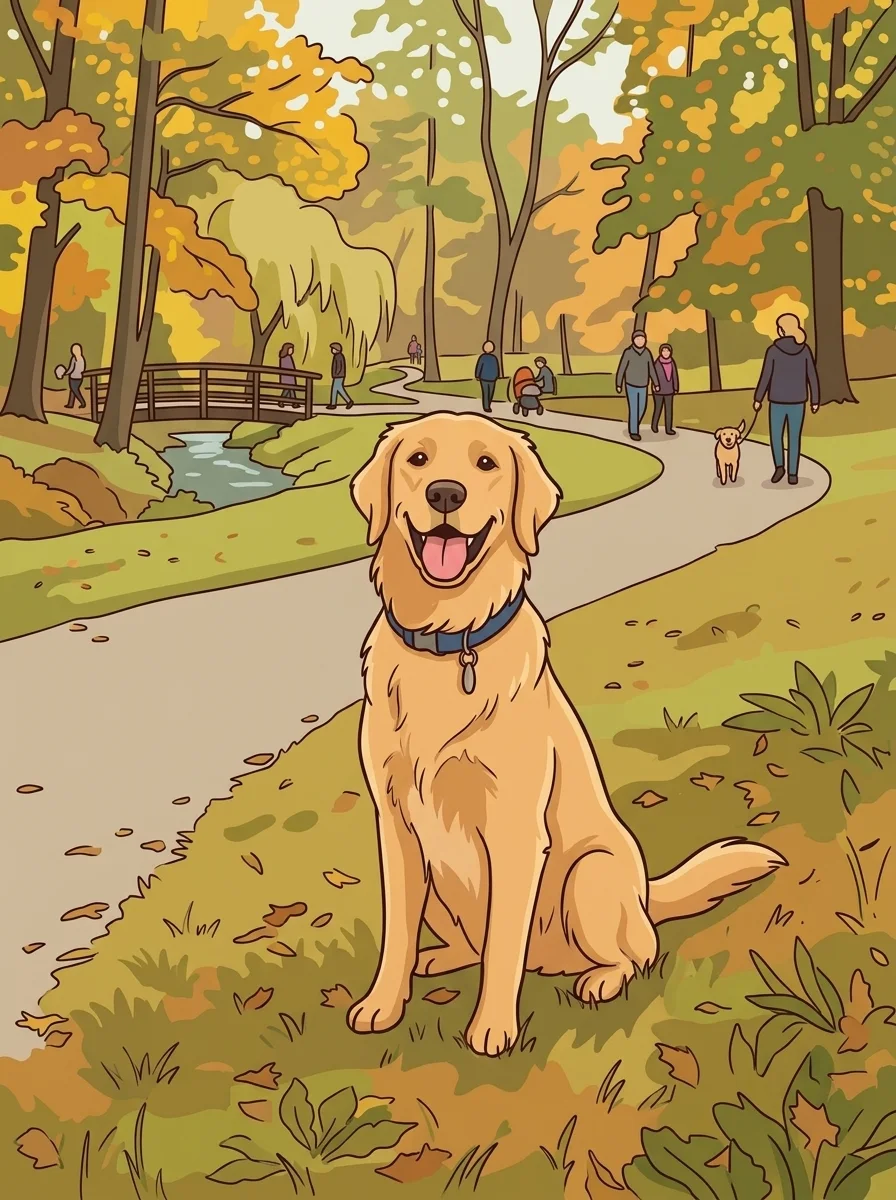
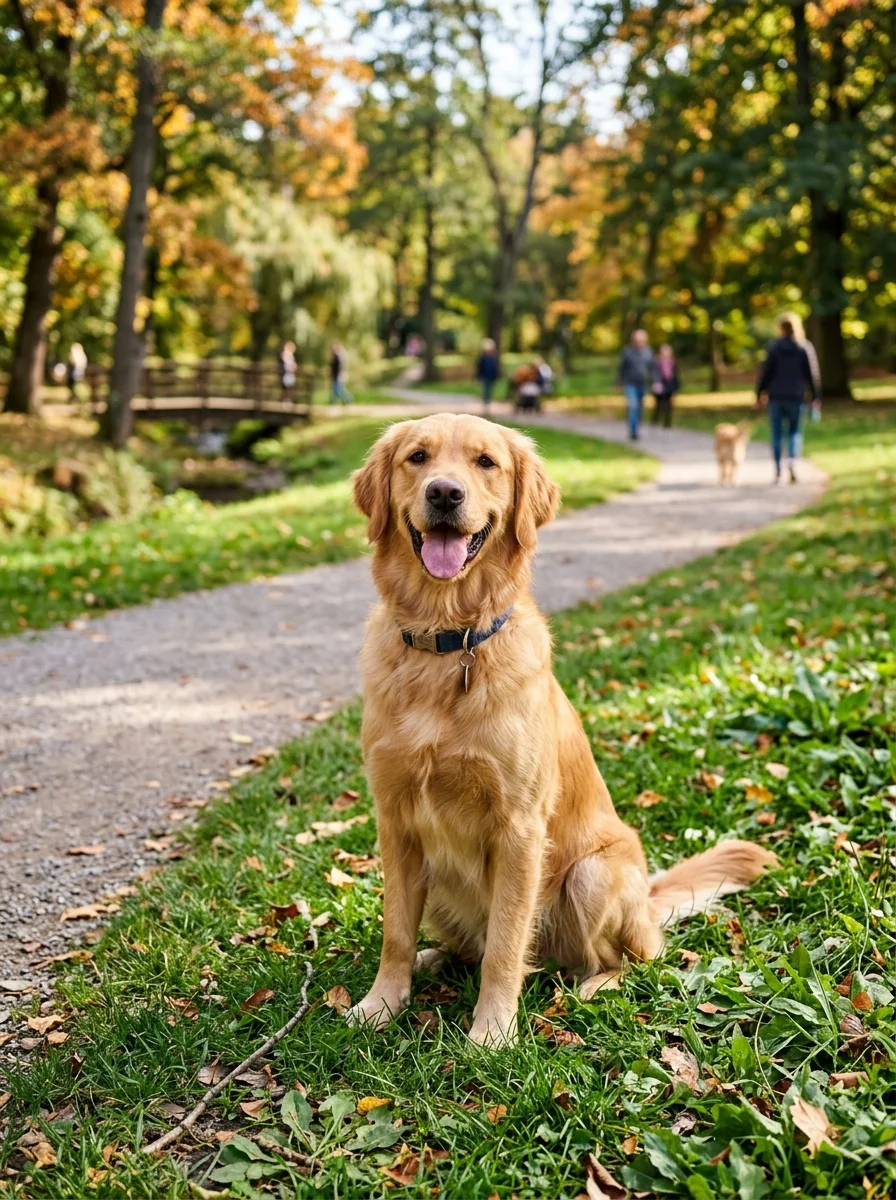
Selfies, couples, and pets — drag each slider to watch the real photo become a vibrant cartoon. Same subject, same pose, whole new style.
Why it looks right
A cartoon conversion only works if the result is still recognizably you. The model transforms the visual style while locking in your identity, pose, and framing.
The model preserves your face, pose, and expression so the cartoon version is unmistakably you — not a generic character.
Bold cel-shaded lines and vivid flat colors give every result a polished, print-ready look rather than a blurry filter effect.
Identity and framing are locked in place so friends, family, and pets are instantly recognizable in the cartoon version.
Workflow
Upload, convert, and review — then download your cartoon in seconds.
Add a JPG, PNG, or WebP — a well-lit portrait, couple shot, or pet photo gives the cleanest cartoon result.
The model transforms your photo into a vibrant cartoon illustration with bold outlines and cel shading in one pass.
Check that the likeness, pose, and framing match the original. Run a second pass if you want a different stylistic take.
Sign in to save your cartoon history and remove the export watermark from your final illustrated image.
Use cases
Use the photo to cartoon to turn any photo into a cartoon illustration — then share, print, or use it as your new avatar.
Create a fun illustrated version of yourself for social media profiles, Discord, or gaming accounts.
Turn a favorite family photo or couple shot into a cartoon portrait to frame, print on merch, or give as a unique gift.
Cartoonify your dog, cat, or any pet into a vibrant illustrated character that captures their personality.
Make cartoon stickers and reaction images of yourself or friends for messaging apps and social posts.
FAQ
Practical answers about the photo to cartoon — supported photos, cartoon style, and getting the best illustrated result.
Yes. Upload any photo and get a cartoon illustration with the free base model. Sign in to keep results in your history and remove the export watermark from downloads.
Well-lit photos with a clear subject work best — portraits, couple shots, and pet photos all cartoonify cleanly. Blurry or heavily backlit photos may lose fine detail in the conversion.
No. The model preserves the subject identity, pose, and framing and only transforms the visual style into a cartoon illustration. What you see in the photo is what you get in the cartoon.
Absolutely. The output is sized to work as a social media avatar, Discord profile picture, or anywhere you want a fun illustrated version of yourself.
Upload a JPG, PNG, or WebP up to 10 MB. Use the highest-quality version of the photo you have for the sharpest cartoon outlines.
Try starting from a photo with better lighting and a cleaner background. Running the conversion a second time can also produce a different stylistic result worth comparing.
Start with a prompt or reference, compare models, and save the best result to history. Upgrade when you need cleaner exports, stronger models, or more production volume.