
Direction 01
Cinematic ad clips
Bring mood and atmosphere to brand clips, not just technical motion.
Cinematic creative video model
Use Runway on Inkfox AI for cinematic image-to-video drafts, creative motion tests, campaign clips, and product reveals. The workbench below opens on Runway, so you can upload one image and test an ad clip, concept shot, or product reveal with free monthly credits to start.
Runway style wall
Use Runway on Inkfox AI for cinematic image-to-video drafts, creative motion tests, campaign clips, and product reveals. Free monthly credits to start. With the Runway AI video generator, lock the mood and color grade first and decide camera motion second. That order is closer to how a director works than a stability-first checklist.
Direction 01
Bring mood and atmosphere to brand clips, not just technical motion.
Direction 02
Quickly explore experimental visual styles and artistic direction.
Direction 03
Turn a product image into a tense reveal with one bold camera move.
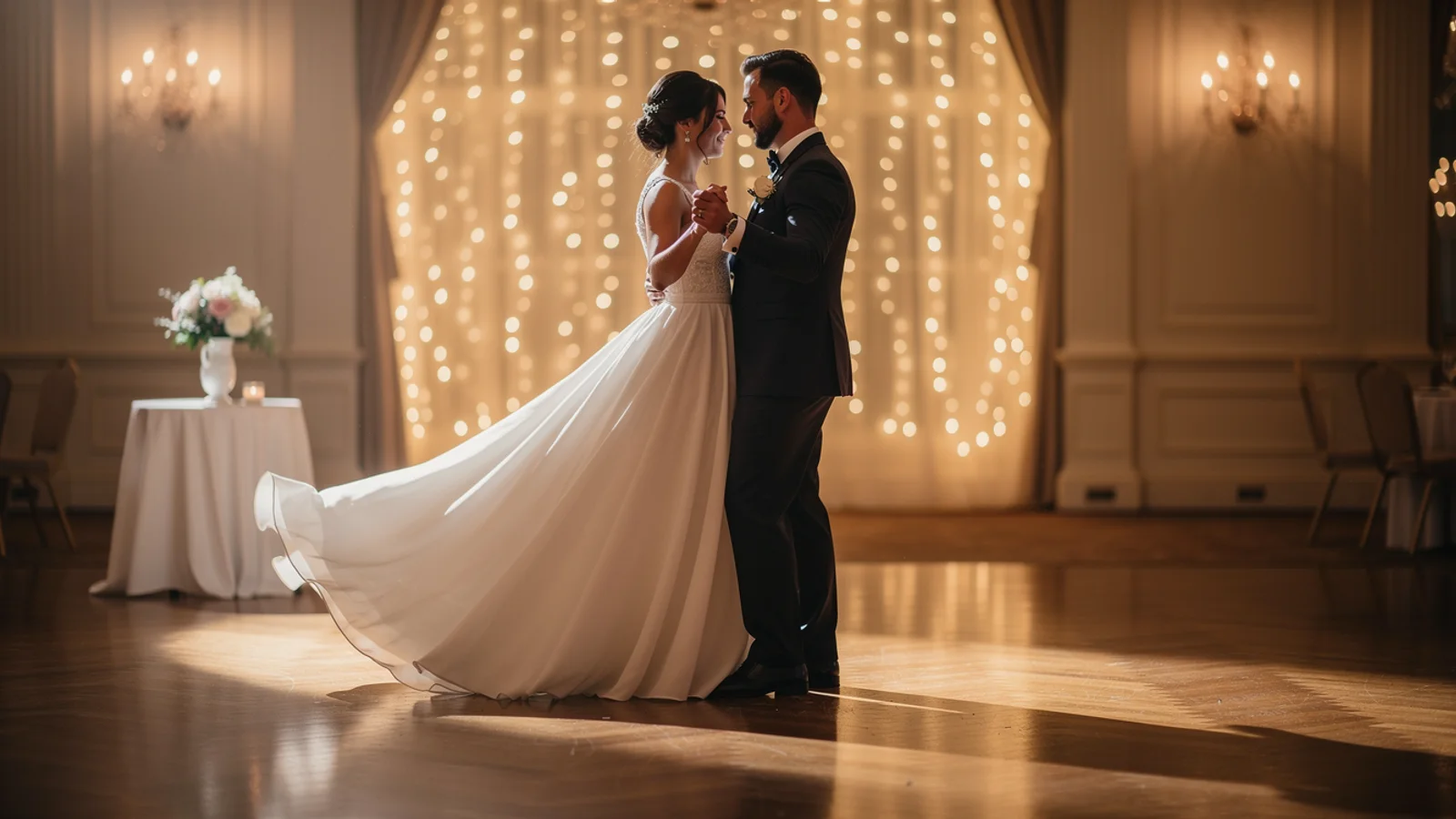
Cinematic hero shot
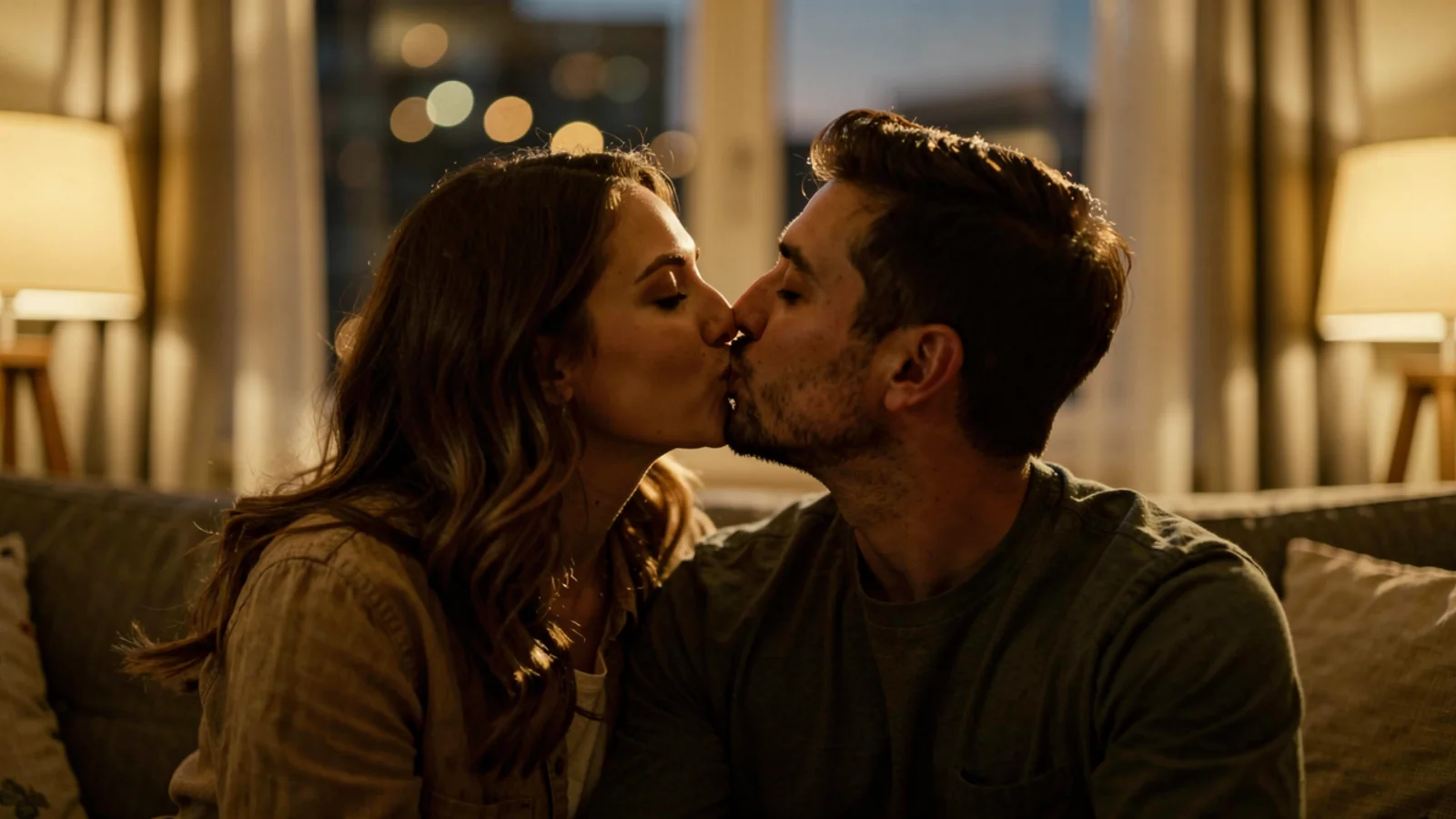
Stylized concept
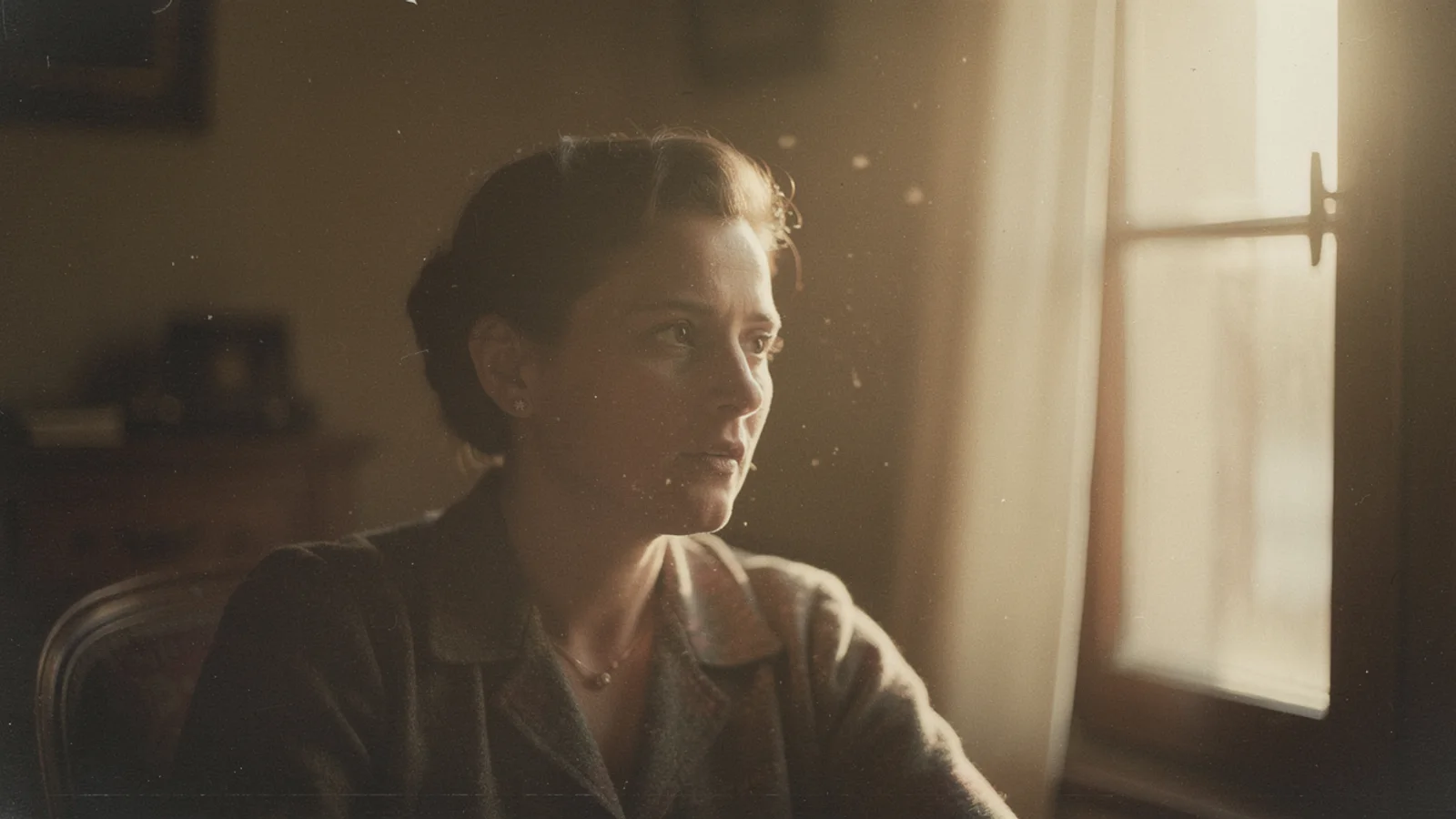
Product reveal move
Decision card
Reach for it on cinematic ads, concept films, and product reveals where the atmosphere carries the shot. If delivery has to lock exact product shape or on-frame text, run a Kling pass first.
Creation steps
The fastest path is not a longer prompt. It is one readable frame, one motion goal, and one camera choice.
Start from one image with a clear visual mood.
Set the mood and style first, then pick one bold camera move.
Validate the style fast with short drafts.
Invest in longer clips and the final once the style fits.
Prompt examples
Before spending 12+ credits on a larger batch, make sure the subject, use case, and output requirements are clear.
Upload a first frame with a clear mood.
Describe the visual style, tone, and overall feeling.
Pick one bold or cinematic camera move.
State use, duration, and the mood you want.
Model comparison
Prefer Runway for stylized, creative camera work, Kling 3.0 for motion consistency, Veo 3.1 for quality and audio.
| Dimension | Runway | Kling 3.0 | Veo 3.1 |
|---|---|---|---|
| Stylization | Strong | Medium | Medium |
| Creative camera | Strong | Medium | Medium |
| Motion consistency | Medium | Strong | Strong |
| Resolution | 720p–1080p | 720p–1080p | High |
| Speed | Fast | Medium | Slower |
| Credit cost | 12+ credits | 140+ credits | 30+ credits |
Prompt examples
These examples show how to describe the subject, scene, camera, and final use so you can adapt them to your own image or video.
From the product first frame, dramatic side light, fast push-in then hold, high-contrast tone, cinematic mood.
Surreal scene, saturated neon colors, camera tilts and rotates heavily, dreamlike visual style, experimental motion.
Product wrapped in light haze, camera tilts up from below to reveal it, light beam passing through, dramatic premium feel.
Decision guide
Choose it when the job matches use runway on inkfox ai for cinematic image-to-video drafts, creative motion tests, campaign clips, and product reveals. free monthly credits to start.
Compare with Kling, Runway, Veo, Hailuo, or Grok Imagine when the brief depends on a different strength, cost, or output format.
Quick answer
Runway is best for use runway on inkfox ai for cinematic image-to-video drafts, creative motion tests, campaign clips, and product reveals. free monthly credits to start.. Use it when that matches your goal, check the credit cost before generating, and compare another model when you need a different strength.
Return to the workbenchFAQ
Model behavior, cost labels, and when to use this workbench.
Runway is best for cinematic, creative, and style-led video drafts where the visual mood matters as much as strict motion control.
Choose Runway when the clip needs cinematic energy or experimental visual style. Choose Kling when subject stability and motion consistency are the main requirement.
Yes. Upload a product photo, describe one camera move or reveal, and use short drafts to decide whether Runway matches the campaign mood.
Yes. Runway is stronger for stylized, creative camera work and artistic direction. Describe the mood and one bold camera move, then validate on short clips.
This workbench defaults to Runway from about 12 credits. Test the direction with short drafts first, then invest in longer clips once the style fits.
Clips are usually a few seconds at 720p to 1080p. The workspace shows adjustable duration and settings for the model.
Use the Inkfox AI workbench for a quick generation, then compare real examples from other creator workflows.