
Direction 01
Fast motion drafts
Try a few motion and pose takes cheaply before committing to an upgrade.
Dance and motion draft model
Use Seedance v1 on Inkfox AI for dance motion, fast image-to-video tests, creator clips, and 480p-1080p output. Free monthly credits to start.
Seedance v1 workbench
10+ creditsThis workbench defaults to Seedance v1. Validate rhythm, framing, and short-form direction before upgrading to Seedance 2.0.
Seedance v1 draft wall
Use Seedance v1 on Inkfox AI for dance motion, fast image-to-video tests, creator clips, and 480p-1080p output. Free monthly credits to start. Seedance v1 is the faster, cheaper sibling of Seedance 2.0: test a few image-to-video motion takes for little credit, then move the winner up a quality tier or over to the stronger control in 2.0.
Direction 01
Try a few motion and pose takes cheaply before committing to an upgrade.
Direction 02
Rough out vertical clips first to check whether the rhythm and framing hold.
Direction 03
Generate simple looping motion that suits intros and repeat-play assets.
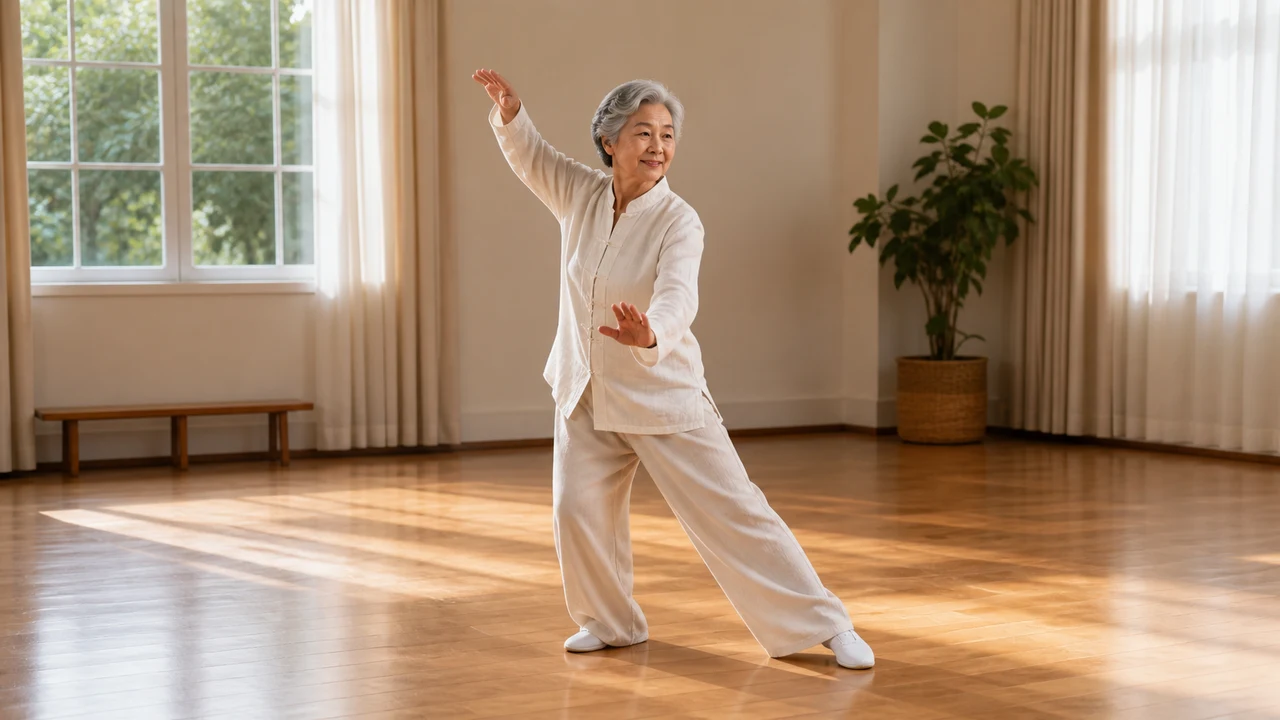
Dance draft
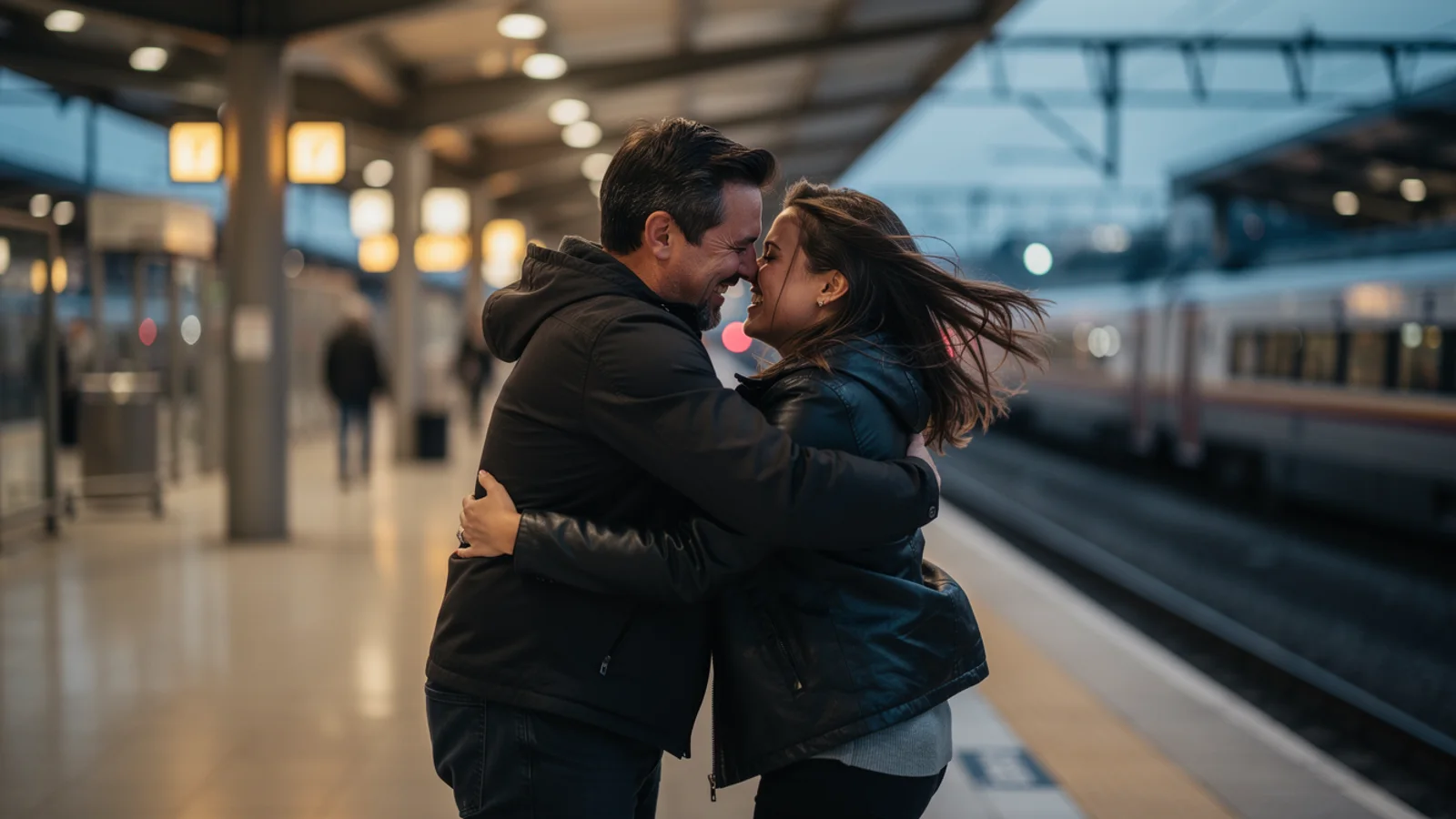
Social loop
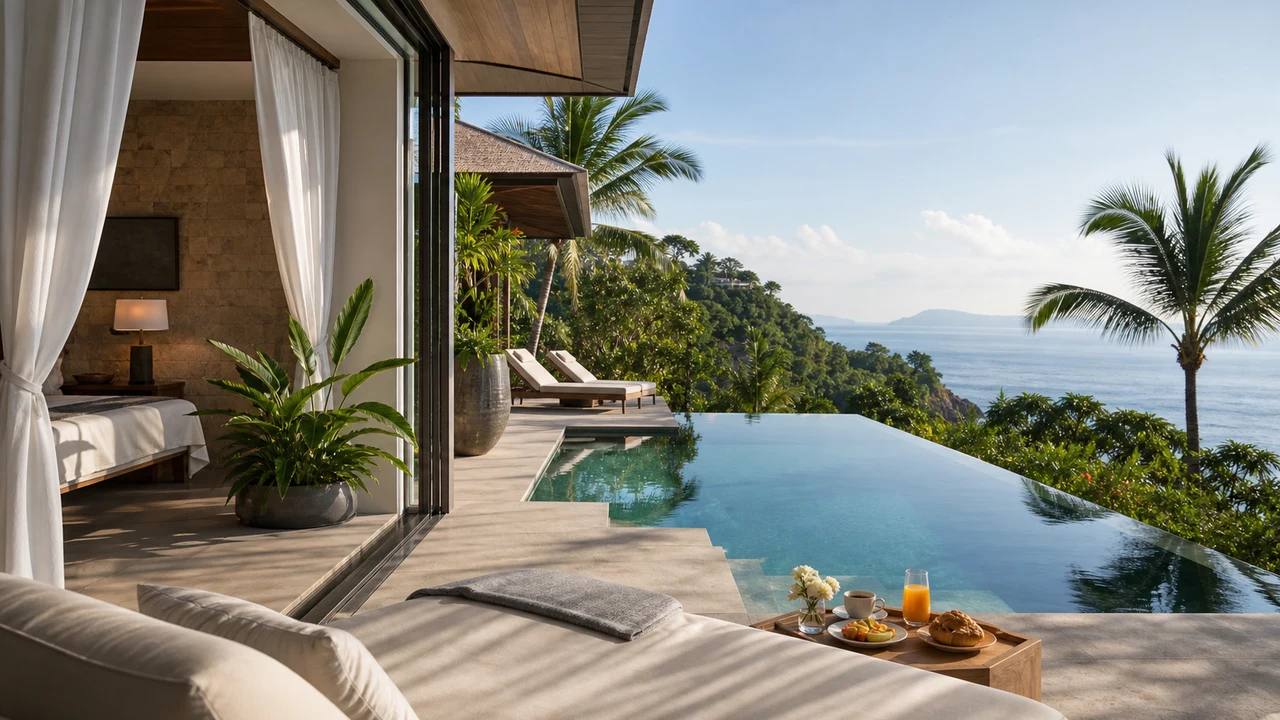
Motion check
Decision card
Best for fast motion drafts, social clips, and creator loops where you just need the pose and rhythm to hold. For first+last-frame, multi-shot storytelling, or tighter subject consistency, go straight to Seedance 2.0.
Creation steps
The fastest path is not a longer prompt. It is one readable frame, one motion goal, and one camera choice.
Start from one first frame with a clear pose.
Write one main motion in a short, plain prompt.
Validate rhythm and pose on a low tier first to keep cost down.
Push the working take to 720p or 1080p once it lands.
Prompt examples
Before spending 10+ credits on a larger batch, make sure the subject, use case, and output requirements are clear.
Upload a first frame with a clear pose and framing.
Describe one core motion, not a stack of directions.
State the speed and whether it should loop.
Note which tier to test on and which to finish on.
Model comparison
Prefer Seedance v1 for cheap, fast motion tests, upgrade to Seedance 2.0 for first+last-frame and multi-shot control, and Veo 3.1 for quality and audio.
| Dimension | Seedance v1 | Seedance 2.0 | Veo 3.1 |
|---|---|---|---|
| Speed | Fast | Medium | Slower |
| Credit cost | 10+ credits | 78+ credits | 30+ credits |
| Motion control | Basic | Strong | Medium |
| First+last-frame | No | Yes | Limited |
| Resolution | 480p–1080p | 480p–720p | High |
| Best stage | Draft & validate | Controlled final | High-res final |
Prompt examples
These examples show how to describe the subject, scene, camera, and final use so you can adapt them to your own image or video.
From the character first frame, perform one simple coherent dance move, clear motion, fixed camera, test rhythm on a low tier first.
Vertical framing, the person does a loopable wave or turn, light pacing, fits a short-form intro.
Using the first-frame pose as the anchor, generate one clear walk or wave, confirm the pose holds before raising quality.
Decision guide
Choose it when the job matches use seedance v1 on inkfox ai for dance motion, fast image-to-video tests, creator clips, and 480p-1080p output. free monthly credits to start.
Compare with Kling, Runway, Veo, Hailuo, or Grok Imagine when the brief depends on a different strength, cost, or output format.
Quick answer
Seedance v1 is best for use seedance v1 on inkfox ai for dance motion, fast image-to-video tests, creator clips, and 480p-1080p output. free monthly credits to start.. Use it when that matches your goal, check the credit cost before generating, and compare another model when you need a different strength.
Return to the workbenchFAQ
Model behavior, cost labels, and when to use this workbench.
Seedance v1 is best for dance motion, quick creator clips, social video drafts, and lower-cost motion tests before moving to Seedance 2.0.
Seedance 2.0 is the newer, stronger control model. Seedance v1 is useful for fast dance and motion drafts with multiple quality tiers.
Start with a lower-cost setting to validate the motion. Move to 720p or 1080p only after the pose, rhythm, and framing are working.
Use the Inkfox AI workbench for a quick generation, then compare real examples from other creator workflows.