
 Studio portrait
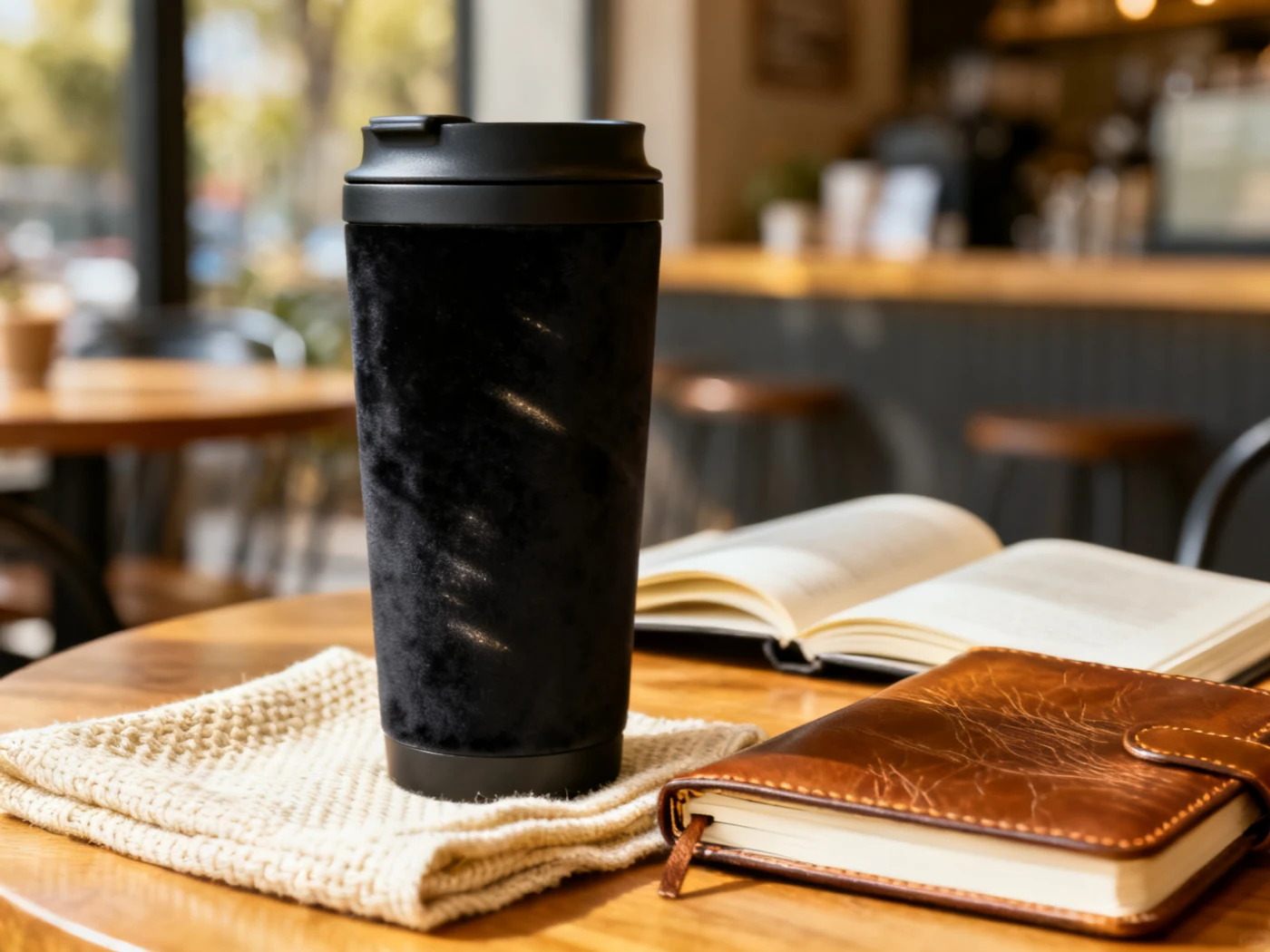 Product lifestyle
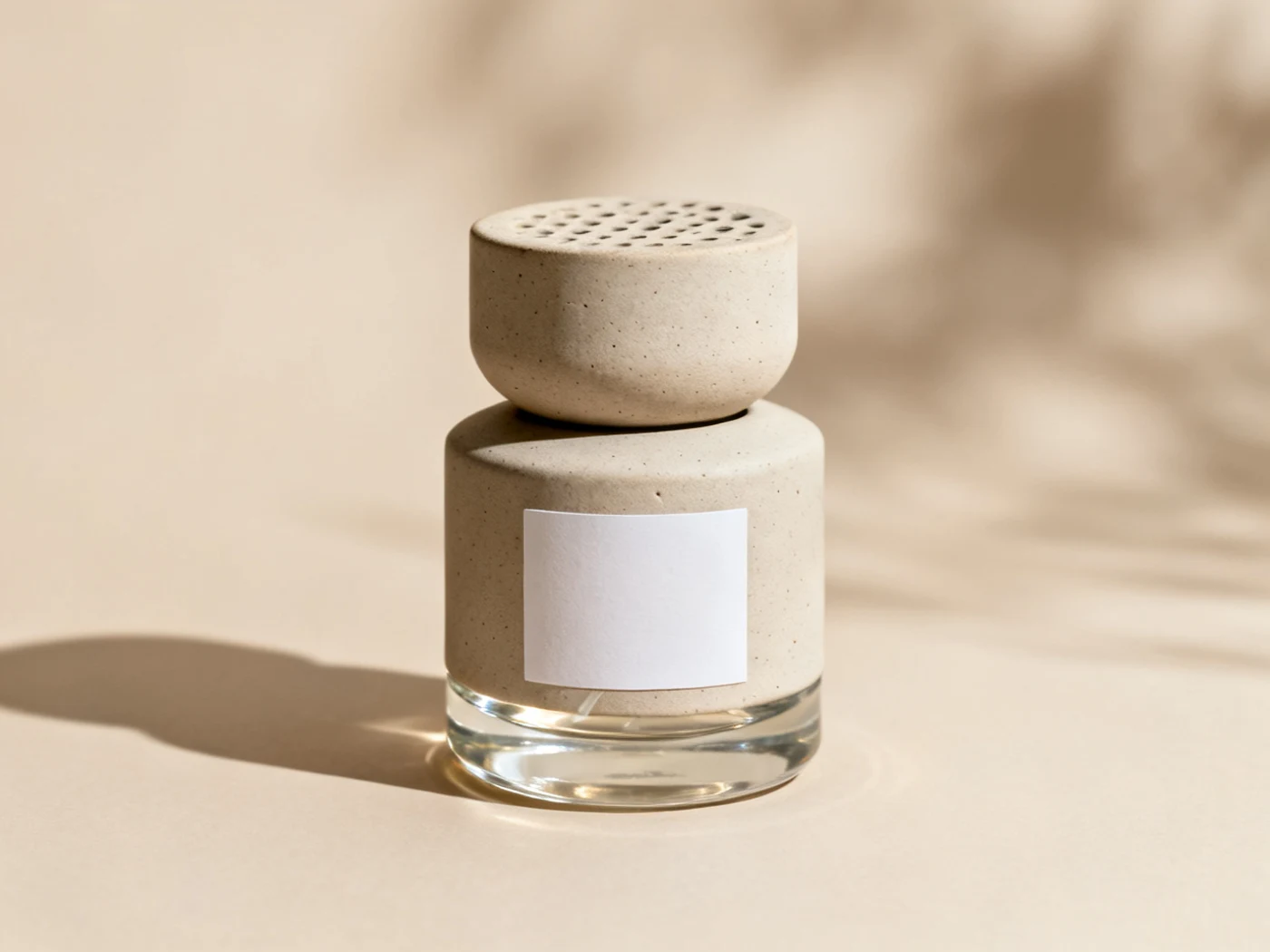 Ecommerce still life
Photoreal image and edit model
Use Seedream 4.0 on Inkfox AI for photorealistic text-to-image, image editing, portraits, product mockups, and ecommerce visuals. The workbench below opens on Seedream 4.0, so you can create photoreal people, product scenes, and reference edits with free monthly credits to start.
Studio portraitProduct lifestyleEcommerce still lifeClean output room
Use Seedream 4.0 on Inkfox AI for photorealistic text-to-image, image editing, portraits, product mockups, and ecommerce visuals. Free monthly credits to start. Keep the page quiet here: the important work is comparing clean outputs, edge quality, and whether the model stayed faithful to the brief.
Natural light and realistic skin for avatars, brand people, and headshots.
Place products into real environments with material, light, and mood.
Upload a source to keep identity or product shape consistent for controlled changes.
Generate believable ecommerce heroes and social visuals.
Creation steps
The fastest path is not a longer prompt. It is a clear subject, controlled lighting and references, and the model that fits the brief.
Write a clear subject, lighting, lens feel, and environment first.
Upload one reference as the controlled input when consistency matters.
Generate a small batch and compare realism and composition.
Pick the final and export commercial images per channel ratio.
Prompt examples
Before spending 10 credits on a larger batch, make sure the subject, use case, and output requirements are clear.
Name the person or product with key identity or material traits.
Describe light source, time-of-day mood, and camera angle.
Specify the real scene and background elements.
State commercial use, ratio, and elements to keep consistent.
Model comparison
Use Seedream 4.0 for stable realism and portraits, Seedream 4.5 for polished high-res variants, GPT Image 2.0 for layout text.
| Dimension | Seedream 4.0 | Seedream 4.5 | GPT Image 2.0 |
|---|---|---|---|
| Photoreal portraits | Strong | Strong | Medium |
| High-res variants | Medium | Stronger | Medium |
| Reference consistency | Strong | Strong | Medium |
| Text & layout | Medium | Medium | Strong |
| Credit cost | 10 credits | 7 credits | Medium |
Prompt examples
These examples show how to describe the subject, scene, camera, and final use so you can adapt them to your own image or video.
Half-body portrait of a professional woman, soft window light, shallow depth of field, realistic skin, clean office background, vertical composition.
Ceramic mug on a wooden dining table, morning natural light, steam detail, realistic materials, warm lifestyle mood.
Front view of a leather backpack, clean light-gray background, even soft light, crisp stitching and material detail, centered composition.
Decision guide
Choose it when the job matches use seedream 4.0 on inkfox ai for photorealistic text-to-image, image editing, portraits, product mockups, and ecommerce visuals. free monthly credits to start.
Compare with GPT Image 2.0, Nano Banana 2.0, Flux, or Seedream when the brief depends on a different strength, cost, or output format.
Quick answer
Seedream 4.0 is best for use seedream 4.0 on inkfox ai for photorealistic text-to-image, image editing, portraits, product mockups, and ecommerce visuals. free monthly credits to start.. Use it when that matches your goal, check the credit cost before generating, and compare another model when you need a different strength.
Return to the workbenchFAQ
Model behavior, cost labels, and when to use this workbench.
Seedream 4.0 is best for photorealistic images, portraits, product scenes, reference-based edits, and realistic social or ecommerce visuals.
Give it a clear subject, lighting, lens feel, environment, and commercial use case. Reference images help when identity, style, or product shape must stay consistent.
Use Seedream 4.0 for stable photorealistic work and reference edits. Move to Seedream 4.5 when you want stronger high-resolution output and polished variants.
Yes. It handles natural lighting and realistic skin well, and with references it keeps identity traits better for avatars and brand people shots.
This workbench defaults to Seedream 4.0 at about 10 credits per generation. The cost label shows before you generate, so validate in small batches first.
Yes. Photoreal portraits, product scenes, and ecommerce heroes can be used commercially, with watermark-free downloads on paid plans.
Use the Inkfox AI workbench for a quick generation, then compare real examples from other creator workflows.