
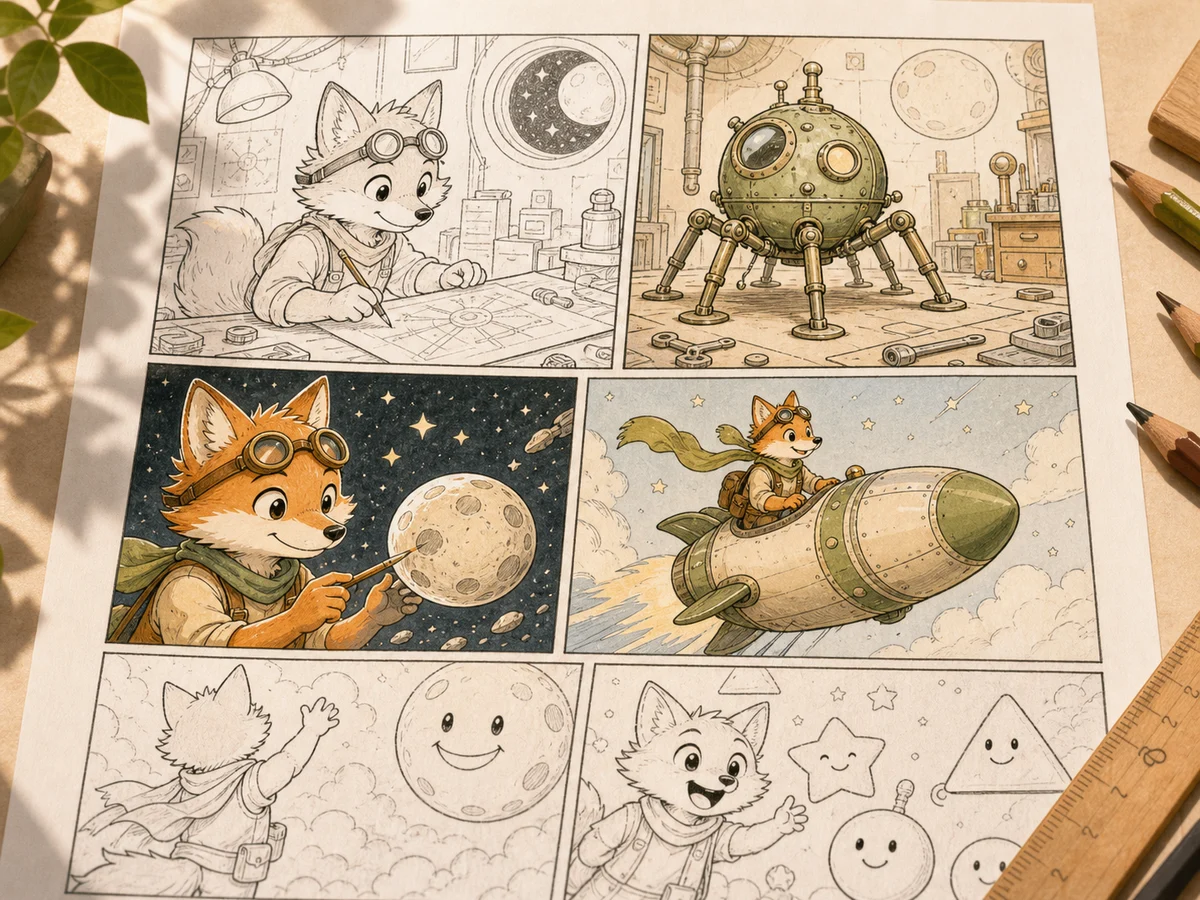
Control pass 1
Comics coloring
Compare this lane against the prompt intent before moving to a cleaner, higher-cost final pass.
Official Max quality model
Use Wan 2.7 Image Pro on Inkfox AI for high-detail 4K text-to-image, image editing, ad concepts, and reference-guided visual drafts. The workbench below opens on Wan 2.7 Image Pro, so you can generate high-detail, 4K-ready images directly from a prompt or reference image.
Reference lab
Use Wan 2.7 Image Pro on Inkfox AI for high-detail 4K text-to-image, image editing, ad concepts, and reference-guided visual drafts. Treat every output as a comparison lane: subject control, layout control, and export direction stay visible at the same time.
Lane 01
Use Wan 2.7 Image Pro Generator for commercial visuals where product shape, material, light, and channel fit all matter.
Lane 02
Write the subject, face direction, lens feel, and lighting so the result does not drift into generic realism.
Lane 03
Upload a reference when identity, product geometry, composition, or style continuity must stay controlled.
Control pass 1
Compare this lane against the prompt intent before moving to a cleaner, higher-cost final pass.
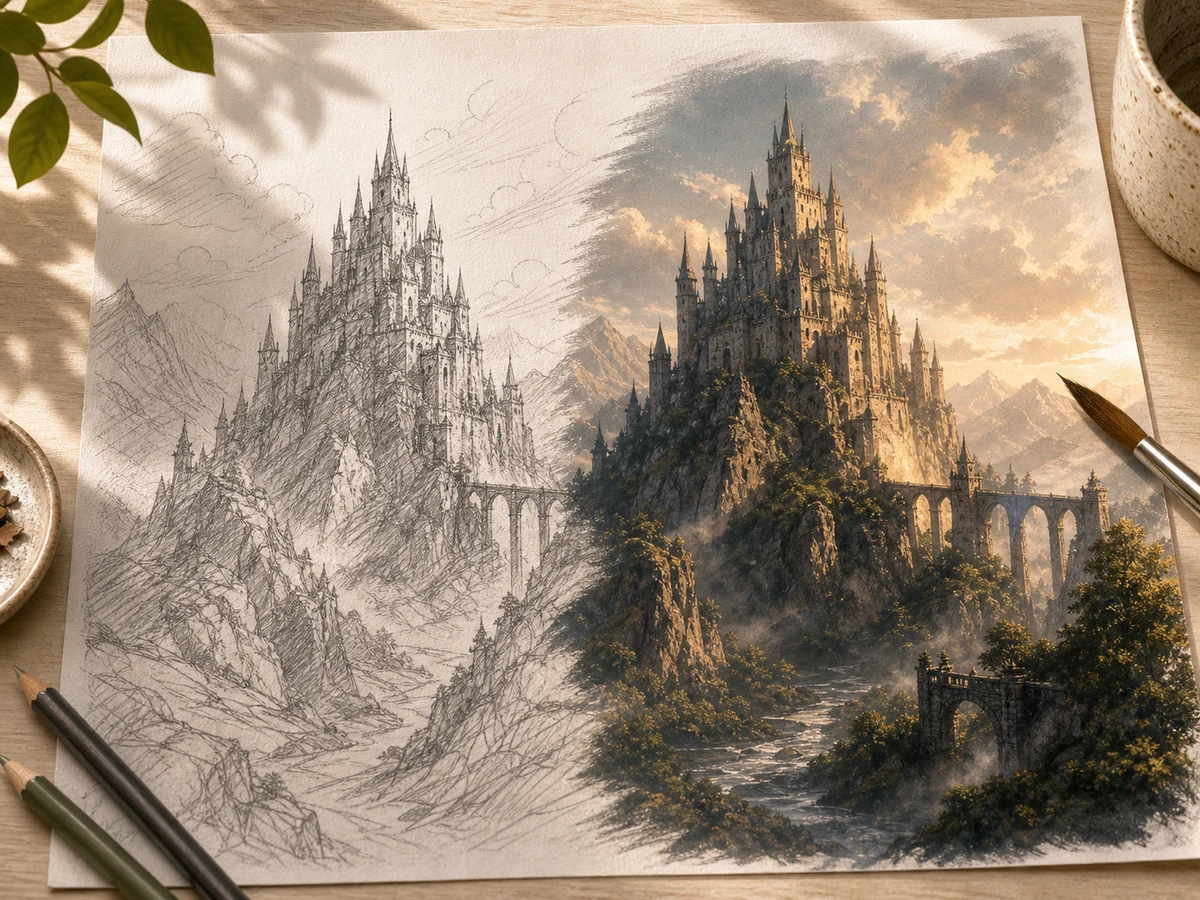
Control pass 2
Compare this lane against the prompt intent before moving to a cleaner, higher-cost final pass.
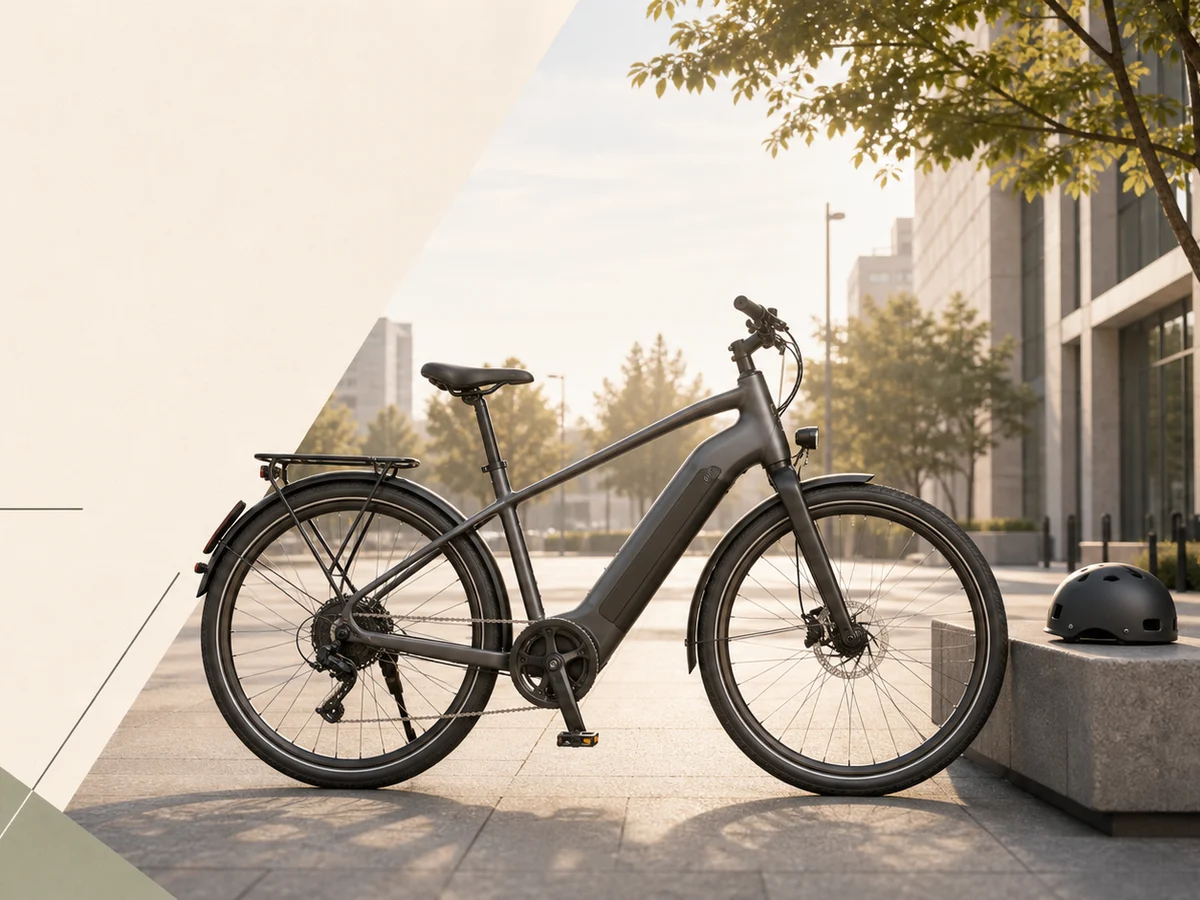
Control pass 3
Compare this lane against the prompt intent before moving to a cleaner, higher-cost final pass.
Creation steps
The fastest path is not a longer prompt. It is a clear subject, controlled lighting and references, and the model that fits the brief.
Start with a concrete subject, channel, and visual outcome.
Add lighting, material, environment, and reference constraints before generating.
Compare the best prompt against adjacent models before final export.
Prompt examples
Before spending 12 credits on a larger batch, make sure the subject, use case, and output requirements are clear.
Name the product, person, object, or scene without vague style filler.
Specify daylight, studio softbox, rim light, shadow, or mood.
Give the surface, background, props, lens feel, and composition.
Say ecommerce, ad creative, portrait, storyboard, poster, or social cover.
Decision guide
Choose it when the job matches use wan 2.7 image pro on inkfox ai for high-detail 4k text-to-image, image editing, ad concepts, and reference-guided visual drafts.
Compare with GPT Image 2.0, Nano Banana 2.0, Flux, or Seedream when the brief depends on a different strength, cost, or output format.
Quick answer
Wan 2.7 Image Pro Generator is best for use wan 2.7 image pro on inkfox ai for high-detail 4k text-to-image, image editing, ad concepts, and reference-guided visual drafts.. Use it when that matches your goal, check the credit cost before generating, and compare another model when you need a different strength.
Return to the workbenchFAQ
Model behavior, cost labels, and when to use this workbench.
Wan 2.7 Image Pro is best for high-quality image generation, reference-guided edits, 4K-ready drafts, product scenes, and visuals where readable text or layout detail matters.
Wan 2.7 Image Pro is a high-detail image model available on Inkfox AI, built for 4K-ready drafts, complex reference-guided edits, and visuals where readable text or layout detail matters.
Yes. The Inkfox AI Max workbench supports reference-image workflows when you upload images before generating.
Use the Inkfox AI workbench for a quick generation, then compare real examples from other creator workflows.