
Image-to-video stability tests
Hover to preview motion
Upgraded sample
Bundle showcase
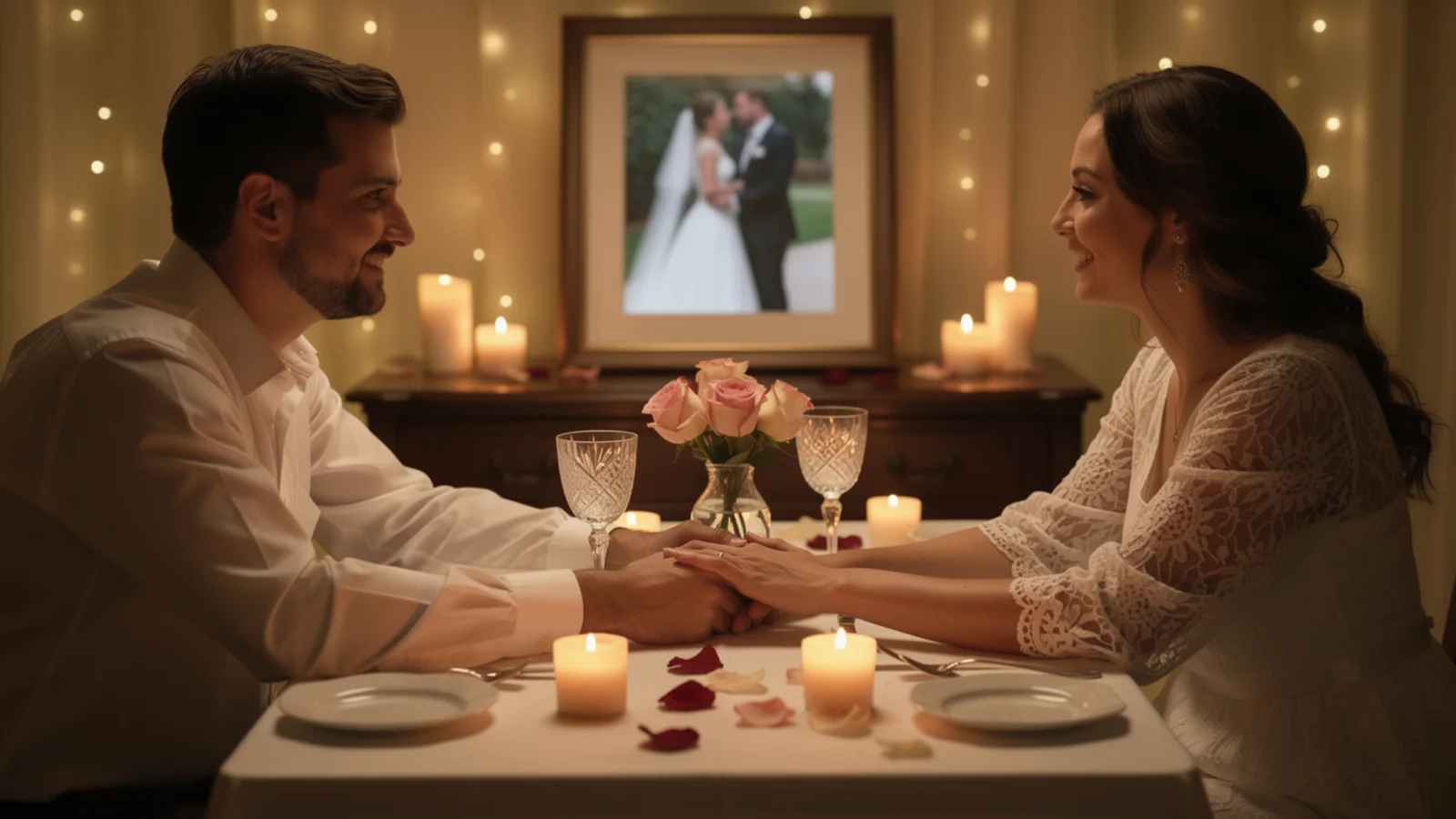
First/last landing
First dance
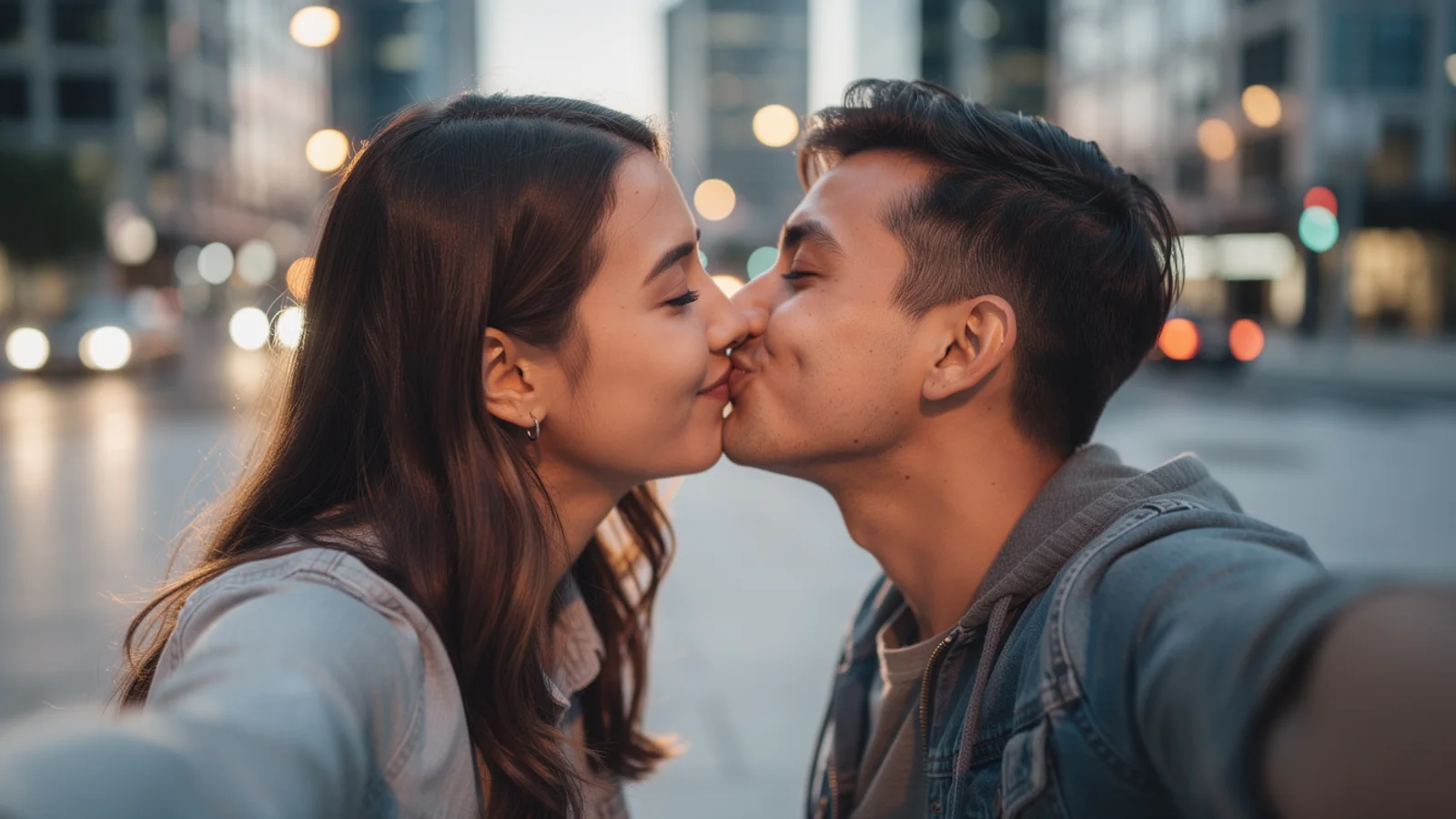
High-fidelity detail
Control-first Wan video model
Use Wan 2.7 on Inkfox AI for image-to-video with first/last-frame and first-clip controls and 720p or 1080p output. The workbench below opens on Wan 2.7, so you can test first-frame, first-and-last-frame, or first-clip control before choosing 720p or 1080p, with free monthly credits to start.
Stability proof board
Newer generation upgradeUse Wan 2.7 on Inkfox AI for image-to-video with first/last-frame and first-clip controls, 720p or 1080p output. Free monthly credits to start. As the newer Wan generation, it builds on the 2.6 baseline with stronger motion coherence and finer quality, plus first/last-frame and first-clip control for a more accurate landing.
First / last frame
Upload a first frame, add a last frame when needed, and flag the subject to lock.
Motion
Write one action so the newer in-between interpolation stays coherent.
Camera
Name one move; it pairs cleanly with first-clip control.
Delivery check
State output resolution, use case, and the detail that must stay consistent.
Image-to-video stability tests
Hover to preview motionUpgraded sample
First/last landing
High-fidelity detail
Give a start and end frame; Wan 2.7 fills a more coherent transition between them and lands more accurately.
Finer quality than Wan 2.6 keeps label text, reflections, and materials crisp once the shot moves.
Drive a continuation from a first clip; the newer motion coherence joins it without jumps or drift.
When a 720p or 1080p clip goes straight to the edit, this generation locks the quality.
Creation steps
The fastest path is not a longer prompt. It is one readable frame, one motion goal, and one camera choice.
Prepare a first frame, and add a last frame when you need a precise landing.
Describe one action and one camera move so the in-between transition stays predictable.
Confirm on a short clip that motion coherence improves over Wan 2.6.
Output 1080p delivery directly once it holds, skipping a separate upgrade pass.
Prompt examples
Before spending 48+ credits on a larger batch, make sure the subject, use case, and output requirements are clear.
Upload a first frame, add a last frame when needed, and flag the subject to lock.
Write one action so the newer in-between interpolation stays coherent.
Name one move; it pairs cleanly with first-clip control.
State output resolution, use case, and the detail that must stay consistent.
Model comparison
Wan 2.7 is the newer generation: more coherent motion and finer quality than Wan 2.6, plus first/last-frame and first-clip control; reach for Kling 3.0 when controlled camera and character stability lead.
| Dimension | Wan 2.7 | Wan 2.6 | Kling 3.0 |
|---|---|---|---|
| Generation role | Newer upgrade | Prior balanced | Premium pick |
| Motion coherence | Stronger | Steady | Strong |
| Output quality | Finer | Reliable | High |
| First/last frame | Yes | Basic | Partial |
| Resolution | 720p–1080p | 720p–1080p | 720p–1080p |
| Credit cost | 48+ credits | 70+ credits | 140+ credits |
Prompt examples
These examples show how to describe the subject, scene, camera, and final use so you can adapt them to your own image or video.
First frame product front-on, last frame at a 45-degree side, camera orbits slowly to match, label stays readable, coherent transition, 5 seconds.
From the product first frame, slow push-in, a reflection travels along the metal edge, material texture stays crisp, subject stable, delivery-ready.
Continue from a first clip, the character keeps walking forward, camera pans to follow, motion joins without jumps, city street background.
Decision guide
Choose it when the job matches use wan 2.7 on inkfox ai for image-to-video with first/last-frame and first-clip controls, 720p or 1080p output. free monthly credits to start.
Compare with Wan 2.6, Kling, Runway, Veo, Hailuo, or Grok Imagine when the brief depends on a different strength, cost, or output format.
Quick answer
Wan 2.7 is best for use wan 2.7 on inkfox ai for image-to-video with first/last-frame and first-clip controls, 720p or 1080p output. free monthly credits to start.. Use it when that matches your goal, check the credit cost before generating, and compare another model when you need a different strength.
Return to the workbenchFAQ
Model behavior, cost labels, and when to use this workbench.
Wan 2.7 is best for controlled image-to-video generation using first frame, first+last frame, or first-clip input when you need stable product or scene motion.
The Inkfox AI workbench exposes Wan 2.7 with 3, 5, 8, and 10 second presets, with 720p and 1080p output options.
Use Wan 2.7 when stronger control and newer Wan behavior matter. Use Wan 2.6 for balanced bilingual and multi-shot tests.
Use the Inkfox AI workbench for a quick generation, then compare real examples from other creator workflows.