

How to Try On Hats Virtually From a Photo (Free AI Try-On)
Try on hats virtually from one photo with free AI. See how the upload-to-result flow works, which hat style suits your face, and how to read the fit honestly before you buy.

A practical step-by-step guide to make a logo with AI for free: pick a style, write a logo prompt, generate clean brand marks, and get a usable result.
You start a business, name it, and within an hour you need a logo. It goes on the website, the invoice, the social profile, the app icon. Hiring a designer means a brief, a few rounds, and a bill that runs into the hundreds or thousands. Spinning up a logo maker means dragging clip-art shapes around until something looks passable. Neither one fits the moment when you just need a clean mark so you can keep moving.
An AI logo generator closes that gap. You pick a style, describe your brand in a sentence, and get brand-ready concepts in seconds. This guide shows how to make a logo with AI for free, how to write a brief that works, and how to turn a generated concept into something you can actually put on a real website and storefront.
AI is good at the part most people get stuck on: generating directions. In the time it takes to describe a coffee brand, you can see a dozen marks across different styles and pick the one that clicks. For a launch, a side project, a campaign badge, or a profile avatar, that speed is the whole point.
Be honest about the limits, though.
None of that makes AI the wrong tool. It does the fast first 90% (concepts and iteration) and leaves you a short last step to make the winner usable.
The model is only as good as your brief. "A logo for my company" gives you a vague mark. A specific sentence gives you something you can use. A good logo prompt covers five things:
Put together, that reads like a working brief instead of a wish:
The pattern is style, brand, one motif, tight color. Lead with the name and category, name a single object or letter to anchor the mark, and say where it lives (favicon, app icon, storefront) so the result stays readable at the size you need.
Open the AI logo generator and choose a style first. The style sets the direction before you write a single word. There are four:
Match the style to your field, not just your taste. A fintech app in a vintage crest, or a craft brewery in a stark minimalist mark, both read as slightly off to the people who scan those brands.
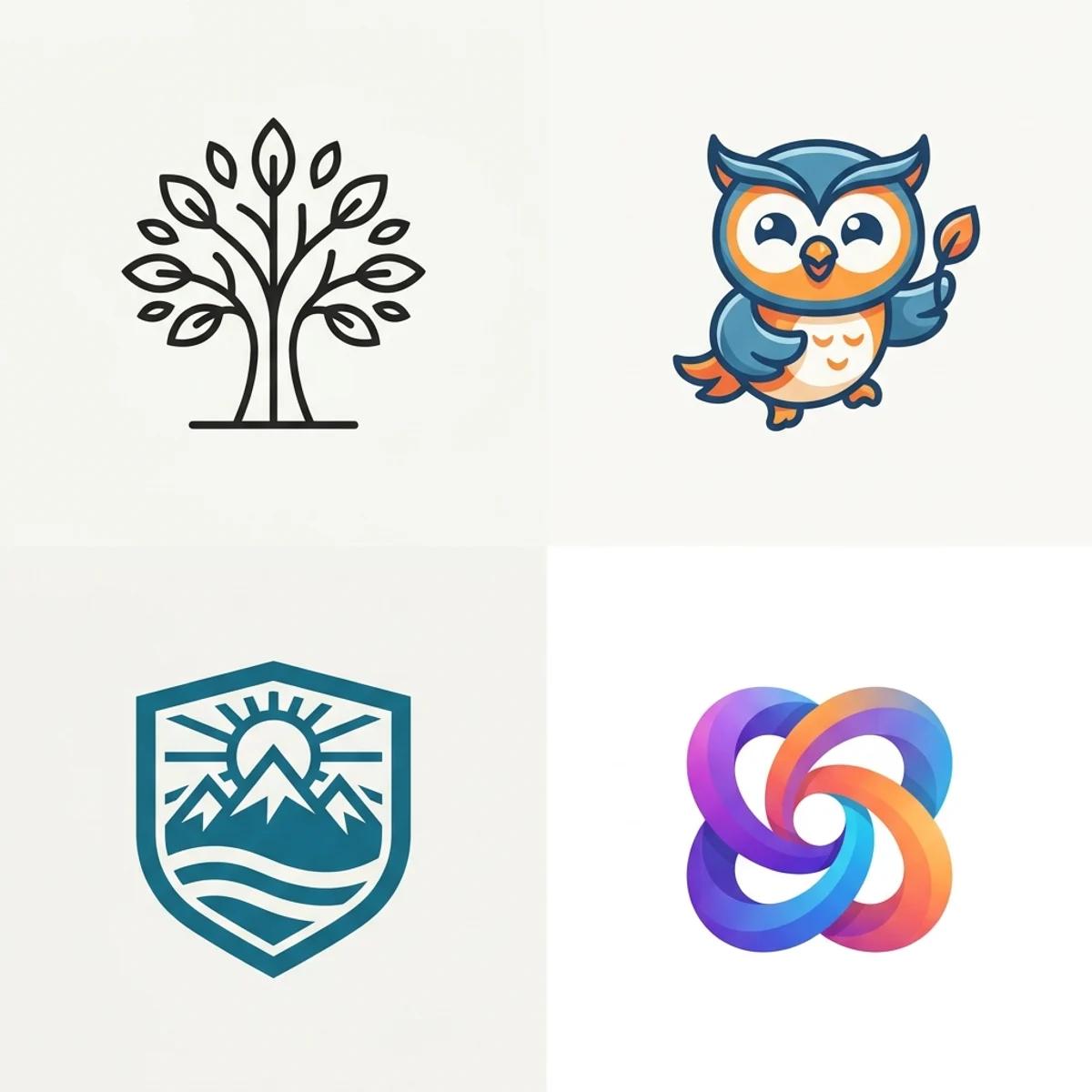
With a style picked, fill the "Describe your brand" field with the sentence you wrote above: name, what it does, motif, color. Want a head start? Tap one of the example logos or prompt recipes on the page to load a working brief, then swap in your own name. Starting from a real brief beats a blank box.
Then hit Generate logo. Concepts come back in a few seconds as square marks on a clean background.
Generating is free, so don't stop at one. Run the same brand through more than one style and more than one phrasing. Most people try several before a direction clicks, and a minimalist version next to a mascot version of the same idea tells you a lot about which way the brand wants to go.
Here's the mistake to avoid: judging a logo big, centered, and alone on screen. That's not where it lives. A logo lives as a 32-pixel favicon, a tiny app icon, a profile avatar in a feed. So judge it there.
Shrink each concept down and ask:
If a mark fails small, regenerate with a simpler motif or a different style instead of keeping it. Each run varies, and the second or third pass is often the one that nails it. When you land on a strong concept, that's your direction. Next, make it usable.
Unsure which direction fits? This is the quick map most brands work from.
| Logo style | When to use it |
|---|---|
| Wordmark | The name itself is the logo (clean type, no symbol). Best when the name is short and distinctive and you want it spelled out. Set this in real type, not AI text. |
| Lettermark | Long or awkward names. A monogram of your initials is compact and works well as an avatar or app icon. |
| Symbol / icon | A standalone mark with no text. The most flexible option: it scales anywhere and pairs cleanly with your name in type. This is the safest thing to generate with AI. |
| Mascot | Personality-forward brands like gaming, kids, food, community. A character gives you something memorable and reusable across content. |
| Emblem | Craft, heritage, and food brands. A crest or badge feels established, but keep the detail light so it survives at small sizes. |
For most founders, a clean symbol or icon paired with your brand name in real type is the combination that ages well and works everywhere.
A generated concept is the start, not the finish. A few steps turn it into a real asset:
That last step is short, and it's what separates a fun draft from a logo you can confidently put on a website, an invoice, and a storefront.
You can pick a style, describe your brand, and generate as many concepts as you like with the free base model, no account required. Signing in keeps your favorites in history so you can come back to them, and removes the export watermark from your downloads.
You don't need a designer or a week to get a logo that looks intentional. Pick a style, write a one-sentence brief, generate a handful of concepts, judge them small, and clean up the winner. The whole loop takes minutes, and the first 90% is free.
Try on hats virtually from one photo with free AI. See how the upload-to-result flow works, which hat style suits your face, and how to read the fit honestly before you buy.
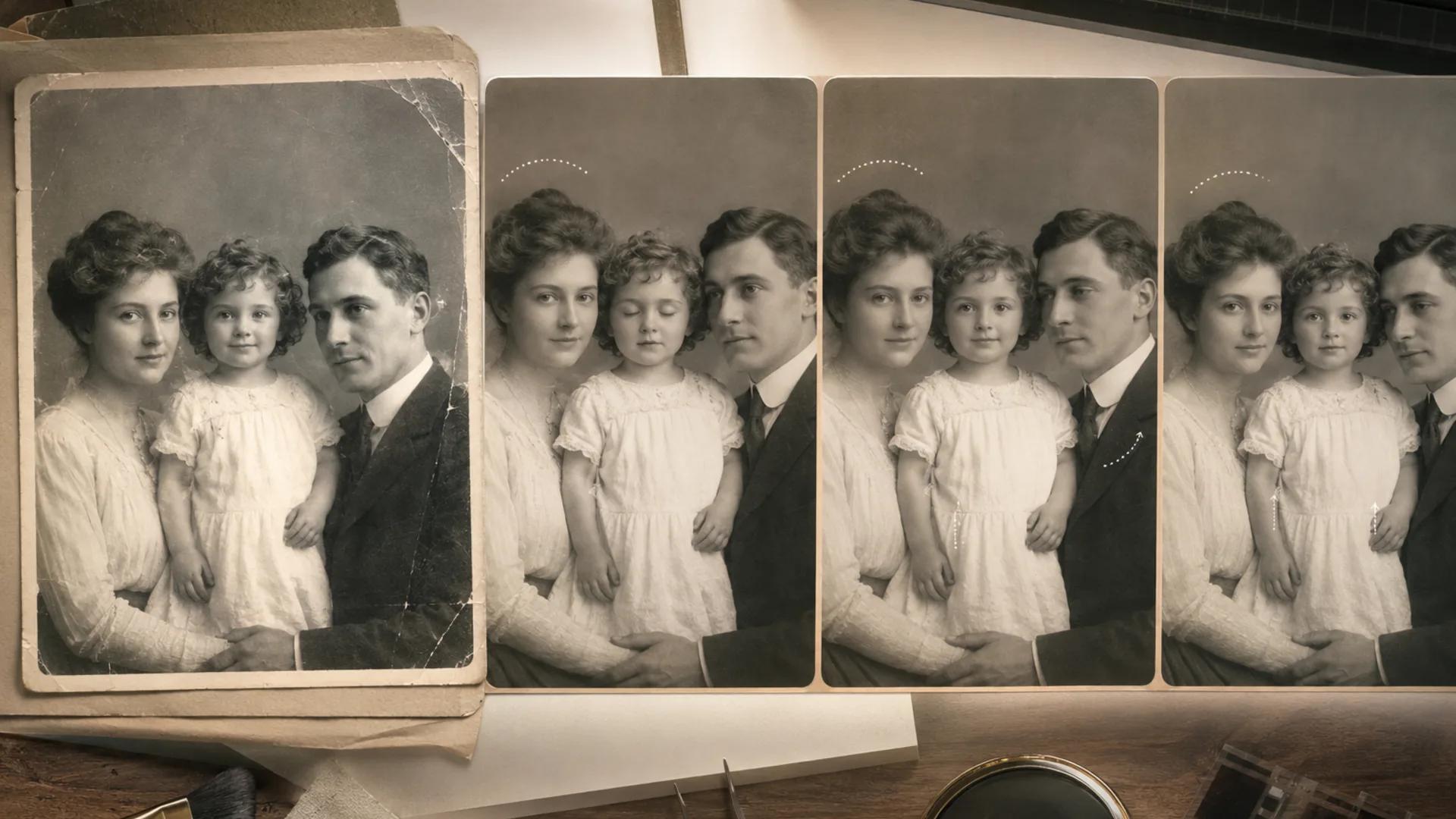
A careful, step-by-step guide to animating scanned vintage portraits: restore first, pick one subject, keep motion small, and review frame by frame before you share.

Learn how to make a five-second product video with Seedance 2 Mini in Inkfox AI, write a controlled motion prompt, and choose when to move up to Fast, Standard, or 2.5.
Newsletter
Subscribe to our newsletter for the latest news and updates