
Best Free AI Image Generators in 2026
A practical guide to free AI image generators, what free really means, and how Inkfox AI fits when you need unlimited drafts plus premium model upgrades.

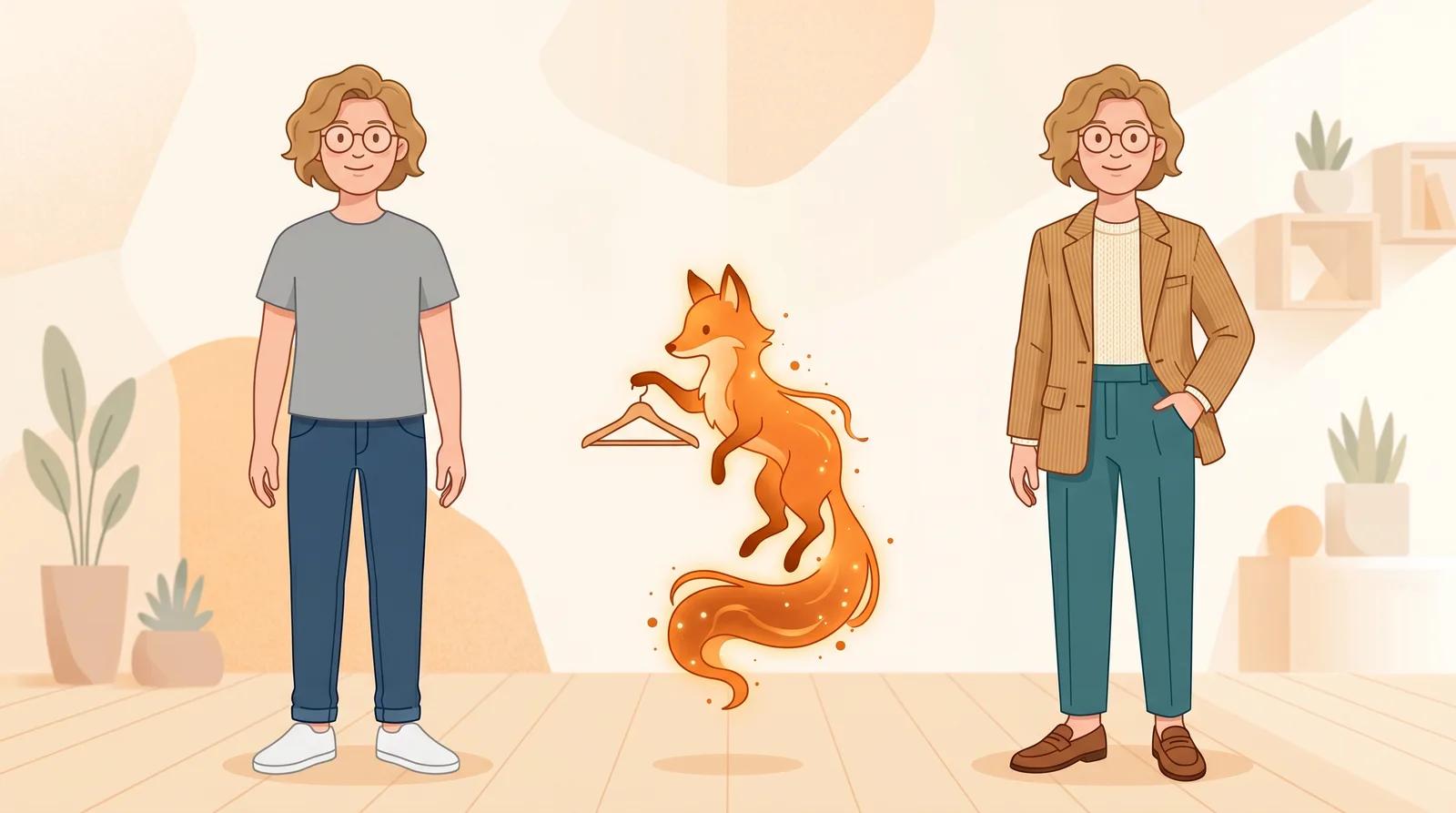
Try on clothes virtually from one full-body photo with free AI. See how the upload-to-result flow works, how to read the fit honestly, and where a virtual outfit preview helps before you buy.
Clothes are the original online-shopping gamble. A look that's styled on a model in studio light tells you almost nothing about how it reads on your body, with your proportions, in your coloring. You end up ordering two sizes, keeping one, and mailing the rest back. Returns are the tax we all pay for not being able to see the outfit on ourselves first.
That is the gap an AI clothes try-on starts to close. You upload one full-body photo, pick a look, and the AI restyles the outfit while keeping your face and body yours. Instead of imagining it from a flat product shot, you get a preview of the look on you before you commit. This guide covers how to use it and how to read the result honestly.
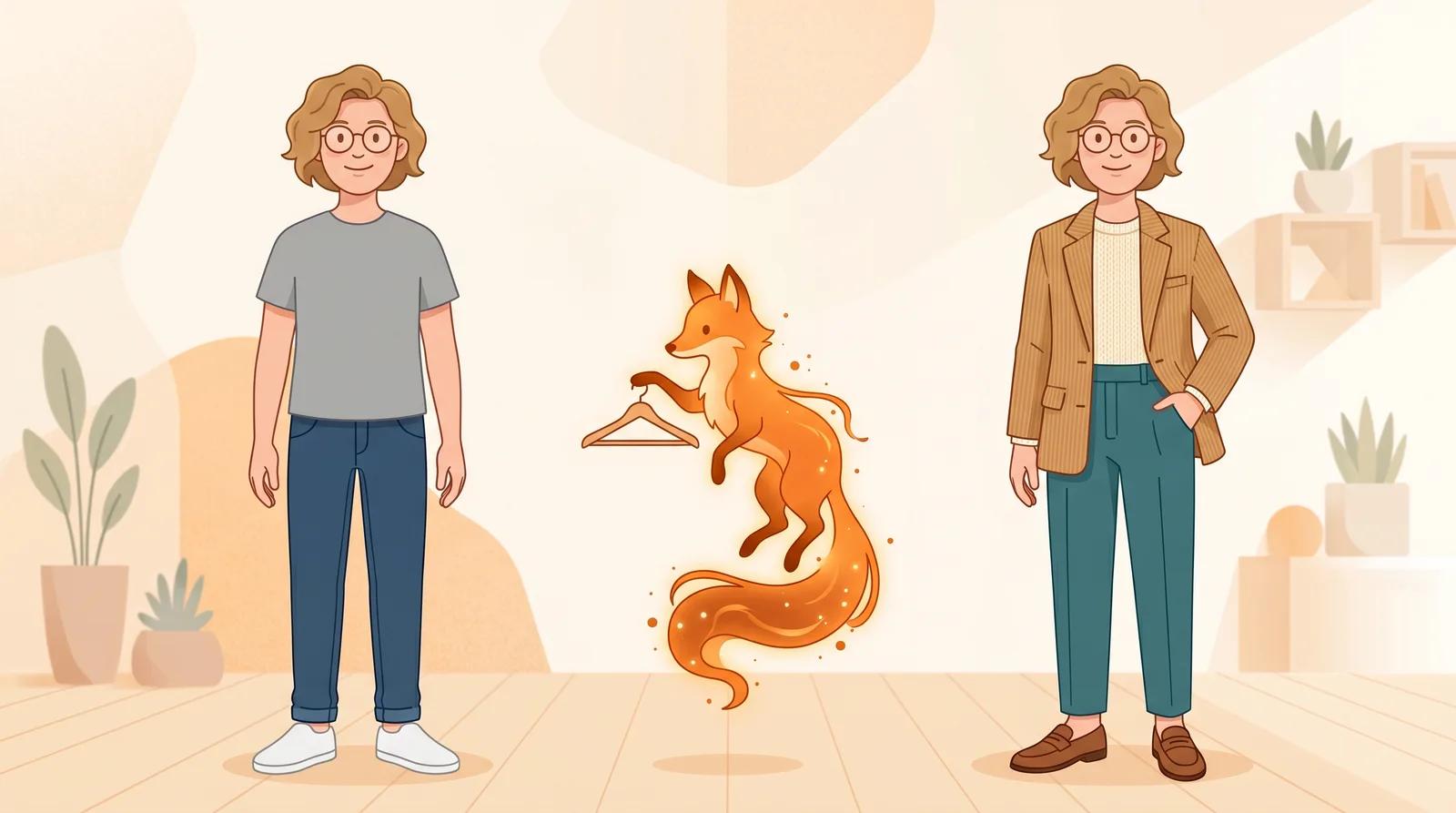
A virtual try-on does one job: it helps you judge style, silhouette, and how a look reads on your body before you buy. It works well for:
It is not a real fitting tool, and clothing is the hardest try-on of all because fit is everything. It will not tell you the size, the fabric drape, how a fabric moves, or whether something is tight across the shoulders. Treat the result as a styling impression, not a fit guarantee. Always check the size chart, fabric, and return policy with the seller before you pay. It is also not a tool for editing someone else's photo without their consent.
The AI can only restyle a look well on a body it can read clearly. Open the AI clothes try-on and upload a photo that gives the model what it needs:
A plain, head-on, full-length phone photo is ideal. The clearer your silhouette, the more believable the restyle.
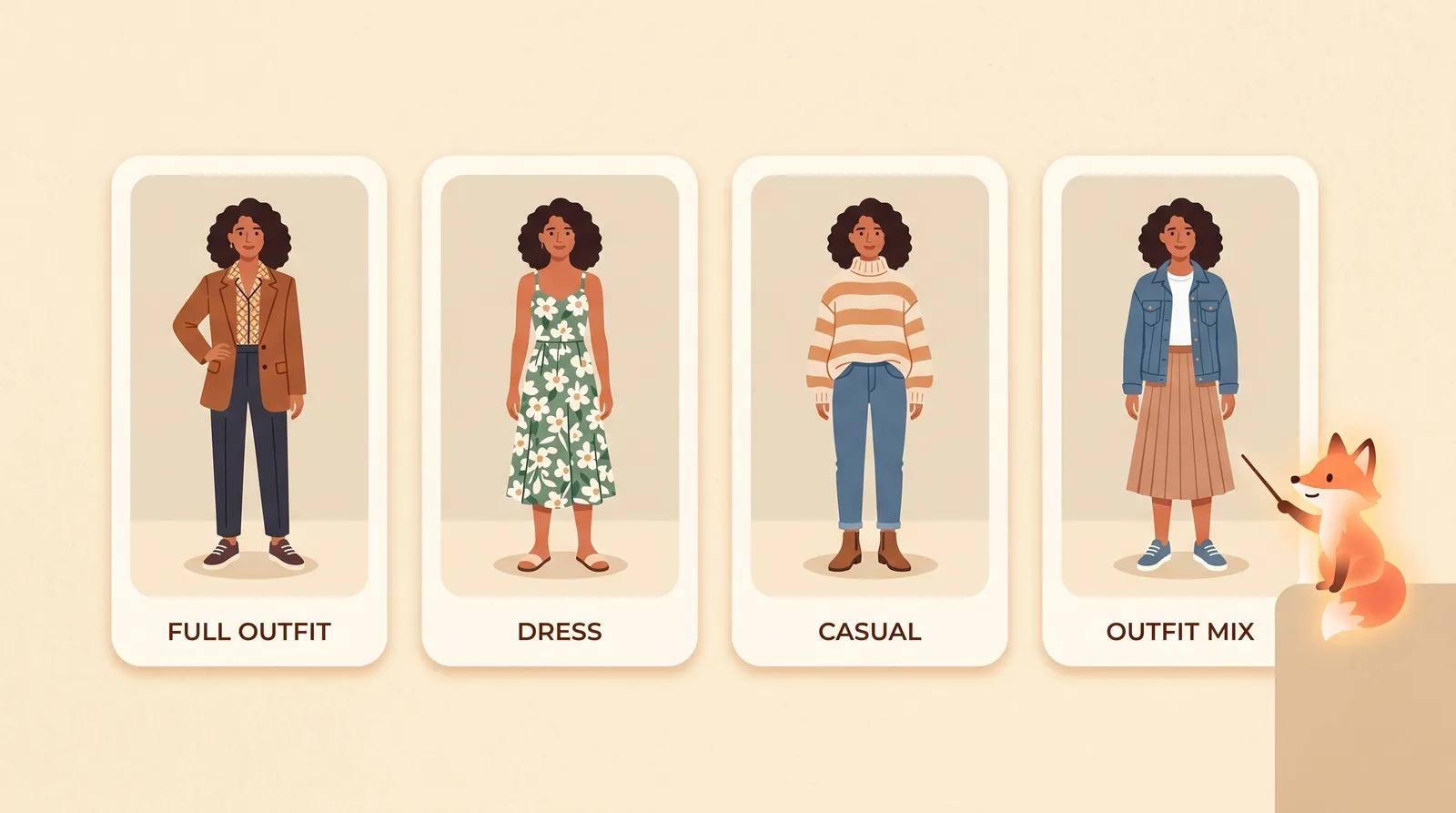
Choose a style reference. There is no prompt to write; the looks are pre-built, so you pick the direction instead of describing it. You get four to compare:
Comparing looks is free, so run more than one. Try the directions you are torn between on the same photo and look at them next to each other.
Pick a look and run the try-on. The model restyles the outfit while keeping your identity, face, and body proportions stable. It takes a few seconds.
When it finishes, zoom in and check the details that tell you whether a look works on you:
If something looks wrong, regenerate or try a different look instead of keeping the first pass. Each run varies a little, and a cleaner, full-length, head-on photo fixes most issues.
Clothing deserves an extra note, because it's the category where a preview can mislead you most. A virtual try-on is great at answering "does this style and color suit me?" and poor at answering "will this exact size fit?" Use it for the first question and lean on the seller's size chart and reviews for the second.
A good workflow:
You can upload a full-body photo, pick a look, and generate a try-on on the free model without an account. Comparing the looks costs nothing. Signing in removes the export watermark from your download, so the saved image is clean and ready to share.
You don't have to imagine an outfit from a flat product photo. Upload one clear, full-length photo, preview a few looks on yourself, and judge the style before you order, then confirm the fit with the size chart.
A practical guide to free AI image generators, what free really means, and how Inkfox AI fits when you need unlimited drafts plus premium model upgrades.
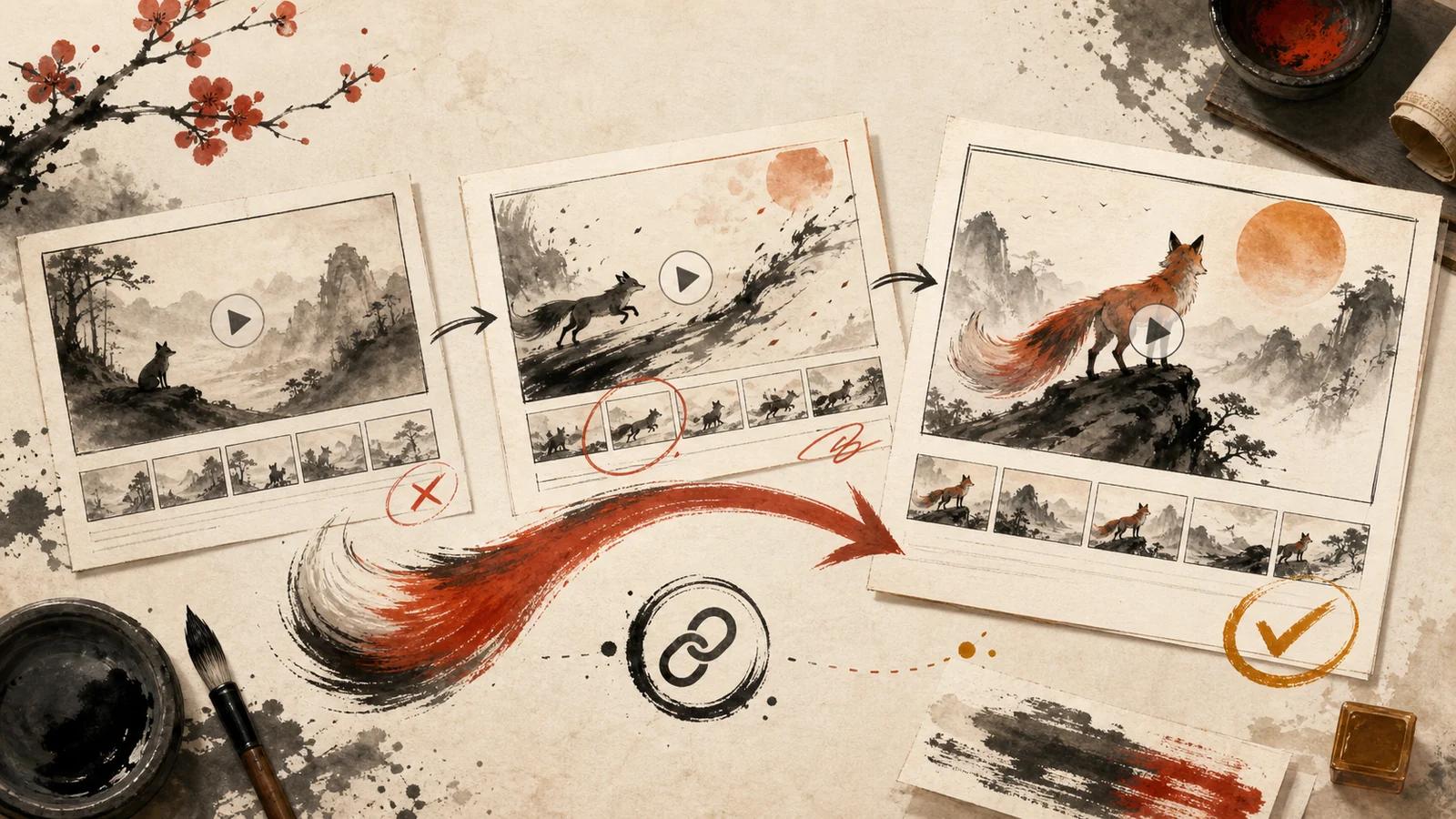
A practical review workflow for AI image-to-video creators: prepare a focused draft, share it as a link, collect useful notes, and keep revisions organized.
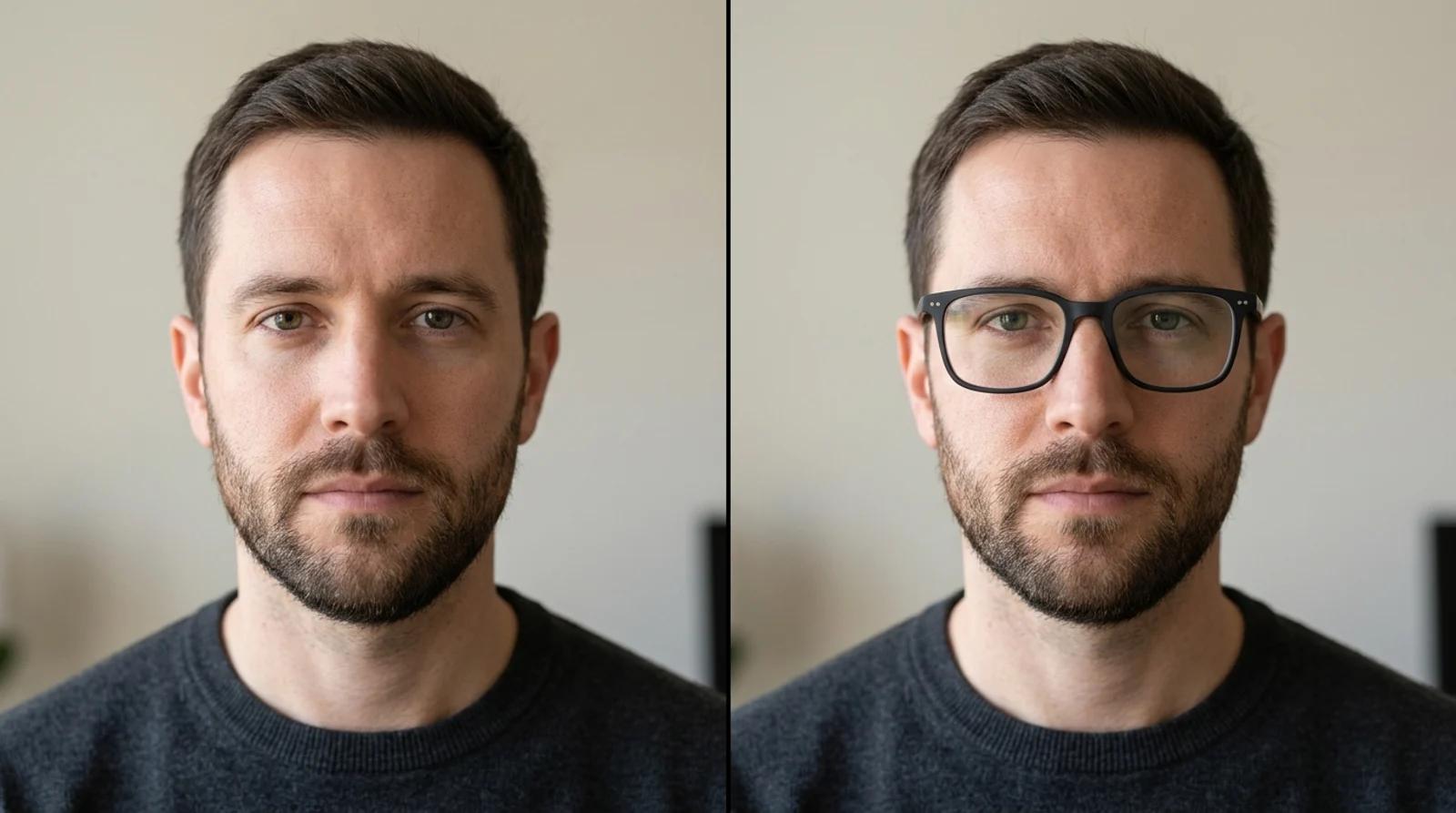
Try on glasses online from one photo with free AI. Upload a portrait, pick a frame shape, and preview how each pair looks on your face before you buy.
Newsletter
Subscribe to our newsletter for the latest news and updates