
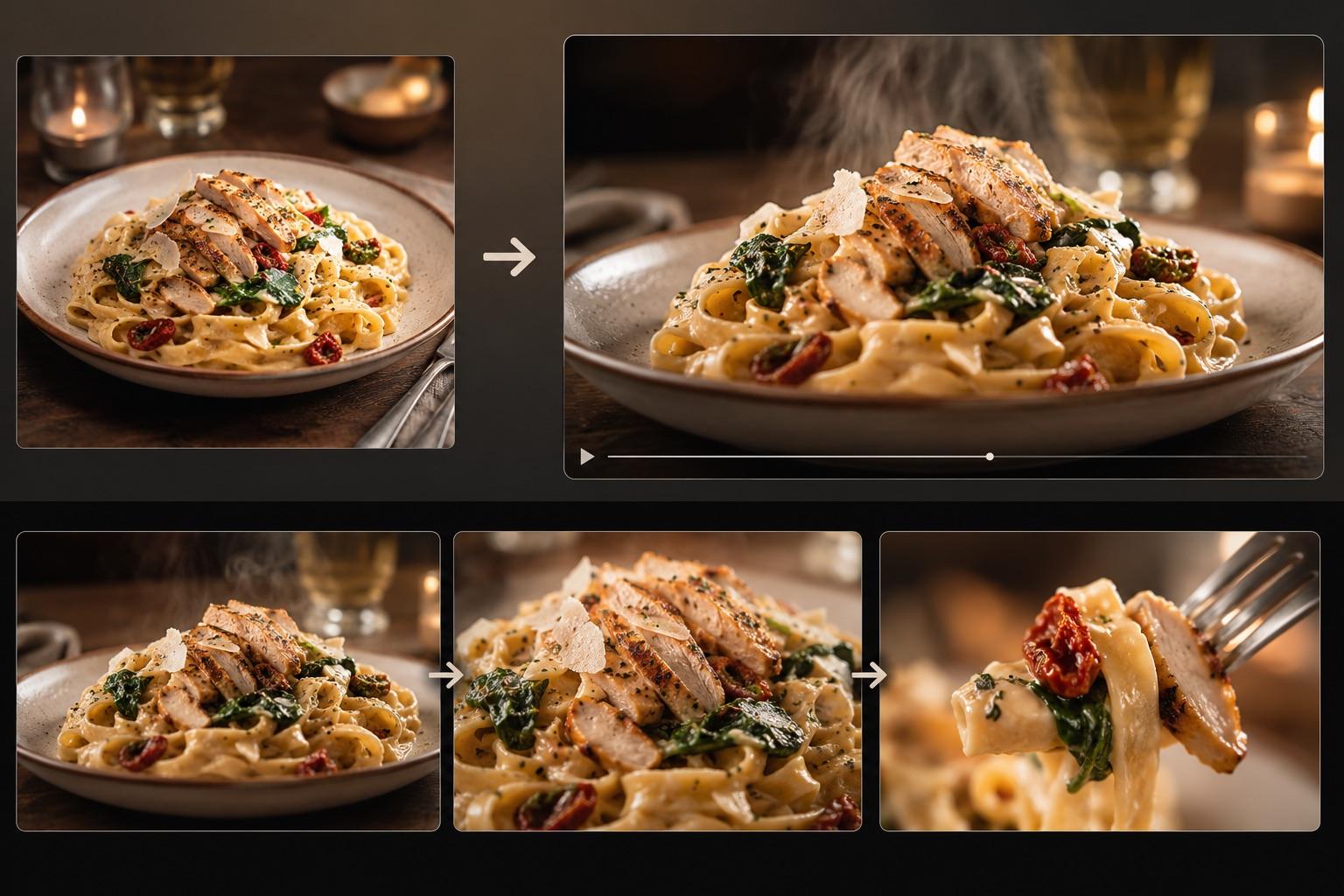
AI Food Video Generator: Make a Food Video From One Photo
Turn one dish photo into a realistic food video with controlled motion prompts, a three-shot storyboard, failure fixes, and an export checklist.

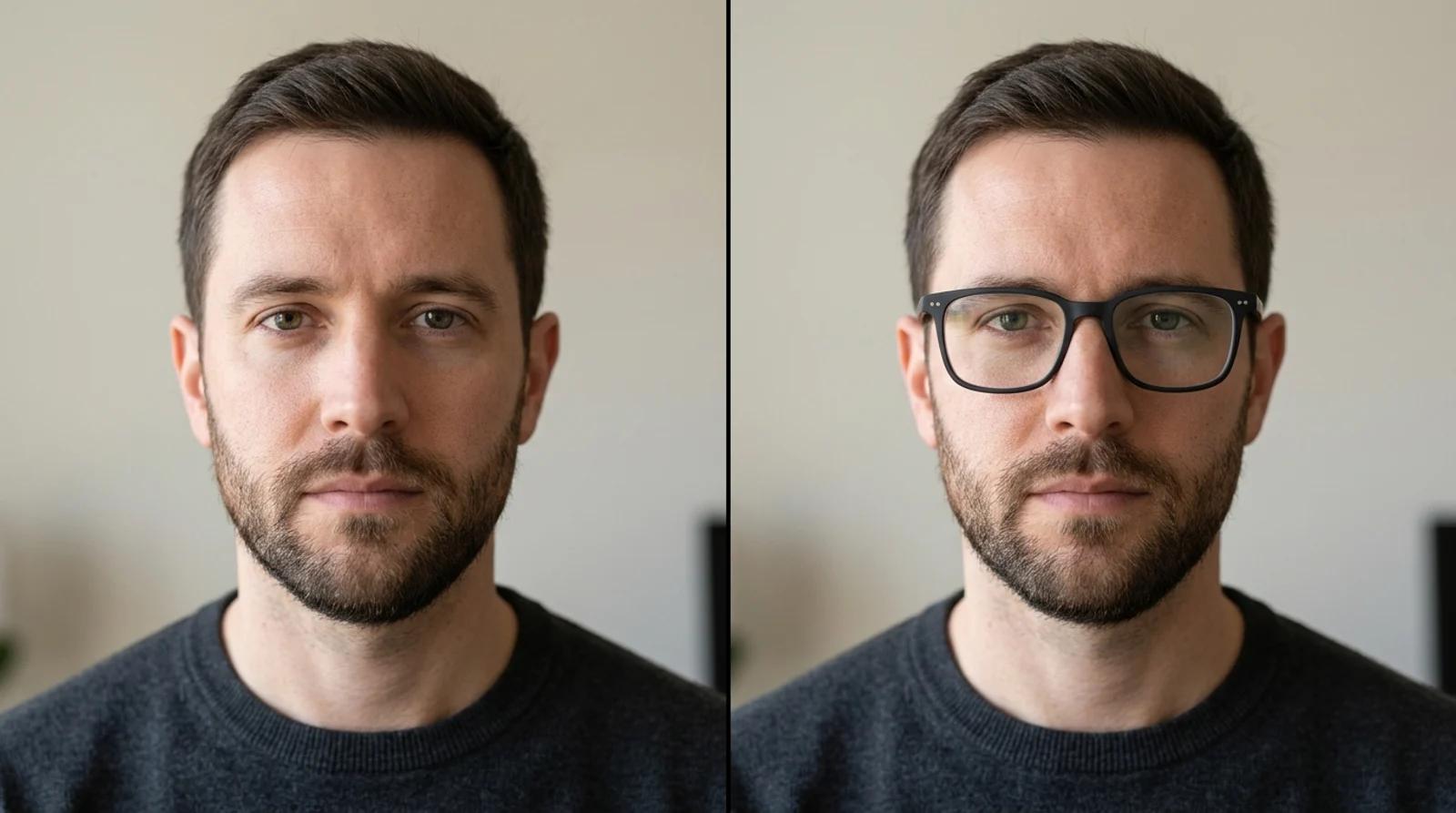
Try on glasses online from one photo with free AI. Upload a portrait, pick a frame shape, and preview how each pair looks on your face before you buy.
Buying glasses online is a guessing game. The product thumbnail is a stock model with a different face, the reviews say "smaller than expected," and you can't really tell whether a frame suits you until the box arrives. The alternative is driving to a store, trying on twenty pairs under fluorescent light, and still second-guessing yourself in the car.
If you want to try on glasses online from a photo, a virtual glasses try-on skips both. You upload one front-facing photo, pick a frame shape, and see it sitting on your own face in a few seconds. Same eyes, same skin, same lighting, just with glasses added. It's the fastest way to shortlist frames before you spend money, and it's free to try.
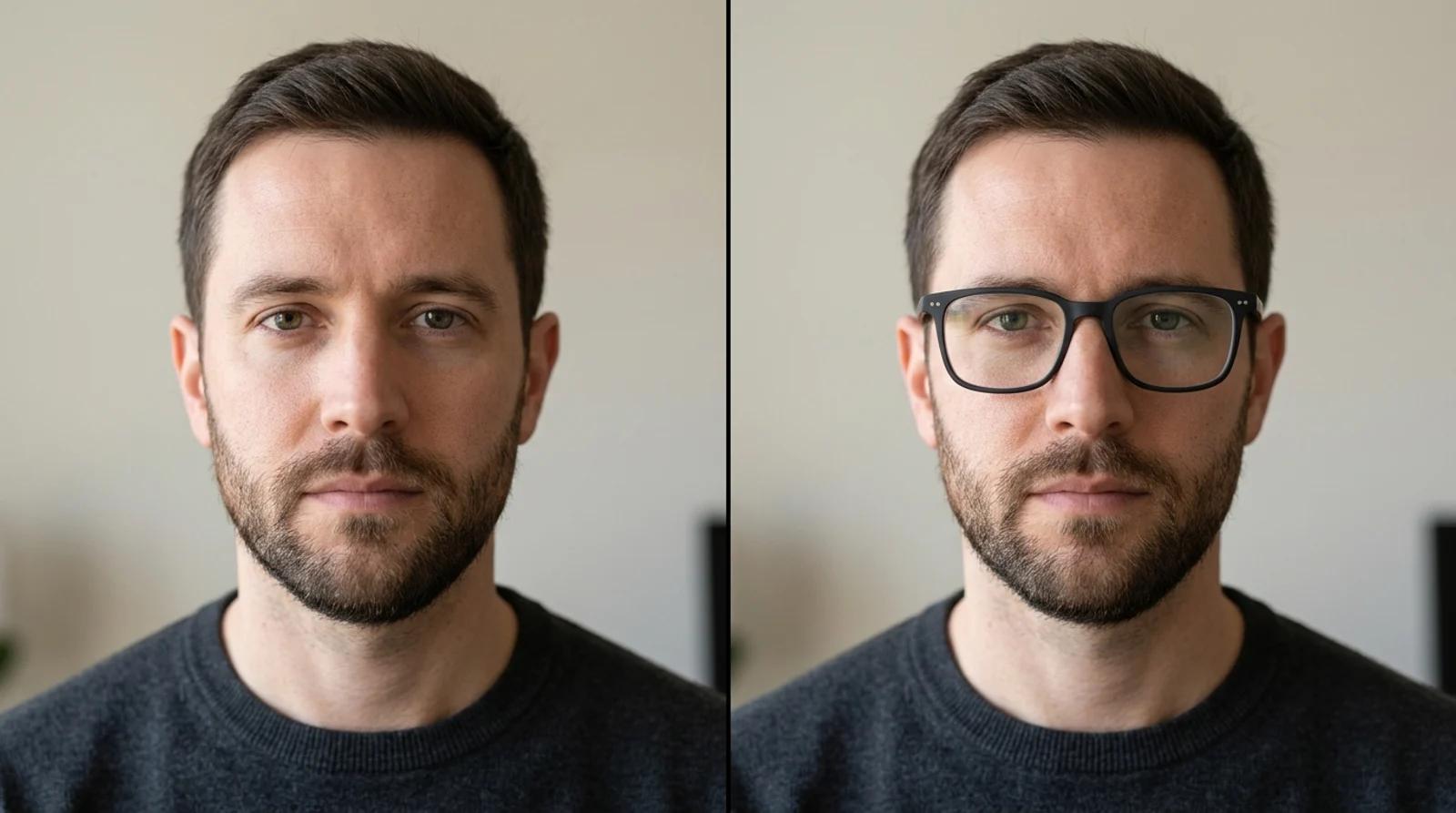
Virtual try-on does one job well: visual shortlisting. It answers "do round frames suit my face?" or "is this tortoise pattern too loud?" much faster than ordering three pairs and shipping two back. Use it to:
It's not a fit or prescription tool. The preview shows how a shape looks, not how it measures. It won't give you the bridge width, the temple length, or your lens prescription, and the output isn't a sizing measurement. Before you buy, confirm the real dimensions, lens details, and return policy with the seller.
Two more honest caveats about how the tool works. It expects an adult, front-facing portrait, and it keeps the person you upload rather than swapping faces. Side profiles, heavy shadows, or glasses already covering your eyes make the alignment less reliable. And it isn't for impersonation, official IDs, or editing someone's photo without their consent.
Open the virtual glasses try-on and use "Upload a front-facing portrait" to add your photo. The source image sets the ceiling on how believable the result looks, so it's worth getting right.
A good portrait for try-on is:
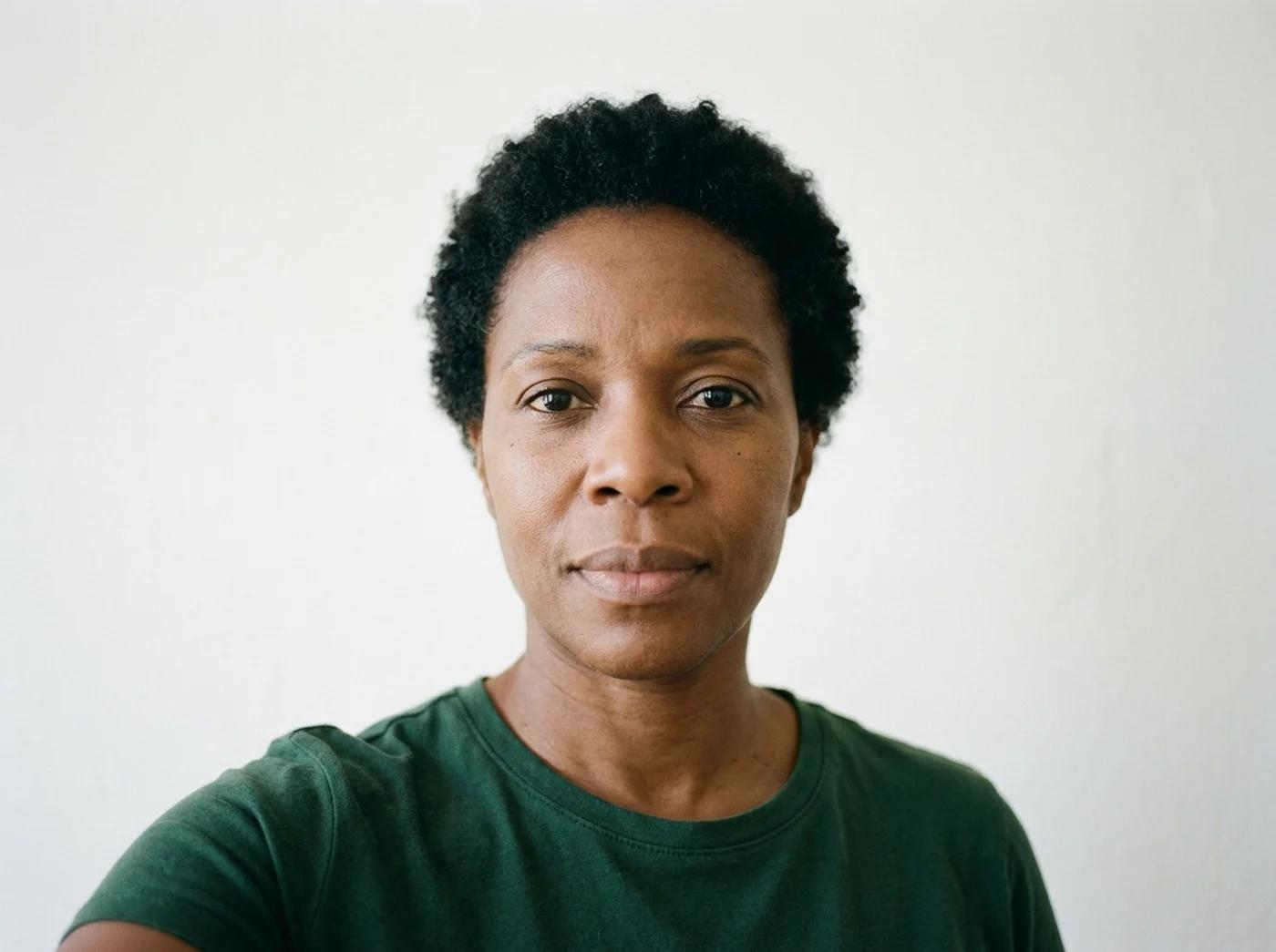
If you only fix one thing, shoot facing a window. Daylight on a head-on portrait does more for the result than any other tweak.
Once your portrait is in, choose a frame under "Choose glasses frame." Each preset is a real frame reference, so the model follows a concrete shape instead of guessing. Six are free to compare:
Switching frames costs you nothing, so don't stop at one. Run the same portrait through several shapes and line them up side by side. Seeing four frames on your own face at once tells you more than any product photo on a model.
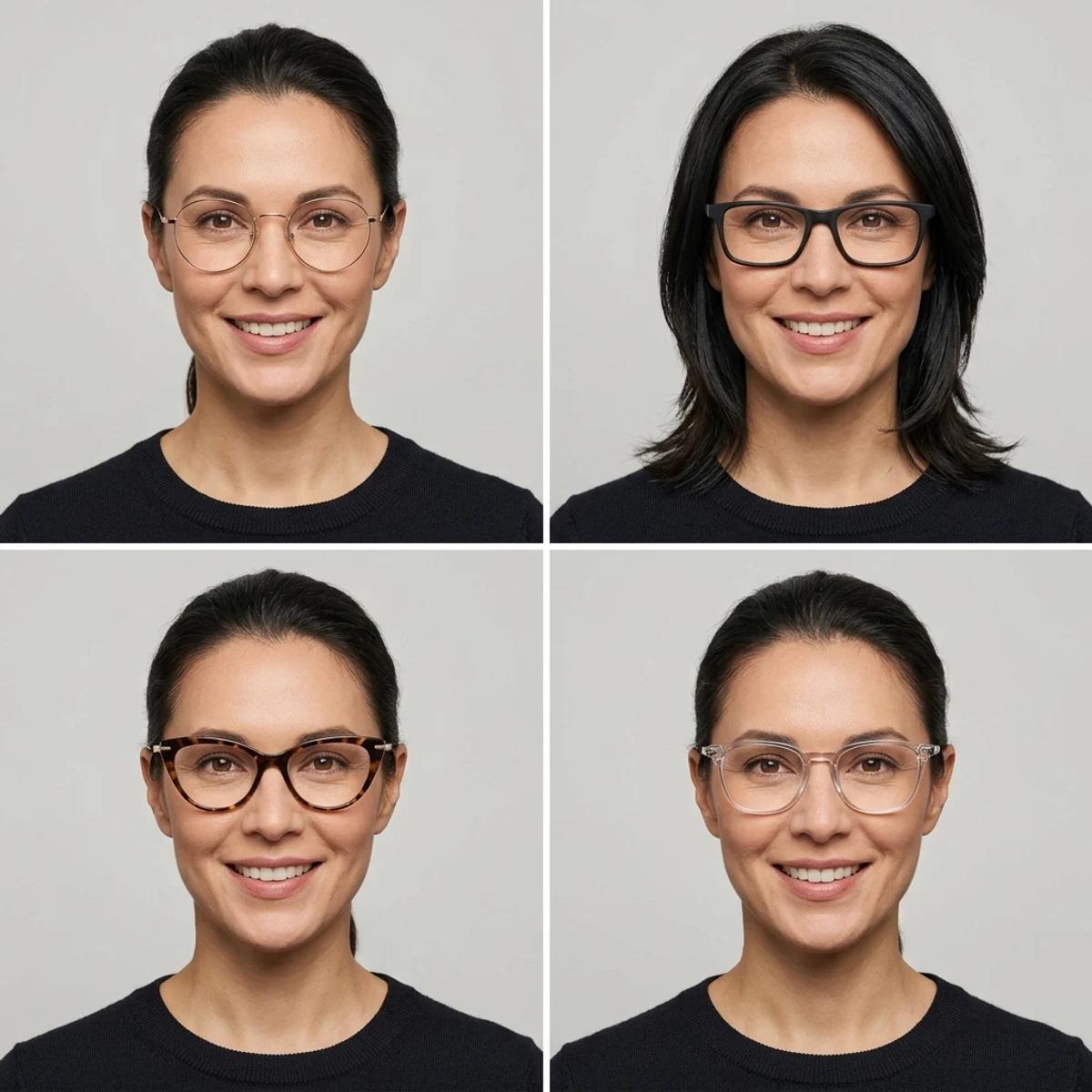
Click "Try on glasses." The model adds the frame while keeping your identity, eye direction, skin texture, lighting, and expression unchanged. It takes a few seconds.
When it finishes, don't just glance and move on. Zoom in and check the details AI sometimes gets wrong:
If something looks off, a floating frame or a warped lens, try another preset or regenerate. Each run varies a little. If every result looks wrong, the fix is almost always a cleaner source. A clearer nose bridge and more visible eyes solve most alignment problems.
Frame choice is part face shape, part personal taste. Use this as a starting point, then let the try-on confirm it on your actual face. These are tendencies, not rules.
| Frame shape | Suits these face shapes | What it tends to do |
|---|---|---|
| Round | Square, angular, strong jawlines | Softens sharp features; retro and approachable |
| Rectangular or square | Round, soft, fuller faces | Adds definition and angles; structured and modern |
| Cat-eye | Round, heart, oval | Lifts the eyes; upswept and expressive |
| Browline | Oval, square, heart | Draws attention to the top half; vintage and confident |
If your face is oval, most shapes work, so you can pick on style alone. And if you're stuck between two shapes, that's exactly what the free try-on is for.
Whether a try-on looks real or pasted on usually comes down to the input. A few concrete habits:
You can upload a portrait, pick a frame, and compare all six styles on the free base model without an account. Signing in keeps your try-ons in history so you can come back to them, and it removes the export watermark from the download.
You don't need to order three pairs or drive to a store to find out which frames suit you. Upload one clear, well-lit, head-on photo, compare the shapes that catch your eye, and check the fit against your own face before you commit. It costs nothing to look.
Turn one dish photo into a realistic food video with controlled motion prompts, a three-shot storyboard, failure fixes, and an export checklist.
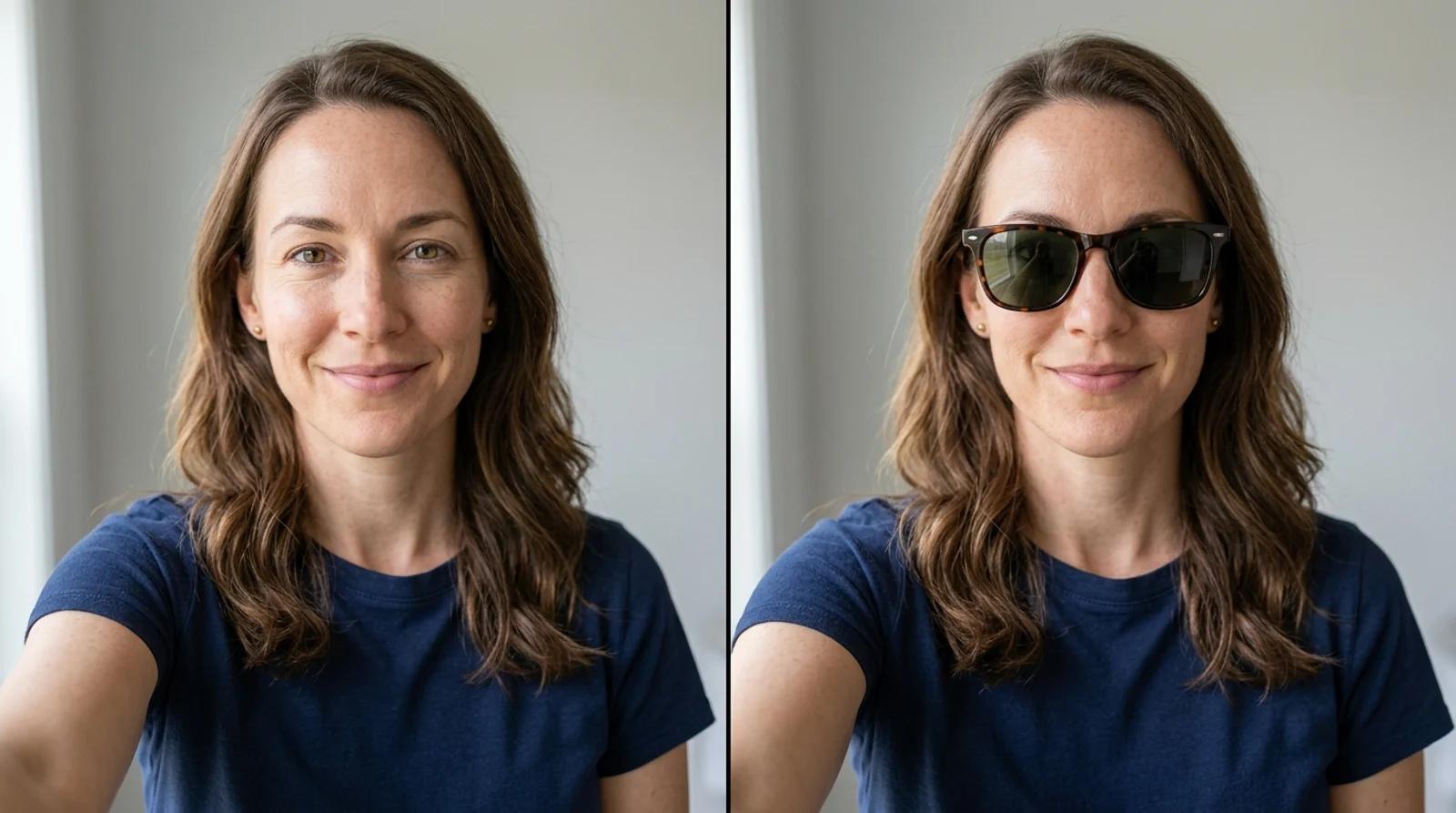
Try on sunglasses virtually from one selfie with free AI. Learn the upload-to-result flow, which frame suits your face shape, and how to read the result honestly.
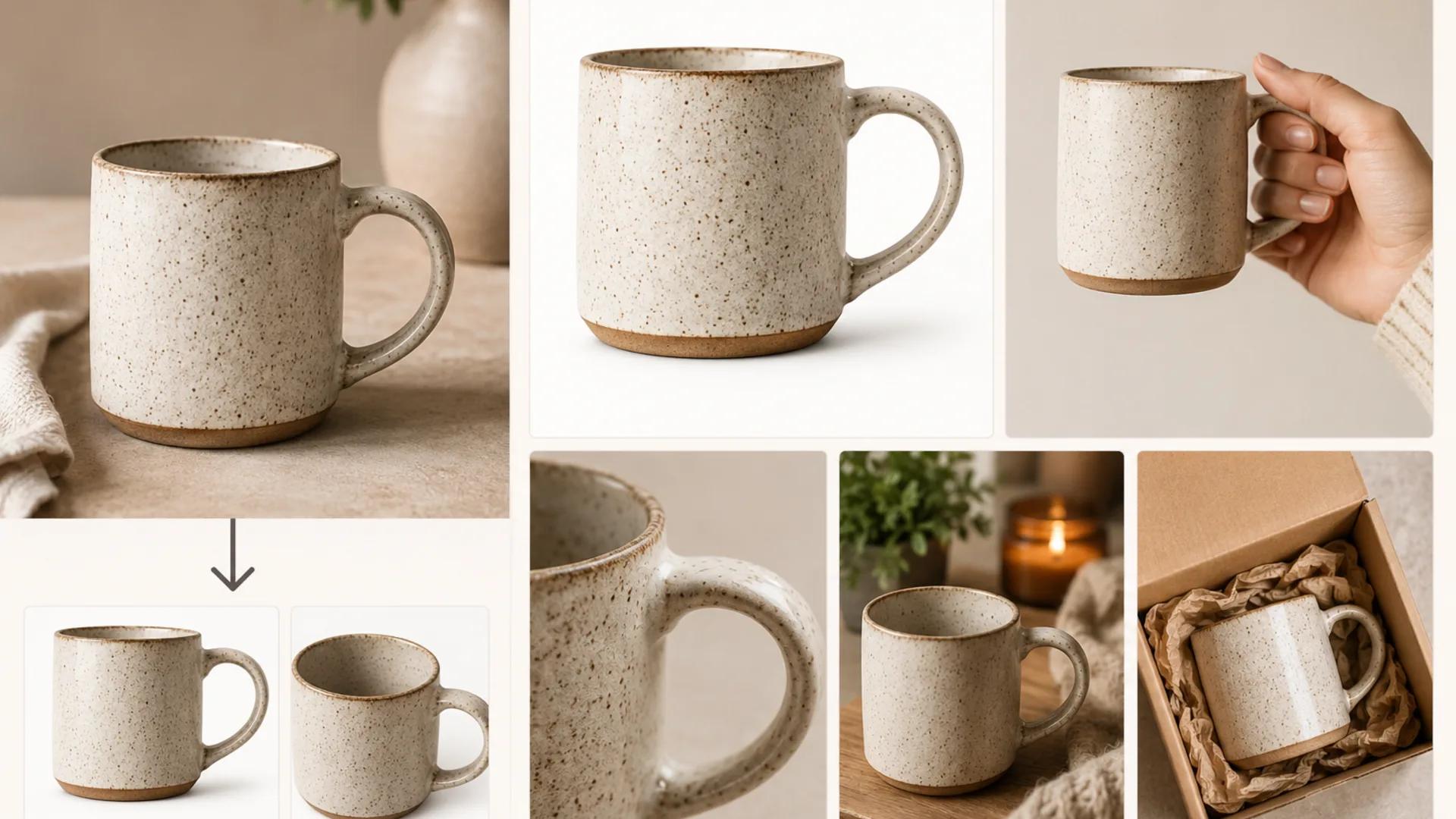
A practical workflow for turning one real product photo into a full Etsy listing set with AI, while keeping shape, color, materials, and handmade variation accurate.
Newsletter
Subscribe to our newsletter for the latest news and updates