Inkfox AI logoInkfox AIInkfoxAI
HomeGallery
Up to 33%Pricing
  • Home
  • Image
    • Text to Image
    • Image to Image
    • Background Remover
    • Image Upscaler
    • Merge Images
    • Background Changer
    • Photo Restoration
    • Watermark Remover
    • Virtual Try On Glasses
    • Virtual Try On Sunglasses
    • Logo Generator
    • Anime Generator
    • Coloring Page
    • Headshot Generator
    • Sticker Generator
    • Product Photo
  • Video
    • Text to Video
    • Image to Video
    • Video to Video
    • Old Photo Video
    • Hug Video
    • Product Video
    • Kiss Video
    • Wedding Video
    • Real Estate Video
    • Food Video
    • Travel Video
    • Portrait Video
    • Baby Dance Video
  • Models
    • Inkfox AI Basic
    • Inkfox AI Pro
    • Inkfox AI Max
    • GPT Image 2.0
    • Nano Banana 2.0
    • Nano Banana
    • Seedream 4.0
    • Seedream 4.5
    • Seedream 5 Lite
    • GPT Image 1.5
    • Z-Image
    • Flux 2 Pro
    • Wan 2.7 Image Pro
    • Inkfox AI Pro
    • Inkfox AI Max
    • HappyHorse 1.0
    • Seedance 2.0
    • Gemini Omni
    • Grok Imagine 1.5
    • Grok Imagine
    • Veo 3.1
    • Kling 3.0
    • Runway
    • Hailuo 02
    • Wan 2.7
    • Hailuo 2.3
    • Seedance v1
    • Kling 2.6
    • Wan 2.6
  • Gallery
  • Pricing
  • Blog
    Guides and launch notes
    Feature Requests
    Vote on what ships next
    FAQ
    Usage, pricing, and account answers
Inkfox AI logoInkfox AIInkfoxAI
Nano Banana 2.0 vs GPT Image 2.0 vs Flux vs SDXL
2026/05/23

Nano Banana 2.0 vs GPT Image 2.0 vs Flux vs SDXL

A practical comparison of four popular AI image model families inside Inkfox AI, with guidance for product visuals, portraits, style exploration, and clean production assets.

Model choice matters, but not in the way most comparison posts suggest. The right question is not "which model is best?" The useful question is "which model should I try first for this exact image job?"

Inkfox AI keeps multiple image models in one workspace so you can route the task instead of changing tools. The base Inkfox AI model is useful for free unlimited exploration with watermarked outputs. Premium models such as Nano Banana 2.0, GPT Image 2.0, Flux, and SDXL help when the brief needs stronger realism, cleaner style control, or production-ready polish.

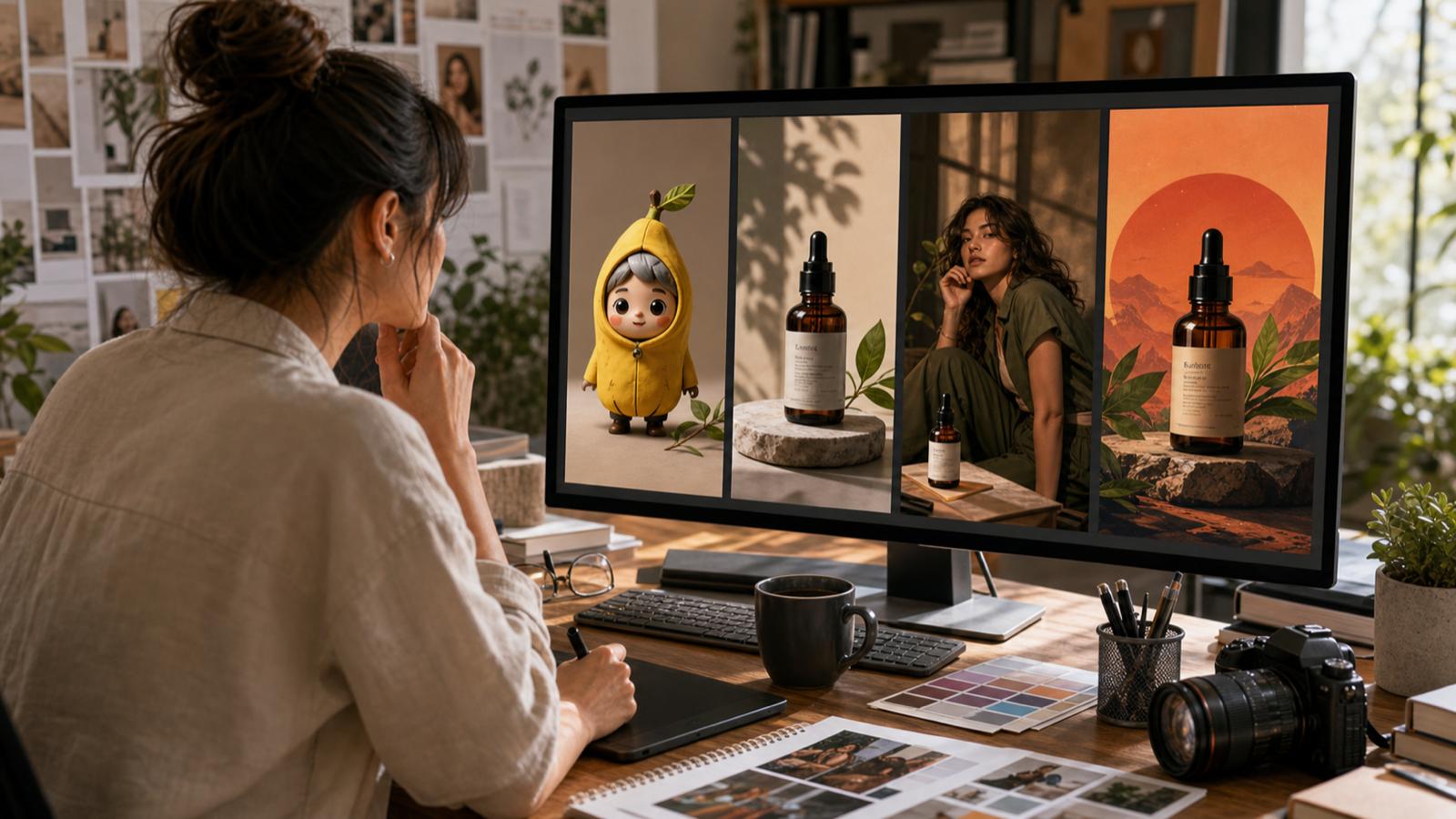
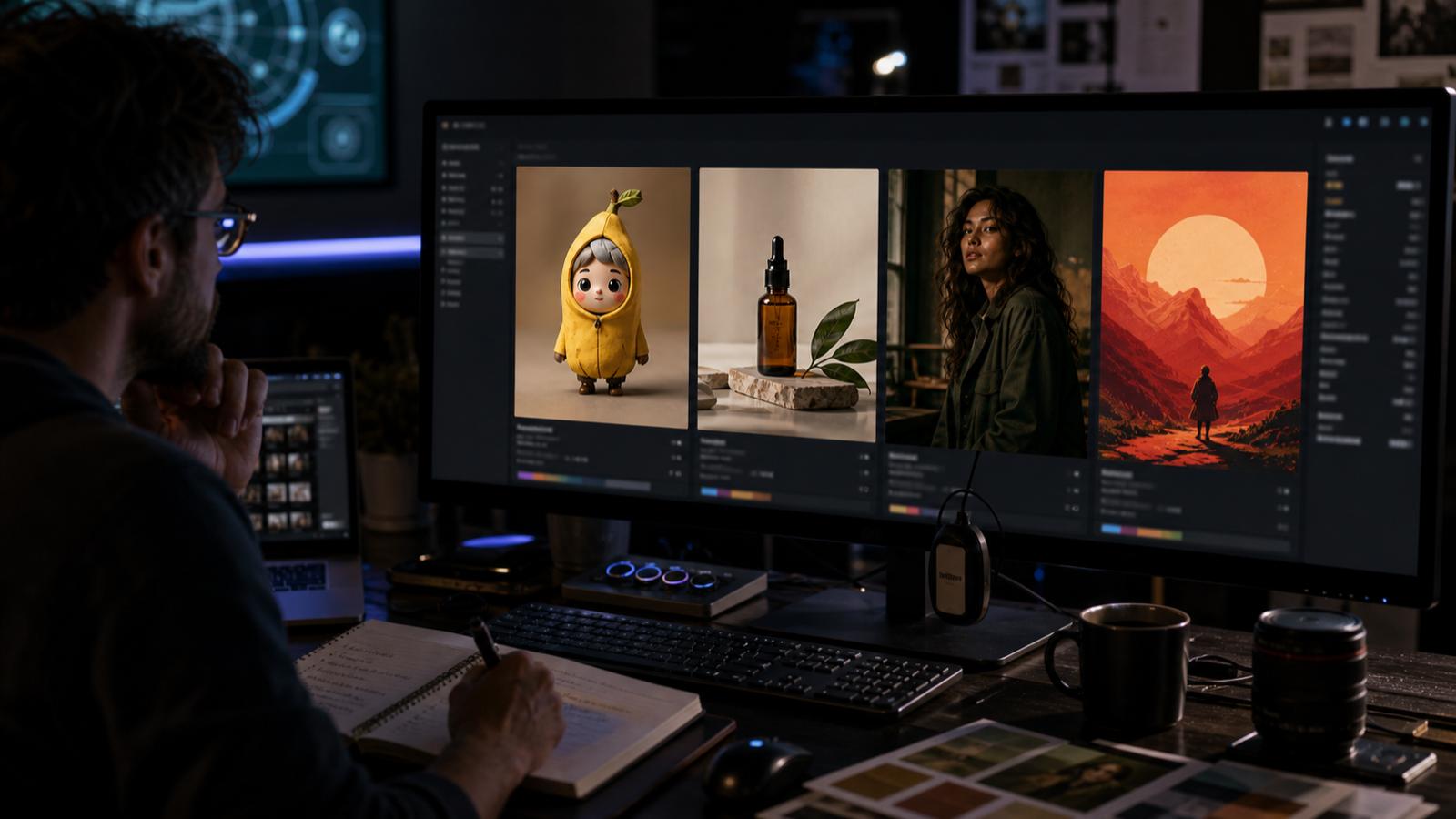
Newly generated Inkfox AI model-comparison illustration showing the same brief viewed through four model lenses

The short answer

Model familyBest forBe careful with
Nano Banana 2.0Characterful concepts, social visuals, fast creative explorationOver-stylized results when the brand needs restraint
GPT Image 2.0Realistic product scenes, instruction following, practical marketing assetsDense prompts can still create clutter
FluxPhotographic quality, design polish, cinematic product and lifestyle imageryNeeds clear constraints for consistent series work
SDXLRepeatable styles, posters, controlled illustration, lower-cost iterationMay need more prompt tuning for premium realism

Think of models as lenses. The subject stays the same, but each model emphasizes a different kind of image quality.

Use Nano Banana 2.0 when personality matters

Nano Banana 2.0 is often a strong first try when the asset needs a distinct creative read: social posts, character-driven concepts, playful campaign images, avatar directions, or thumbnails that need to stop a scroll.

Good prompts for this model usually include:

  • A clear subject.
  • A bold mood or art direction.
  • A simple background.
  • One strong visual hook.

Example:

Playful launch image for a new note-taking app, a tiny glowing fox made of ink sitting on a desk beside a laptop, clean modern studio, warm light, soft shadows, square social post, no text.

Use it when the concept needs energy. Use another model when the brand system needs strict realism or repeatable product detail.

Use GPT Image 2.0 when the brief is specific

GPT Image 2.0 is a strong choice when you need the image to follow a practical marketing brief. It is useful for product compositions, website visuals, pitch deck imagery, and images where multiple constraints matter.

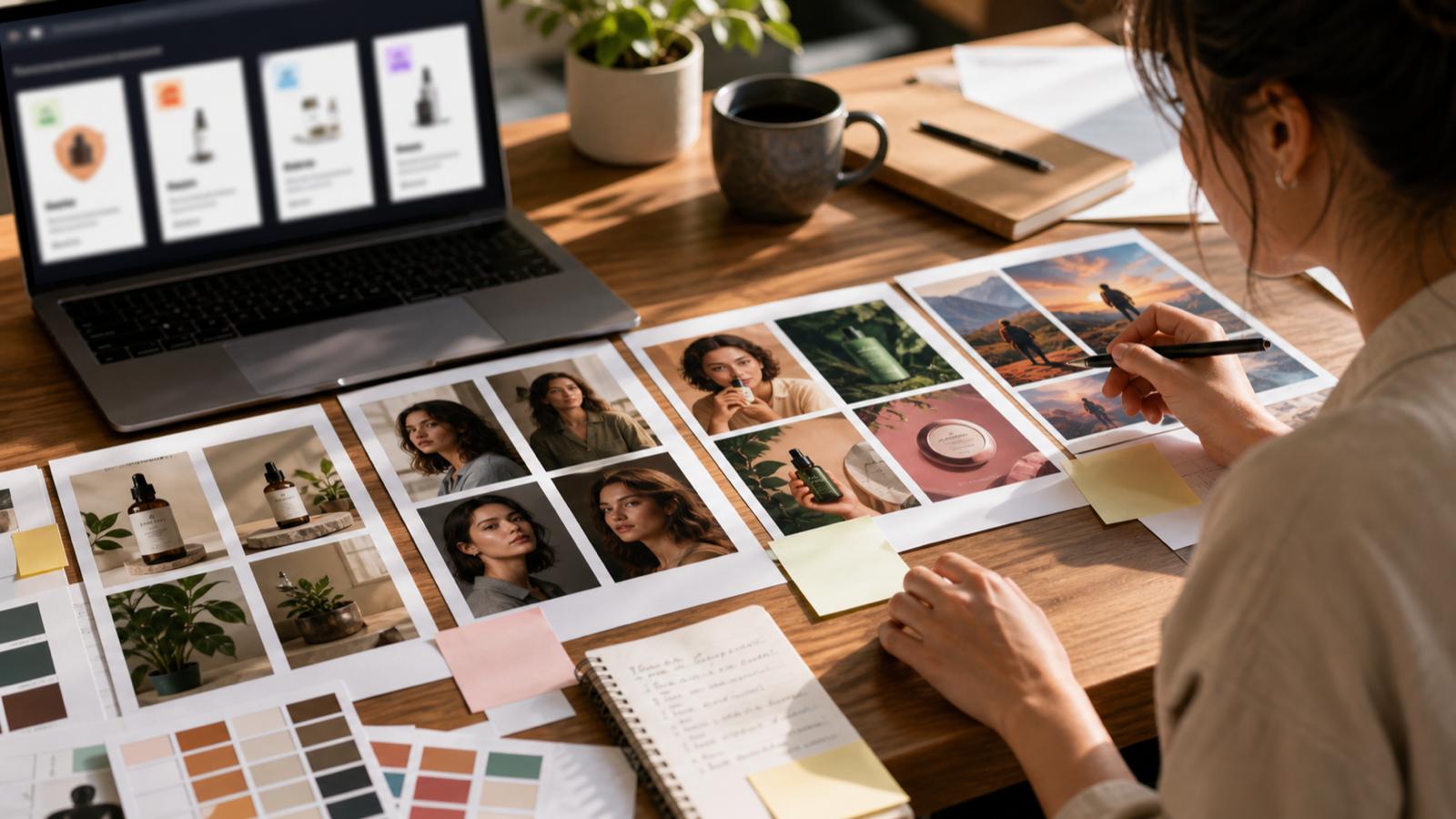
Newly generated Inkfox AI task matrix for matching AI image models to product, social, lifestyle, and style-system work

It works best when the prompt describes the final asset clearly:

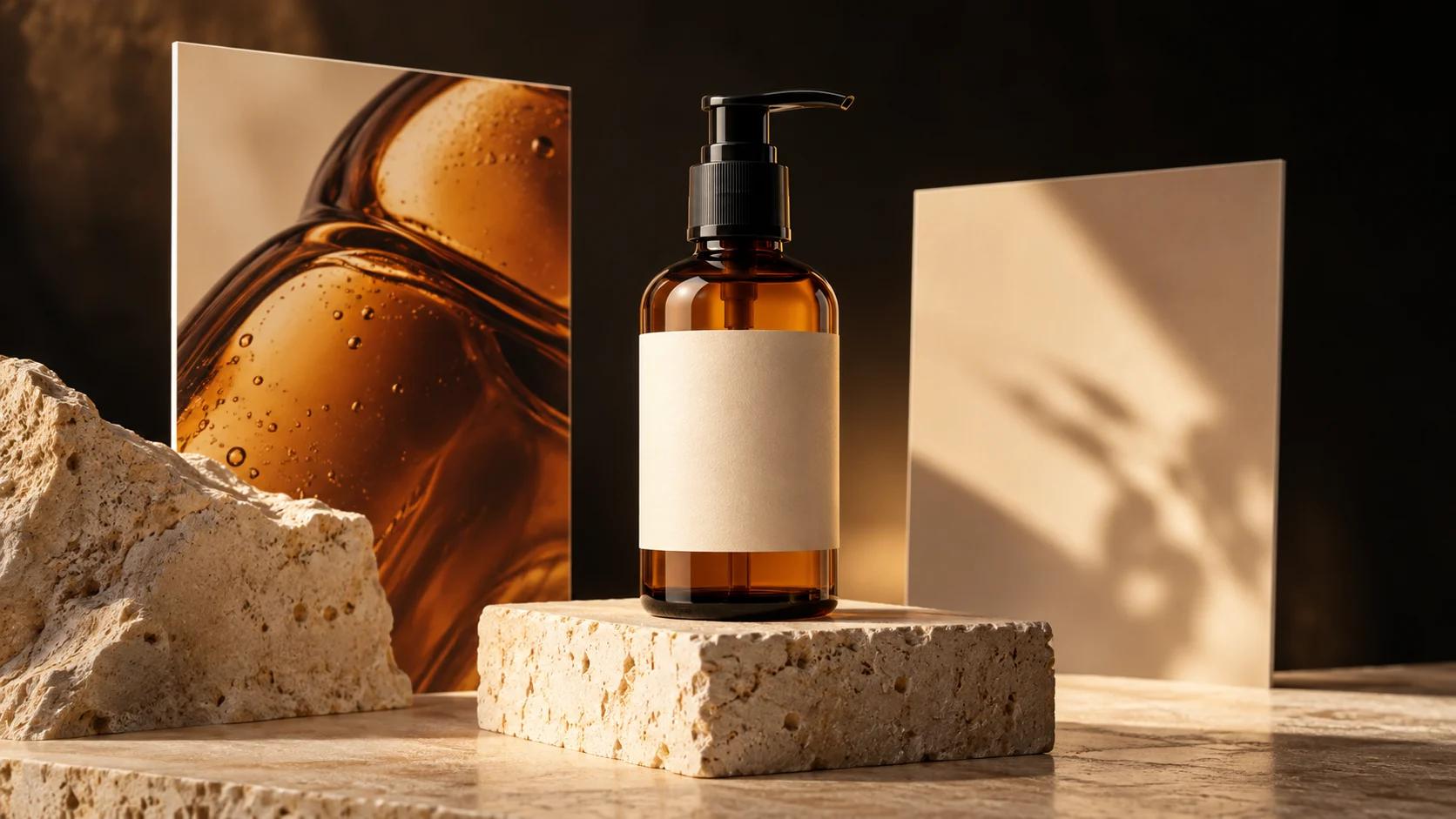
16:9 website hero image for a skincare serum, transparent glass bottle on a warm stone surface, soft daylight, premium direct-to-consumer brand, beige background, blank space on the right for headline, no text, no logo.

The key is to include layout requirements. If the image must support a headline, say where the empty space should be. If the product must stay central, say that too.

Use Flux when the image needs polish

Flux is a reliable option for polished, high-quality imagery: fashion, product photography, editorial portraits, atmospheric scenes, and premium-looking campaign images.

It can produce images that feel finished earlier in the process. That makes it useful when you already know the direction and want a cleaner pass.

Use Flux for:

  • Product mood shots.
  • Lifestyle campaign visuals.
  • Editorial portraits.
  • High-end social creative.
  • First frames for image-to-video.

The tradeoff is that beautiful output can hide weak strategy. Judge the image against the asset's job, not just its lighting.

Use SDXL when repeatability matters

SDXL remains useful for controlled style systems, illustrations, posters, and repeatable experiments. If you are building a consistent series rather than chasing one perfect image, SDXL can be efficient.

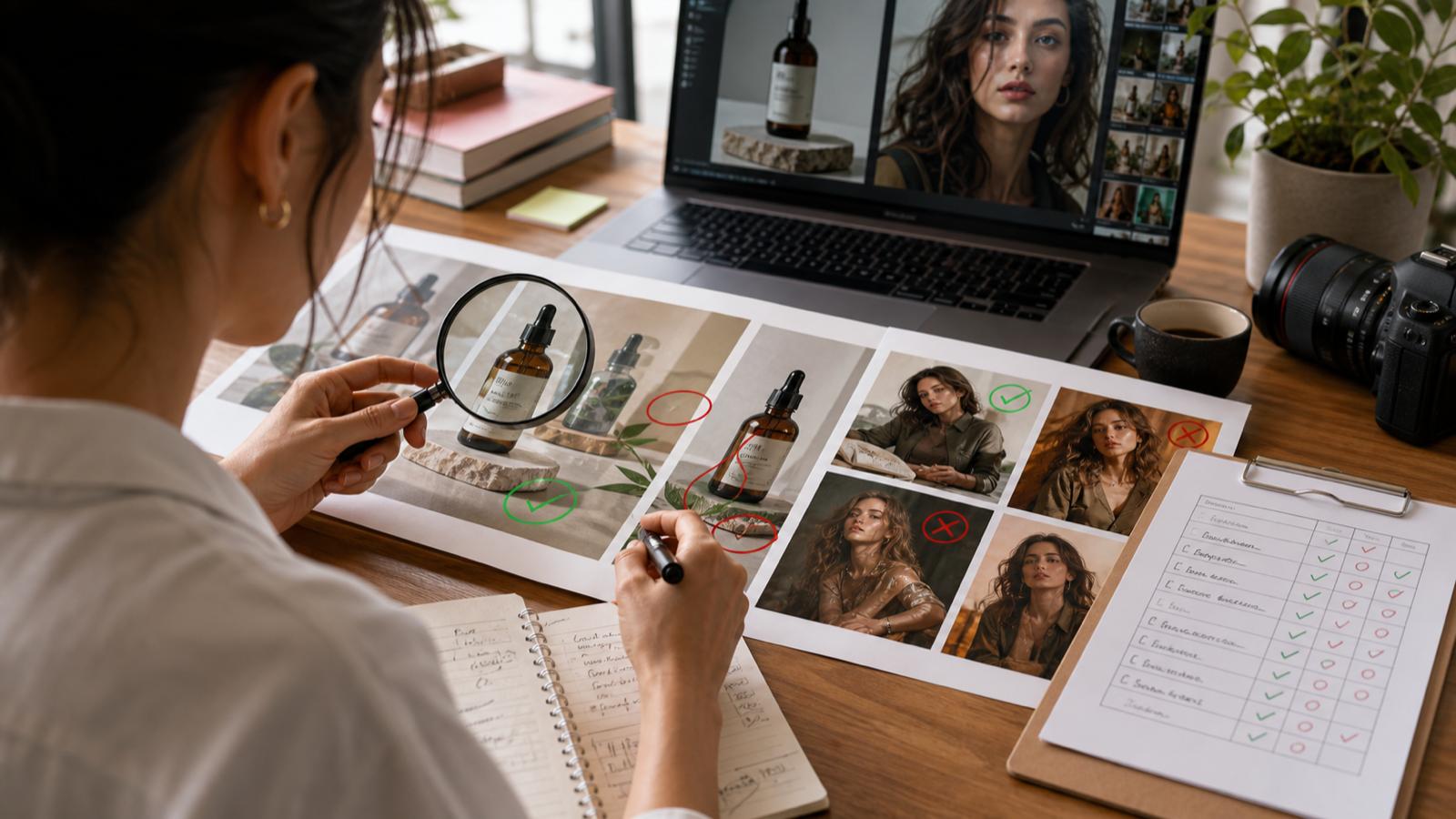
Newly generated Inkfox AI scorecard for judging AI model outputs before production

Use SDXL when you need:

  • Multiple images in a related style.
  • A fast draft path before premium refinement.
  • Poster, concept, or illustration directions.
  • Lower-cost prompt testing.

The model may require more careful prompting for premium realism, but it is useful when consistency and iteration matter more than one hero output.

A practical routing workflow

  1. Start with the free Inkfox AI model to explore the subject and composition.
  2. Move to GPT Image 2.0 if the brief has strict layout or product requirements.
  3. Try Flux when the direction is selected and the image needs polish.
  4. Try Nano Banana 2.0 when the image needs personality or social energy.
  5. Use SDXL for repeatable style systems and broader prompt testing.
  6. Compare outputs in the same aspect ratio before making a final call.

How to compare outputs fairly

Run the same brief across models, but do not judge only by which image looks most dramatic. Score each result against the job:

CriterionWhat to check
Subject clarityIs the main subject obvious in one second?
Brand fitDoes the image match the tone of the page or campaign?
EditabilityCan it be cropped, extended, cleaned, or turned into a set?
Detail qualityAre faces, hands, edges, and materials believable enough?
Format fitDoes it work in the aspect ratio you actually need?

The best image is the one that survives the production path, not the one that wins a gallery preview.

Next step

Open AI models to compare available models, then try the same prompt in text to image. If you already have a reference image, start with image to image so the model can preserve the subject while changing style, lighting, or setting.

FAQ

Which Inkfox AI model should I use first?

Use the free Inkfox AI model for exploration. Switch to a premium model when the direction is clear and the output needs more quality or control.

Is Flux better than SDXL?

Flux is often stronger for polished realism. SDXL is still useful for repeatable style exploration and lower-cost iteration. The better choice depends on the asset.

Can I compare models inside one workflow?

Yes. That is one of the main reasons to use Inkfox AI as a workspace instead of switching between separate model sites.

All Posts

Author

avatar for Inkfox AI
Inkfox AI

Categories

  • Comparisons
  • Guides
The short answerUse Nano Banana 2.0 when personality mattersUse GPT Image 2.0 when the brief is specificUse Flux when the image needs polishUse SDXL when repeatability mattersA practical routing workflowHow to compare outputs fairlyNext stepFAQWhich Inkfox AI model should I use first?Is Flux better than SDXL?Can I compare models inside one workflow?

More Posts

Turn Product Photos Into AI Ad Visuals With Inkfox AI

Turn Product Photos Into AI Ad Visuals With Inkfox AI

A hands-on guide to using Inkfox AI image-to-image, background removal, upscaling, and AI generation to turn simple product photos into ad-ready creative.

avatar for Inkfox AI
Inkfox AI
2026/05/23
How to Remove a Background From an Image for Free (No Photoshop)

How to Remove a Background From an Image for Free (No Photoshop)

A simple step-by-step guide to removing the background from any image for free with AI. Learn how to make a transparent PNG, clean up product photos, and get crisp cutouts in seconds with Inkfox AI, no Photoshop needed.

avatar for Inkfox AI
Inkfox AI
2026/06/06
How to Turn a Photo Into a Video With AI (Free, Step by Step)

How to Turn a Photo Into a Video With AI (Free, Step by Step)

A step-by-step guide to turning any photo into a short video with AI using Inkfox AI image to video. Learn how to animate a picture, write motion prompts, pick the right model, and export a clean clip for free.

avatar for Inkfox AI
Inkfox AI
2026/06/06

Newsletter

Join the community

Subscribe to our newsletter for the latest news and updates

Inkfox AI logoInkfox AIInkfoxAI

Free Unlimited AI Image Generator — no sign-up required.

Inkfox AI is a free AI image and video generator for text to image, image-to-image editing, reference image creation, background removal, image upscaling, text-to-video, image-to-video, and multi-model visual generation.

Company
  • About
  • Contact
  • Transparency
  • Status
Legal
  • Cookie Policy
  • Privacy Policy
  • Terms of Service
© 2026 Inkfox AI. All Rights Reserved.Sitemap